You wrote the recipes, shot the photos and tested every dish twice. Now comes the question that decides how your book feels in a buyer's hands: do you ship a plain PDF, or a page-turning flipbook? Tools like Flipbooks AI make the second option easy, but easy is not the same as right for every cookbook. This article puts both formats side by side so you can pick with real numbers and real scenarios.
What Buyers Actually Expect
Someone who buys a cookbook online is rarely sitting at a desk. They are standing at a counter with flour on their hands, glancing at a phone or tablet propped against a canister. That single fact shapes everything that follows.
A buyer wants three things:
- Fast access. The file opens in seconds, with no software to install.
- Readable pages. Text must be large enough to read from an arm's length away.
- A feeling of value. A book that looks like a book justifies the price tag.
The search intent behind this topic is mostly transactional with a research layer. People already plan to sell, and they want to compare formats before committing hours of layout work. So let's compare.
PDF Cookbooks: The Familiar Default
A PDF is a fixed-layout file. Every device shows the same pages in the same order. For authors, that predictability is the main appeal.
Why PDFs Still Sell
PDFs work everywhere. Buyers can download the file, print a single recipe, and store it on any device. Platforms such as Gumroad, Etsy and Shopify accept PDF uploads without extra steps. You design the book once in Canva, InDesign or Affinity, export, and upload.
💡 Pro tip: Export your PDF at 150 dpi for screen reading. Files at 300 dpi often exceed 100 MB and cause failed downloads on slow connections.
Where PDFs Fall Short
The weak spots show up after the sale:
- Pinch and zoom. On a phone, a letter-size page forces constant zooming and panning.
- No page-turn feel. Scrolling a long vertical document feels like reading a form, not a book.
- Easy to copy. One buyer can email the file to twenty friends.
- No visibility. You never learn which recipes people open, skip or reread.
Flipbooks: A Book You Can Turn
A flipbook converts your pages into an interactive reader that mimics a physical book. Pages curl, a spread sits side by side on wide screens, and the reader moves with a swipe or a click. You can convert a PDF to a flipbook in minutes, so your layout work is not wasted.
What Changes for the Reader
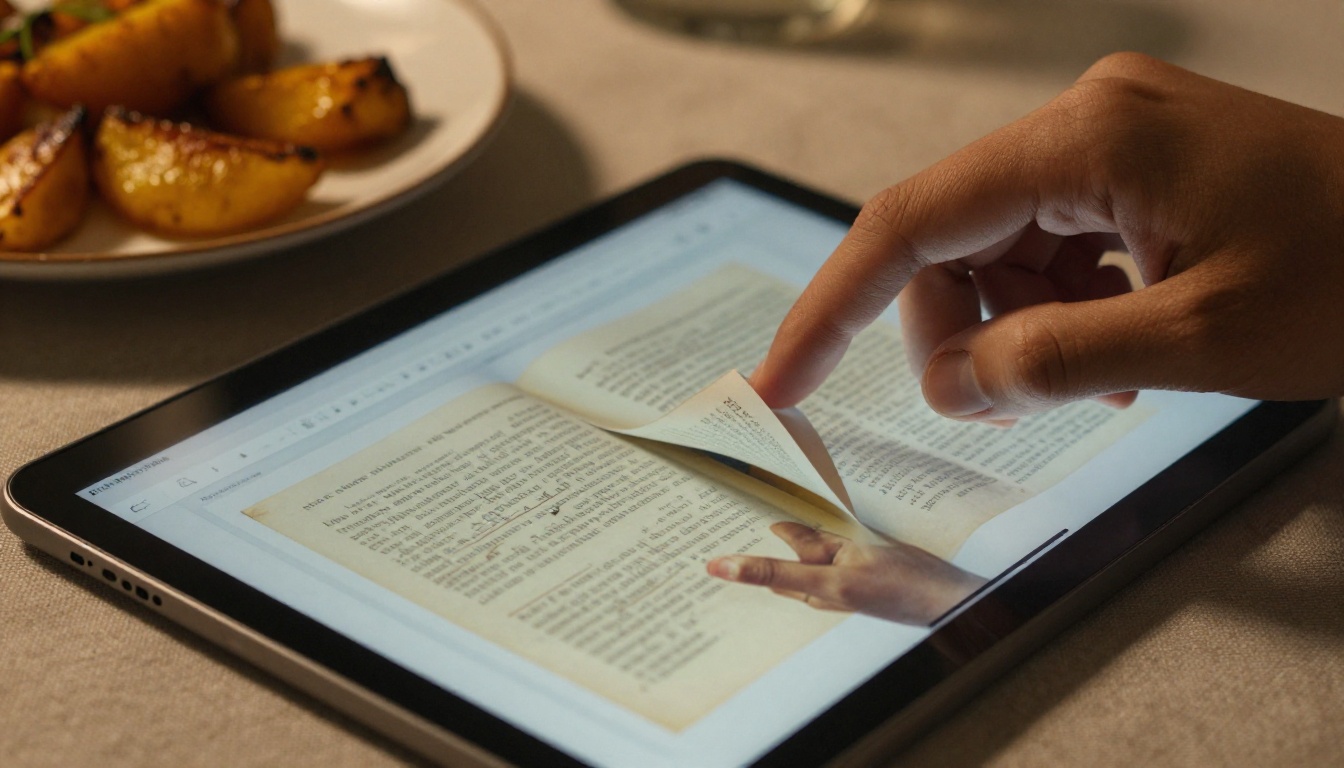
On a tablet, the experience is closer to an illustrated hardcover. The reader opens a link, sees the cover, swipes through the table of contents and jumps straight to the dessert chapter. There is nothing to download, and the book looks the same on a phone, a tablet and a laptop.
What Changes for You
Flipbooks give the seller control that a raw PDF cannot:
- Password protection limits who can open the book.
- Embedded video and audio let you add a thirty-second knife-skills clip right on the page.
- Clickable links send readers to your shop, newsletter or a recommended pan.
- Analytics show how many people opened the book and which pages held attention (available on the Professional plan).
- Custom branding keeps your colors and logo on every screen, with no watermarks.
Head-to-Head Comparison
Here is the direct comparison most authors are looking for.
| Factor | PDF | Page-Turning Flipbook |
|---|
| Setup effort | Export and upload | Export, convert, share link |
| Reading feel on phone | Pinch and zoom | Fitted pages, swipe to turn |
| Printing a recipe | Easy | Possible if you allow downloads |
| Embedded video or audio | Rare and unreliable | Built in |
| Copy protection | Weak | Password and access controls |
| Reader analytics | None | Page-level stats on higher plans |
| Offline use | Native | Available through offline downloads |
| Perceived value | Document | Book |
| Delivery after purchase | Download file | Send a link or embed |
The pattern is clear. PDFs win on simplicity and printing. Flipbooks win on experience, control and data.
⚠️ Warning: A flipbook link is not a lock. If your book sells for a premium price, pair the link with a password or per-buyer access, otherwise the link can circulate freely.
Money matters more than features for most first-time authors. Look at the cost per format honestly, including your time.
| Cost Item | PDF Route | Flipbook Route |
|---|
| Layout software | Same for both | Same for both |
| Hosting | Marketplace fee or free storage | Plan subscription |
| Per-sale fees | 3% to 10% by platform | Depends on your checkout tool |
| Time to publish | About 30 minutes | About 45 minutes |
| Refund and support requests | Higher (file trouble) | Lower (a link just opens) |
A flipbook adds a small recurring cost, but support emails often drop. Buyers who cannot open a 90 MB file on their phone write to you, ask for refunds, or leave a one-star review. A link that opens instantly removes most of that friction.
No single answer suits every author. Match the format to your situation.
The Photo-Heavy Cookbook
If your book is built on full-bleed food photography, a flipbook shows those images at their best. Spreads display side by side, and the page curl adds a tactile touch. Large PDFs with heavy images also tend to load slowly, so the flipbook gets another point here.
The Printable Recipe Collection
A set of simple recipe cards, meal planners or shopping lists is a different product. Buyers want to print these and pin them to the fridge. A PDF is the correct format for that job. You can even offer both: sell the flipbook as the main book and include a PDF bundle of printable cards.
The Course Companion
If the cookbook supports a video class, embed the lessons in the flipbook pages. The reader sees the technique right beside the written steps, which cuts down on confused messages.
The Free Lead Magnet
For a free sample cookbook that grows your email list, a flipbook with lead generation can capture an address before the first page opens. A PDF simply cannot do that.
Common Mistakes When Selling Cookbooks
Authors repeat the same few errors, whichever format they pick.
- Pages sized for print only. A 6 x 9 inch layout with tiny type is miserable on a phone. Use a larger page size or bigger type.
- No table of contents links. Readers should tap a chapter title and land on the page.
- Giant image files. Compress photos before layout. A cookbook rarely needs more than 40 to 60 MB total.
- Ignoring the preview. A free ten-page sample sells more copies than a long description.
- Skipping a cover that stands out. The thumbnail on your storefront is your first sales pitch.
✅ Best practice: Test your finished book on a phone, a tablet and a laptop before you publish. Fifteen minutes of testing saves weeks of support replies.
How to Create a Cookbook Flipbook
If a flipbook fits your plan, here is the process from file to sale. It uses the Recipe Book Flipbook tool as a starting point.
Step 1: Prepare Your PDF
Finish your layout and export a PDF with bookmarks and clickable chapter links. Keep the file below 60 MB if possible.
Step 2: Create Your Account
Head to Flipbooks AI and create an account. The upload screen appears right after sign-in.
Step 3: Upload and Convert
Drag your PDF into the uploader. The platform converts every page into a flipbook spread. A 60-page cookbook typically finishes in about a minute, and you can preview the page-turn effect before saving.
Step 4: Customize the Look
Set your brand colors, add a logo, pick a background that matches your kitchen style and choose the page effect. Add a short video or audio clip where it helps, such as a bread-kneading demo.
Step 5: Choose Sharing Options
You have three main routes:
- Direct link for emailing buyers after purchase.
- Embed code to show the book on your own site through the Embed Flipbook on Website tool.
- Password protection to keep paid content private.
Step 6: Turn On Analytics and Downloads
On the Professional plan, switch on analytics to see which recipes get opened, and enable offline downloads for buyers who cook without a signal. See plan details for what each tier includes.
💡 Pro tip: Email buyers a single "Open your cookbook" button that carries the flipbook link and password. One message, zero attachments, almost no support tickets.
For other book types, such as ebooks and guides beyond recipes, the Interactive E-Book Publisher follows the same flow.
Mobile Reading and Kitchen Reality
Cooking is a hands-busy activity. A reader who has to zoom, scroll sideways and scroll back loses their place while the onions burn. Flipbooks fit pages to the screen and keep your position in the book.
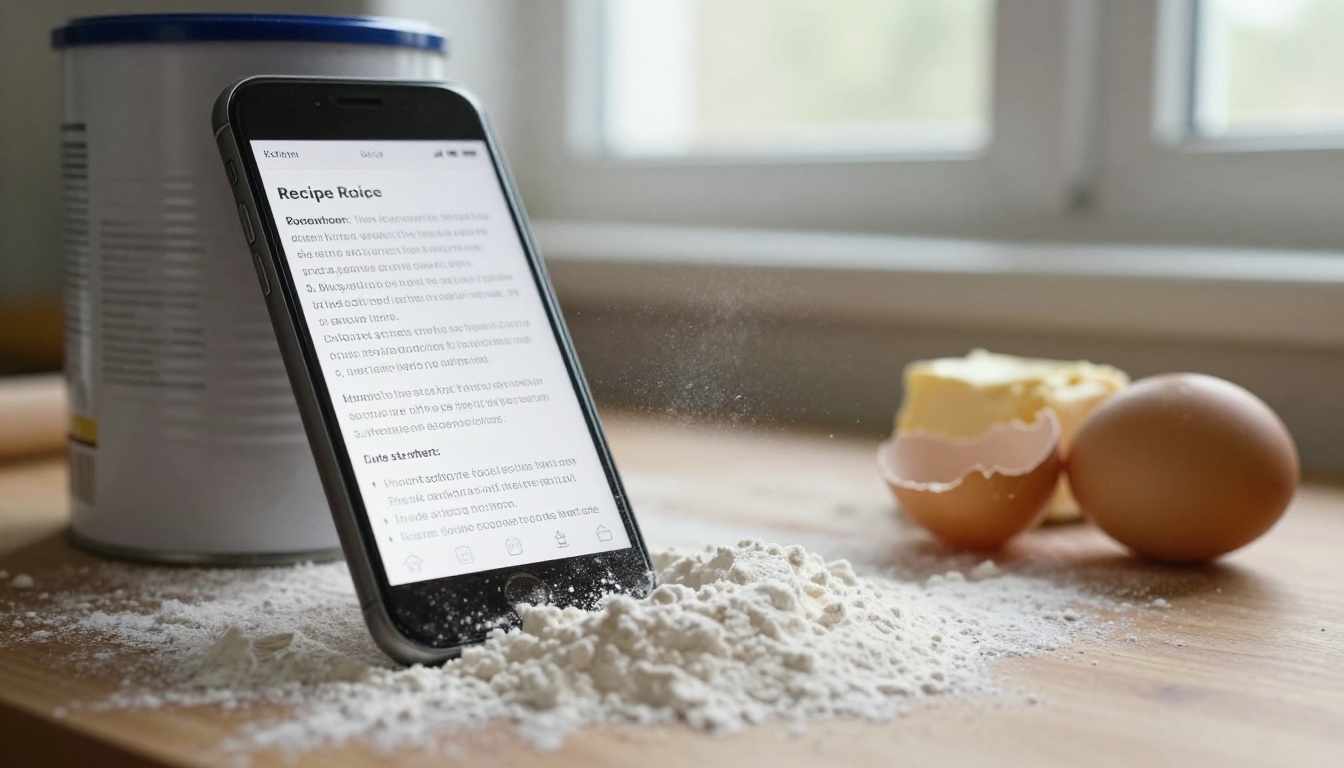
Mobile-responsive design matters because most recipe traffic comes from phones. Check how your book behaves in these situations:
| Situation | PDF Result | Flipbook Result |
|---|
| Phone held upright | Tiny text, zoom needed | Single page view fits the screen |
| Tablet on a stand | Works, but scrolls | Spread view, swipe to turn |
| Laptop in the kitchen | Fine | Fine, with keyboard arrows |
| Slow connection | Large download first | Pages load as the reader goes |
| Wet or floury fingers | Accidental zoom | Large swipe zones |
Protecting Your Work
Piracy worries every digital author. Be realistic: no format is unbreakable. The aim is to make sharing inconvenient enough that most buyers simply pay.
- PDF route: Add a visible buyer name on the first page and a short license note. Some platforms add a hidden watermark per purchase.
- Flipbook route: Use a password, restrict downloads, and rotate the link when needed. Because the content lives behind a link, you can revoke access later, which is impossible once a PDF has been emailed around.
If you sell a high-priced book or a membership, the control you gain with a flipbook often repays the subscription within a few sales.
Selling Beyond the Screen
Digital formats can also support a physical product. Many authors sell a print edition and give a flipbook as a bonus, or the reverse. A gift buyer can send the flipbook link on the same day, then ship the printed copy a week later.
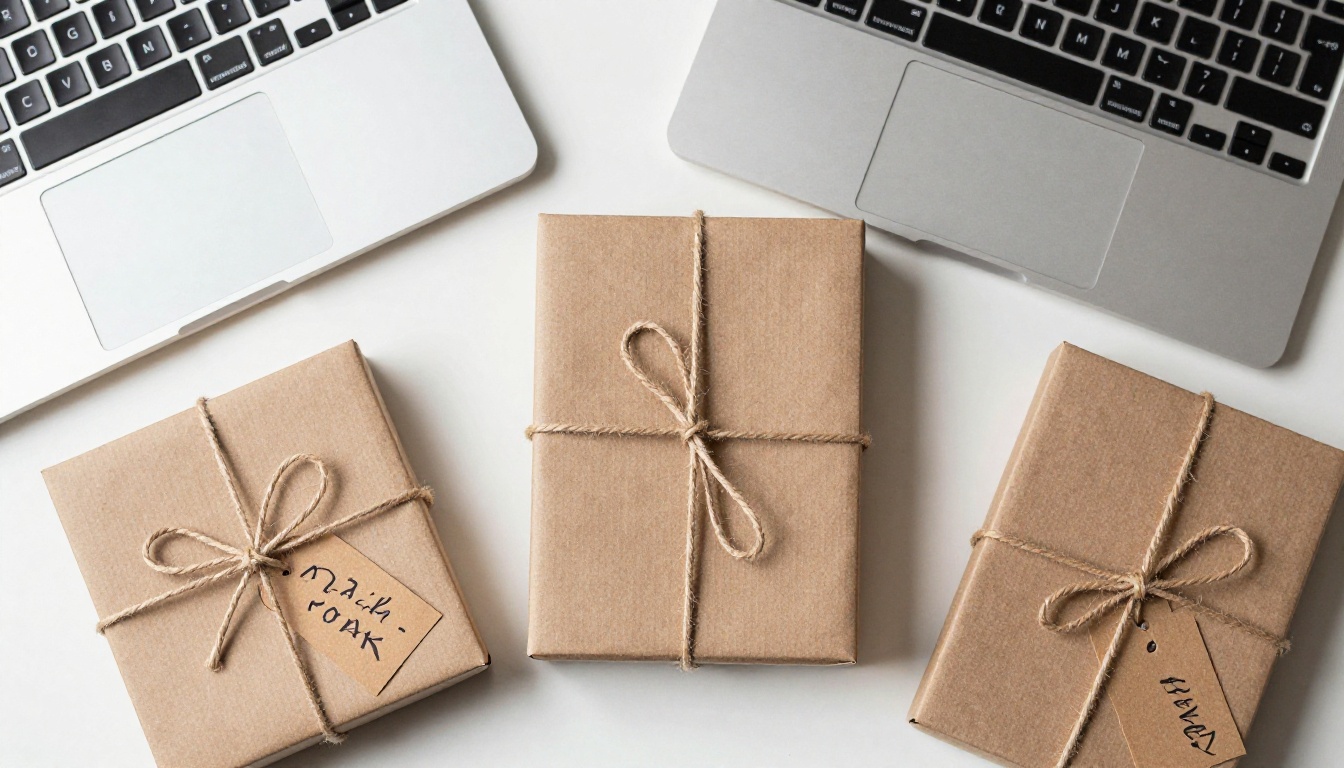
Here is a simple bundle plan:
- Tier one: Flipbook only, at the lowest price.
- Tier two: Flipbook plus printable PDF cards.
- Tier three: Flipbook, PDF cards and a printed edition.
This ladder lets buyers choose their comfort level and raises your average order value without extra marketing.
Your Decision Checklist
Answer these five questions and the right format becomes obvious.
- Is my book image-driven? If yes, lean toward a flipbook.
- Do buyers need to print pages? If yes, include a PDF.
- Do I want to track which recipes people open? Choose a flipbook with analytics.
- Do I plan to embed video lessons? Choose a flipbook.
- Is my budget at zero and my launch next week? A PDF gets you live fastest.
Many successful authors start with a PDF, then move to a flipbook once sales justify the upgrade. Others launch with both from day one. Neither path is wrong.
Ready to Publish Your Cookbook?
The format you pick shapes how buyers feel about your recipes long before they taste anything. A PDF is simple, printable and familiar. A flipbook feels like a real book, reads well on phones, and gives you protection and data.
If you want to try the page-turning route, create a free account on Flipbooks AI and upload your PDF today. Browse all flipbook tools to find the right template, compare pricing plans to see which tier matches your plans, and when you are ready to go further, upgrade your account to switch on analytics and lead generation.



