Every theater has the same quiet problem: the printed program is expensive, it ends up in the recycling bin by intermission, and the local businesses buying ads in it have no idea whether anyone noticed. Selling sponsor ads in digital theater programs fixes all three issues at once. A digital program costs almost nothing to produce, lives on phones long after curtain call, and gives sponsors something they have never had before: numbers. With a tool like Flipbooks AI, you can turn a PDF program into a page-turning flipbook with clickable ads in an afternoon.
This playbook walks through the whole process: how to price ad space, who to pitch, how to design ads that get tapped, and how to report results so sponsors come back next season.
Why Digital Programs Earn More
Print has a ceiling. You order 500 copies, you sell a fixed number of pages, and the revenue is capped before the first rehearsal. Digital removes that ceiling in several ways.
- No print run: Every dollar of ad revenue is closer to pure profit.
- Unlimited reach: Share the link by email, social media, and QR code, not only in the lobby.
- Clickable ads: A sponsor's phone number, booking page, or coupon is one tap away.
- Late changes: Fix a typo or swap a cast member without reprinting.
- Proof of results: Views and clicks turn a vague "supporting the arts" gift into a measurable marketing buy.

Print vs Digital at a Glance
| Factor | Printed Program | Digital Flipbook Program |
|---|
| Production cost | High, paid every show | Low, one PDF upload |
| Ad links | None | Clickable URLs, phone, email |
| Reach | Attendees only | Attendees plus online shares |
| Last minute edits | Reprint required | Update and republish |
| Sponsor reporting | Guesswork | Views and click data |
| Shelf life | One evening | Archive stays online |
💡 Pro tip: Do not frame the switch as a cost cutting move when you talk to sponsors. Frame it as an upgrade: their ad now works for them after the show ends.
Before you contact a single business, decide exactly what you are selling. Vague offers get vague answers. A clear menu of sizes and tiers makes saying yes easy.
Choose Ad Sizes
Keep the options simple. Three or four formats are enough for a typical community or school production.
- Full page: Premium placement, ideal for banks, real estate firms, and hospitals.
- Half page: The sweet spot for restaurants, dental offices, and service businesses.
- Quarter page: Affordable entry point for small shops and individuals.
- Name listing: A text mention in a "Thank You" page with an optional link, perfect for patrons.
Set Fair Rates
Rates depend on your audience size, your location, and how many performances you run. A useful starting point is to look at what local newspapers and school yearbooks charge, then price slightly under them while emphasizing the extra digital value.
| Package | Placement | Sample Price (Small Venue) | Includes |
|---|
| Season Title Sponsor | Inside front page plus banner | $1,500 | Logo, link, social shoutout |
| Full Page | Premium inner page | $450 | Clickable ad, analytics report |
| Half Page | Inner page | $250 | Clickable ad |
| Quarter Page | Back section | $125 | Clickable ad |
| Patron Listing | Thank You page | $50 | Name and optional link |
⚠️ Warning: Do not discount in the first conversation. Offer a multi show bundle instead, such as three productions for the price of 2.5. Sponsors feel rewarded and your average deal grows.
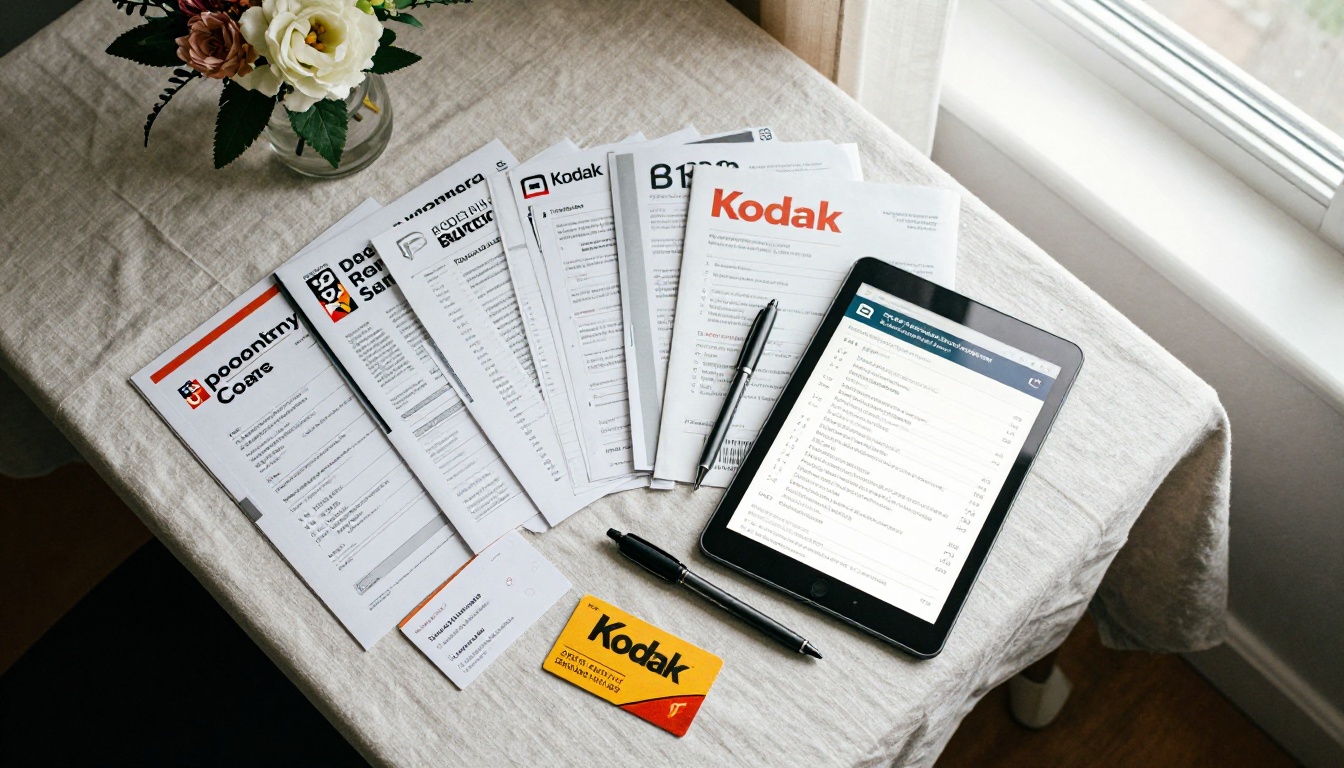
The best prospects already spend money to reach your audience. Start close to home.
- Restaurants and cafes near the venue, since pre show dinner is a natural tie in.
- Parking lots and hotels that benefit from out of town visitors.
- Dental, medical, and law offices that advertise locally all year.
- Real estate agents who value affluent, loyal audiences.
- Music schools, dance studios, and art classes that want families.
- Former sponsors, who are always your warmest leads.
A Real Scenario
A community theater with 400 seats and five performances reaches roughly 2,000 attendees per production. Add 1,500 more people who open the shared link or scan the QR code on social media, and a bakery ad suddenly reaches 3,500 potential customers for $250. That is a number a small business owner can compare with a newspaper ad immediately.

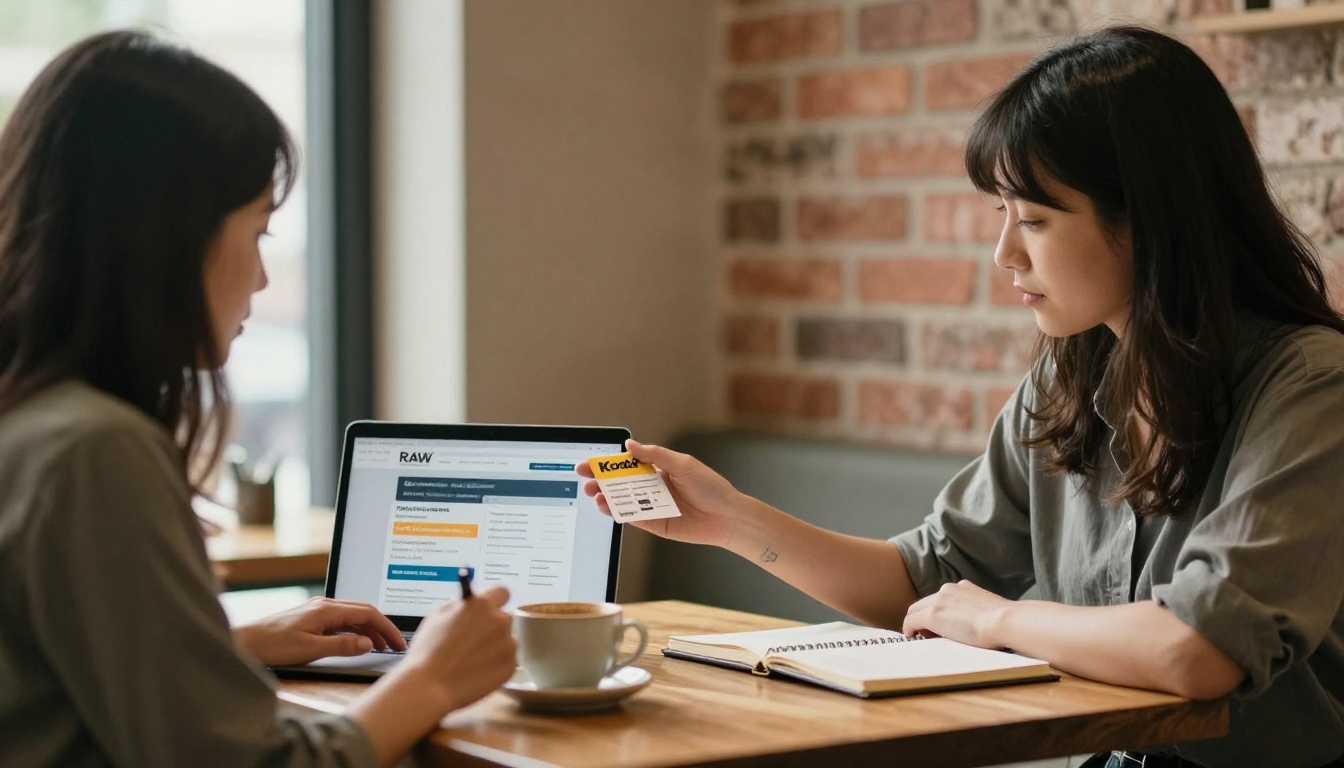
A good pitch is short, specific, and respectful of the owner's time. Skip the long speech about the arts and lead with what they get.
The Three Minute Pitch
- Open with their audience problem: "You want more local families walking into your shop."
- Show the program: Hand them a phone or tablet with the digital flipbook open to a sample ad.
- Name the numbers: Expected attendance, online reach, and past click results if you have them.
- Offer two options, not five: A half page and a full page, with the bundle as an upgrade.
- Ask for a decision date: "Can we confirm by the 15th so your ad is in the first proof?"
✅ Best practice: Send a mock ad with their logo before the meeting. Seeing their own business on a page makes the conversation feel half finished already.
Answer Common Objections
| Objection | Helpful Response |
|---|
| "We already advertise online." | "This ad reaches a local, arts loving audience that is hard to target elsewhere, and it has a direct link." |
| "Is anyone going to read it?" | "Audiences browse the program while waiting for the show. We also share the link afterward and report views." |
| "Our budget is tight." | "A quarter page or patron listing starts at a small amount, and it supports a cause your customers care about." |
| "We prefer print." | "We can include your ad in both. The digital version is the one you can measure." |
Design Ads That Get Tapped
A weak ad wastes a strong placement. Sponsors who see no response will not renew, so help them succeed.
Simple Design Rules
- Use one message per ad: a discount, a booking link, or an announcement.
- Add a clear call to action such as "Book a table" or "Free consultation."
- Keep text large enough to read on a phone screen.
- Use a QR code and a link, because some readers are on a laptop and some are on a phone.
- Include a theater themed offer, such as "Show your ticket for 10% off."
💡 Pro tip: A ticket stub offer is the easiest way to prove value. When customers mention the program, the sponsor sees results without any software.
Prepare the Files
Ask every sponsor to send a high resolution PDF or PNG at the exact size of the ad slot. Offer a simple design service for an extra fee. Many small businesses will gladly pay $50 to avoid fiddling with layout tools, and it improves the overall look of your program.
Create the Digital Program Step by Step
Once the ads are sold, assembling the program is quick. If you want a ready made starting point, try the Event Program Maker and adapt the layout to your production.
- Assemble the PDF. Combine the cast list, director notes, synopsis, and sponsor pages in any layout tool, then export a single PDF.
- Upload it. Create an account on Flipbooks AI and use the PDF to Flipbook Converter to turn the file into a page turning flipbook.
- Add clickable links. Attach each sponsor's website, booking page, or phone link to their ad area.
- Customize the look. Match your theater's colors and logo. Flipbooks stay watermark free, so your sponsors' ads are the stars.
- Add media. Embed a short trailer or an audio message from the director. Sponsors love a program that feels alive.
- Choose sharing options. Copy the direct link, create a QR code for the lobby, or use the Embed Flipbook on Website option for your ticketing page.
- Protect private sections. Use password protection if you share a donor only page or a preview with sponsors before opening night.
- Publish and share. Post the link on social media, email it to ticket holders, and print a QR code for the lobby.
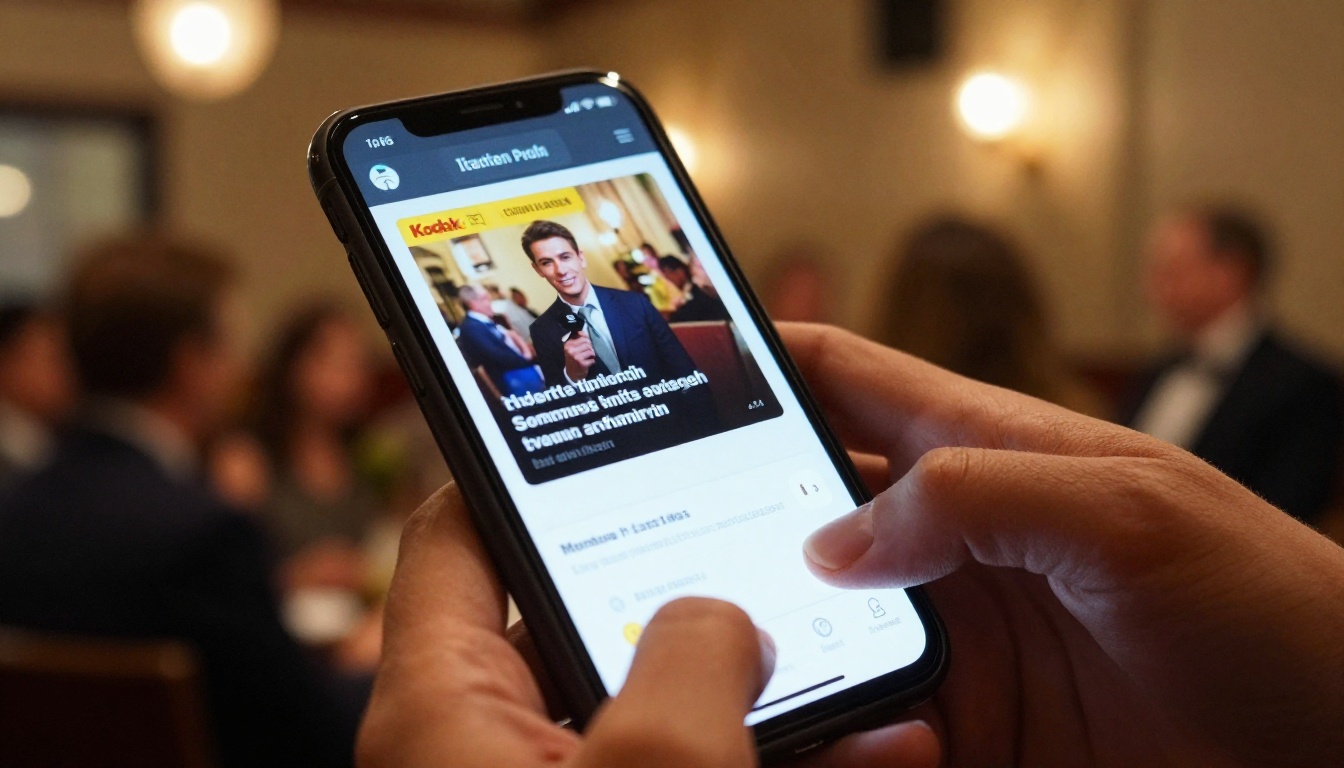
Where to Put the QR Code
| Location | Why It Works |
|---|
| Ticket and confirmation email | Reaches people before they arrive |
| Lobby posters and easels | Catches people in line |
| Seat back cards | Captures idle time before curtain |
| Social media posts | Extends reach beyond the venue |
| Post show thank you email | Keeps sponsors visible after the show |
Track Results and Prove Value
Selling ads once is fine. Renewing them every season is where the real money sits. Renewal depends on proof.
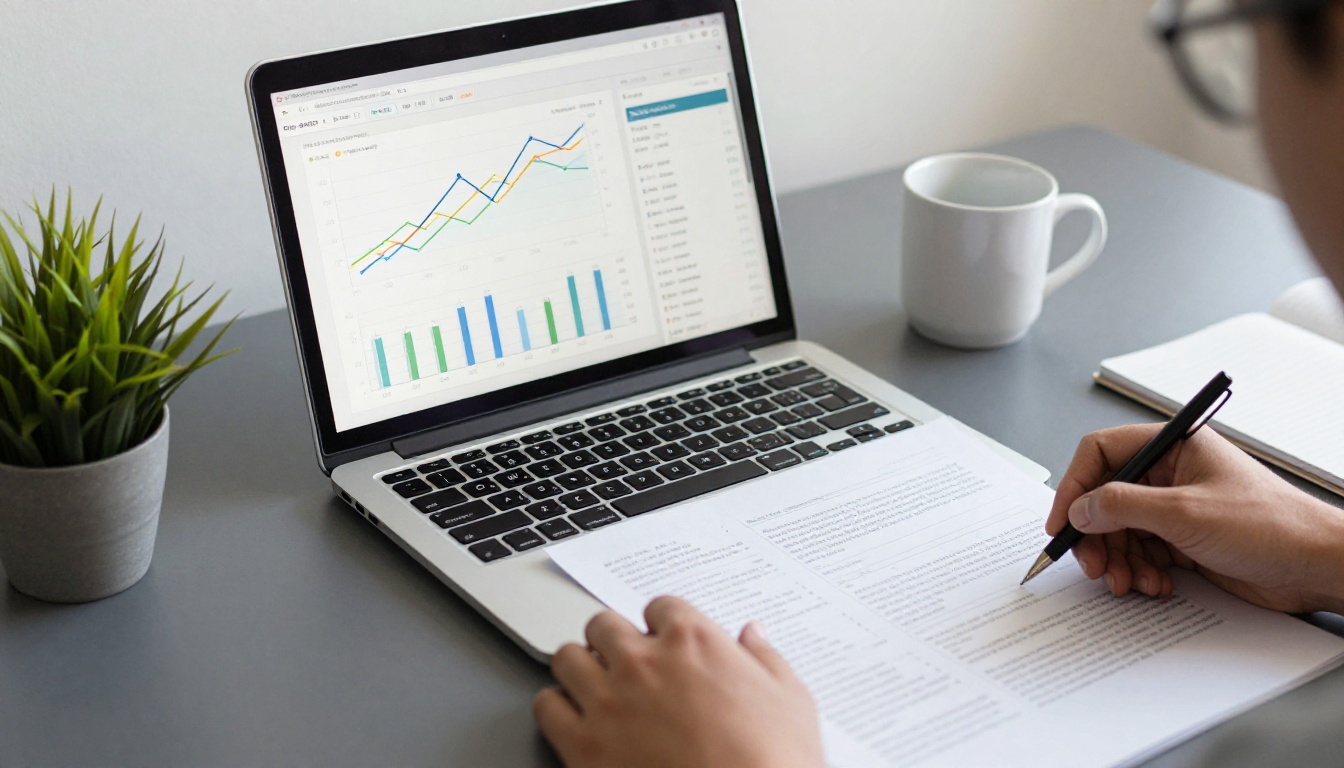
With the Professional plan on Flipbooks AI pricing, you can see how many people opened the program, which pages got the most views, and how long readers stayed. Lead generation tools can also capture email addresses from readers who want updates about future shows.
Build a One Page Sponsor Report
Send each sponsor a short summary within a week of closing night. Keep it simple and visual.
- Total program views and unique visitors.
- Views of the sponsor's page compared with the program average.
- Link clicks to the sponsor's website or booking page.
- Photos from the production and a thank you note from the director.
- A renewal offer with an early bird discount.
| Metric | Why Sponsors Care |
|---|
| Total views | Shows overall reach |
| Page views | Proves their ad was seen |
| Click throughs | Proves action was taken |
| Time on page | Shows interest level |
| Shares | Shows word of mouth value |
✅ Best practice: Send the report with the renewal offer in the same email. A sponsor who just read good numbers is far more likely to say yes immediately.
Fit It to Your Kind of Theater
Different organizations sell differently. Adjust the package to match your audience.
School and Youth Productions
Parents are a loyal audience and local businesses like supporting students. Sell patron listings at low prices and a handful of half page ads. Consider sharing the cast and crew list with a "Proud Parents" page, which also brings in small donations. A School Newsletter Creator can send updates between shows.
Community and Nonprofit Theaters
Offer season long sponsorships that appear across every production. This gives sponsors repeated exposure and gives you predictable income. Link the sponsor page to a donation form so your digital program supports fundraising as well. If you also publish a yearly summary, the Non-Profit Annual Report tool is a natural place to thank every supporter.
Touring and Professional Companies
Larger companies can sell category exclusivity, such as "the official hotel partner" or "the official restaurant partner." Exclusivity commands higher prices because competitors cannot appear in the same program.
| Theater Type | Best Package | Typical Buyer |
|---|
| School | Patron listings, quarter pages | Parents and neighborhood shops |
| Community | Season sponsorships, half pages | Local restaurants and services |
| Nonprofit | Title sponsor plus donor link | Banks and foundations |
| Professional | Category exclusivity | Hotels, brands, and media |

Common Mistakes to Avoid
- Starting too late. Begin sales at least eight weeks before opening night, so you can gather artwork without a rush.
- Selling every page. A program crowded with ads feels cheap. Keep a healthy balance, around one ad page for every two content pages.
- Hiding the sponsor. Put premium ads next to the cast list, where eyes naturally land.
- Skipping the thank you. A handwritten note or a lobby mention keeps relationships warm.
- Ignoring data. If a sponsor's ad performs poorly, suggest a better offer instead of letting them quietly leave.
- Forgetting the archive. Keep past programs online so sponsors see their ads still earning views months later.
⚠️ Warning: Always get written approval of the final proof from each sponsor. A misspelled phone number is the fastest way to lose a renewal.
Say Thank You and Plan the Next Season
The most successful theater fundraisers treat sponsors like partners. Invite them to opening night, introduce them from the stage, and display a small plaque in the lobby. These small gestures cost little and produce loyalty that no discount can match.
Ready to build a program sponsors will actually want to renew? Get started for free on Flipbooks AI, browse all flipbook tools for programs, newsletters, and reports, and compare pricing plans to see which one adds analytics and lead capture to your next production.



