How to Send a Flipbook to a Journalist or Blogger (and Actually Get Press)
Sending a flipbook to a journalist or blogger gives your pitch a serious edge over plain PDF attachments. This article walks through three sharing methods, what to put in your press kit, how to restrict access for exclusives, and how to track who reads your content with analytics.
Journalists and bloggers receive hundreds of pitches every week. Most of those pitches arrive as PDF attachments, plain-text emails, or links to Google Drive folders that require a login. The ones that get read, and more importantly, the ones that result in actual press, look different. They look professional, they open instantly, and they give the recipient exactly what they need without extra steps. That is exactly what happens when you send a flipbook to a journalist or blogger instead of a static file. Flipbooks AI lets you create a shareable, interactive digital publication in minutes, and sending it to a media contact takes about thirty seconds.
This article walks through three sharing methods, what to include in a media-ready press kit flipbook, how to write a pitch email that actually gets opened, how to restrict access for exclusives, and how to track who reads it after you hit send.
Why Most Pitches Land in the Trash
The attachment problem
PDF attachments are the default format for press kits, lookbooks, and brand decks. The problem is that most journalists cannot open them on mobile without friction, do not trust unknown file attachments from unfamiliar senders, or simply skip past them when a clickable link would load the same content in two seconds. Many newsroom IT policies block executable or macro-enabled files entirely, and even a clean PDF can get flagged by overzealous spam filters before it ever reaches the inbox.
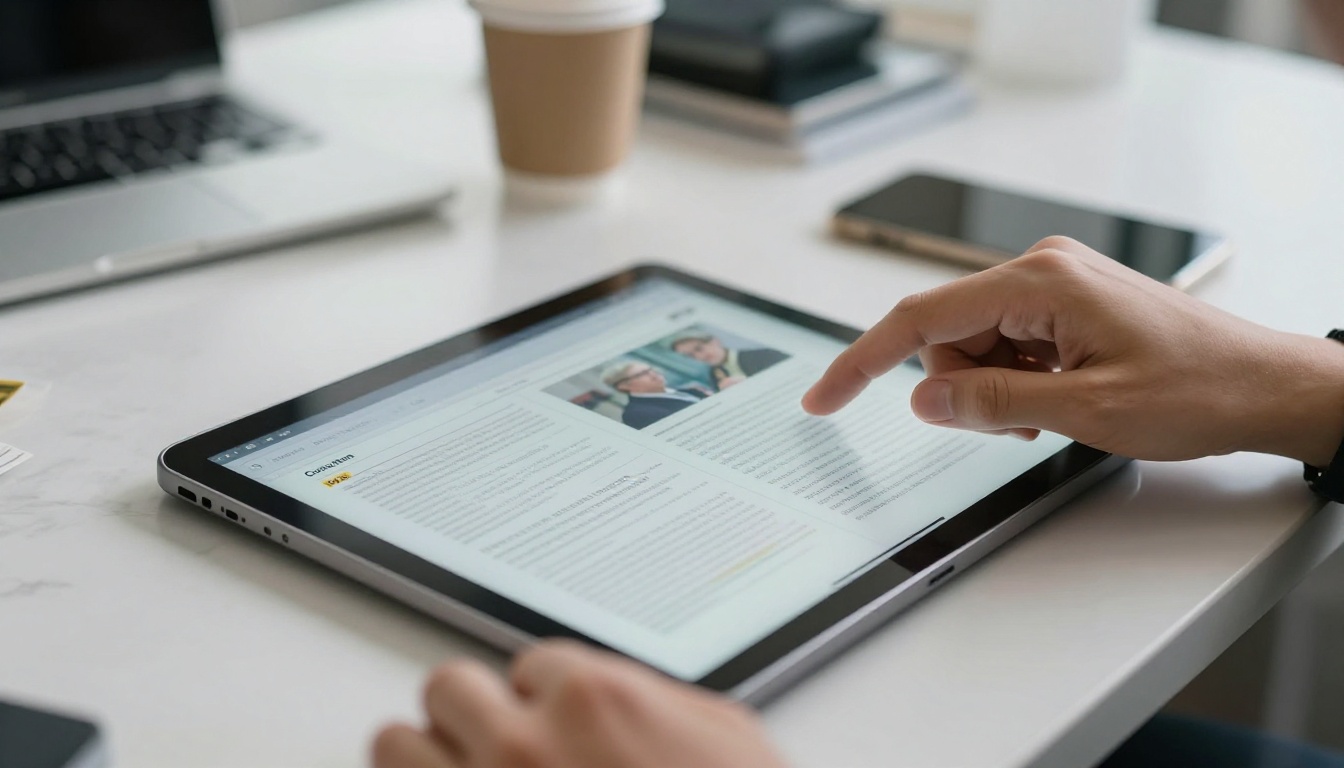
When you send a flipbook link instead, there is nothing to download. The journalist clicks, the page loads in the browser, and they are reading your content immediately. No plugin required. No software to install. No "download failed" notification on spotty conference wifi.
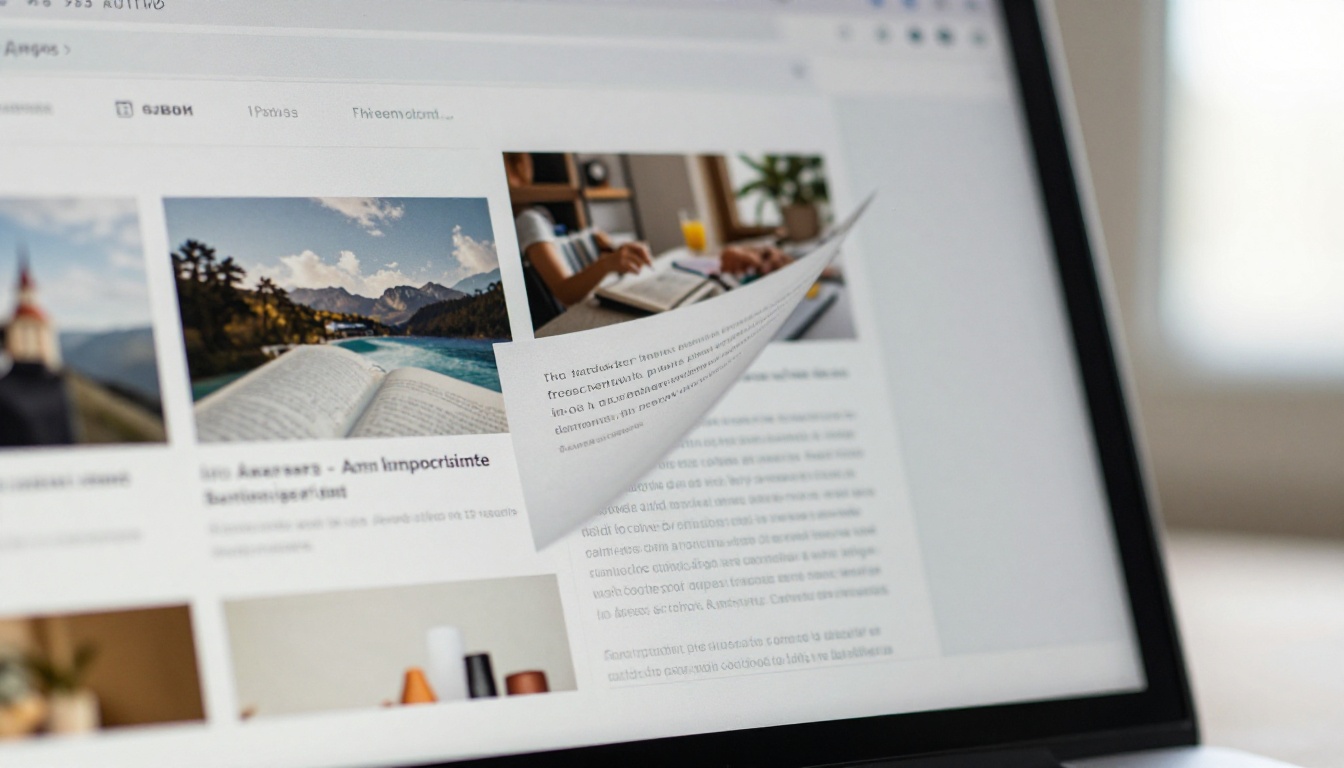
Beyond the technical friction, PDF attachments carry a visual problem: they look like work documents. A flipbook opens like a magazine, which is the format that journalists and bloggers already associate with credible, editorial-quality content.
What reporters actually click on
After a press release, the most common things a journalist wants from a brand are:
High-resolution images they can publish without asking permission
A clear story angle written in plain language, not corporate speak
Quotes ready to use, attributed correctly with job titles
Brand context that explains why their audience should care
Easy contact information for immediate follow-up
A well-structured flipbook delivers all five of those things in one link. It loads like a magazine, pages turn with a single click, and images can be embedded at full resolution without the compression artifacts that email clients impose on attachments.
💡 Pro tip: Put your best editorial photo on page one. Journalists decide whether to keep reading in about four seconds. If page one looks like a legal document or a corporate presentation, they are gone.
What Goes Into a Media-Ready Flipbook
Story hooks that earn coverage
Before you design a single page, write your story hook in one sentence. Not the company boilerplate. The actual reason someone reading this publication would care about what you are announcing. A strong hook positions your brand as the answer to a specific problem, a surprising statistic, or a genuinely unusual founder story.
Here is a direct comparison of weak and strong story hooks:
Weak Hook
Strong Hook
"We launched a new product"
"We built a reusable packaging system that cuts waste by 40% per order"
"Our brand has been around for 15 years"
"Our founder left a Fortune 500 job to start this from a garage in 2009"
"Our app helps businesses grow"
"Local restaurants using our app saw 23% more repeat orders within 60 days"
"We are expanding internationally"
"We are the first company in this category to operate in Southeast Asia"
That hook goes on page one of your flipbook in the largest type on the spread, before the brand history, before the product specs, before anything else.
Visual assets journalists can actually use
Every image in your flipbook should be printable at 300 DPI and cropped in landscape orientation for editorial use. If you are pitching a product, lifestyle brand, or event, include:
Hero shots with a clean or contextual background and natural lighting
Lifestyle scenes showing the product or service in real-world use
Headshots of any spokespeople, on white or neutral backgrounds
Infographics that illustrate your core data point visually
Behind-the-scenes photos if the production process is part of your story
✅ Best practice: Add a dedicated "Media Downloads" page at the back of your flipbook. List each image with its resolution and usage rights so the journalist does not have to send a follow-up asking for assets.
What to include in a complete press kit
A standard media-ready flipbook runs 8 to 12 pages. Here is a suggested structure:
Page 1: Story hook headline, one-sentence brand description, and hero image
Page 2: The news, what is new and why it matters right now
Pages 3-4: Product or service detail with specs and pricing if relevant
Page 5: Founder or spokesperson bio with headshot
Pages 6-7: Brand photography spread at full resolution
Page 8: Press quotes or testimonials from customers or industry voices
Page 9: By-the-numbers page with three to five key statistics
Page 10: Contact information, social handles, and website URL
Keeping it under 12 pages respects the journalist's time and forces you to prioritize your strongest material. Anything you cut from the flipbook can live on your website's press room as supplementary background reading.
Three Ways to Send Your Flipbook
The direct link: fastest and cleanest
The most common approach. After you publish your flipbook on Flipbooks AI, you get a permanent public URL. Copy that URL into your pitch email body as a visible, full link so the journalist can see exactly where it goes before clicking.
A pitch email structure that works consistently:
Subject: [Hook in under 50 characters]

Hi [Name],

Here is the press kit: [full flipbook URL]

[Two sentences on the story angle. What is new, and why it matters to their readers.]

Happy to arrange a call or send additional high-res files.

[Your name, title, direct phone number]
Short. Purposeful. The flipbook link does the heavy lifting. Everything else in that email exists only to make clicking the link feel worth two seconds of their time.
Embedding in your pitch email
Some email platforms render rich content natively. You can paste your public flipbook URL into an email newsletter tool such as Mailchimp, Klaviyo, or Beehiiv, and many will generate a live preview card inline. This works particularly well for blogger outreach where you are reaching a curated list of contacts who have already opted in to receiving your communications.
⚠️ Warning: Do not embed a flipbook iframe into a cold pitch email. Most email clients strip JavaScript and iframes before delivery as a security measure, which means the journalist would receive a broken message. Use a plain visible URL for cold outreach and save embed formatting for confirmed opt-in newsletters.
Password protection for exclusives
If you are pitching an embargo story or offering one outlet early access before a launch announcement, use a password-protected flipbook. Flipbooks AI lets you add password protection to any published flipbook from within the sharing settings panel. Send the URL and the password in separate messages, the URL in your email and the password in a follow-up text or direct message, to make the exclusive feel deliberate and controlled.
This approach works well for:
Press embargoes with a specific lift date and time
Product previews before a public announcement
Internal stakeholder pitches where the flipbook should circulate only within a specific team or agency
Sensitive corporate content shared selectively with specific media outlets
How to Create and Share a Press Kit Flipbook
Here is the full process from a blank PDF to a live shareable link.
Step 1: Sign up and upload your PDF
Go to Flipbooks AI and create an account. Click "New Flipbook" and drag in your press kit PDF. The PDF to Flipbook Converter handles multi-page documents, high-resolution images, and embedded fonts without any quality loss. Processing typically takes under a minute for a standard 10 to 15 page press kit.
Step 2: Customize your branding
In the editor, set your brand colors for the page-turn controls, upload your logo to appear in the viewer header, and choose a background for the reading environment. For press kits, a white background with minimal interface chrome works best because your images and typography take center stage rather than the viewer interface itself.
Step 3: Configure sharing settings
In the "Share" panel you can:
Toggle public access on for general outreach pitches
Add a password for embargoed or exclusive content
Enable analytics tracking (available on the Professional plan) to see open counts, reading time, and page-level data
Decide whether to allow offline downloads or restrict reading to the browser only
Step 4: Copy the link and send it
Copy the shareable URL from the Share panel. Paste it directly into your pitch email, your press release, your DM sequence, or wherever you are reaching media contacts. The link is permanent and will always point to the current published version of your flipbook.
💡 Pro tip: If your press kit format will be used across multiple campaigns, check out the Press Kit Designer tool for a professionally structured template that gives you a strong starting point without building the layout from scratch.
Outreach Tactics That Get Responses
Timing your pitch right
Tuesday through Thursday, between 8 AM and 10 AM in the recipient's timezone, is consistently the best window for cold media pitches. Journalists and bloggers typically batch their email review in the morning and early afternoon. Monday inboxes are flooded from the weekend. Friday pitches see the lowest open rates of any weekday.
For time-sensitive news stories, send at least three business days before your desired publication date. Long-lead publications, print magazines, and annual roundups need six to eight weeks of advance notice.
Subject lines that get opened
The subject line carries a disproportionate share of the weight in any cold pitch. A few formats that work consistently:
Format
Example
Data-led
"23% fewer returns: our new sizing tool (press kit)"
Story hook
"Chef quit Michelin kitchen to build this hot sauce brand"
Timely angle
"New sustainable packaging study, timed to Earth Month"
Personalized
"For your [column name]: a brand that fits your beat"
Curiosity gap
"We sent 1,000 free samples. Here is what happened."
Avoid subject line phrases that signal mass distribution: "Press release:", "FYI:", or "Following up:". Keep the character count under 50 for mobile inbox previews.
Following up without burning bridges
One follow-up email is standard and expected in media relations. Send it five business days after your original pitch, reply within the same thread so they have full context, and keep the follow-up to two sentences maximum.
Example:
"Hi [Name], just checking back on the press kit I shared last week. Happy to pull specific images or add a quote if that helps move things along. Link again: [URL]"
Two messages total is the ceiling for cold outreach. A third contact is appropriate only if you have an existing relationship with the journalist or if the story has a hard breaking deadline attached.
Flipbook vs PDF vs Website for Media Pitches
Format choice shapes how journalists perceive your pitch before they have read a single word. Here is a side-by-side comparison:
Feature
Flipbook
PDF
Website or Press Room
Opens without installing software
✅ Browser only
⚠️ PDF reader required
✅ Browser only
Full mobile responsiveness
✅
⚠️ Pinch-to-zoom required
✅
Magazine-style page-by-page reading
✅
❌ Scroll only
❌
Analytics: open counts and reading time
✅ Professional plan
❌
⚠️ Requires GA setup
Password protection, no code needed
✅ Native
❌
⚠️ Dev work required
No download required to read
✅
❌ Always downloads
✅
Custom branding in viewer interface
✅
❌
✅ Full control
Single shareable permanent link
✅
⚠️ Via file hosting service
✅
Offline reading available
✅ Optional
✅ Always
❌
Setup time from PDF to live link
Under 5 minutes
N/A
Days to weeks
For the majority of media outreach situations, a flipbook combines the accessibility of a website, the visual presentation of a print magazine, and the access controls that a plain PDF simply cannot offer.
Track Who Opens Your Flipbook
What analytics reveal about a pitch
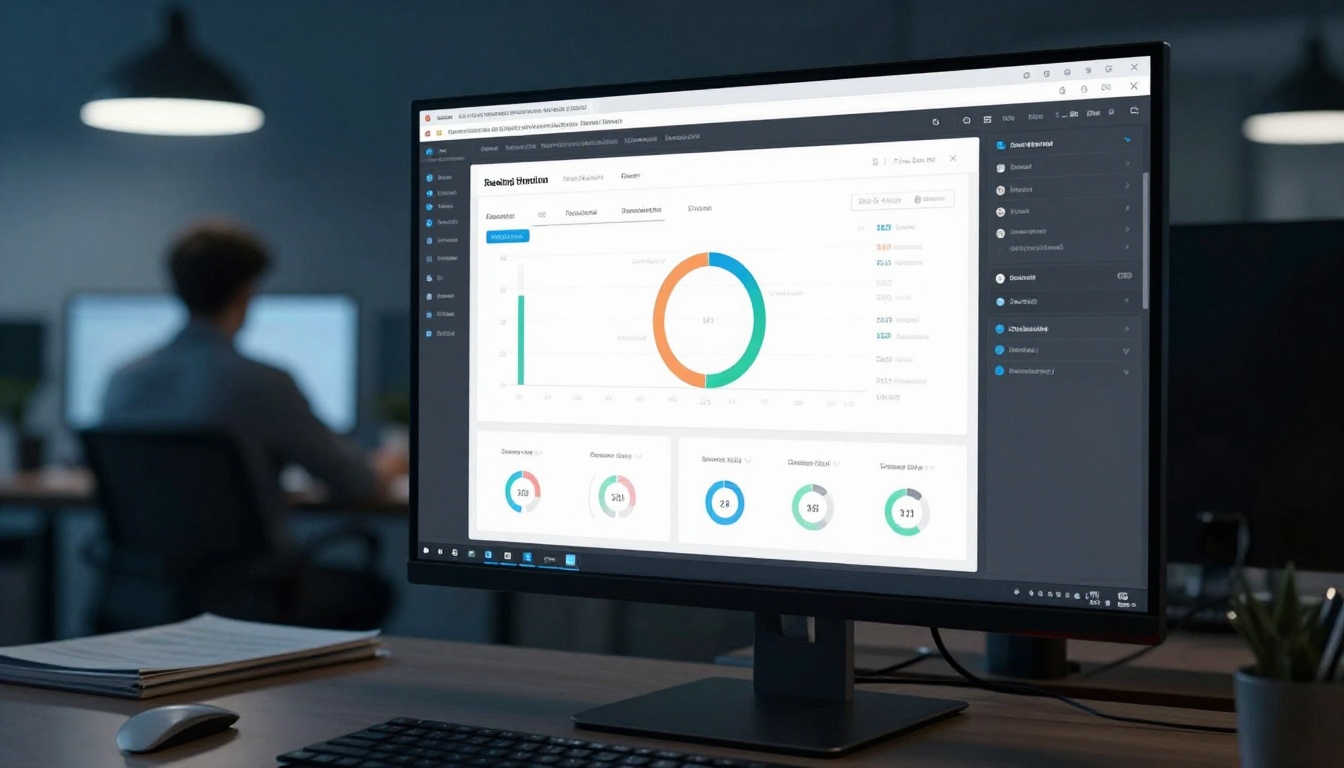
With analytics enabled on the Professional plan, every time a journalist or blogger opens your flipbook you can see:
Total opens: how many unique sessions accessed the link
Time on page: whether they skimmed the first page or read all 12
Page-level drop-off: which page caused readers to stop
Device breakdown: desktop vs. mobile, which tells you if your layout is rendering correctly on both
Geographic location: confirms whether the right regional outlet actually opened it
This data changes the quality of your follow-up decisions. If a journalist spent four minutes on your flipbook and reached page 10 of 12, that is a warm signal. A follow-up call the next morning is appropriate. If the session lasted eight seconds, they likely did not get past the first page, so your follow-up should offer a shorter angle or a different entry point for the story.
Reporting back to clients
If you work in PR or communications, flipbook analytics give you concrete evidence of pitch performance rather than just activity volume. Instead of "we sent 47 pitches this month," you can say "our press kit was opened 23 times with an average reading session of 3 minutes and 12 seconds, and two contacts opened it more than once."
✅ Best practice: Export your analytics summary before each client review call. Concrete engagement data shifts the conversation from output metrics to actual interest signals, which is a much stronger position to be in as a PR practitioner.
Real-World Scenarios That Work
Product launches
A flipbook press kit sent to 20 well-targeted journalists three days before your announcement outperforms a blanket press release to 200 generic contacts in nearly every measurable way. A strong launch flipbook includes a one-page story hook, three to five hero product images at full resolution, a spec or ingredient sheet, a founder quote, and a "what this means for consumers" page written in editorial rather than marketing language.
Lifestyle brands, sustainability-focused companies, and founders with interesting personal histories do extremely well with editorial pitches to bloggers. The flipbook format lets you present the narrative visually: photos of the founder at work, the production process, real customer moments, and the brand origin timeline. Bloggers who write about specific niches such as food, travel, wellness, or interiors often have smaller but highly intent-driven audiences, and they respond better to quality pitching than to volume.
Before a press event, trade show appearance, or brand activation, send a pre-event flipbook to journalists you want in attendance. Include the event overview, who they will meet, what they will experience on the ground, and why their audience would find it relevant. A physical invite gets misplaced. An email invitation gets buried. A flipbook link in a calendar invite or event confirmation email stays accessible and looks professional every time it is re-opened in the days leading up to the event.
What Happens After You Send It
Sending your press kit flipbook is the start of a media relationship, not the end of the process. After your initial outreach:
Check analytics daily for the first week. Long reading sessions signal genuine interest and warrant a personal follow-up.
Update the flipbook without changing the URL. If your story hook is not resonating, upload a revised PDF to the same flipbook and the link you already sent automatically serves the updated content.
Build a media contact list from anyone who opens and responds. Journalists who write about you once are significantly more likely to write about you again if you continue pitching relevant stories on a consistent basis.
Re-use the format for your next campaign. Once your press kit is built in Flipbooks AI, future pitches are a matter of updating the PDF content, re-uploading, and refreshing the shareable link.
The brands that consistently get press do not rely on a single blast campaign. They build media relationships deliberately, pitch the right stories to the right contacts at the right moment, and always make it as easy as possible for a journalist to say yes. A flipbook that loads instantly in any browser, reads like a professional publication, and contains exactly what a reporter needs is the most frictionless version of "yes" you can hand them.
Ready to build your first press kit flipbook? Get started for free and have a live shareable link within 10 minutes. Browse all available tools and templates to find the right format for your brand, or see what fits your outreach volume by checking the pricing plans.