Sending digital catalogs to customers on WhatsApp used to mean wrestling with heavy PDF attachments that nobody opens. There's a cleaner way: flipbook links. A flipbook is a mobile-ready, page-turning interactive publication that opens in any browser with zero downloads. When you send flipbooks through WhatsApp Business, your customers tap a link, and within seconds they're flipping through a polished catalog, menu, or brochure on their phone. Flipbooks AI makes this possible in minutes, with no design skills required.

Why WhatsApp Business Wins for Content Sharing
WhatsApp Business isn't just a messaging app. It's the preferred customer communication channel for millions of small businesses worldwide. With over 200 million WhatsApp Business users and message open rates consistently above 90%, the platform beats email marketing by a wide margin. The audience is already there, already checking their messages, and already open to hearing from brands they trust.
The Numbers That Back This Up
When a customer contacts you through WhatsApp Business, they're already warm. They've chosen to reach out, which means they're more likely to read content you send back. That's a completely different dynamic from cold email, where your catalog ends up buried in a promotions folder.
Here's what matters most about WhatsApp Business as a sharing channel:
- Open rates above 90%: WhatsApp messages are read within minutes, not hours.
- Mobile-first audience: Every WhatsApp user is on a mobile device, exactly where a flipbook shines.
- No algorithm: Unlike social media, your message reaches every contact directly.
- Two-way conversation: Customers can reply to your catalog link instantly.
- Global reach: WhatsApp is the dominant messaging platform in over 100 countries.
What Customers Actually Do with Links
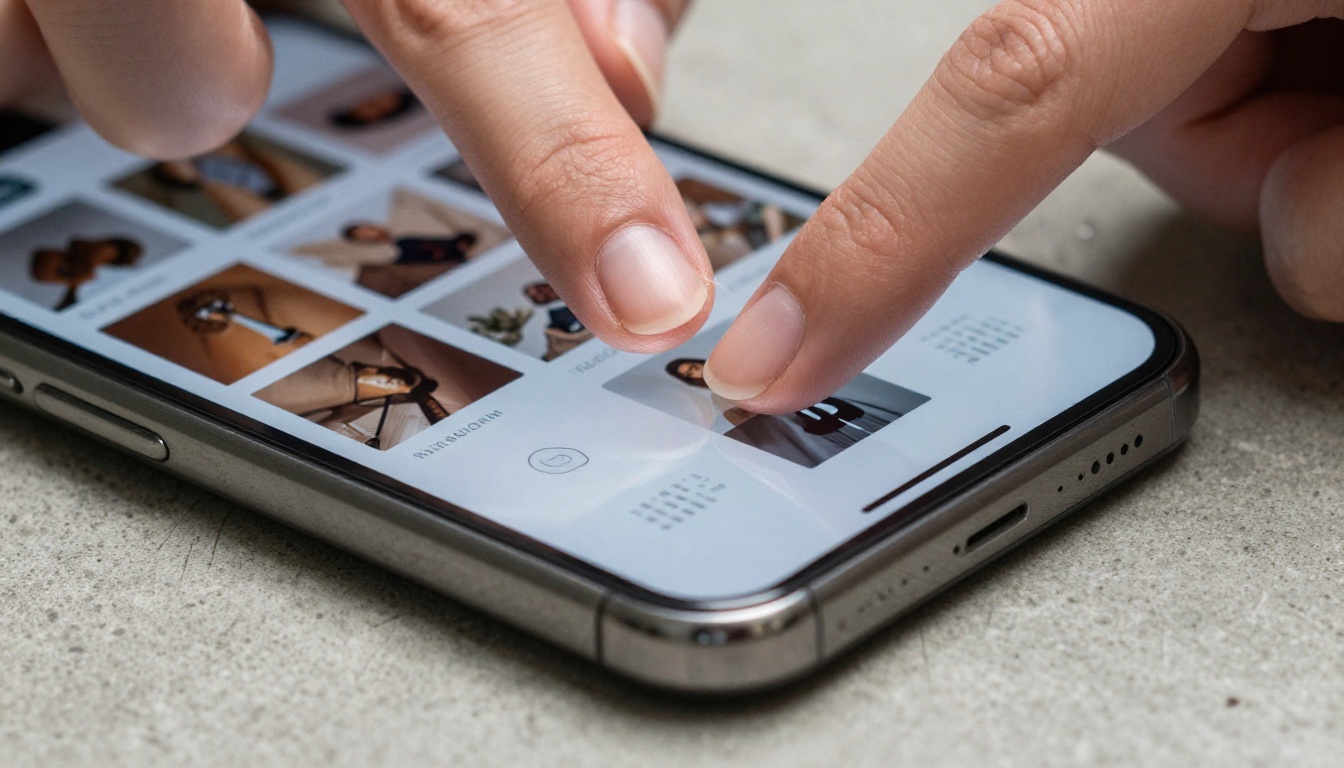
When you drop a well-presented link into a WhatsApp chat, curiosity does the rest. A link preview card shows the catalog's title and thumbnail image. That visual preview dramatically increases click rates compared to a plain PDF file attachment. Customers tap, the flipbook opens in their browser, and they're flipping pages within three seconds, no app download required, no file storage needed.

Flipbooks vs. PDFs on WhatsApp: The Real Difference
Most businesses default to sending PDF files because it's what they know. But PDFs create serious friction on mobile, the device your WhatsApp contacts are using. Flipbooks remove that friction entirely.
Why PDFs Fall Flat on Mobile
A PDF sent through WhatsApp requires the user to download the file, find it in their downloads folder, open it in a separate PDF reader app, and then zoom in and scroll through pages that weren't designed for a small screen. For many customers, that's too many steps. Research consistently shows that most users abandon file downloads before completing them on mobile.
PDFs also consume mobile data, look cramped on small screens, and give you no visibility into whether anyone actually read them.
What a Flipbook Does Differently
A flipbook is just a URL. Tap it, and it opens instantly in the browser. Pages turn with a swipe. The content fills the screen correctly on any device, any size, any operating system. Because it's hosted online, you can also see analytics: who opened it, how many pages they viewed, and how long they stayed.
| Feature | PDF Attachment | Flipbook Link |
|---|
| Requires download | Yes | No |
| Mobile-optimized layout | No | Yes |
| Page-turning experience | No | Yes |
| Opens in browser instantly | No | Yes |
| Analytics and tracking | No | Yes |
| File size burden on user | Large | Zero (link only) |
| Can update content after sending | No | Yes |
| Works consistently on all devices | No | Yes |
💡 Pro Tip: Because a flipbook is a hosted URL, you can update the content anytime after sending. Change your prices, add new products, or swap out seasonal offers and the same link always shows the latest version automatically.
How to Send a Flipbook via WhatsApp Business
The process is straightforward. Once your flipbook is live, sharing it through WhatsApp Business takes under thirty seconds.
Step 1: Get Your Flipbook's Shareable Link
Every flipbook you create on Flipbooks AI has a unique public URL. After publishing, find the "Share" option in your flipbook dashboard and copy the direct link. This is what you paste into WhatsApp.
Step 2: Paste the Link Into WhatsApp Business
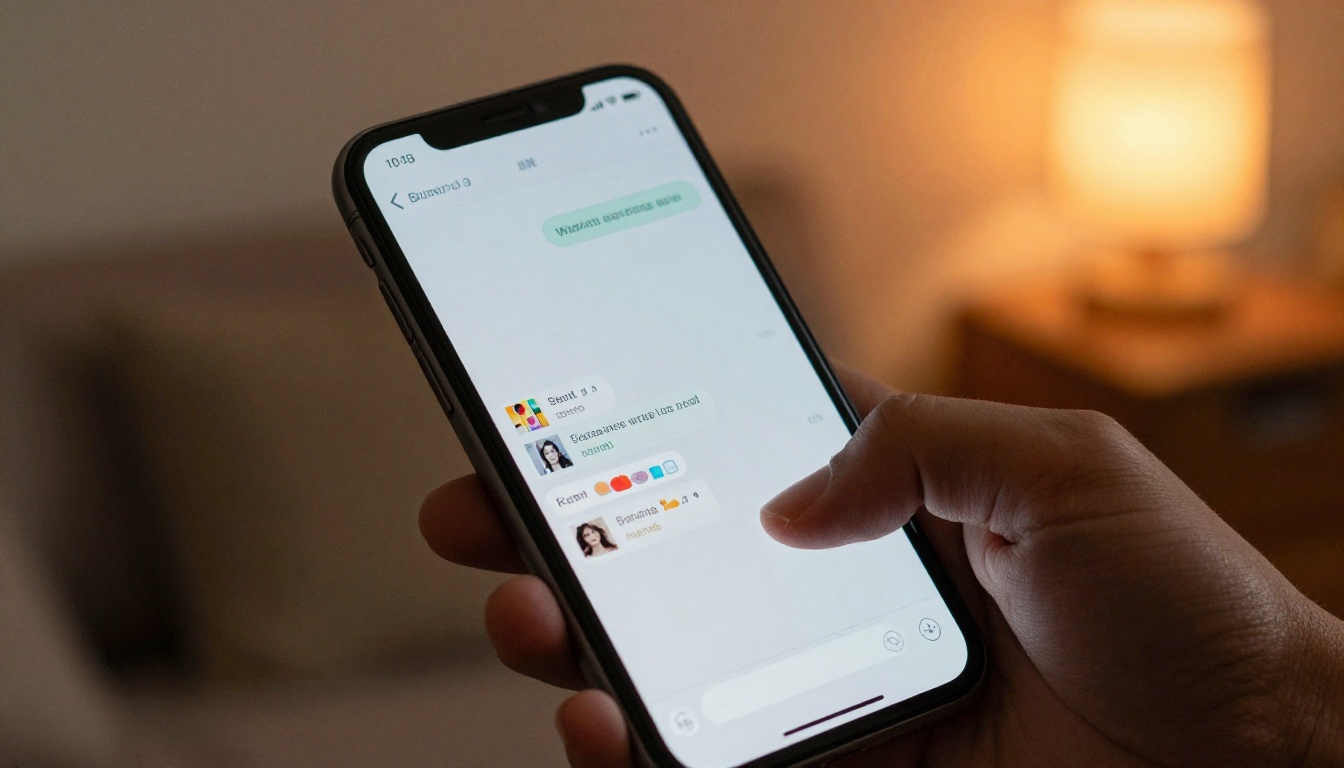
Open your WhatsApp Business app, navigate to the chat with your customer, and paste the link. WhatsApp automatically generates a preview card with the flipbook's title and cover image. Add a short personal message above the link before sending.
✅ Best Practice: Write the personal message first, then paste the link on a new line. The preview card appears cleanly below your text and the whole message reads naturally.
Step 3: Use Broadcast Lists for Scale
WhatsApp Business allows you to create Broadcast Lists of up to 256 contacts who all receive the same message individually. This is how you send your flipbook to hundreds of customers at once while each person sees a private, one-on-one message rather than a group chat.
To broadcast your flipbook:
- Open WhatsApp Business and tap New Broadcast
- Select the contacts you want to reach
- Write your message and paste the flipbook link
- Hit send
Each contact receives the message privately and can reply individually. Your catalog reaches everyone simultaneously without exposing your contact list.
⚠️ Note: Broadcast lists only deliver to contacts who have your business number saved in their phone. Ask new customers to save your number when they first reach out.
Step 4: Add the Link to Your Business Profile
Your WhatsApp Business profile has a website field. Drop your main catalog flipbook link there. Every customer who visits your profile can access your catalog immediately. It's passive distribution that works while you sleep.
You can also embed your flipbook link into WhatsApp Business auto-reply messages. When someone messages you outside business hours, they automatically receive your catalog link while they wait for a response.
Best Flipbook Types for WhatsApp Business
Not every flipbook performs equally well in a WhatsApp context. The formats below consistently get the highest click-to-view rates because they deliver immediate, tangible value to the person receiving them.
Product Catalogs
A product catalog flipbook is the most common use case. Retail businesses, wholesalers, and boutique stores send catalogs through WhatsApp to customers who ask about available products. Instead of typing out product names, SKUs, and prices, you send one link and the customer browses at their own pace. The Digital Catalog Maker handles this precisely, with full-page product photography and structured price layouts.
Restaurant Menus
Restaurants send digital menus through WhatsApp Business constantly. A customer asks about the menu before making a reservation, and instead of reading items aloud or trying to direct them to a website, the host sends a flipbook link in thirty seconds. The customer opens a beautifully photographed menu on their phone before they even hang up.
💡 Real Scenario: A pizza restaurant creates a seasonal menu flipbook. Every time a customer asks "what's on the menu?", staff paste the link in the chat. Open rates on that link consistently hit above 90% because customers are already invested in the answer when they ask.
Real Estate Brochures
Real estate agents use WhatsApp Business to follow up with leads after property viewings. A Real Estate Brochure flipbook with property photos, floor plans, and neighborhood highlights keeps the lead warm between visits and gives buyers something to share with a partner or family member before the next showing.
Fashion Lookbooks
Boutiques and clothing brands create seasonal lookbooks using the Interactive Lookbook Designer. Sending a new lookbook to WhatsApp subscribers at the start of each season drives in-store visits and direct orders with almost zero advertising spend. The flipbook format does the selling before a single conversation happens.

Creating a Flipbook for WhatsApp in Five Steps
Creating a flipbook on Flipbooks AI takes five steps and under ten minutes once your PDF is ready. No graphic design experience needed.
Step 1: Sign in to your account
Go to flipbooksai.com/account and sign in or create a free account. No credit card is required to start.
Step 2: Upload your PDF
From your dashboard, click Create New Flipbook and upload your PDF using the PDF to Flipbook Converter. Flipbooks AI converts each page automatically into an interactive page-turning format. This works for catalogs, menus, brochures, price lists, lookbooks, and any document you want to share professionally.
Step 3: Customize your flipbook
Once converted, you can make it your own:
- Add your brand logo and brand colors
- Set a custom background or texture
- Enable page-turn sound effects
- Add background music for a premium feel
- Embed videos or audio into specific pages
- Set a password if the content is for select customers only
Step 4: Publish and copy your link
When your flipbook looks exactly right, hit Publish. Flipbooks AI generates a live URL. Copy it. That link is what you paste into WhatsApp Business chats, broadcast messages, auto-replies, and your business profile.
Step 5: Share, then track
Paste the link wherever your customers are. On the Professional plan, you track views, page read depth, and even capture leads directly inside the flipbook through built-in lead generation forms that appear on pages you choose.
✅ Best Practice: Use password protection for exclusive catalogs sent to VIP customers. Send the password in the same WhatsApp chat immediately after the link. This two-step interaction feels intentional and premium, and it makes the customer feel valued rather than marketed to.

WhatsApp Business Strategies That Multiply Results
Having the flipbook link is step one. Using it with intention is what separates businesses that see good results from those that see exceptional ones.
QR Codes for Physical Spaces
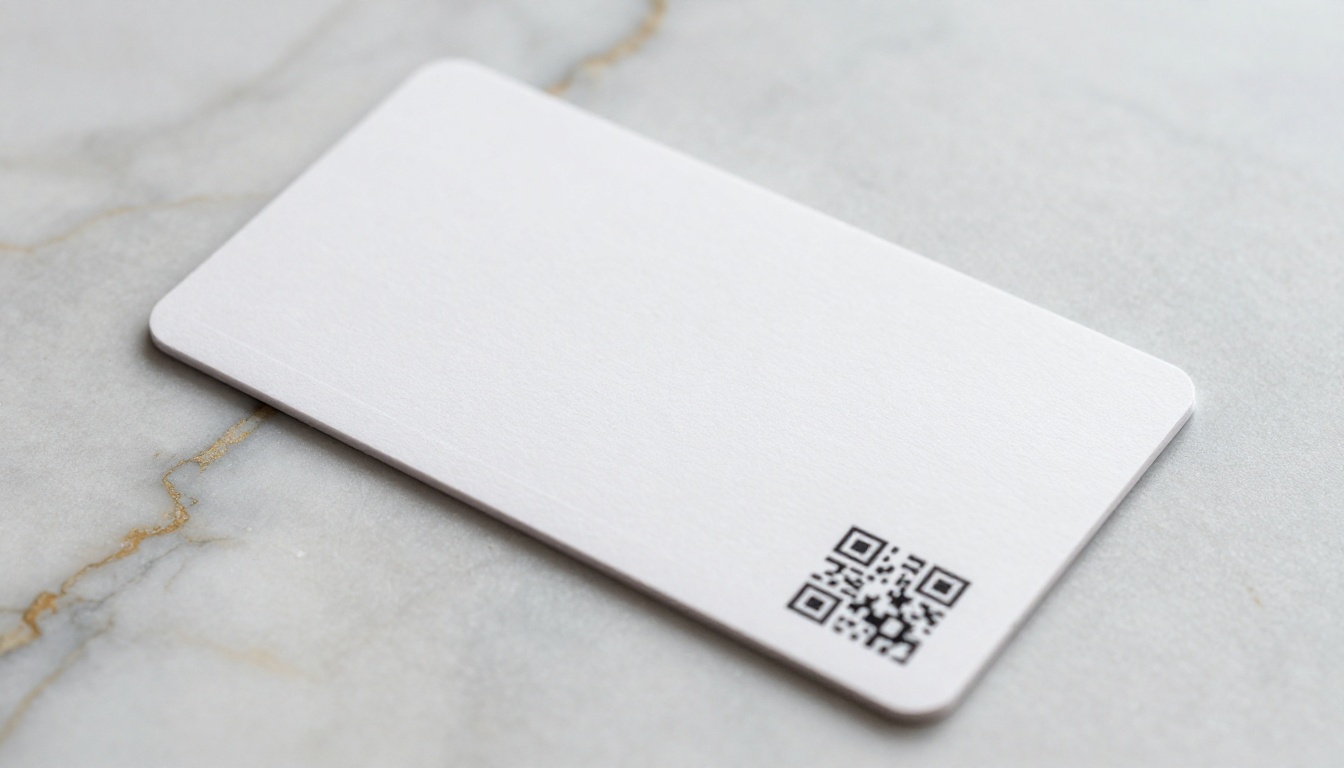
Print a QR code linking to your flipbook and place it on your counter, front window, restaurant tables, or business cards. Customers scan the code and open your full catalog on their phone in seconds. You can then follow up via WhatsApp and they'll already have browsed your offerings. This connection between physical presence and digital content is one of the most underused tactics in small business marketing.
WhatsApp Status Updates
WhatsApp Business Status shows to all your contacts for 24 hours, functioning like a story. Post your flipbook link as a status update with a short call-to-action overlay. Contacts who tap your status see the link and can open the catalog with one more tap. This costs nothing and reaches every contact who has your number saved.
Segment Your Broadcast Lists
Create separate broadcast lists for different customer types: new customers, returning customers, wholesale buyers, VIP clients. Each group gets a flipbook relevant to them. New customers receive your full product catalog. VIP clients get an exclusive early-access lookbook. Wholesale buyers get a bulk pricing flipbook with terms. Relevance drives open rates and responses dramatically higher than a one-size-fits-all message.
Auto-Reply Messages That Work While You're Away
In WhatsApp Business settings, configure an Away Message for when you're unavailable. Include your catalog link in the message body:
"Hi! Thanks for reaching out. We're currently unavailable but here's our full catalog while you wait: [your flipbook link]. We'll reply within a few hours!"
This turns every missed message into a catalog view instead of a dead end.
Tracking Who Actually Reads Your Flipbook

With the Professional plan on Flipbooks AI, you get detailed analytics for every flipbook you share. This data tells you exactly how well your WhatsApp sharing strategy is performing and where customers are losing interest.
Analytics you can access include:
- Total views: How many unique people opened the flipbook
- Pages read: Which pages attract the most attention and which get skipped
- Time spent: How long viewers stay on each individual page
- Geographic data: Where your readers are located around the world
- Lead capture: Collect name and email from interested readers directly inside the flipbook
That last capability is particularly powerful. A customer opens your catalog through WhatsApp, flips to a product they want, fills out a short embedded form to request a quote, and you receive the lead while their interest is at its peak. No separate landing page needed. No chasing them afterward.
Flipbooks AI Plans at a Glance
| Feature | Free | Standard | Professional |
|---|
| Number of flipbooks | 3 | Unlimited | Unlimited |
| Custom branding | No | Yes | Yes |
| Password protection | No | Yes | Yes |
| Analytics | No | Basic | Full |
| Lead generation forms | No | No | Yes |
| Offline downloads | No | Yes | Yes |
| Embed videos and audio | No | Yes | Yes |
| Custom domain | No | No | Yes |
| No watermarks | Yes | Yes | Yes |
| Priority support | No | No | Yes |
For most small businesses sending flipbooks through WhatsApp regularly, the Standard plan covers everything needed day-to-day: unlimited flipbooks, custom branding, and password protection. The Professional plan is the right choice when you want to track which customers are actually reading your catalog and capture leads without any extra tools. See full details at flipbooksai.com/pricing.
Businesses Already Doing This Well
A Boutique Clothing Store
A small women's clothing boutique creates a new lookbook every season using the Lookbook Flipbook Builder. They broadcast it to 180 WhatsApp contacts at the start of each season. Within 48 hours, they consistently see a clear spike in both in-store visits and direct messages asking about specific pieces shown in the flipbook. The catalog also gets forwarded by customers to friends, turning a single broadcast into organic reach they never paid for.
A Family-Owned Restaurant
A family Italian restaurant uses the Restaurant Menu Creator to maintain a permanent digital menu. Every time a new customer contacts them on WhatsApp asking about the menu or available tables, staff send the menu link immediately. The owner estimates it saves 20 minutes a day in repetitive back-and-forth messages. Customers also forward the menu to friends when planning group dinners, which creates free word-of-mouth distribution with zero effort from the restaurant.

💡 Worth Noting: Every time a customer forwards your flipbook link on WhatsApp, you get free distribution. Unlike a PDF that stops with one recipient, a hosted flipbook URL spreads naturally because sharing a link takes zero effort and opens instantly for the next person.
Take This Further Today
WhatsApp Business is already in your customers' hands every single day. The missing piece is content worth sharing, and a well-made flipbook delivers exactly that. It loads instantly on any phone, looks professional without any design work on your end, and turns what used to be a static PDF into a living, trackable, shareable experience that works for your business around the clock.
Ready to create your first flipbook? Get started for free on Flipbooks AI and convert your first PDF in minutes. If you want to see what your catalog, menu, or brochure could look like before committing, browse all available flipbook tools to find the right format for your business type.
When you're ready to scale with full analytics, lead generation, and unlimited flipbooks, check out the pricing plans to find the option that fits your volume and goals.
Your next catalog broadcast is one link away.



