Sending someone a 200-character URL full of random letters and numbers is one of the fastest ways to kill interest before they even open your content. Whether you're sharing a product catalog, a digital brochure, or an interactive magazine, the link itself is the first impression. When you share a flipbook with a short link that looks clean, you instantly signal professionalism, trust, and attention to detail.
Flipbooks AI makes this simple with built-in short sharing links, custom domain options, and one-click copy tools that put your flipbook in front of people without the friction of a cluttered URL.
Why Your Flipbook Link Is Part of Your Brand
Most people focus entirely on the content inside their flipbook, which makes sense. But the sharing link is what gets someone to the door. A clean short link does several things at once: it looks intentional, it's easier to type if someone needs to, and it fits cleanly into any medium, from an email signature to a social post to a printed QR code.
What a Long URL Actually Signals
Long, unformatted URLs communicate that the sender didn't put thought into the sharing experience. When someone sees a link like https://yourplatform.com/v2/flipbooks/generated-id-94830f-2938sk?ref=email&campaign=spring2025, several things happen subconsciously:
- Trust drops: It looks like an auto-generated tracking blob, not a deliberate share.
- Click-through rates fall: Studies consistently show clean URLs outperform cluttered ones in email and social.
- Mobile experience suffers: Long URLs wrap onto multiple lines and break formatting in texts and emails.
- Print becomes impossible: You cannot put a 150-character URL on a business card or event flyer.
The Psychology of a Clean Short Link
A clean link like flipbooksai.com/s/catalog-spring communicates confidence. It says you control your platform, you've put thought into your audience's experience, and the content on the other side is worth the click. For businesses using flipbooks as sales tools, that split-second judgment can be the difference between a lead and a lost opportunity.
Types of Flipbook Sharing Links
Not every sharing situation calls for the same type of link. Here's a breakdown of the main options and when each one fits best.
Direct Short Links
The most common format. The platform generates a short, unique URL that points directly to your published flipbook. On Flipbooks AI, every published flipbook gets a clean direct link automatically, no third-party shortener required.
Best for: Email campaigns, social media posts, messaging apps, and internal team sharing.
Branded Custom Domain Links
These replace the platform subdomain with your own domain. Instead of flipbooksai.com/s/abc123, your link reads as docs.yourcompany.com/catalog-spring. Custom domains are available on higher-tier plans and create the strongest brand alignment, especially for agencies sharing deliverables with clients.
Best for: Enterprise clients, agencies, and brands that need white-label presentation.
Password-Protected Links
A password-protected flipbook still has a clean short link, but requires authentication before the content loads. The URL itself stays professional and brief regardless of the protection layer behind it.
Best for: Confidential pricing documents, internal training materials, and exclusive subscriber content.
Embed Links vs. Share Links
Worth distinguishing: an embed link drops your flipbook into another webpage via iframe. A share link takes someone directly to the flipbook. Both point to the same flipbook, but serve different distribution channels. The Embed Flipbook on Website tool handles the embed side, while the share link handles direct distribution via email, social, and print.
Short Link vs. Long URL: Side-by-Side
| Factor | Clean Short Link | Long Raw URL |
|---|
| Visual appearance | Professional, intentional | Auto-generated, technical |
| Mobile formatting | Stays on one line | Wraps, breaks layouts |
| Click-through rate | Higher | Lower |
| Print and QR usage | Works perfectly | Impractical |
| Trust signal | Strong | Weak |
| Memorability | Often possible | Impossible |
| Social media fit | Clean in posts | Truncated, cluttered |
How to Share a Flipbook With a Short Link on Flipbooks AI
Sharing with a clean short link is a built-in feature, not an add-on. Here's the full process from upload to distribution.

Step 1: Create Your Account and Upload Your PDF
Head to flipbooksai.com/account to create your account or log in. Once inside, click New Flipbook and upload your PDF. The platform accepts any standard PDF and converts it into a fully interactive flipbook with realistic page-turn animation in under a minute.
💡 Have your final PDF version ready before uploading. While you can re-upload anytime, starting with the finished file saves time in the customization step.
Step 2: Customize Your Flipbook
Before publishing, set up branding so the entire viewer experience, not just the pages inside, looks polished and on-brand.
- Custom colors: Match your palette exactly.
- Logo: Add your logo to the viewer interface.
- Background: Choose a solid color or subtle texture behind the pages.
- Multimedia: Embed video or audio clips directly into pages where relevant.
- Page effects: Adjust the page-turn sound and animation style.
For specific content types, tools like the Digital Catalog Maker, Online Brochure Designer, or Interactive E-Book Publisher streamline this process with templates tailored to your format.
Step 3: Publish and Copy Your Clean Share Link
Click Publish. The platform instantly generates your flipbook's direct short link, visible in your dashboard and ready to copy with one click. The link is:
- Short and clean by default (no random string bloat)
- Stable (it won't change unless you explicitly reset it)
- Mobile-responsive (anyone clicking from a phone gets the full experience)
- Active immediately, no waiting for rendering or processing
✅ The share link is ready the moment you publish. There's no extra step to activate sharing or approve a review queue.
Step 4: Set Optional Privacy Controls
Before distributing widely, decide on access settings in the flipbook's Settings tab:
- Public: Anyone with the link can view immediately.
- Password-protected: Viewers must enter a password you define.
- Unlisted: Not indexed or discoverable, accessible only via direct link.
Password protection is available on Standard plan and above. Set it before copying the share link for distribution.
Step 5: Share Across Every Channel
The same short link works everywhere without modification:
- Paste into an email body or add to your email signature.
- Drop it into a social media post with no extra shortening needed.
- Include it in a LinkedIn message or WhatsApp group.
- Add it to a presentation slide as a clickable hyperlink.
- Generate a QR code from the link for print materials.

Where Clean Short Links Matter Most
Different distribution channels have different requirements. Here's how the clean link format performs across each one.
Email Campaigns
Email is where clean links matter most. A raw URL packed with UTM parameters and platform IDs often gets flagged by spam filters. It also renders poorly in plain-text email clients. A short direct link passes spam filters more reliably, reads cleanly in every email client, and works perfectly as hyperlinked anchor text like "View the catalog here."
For businesses running email campaigns, the Newsletter Flipbook Publisher creates flipbooks formatted perfectly for email distribution, and the share link integrates into any email service provider without extra configuration.
Social Media Posts
Character limits on X (formerly Twitter) and the visual cleanliness standards on Instagram, LinkedIn, and Facebook all favor short links. A clean link doesn't compete with your caption for attention. It sits at the end of a post and does its job quietly.
⚠️ Long URLs on LinkedIn often auto-generate a preview card that dominates the post visually. A short link still triggers the preview, but leaves you in control of the visual hierarchy.
Printed Materials and QR Codes
This is where clean links become non-negotiable. If you're printing a QR code on a business card, brochure, or event flyer, the underlying URL needs to be short, clean, and permanent.
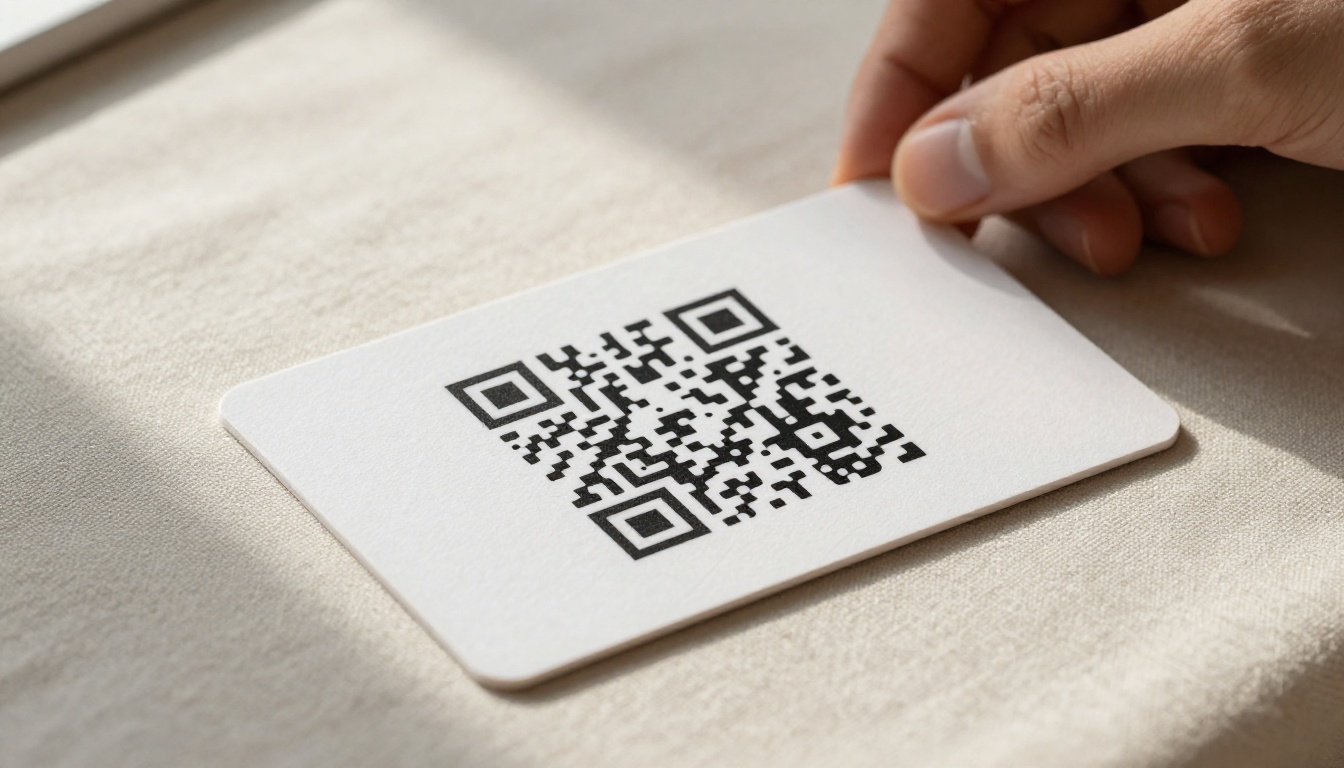
A QR code generated from a short link produces a simpler, less dense pattern than one from a long URL. Less dense patterns:
- Scan faster on any camera app
- Work at smaller print sizes
- Reproduce better on lower-quality print stock
For real estate agents using a Real Estate Brochure flipbook, printing a QR code on a property flyer that links directly to the interactive brochure is a practical, professional distribution method that works without any app download.

In-Person Presentations
When presenting to clients or at events, sharing your flipbook link on the final slide is common practice. A clean short URL at readable font size looks intentional and is easy for attendees to photograph. A long auto-generated URL at 14pt font on a presentation slide is completely unreadable and makes your preparation look rushed.
Plan Comparison: Sharing Features by Tier
Understanding which features are available at each tier helps you choose the right plan for your sharing needs.
| Feature | Free | Standard | Professional |
|---|
| Clean short link | ✅ | ✅ | ✅ |
| No watermarks | ✅ | ✅ | ✅ |
| Password protection | | ✅ | ✅ |
| Unlimited flipbooks | | ✅ | ✅ |
| Custom branding | | ✅ | ✅ |
| Analytics (clicks, geography) | | | ✅ |
| Lead generation forms | | | ✅ |
| Offline downloads | | | ✅ |
| Custom domain | | | ✅ |
💡 The Professional plan's analytics let you track exactly how many people clicked your flipbook link, where they came from, and how long they spent reading. This turns a simple share link into a measurable sales and marketing asset.
See the full breakdown on the pricing page.
Real-World Use Cases for Clean Flipbook Links
Here's how different industries put short flipbook links to work every day.

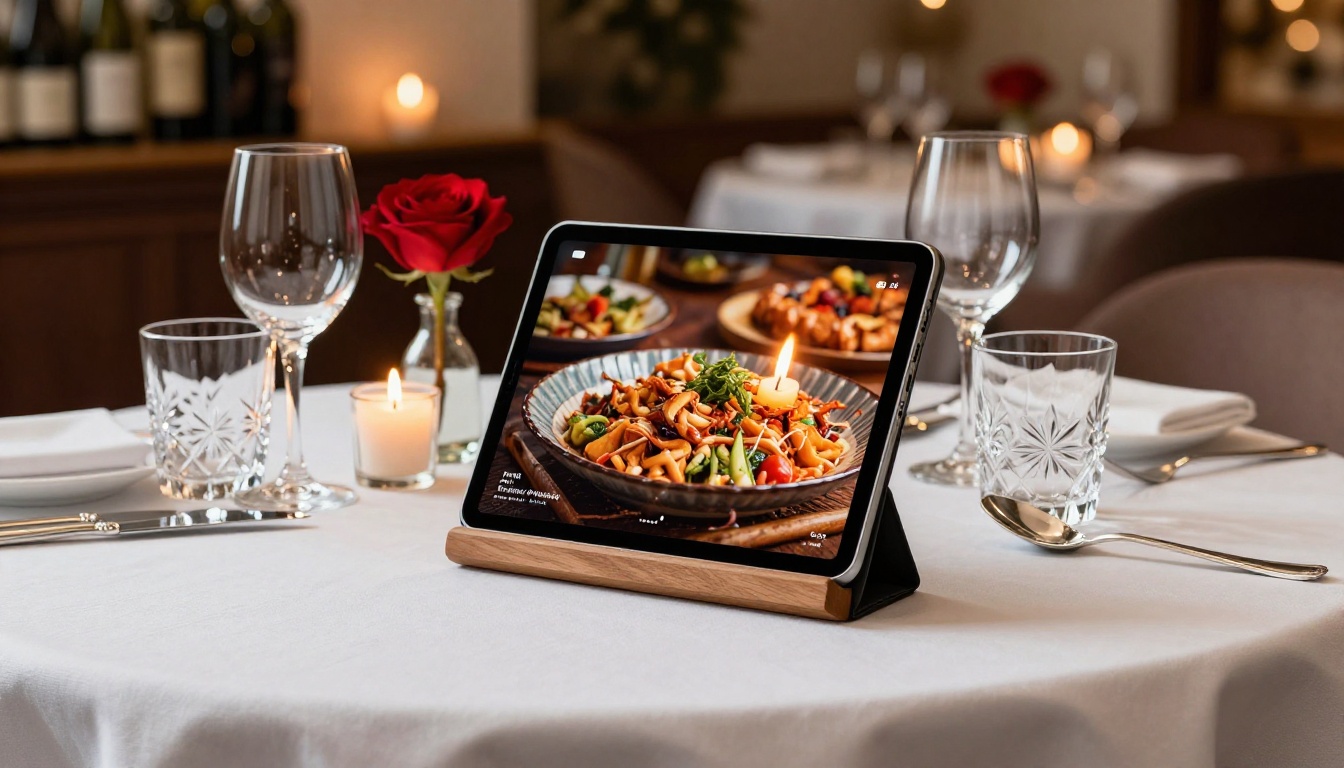
Restaurants: A dining venue uses the Restaurant Menu Creator to build a digital menu flipbook, then prints a QR code on table cards. Guests scan and get the full menu with food photography, no app download required. The QR links to a clean short URL that stays stable for years without changing.
E-commerce brands: A fashion label uses the Fashion Catalog Creator for their seasonal lookbook. The short link goes out in the launch email, on Instagram Stories as a link sticker, and as a QR code on packaging inserts. One link, three channels, zero friction.
Event planners: An event company builds an Event Program Maker flipbook for each conference and drops the short link in the confirmation email. Attendees have the program on their phones before they arrive, with no app install.
Training teams: A corporate HR department uses the Training Manual Flipbook tool to build onboarding materials. The short link goes in the employee welcome email. New hires access it from any device on day one without hunting for attachments.
Photographers: A photographer builds their portfolio with the Photography Portfolio tool, then includes the short link in every email pitch to clients and agencies. The link replaces a PDF attachment, doesn't clog inboxes, and loads faster on any connection.
Common Mistakes That Make Your Flipbook Link Look Messy
Even with a good platform, certain habits undermine the cleanliness of your shared link.
Adding a third-party shortener on top of the platform link: If your flipbook platform already provides a short link, wrapping it in Bitly or TinyURL creates an unnecessary redirect chain and can trigger spam warnings. Use the platform's native short link directly.
Copying the editor URL instead of the published share link: Most platforms, including Flipbooks AI, have a separate URL for the editing interface and the published view. The editor URL is long, session-specific, and won't work for external viewers. Always copy the share link from the Share panel, not the browser address bar.
Confusing the embed code with the share link: The embed code contains additional parameters for iframe integration. It's not interchangeable with the direct share link. Use the share link for email and social distribution, and the embed code only when inserting the flipbook into a webpage via the Embed Flipbook on Website tool.
Skipping mobile testing before distributing: A clean link is only half the job. Make sure the flipbook loads correctly on mobile before sending it to hundreds of contacts.
⚠️ Send the link to yourself on both desktop and mobile before any large distribution. What looks perfect on a laptop may have a layout issue on an older Android browser.
Once your flipbook is live and the link is circulating, knowing how it performs closes the loop on your distribution strategy.
The Professional plan on Flipbooks AI includes link analytics showing:
- Total views: How many times your flipbook was opened via the share link.
- Unique visitors: Distinct individuals, separate from repeated views.
- Geographic breakdown: Where your readers are located, useful for segmenting follow-up campaigns.
- Time spent: Average reading time, which indicates how deeply your content is being consumed.
- Lead capture: If you've added a lead generation form, you can collect names and emails directly from readers who arrived via the link.
This data transforms your clean share link from a simple distribution tool into an active component of your sales funnel. You stop guessing whether anyone opened the catalog and start seeing exactly who did.
Quick Reference: Where to Share Your Flipbook Link
| Channel | How to Use the Link | Notes |
|---|
| Email (HTML) | Hyperlinked anchor text | "View the catalog" over raw URL |
| Email (plain text) | Paste short URL directly | Stays readable in any client |
| LinkedIn post | Short URL at end of post | Preview card auto-generates |
| Instagram bio | Short URL in bio field | Drives traffic from Stories |
| WhatsApp / Telegram | Paste short URL | Auto-previews on most clients |
| Presentation slide | Short URL in large text | Photographable by audience |
| Printed QR code | Generate QR from short URL | Simpler pattern, faster scan |
| Website embed | Use embed code, not share link | Embed tool handles this |
Share Your Flipbook the Right Way
The difference between a link that gets clicked and one that gets ignored is often just how it looks. When you share a flipbook with a short link that looks clean, you remove friction, build trust instantly, and give your content the best possible chance of being read.
Flipbooks AI handles the short link automatically the moment you publish, no setup required. Every flipbook gets a clean, stable, shareable URL from day one. Password protection, analytics, and custom domain options are all available as your needs grow.
Ready to put your content in front of people the right way? Create your account and publish your first flipbook today. Browse all available tools and templates to find the right format for your content type. When you're ready to scale up your sharing strategy, compare pricing plans to choose the tier that fits your distribution goals.



