Facebook groups are one of the most targeted audiences on the internet, and most people waste them completely.
The average group member sees dozens of posts per day. The ones that get clicked, commented on, and shared are never the ones that scream "buy my stuff." They are the ones that arrive with something useful, something worth reading, something the reader actually wanted to see. That is exactly where a well-made flipbook gives you a genuine advantage, and where Flipbooks AI comes in.
But there is a line between posting valuable content and spamming a community into muting you. This article breaks down exactly where that line is, how to stay well on the right side of it, and how to share your flipbooks in Facebook groups in a way that builds real trust, real reach, and real results.
Why Facebook Groups Have Real Power
Groups vs. Pages: What the Algorithm Actually Does
Facebook Pages have taken hit after hit from algorithm changes. Organic reach on a Page post can be as low as 1-3% of your followers. Groups are different. Facebook has actively pushed groups as its community-building feature, and posts inside groups consistently outperform equivalent Page posts in organic reach.
The reason is simple: people join groups because they want to hear from the community. That opt-in intention signals to Facebook's algorithm that this is content worth surfacing. When someone interacts with a group post, the algorithm reads that as a meaningful action, not passive scrolling.
Types of Groups and What They Allow
Not all Facebook groups operate the same way. Before you share anything, you need to know what kind of group you are posting in.
| Group Type | Posting Rules | Best Approach |
|---|
| Public | Anyone can see and join | Treat like a public forum; high scrutiny |
| Private (open membership) | Must join to post; content visible to members | Most common for communities |
| Private (approval required) | Admin reviews all new members | Higher-quality audience, read rules carefully |
| Announcement-only | Only admins post | No sharing possible; contribute via comments only |
Most groups where you would want to share flipbooks are private groups with some form of curation. Admins run these communities and they protect them aggressively.
What Actually Counts as Spam
The 3 Behaviors That Get You Removed
Spam is not just about volume. You can post once and still get banned. These are the three behaviors that trigger removal most consistently:
- Dropping a link with no context. Posting "Check this out!" with a URL is the textbook definition of spam. No setup, no relevance, no reason for the community to care.
- Self-promotion in a non-promotional group. Most groups have rules against promoting your own products or services. Sharing a flipbook that is clearly a marketing tool for your business in a group that does not allow it is a direct rule violation.
- Cross-posting the same content across multiple groups on the same day. Facebook's spam detection catches this. So do group admins who are members of multiple groups.
⚠️ Even if your content is genuinely useful, the framing matters as much as the content itself. A valuable resource posted with promotional framing gets treated like spam.
How Facebook Detects Spam Behavior
Facebook uses a combination of member reports, behavioral signals, and machine learning to flag spam. If multiple members in the same group report your post within a short window, it gets hidden automatically pending admin review. Repeated reports across groups can flag your profile, reducing your ability to post in groups at all.
The algorithm also watches for:
- High link-to-text ratios in posts
- Identical or near-identical posts across multiple groups
- Posting immediately after joining a group
- Posting frequency that spikes suddenly
Knowing this changes how you should structure every group post.
The Value-First Framework
Give Before You Ask
The single most effective way to share anything in a Facebook group without being treated like a spammer is to establish presence before you promote anything. This is not new advice, but most people skip it because it takes time. The ones who do it see dramatically different results.
The sequence looks like this:
- Join the group and observe for at least a few days.
- Comment meaningfully on 3-5 other members' posts. Not "great post!" but genuine, specific responses.
- Ask or answer a question that shows you understand the community's topic.
- Only after that interaction history exists should you share any content that links back to something you created.
This matters because group admins can see your activity history. If your only posts are links to your own content, that pattern is visible and it reads as exploitation, not contribution.

Position Flipbooks as Community Resources
The framing of your post determines how it is received. "Here is my new product catalog" reads very differently from "I put together a visual breakdown of the top 10 things to know before buying X, happy to share if anyone finds it useful."
The best flipbook shares in groups do one of three things:
- Answer a recurring question the group keeps coming back to
- Provide a free resource that saves members research time
- Offer a comparison or breakdown of options in the niche
When your flipbook does one of these things and you frame it that way, it functions as a contribution to the community, not a promotion.
💡 If the group has a weekly thread for resources, tools, or recommendations, that is the safest and most appropriate place to share your flipbook. Use it.
How to Write a Group Post That Gets Responses
The Anatomy of a Post That Works
A good group post that includes a flipbook link has four parts:
- A hook that speaks to a problem the audience already has
- A brief explanation of what the flipbook contains and why it is useful
- The link, ideally embedded naturally in a sentence rather than pasted alone at the bottom
- An invitation to respond, such as a question or offer to answer comments
Here is an example of what that looks like in practice:
"Has anyone here tried comparing different meal delivery services before picking one? I spent way too long doing this research so I turned it into a quick visual flipbook with side-by-side pricing and features. Sharing it here in case it saves someone time. Would love to hear if anyone has had a different experience with any of these."
That post shares content, provides context, shows community awareness, and opens a conversation. It does not feel like a pitch.

Timing Your Posts for Maximum Visibility
When you post matters almost as much as what you post. Group activity follows predictable patterns based on audience type.
| Audience Type | Best Days | Best Times |
|---|
| B2C Consumers | Tuesday, Thursday | 7-9 AM, 8-10 PM local time |
| B2B Professionals | Tuesday, Wednesday | 9-11 AM weekdays |
| Hobbyists and Communities | Saturday, Sunday | 10 AM - 1 PM |
| Local and Regional Groups | Weekdays | 6-8 PM local time |
Post when the group is most active and when admins are less likely to immediately scrutinize new posts. Avoid Monday mornings and late Friday afternoons, which have lower reach windows in most communities.
How to Create a Shareable Flipbook with Flipbooks AI
This section matters because the quality and design of your flipbook directly affects how it performs when shared. A PDF link that opens a bland document gets ignored. An interactive, page-turning flipbook that looks professionally designed gets read, shared, and clicked.
Flipbooks AI lets you create exactly this, without a design team or technical skills.
Step 1: Create Your Account
Go to Flipbooks AI and create your free account. No credit card is required to get started. The platform runs entirely in your browser, so there is nothing to install.
Step 2: Upload and Convert Your PDF
Once logged in, upload your existing PDF. This could be a how-to resource, a comparison sheet, a newsletter, or any document you want to share as interactive content. Flipbooks AI converts it automatically into a page-turning flipbook with animated page flips.
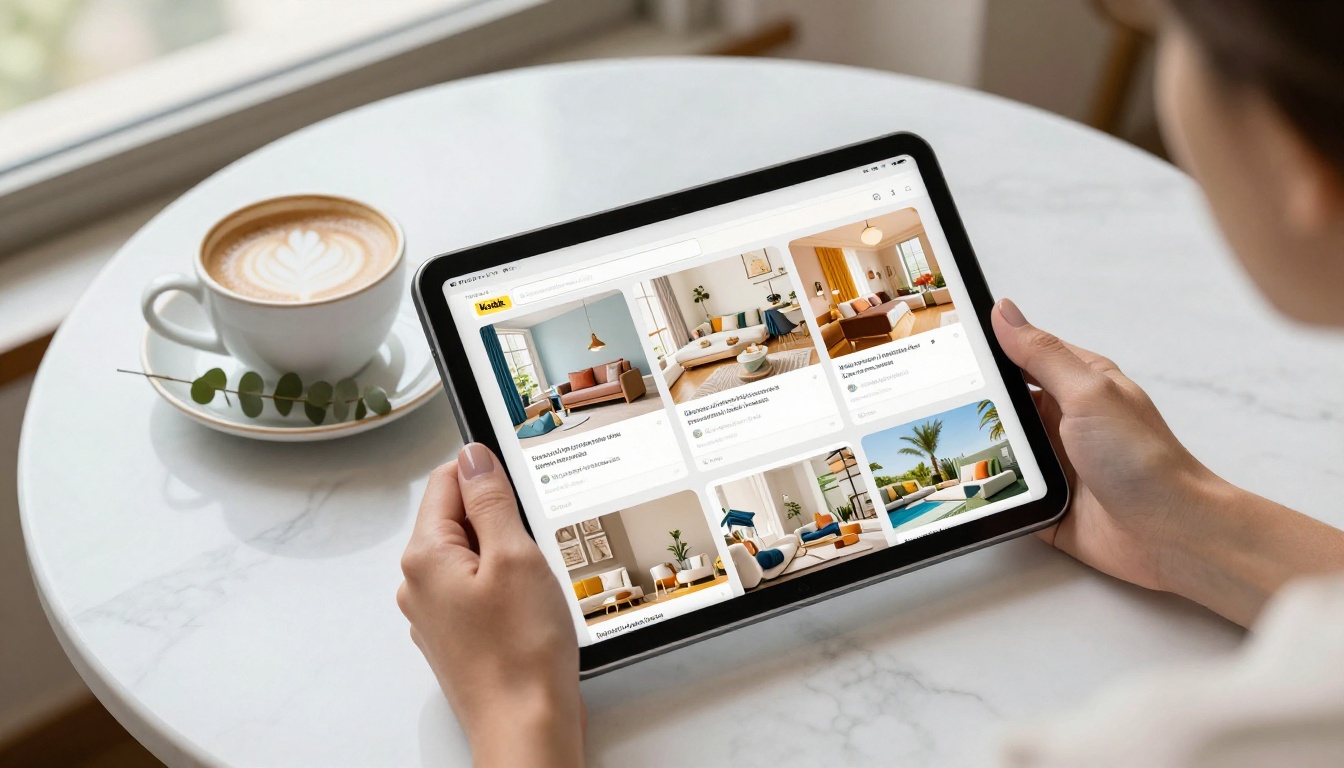
You can use the PDF to Flipbook Converter tool directly for this step. The conversion takes seconds regardless of your document size.
Step 3: Customize and Brand
After conversion, you can adjust:
- Custom colors matching your brand palette
- Logo placement on the flipbook cover or header
- Background and theme options
- Embedded multimedia including video and audio clips
- Page transition effects for a polished reading experience
None of this requires any design experience. The interface is drag-and-drop throughout.
Step 4: Get Your Shareable Link
Once your flipbook is ready, Flipbooks AI gives you:
- A direct link you can paste into any Facebook group post
- An embed code for websites if you also want to place it on a page
- Password protection if you want to share privately with specific groups
- Analytics (on the Professional plan) to see exactly how many people opened it and which pages they read
✅ The direct link is what you share in Facebook group posts. It opens the flipbook in a browser with no download required, which means lower friction for the reader and better click-through rates.

The type of content you put into your flipbook matters for group sharing. Some formats earn instant trust; others read immediately as promotional and get reported before anyone even opens them.
| Flipbook Type | Reception in Groups | Works Best When |
|---|
| Educational how-to resource | Very positive | It genuinely answers a question the group asks repeatedly |
| Product catalog | Mixed, often flagged | Group explicitly allows business promotion |
| Comparison resource | Positive | It compares options objectively, not just your own offering |
| Newsletter or magazine | Positive | It provides community-relevant news or useful tips |
| Portfolio or lookbook | Neutral to positive | Relevant to the group's creative or professional niche |
| Sales presentation | Negative | Almost always treated as spam regardless of framing |
The pattern is consistent: educational and informational content always outperforms promotional content in community settings.
If you need to create specific types, Flipbooks AI has dedicated tools for each use case: the Interactive E-Book Publisher, the Newsletter Flipbook Publisher, and the Digital Portfolio Creator all let you create content specifically formatted for community sharing.
Facebook Group Etiquette That Protects You
Read the Group Rules Before Anything Else
Every Facebook group has a rules section in the sidebar. Read it before your first post. This takes two minutes and saves you from a ban you did not see coming.
Common rules that affect flipbook sharing:
- "No self-promotion" (very common; look for exceptions like weekly promo threads)
- "No external links without admin approval"
- "No affiliate links" (even if your flipbook is not an affiliate link, the rule sometimes covers all external links)
- "One promotional post per week maximum"
Some groups explicitly welcome resources and tools. Those are your best targets. Prioritize them.
When to Message the Admin First
If you are unsure whether your flipbook post is allowed, message the group admin directly before posting. This does two things: it shows respect for the community they built, and it can turn into an admin-approved share, which carries significantly more credibility than a standard member post.
A simple message works well:
"Hi [name], I put together a free [resource type] that I think would be valuable for this group. I wanted to check with you before sharing it to make sure it fits the community guidelines. Happy to share the content with you first if you would like to review it."
This kind of outreach is rare, and most admins respond positively to it because it respects the work they put into their community.

Building Long-Term Presence in Groups
Consistency Over One-Time Posts
A single flipbook post, no matter how well-executed, is not a strategy. The groups that generate real traffic and customers for businesses are the ones where a person is consistently present, helpful, and visible over weeks and months.
What that looks like in practice:
- Comment on 3-5 posts per week in each target group
- Answer questions in your area of expertise without linking to anything
- Share a new flipbook resource once every 2-4 weeks, not daily
- Acknowledge people who comment on your posts and respond to every reply
The goal is to become a recognized name in the group. When people see your profile icon, they should associate it with useful contributions before they associate it with anything promotional.
Staying Visible Without Overstaying Your Welcome
The fastest way to build community standing is to help other members. React to posts, share relevant information from your knowledge base, and tag other helpful members when you see a question they could answer better than you.
This behavior creates social capital. And social capital is what allows you to share your flipbook content without anyone treating it like spam, because the community already knows you as someone who gives more than they take.

Tracking What Actually Works
Gut feeling is a poor metric for group marketing. If you are spending time creating flipbooks and posting them in groups, you need to know which groups, which formats, and which post styles are driving actual results.
The Professional plan on Flipbooks AI includes built-in analytics that show you:
- Total view counts per flipbook
- Page-by-page read-through rates
- Time spent per page
- Lead generation data when you add a form gate to your flipbook
Combine this with a simple tracking habit: note which group you shared each flipbook in, the date, and the post format you used. After a few weeks, patterns become visible. Some groups will send dozens of reads per post. Others will barely register. Focus your time where the data points.

Start Sharing the Right Way
Facebook groups reward patience, authenticity, and genuine value. The members of good communities have seen every promotional trick in the book, and they ignore most of it. What they do not ignore is someone who consistently shows up with something worth reading.
Your flipbook is not a brochure to push. It is a resource to offer. When you approach it that way, the community response changes completely.
Ready to create a flipbook worth sharing? Get started for free on Flipbooks AI and turn your next PDF into an interactive, professional-quality resource in minutes.
Browse all tools and templates to find the right format for your audience. And if you are ready to add analytics, lead generation, and offline access to your flipbooks, compare pricing plans to see which tier fits your goals.



