Most online stores already own a catalog. It sits as a PDF in a shared folder, gets emailed to wholesale buyers, and never earns a single tracked sale. A shoppable catalog fixes that: every page turns into a browsable, clickable storefront entry point. If you want a fast way to publish one, Flipbooks AI converts a PDF into an interactive flipbook in minutes. But it is not the only route, so this ranking compares the main platform types honestly, by what each does well and where each falls short.
What Makes a Catalog Shoppable
A shoppable catalog is a digital catalog where products are connected to a buying action. That can mean a tag that opens a product page, an add to cart button, a price that updates from your store, or a form that captures a wholesale inquiry.
The difference from a plain PDF is measurable. A PDF tells you a file was downloaded. A shoppable catalog tells you which page was viewed, which product was tapped, and where the reader left.

The Four Parts That Matter
- Visual presentation: page layout, zoom, and flipping feel that match your brand.
- Product linking: clickable hotspots or tags that lead to checkout.
- Distribution: links, embeds, QR codes, and email sharing.
- Measurement: page views, click paths, and lead capture.
Who Needs One
Fashion labels, furniture sellers, jewelry makers, wholesalers and gift shops all share one trait: shoppers browse visually before they buy. If your products need context, such as room settings, outfits or bundles, a catalog format beats a grid of thumbnails.
💡 Pro tip: Start from the catalog you already have. Rebuilding every page from scratch is the number one reason catalog projects stall.
Rankings are only useful when the criteria are visible. We weighted five factors for a typical small to mid-size online retailer.
| Criterion | Weight | What We Looked For |
|---|
| Setup speed | 25% | Time from existing PDF to published catalog |
| Product linking | 25% | Clickable tags, cart links, price accuracy |
| Mobile experience | 20% | Readability and tap targets on a phone |
| Analytics and leads | 15% | Page level data, form capture |
| Cost and flexibility | 15% | Plan limits, branding control, watermarks |
This is an editorial ranking based on how each platform type works in practice. Features and plans change, so confirm current details on each vendor's site before you commit.
A Note on Bias
This article is published by the team behind Flipbooks AI, and it appears in the ranking. We placed it where it earned its score on the criteria above and explained the tradeoffs, including the cases where another option fits better.
The Ranked List
Here is the overview before we dig into each entry.
| Rank | Platform Type | Best For | Biggest Limitation |
|---|
| 1 | PDF to flipbook platforms such as Flipbooks AI | Retailers with an existing catalog | Checkout happens on your store, not inside the flipbook |
| 2 | Store native catalog and collection pages | Stores with small, stable ranges | Weak page flipping and print style layouts |
| 3 | Social shopping catalogs | Visual brands with active social channels | Platform rules and algorithm dependence |
| 4 | Plugin based lookbooks | Stores on WooCommerce or similar | Plugin upkeep and theme conflicts |
| 5 | Custom built catalog apps | Large retailers with developers | Cost, time and maintenance |

This category turns the catalog you already designed into a page turning web experience. It scores highest because it hits the two heaviest criteria: speed and fidelity to your existing design.
Why It Ranks First
With Flipbooks AI, you upload a PDF and receive a hosted flipbook with realistic page effects. You can add links to product pages, embed video and audio, and share the result by link or embed code. There are no watermarks, and the Product Catalog Generator and Digital Catalog Maker pages cover the most common starting points.
- Fast: a finished catalog can be live the same afternoon.
- Familiar: shoppers recognize the page turn instantly.
- Portable: share it by link, QR code, email or embed it on your website.
- Private when needed: password protection suits wholesale price lists.
Where It Falls Short
The cart does not live inside the flipbook. Readers tap a link and finish on your store. For most retailers this is fine, because your checkout, taxes and shipping rules stay in one place. If you want a fully embedded cart on every page, look at a custom build.
Mobile Check
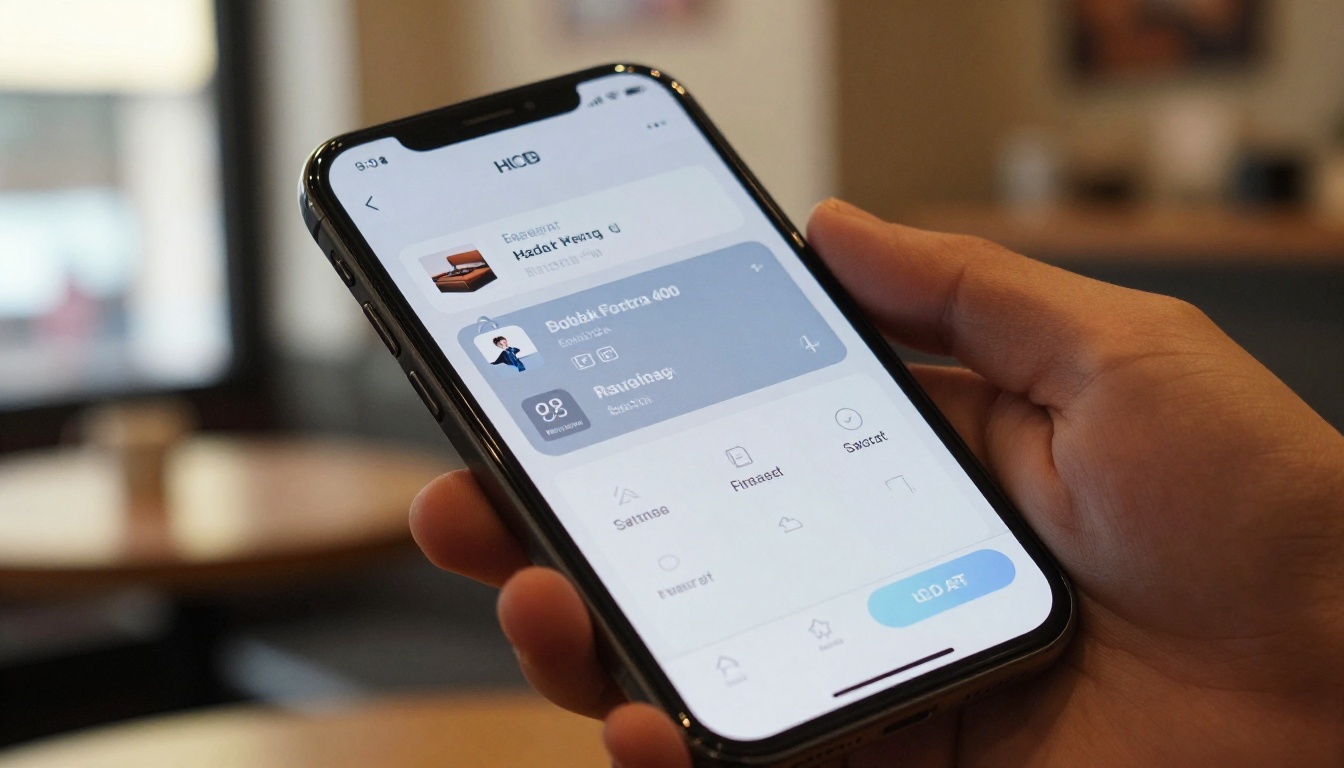
Most catalog traffic now arrives on phones. Flipbooks AI uses a mobile responsive layout, so pages reflow into a swipe friendly view. Always test your own catalog on two or three real devices before sharing it widely.
2. Store Native Catalog Pages
Every major store builder lets you create collection pages with product grids. They rank second because the cart is right there, and the data is always current.
Strengths
- Prices and stock sync automatically.
- No extra tool to pay for or maintain.
- Good for search visibility because each product has its own page.
Weaknesses
- Grids feel like a list, not a story.
- Layouts rarely match a printed or designed catalog.
- Sending a grid to a wholesale buyer feels less polished than a branded flipbook.
⚠️ Warning: Native pages and flipbooks are not rivals. Many strong stores use both: the native page for search traffic, the flipbook for email, social bios and sales outreach.
Social platforms let you tag products inside posts and build in app shops. They are the best option for discovery because your audience is already there.
| Factor | Social Shopping | PDF to Flipbook |
|---|
| Reach to new people | High | Low to medium |
| Control over layout | Low | High |
| Data ownership | Limited | Strong |
| Works for email and wholesale | Poorly | Very well |
| Risk if rules change | High | Low |

The Rented Land Problem
You do not own the audience or the rules. A policy change or an algorithm shift can cut your reach overnight. Use social catalogs to attract people, then move buyers to channels you control, such as your own flipbook and email list.
4. Plugin Based Lookbooks
For stores on open platforms, plugins can generate lookbook pages with hotspot tags over lifestyle photos. They sit fourth because they work well on day one and cost attention later.
Good Fit
- You already run a plugin heavy store.
- You have a developer or agency on call.
- Your catalog is mostly lifestyle imagery with a handful of tagged items.
Watch Out For
- Theme updates that break layouts.
- Page speed penalties from heavy scripts.
- Abandoned plugins that stop receiving updates.
5. Custom Built Catalog Apps
Large retailers sometimes commission an app with in catalog carts, personalized pricing and account logins. It is the most powerful option and the slowest to deliver.
- Cost: development plus ongoing hosting and fixes.
- Time: months, not days.
- Risk: features nobody uses because they were specified before testing.
Unless you have clear evidence that an embedded cart will lift conversions, start with a lighter option and measure first.

Feature Comparison at a Glance
| Feature | Flipbook Platform | Store Native | Social Catalog | Plugin Lookbook | Custom App |
|---|
| Uses your existing PDF | Yes | No | No | No | Sometimes |
| Page flip effect | Yes | No | No | Rare | Optional |
| Clickable product links | Yes | Yes | Yes | Yes | Yes |
| Embedded cart | No | Yes | Partly | Partly | Yes |
| Video and audio | Yes | Limited | Limited | Limited | Optional |
| Password protection | Yes | Limited | No | Rare | Yes |
| Setup time | Hours | Days | Days | Days | Months |
How to Build a Shoppable Catalog with Flipbooks AI
If your existing PDF is ready, here is the shortest path from file to live catalog.
Step by Step
- Open your account. Go to Flipbooks AI and sign in or create an account.
- Upload the PDF. The PDF to Flipbook Converter turns each page into a flip ready spread.
- Add product links. Point each product image or price to its page on your store, ideally with UTM tags so your own reports show catalog sales.
- Customize the look. Set your brand colors, logo, background and page effects. For fashion ranges, try the Fashion Catalog Creator; for homeware, the Furniture Catalog Maker.
- Add multimedia. Embed a short product video or an audio note on key pages.
- Share it. Copy the direct link, paste the embed code, or add a QR code to packaging.
- Protect wholesale versions. Turn on a password for trade pricing.
- Review the data. On the Professional plan, analytics and lead generation show which pages hold attention. See the pricing plans for what each tier includes.
✅ Best practice: Put your best selling product on page two or three, not page one. Page one earns the first impression, page two earns the first click.
Real World Scenarios
Rankings help, but context decides. Here is how different sellers might choose.
A Furniture Boutique
A twelve person furniture shop already prints a seasonal catalog. They publish it as a flipbook, add links to each sofa and table, and email it to interior designers with a password for trade prices. Their native store handles checkout.
A Jewelry Designer
A solo maker sells through social channels. She uses social tags for discovery, then a flipbook lookbook as the destination in her profile link, since it tells a fuller story than a grid.
A Wholesale Distributor
A distributor sends a quarterly price list to hundreds of buyers. A password protected flipbook with a lead form shows who actually opened it, and the sales team follows up with those readers first. The Digital Price List Generator fits this case directly.

Mistakes That Sink Shoppable Catalogs
Even the best platform cannot save a poorly planned catalog. These are the most common problems.
- Too many links per page. Three to six clear product links beat twenty tiny ones.
- Stale prices. If a link leads to a changed price, trust drops fast. Review links every season.
- No tracking. Without tagged links you cannot tell whether the catalog paid for itself.
- Ignoring phones. Text that looks fine on a monitor can be unreadable on a screen five inches wide.
- No next step. End every page flow with a clear action, such as shop the range or request a quote.

Quick Decision Checklist
Use this short list to pick your starting point.
| If This Describes You | Choose |
|---|
| You have a designed PDF catalog | Flipbook platform |
| Your range is small and changes daily | Store native pages |
| Your audience lives on social media | Social catalog plus a flipbook for the link in bio |
| You run an open source store with a developer | Plugin lookbook |
| You need in catalog checkout at scale | Custom build |
What to Measure
Pick three numbers and check them monthly: catalog views, clicks to product pages, and orders from tagged links. Those three tell you whether to expand, adjust or stop.
Where to Go From Here
For most online retailers, the winning setup is simple: keep checkout on your store, publish your catalog as an interactive flipbook, and use social platforms to send people to it. That combination costs little, ships quickly, and gives you data you own.
Ready to try it? Get started for free on Flipbooks AI, browse all flipbook tools to find the closest template to your range, or compare pricing plans to see which tier fits your catalog size. When you are ready to go live with analytics and lead capture, pick a plan and publish your first shoppable catalog today.