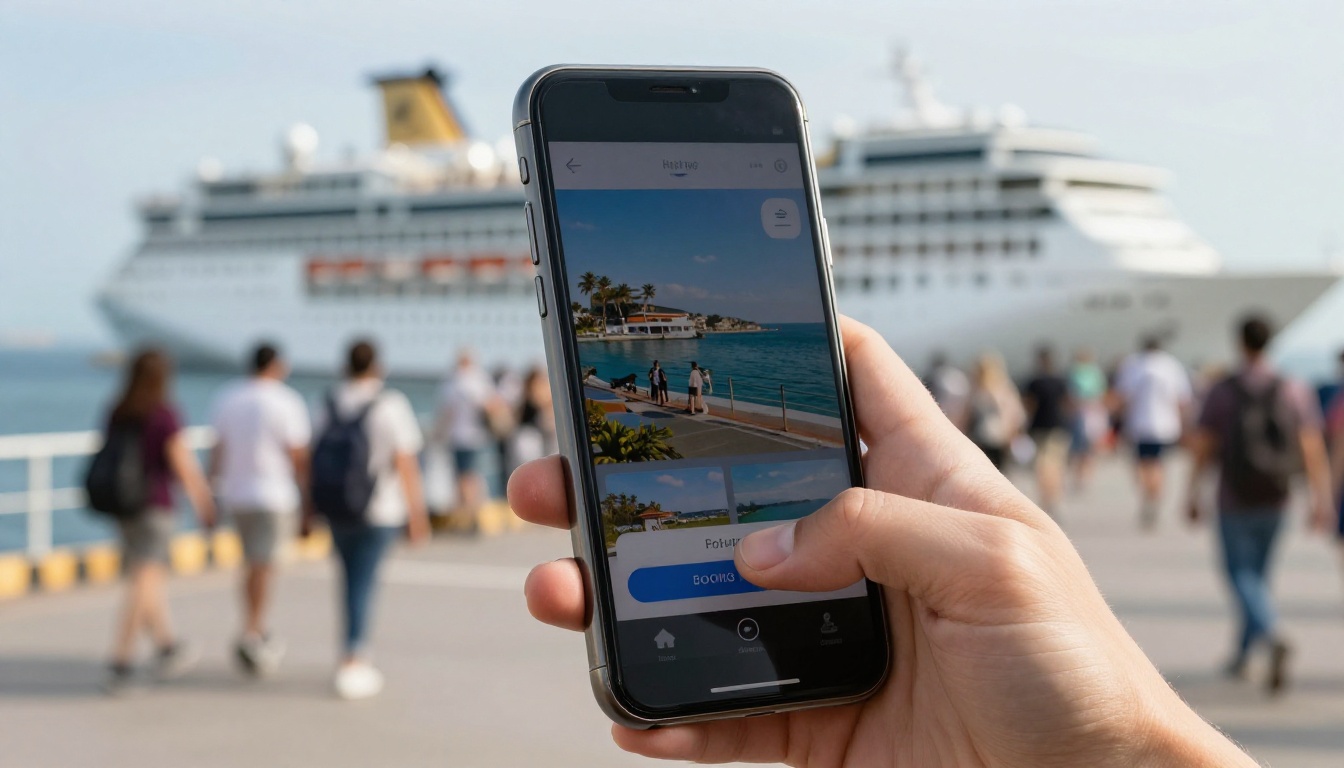
Most cruise passengers pick their port day long before the ship leaves the dock. They scroll, compare and pay from a sofa, three weeks out, while the harbor kiosk sits empty on the day itself. If your tour company only shows up once travelers are standing on the pier, you are fighting for leftovers. A well-built digital brochure on Flipbooks AI puts your excursions in front of guests while the decision is still open, and it keeps selling on their phone the whole way to the gangway.
This article walks through what a shore excursion brochure needs, how to structure it, what to price and how to measure the result. You will find tables, a step-by-step build, and a few mistakes to avoid.
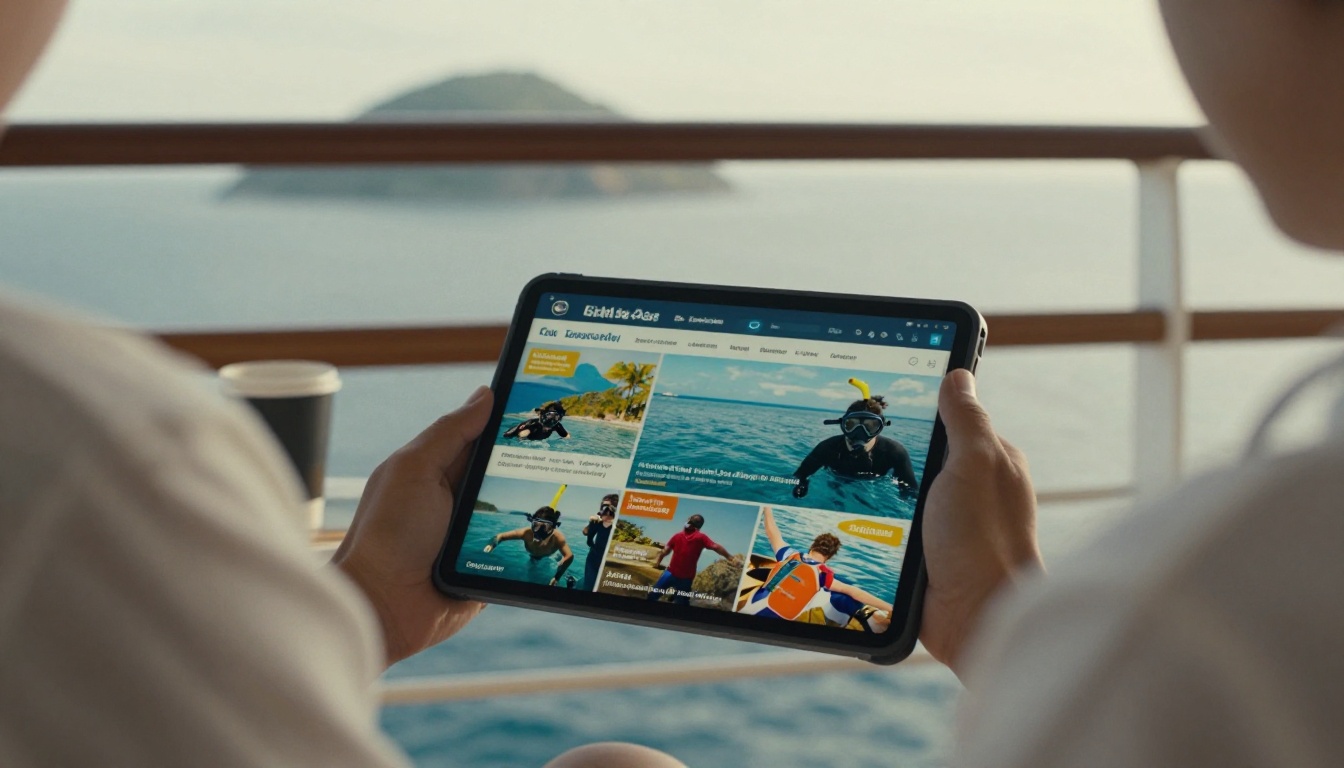
Why Pre-Cruise Selling Wins
Cruise lines sell their own excursions, and they sell them well, but they cannot offer everything. Independent operators often have smaller groups, lower prices and more local flavor. The catch is timing. Passengers who book through the ship have already spent their "excursion budget" by the time they reach the port.
Think about the typical booking window:
- 90 to 60 days out: Guests book the cruise and start browsing ports.
- 60 to 21 days out: Peak research. They compare operators, read reviews and save links.
- 21 to 7 days out: Final decisions. Group chats settle the plan.
- Boarding week: Last-minute bookings, usually the most hurried and least profitable.
A brochure that lands in the research window gets read carefully. It can be saved, shared with a spouse or sent to a travel group. A printed leaflet at the pier cannot do any of that.
💡 Pro tip: Passengers rarely search for "tours." They search for their ship name plus the port. Put the ports and typical ship arrival times right at the top of your brochure.
Who Actually Reads It
Your readers are not all the same. A good brochure speaks to at least three people at once:
- The planner, who wants times, distances and logistics.
- The dreamer, who wants the photograph that makes them say yes.
- The worrier, who needs proof that they will be back on the ship before it sails.
Every page should serve one of those three, ideally two.
Why Flipbooks Beat Plain PDFs
A flat PDF opens slowly on mobile, cannot be tracked and looks like a document, not an invitation. A flipbook turns pages, loads fast and can be embedded on your booking site. You can convert an existing file with the PDF to Flipbook Converter in a couple of minutes.
What Belongs on Every Page
The strongest excursion brochures follow a rhythm: a big photograph, a short promise, hard facts, then a clear next step. Skip the wall of text.
The Front Page
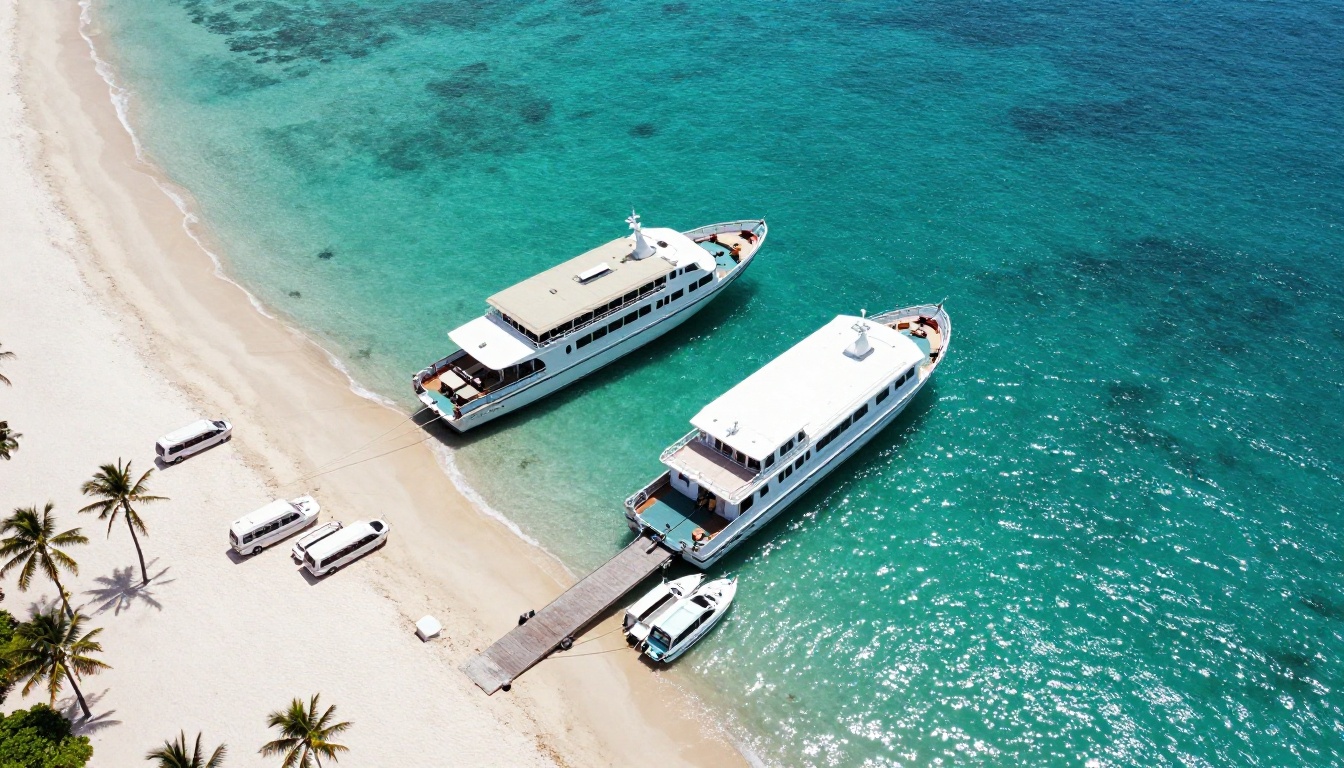
Your front page has one job: tell the reader which port and which season this brochure is for. Use a real photograph of that port, the ship silhouette if you can, and a plain headline such as "Cozumel Port Days, Planned". Avoid generic stock beaches. Travelers can smell them.
The Port Overview Spread
Open with a map-style spread. Show where the ship docks, how far each excursion starts from the pier and how long it takes to get there. Planners love distances. Worriers love a line that says "Back at the pier 90 minutes before all aboard."
One Tour Per Page
Give each excursion its own page. A reliable layout is:
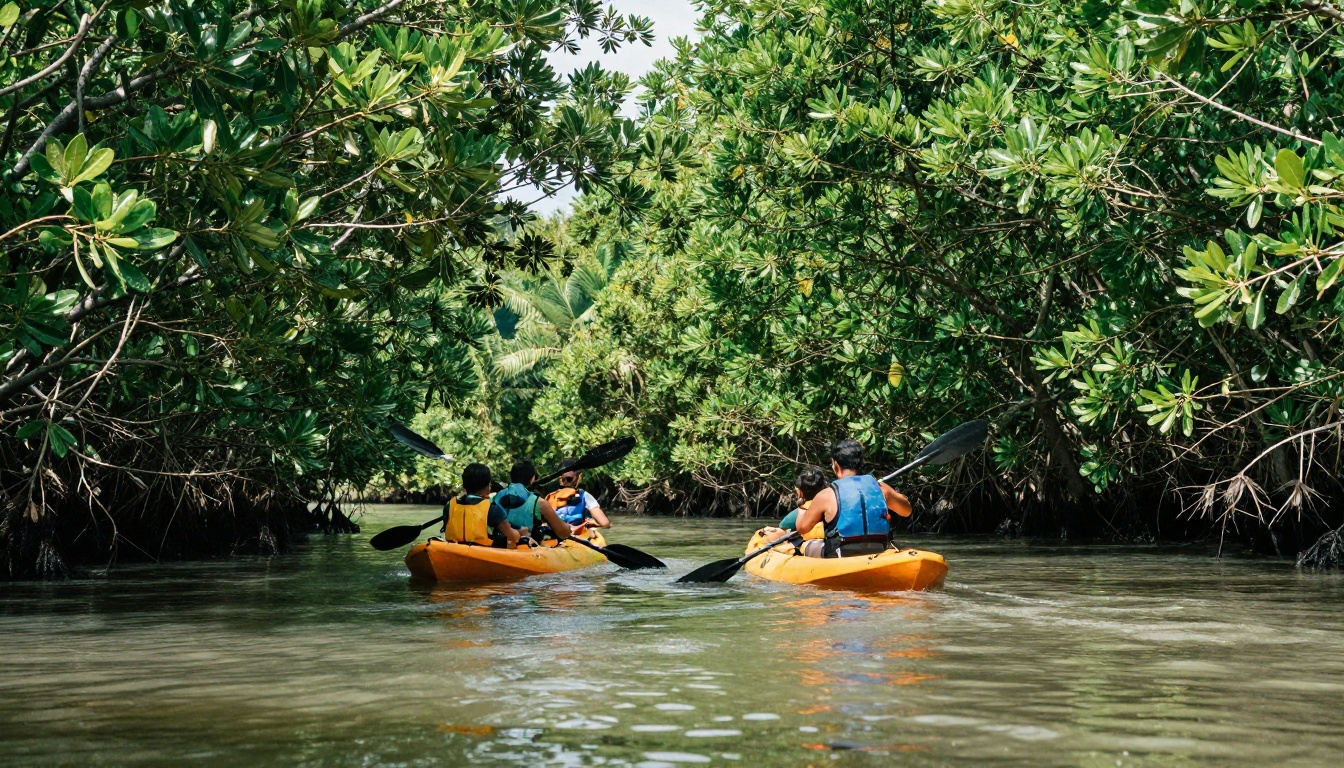
- Hero photograph of the experience, not the vehicle.
- A one-sentence promise: "Paddle quiet mangrove channels and finish with fresh coconut."
- Fact strip: duration, group size, difficulty, price.
- Included and not included in two short lists.
- Booking button linked to your checkout page.
The Return-To-Ship Promise
This is the single most persuasive element in the whole brochure, and many operators bury it. Dedicate a full page to it. Explain your buffer time, your radio contact with the port agent and what happens if a tour runs late. Guests who trust you will pay more.
✅ Best practice: State a clear guarantee, such as "If we are late, we pay for your transport to the next port." Be sure you can honor it before you print it.
Choosing Which Tours to Feature
Showing twenty options paralyzes readers. Three to six per port is a sweet spot. Mix price points so that every kind of traveler finds a fit.
| Tour Type | Typical Length | Price Range | Best For | Sales Angle |
|---|
| Snorkel or beach day | 4 to 5 hours | $55 to $95 | Families, first-timers | Relaxed, photogenic |
| Food and market walk | 3 to 4 hours | $60 to $110 | Couples, solo travelers | Local flavor |
| Historic hilltop tour | 4 to 6 hours | $70 to $130 | Culture seekers | Guide expertise |
| Private minivan day | 6 to 8 hours | $180 to $480 per vehicle | Groups of 4 to 8 | Flexible, shareable cost |
| Adventure half day | 3 to 5 hours | $85 to $150 | Active travelers | Thrill with safety |
Notice the private minivan row. Group cost split across six people often undercuts the ship's price while delivering more freedom. Put that math in the brochure.
Match Tours to Ship Schedules
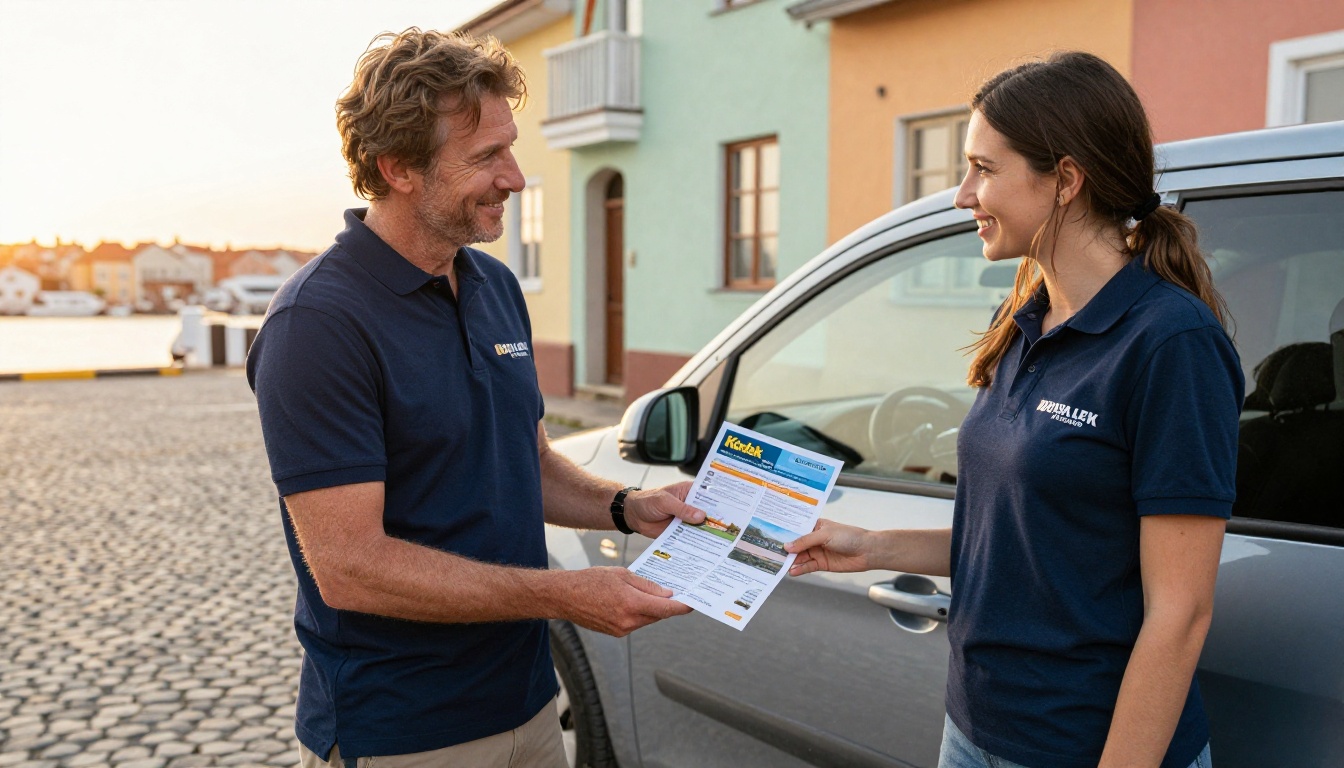
A ship that docks at 7:00 and leaves at 15:00 has a short day. One that arrives at noon has an even shorter one. Add the typical arrival and departure windows next to each tour and mark the ones that fit short stops. A traveler who sees "Fits a noon arrival" will click that button with relief.
Show Real Photographs
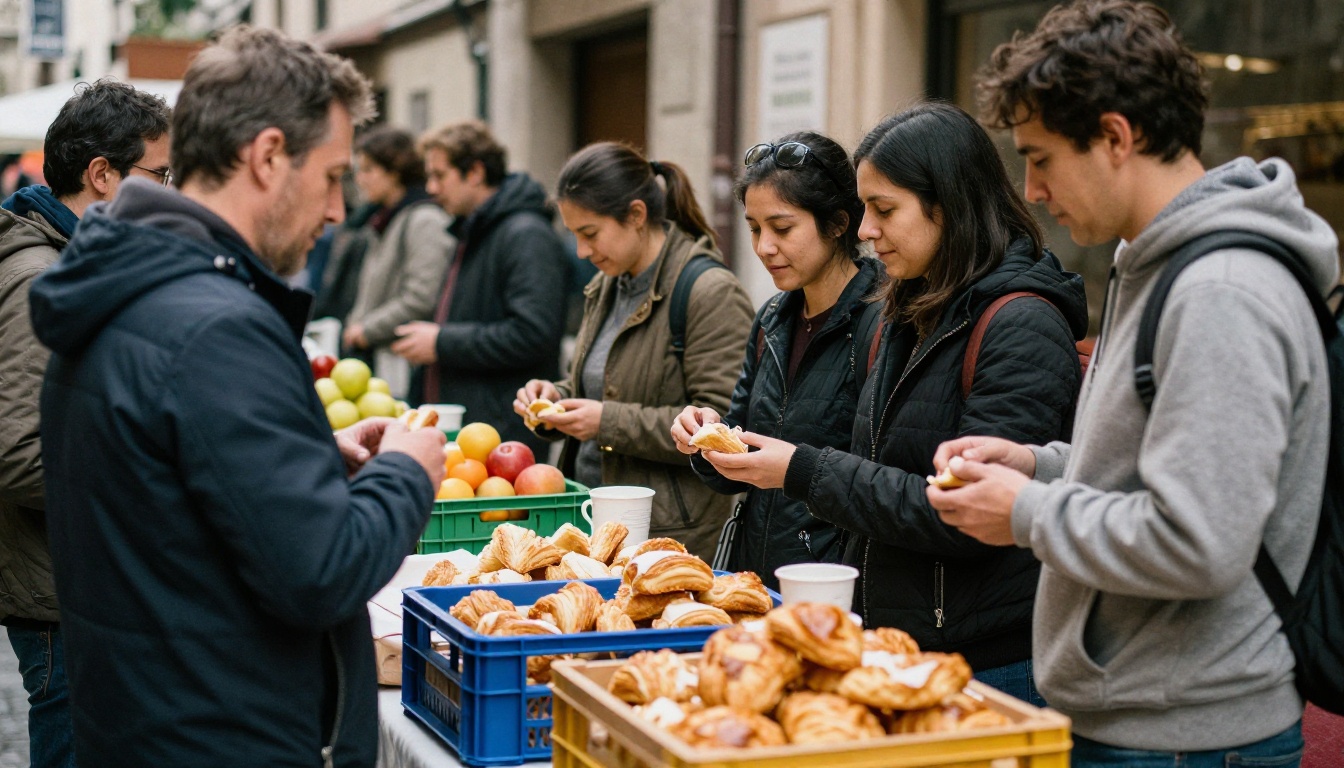
Use your own pictures from real tours, with real guests laughing and real light on the water. Fake perfection breeds suspicion, and a candid photograph of a family eating pastries at a market does more than a polished advertising shot.
Writing Copy That Closes
Short sentences. Concrete nouns. One idea per paragraph. That is the whole formula.
Lead With the Moment
Compare these two lines:
- Weak: "Our historic tour offers an informative experience of the island's heritage."
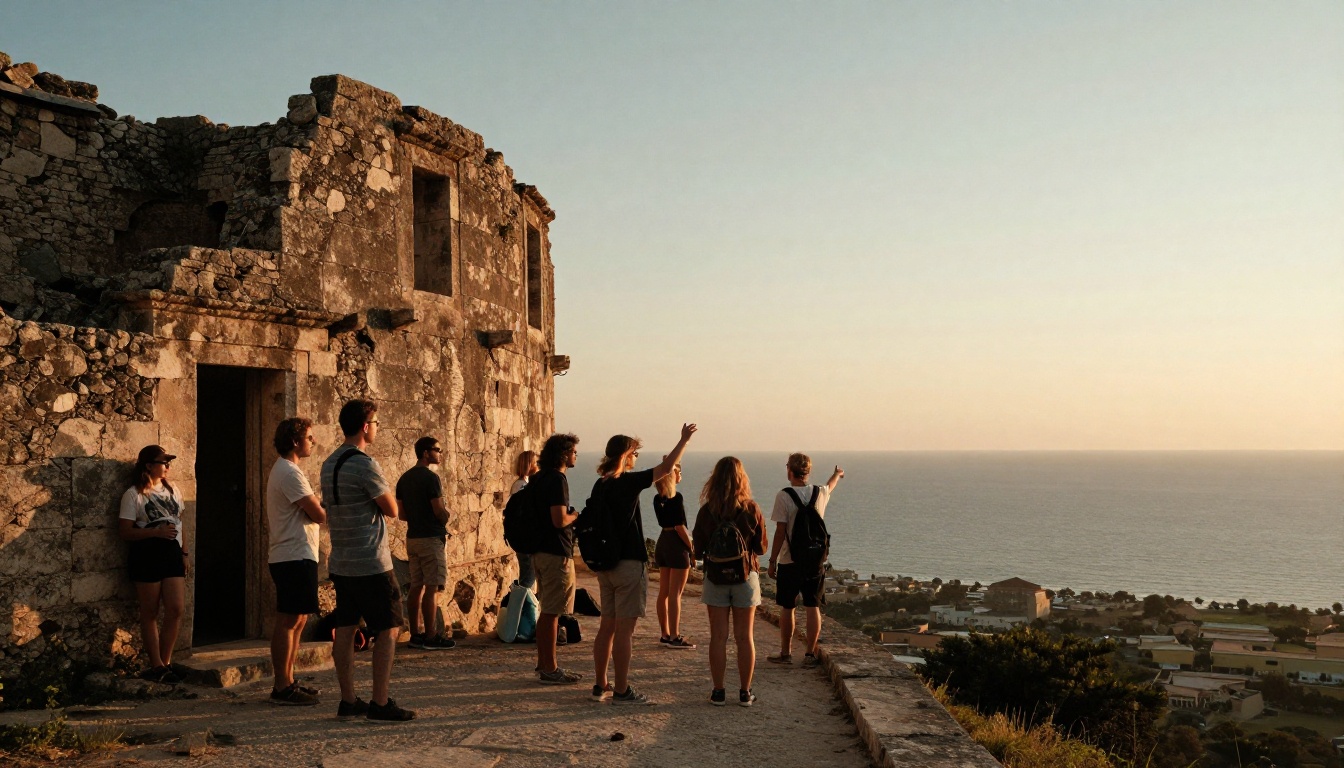
- Strong: "Stand on the hilltop wall where sailors watched for ships, then walk down to the best coffee in town."
The second sells the memory, not the itinerary.
Answer Objections Before They Appear
Passengers hesitate for predictable reasons. Address each in a short callout:
- "Will I miss the ship?" Explain buffers and guarantees.
- "Is it safe?" List licenses, insurance and guide training.
- "Is it worth the price?" Show what is included, including entrance fees and water.
- "What if the weather turns?" Offer a free reschedule or a refund policy.
⚠️ Warning: Never promise exact timings you cannot control, such as tender boat queues. Use ranges and explain them.
Use a Comparison Table Against Ship Tours
Many operators fear naming the competition. You do not have to. A neutral table of "what to ask any provider" helps readers while quietly favoring you.
| Question | Ship Excursion | Independent Operator (You) |
|---|
| Group size | Often 25 to 50 | Often 6 to 14 |
| Return-to-ship protection | Ship waits | Written buffer and guarantee |
| Price per person | Higher, fixed | Often lower, with private options |
| Flexibility | Fixed route | Adjustable stops |
| Local guide | Varies | Born and raised nearby |
Only include claims that are true for your business. Readers will check.
How to Build Your Brochure With Flipbooks AI
Here is the full process, from file to live link. The platform is built for exactly this kind of travel material, and the travel flipbook tool and Brochure Flipbook Maker are good starting points.
Step 1: Create Your Account
Head to Flipbooks AI and sign up. Review the pricing plans so you know which features come with each tier. Unlimited flipbooks arrive on the Standard plan and above, which suits operators who publish one brochure per port.
Step 2: Design and Upload Your PDF
Build your pages in any design tool you like. Export a PDF at a landscape or square format, since most guests read on phones. Keep each tour to a single page. Then upload the file and watch it convert into a page-turning flipbook. Large photographs stay sharp, and there are no watermarks, ever.

Step 3: Customize the Look
Apply your logo, brand colors and page-turn effect. Add the following if you have them:
- A short video of the snorkel site or market stroll.
- Ambient audio, such as harbor sounds, on the opening page.
- Clickable links on every booking button.
Embedded video and audio are supported, so you can let guests see the water before they pay.
Step 4: Pick Your Sharing Method
| Sharing Option | Best Use | Notes |
|---|
| Direct link | Email campaigns, cruise forum replies | Fast to share, easy to track |
| Embed code | Your booking website | Use the Embed Flipbook on Website tool |
| QR code | Printed cards, hotel desks, pier signs | Links print to digital |
| Password protection | Private travel agent rates | Keeps wholesale prices out of public view |
Password protection is handy for trade brochures. A travel agent version can carry commissions and net rates that your public version never shows.
Step 5: Turn On Pro Features
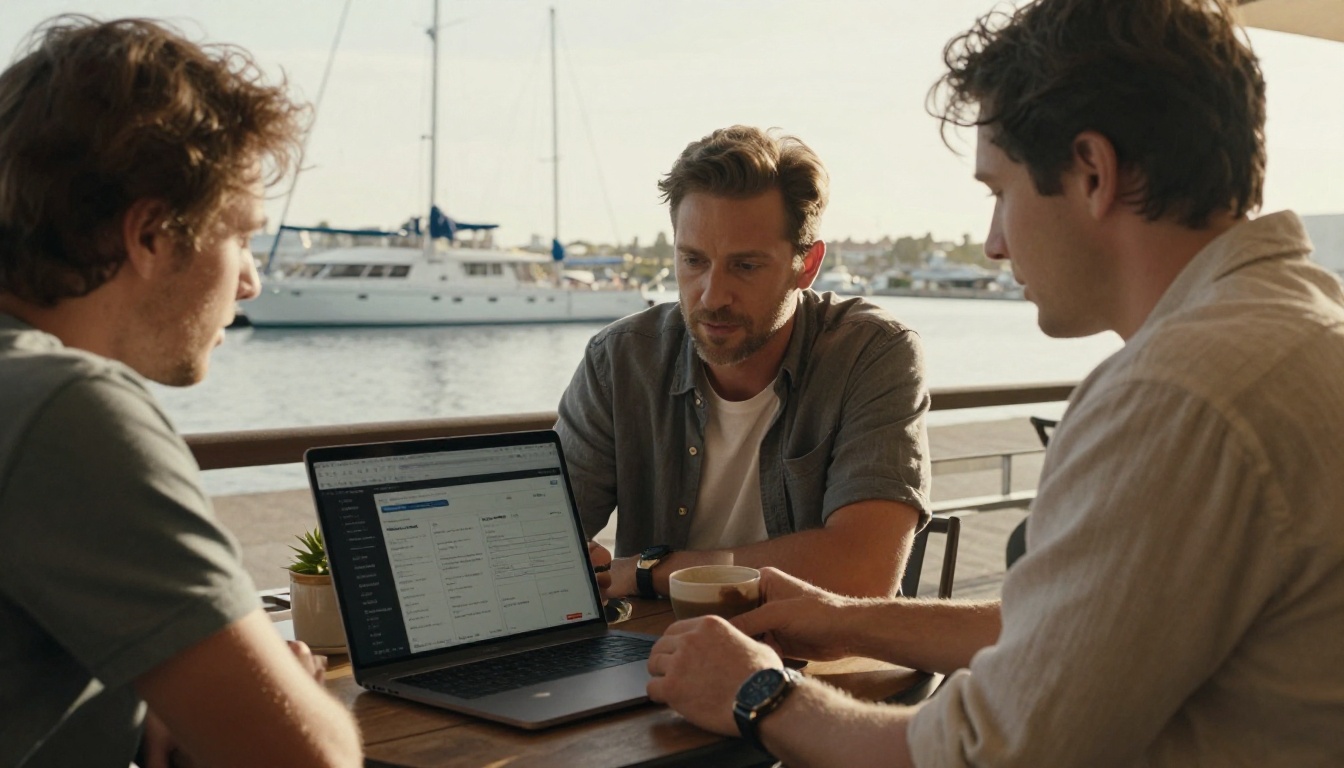
On the Professional plan, switch on analytics and lead generation. Analytics shows which pages get read and where readers stop. Lead capture can collect an email address before the last page, so you can follow up with a reminder as the sailing date approaches. Offline downloads let guests save the brochure and open it without signal at the port, where roaming charges make people cautious.
💡 Pro tip: Build a separate flipbook per port rather than one giant document. A short, focused brochure loads faster and ranks in search for that port name.
Getting It in Front of Travelers
A beautiful brochure that nobody opens earns nothing. Plan distribution around the research window.
Where Guests Actually Look
- Cruise forums and ship-specific groups: Answer questions helpfully and share the link when relevant. Do not spam.
- Your own site: Embed the flipbook on each port page.
- Travel agents: Send the password-protected trade version.
- Email follow-ups: Contact earlier inquiries 21 days before their sailing.
- Hotels and pre-cruise stays: Many guests arrive a night early. Hand them a QR card.
Build a Simple Timeline
| Days Before Sailing | Action | Goal |
|---|
| 60 | Publish port brochures and share in groups | Be found during research |
| 30 | Email saved leads with a seasonal offer | Convert planners |
| 14 | Send reminder with a return-to-ship guarantee | Calm worriers |
| 7 | Share a "last spots" update | Close fence-sitters |
| 1 | Send meeting-point details with a map | Reduce no-shows |
Measuring What Works
You cannot improve what you never check. With analytics on, review these numbers every month during the season.
- Open rate by channel, to see which source brings readers.
- Pages read per visit, to see whether your tour pages hold attention.
- Drop-off page, since a consistent exit point means something is wrong there.
- Clicks on booking buttons, the closest signal to revenue.
- Bookings per brochure view, your true conversion rate.
Three Common Mistakes
- Too many tours. Fifteen options make readers freeze. Trim to the best five.
- Missing times. If readers cannot tell whether a tour fits their ship's schedule, they leave.
- No next step. Every page needs a button. If someone has to hunt for a way to pay, they will not.
A Real-World Scenario
Picture a small operator in a Caribbean port with five tours. Before, they handed out leaflets at the pier and booked around 30 percent of their seats before the day. After publishing a flipbook per cruise season and posting it in ship-specific groups, they began filling seats weeks ahead. They could see through analytics that readers dropped off at the price page, so they moved the fact strip higher and added the minivan cost split. Bookings rose again. Nothing about the tours changed. Only the way they were shown.
You do not need a design agency. You need clear photographs, honest facts and a link that opens in a second. Browse all flipbook tools to find the format that fits your port, from the Online Brochure Designer to the Event Program Maker for group itineraries.
Ready to put your port days in front of travelers while they are still deciding? Get started for free on Flipbooks AI, then compare pricing plans to turn on analytics, lead capture and offline downloads. Or jump straight to account setup with pricing and publish your first port brochure today.



