You spent hours polishing a catalog, a report or a brochure, and now you face a small but important setting: should readers be able to download or print your flipbook? The answer shapes how people use your content, how far it travels and how much control you keep. Platforms like Flipbooks AI let you switch these options on or off per flipbook, so the real work is deciding what fits your goal.
This article walks through the trade-offs in plain terms. You will see where downloads help, where they hurt, how printing changes the reader experience and how to choose a setting for each type of document you publish.
Why This Setting Matters
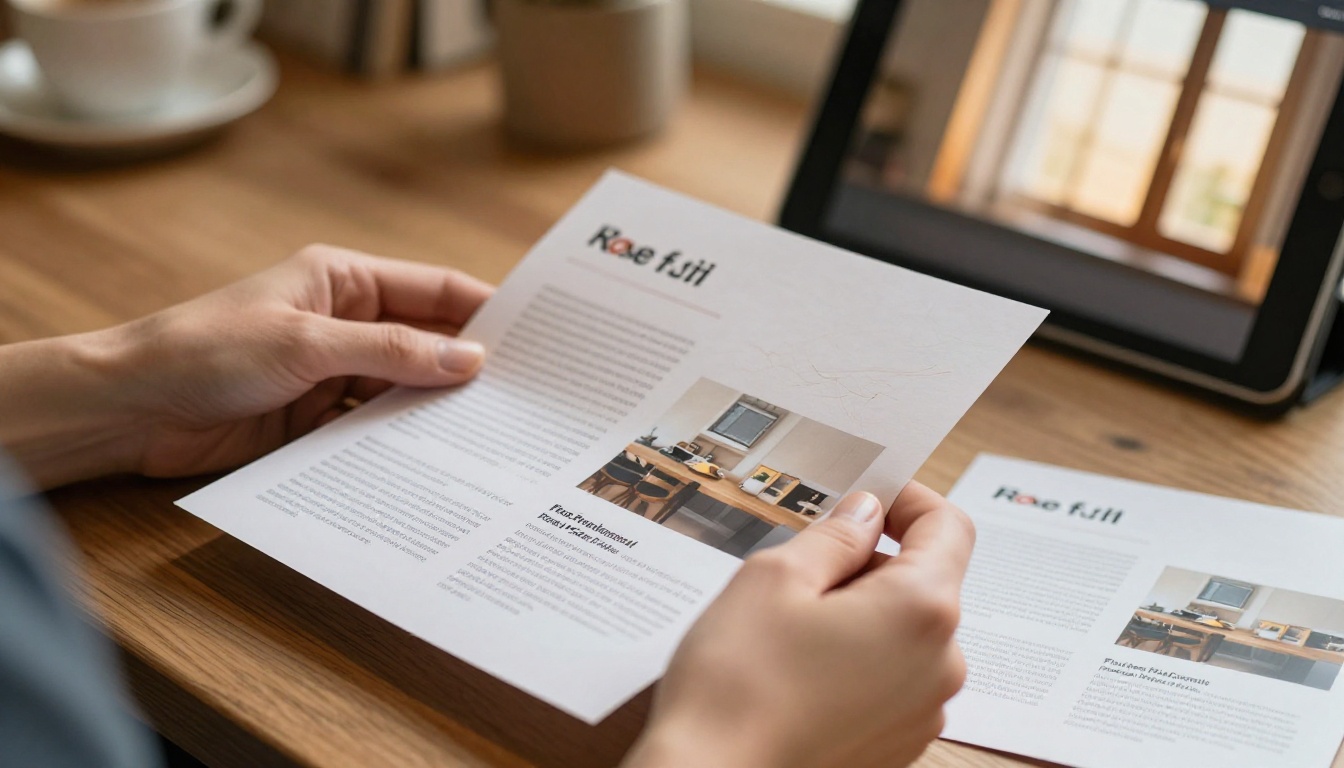
A flipbook is a reading experience first. Pages turn, media plays and links work. But readers do not always want to stay online. Some want a copy for a train ride. Others need a paper page to mark up in a meeting. If you block both options, you decide for them. If you allow both, you give up a little control in exchange for convenience.
What Readers Expect Today
Most people assume they can save or print anything useful. A price list, a recipe book or a floor plan feels incomplete when it exists only on a screen. When a reader cannot take it with them, the document can feel locked down, even if that was never your intent.
What You Stand to Gain or Lose
Allowing downloads and prints affects four things at once:
- Reach: a saved file travels by email and messaging apps without you.
- Control: once a file leaves your page, you cannot update it.
- Tracking: offline reading is harder to measure.
- Perception: open access signals confidence in your content.
The Case for Allowing Downloads
Downloads turn a single visit into a lasting asset. A buyer who saves your catalog may open it again weeks later, long after the browser tab is gone.
Offline Access Is a Real Need
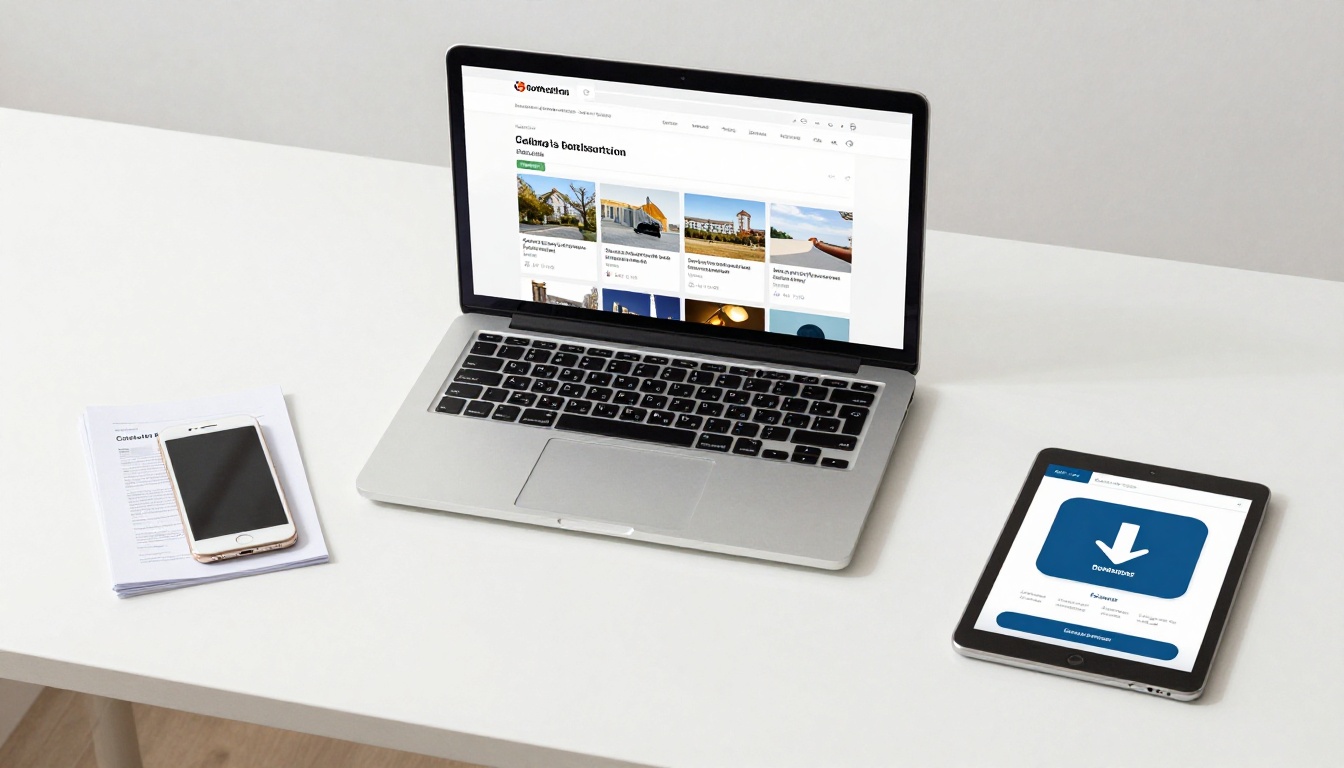
Sales teams visit clients with weak Wi-Fi. Travelers read guides in airports. Students study on buses. A downloadable copy removes the connection problem entirely. Flipbooks AI supports offline downloads so a reader can keep the document on a phone or laptop.
Shareable Files Spread Your Message
A downloaded file gets forwarded. A buyer sends your catalog to a colleague, who sends it to a manager. Each hop is free distribution you did not have to schedule.
💡 Pro tip: Put your website address and contact details on the first and last pages. When a file travels without you, those pages still work as your sales representative.
Trust Grows When You Share Freely
Nonprofits, schools and public agencies often benefit most from open access. A downloadable annual report shows transparency, and donors can keep a copy for their own records.
The Case for Allowing Printing
Printing is a different need from downloading. A reader who prints wants a tactile page, a place to write or a copy to hand to someone else.

Real Scenarios Where Paper Wins
- Real estate agents hand a printed property brochure to buyers during a viewing.
- Restaurants keep a printed menu for guests who prefer paper, while the digital version lives online.
- Trainers print a training manual so participants can write notes in the margins.
- Event organizers print the event program for attendees without a smartphone.

Printing Does Not Need a Full File
Some creators worry that print means handing over the whole document. It does not have to. Many readers print only one page: a map, a coupon, a checklist or a price table. That small action keeps your brand in their hands.
The Risks You Should Weigh
Open access is not free of cost. Be honest about the downsides before you switch everything on.
Content Copying and Leaks
A downloaded file can be reposted, edited or shared outside your intended audience. For public marketing material this is usually fine. For pricing sheets sent to specific resellers, internal reports or unreleased products, it can be a real problem.
Outdated Copies in Circulation
When you update a flipbook, the online version changes. A downloaded copy does not. A customer may still hold last season's prices months later and expect you to honor them.
⚠️ Warning: If your content includes prices, legal terms or dates, add a visible "last updated" line to the first page so older copies are easy to spot.
Lost Analytics
Online reading gives you page views, time spent and click data. Offline reading gives you nothing. If your goal is lead generation, you may prefer to keep readers inside the flipbook, where analytics and lead capture on the Professional plan can record what they do.
Download, Print or Neither: A Comparison
Use this table to compare the three common setups side by side.
| Setting | Best For | Main Benefit | Main Risk |
|---|
| Download and print on | Catalogs, recipe books, public reports | Maximum reach and convenience | Outdated or reposted copies |
| Print only | Menus, programs, worksheets | Paper use without a stored file | Fewer offline readers |
| Both off | Confidential decks, private proposals | Full control and full analytics | Readers feel restricted |
And here is how the setting maps to common document types:
| Document Type | Suggested Setting | Reason |
|---|
| Product catalog | Download on, print on | Buyers share with teams |
| Restaurant menu | Print on, download off | Guests need paper, not a file |
| Sales proposal | Both off, password on | Protect pricing and terms |
| Annual report | Download on | Transparency and records |
| Training manual | Print on, download on | Notes and offline study |
| Portfolio | Download off, print optional | Protect creative work |
| Event program | Print on | Quick reference on site |
How to Decide in Four Questions
You do not need a long meeting to choose. Ask these questions in order.
1. Is the Content Public?
If anyone could see it on your website, allow downloads. You lose nothing, and you gain reach.
2. Does the Content Change Often?
If it changes weekly, such as a price list or a stock sheet, turn downloads off or label every page with a date. A reader who needs the latest figures should return to the live link.
3. Do You Need Lead Data?
If capturing contact details is the goal, keep the flipbook online and add a form before the download. That way, every saved file is tied to a real name and email.
4. Is the Audience Likely to Be Offline?
Field workers, travelers and students benefit from downloads far more than office staff. If your readers are on the move, say yes.
✅ Best practice: When unsure, start with printing allowed and downloads off. You can open access later without confusing anyone, but taking it away after readers have grown used to it can feel like a step backward.

Protecting Content While Staying Open
You do not have to choose between total access and total lockdown. Several middle paths work well.
Use Password Protection
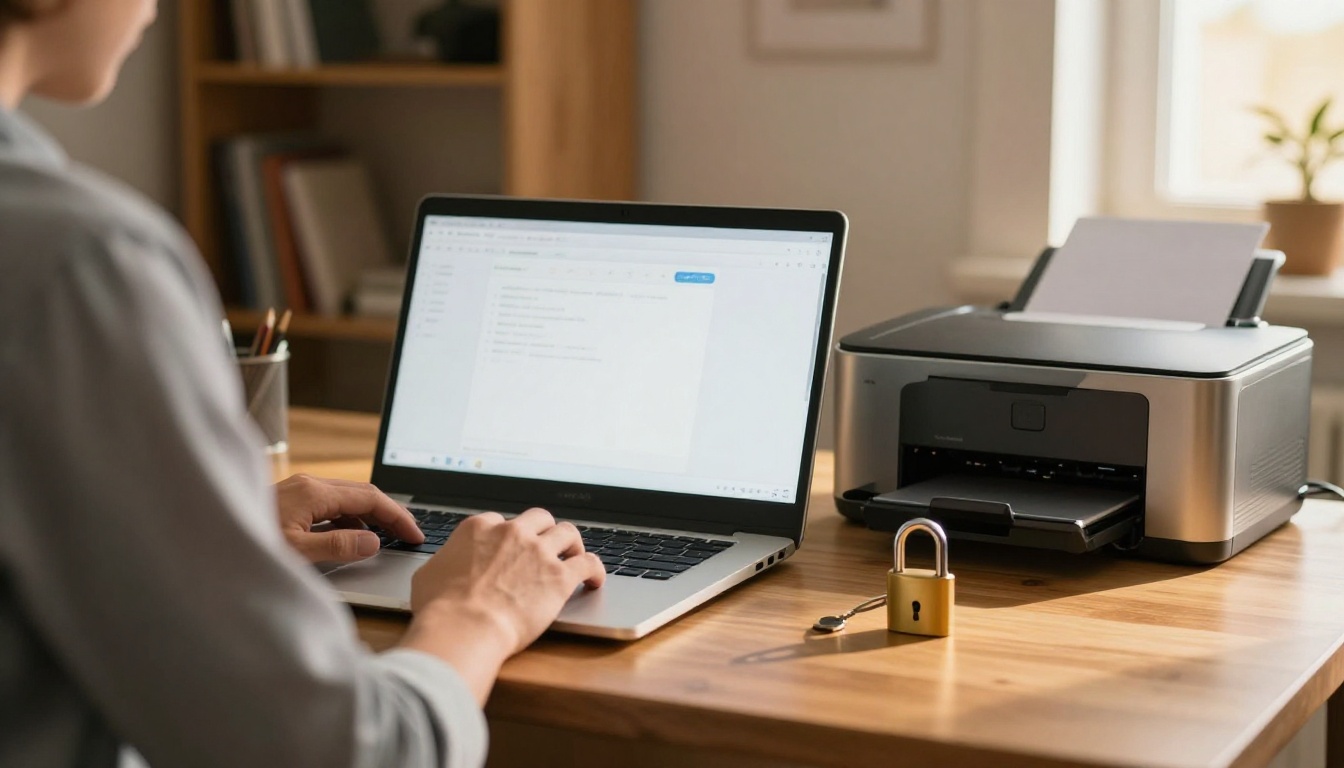
A password limits who can open the flipbook at all. After they are in, you can still allow downloads. This suits client proposals, partner portals and member-only material. Password protection is available in Flipbooks AI so a private flipbook stays private.
Keep Branding Visible
Custom branding on every page means copies still point back to you. Add a logo, a short URL and a clear contact line. Because Flipbooks AI has no watermarks of its own, your brand stays the only one on the page.
Offer a Lighter Version
Instead of locking the full file, publish a shorter edition for download and keep the full version online. A ten-page sampler of a hundred-page catalog gives readers something to take away while you keep the complete range under your control.
Setting It Up in Flipbooks AI
Here is the quick workflow for choosing these options on your own publication.
- Create an account. Start on Flipbooks AI and sign in.
- Upload your PDF. Drag the file in. The PDF to Flipbook Converter turns it into turning pages in seconds.
- Customize the look. Choose colors, logo, page effects and any video or audio you want to embed.
- Open the sharing settings. Decide on downloads, printing and password protection.
- Pick a sharing method. Copy a direct link or use the embed option to place it on your website.
- Test as a reader. Open the link in a private window and try the download and print buttons before sending it out.

Match the Tool to the Document
Different formats call for different defaults. A Digital Catalog Maker project usually benefits from open downloads, while a Sales Presentation is often better protected. Browse all flipbook tools to find a starting point close to your use case.
Mistakes to Avoid
- Setting one rule for everything. A menu and a contract do not need the same options.
- Forgetting to test. A broken download button frustrates readers more than having none.
- Ignoring mobile readers. Many people open flipbooks on phones, so check that saving and printing work there too.
- Skipping the date line. Old copies cause the most support questions.
- Relying on settings alone. If a document is truly sensitive, do not publish it publicly at all.
A Simple Rule to Remember
If the content helps you win trust, let people keep it. If the content could cost you money or privacy when it leaks, keep it behind a password and out of the download list. Most flipbooks fall into the first group, and most creators find that open access brings more benefit than harm.
Ready to publish your own? Get started for free on Flipbooks AI, compare pricing plans to see which features fit your needs, and browse the full set of tools and templates to build your next flipbook with the right download and print settings from day one.



