A buyer lands on your Etsy listing, scrolls through five mockup photos, and leaves. Not because your planner is bad. They simply could not see what they would actually be opening on their iPad tomorrow morning. With a tool like Flipbooks AI, you can hand shoppers a page-turning preview of the real file, so the decision becomes easy instead of risky.
Digital planners are a strange product. There is nothing to hold, nothing to try on, and no shipping box to imagine. Every sale depends on trust built from a handful of images. A flipbook preview closes that gap, and this article shows exactly how to build one, where to put it, and how to measure whether it pays off.
Why Etsy Buyers Hesitate
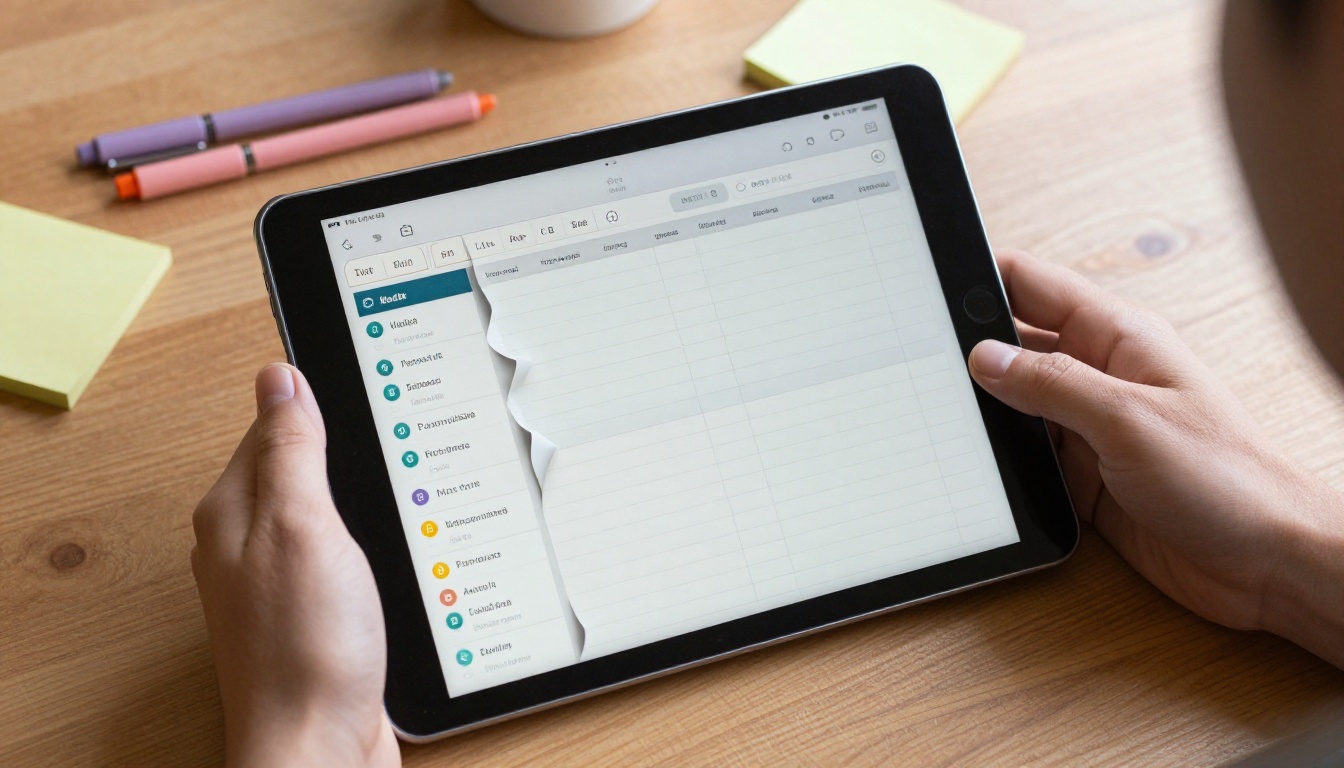
Etsy shoppers are cautious with digital downloads, and for good reason. Once the file is purchased, it is usually non-refundable. That one fact shapes every click.
The Mockup Problem
Mockups are beautiful, but they are staged. A tablet on a marble desk tells a buyer very little about tab placement, font size, or how many pages sit behind that pretty weekly spread. Shoppers know this, so they look for a way to see more.
Questions That Flood Your Inbox
Most sellers recognize the same messages again and again:
- "Are the tabs clickable?"
- "How many pages are in the monthly section?"
- "Does it work with GoodNotes or only Notability?"
- "Can I see the habit tracker page?"
- "Is the Sunday start version included?"
Each of those messages is a buyer who almost bought, and each one costs you time. A preview answers most of them before they are typed.
Trust Is the Real Product
When someone can flip through twenty pages of your planner, you are no longer asking them to believe your photos. You are showing the work. That shift from claim to proof is where conversion lifts come from.
What a Flipbook Preview Actually Is
A flipbook turns a PDF into an interactive, page-turning viewer. Visitors click or swipe, pages curl like paper, and they can zoom into any layout. It runs in a browser, so nobody needs to install an app or download your file.
Flipbook vs Other Preview Formats
💡 Pro tip: Etsy lets you add a link in your listing description, your shop announcement and your order messages, so a hosted preview has several places to live.
| Preview Format | Interactivity | Shows Real Pages | Protects Your File | Effort to Create |
|---|
| Static mockup images | None | Only a few | Yes | Low |
| Video walkthrough | Passive | Selected pages | Yes | Medium |
| Free sample PDF | Full | Sample pages | Weak, easily shared | Low |
| Flipbook preview | Page turning, zoom | 10 to 30 chosen pages | Strong, no download needed | Low |
The flipbook sits in a sweet spot. Buyers control the pace, and you control what they see. Unlike a free sample PDF, there is no file to forward to a friend.
What to Include in Your Preview

A preview is not your whole product. It is a carefully chosen tour. Think of it as a showroom, not a warehouse.
The Pages That Sell
Pick pages that prove value and show variety:
- The cover and the welcome or instructions page
- A yearly overview and a monthly spread
- A weekly spread and a daily page
- Two or three specialty pages, such as a budget tracker, habit tracker or meal planner
- A notes page and a dotted grid page
- A "what is included" summary page near the end
How Many Pages Is Right
Between 10 and 30 pages works for most planners. Fewer than 10 feels thin. More than 30 starts to give away the product and slows the loading experience.
Keep Hyperlinks Alive
If your planner has clickable tabs, keep them working in the preview. Buyers love seeing a tab jump to the correct month, because that is exactly the behavior they are paying for. Your preview then doubles as a live demo of the navigation system.
⚠️ Warning: Do not include your full set of pages with all hyperlinks intact if you sell a premium bundle. Trim the file so the preview teases without replacing the purchase.
How to Create a Flipbook Preview with Flipbooks AI

Building the preview takes about ten minutes once your planner PDF exists. The process below uses the PDF to Flipbook Converter, and you can see every available option in the full tools directory.
Step 1: Export a Trimmed Preview PDF
From Canva, Keynote, Affinity or whichever app you design in, export only the pages chosen above. Name the file clearly, such as planner-2027-preview.pdf. Keep hyperlinks enabled when exporting if you want clickable tabs.
Step 2: Upload and Convert
Create a free account at Flipbooks AI, then upload your preview PDF. Conversion happens automatically, and your pages become a turnable flipbook within moments. Resolution stays sharp, so fine print on your calendar grids remains readable when zoomed.
Step 3: Match Your Shop Branding
Open the customization options and set:
- Your shop colors for the viewer background
- A logo or shop name in the toolbar
- Page flip effect and sound preferences
- Your preferred first page, usually the cover
Because the viewer carries no watermarks, it looks like part of your shop rather than a third-party demo.
Step 4: Set Sharing Options
Choose how to distribute the preview:
- Direct link: best for Etsy listing descriptions and messages
- Embed code: best for your own website or a Notion shop page
- Password protection: useful for wholesale or affiliate previews you want to keep semi-private
The embed guide for websites shows where the code snippet goes if you sell outside Etsy as well.
Step 5: Review on Real Devices
Open the link on a phone, a tablet and a laptop. Flip every page. Zoom into small text. Confirm that tabs behave as expected. Buyers will do all of this, so you should do it first.
✅ Best practice: Test on a phone first. A large share of Etsy browsing happens on mobile, and the flipbook is fully responsive.
Where to Place the Link on Etsy

Etsy limits what you can do inside listings, so placement matters. Here are the spots that work in practice.
Listing Description
Put the preview link near the top, in the first two or three lines, with a short invitation. For example: "Flip through 20 real pages before you buy." Do not bury it under shipping policy text, where nobody reads.
Listing Photos
Add a final image that says "Preview inside" with a short link instruction. Many shoppers never open descriptions, but they do swipe through every photo. Keep any text on the image to one or two words, such as "Try it".
Shop Announcement and About Section
A line like "Every planner has a live preview" tells shoppers your whole catalog is transparent. That reputation builds quietly and lifts every listing.
Automatic Messages
Etsy lets you set a message that goes out after purchase. Add the preview link of related planners there to prompt repeat sales and bundle upgrades.
| Placement | Reach | Best Use | Effort |
|---|
| Description top lines | High | Pre-purchase proof | Very low |
| Final listing photo | High | Visual cue for skimmers | Low |
| Shop announcement | Medium | Shop-wide trust | Very low |
| Post-purchase message | Buyers only | Upsells and reviews | Low |
| Pinterest and Instagram bio | External traffic | Drive visitors to preview first | Medium |
Planner Types and What to Preview

Different planners call for different previews. A sensible plan here saves you from either overselling or underselling.
Undated Planners
Show the monthly template, the weekly layout, and a sample of how a buyer fills in dates. Include the instructions page, because undated planners generate the most "how does this work" questions.
Dated Yearly Planners
Show January and one later month, so buyers see that the whole year is built properly. Add the holiday or moon phase overlays if you offer them.
Niche Planners
Teacher planners, fitness logs, budget systems and ADHD planners all benefit from specialty pages. A buyer in a niche cares about exactly one or two spreads, so make those prominent. For a budget planner, lead with the monthly income and expense pages. For a teacher planner, show lesson plans and attendance sheets.
Bundles and Add-ons
If you sell stickers, widgets or Notion templates in the same pack, include one page showing them in use. The preview becomes a gentle upsell without any extra copy.
Real-World Example: A Budget Planner Shop
Picture a seller with a 120-page budget planner priced at $14. Her listing gets plenty of views but few sales, and she answers the same three questions every day: how many accounts can be tracked, whether the tabs are linked, and whether it works in GoodNotes.
She exports 18 pages, uploads them, sets her brand colors, and adds the link to the first line of her description. Within a few weeks, her message volume drops because the answers are visible. Shoppers who click through tend to spend longer on the listing and are more confident at checkout. Her situation is a good illustration of why preview content matters more than another round of mockups.
💡 Pro tip: Run the preview for a month, then compare conversion rate and message volume to the month before. Change one thing at a time so the comparison stays honest.
Track What Buyers Actually Do
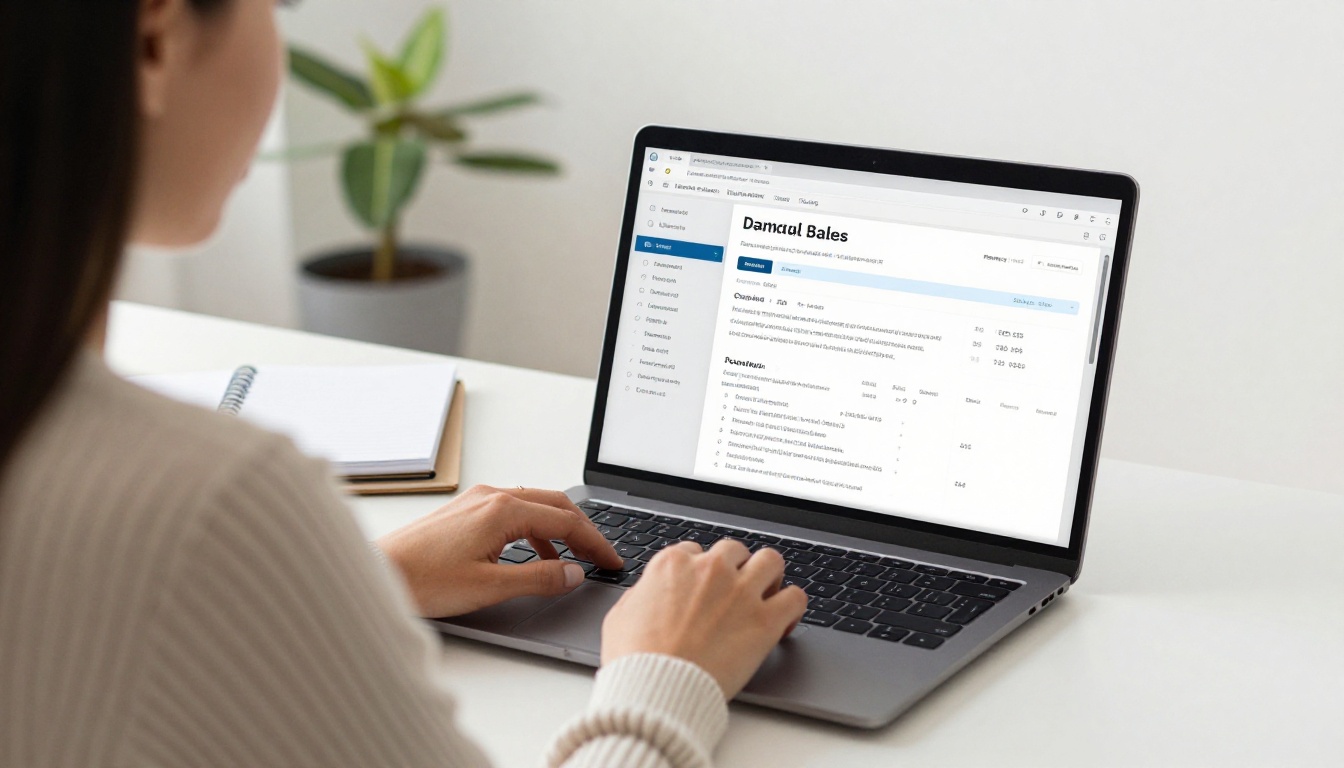
A preview is also a research tool. On the Professional plan, you get analytics showing how people interact with each flipbook.
Metrics Worth Watching
- Views: how many people open the preview
- Time spent: whether they flip a few pages or study the whole thing
- Drop-off page: where interest fades
- Device split: phone versus desktop behavior
Using the Data
If most visitors stop at page 6, that page may be confusing or dull. Swap it for something stronger. If viewers spend long on your budget tracker, move that spread earlier and mention it in your listing title. The numbers tell you which pages sell.
Lead generation is also available at the Professional level. You can ask for an email address before the later pages unlock, which builds a mailing list for new releases. Use it carefully, because forcing sign-ups can scare off casual shoppers. Many sellers keep the first ten pages open and gate only the bonus pages.
| Feature | Free Preview Link | Professional Plan |
|---|
| Page turning viewer | Yes | Yes |
| No watermarks | Yes | Yes |
| Custom branding | Basic | Full |
| Analytics | Limited | Detailed |
| Lead capture | No | Yes |
| Offline downloads | No | Yes |
Compare the options on the pricing page to see which tier fits the size of your shop.
Common Mistakes to Avoid

Sellers who try previews for the first time often trip over the same few issues.
Giving Away Too Much
If the preview contains every page, there is no reason to purchase. Choose pages that prove quality, then stop.
Ignoring Etsy Rules
Etsy has policies around off-platform links and communication. Read the current seller policies before placing links, and keep the preview as a product demonstration rather than a redirect to a different store. When in doubt, test placement in a single listing first.
Using Low-Quality Exports
A blurry preview hurts more than no preview. Export at full resolution and open the flipbook zoomed in to check that small text is crisp.
Forgetting Mobile Buyers
Wide layouts that look perfect on a laptop can feel cramped on a phone. Check both orientations and keep page numbers visible.
Skipping Updates
When you release a new version of your planner, replace the preview too. An outdated preview with old dates or missing pages creates the very doubts you wanted to remove.
A Simple Launch Checklist
Before you publish the link in a listing, run through this list:
- Preview PDF contains 10 to 30 chosen pages
- Tabs and internal links work after upload
- Viewer colors and logo match your shop
- Tested on phone, tablet and desktop
- Link placed in first lines of the description
- Final listing photo mentions the preview
- A baseline of current conversion rate and monthly messages is recorded
If you sell more than planners, the same process works for printable journals, recipe books, budget binders and course workbooks. The E-Book Flipbook Generator and the Digital Portfolio Creator are good starting points for those products.
Your Next Listing Starts Here
Buyers cannot touch a digital planner, so the best thing you can do is let them flip through it. A short, well-chosen preview answers questions, builds trust and gives your listing a feature that most competitors still lack.
Ready to try it? Create your free account on Flipbooks AI and upload your first preview today. Browse the full tools directory for other formats, and review the pricing plans when you want analytics and lead capture for your growing shop.



