You built a booklet on a quick mobile tool, shared the link, and it looked fine on a phone. Then the real requests arrived: a menu that matches your brand, a mini catalog with a price list, a PDF your customers can actually flip through. That is usually the moment owners start searching for Simplebooklet alternatives for booklets, menus and mini catalogs. This article compares the realistic options, shows where each one fits, and walks through how to build the same project on Flipbooks AI, a platform that turns a PDF into a page-turning flipbook.

Simplebooklet is built around scrolling, mobile-first pages. That is a good fit for a one-off event invite or a short product sheet. It becomes a poor fit when your content already exists as a designed PDF, when you want a realistic page-turn feel, or when you need to hand out the same file in print and online.
The most common reasons owners look elsewhere:
- Branding limits. Your menu must look like your restaurant, not like a template.
- Existing PDFs. You paid a designer. Rebuilding every page by hand wastes that work.
- Pricing that scales badly. Per-booklet or per-seat costs add up when you run seasonal menus.
- Sharing needs. You want a QR code, an embed on your site and a private link for wholesale buyers.
- Reporting. You want to know which pages people open and who asked for a quote.
💡 Pro tip: Write down your three must-haves before you test any tool. A list of three beats a feature checklist of thirty.
What Counts as a Real Alternative
Not every tool that makes a digital document is a replacement. For booklets, menus and mini catalogs, a good alternative needs to handle five jobs.
- Accept a PDF or build pages from scratch.
- Display it well on phones, tablets and desktops.
- Let you control branding, colors and the link.
- Offer more than one way to share it.
- Stay affordable when you publish more than one document.
Tools fall into three groups: flipbook converters, drag-and-drop page builders, and general design suites that export interactive PDFs.
| Tool Type | Best For | Typical Weakness |
|---|
| Flipbook converters | Turning finished PDFs into page-turning files | Less suited to building pages from nothing |
| Page builders | Short scrolling booklets and landing-style pages | Weak print workflow |
| Design suites with export | Teams that already design in them | Learning curve and file weight |
Flipbook converters
A converter takes your PDF and produces a realistic page-turn experience. Your design stays untouched. This is the strongest route when a designer already delivered a menu or catalog.
Page builders
Builders let you stack blocks of text, images and buttons. They are quick, but the result feels like a web page, not a booklet.
Design suites
Large design platforms can export interactive PDFs, yet hosting, tracking and a shareable link usually need another tool.
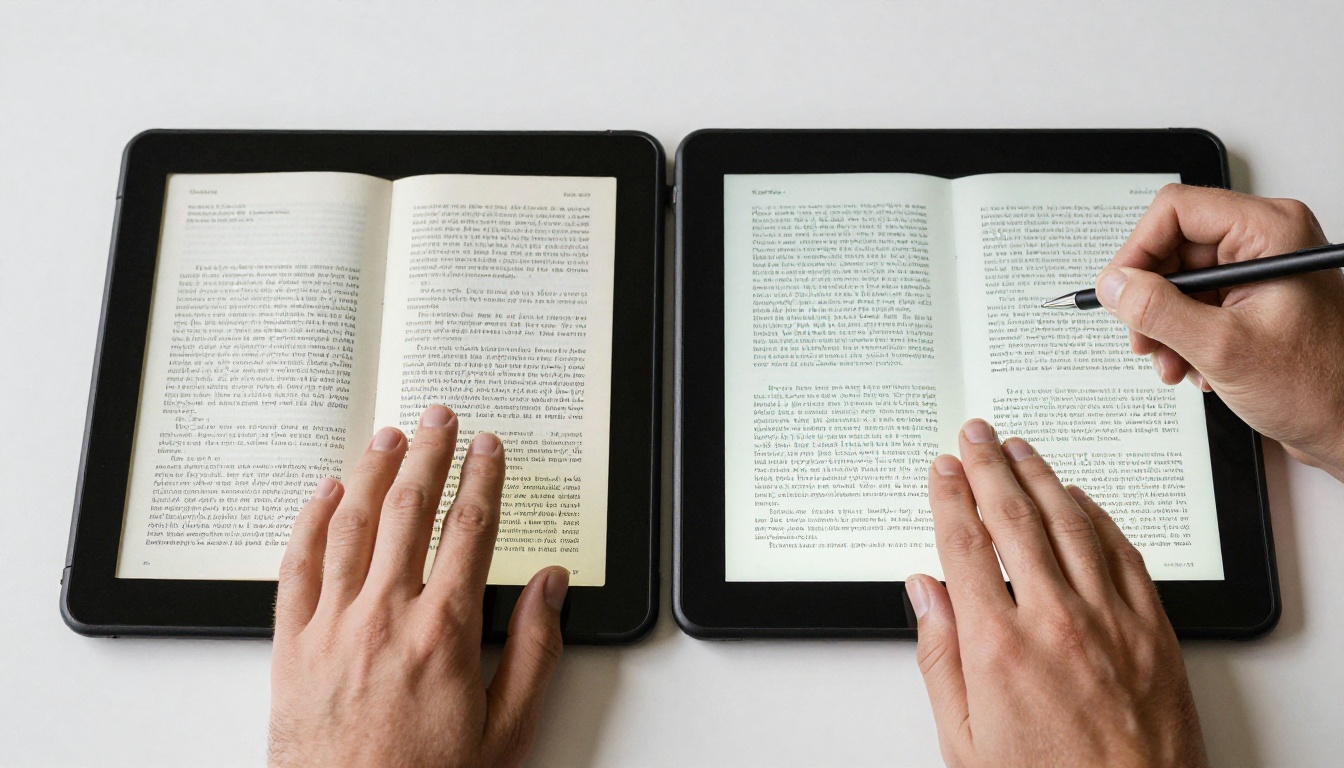
Side-by-Side Feature Comparison
Here is a practical comparison of the feature groups that matter for small businesses. Check each vendor's current page before you buy, since plans change often.
| Feature | Mobile Page Builders | Flipbooks AI | Design Suite Exports |
|---|
| Starts from an existing PDF | Limited | Yes | Yes, but needs hosting |
| Realistic page-turn effect | Rare | Yes | No |
| No watermark | Depends on plan | Yes, always | Not applicable |
| Password protection | Higher plans | Yes | Manual setup |
| QR code and direct link | Yes | Yes | Needs extra tool |
| Embed on your website | Yes | Yes | Needs extra tool |
| Lead capture and page analytics | Higher plans | Professional plan | Separate tools |
| Offline download | Rare | Yes | Yes |
| Embedded video and audio | Yes | Yes | Limited |
The pattern is clear. If your starting point is a PDF and your goal is a branded, shareable flipbook, a converter wins on effort. If you are writing a short booklet from scratch on your phone, a builder may be enough.
Restaurants and cafes have one extra pressure: menus change. Prices move, dishes sell out, seasons shift. The right tool lets you swap a file without printing new QR codes.
What a menu tool must do
- Keep the same link after you replace the PDF.
- Load fast on weak mobile data inside a basement dining room.
- Show clear text at phone size.
- Support allergen pages, wine lists and kids menus as separate files or sections.
A real example
A cafe owner keeps three files: breakfast, lunch and a drinks list. Each one is a PDF from the designer. She turns each into a flipbook, prints one QR code per table, and updates the file each season. Customers scan, flip, and order. No reprinting.
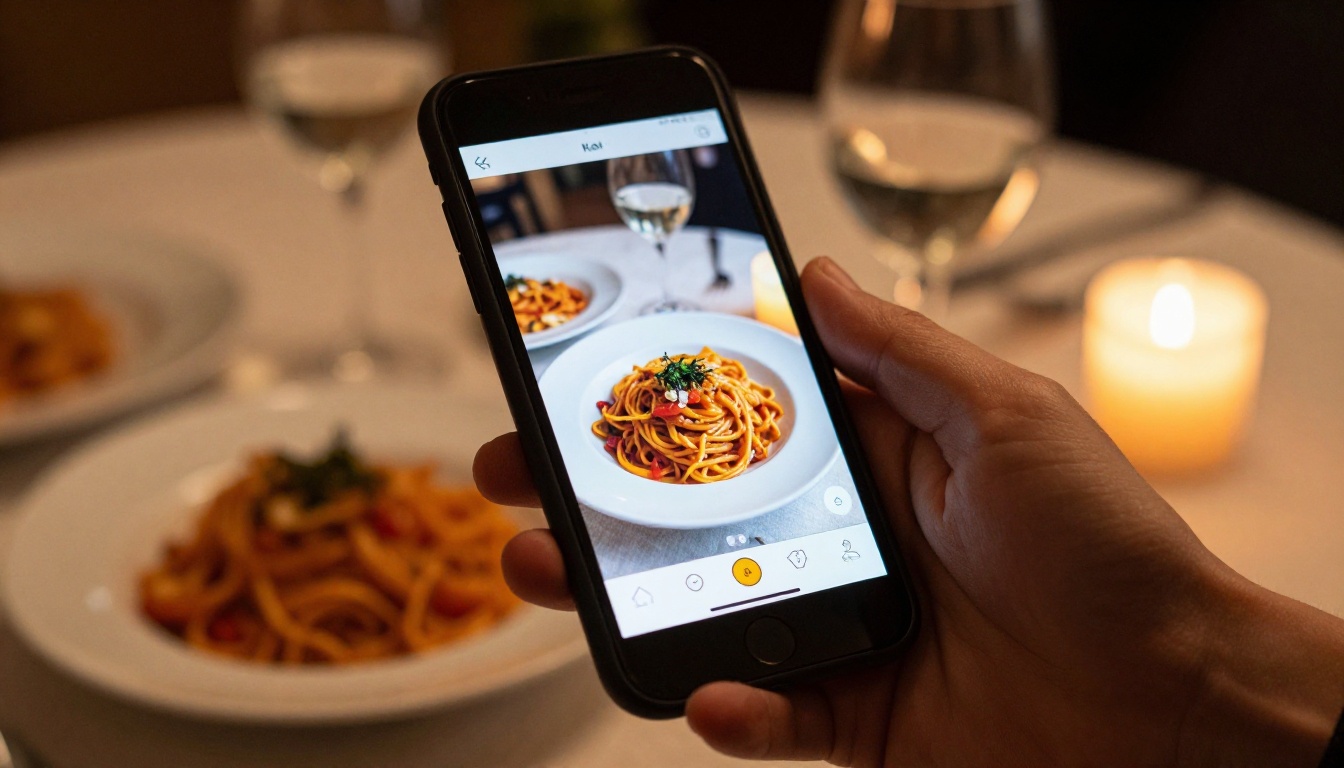
For this job, the Restaurant Menu Creator and the Menu Flipbook Designer are built around it. If you run a spa, the Spa & Wellness Menu tool fits treatment lists and package pricing.
✅ Best practice: Keep menu PDFs under 10 MB and use a font size that reads clearly on a phone held at arm's length.
Best Options for Mini Catalogs
A mini catalog is a short product showcase, often 8 to 24 pages. Boutiques, florists, craft sellers and wholesalers use it to send buyers a tidy overview of what they sell.

What matters most
- Image quality. Product photos must stay sharp when zoomed.
- Price visibility. Buyers want prices on the page, not behind a form.
- Private sharing. Wholesale prices should not be public.
- Easy updates. A new season should mean a new file, not a new link.
A real example
A florist sends one flipbook to event planners with a private password, and another public one on her website for walk-in customers. Same bouquets, two prices, two links. This kind of split is hard on simple builders and routine on a converter with password protection.
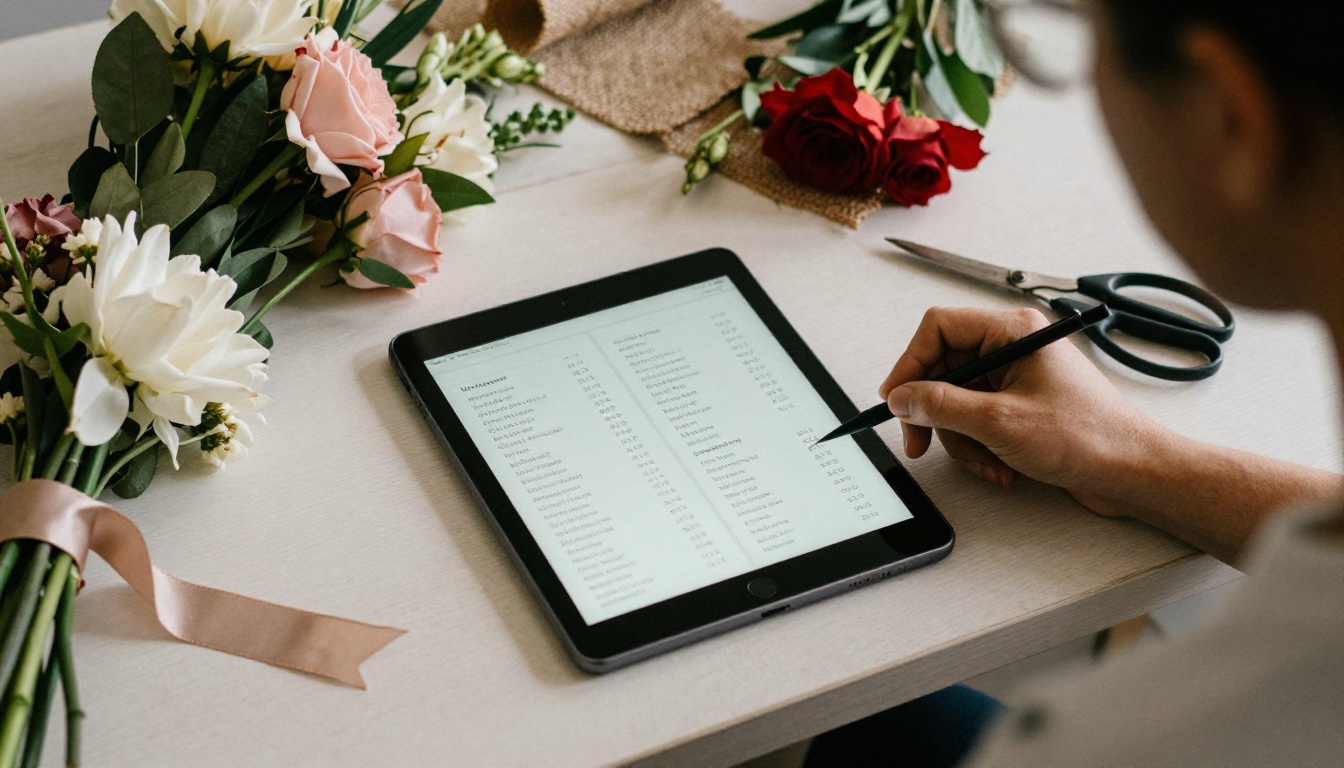
For this work, try the Product Catalog, the Digital Catalog Maker or the Digital Price List Generator.
Booklets: Guides, Programs and Brochures
Booklets cover everything from welcome packs to event programs to hotel info sheets. Here, length and tone decide the tool.
| Booklet Type | Length | Best Format |
|---|
| Event program | 4 to 12 pages | Flipbook with QR code at the venue |
| Welcome pack | 6 to 20 pages | Flipbook embedded on a booking page |
| Real estate brochure | 8 to 16 pages | Flipbook shared by link |
| Training handout | 10 to 40 pages | Flipbook with offline download |
A real estate agent, for example, can send a brochure link before a viewing. The couple opens it on a tablet, and the agent sees which pages got attention.

Relevant tools include the Real Estate Brochure, Hotel Brochure and Event Program Maker.
This is the full workflow on Flipbooks AI. It takes about ten minutes once your PDF is ready.

Step 1: Create your account
Open Flipbooks AI and sign up. You can start with a free plan and move up later.
Step 2: Upload your PDF
- Click the upload button on the dashboard.
- Choose your PDF. Export it from your design tool at 150 DPI for a good balance of sharpness and speed.
- Wait for conversion. Each page becomes a flippable spread.
The PDF to Flipbook Converter handles this step for any PDF.
Step 3: Customize the look
- Set your brand colors and background.
- Add your logo.
- Pick the page effects and sound.
- Add video or audio on pages that need it, like a chef's welcome or a product demo.
Step 4: Choose how to share
- Direct link for email and messaging.
- Embed code for your website. See how to embed a flipbook on your site.
- QR code for table cards, window signs and packaging.
- Password protection for wholesale or internal files.
Step 5: Turn on pro features
On the Professional plan you can add lead capture, track page views and allow offline downloads. Check the pricing plans to see which tier matches your volume.
⚠️ Warning: If you replace a file, keep the same flipbook entry so printed QR codes keep working. Do not delete and re-create it.
Pricing and Value Check
Price comparisons depend on how many documents you publish, so work from your own numbers.
| Your Situation | What to Watch |
|---|
| One booklet a year | A free or low tier is enough |
| Seasonal menus, 4 to 8 files | Unlimited flipbooks matter |
| Multiple client catalogs | Branding and password options matter |
| Lead generation goals | Analytics and capture forms matter |
Flipbooks AI offers unlimited flipbooks on the Standard plan and above, never adds a watermark, and unlocks analytics and lead generation on Professional. Compare each option on the pricing page against what you pay now.
Common Mistakes When Switching

Rebuilding what already exists
If you have a PDF, do not rebuild it page by page. Convert it.
Ignoring mobile testing
Open your finished flipbook on a real phone with a weak connection. If text is hard to read, fix the PDF, not the tool.
Forgetting the old link
When you move away from a previous tool, redirect or update every place the old link lives: your website, social bios, printed cards and email signatures.
Skipping analytics
Without numbers you guess. Even simple page-view counts show which menu section or product page earns attention.
A Quick Checklist for Choosing
Use this list before you commit.
- Do I start from a PDF or a blank page?
- Do I need a page-turn effect or a scrolling page?
- Will I publish more than three documents a year?
- Do I need a private link for some files?
- Do I need to track opens or collect leads?
- Does the tool add a watermark on my plan?
If you answered "PDF", "page-turn", "yes", "yes" and "no watermark", a flipbook converter is your best match.
Ready to Make the Switch?
Moving from a quick mobile booklet tool to a proper flipbook does not mean starting over. Bring the PDFs you already have, add your branding, and share them with a link, a QR code or an embed.
Your customers already have their phones in hand. Give them something worth flipping through.



