A skier decides where to spend a week in about the time it takes to ride one chairlift. They flip through a few photos, glance at prices, check whether the beds are close to the snow, and move on. Your brochure has to win that glance. The best ski resort brochure ideas for lift passes, lessons and lodging put all three decisions on a single, easy path, and today you can publish that path as an interactive flipbook with Flipbooks AI instead of a static PDF nobody opens.
This article walks through what to put on every page, how to price and present each product, and how to turn a printed layout into a digital brochure guests can flip on their phones in the lift line.
Why Ski Brochures Still Win
Search results and social feeds are crowded with resort photos. A brochure does something different: it bundles the decision. A guest who reads a pass page, a lesson page and a lodging page in one sitting books more nights than one who sees three separate web pages.
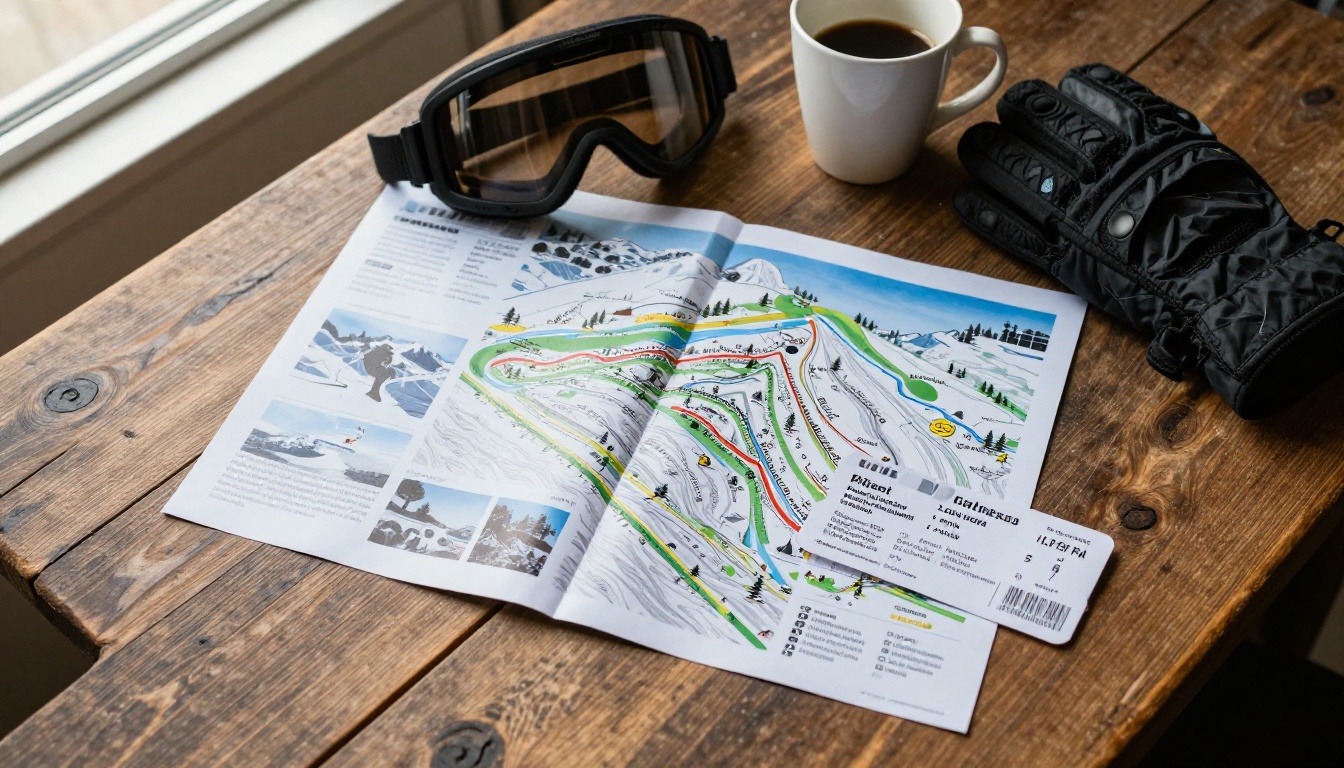
Here is where brochures earn their place:
- Travel agents and tour operators forward them to clients.
- Hotel front desks hand them out to walk-in guests.
- Group organizers (schools, clubs, corporate trips) use them to compare resorts.
- Email and QR codes carry them to guests who are still planning.
Print Versus Flipbook
| Format | Strength | Weakness | Best Use |
|---|
| Printed trifold | Easy to grab at a kiosk | Prices go stale each season | Visitor centers |
| Static PDF | Cheap to produce | Awkward on phones, no tracking | Email attachments |
| Interactive flipbook | Updates instantly, mobile friendly, trackable | Needs a link or QR code | Websites, social, partners |
💡 Pro tip: Keep the printed trifold for the lobby, but make the flipbook your master version. Update the flipbook once and every QR code in the valley points to fresh prices.
Plan the Brochure Around the Guest Journey
Before you design a single page, map the order guests think in. Most ski trips follow the same sequence of questions.
- Where is it and how do I get there?
- What will it cost to ski?
- Can the kids or beginners learn here?
- Where do we sleep and eat?
- What else is there when the lifts close?
A brochure that follows this order feels like a conversation. One that opens with the resort history and buries prices on page 14 feels like homework.
A Simple Page Map
| Page | Content | Goal |
|---|
| 1 | Hero photo, tagline, season dates | Create desire |
| 2 | Resort at a glance: vertical drop, lifts, runs | Build credibility |
| 3 | Trail map overview | Show variety |
| 4 to 5 | Lift passes | Convert to ticket sales |
| 6 to 7 | Lessons and kids programs | Reach families |
| 8 to 10 | Lodging and packages | Drive nights booked |
| 11 | Dining and apres ski | Raise spend per guest |
| 12 | Getting here, contacts, booking links | Close the sale |
Lift Pass Page Ideas
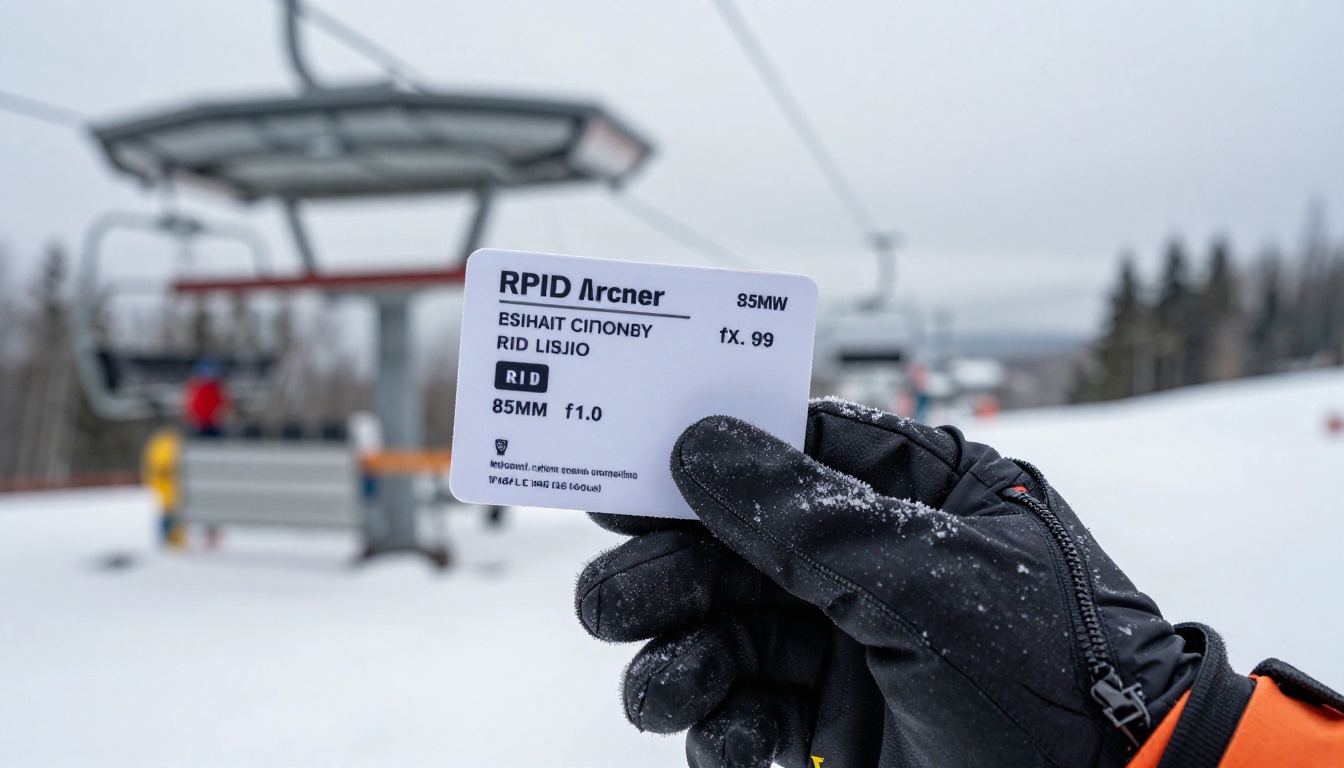
The pass page is where money changes hands, so it needs the cleanest design in the whole brochure.
Lead With a Comparison Table
Guests compare passes the way shoppers compare phone plans. Give them a table and they will find the right option in seconds.
| Pass Type | Best For | Typical Perk | Booking Window |
|---|
| Single day | Weekend visitors | Flexible date | Online or at the window |
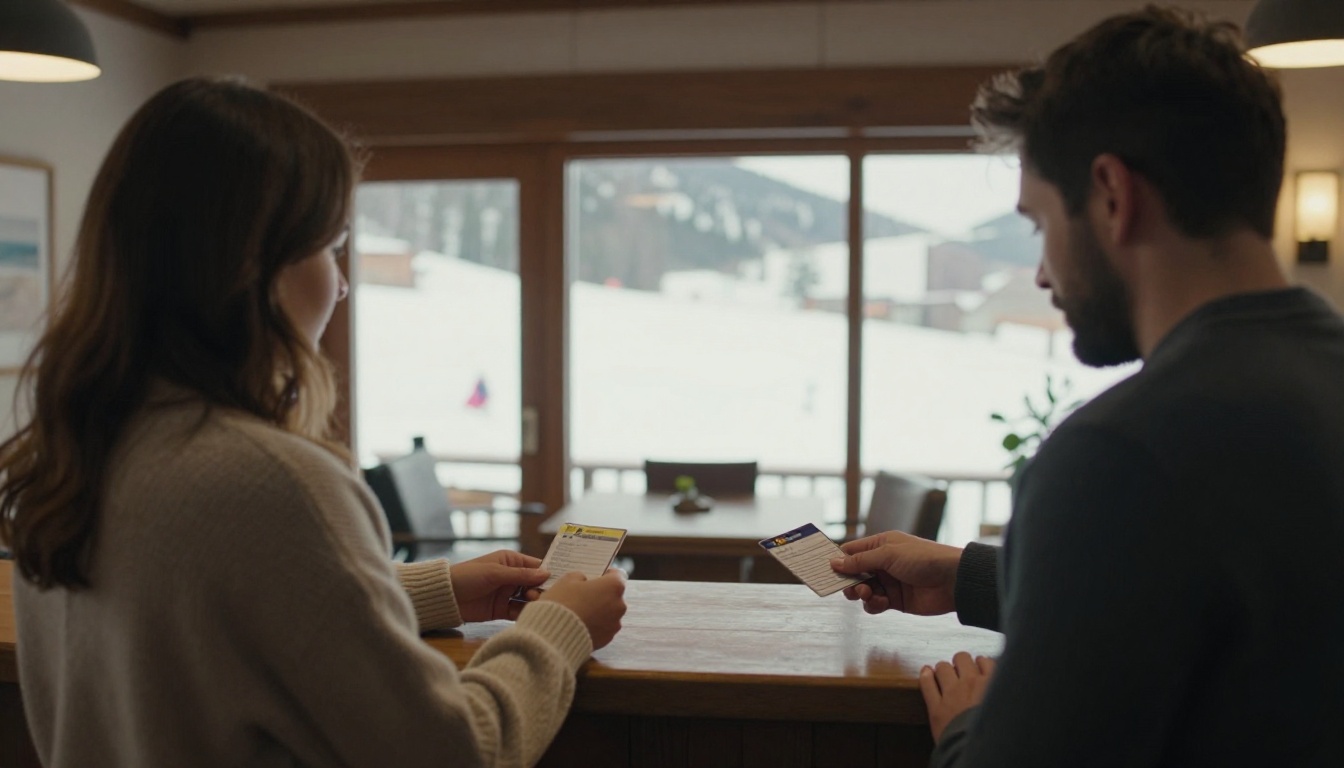
| Multi day (3 to 7) | Week long trips | Lower price per day | Book early for discounts |
| Season pass | Locals and regulars | Unlimited days | Spring early bird |
| Night skiing add on | Evening skiers | Cheaper after 4 pm | Same day |
| Beginner area ticket | First timers | Learning lifts only | Same day |
Make Savings Obvious
- Show the price per day for multi day passes, not only the total.
- Add a bold line such as "Book online and save" beside the early window.
- Include a small panel for child, teen, senior and student rates.
- Mention whether the pass is a reloadable card, so guests know about deposit fees.
⚠️ Warning: Never print a price you cannot honor all season. Use a flipbook for rates that change with dates, and print only the structure (day count, age bands) on paper.
Add a Trail Map Spread
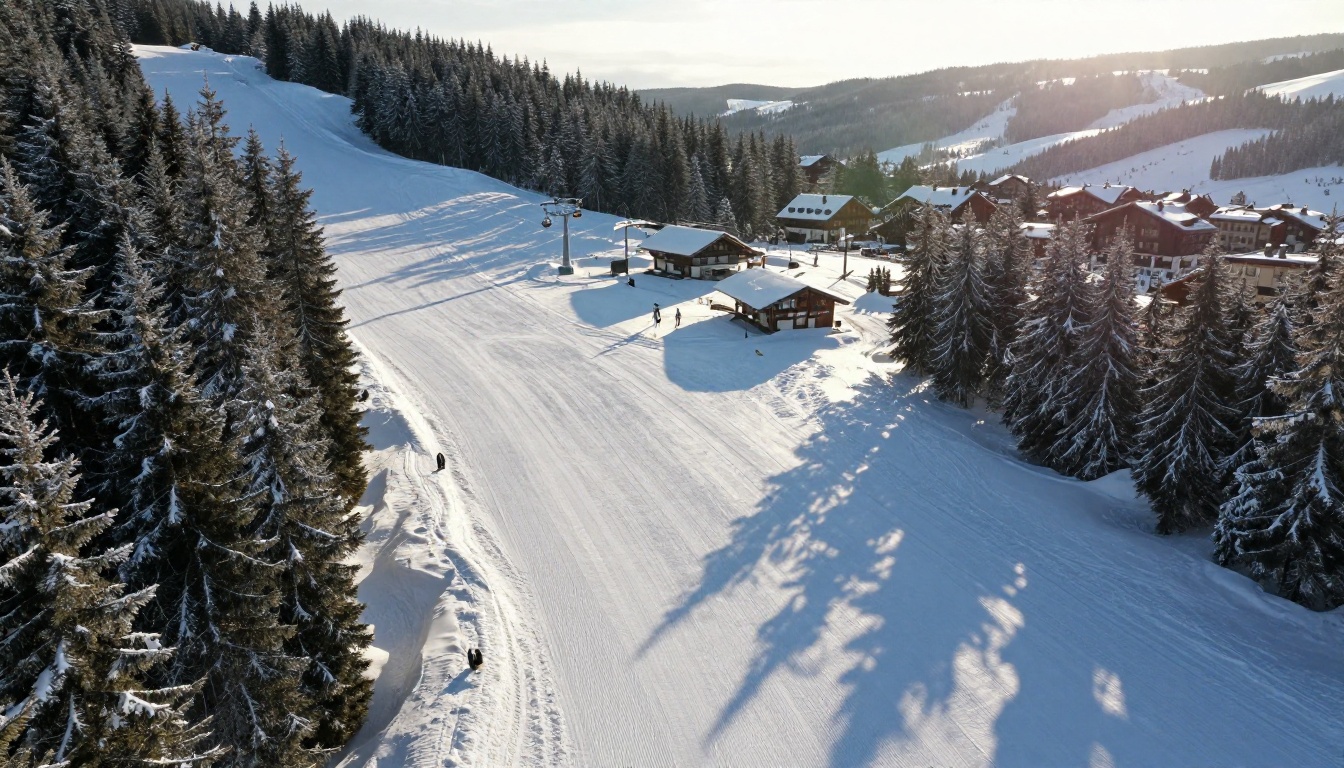
A trail map belongs next to the pass page because it answers the unspoken question: "Is there enough skiing here for my group?" Use a clean aerial image, color code the difficulty, and keep labels short.
Ski Lessons That Sell Themselves
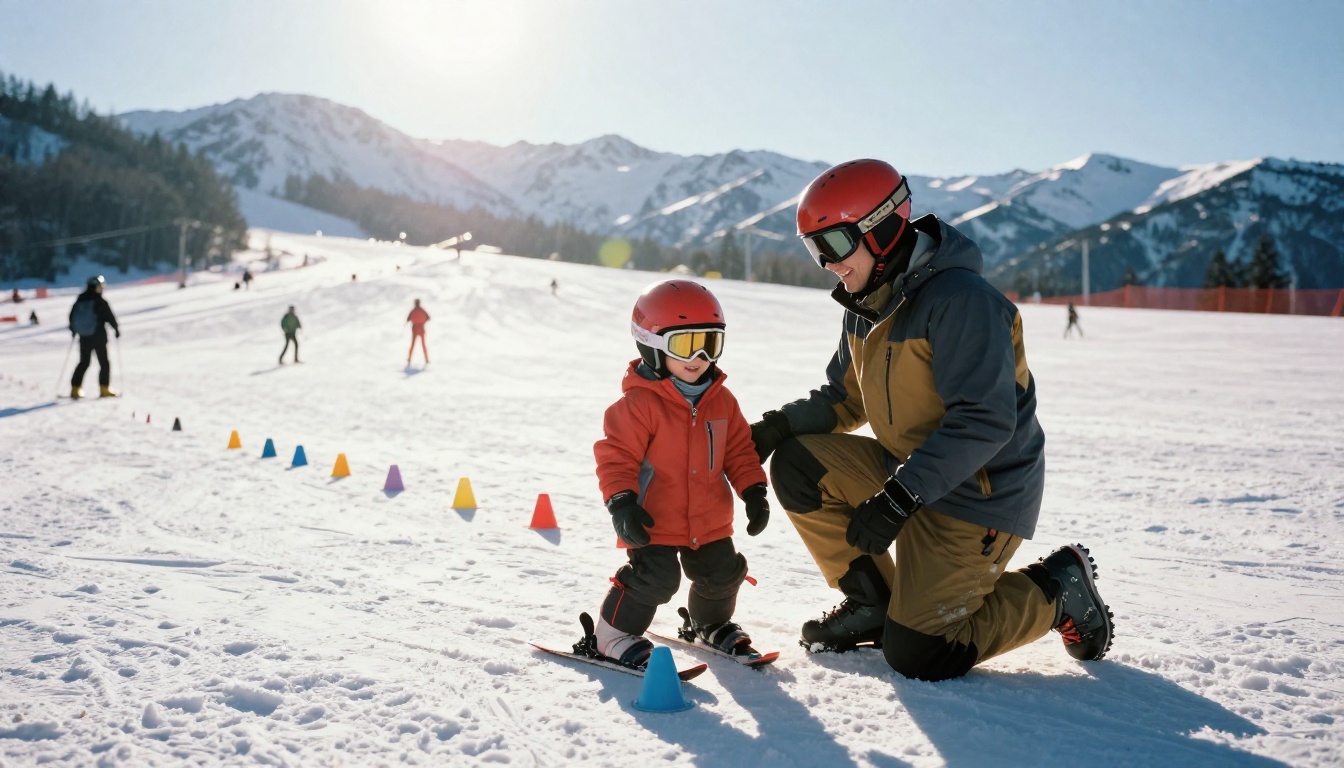
Lessons are the highest margin product at most resorts, yet they are often the least visible. A strong lesson spread can change that.
Sort Lessons by Skill, Not by Product Name
Guests do not know what "Level 2 Progression Pack" means. They know whether they are a beginner, comfortable on greens, or looking to try powder.
| Guest Type | Lesson Format | Suggested Length | Brochure Hook |
|---|
| Never skied | Group first timer | 2 hours | "Ride the magic carpet by lunch" |
| Kids 4 to 6 | Small group with games | Half day | "Snow play meets real skiing" |
| Teens | Freestyle or snowboard camp | Full day | "Land your first jump" |
| Intermediate adults | Technique clinic | 3 hours | "Carve with confidence" |
| Families | Private family lesson | 2 hours | "Everyone learns together" |
Ideas That Work
- A real instructor photo with a first name and a one line bio builds trust.
- Ratio promises such as "no more than six per group" calm worried parents.
- Bundles that combine a beginner ticket, rental and lesson in one price reduce decision fatigue.
- A mini FAQ answering "What do I wear?" and "Where do I meet?" prevents day of confusion.
✅ Best practice: Put the meeting point photo on the lesson page. Guests relax when they can picture exactly where they will stand at 9 am.
Rentals Belong Here Too
Add a short rental table (skis, snowboard, helmet, boots) with half day and full day prices, and note that online pre-booking saves time at the counter.
Lodging Pages That Fill Rooms
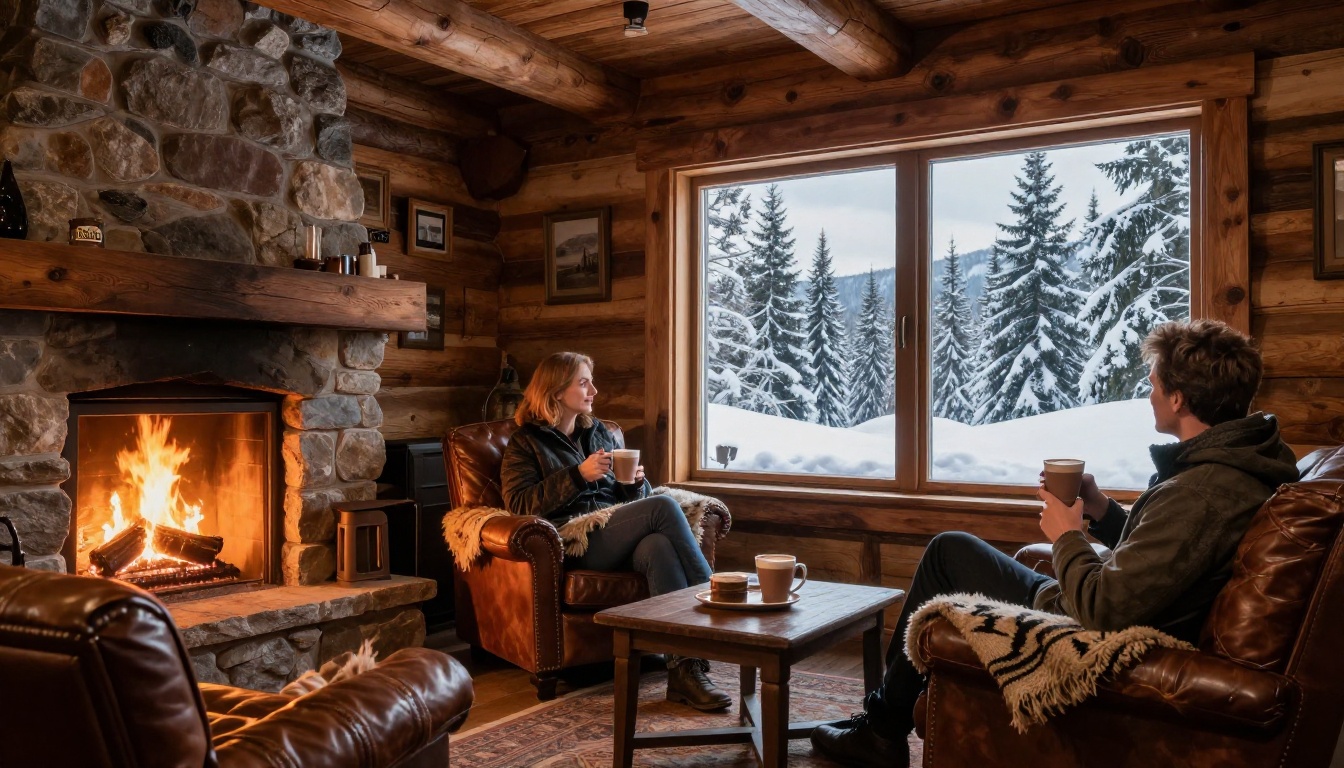
Lift tickets bring day visitors. Lodging brings revenue for the whole week. Treat the lodging pages as a separate mini brochure.
Show Distance to the Lift
Ski in, ski out. Five minute walk. Shuttle every twenty minutes. Whatever your honest answer is, put it in a bold line on every property card. It is the single most searched detail in ski accommodation.
Compare Room Types Side by Side
| Room Type | Sleeps | Best For | Includes |
|---|
| Standard double | 2 | Couples | Breakfast, boot dryer |
| Family suite | 4 to 5 | Parents with kids | Kitchenette, bunk beds |
| Slopeside apartment | 6 to 8 | Groups | Full kitchen, fireplace |
| Alpine chalet | 8 to 12 | Large parties | Private hot tub, ski room |
Each row should link to a booking page. In a flipbook, you can add clickable hotspots right on the table, so a guest taps "Family suite" and lands on the reservation form.
If you run a hotel or lodge, the Hotel Brochure Designer is a good starting point for property pages.
Package Ideas Worth Printing
- Stay 5, ski 4: one free lift day on a five night booking.
- Family Week: lodging, kids lessons and rental at one price.
- Weekend Warrior: two nights, two day passes, dinner voucher.
- Midweek Escape: reduced rates Sunday to Thursday to fill quiet nights.
- Learn and Lounge: beginner lesson, spa credit and fireside dinner.
Packages work because they remove math. A guest who sees one total price is far more likely to book than one who must add three line items.
Show the Whole Mountain Lifestyle
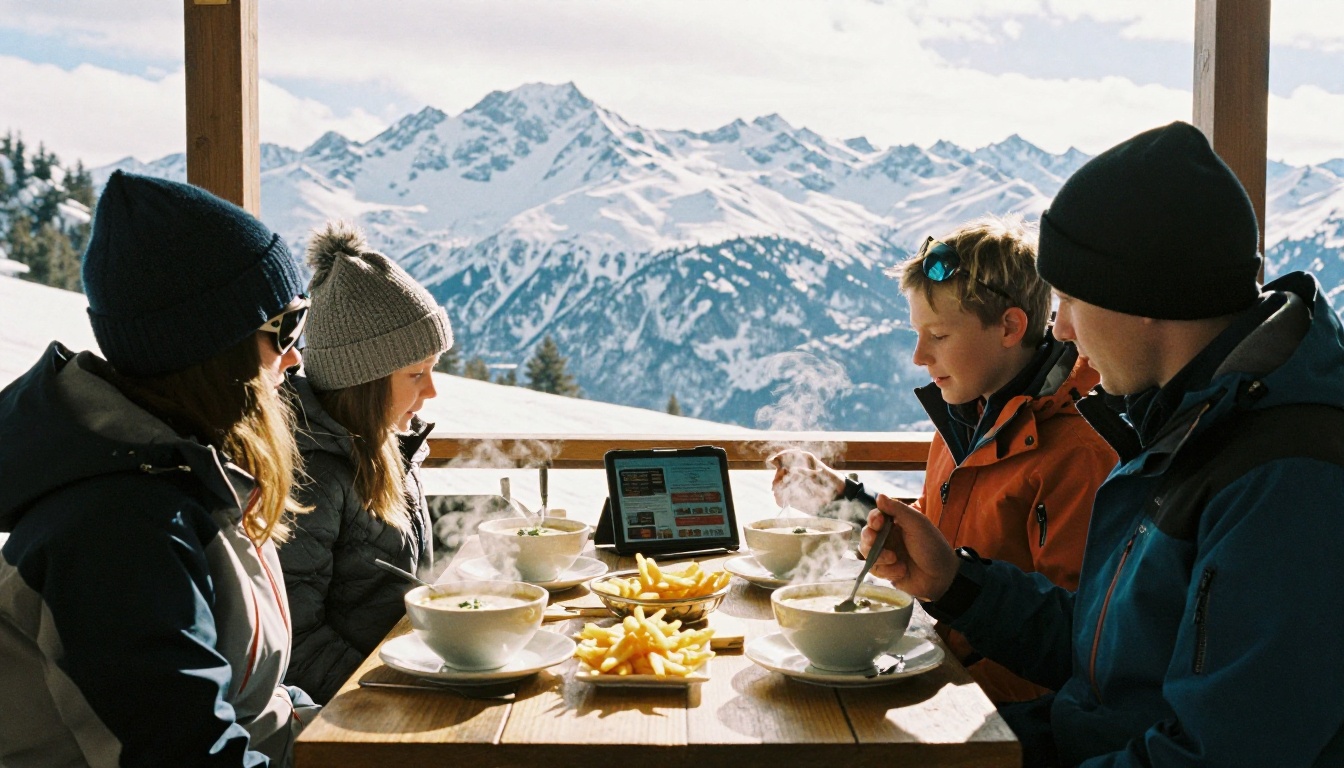
Not every guest skis every hour. A page about dining, spas and evening atmosphere raises spend and attracts non-skiing partners.
Dining and Apres Ski
- List on-mountain restaurants with a one word style tag: Casual, Fondue, Fine dining.
- Add opening hours in a small table.
- If you operate spas, link a Spa & Wellness Menu flipbook right from the brochure.
- Restaurants can publish their own menus using the Restaurant Menu Creator.
Evening Atmosphere
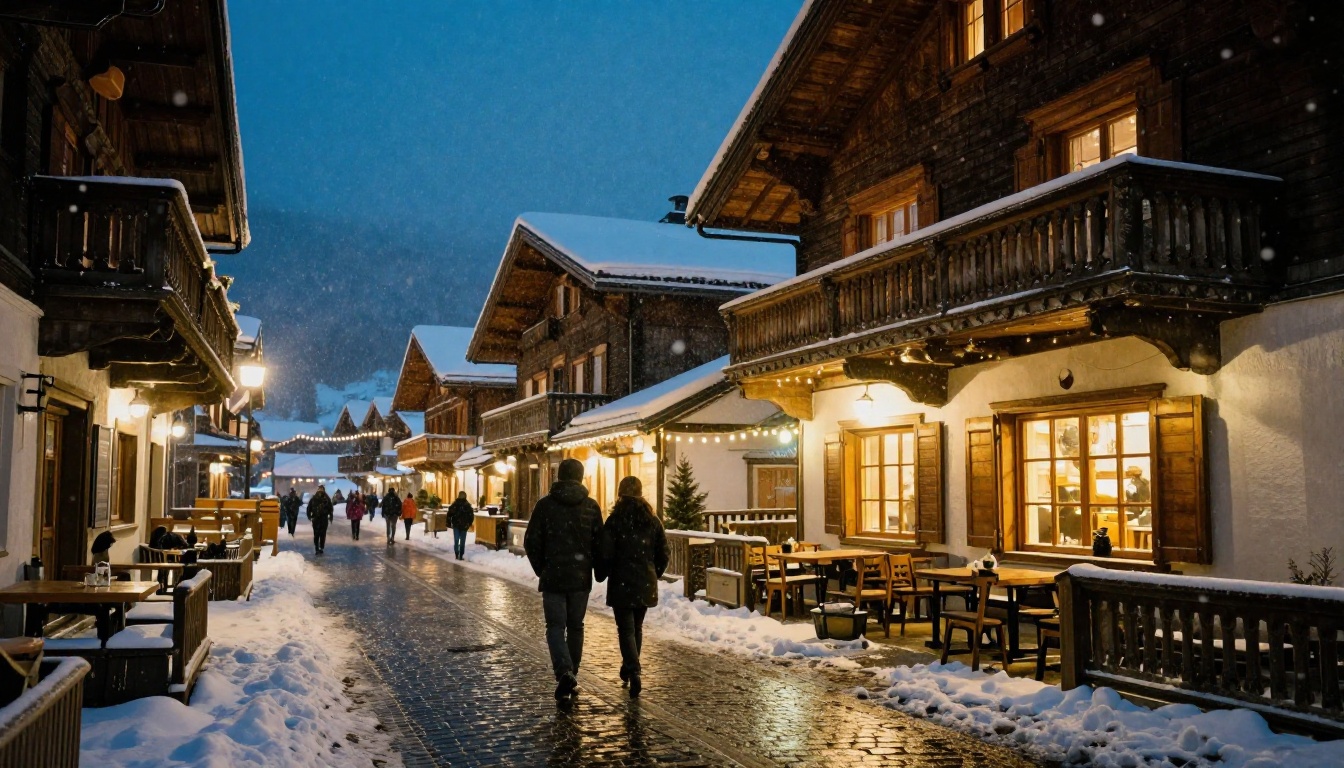
A night photo of the village with lit windows and falling snow sells the trip better than any paragraph.
Seasonal Variants
| Season Stage | Brochure Emphasis |
|---|
| Early season | Snow guarantee, early bird passes |
| Peak winter | Packages, lessons, availability |
| Spring skiing | Sunshine, terrace dining, lower rates |
| Summer | Hiking, biking, event programs |
Design Rules for Better Ski Brochures
Photography
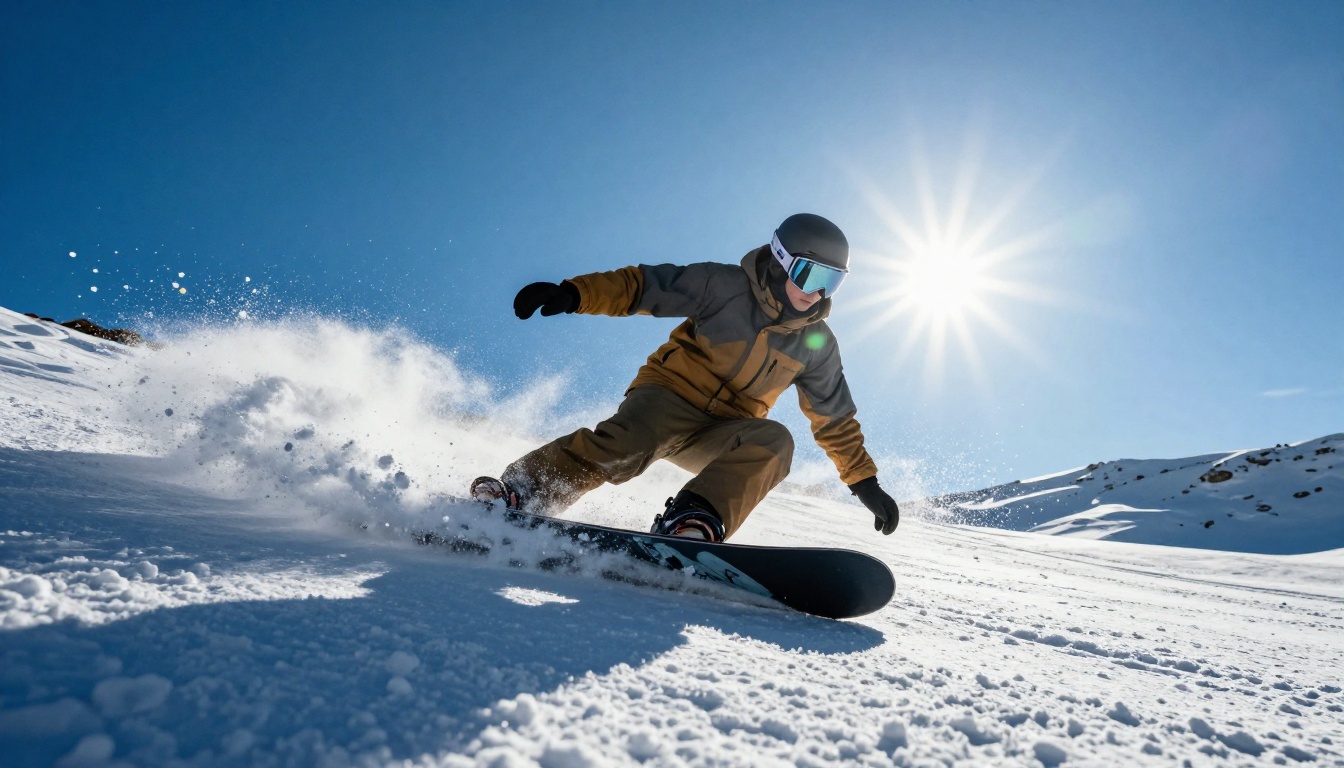
Use real snow, real light and real people. Wide shots of the mountain set the mood, but close details (a lift pass, steam from a cup, a child grinning in a helmet) make guests feel something. Vary the angles: aerial, low, eye level.
Typography and Layout
- Use one headline font and one body font.
- Keep body text above 11 pt in print, and readable on a phone in digital form.
- Leave generous white space around prices.
- Color code sections: blue for passes, green for lessons, warm orange for lodging.
Words That Convert
- Write short sentences. Skiers read in gloves.
- Replace "premier alpine destination" with something concrete: "42 runs, 9 lifts, 5 minutes from the village."
- Keep every call to action specific: "Book your family week," not "Click here."
💡 Pro tip: Read every page aloud. If you would never say the sentence to a guest at the ticket window, rewrite it.
How to Create Your Ski Brochure With Flipbooks AI
Once your layout is finished in your design tool, publishing it as an interactive brochure takes minutes.
- Sign in. Create an account on Flipbooks AI and open your dashboard.
- Upload your PDF. Drag in the finished brochure. The PDF to Flipbook Converter turns each page into a flippable spread.
- Customize the look. Add your logo, set brand colors, choose a page turn effect and pick a background that matches your alpine palette.
- Add multimedia. Embed a short trail video, a lift ride clip or ambient mountain audio directly on the page.
- Add links. Turn the lift pass table, lesson cards and room types into tappable buttons pointing to your booking engine.
- Protect private content. Use password protection for partner rate sheets or group sales brochures.
- Share it. Copy the direct link, generate a QR code for lobby posters, or follow the Embed Flipbook on Website instructions to place it on your homepage.
The finished version is mobile responsive, carries no watermarks, and supports offline downloads for guests with patchy mountain signal. For a polished layout from scratch, try the Brochure Flipbook Maker or the Online Brochure Designer. If you also publish destination content, the Travel Guide Flipbook tool pairs nicely.
Which Plan Fits a Resort?
| Need | Suggested Plan |
|---|
| One seasonal brochure | Standard |
| Multiple brochures (passes, lessons, lodging) | Standard with unlimited flipbooks |
| Analytics and lead capture from interested guests | Professional |
See the current options on the pricing page. Analytics are especially useful: you can see which page guests spend the most time on, and whether lodging or lessons deserve more space next winter.
Real Examples You Can Borrow
A family resort builds a four page "Family Week" flipbook: pass table, kids lesson schedule, apartment options, one bundle price. The QR code sits on the confirmation email for every inquiry.
A boutique lodge publishes a single flipbook with room types, a fondue dinner menu and a shuttle schedule. Guests open it on arrival from the QR code on their key card sleeve.
A tour operator shares a password protected flipbook of resort comparison sheets with travel agents, updated each month without reprinting anything.
A small ski school posts a lesson flipbook on social media, with a clickable calendar and instructor bios, and watches bookings rise before school holidays.
Common Mistakes to Avoid
- Hiding prices. Guests assume the worst if they cannot find them.
- Too many photos of empty slopes. People sell the trip. Show them.
- Missing dates. Always state the season opening and closing dates.
- No next step. Every spread should end with a link or QR code.
- Forgetting mobile. If it cannot be read on a phone in cold weather, it will not be read.
Your Season Starts Here
A brochure that organizes lift passes, lessons and lodging into one clear story helps guests book faster and spend more. Build the layout, add honest prices, show real people having fun, and publish it where guests already are.
Ready to build yours? Get started for free on Flipbooks AI, browse all flipbook tools to find the right template, or compare pricing plans to pick the one that fits your resort.



