Every brochure makes big promises. Every prospect has read a hundred of them. What actually moves a buyer from "maybe" to "send me the quote" is evidence that other people already took the risk and came out happy. That evidence is social proof, and it is the fastest way to make a sales brochure believable. If you build your brochures as interactive flipbooks with Flipbooks AI, you can also track which proof elements people actually read. This article walks through the practical tips, with examples, tables, and a tutorial you can follow today.
Why Social Proof Works in Print
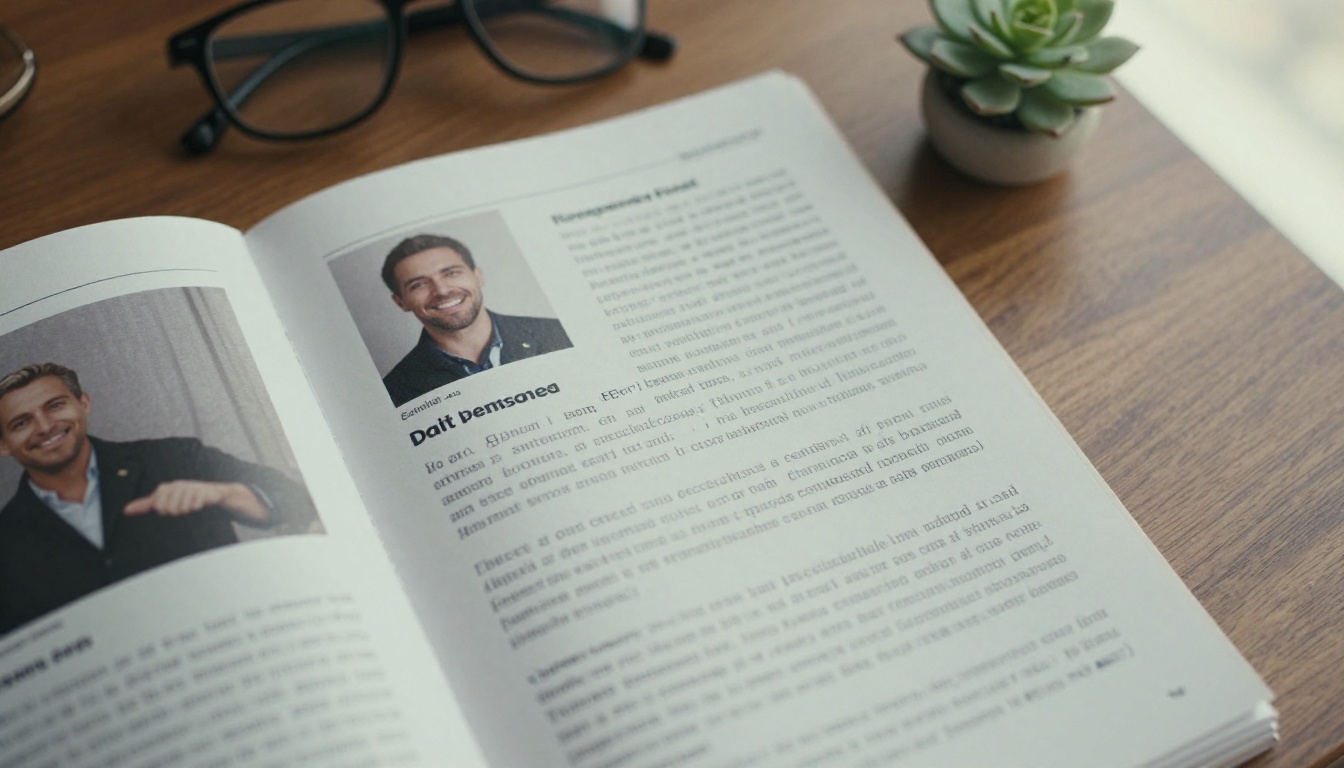
People copy people. When a buyer is unsure, they look for signals from others who faced the same decision. A brochure that says "we are the best" asks for blind faith. A brochure that shows a named customer saying "we cut onboarding time by 40%" lets the buyer borrow someone else's confidence.
Social proof matters even more in sales brochures because the reader is usually mid-decision. They already know roughly what you sell. They are now checking one thing: is it safe to pick you?
The Trust Gap in Sales Materials
Most brochures have a trust gap. The headline claims, the feature list brags, and the price section asks for money, but nowhere does a real customer appear. Closing that gap is the single most useful edit you can make to an existing brochure.
What Buyers Actually Look For
Research on buying behavior keeps pointing to the same short list:
- Someone like me who solved a similar problem
- Specific results with numbers, not vague praise
- Recognizable names or logos that signal credibility
- Recent proof, not testimonials from five years ago
- Third-party validation such as awards, ratings, and certifications
💡 Pro tip: Read your brochure from the buyer's chair. At every claim you make, ask "says who?" If the answer is only "us," add proof.
The Seven Types of Social Proof
Not every type fits every brochure. Pick the ones that match your buyer and your budget. This table compares the main options.
| Proof Type | Best For | Effort to Collect | Trust Impact |
|---|
| Written testimonials | Almost any brochure | Low | Medium |
| Case studies | High-ticket B2B sales | High | Very high |
| Customer logos | Enterprise and SaaS | Low | Medium to high |
| Numbers and stats | Services, software, retail | Medium | High |
| Star ratings and reviews | Consumer products | Low | High |
| Awards and certifications | Regulated or premium sectors | Medium | High |
| Video or audio quotes | Interactive and digital brochures | Medium | Very high |
A good rule: use at least three different types in one brochure. Variety feels more honest than ten testimonials stacked on one page.

Testimonials That Convince
A weak testimonial sounds like this: "Great service, highly recommend!" A strong one sounds like this: "We went from 12 hours of quoting a week to 3, and our close rate went up by a fifth. Maria Lopez, Operations Manager, Brightline Logistics."
Make Quotes Specific
Specific beats enthusiastic every time. When you ask customers for a quote, give them a prompt:
- What problem were you facing before?
- What changed after you started working with us?
- What number can you attach to that change?
- Who would you recommend us to?
Add a Face, a Name, and a Role
A quote with no name looks invented. Include the full name, job title, company, and a real photo whenever you can. A small headshot raises believability more than almost any design tweak. If a customer will not allow a photo, a company logo is the next best thing.
Pull the Best Line Out Large
Do not bury your strongest sentence inside a paragraph. Pull it out in large type, put it near the page's main message, and link it to the full story on a later page. Readers skim brochures, so the pull quote is often the only part they read.
✅ Best practice: Place one strong testimonial on the first or second spread, not only on the last page. Many readers never reach the last page.
Numbers Beat Adjectives
"Trusted by thousands" is a slogan. "Trusted by 4,812 teams in 63 countries" is a fact. Odd, precise numbers read as honest because nobody invents them.
Stats Worth Showing
- Number of customers, clients, or users
- Years in business
- Projects delivered or units sold
- Average time saved or revenue gained
- Customer retention or repeat purchase rate
- Review score and number of reviews
How to Present Stats
| Weak Version | Strong Version | Why It Works |
|---|
| Many happy clients | 1,240 active clients | Exact count feels verifiable |
| Great ratings | 4.8 out of 5 from 930 reviews | Score plus volume |
| Fast results | Average setup in 6 days | Concrete timeframe |
| Years of experience | Serving buyers since 2009 | Dated and checkable |
| Loved by teams | 91% renew every year | Behavior, not opinion |
Only publish numbers you can defend. If a buyer asks "where does that come from?", you should have an answer ready. A short footnote with the source and date builds trust further.

Case Studies Inside the Brochure
A full case study is the heaviest proof you can offer. It works because it tells a story with a beginning, a turning point, and a result.
A Simple Case Study Layout
Fit one case study on a single spread using this structure:
- The situation: who the customer is and what was going wrong
- The decision: why they chose you
- The work: two or three sentences on what you did
- The result: three numbers, large and bold
- The quote: one line from the customer
Match the Case Study to the Reader
If you sell to hotels, show a hotel. If you sell to builders, show a builder. A hotel brochure that features a boutique inn owner talking about bookings will feel more relevant to other hoteliers than a generic corporate story.
A real-world scenario: A real estate agent builds a listing brochure. Instead of describing herself as "dedicated and experienced," she adds two short stories from past sellers, each with the sale price compared to the asking price and the days on market. Prospects can see the outcome before they ever call her. A real estate brochure built this way shifts the conversation from "why you?" to "when can we start?"

Logos, Awards, and Third-Party Proof
Not every buyer will read a story. Some only scan for names they recognize.
Customer Logo Strips
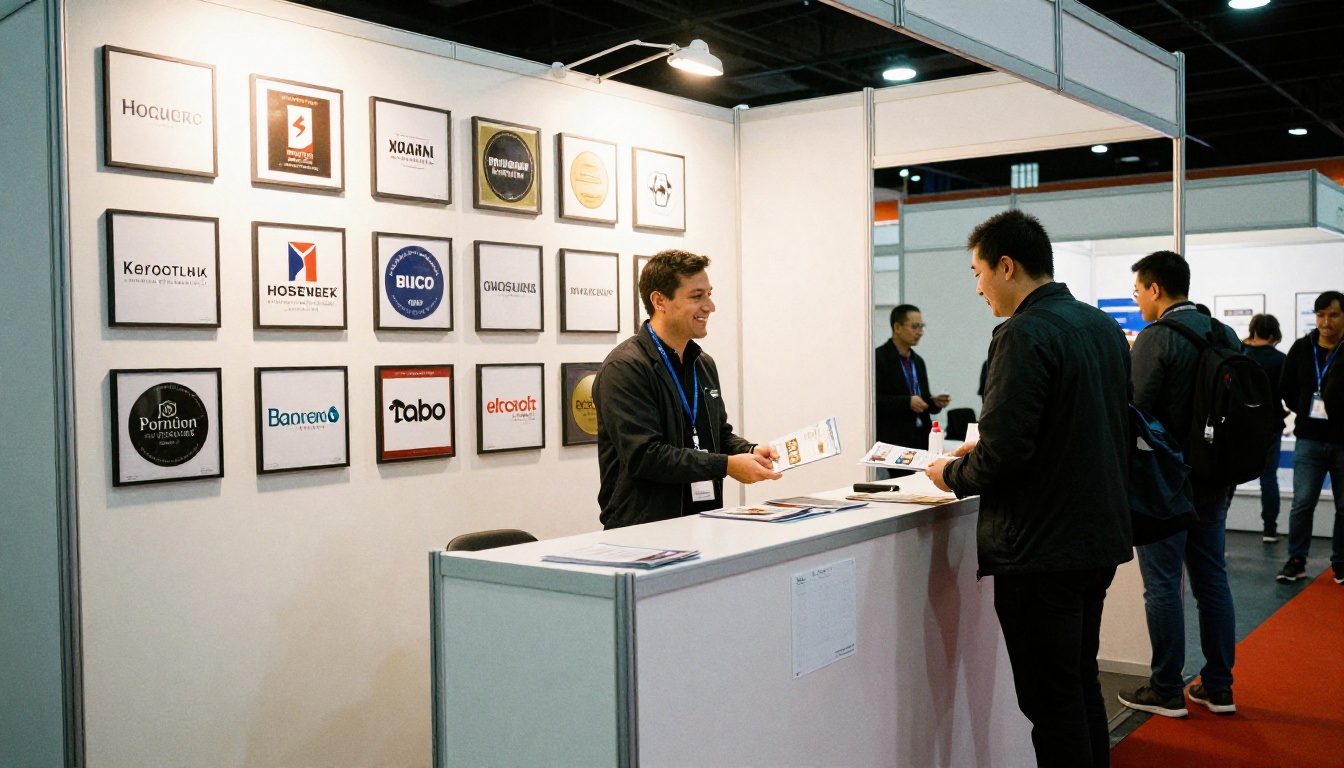
A single row of five to eight customer logos on the cover or second page works as a quick credibility check. Keep them the same height, in one color or grayscale, so the strip looks tidy. Always get permission before using a client's logo.
Awards and Certifications
Show only the ones a buyer would care about. An industry award, a safety certification, or a verified review badge is useful. A dozen small icons from unknown organizations looks desperate and weakens the page.
Where to Put Them
| Placement | Purpose | Tip |
|---|
| Cover or first spread | Instant credibility | Keep it to one row |
| Next to pricing | Reduce purchase anxiety | Use a review score |
| Beside the call to action | Final push | Add a short quote |
| Back page | Reinforce trust | Repeat your strongest stat |
⚠️ Warning: Never invent testimonials, inflate numbers, or borrow a logo without permission. A single fake review that gets discovered costs you far more than the sale it helped win. Many regions also have advertising rules about endorsements.
Placing Proof Where Decisions Happen
Good proof in the wrong place does nothing. Think of a brochure as a path with doubts along it, and put the right evidence at each doubt.
Match Proof to the Buyer's Doubt
| Buyer's Doubt | Proof to Place Nearby |
|---|
| "Is this company real?" | Years in business, customer count, logos |
| "Will it work for me?" | Case study from a similar customer |
| "Is it worth the price?" | ROI number, savings stat, review score |
| "What if something goes wrong?" | Guarantee, support rating, retention rate |
| "Why now?" | Recent testimonial, limited-time customer offer |
Keep the Design Calm
Proof should look like part of the page, not a sticker slapped on top. Use generous white space, consistent fonts, and one accent color. Real photos beat stock photos of smiling strangers, and readers can tell the difference.
Go Beyond Print With an Interactive Flipbook
A printed brochure can only show a static quote. A digital version can play the customer saying it. That is where flipbooks give you an edge.
Ideas That Only Work Digitally
- Video testimonials embedded right on the page
- Audio quotes for customers who prefer not to be on camera
- Clickable logos that open the full case study
- Live links to your review profile so ratings stay current
- Page-level analytics that show which proof elements get read
With Flipbooks AI, these features come with a mobile-responsive flipbook, no watermarks, and the option to protect private versions with a password. If you use analytics and lead generation on the Professional plan, you can see which pages hold attention and which readers leave their contact details.
How to Create a Proof-Packed Brochure With Flipbooks AI
Here is a simple workflow. It works whether you start from an existing PDF or a fresh design.
- Get started. Visit Flipbooks AI and create an account.
- Upload your PDF. Drop in your brochure file. The PDF to Flipbook Converter turns it into a page-turning flipbook in moments.
- Customize the look. Add your logo, brand colors, and page effects so the flipbook matches your identity. The Brochure Flipbook Maker is a good starting point for sales material.
- Add multimedia proof. Embed a customer video or audio clip on the testimonial page. Link logos to full case studies.
- Choose how to share. Copy a direct link, grab the embed code for your site (see Embed Flipbook on Website), or lock a version behind a password for a specific client.
- Measure and improve. Check the analytics, see which pages are read, then move your best proof to the pages that get the most attention.
- Allow offline downloads if your buyers like to review material on a plane or in a meeting without a connection.
💡 Pro tip: Create two versions of the same brochure, one with proof at the end and one with proof on the first spread. Send each to half your list and compare read rates.
If your sales team also uses slide decks, a sales presentation flipbook lets you reuse the same proof elements in a different format.

Common Mistakes to Avoid
Even well-meaning brochures stumble in a few predictable ways.
Five Errors That Weaken Proof
- Vague praise. "Amazing company!" says nothing a competitor could not also say.
- Stale content. A testimonial dated 2016 makes the reader wonder what has happened since.
- Proof overload. Fifteen quotes on one page get skipped. Choose the best three.
- Anonymous quotes. "J.S., happy client" looks fabricated.
- Mismatch. Showing a giant enterprise logo wall to a small shop owner can feel out of reach rather than reassuring.
A Quick Checklist Before You Publish
| Check | Yes / No |
|---|
| Does the first spread contain some form of proof? | |
| Is every quote attributed with name, role, and company? | |
| Are all numbers exact and verifiable? | |
| Does at least one case study match your main buyer? | |
| Are logos and quotes used with permission? | |
| Is there proof near the price and the call to action? | |
| Have you dated or refreshed everything in the last 12 months? | |

Measuring What Works
Social proof is not a set-and-forget task. Treat it like any other sales asset and test it.
Numbers to Watch
- Average time on the proof pages compared with other pages
- Click-through rate on logos and case study links
- Reply or inquiry rate after the brochure is sent
- Close rate for prospects who opened the brochure compared with those who did not
- Drop-off page, the point where readers stop turning pages
Review Every Quarter
Set a calendar reminder. Each quarter, swap out the oldest testimonial, update your stats, and add any new award. A brochure that reflects this quarter's reality feels alive. One that never changes feels abandoned.

Your Next Steps
Start small. Pick the two strongest customer results you have, ask for a short quote and a photo, and place them on the first spread of your current brochure. Add one exact number to the cover. That alone will make the whole document more believable.
Ready to turn your brochure into something buyers can click, watch, and trust? Get started for free on Flipbooks AI, browse all flipbook tools and templates, or compare pricing plans to see which one fits your sales team. When you are ready to publish with analytics, head to your account and pricing and send your first proof-packed brochure today.



