A client sits in your lobby, robe on, phone in hand, trying to decide between a 60 minute massage and a facial she has never heard of. If your menu is a wall of tiny type, she picks the cheapest line and moves on. Good spa service menu ideas fix that moment. They tell her what each treatment does, how long it takes, what it costs and what to add. In this article you will see how to list facials, massages and packages clearly, and how to publish the result as a digital menu with Flipbooks AI so it always stays current.
Your therapists cannot talk to every guest before every booking. The menu does that job. It answers three silent questions: What is this? Is it for me? What will it cost?
A strong spa menu does four things:
- Reduces decision fatigue by grouping treatments into short, logical categories.
- Raises the average ticket by placing add-ons and packages right beside the base service.
- Sets the tone of your brand before anyone steps into a treatment room.
- Saves front desk time because fewer clients ask "what is the difference between these two?"
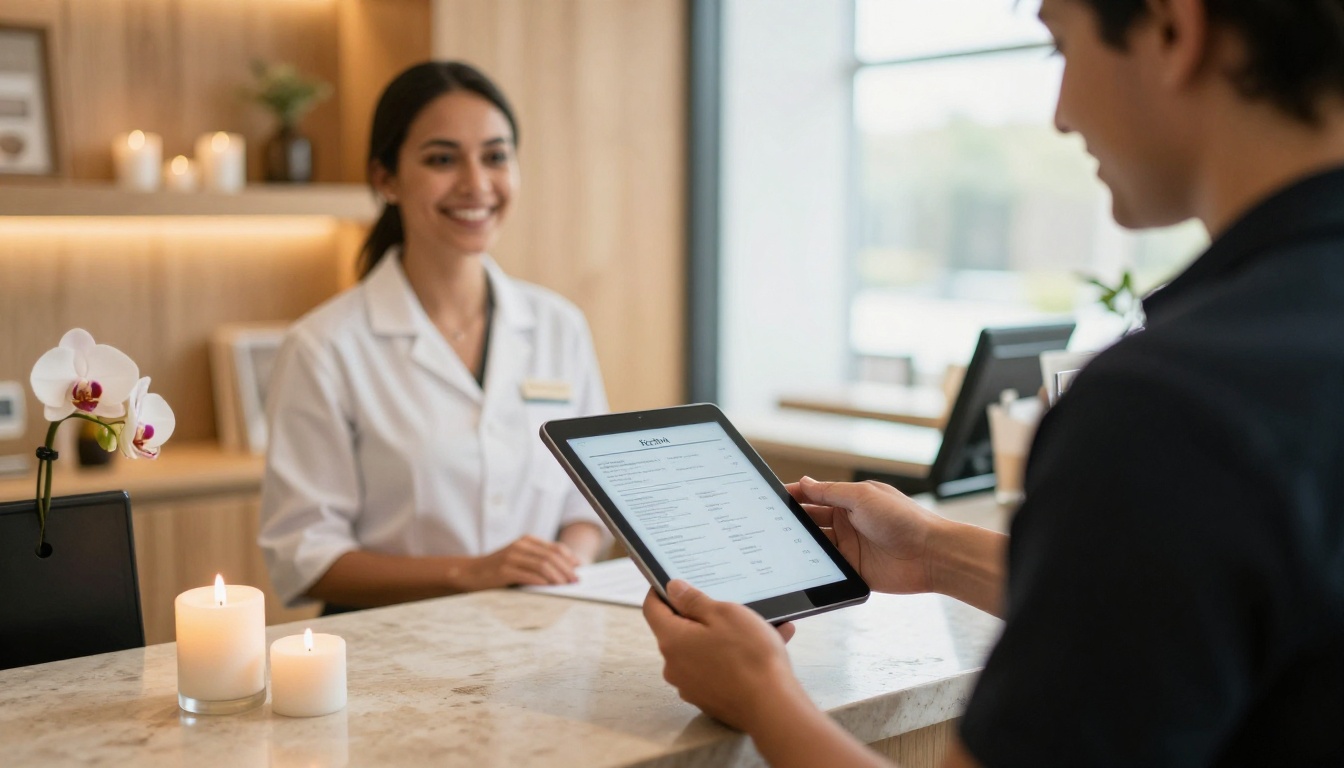
💡 Pro tip: Read your menu out loud as if you were a first time guest. Every spot where you stumble is a spot where a client will hesitate.
Plan the Structure First
Before you write a single description, decide how the menu is organized. Most successful spas use five to seven top level sections. More than that and guests stop reading.
Pick a Logical Order
A reliable order follows how people actually think about a visit:
- Signature treatments (the services you want to be known for)
- Facials
- Massage and body work
- Hands, feet and finishing touches
- Packages and rituals
- Add-ons and upgrades
- Memberships and gift cards
Put your highest margin services in the top third of the page. Eyes land there first.
Group by Goal, Not by Equipment
Instead of "Microcurrent," "LED," and "Peel," try goal based headings such as Glow, Calm and Repair. Guests rarely know the machine they want. They know the result they want.
| Menu Style | Best For | Example Headings |
|---|
| By service type | Larger spas with many treatments | Facials, Massage, Body, Nails |
| By goal | Boutique spas and med spas | Glow, Calm, Repair, Renew |
| By duration | Day spas with express guests | 30 min, 60 min, 90 min |
| By experience | Resorts and hotel spas | Ritual, Retreat, Escape |
How to List Facials
Facials are the easiest category to make confusing. Names like "Deep Renewal Protocol" mean nothing to a new guest. Lead with plain language, then add the signature name.
Name the Skin Concern
Each facial entry should include:
- A clear name (and a branded subtitle if you like)
- Duration in minutes
- Who it suits (dry, congested, sensitive, mature)
- One line on the result
- Price
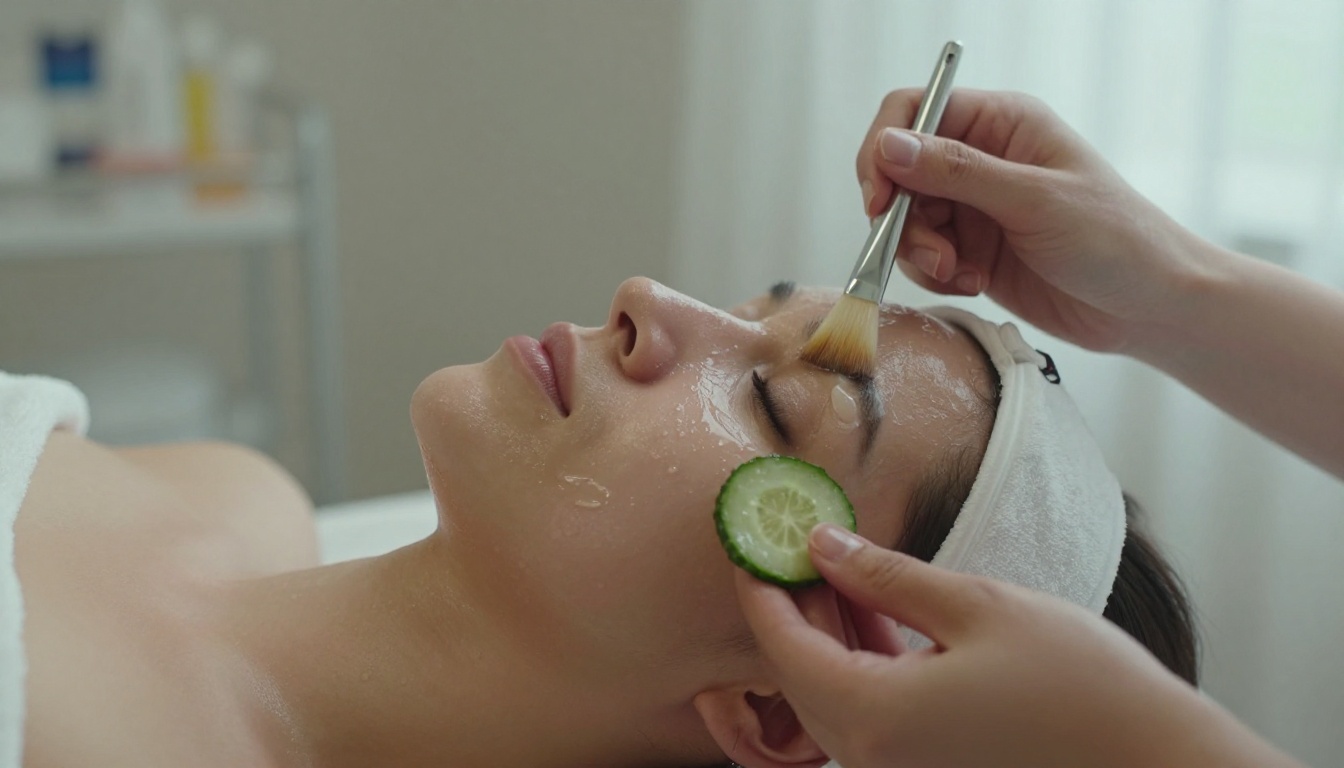
Sample wording:
Hydration Facial, 60 min, $120
For dry or tight skin. A deep moisture mask, gentle massage and a barrier calming serum leave skin soft and plump.
Notice there is no jargon, no filler and no paragraph. Two lines is enough.
Offer a Clear Ladder
Guests like to see a good, better, best choice. A three step facial ladder works well:
| Tier | Time | What Is Included | Typical Price |
|---|
| Express Facial | 30 min | Cleanse, exfoliate, mask | $65 to $85 |
| Signature Facial | 60 min | Express plus extractions, massage, serum | $110 to $150 |
| Deluxe Facial | 90 min | Signature plus eye treatment, hand massage, scalp massage | $160 to $220 |
✅ Best practice: Mark one option as "Most Booked." Social proof nudges hesitant guests toward your best value tier.
Keep Medical Claims Honest
If you offer peels or devices, list them by outcome and state any required consultation. Avoid promising results you cannot guarantee. A short line such as "Consultation required" protects you and builds trust.
How to List Massages
Massage menus work best when they separate the style from the length. Otherwise you end up with a messy grid of 12 rows.
Show Style Once, Price by Time
List each massage style as a heading with a two line description, then show a small price row underneath:
Deep Tissue Massage
Firm pressure for tight shoulders and lower back.
30 min $70 · 60 min $120 · 90 min $170
This format is shorter than listing every combination and it makes the longer session look like the natural upgrade. Notice how the 90 minute price per minute is lower. That is deliberate.
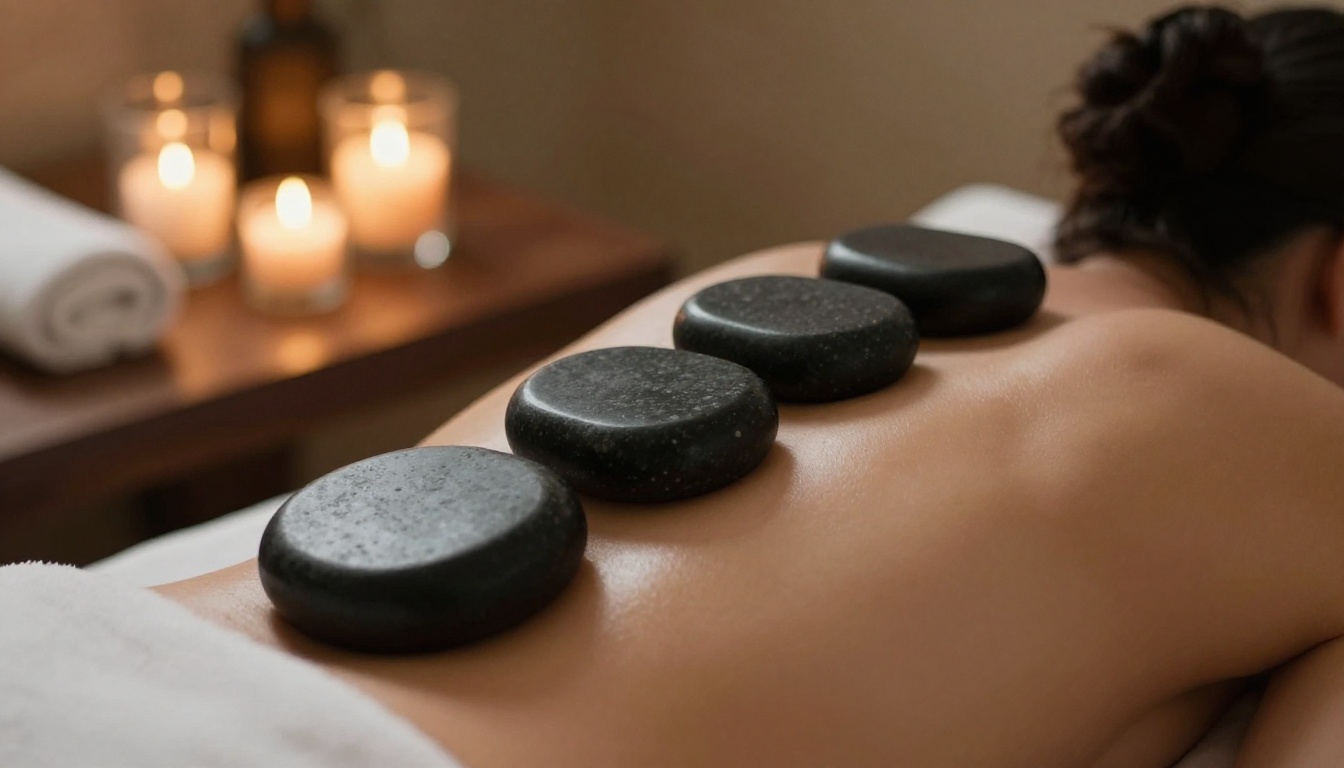
Describe Pressure and Purpose
Guests choose massages by pressure and purpose. Help them with a simple legend:
| Massage | Pressure | Purpose |
|---|
| Swedish | Light to medium | Relaxation, stress relief |
| Deep Tissue | Firm | Knots, posture strain |
| Hot Stone | Medium | Warmth, muscle release |
| Prenatal | Gentle | Comfort during pregnancy |
| Aromatherapy | Light | Calm mind, better sleep |
| Sports | Firm | Recovery after training |
Do Not Forget Couples Treatments
A couples massage is one of the most gifted services in any spa. Give it its own line with a clear price per pair and a note about room availability.
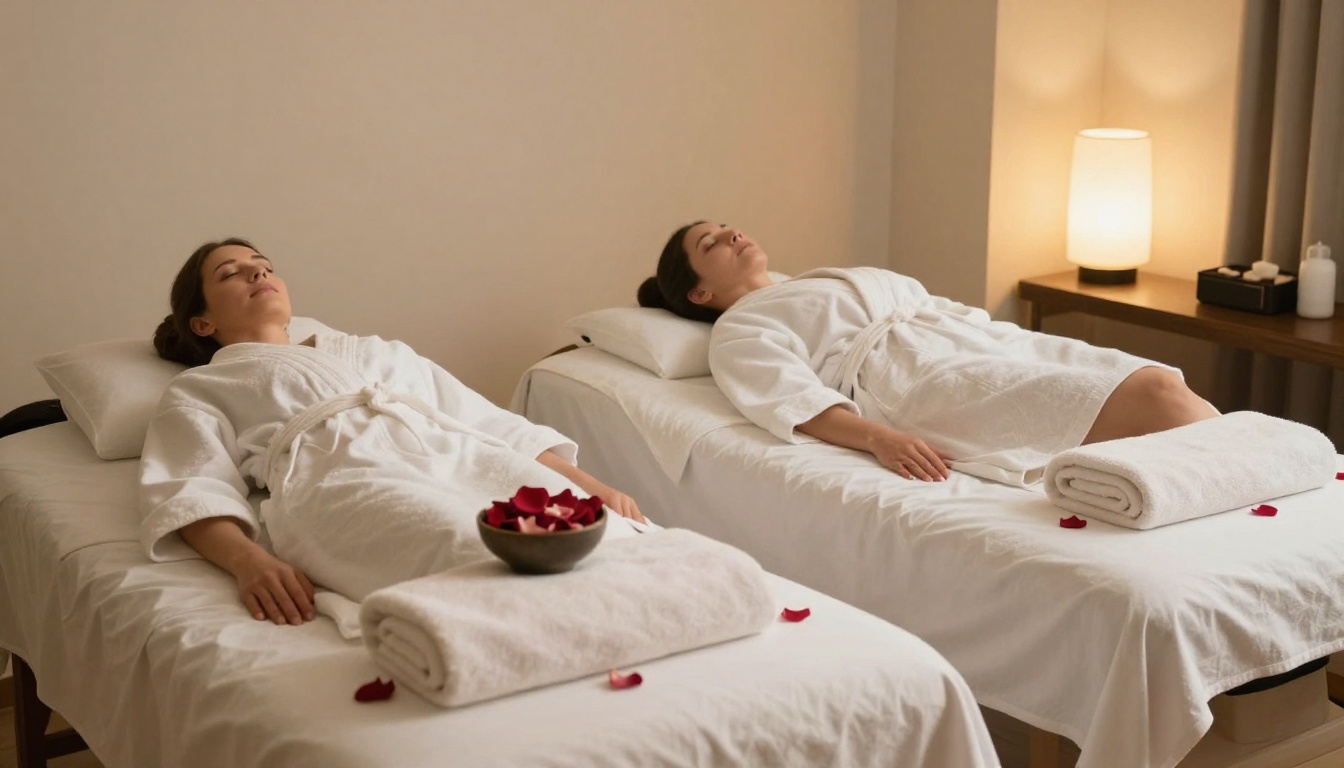
⚠️ Warning: If a couples room is limited, say so on the menu ("Book 2 weeks ahead on weekends"). It prevents disappointment and creates a sense of demand.
How to List Packages
Packages are where menus quietly earn the most. A well built package sells three services in one booking and fills your quiet midweek slots.
Build Around a Story
Do not just stack services. Give each package a clear reason to exist:
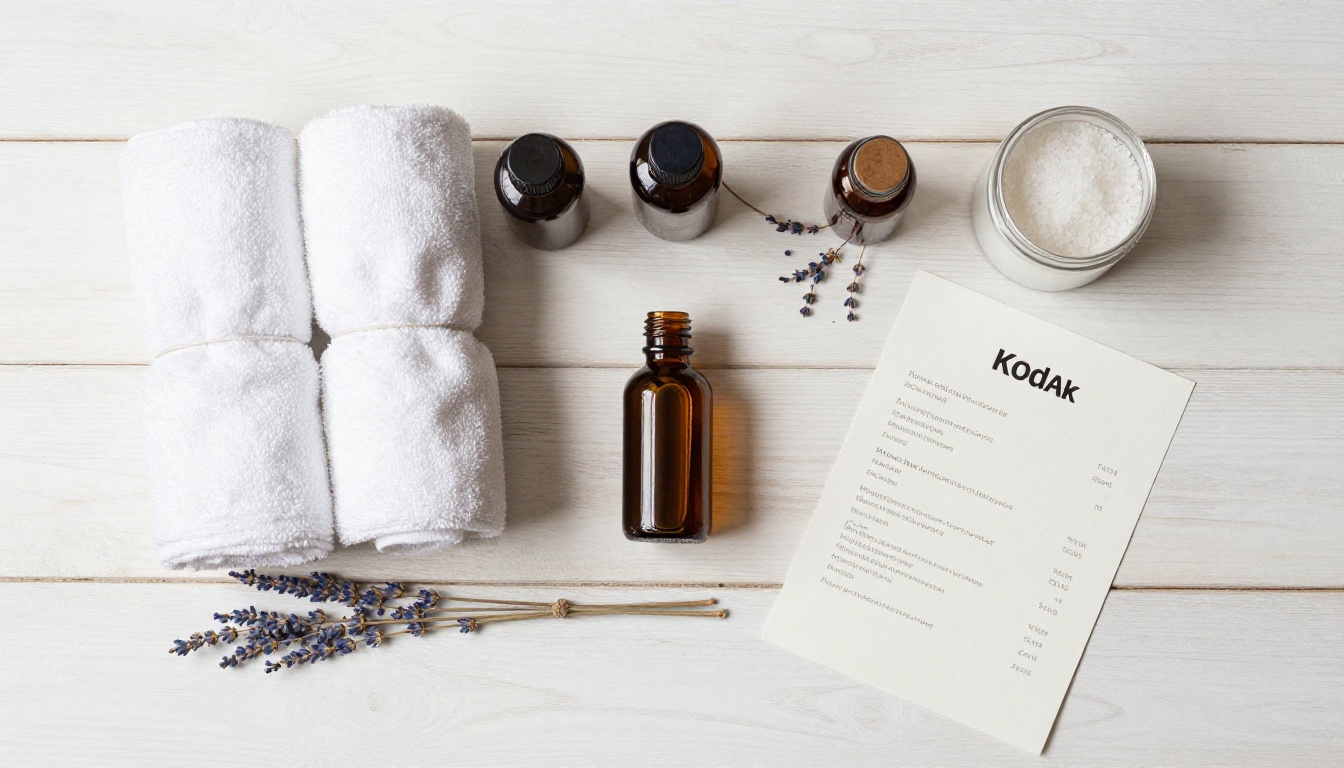
- The Reset Ritual: massage, express facial and scalp treatment for a stressful week.
- Bridal Glow: facial, manicure and pedicure in the days before a wedding.
- Couples Escape: side by side massages with tea and a light snack.
- Mom to Be: prenatal massage, foot treatment and a hydrating facial.
Show the Saving Clearly
Guests love to see the math. Put the separate price and the package price next to each other:
| Package | Included | Separate Price | Package Price | You Save |
|---|
| Reset Ritual (2.5 hrs) | 60 min massage, 30 min facial, scalp treatment | $235 | $205 | $30 |
| Bridal Glow (3 hrs) | Signature facial, manicure, pedicure | $230 | $199 | $31 |
| Couples Escape (90 min) | 2 x 60 min massage, tea service | $260 | $230 | $30 |
💡 Pro tip: Keep the saving between 10 and 15 percent. Deeper discounts train guests to wait for deals and cut into your margin.
Add a Memberships Block
If you offer monthly memberships, give them a small boxed section at the bottom of the packages page. One line is enough: "One 60 minute massage a month, 15 percent off add-ons, $99 per month." Guests who book twice in a year often convert.
Add-Ons Worth Listing
Add-ons are the cheapest sales you will ever make because the guest is already in the room. List them in a compact two column table so they feel easy to say yes to.
| Add-On | Time | Price |
|---|
| Hot towel foot treatment | 10 min | $20 |
| Paraffin hand dip | 15 min | $25 |
| Scalp massage | 15 min | $25 |
| Eye contour mask | 10 min | $18 |
| Aromatherapy upgrade | 0 min | $10 |
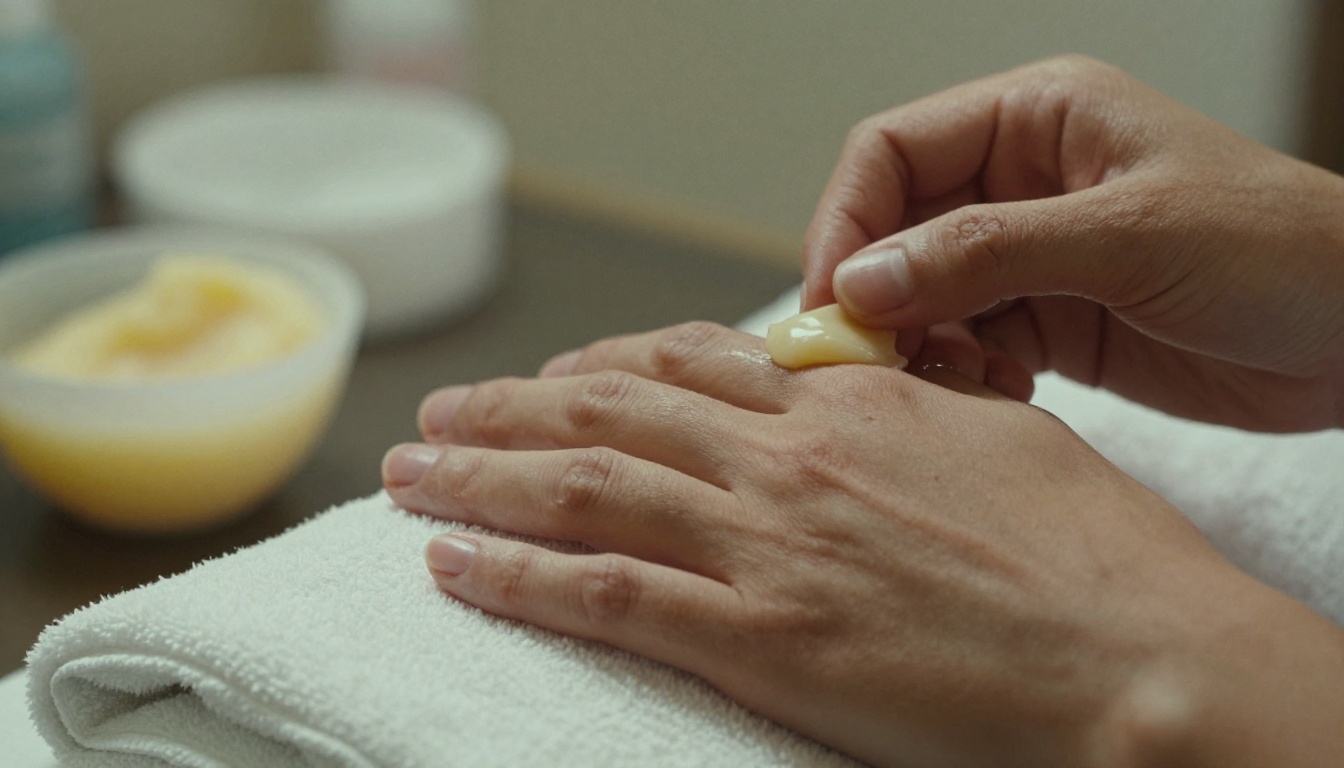
Train your therapists to mention one add-on at booking and one in the room. A short printed or digital reminder on the menu helps both guests and staff remember.
Pricing Presentation Tips
How you show a price changes how it feels. A few small choices make a visible difference:
- Drop the dollar sign and the cents. "120" feels calmer than "$120.00".
- Align prices to the right edge so the eye does not hunt for them.
- Avoid dotted leader lines to the price. They look like a restaurant bill.
- Show duration next to price, never on a separate row.
- Round to clean numbers (65, 120, 180) instead of 64.99.
Tone and Wording
Write like a person. Short sentences. Sensory words such as warm, soft, quiet and fresh work far better than abstract claims. Keep each description under 25 words.
| Instead Of | Write |
|---|
| "Rejuvenating bio active peptide experience" | "A firming facial for tired skin" |
| "Therapeutic modality for myofascial release" | "Deep pressure for tight shoulders" |
| "Holistic wellness journey" | "Two hours to switch off" |

A printed menu feels luxurious, but it has a big weakness: every price change means a reprint. A digital menu gives you the same polished look with instant updates.
| Feature | Printed Menu | Digital Flipbook Menu |
|---|
| Cost per update | Reprint every time | Free, edit and republish |
| Sharing | In person only | Link, QR code, email, social |
| Photos and video | Limited | Unlimited |
| Seasonal specials | Slow to add | Add in minutes |
| Tracking | None | Views and clicks (Professional plan) |
| Clients on phones | Hard to read | Mobile responsive |
The best setup is both: a single elegant printed copy at reception and a QR code on the treatment room door, in the booking confirmation email and on your Instagram profile.
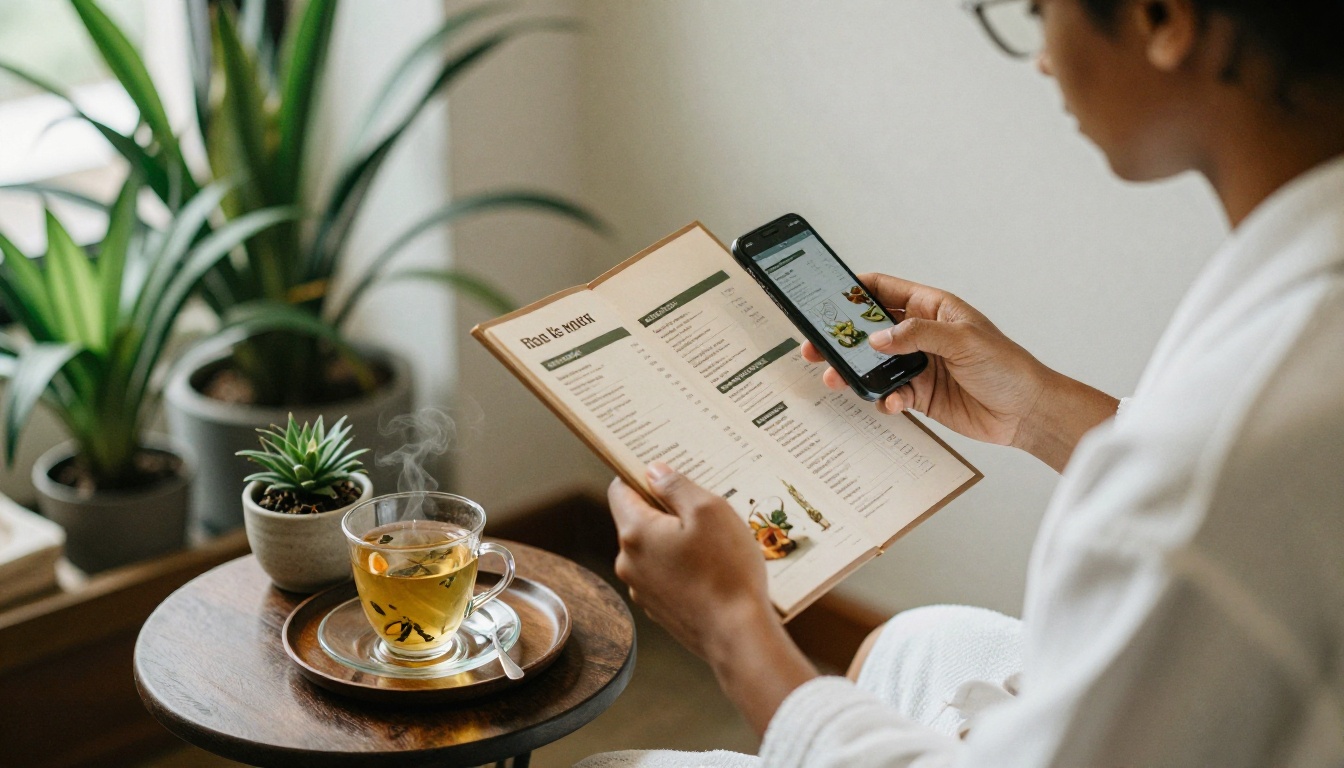
If you already have a PDF of your menu, or you plan to design one in a tool like Canva or Word, you can publish it as a page turning flipbook in a few minutes. The Spa & Wellness Menu Creator is built for exactly this use.
Step by Step
- Create your account. Sign up on Flipbooks AI and open your dashboard.
- Upload your PDF. Drag your menu file in. The PDF to Flipbook Converter turns each page into a realistic, page turning layout.
- Customize the look. Add your logo, set brand colors and choose page effects. Tone down the effects for a calmer, spa appropriate feel.
- Add media. Drop in a short ambient video of your treatment room or a soft audio track. Keep it subtle.
- Protect private pages. Use password protection for staff pricing, corporate rates or member only offers.
- Share it. Copy the direct link, generate a QR code for your reception desk, or follow the guide to embed the flipbook on your website.
- Update anytime. When prices or seasonal packages change, upload the new PDF. The link and QR code stay the same.
✅ Best practice: Print the QR code on a small card in every treatment room. Guests often decide on add-ons while lying down, phone nearby after the session.
What You Get
- ✅ No watermarks, ever
- ✅ Unlimited flipbooks on the Standard plan and above
- ✅ Password protection for private content
- ✅ Embedded videos and audio
- ✅ Offline downloads for guests with weak signal in the spa
- ✅ Custom branding
- ✅ Analytics and lead generation on the Professional plan, see pricing plans
Analytics tell you which pages guests actually open. If nobody reaches your packages page, move it up. If the add-on table gets the most views, make it larger.
Real World Examples
A city day spa with 14 treatments cut its menu from four dense pages to two airy ones, grouped by goal. Staff reported fewer "what is the difference?" questions at the desk within weeks.
A hotel spa added a QR code to the minibar card and the room tablet. Guests booked treatments before arriving at the spa, which filled early morning slots.
A solo esthetician replaced a printed price sheet with a flipbook link in her Instagram bio. She now changes seasonal facials without touching a printer.
A med spa keeps a password protected flipbook of injectable and device pricing for consultations only, and a public one for relaxing services.
Common Mistakes to Avoid
- Too many options. Past 25 or 30 services, guests freeze. Retire the ones that rarely sell.
- No durations. Price without time creates doubt.
- Tiny type. If you cannot read it at arm's length on a phone, resize it.
- Hidden gift cards. Give them a visible spot. They are one of your best sellers around holidays.
- Stock photos that do not look like your spa. Use real rooms, real textures and honest light.
- Forgetting retail. Mention the take home products your therapists use, with a short note such as "Ask about the oil used in your massage."
⚠️ Warning: Do not publish prices you plan to change next month. Update the flipbook first, then announce the change on social media.
Quick Checklist Before You Publish
- Every service has a name, time, one line description and price
- Packages show the saving next to the separate price
- Add-ons are easy to find
- Gift cards and memberships have a clear spot
- Contact details and booking link appear on the first and last pages
- The QR code opens correctly on both iPhone and Android
Good menus are short, clear and easy to update. Start with your categories, write honest two line descriptions, show package savings and keep add-ons within reach. Then publish it where guests already are: on their phones.
Get started for free on Flipbooks AI, browse all flipbook tools and templates, or compare pricing plans to find the right fit for your spa.



