A technician stands next to a stopped machine, the line is losing money every minute, and the only thing between them and a fix is one small part with a number nobody can find. That scene plays out in factories and dealerships every day, and it is almost always a catalog problem, not a parts problem. In this article we look at spare parts catalog examples from manufacturers who handle thousands of items, and break down the structures that make them fast to use. Along the way you will see how a modern publishing tool like Flipbooks AI turns a heavy PDF into something people can actually search and flip through.
Why Parts Catalogs Fail
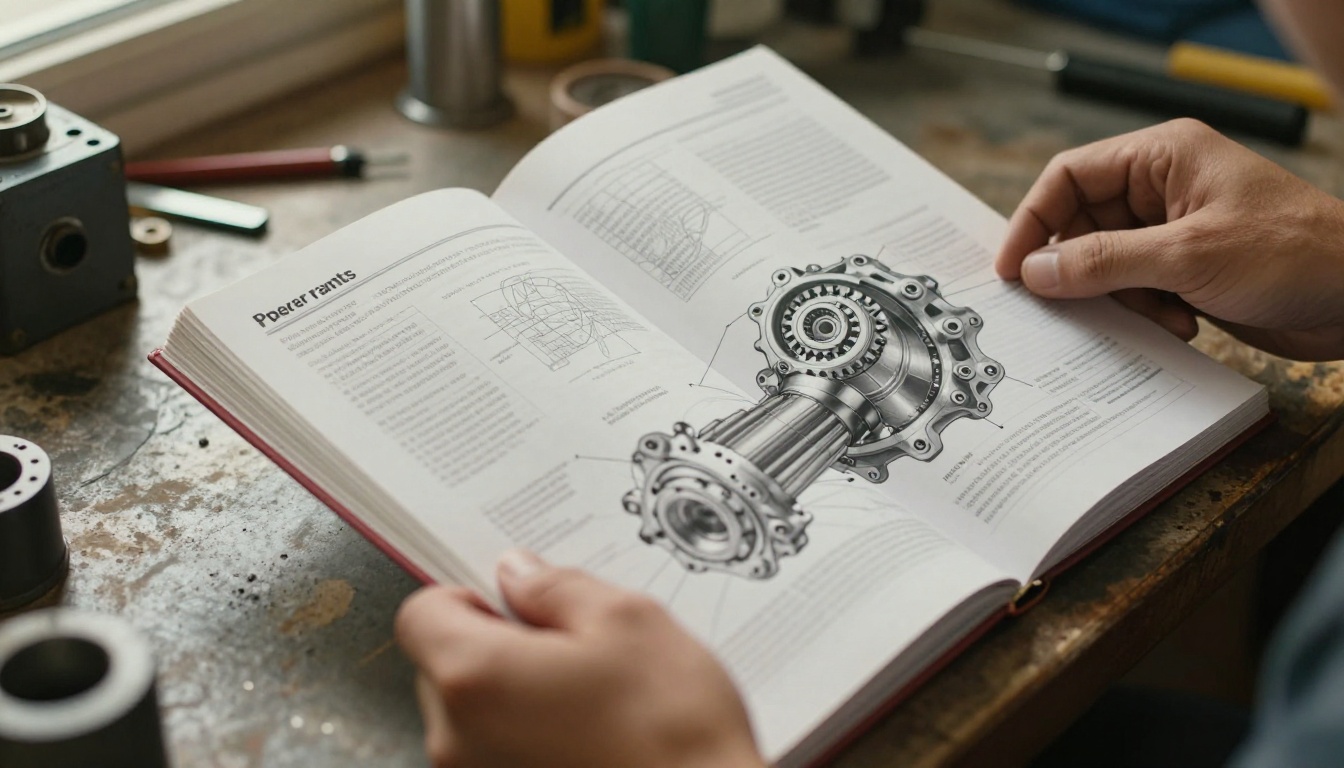
Most spare parts catalogs do not fail because the data is wrong. They fail because the data is organized for the person who wrote it, not for the person who needs it. An engineer builds the catalog by product line. A technician searches by the symptom: a leaking seal, a noisy bearing, a worn belt.
Here are the most common failure points we see:
- Flat lists with 5,000 rows and no grouping
- Part numbers that follow no visible logic
- Missing diagrams, so users cannot confirm they picked the right item
- Outdated PDFs circulating by email with three different revision dates
- No cross references between superseded and current parts
💡 Pro tip: Before redesigning anything, ask five technicians how they currently find a part. Their answers will tell you which structure your catalog needs.
The Cost of a Wrong Part
A wrong part order is not just the price of the part. It is freight, return handling, downtime, and an unhappy customer. In heavy equipment, a single wrong order can mean a machine idle for several extra days.
Who Actually Uses the Catalog
The audience is wider than most teams assume. Each group reads the catalog differently:
| User | What they need | Typical search method |
|---|
| Field technician | Confirm the exact part on site | Diagram first, then number |
| Dealer counter staff | Quote fast, check availability | Part number or model |
| Purchasing manager | Compare alternates and cost | Category and supplier |
| End customer | Reorder a known item | Product name or photo |
Core Structure of a Good Catalog
Strong catalogs share one idea: move from broad to specific in as few steps as possible. The user starts with the machine, narrows to an assembly, and ends at a single part.
Level 1: Machine or Product Family
The first page or menu answers one question: which machine is this for? Manufacturers group by series, model, and sometimes serial number range, because the same model can ship with different components across production years.
Level 2: Assemblies and Subassemblies
An excavator, for example, is not a list of 8,000 parts. It is an engine, a hydraulic system, an undercarriage, a cab, an electrical harness. Each of those splits again. A hydraulic system might break into pumps, cylinders, valves, and hoses.
Level 3: Individual Parts
At this level each entry typically carries:
- A reference number that points to the diagram callout
- The part number
- A short, plain description
- Quantity used in the assembly
- Notes such as "replaces 4471-B" or "for serial numbers above 20000"

Spare Parts Catalog Examples by Industry
Different industries organize the same problem in different ways. Looking at them side by side shows what is worth copying.
Heavy Equipment and Machinery
Heavy equipment makers lean on exploded-view diagrams. Every assembly gets a drawing, every part gets a numbered callout, and a table sits beside it. The technician matches the physical component to the drawing before reading a single number. This is the gold standard when parts look similar but are not interchangeable.
Automotive and Motorcycle
Automotive catalogs are organized by vehicle identification: make, model, year, engine. The system then filters parts so only compatible items appear. Print versions usually sort by body section: engine, transmission, brakes, suspension, body, electrical.
Industrial Pumps and Valves
Pump manufacturers often publish a kit-based catalog. Instead of listing 40 seals separately, they sell a "repair kit" for each pump size with all wear items included. That reduces both catalog length and ordering mistakes.
Consumer Appliances
Appliance brands rely on model number lookup. Customers find the model plate, enter it, and see only parts for that unit. The catalog behind it is the same kind of tree, just hidden behind a search box.
Here is how the four approaches compare:
| Industry | Main organizing logic | Strength | Weakness |
|---|
| Heavy equipment | Assembly diagrams | Visual confirmation | Large files |
| Automotive | Vehicle ID filtering | Fewer wrong orders | Needs accurate data |
| Industrial pumps | Repair kits by size | Short catalog | Less flexibility |
| Appliances | Model number lookup | Simple for customers | Hard to browse |
Part Numbering That Scales
A numbering system is the skeleton of the whole catalog. Get it wrong and every page suffers.
Significant vs Non-Significant Numbers
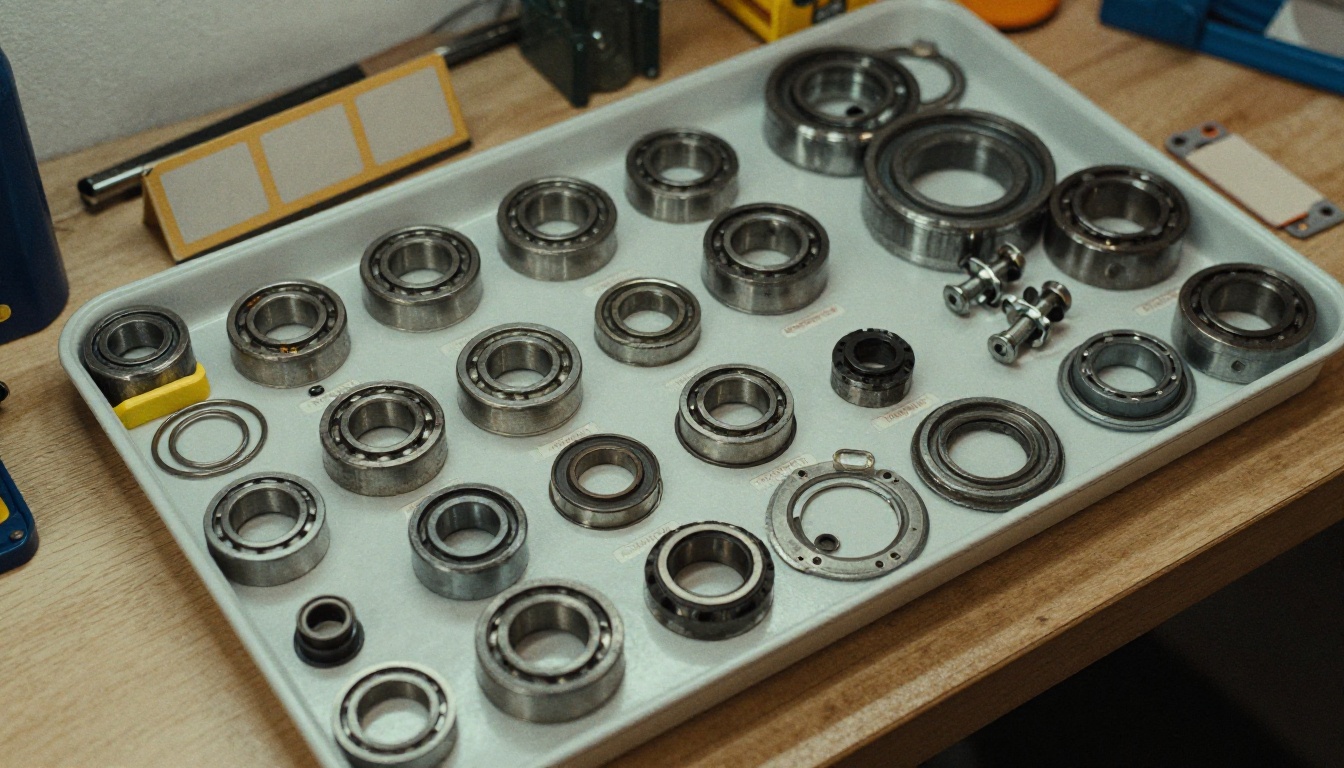
A significant number carries meaning: the first digits show the category, the next show the assembly, the last identify the item. A non-significant number is simply sequential and carries no meaning.
Significant numbers are easy for humans to read. Non-significant numbers survive product changes without breaking. Many manufacturers use a hybrid: a short category prefix followed by a sequential serial.
| Approach | Example | Pros | Cons |
|---|
| Significant | 30-214-007 | Readable, sortable | Breaks when products change |
| Sequential | 884201 | Stable, simple | Tells you nothing |
| Hybrid | HYD-884201 | Balanced | Needs prefix discipline |
Handling Superseded Parts
Parts get replaced. A good catalog never deletes the old number. It keeps it with a note such as "superseded by 884530". Technicians with an older machine still search the old number, and the catalog should bring them to the new one.
⚠️ Warning: Removing old part numbers to "keep the catalog clean" is one of the fastest ways to generate support calls.
Exploded Views and Visual Lookups
Words describe a part poorly. A gasket, a seal, and a washer can all be called "ring" by someone in a hurry. A picture ends the argument.
What a Good Exploded View Shows
- Every part in the assembly, separated along its axis of assembly
- Callout numbers that match the table beside it
- Clear line weights so small items do not disappear
- Consistent orientation across similar assemblies
Photos vs Line Drawings
Line drawings are cleaner for assembly relationships. Photos are better for confirming a part's real appearance, especially wear items such as belts, filters, and brushes. The best catalogs mix both: a drawing for structure and a photo thumbnail for identification.
From Binder to Digital Catalog
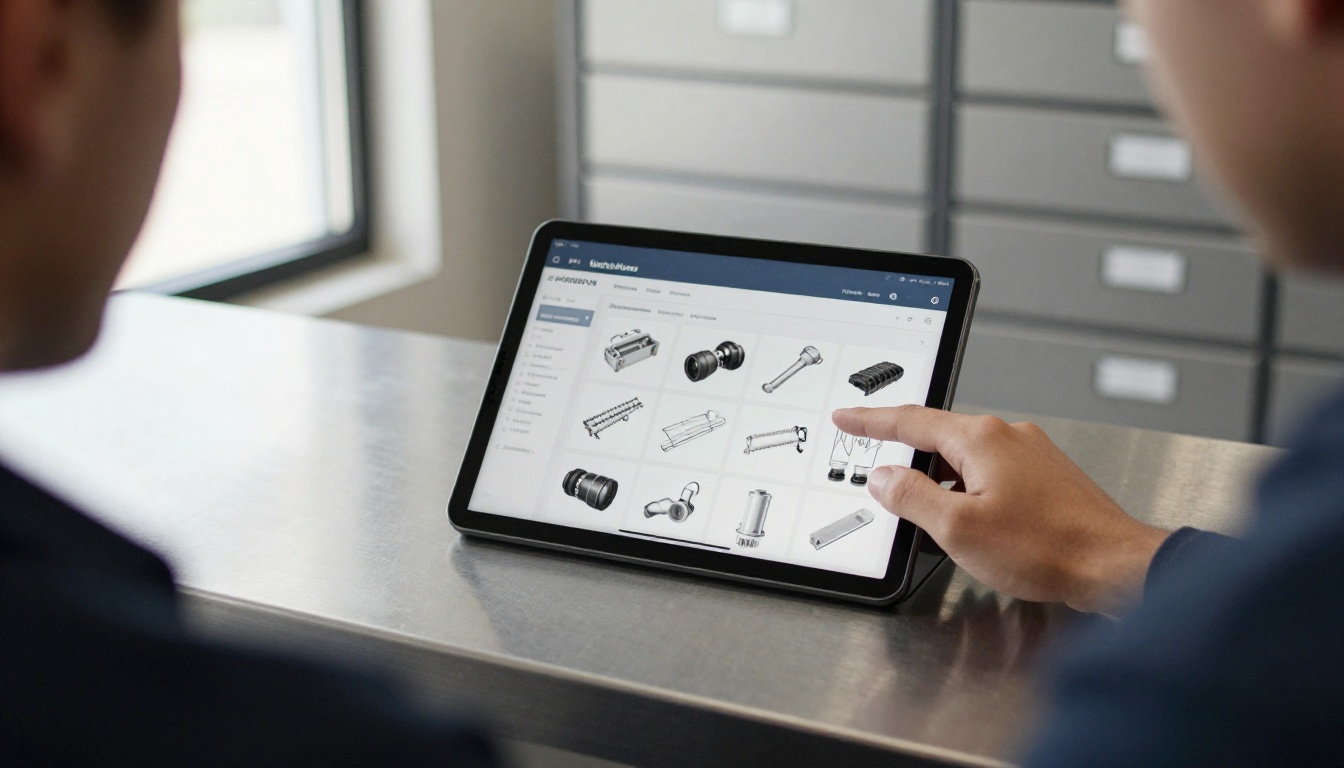
Printed binders still exist in many workshops, and they have value: no battery, no signal needed. But they go stale the moment a revision happens. Digital catalogs fix that, and the best ones keep the page-turning familiarity people already trust.
What Digital Adds
- Search across thousands of part numbers in a second
- Hyperlinks from a diagram callout straight to the part entry
- Instant updates with one live link instead of emailed PDFs
- Analytics showing which sections users open most
- Mobile access on the shop floor and in the field

Print, PDF, or Flipbook?
| Format | Search | Updates | Mobile friendly | Best for |
|---|
| Printed binder | None | Reprint needed | No | Offline workshops |
| Plain PDF | Basic | Resend file | Poor on phones | Internal archives |
| Flipbook | Full text | Replace once, link stays | Yes | Dealers and customers |
A flipbook keeps the layout manufacturers spent weeks designing, with real pages, real diagrams, and a page-turn feel, while adding search and sharing. That is why more parts teams are moving PDFs into this format.
How to Publish Your Parts Catalog
If your catalog already exists as a PDF, you are most of the way there. Here is the process with Flipbooks AI.
Step-by-Step Tutorial
- Get started. Create an account on Flipbooks AI.
- Upload your PDF. Use the PDF to Flipbook Converter. Large catalogs convert page by page and keep diagram sharpness.
- Pick the right tool. The Product Catalog generator and the Digital Catalog Maker both suit parts catalogs. The Catalog Flipbook Creator is useful when you want a classic page-turn look.
- Customize. Add your logo, brand colors, and page effects. Embed videos or audio, such as a short clip showing how to replace a filter.
- Share. Copy a direct link, or use Embed Flipbook on Website to place the catalog on your dealer portal. Add a password if the catalog is for authorized dealers only.
- Measure. Turn on analytics and lead generation with the Professional plan to see which assemblies are opened most. Check the pricing plans for details.
Every flipbook has no watermarks, mobile-responsive design, custom branding, and offline downloads so technicians in low-signal areas can still reach their parts.
✅ Best practice: Keep one canonical flipbook link per catalog. When a new revision arrives, replace the file instead of creating a new link, and every bookmark stays valid.

Practical Examples You Can Copy
Example 1: Dealer Service Manual
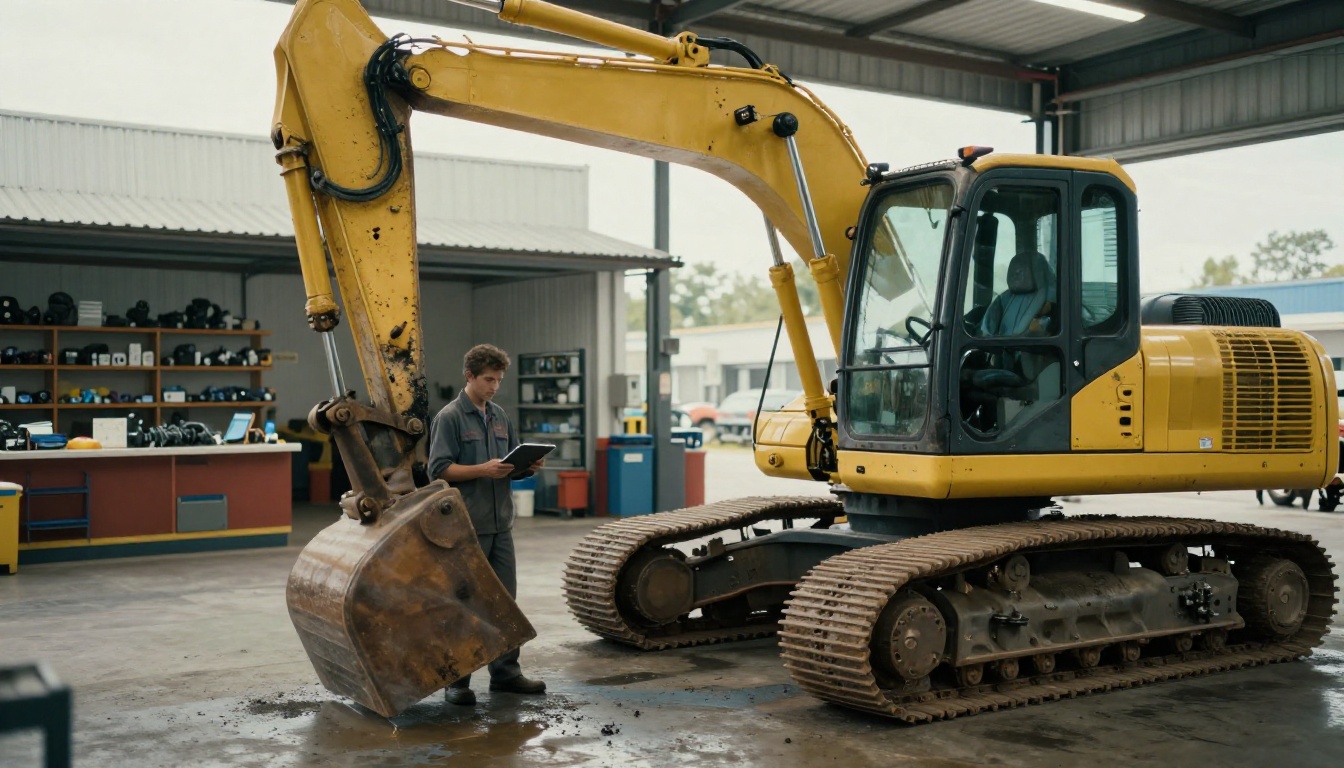
A heavy equipment dealer publishes one flipbook per machine series. The first page is a model index with links to each assembly. Service bays open the flipbook on a tablet, find the diagram, and tap through to the part table. Counter staff use the same file to quote customers.
Example 2: Pump Manufacturer Kit Catalog
A pump maker lists repair kits by pump size on a single overview page, then links to a detail page with an exploded view of the kit contents. Result: a 400-page catalog shrinks to 90 pages, and wrong-kit orders drop.
Example 3: Distributor Price and Parts List
A distributor combines a parts catalog with a Digital Price List Generator output, so a customer sees the part and price in one place. Updating prices means replacing one file.
Quick Checklist Before You Publish
- Every assembly has a diagram with numbered callouts
- Every part number appears once and is searchable
- Superseded numbers are listed with their replacements
- A table of contents links to each section
- Revision date appears on the first page
- Mobile view has been tested on a real phone

Common Mistakes to Avoid
- Too many levels. If a part takes more than four clicks or page jumps, users give up.
- Poor scans. Blurry diagrams defeat the point of the catalog.
- No revision control. Always show the date and edition.
- Ignoring kits. Sell common wear items together.
- Skipping feedback. Ask technicians which part was hardest to find, then fix that section first.
💡 If your PDF is huge, split it by machine family before converting. Smaller flipbooks load faster and are easier to share with the right audience.
Next Steps for Your Catalog
A thousand parts are manageable when the structure is right: broad to specific, numbered with logic, backed by diagrams, and published somewhere people can search. Whether your catalog is for dealers, technicians, or customers, the format matters as much as the data.
Ready to publish yours? Get started for free on Flipbooks AI, browse all flipbook tools to find the best fit, and compare pricing plans to choose what works for your team. If you want your parts catalog to feel like a real catalog instead of a spreadsheet, the Product Catalog generator is a strong first stop.



