Most sponsorship decks fail for one simple reason: they describe the event instead of describing what the sponsor receives. A brand manager opens your file with one question, "What do I get for this money?", and if the answer is buried on page 14, the deck goes into a folder and never comes back. The best sponsorship deck examples put deliverables, audience proof and pricing within a two minute read. Building them as an interactive flipbook with Flipbooks AI makes the experience even smoother, because sponsors flip through a page, not a heavy PDF attachment.
This article walks through what top decks contain, how different event types structure them, and how to publish one that you can actually track.
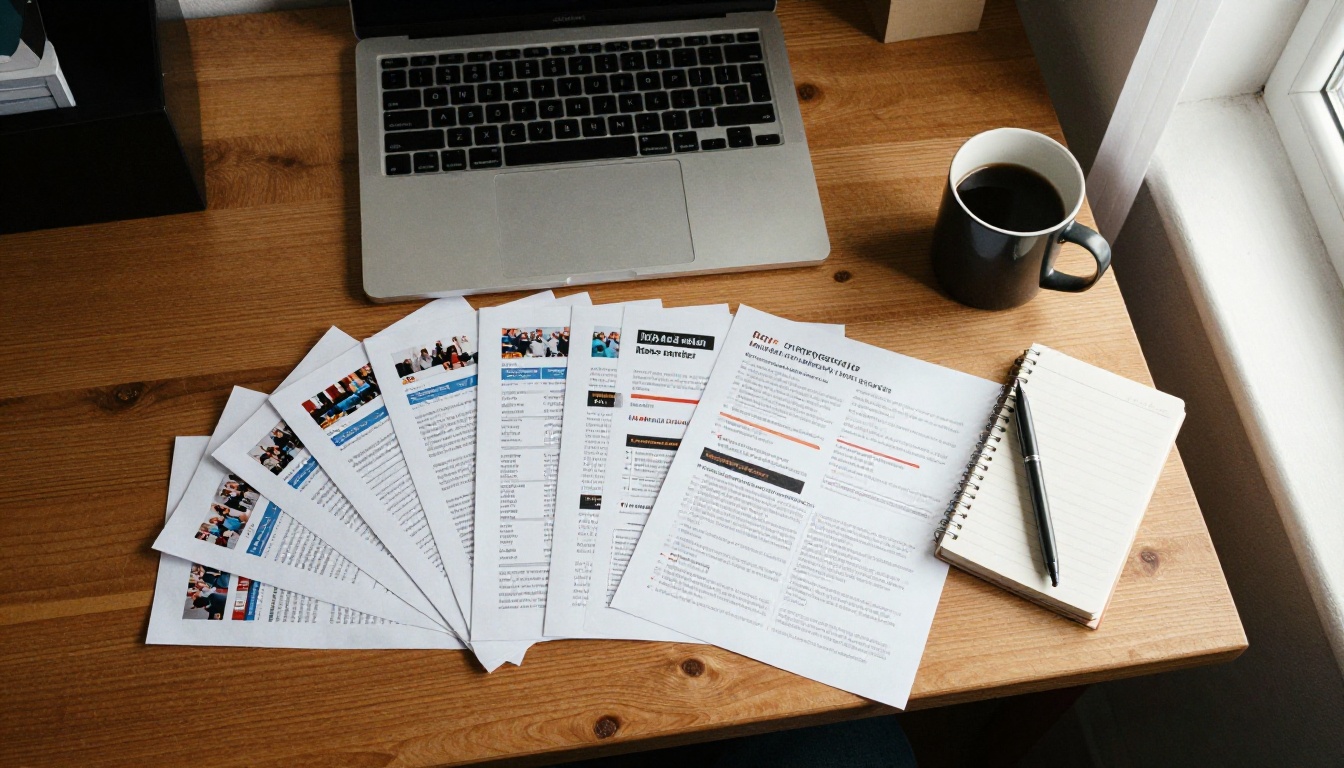
Sponsors receive dozens of proposals every month. They skim. A deck that opens with your history, your mission and a team photo loses them before the value appears.
Here is what a busy brand manager actually checks, in order:
- Who is in the audience? Numbers, demographics and buying power.
- What exactly will my brand receive? Placements, activations, content rights.
- What does it cost? Clear tiers with no guessing.
- What proof exists? Past sponsor results, photos, testimonials.
- What is the next step? A name, an email, a deadline.
If your deck answers these five questions in this order, you are already ahead of most proposals in the inbox.
💡 Pro tip: Write every page title as the answer a sponsor wants, such as "50,000 attendees aged 25 to 44" instead of "Our Audience."
The Anatomy of a Winning Deck
Strong decks share a skeleton, even when the events are very different. Use this table as a checklist before you design anything.
| Page | Purpose | What to include |
|---|
| Cover | Set context in seconds | Event name, date, city, one strong photo |
| Audience snapshot | Prove reach | Attendance, age, income, social following |
| Why this event | Build the argument | Three reasons a brand benefits |
| Sponsor tiers | Make choosing easy | 3 or 4 packages with prices |
| Deliverables detail | Remove doubt | Exact placements, quantities, sizes |
| Past results | Reduce risk | Sponsor quotes, photos, numbers |
| Activation ideas | Spark creativity | Booths, samples, content, naming rights |
| Timeline | Create urgency | Deadlines for logos and payment |
| Contact | Drive action | One person, one email, one phone |
Keep the whole deck between 10 and 16 pages. Anything longer should be moved to an appendix or a second linked flipbook.
Lead With Audience Proof
Numbers earn trust, but pictures make them believable. A festival that says "40,000 attendees" is fine. A festival that shows a wide crowd shot next to that number is far more convincing.
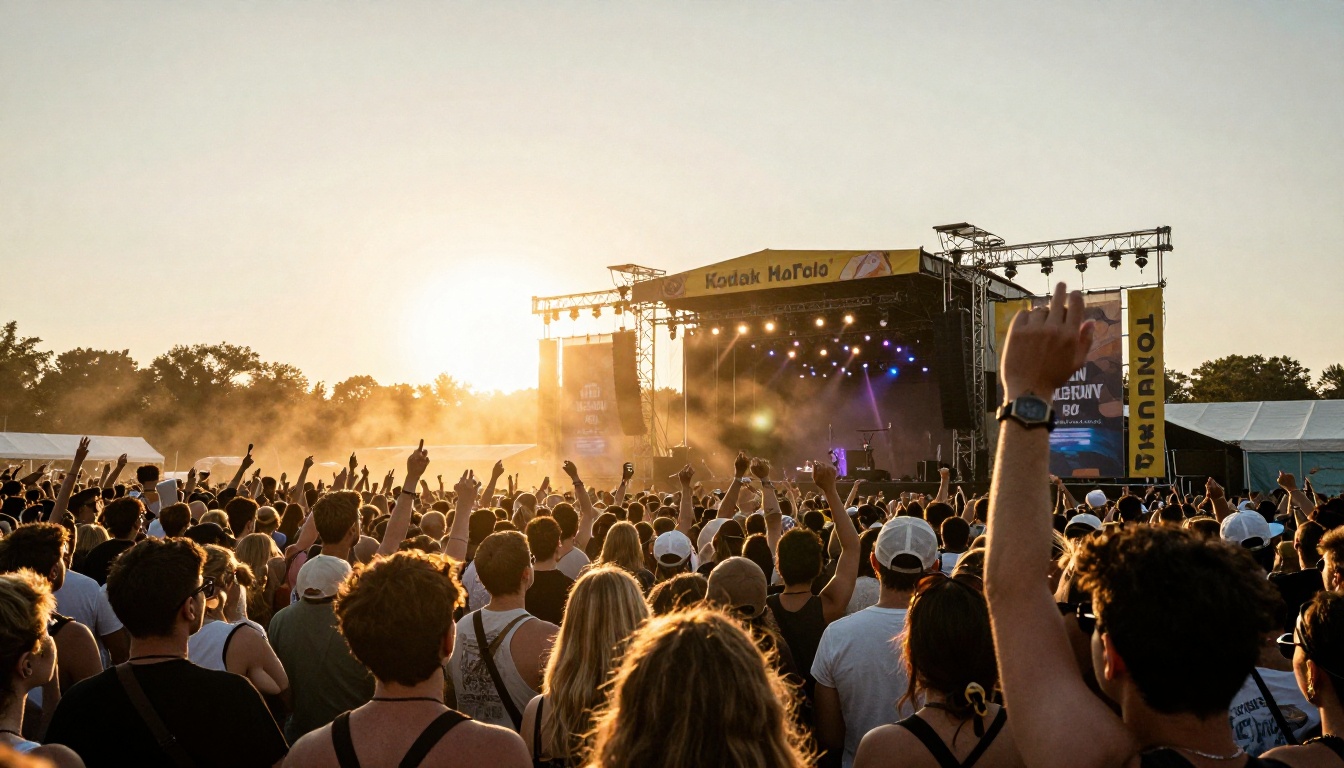
Pair each statistic with a visual and a source. If the data comes from a ticketing platform or a post event survey, say so in small type.
Show the Deliverables Like a Receipt
Think of the deliverables page as a receipt for the sponsor's money. Every line should be specific, measurable and visual.
Weak: "Logo on event materials."
Strong: "Logo on the main stage backdrop (4m x 2m), 6 digital screens and 3 email sends to 22,000 subscribers."
Different events sell different things. Here are four proven layouts you can adapt.
Example 1: Music Festival Deck
Festivals sell atmosphere and reach. The strongest festival decks open with a full bleed crowd photo, then move straight to audience data and brand placement maps.
What works:
- A site map with numbered sponsor locations
- Social reach from the past three years
- Short quotes from previous sponsors
- Naming rights options for stages and zones
Example 2: Marathon or Race Deck
Races sell loyal, health minded audiences. Runners spend on gear, nutrition and travel, which is exactly what endemic sponsors want to hear.

What works:
- Participant spending data (shoes, apparel, supplements)
- Bib, finish arch and aid station branding
- Expo booth space and sampling rights
- Results emails sent to every finisher
Example 3: Youth Sports League Deck
Local leagues sell community goodwill. Sponsors are usually small businesses that want to be seen by families in their own postcode.
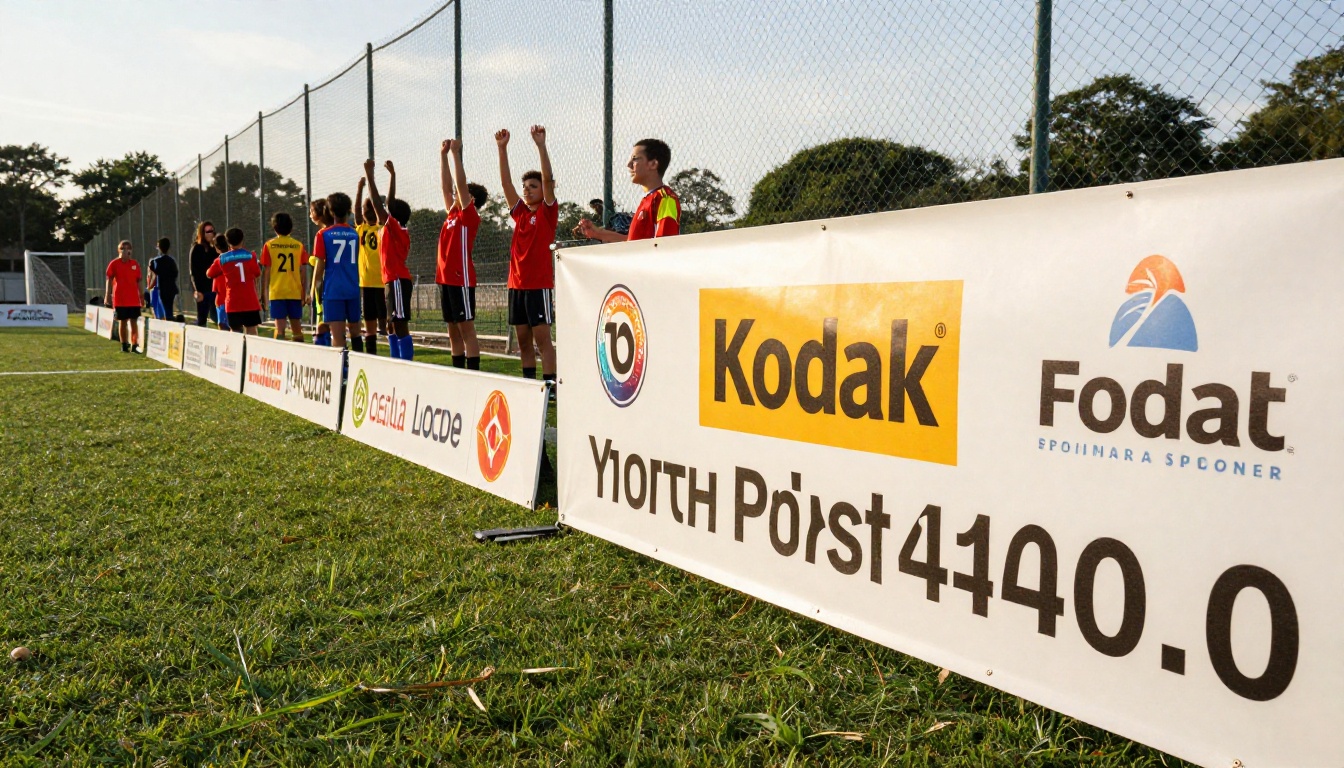
What works:
- Number of families and the neighborhoods they live in
- Jersey, banner and scoreboard placements
- A simple three tier price list
- A thank you plan that includes a photo with the team
Example 4: Conference Deck
Conferences sell access to decision makers. The audience page should list job titles, industries and company sizes, not just a head count.

What works:
- Attendee breakdown by seniority and industry
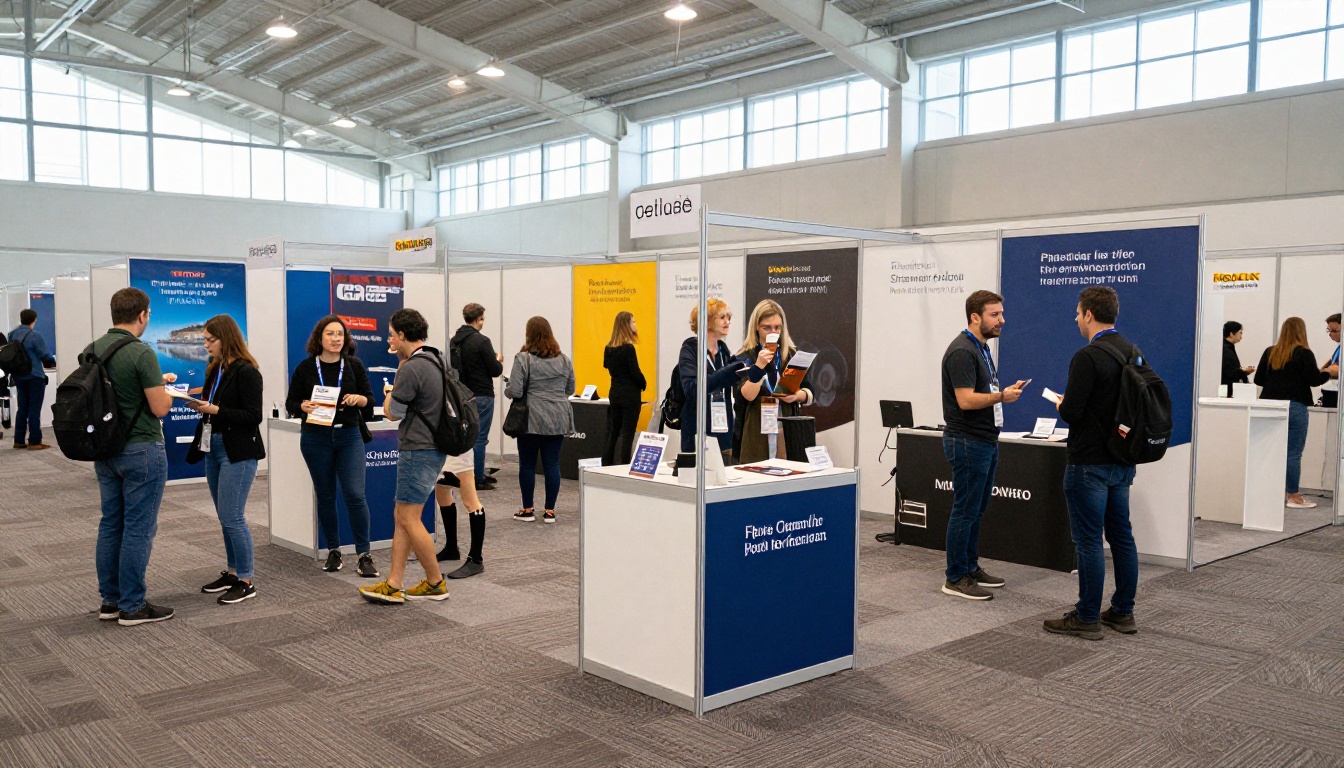
- Speaking slots, workshops and lead scanning
- Booth floor plan with traffic estimates
- Pre event and post event email placements
Here is how the four compare at a glance:
| Event type | Main selling point | Best proof | Typical entry tier |
|---|
| Music festival | Reach and atmosphere | Crowd photos, social numbers | $5,000 and up |
| Marathon | Health minded spenders | Participant survey | $1,500 and up |
| Youth sports | Local goodwill | Family counts, neighborhood map | $250 and up |
| Conference | Decision maker access | Attendee titles | $3,000 and up |
⚠️ Prices above are illustrative ranges. Always base your tiers on your own audience value and local market.
Tiers should make the middle option feel obvious. Three or four levels is the sweet spot. More than that and sponsors stall.
| Tier | Price | Placements | Extras |
|---|
| Presenting | $20,000 | Naming rights, main stage, all digital | Speaking slot, VIP tickets, content rights |
| Gold | $10,000 | Premium signage, email feature | Booth space, 10 tickets |
| Silver | $5,000 | Logo on site map and website | Social mentions, 4 tickets |
| Community | $1,000 | Logo on sponsor wall | 2 tickets, thank you post |
Name the Value, Not the Metal
Gold and silver are familiar, but you can label tiers by outcome too, for example "Main Stage Partner" or "Finish Line Partner." Named placements feel exclusive, and exclusivity supports higher prices.
Limit the Inventory
Say "Only 3 Gold packages available." Scarcity is honest when it is real, and it gives sponsors a reason to decide this week.
✅ Best practice: Include a one line ROI estimate for each tier, such as cost per thousand impressions, so finance teams can compare you with ads.
Proof Pages That Close the Deal
A sponsor is nervous about spending money on an unproven placement. Past results soothe that fear.

Include:
- A quote from a previous sponsor, with name and role
- A number, such as "Booth traffic grew 38% over last year"
- A photo of the sponsor's activation in action
- A mini case study with goal, action and result
If this is your first event, show proof from adjacent places: your email list size, your community group, pilot events or early registrations.
Activation Ideas Make It Easy to Say Yes
Do not make the sponsor invent a plan. Offer three activations per tier. For example:
- A branded charging lounge
- A sampling station with a photo wall
- A prize giveaway that collects emails
Plan the Deck Together With Your Team
The best decks are not written alone. Sales, marketing and operations each hold a piece of the story: audience data, brand tone and the real delivery limits.
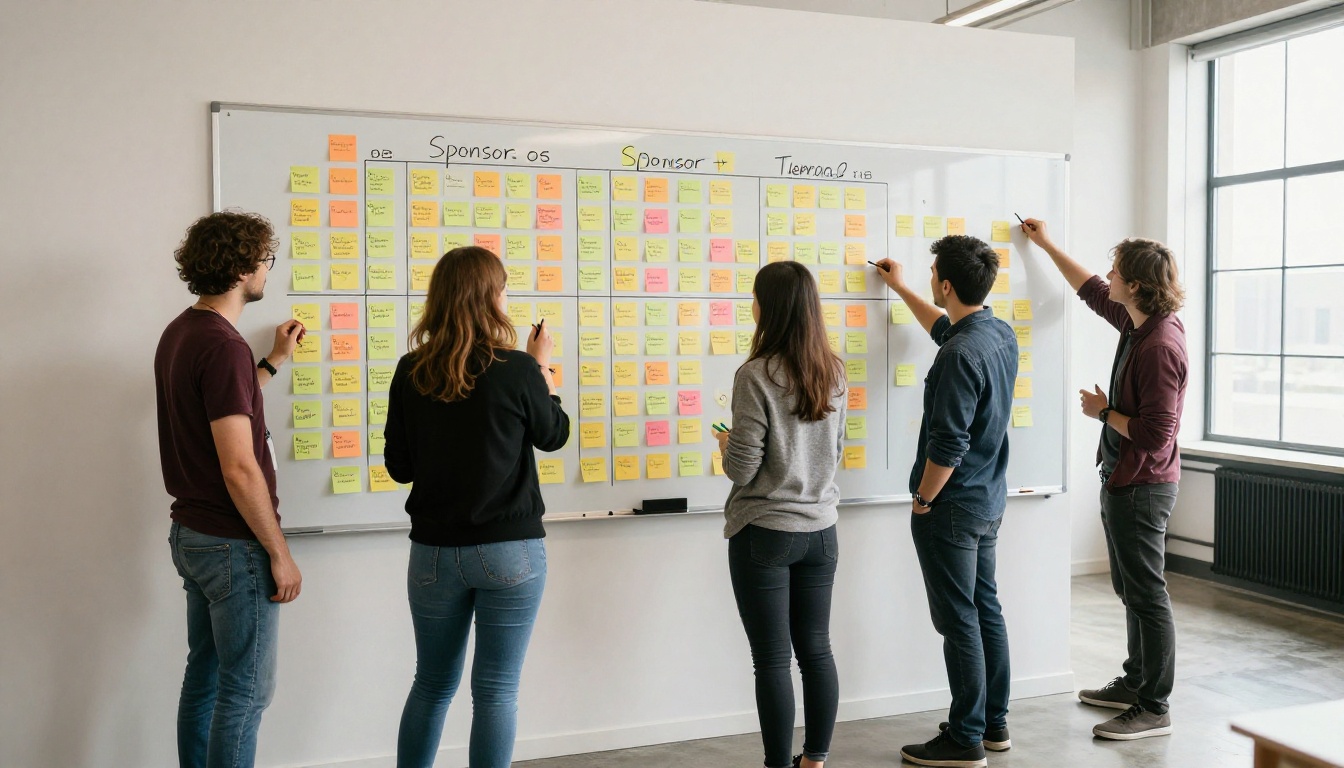
A simple planning routine:
- List your five strongest audience facts.
- List every asset you can sell, from banners to emails.
- Match each asset to a tier.
- Assign someone to collect photos and past results.
- Draft the deck in one working session, then review it with a real sponsor.
A PDF attachment is static, heavy and invisible once sent. A flipbook opens instantly in the browser, looks like a real publication and can be tracked. Here is the process.
Step 1: Upload Your Deck
Design your pages in any tool, export a PDF, then go to the PDF to Flipbook Converter. Create an account and upload the file. Conversion takes moments, and your pages become a flipbook with realistic page turns.
Step 2: Customize the Look
Add your event colors, logo and a custom background so the deck feels like your brand. You can embed videos and audio too, such as a 30 second festival recap on the audience page. For a ready layout idea, try the Sales Presentation tool or the Presentation Flipbook Designer. If you also need a printed style handout, the Event Program Maker works well.
Step 3: Share It Securely
Pick the option that fits each prospect:
- Direct link for email and messages
- Embed code for your sponsorship page, using the Embed Flipbook on Website tool
- Password protection for premium or custom packages that include pricing
All flipbooks are mobile responsive, so a sponsor reading on a phone between meetings sees the same clean layout. And there are no watermarks, ever.
Step 4: Track What Sponsors Read
On the Professional plan, analytics and lead generation show which pages get attention and who opened the deck. If a sponsor lingers on the Gold tier for three minutes, that is your cue to call. You can also let sponsors download an offline copy for internal approval meetings.

| Delivery method | Tracking | Interactivity | Sponsor effort |
|---|
| Email PDF | None | None | Download and open |
| Slide link | Limited | Low | Open in viewer |
| Flipbook link | Page level insights (Pro) | Page turns, video, audio | One click |
Step 5: Update Without Resending
When you add a new sponsor or change a price, update the flipbook and the same link shows the latest version. No more "please disregard the earlier attachment" emails.
Mistakes That Sink Good Decks
Avoid these common problems:
- Too much about you. One page of history is plenty.
- Vague placements. "Brand visibility" means nothing without size and quantity.
- No prices. Hiding costs makes sponsors suspect they are high.
- Stock photos. Use real photos from your own events whenever possible.
- No deadline. Add dates for commitment, logo delivery and payment.
- Dense paragraphs. Use short lines, tables and icons.
⚠️ Never promise exclusivity in two tiers at once. Double selling a category harms trust faster than any lost deal.
A Simple Follow Up Plan
Sending the deck is only the first move. Follow up with purpose:
- Day 0: Send the flipbook link with a two line email.
- Day 3: Reply with one new fact, such as a fresh registration number.
- Day 7: Offer a 15 minute call to tailor a custom package.
- Day 14: Share a deadline and the remaining inventory.
If the sponsor says no, ask what would have made it a yes. That answer improves your next version.
Ready to Build Your Deck?
You now have the page order, the tier structures and four event layouts to borrow from. The next step is to turn your draft into something sponsors enjoy opening.
Show sponsors exactly what they get, make it easy to read, and the conversation about price becomes much shorter.



