A technician is kneeling next to a failed gearbox, the customer is waiting, and the part number lives somewhere inside a 600 page PDF. That scene plays out thousands of times a day, and the format of your parts catalog decides whether the repair takes ten minutes or two hours. The debate of static PDF vs interactive parts catalog for field technicians is not about looks. It is about wrong-part orders, second truck rolls and billable hours. If you want to test the interactive side yourself, you can turn an existing manual into a flipbook on Flipbooks AI in a few minutes.
This article compares both formats on the things technicians actually care about: finding a part, confirming it fits, working without signal, staying current and getting new hires up to speed.
Office staff open a parts catalog at a desk, with two monitors and a coffee. Field technicians open it on a cracked tablet, in a cold plant, with gloves on and a supervisor asking for an ETA. The same file behaves very differently in those two places.

A static PDF is a digital copy of print. It keeps the page order, the tiny part-number tables and the exploded diagrams exactly as the layout team made them. That is fine for archiving. It is awkward for a person who needs one bearing out of 4,000 items.
An interactive parts catalog keeps the same content but adds layers: clickable hotspots on diagrams, instant search, linked part numbers, embedded videos and page-turning that works on a phone. Both formats can start from the same source file, which is why the comparison is fair.
💡 Pro tip: Before choosing a format, time three real lookups with your own technicians. Measure from "open the file" to "part number confirmed". Those numbers settle most arguments.
What a Static PDF Does Well
- Zero setup. Everyone already has a PDF reader.
- Stable layout. Pages look the same everywhere, which matters for legal or safety documents.
- Easy to print. A technician can still carry paper as a backup.
- Cheap to produce. Most engineering teams export one straight from their publishing tool.
Where a Static PDF Breaks Down
- Search is literal. Type "seal" and you get 300 hits, none ranked by relevance to the machine in front of you.
- Pinch and zoom fatigue. Large exploded views shrink to unreadable size on a phone screen.
- Large files. A 150 MB manual can take minutes to download on a weak connection.
- Version drift. Old copies live in email threads, truck laptops and shared drives long after a revision ships.
Static PDF vs Interactive Catalog: Side by Side
The table below summarizes how the two formats behave in daily service work.
| Criteria | Static PDF | Interactive Parts Catalog |
|---|
| Part lookup | Text search or manual scrolling | Search, filters and clickable diagram hotspots |
| Diagram use | Pinch and zoom | Tap a component to see its number |
| Mobile experience | Fixed page, small text | Responsive layout, fast page loads |
| Updates | Re-send a new file | One link always shows the latest version |
| Media | None | Embedded repair videos and audio notes |
| Offline use | Works once downloaded | Works with offline downloads |
| Access control | File copied freely | Password protection and tracked access |
| Usage data | None | Views, popular pages, search patterns |
| Setup cost | Almost zero | Low, if converted from the existing PDF |
The pattern is clear. A PDF wins on simplicity, and an interactive catalog wins on almost everything a technician does under pressure.
The Real Cost of a Wrong Part
Most teams underestimate this number. A wrong part does not just cost the part. It costs a return shipment, a delayed repair, a second visit and sometimes a penalty clause.
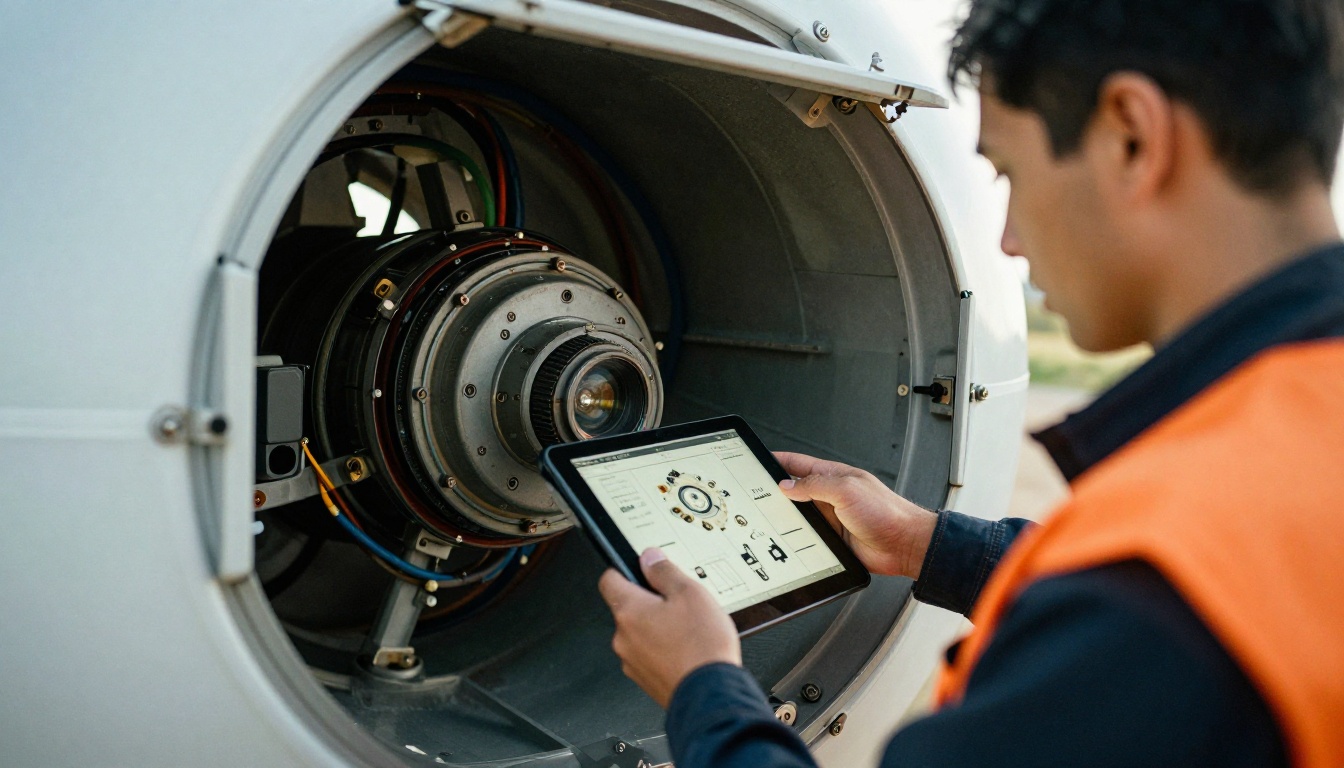
Here is a simple model for a service team of 20 technicians. The figures are illustrative, so replace them with your own.
| Metric | Static PDF workflow | Interactive catalog workflow |
|---|
| Average lookup time | 8 minutes | 2 minutes |
| Lookups per technician per day | 6 | 6 |
| Time spent searching per day | 48 minutes | 12 minutes |
| Wrong-part rate | 6 percent | 2 percent |
| Extra truck rolls per month | 14 | 5 |
Thirty-six minutes saved per technician per day adds up to roughly 12 hours across a 20 person team, every single day. Cut nine extra truck rolls per month and the fuel, labor and customer goodwill savings stack on top.
⚠️ Warning: A fast lookup is worthless if it returns the wrong revision. Version control matters as much as search speed.
Why Diagrams Cause Most Errors
Many wrong-part orders come from a misread exploded view. Two similar brackets sit side by side, the callout numbers are tiny and the technician guesses. In an interactive catalog, tapping the bracket highlights the exact row, the part number and the compatible serial range. The ambiguity disappears.
Searching and Finding Parts Quickly
Speed is the first thing technicians notice. Think about the steps in each workflow.
Static PDF workflow
- Open the email or shared drive and find the right file.
- Wait for the download.
- Search a term and scroll through every match.
- Zoom into a diagram to find the callout number.
- Cross-check the number against a table on another page.
- Copy the part number into an order form.
Interactive catalog workflow
- Open one saved link on the phone.
- Type the machine name or tap the diagram.
- Tap the component and copy the part number.

Fewer steps means fewer chances for a typo, and it keeps the technician focused on the machine instead of the file.
A Real-World Scenario
A packaging line goes down at 6 a.m. A technician arrives, identifies a worn drive belt tensioner and needs the right number. With a PDF, they scroll through the drive section, find two similar tensioners and call the office to confirm. With an interactive catalog, they tap the tensioner on the assembly diagram, see the serial range and place the order from the van. The line restarts the same morning instead of the next day.
Working Offline and on Weak Signal
This is the objection that surfaces first, and it is a fair one. Many service sites have no reliable connection: basements, mines, remote pumping stations, ships and rural wind farms.

A static PDF has one real advantage here: once saved to a device, it opens without a network. But an interactive catalog is not forced to be online only. With offline downloads, technicians save the current catalog before leaving the depot and keep working at the site. The data syncs the next time they have signal.
| Scenario | Static PDF | Interactive catalog with offline download |
|---|
| Remote site, no signal | Works if pre-saved | Works if pre-saved |
| Weak signal | Large file stalls | Lighter pages load progressively |
| Version after returning to depot | Manual re-download | Refreshes automatically |
| Risk of outdated copy | High | Low |
✅ Best practice: Ask technicians to open the catalog once at the depot each morning. That single habit keeps their offline copy current.
Keeping Parts Data Current
Product lines change. Suppliers swap components, part numbers get superseded and safety bulletins arrive mid-quarter. A catalog that does not update gracefully becomes a liability.

The PDF Update Problem
When a PDF changes, the old version is already in a dozen inboxes and on every truck laptop. Nobody knows who has what. Teams usually react by adding a "version 7 final FINAL" suffix and hoping for the best.
How a Live Link Fixes It
With an interactive catalog, the link stays the same and the content behind it changes. Technicians never have to ask whether they hold the latest file. For distributors and OEMs, that also means the same link can be embedded on a partner portal using the embed flipbook on your website tool, so a dealer always sees the current edition.
If you publish a regular product catalog, tools such as the Digital Catalog Maker and the Product Catalog generator are built for exactly this kind of recurring update.
Training New Technicians Faster
A new hire has to absorb thousands of part families, and most of it happens on the job. A catalog that teaches while it serves helps.

Interactive catalogs can embed short repair videos right next to the relevant diagram. A technician who has never replaced a particular seal can watch a 90 second clip, then order the seal kit from the same page. A PDF can only describe the task in text.
| Training need | Static PDF | Interactive catalog |
|---|
| Show a replacement procedure | Text and still images | Embedded video and audio |
| Link to related service bulletins | Manual cross reference | Clickable links between pages |
| Check what trainees read | Not possible | View analytics by page |
| Refresh content after a change | Redistribute file | Update once, everyone sees it |
If your training team already writes procedures as documents, a Training Manual Flipbook keeps the manual and the parts list in one place.
When a Static PDF Is Still the Right Call
An honest comparison has to admit where PDFs win. Do not convert everything just because you can.
- Regulatory filings. If an authority requires an unaltered fixed document, keep the PDF as the record.
- Tiny catalogs. A 12 page spare parts sheet for one product does not need hotspots.
- Print on demand. Some customers still insist on paper in the cabinet.
- Archival copies. Old revisions should be stored as fixed files for audit purposes.
The best setup for most manufacturers is hybrid: keep the PDF as the master record and publish an interactive version for daily field work.

How to Build an Interactive Parts Catalog
Converting an existing PDF is simpler than most teams expect. Here is the process using Flipbooks AI.
- Sign in. Create an account and open your dashboard.
- Upload the PDF. Drag your parts manual into the uploader. The PDF to Flipbook Converter turns each page into a responsive flipbook page with page-turning effects.
- Brand it. Add your logo, colors and a custom page background so the catalog looks like your company, not a generic viewer. There are no watermarks, ever.
- Add media. Embed repair videos and audio notes next to complex diagrams.
- Set access. Turn on password protection so only technicians and approved dealers can open it.
- Share it. Copy a direct link for the technicians' phones, or paste the embed code into your service portal.
- Check usage. On the Professional plan, analytics show which pages are opened most, so you can see where technicians struggle.
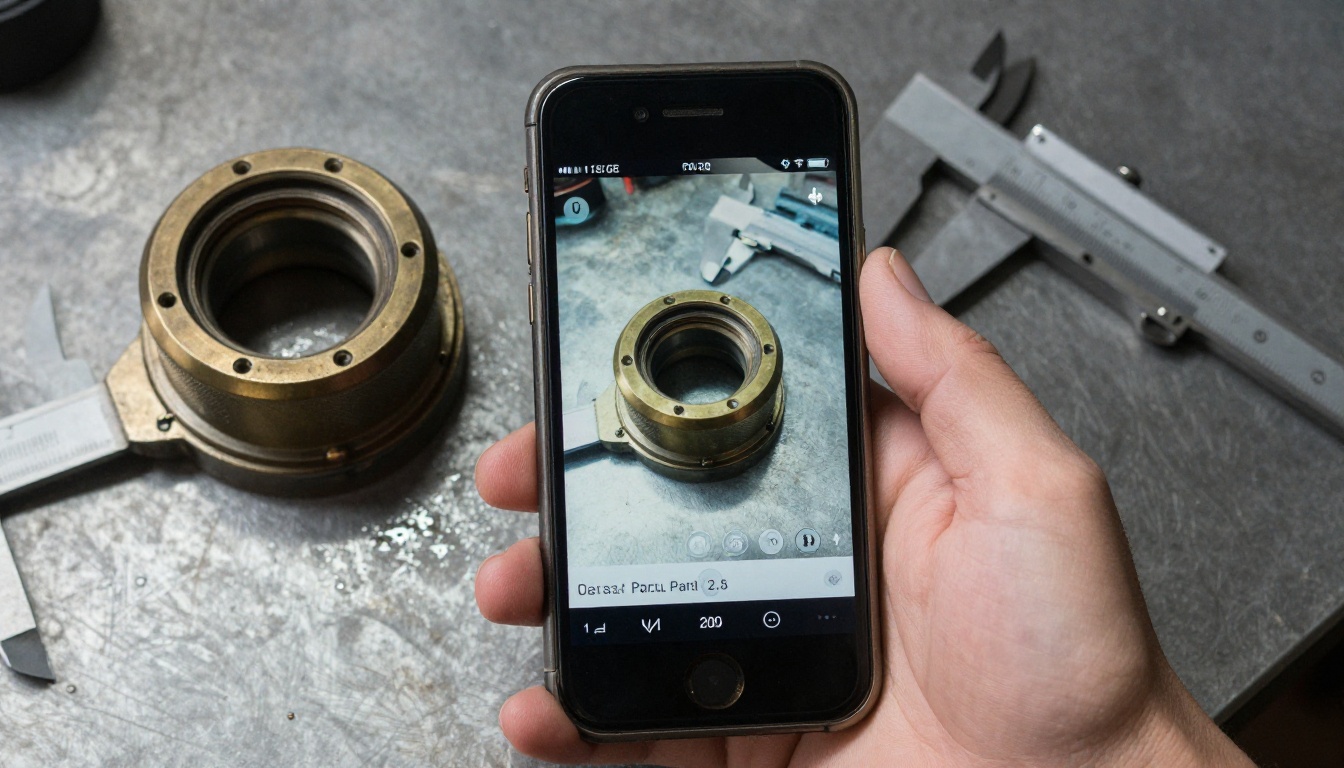
💡 Pro tip: Name each flipbook after the machine model and revision, for example "Pump X200 Rev C". Technicians search by model, not by internal document code.
Choosing a Plan
The right plan depends on how many catalogs you publish and whether you need lead generation or analytics. Compare the options on the pricing page.
| Need | What to look for |
|---|
| One or two catalogs | A starter plan is enough |
| Many product lines | Unlimited flipbooks (Standard plan and above) |
| Usage data and lead capture | Professional plan with analytics |
| Private dealer access | Password protection |
Mistakes to Avoid When Switching
Teams that struggle with the switch usually make one of these errors.
- Converting without cleaning. If the source PDF has scanned, blurry pages, the flipbook will too. Export from the original layout file when possible.
- Skipping field testing. Give the catalog to three technicians for a week before a full rollout. Their feedback is more valuable than any internal review.
- Ignoring offline needs. Confirm which sites have poor signal and set a morning download habit.
- Leaving old PDFs in circulation. Remove outdated files from shared drives and replace them with the live link.
- Forgetting the dealers. Your distributors order parts too. Give them the same link.
Quick Decision Checklist
Use this list to decide which format fits your operation.
- Do technicians search for one part among thousands? Choose interactive.
- Do you revise catalogs more than twice a year? Choose interactive.
- Are wrong-part orders a measurable cost? Choose interactive.
- Is the document a legal record that must never change? Keep the PDF.
- Is the catalog under 20 pages and rarely updated? A PDF is fine.
For most field service teams, the answer is a hybrid: a PDF archive plus a live interactive catalog for daily use.
Ready to Try It on Your Own Manual?
You do not need a long project to test this. Take one product line, convert its parts manual and put it in front of a few technicians for a week. Watch the lookup times, count the wrong-part orders and decide from real data.
When you are ready, get started for free on Flipbooks AI, browse the full list of flipbook tools to find the best template for your catalog, and compare pricing plans to choose what suits your team. Your technicians already have the phone in their pocket. Give them a catalog that works as fast as they do.



