Summer camps still run on paper. Tubs of printed forms, stuffed envelopes, follow-up phone calls chasing missing health forms, and piles of waivers that live in filing cabinets until they're needed. If you're a camp director reading this, you already know the problem. And if you're a parent, you've felt it too: the registration packet that arrives in the mail three weeks before camp, filled with 14 pages of forms you're supposed to fill out, sign, scan, and email back. Nobody has time for that anymore.
The shift toward having summer camp sign up packets done digitally is not a trend. It's how registration works now, and camps that haven't made the switch are losing registrations to those that have. This article breaks down exactly what digital camp packets look like, what goes into them, how to build yours, and how tools like Flipbooks AI make the whole process faster than you'd expect.
Why Paper Packets Are Holding Camps Back
The Hidden Costs of Printed Forms
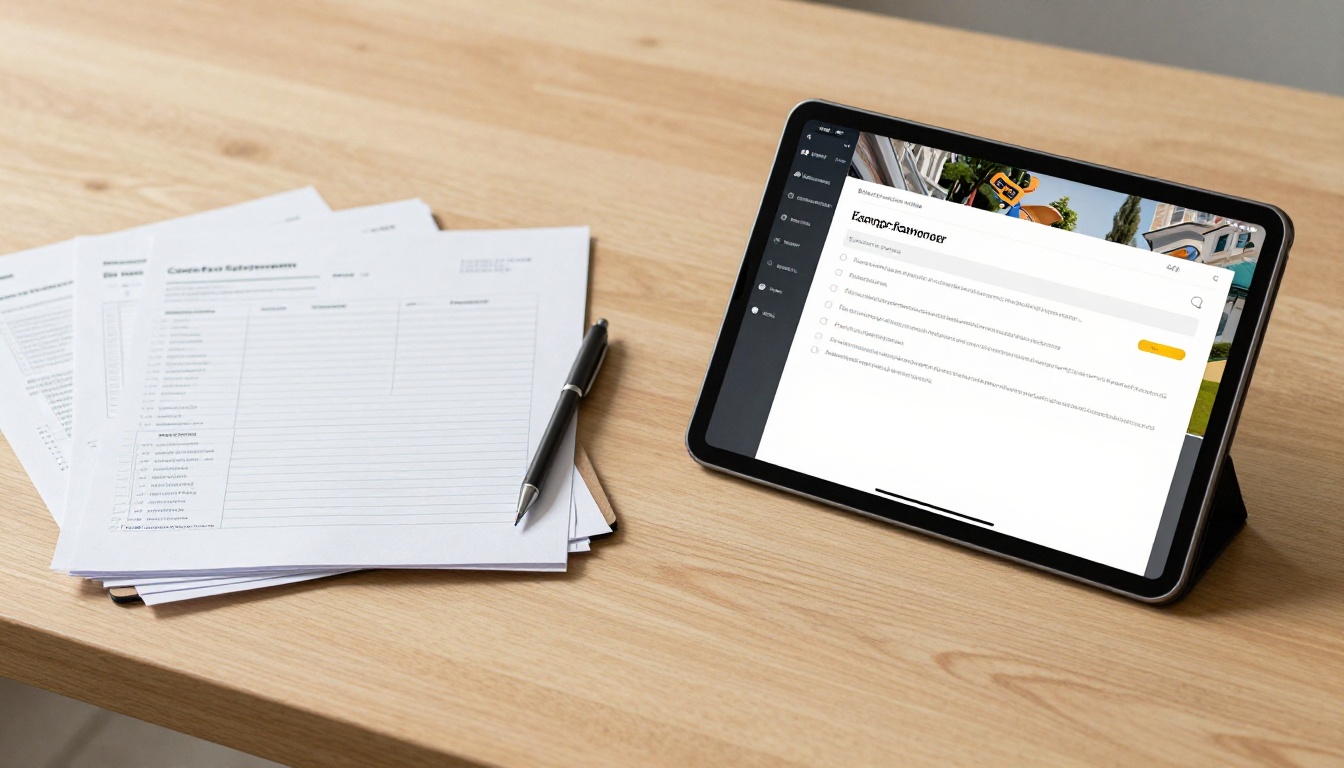
Printing isn't free. Between the cost of paper, ink, postage, staff time to stuff envelopes, and the inevitable re-prints when something gets lost, the per-registration cost of paper packets adds up quickly. A mid-sized camp processing 200 registrations might spend $800-$1,500 per season just on physical paperwork logistics.
But the real cost is the friction it creates. Every extra step you add between a parent and completing registration is an opportunity to lose them. A paper packet says "we'll mail this to you" or "download, print, fill out, scan, and return." That's four steps before the parent has done anything useful. A digital packet says "tap here." That's one step.
What Parents Actually Expect in 2027
Parents completing registration for youth sports leagues, school enrollment, and medical appointments have been doing it digitally for years. Their baseline expectation has shifted. When a summer camp asks them to print and mail forms, it signals that working with that camp is going to be an effortful experience from the start.
Research from the education technology sector consistently shows that families are 3-5x more likely to complete enrollment when the process is mobile-friendly and can be finished in a single session. Paper packets almost never get finished in a single session.
What Goes Into a Digital Sign-Up Packet
Core Documents Every Camp Includes
A thorough digital camp packet mirrors what you'd send in paper form, but presented in a way that parents can actually interact with. Standard components include:
- Welcome letter from the camp director with photos and a personal tone
- Health and medical information forms with fillable fields
- Emergency contact sheets that auto-save on submission
- Liability waivers and permission slips with digital signature capability
- Packing list formatted for easy printing or saving to phone
- Activity schedule with session breakdowns and optional add-ons
- Photo and media release forms
- Payment and deposit confirmation details
- FAQ section addressing first-timer questions
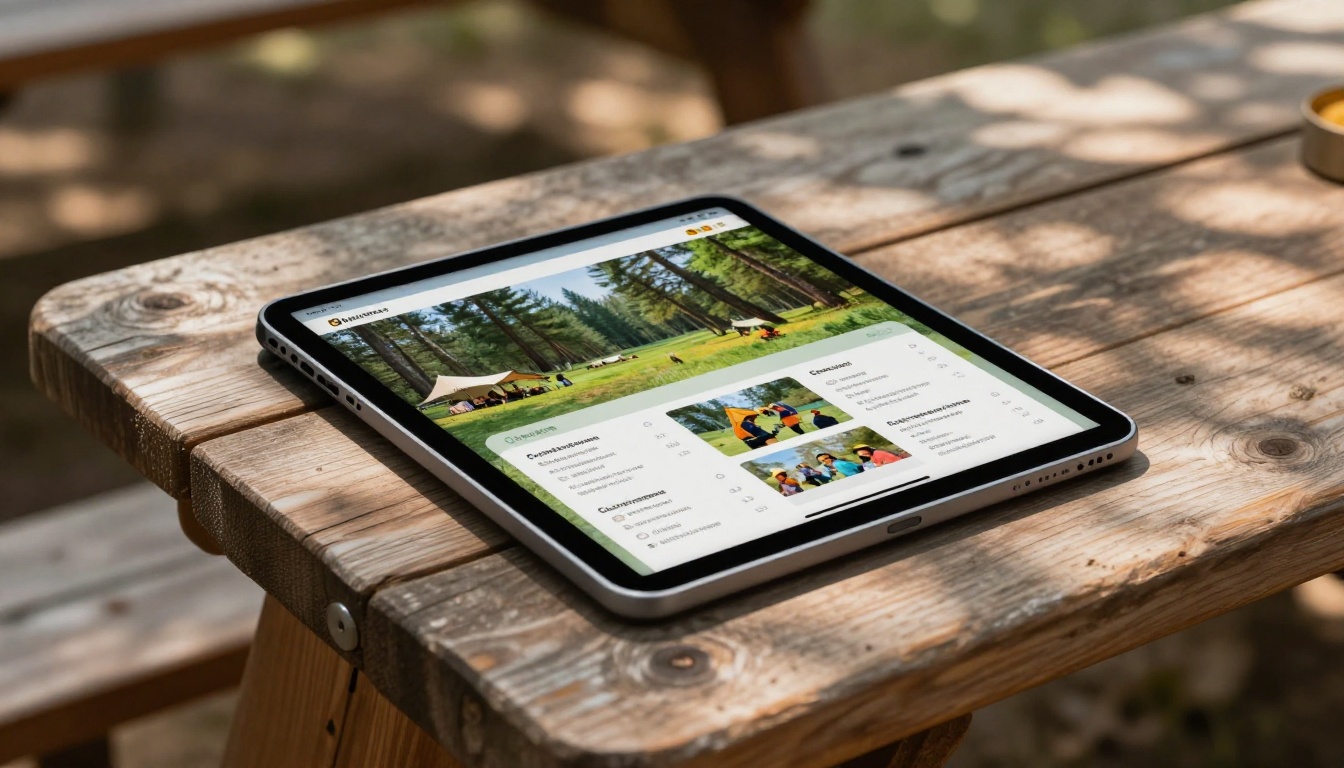
The advantage of digital is that you can make this packet feel like a magazine, not a bureaucratic form dump. Interactive flipbook formats let parents scroll through beautiful camp photos, tap into sections they want to read more, and fill out forms embedded directly in the experience.
Forms That Work Best Online
Not all forms translate equally well to digital format. These types of forms are particularly well-suited:
| Form Type | Digital Benefit | Paper Limitation |
|---|
| Health and medical | Auto-complete, physician lookup | Handwriting errors, illegibility |
| Emergency contacts | Pre-fill from prior year | Must re-enter every season |
| Waivers | Legally valid e-signatures | Wet signatures required, scanning needed |
| Activity selection | Dropdown menus, real-time capacity | Manual tallying, errors |
| Payment confirmation | Instant receipt generation | Delayed processing, check cashing |
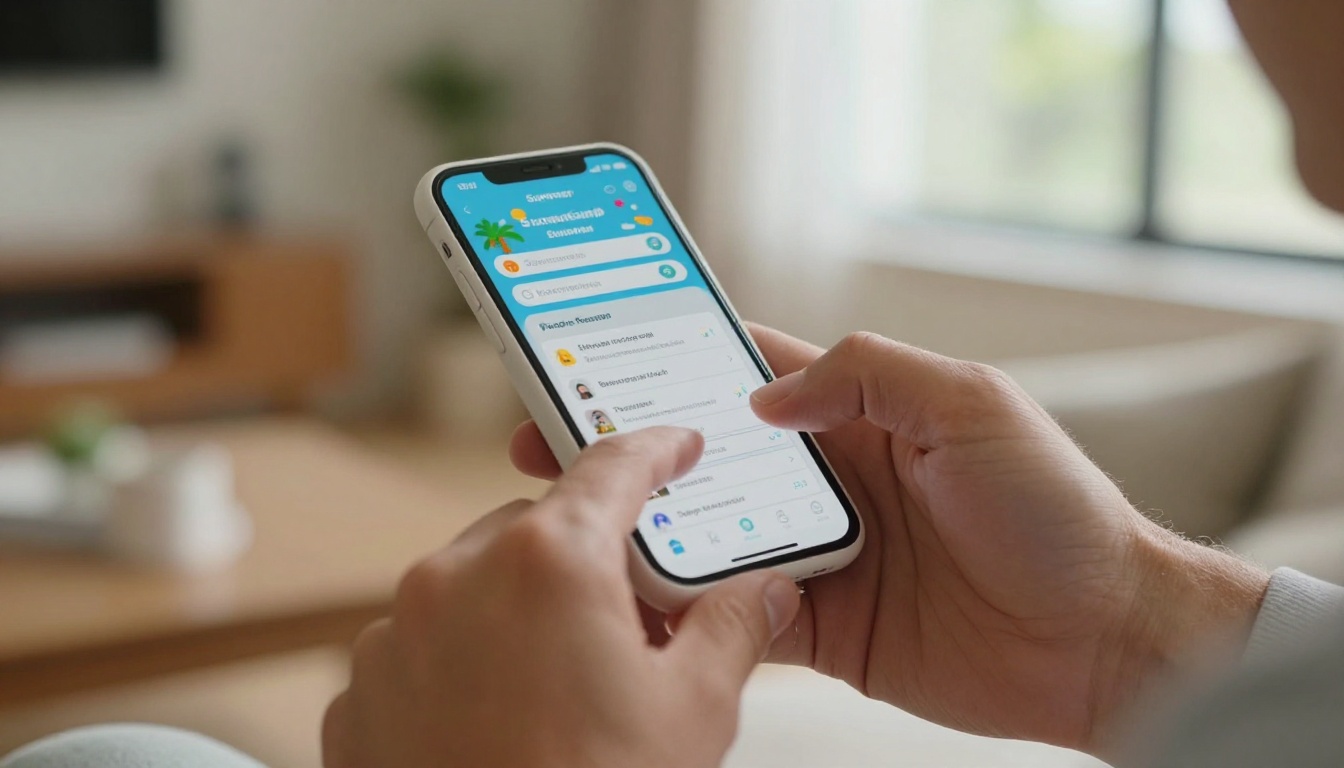
💡 If your camp already collects health forms through a separate system, your digital packet can link directly to it. No need to rebuild everything from scratch.
Paper vs. Digital: The Real Numbers
Before committing to a digital workflow, it helps to see the comparison laid out clearly. Here's how paper and digital packets stack up across the metrics that matter most to camp directors and parents.
| Metric | Paper Packets | Digital Packets |
|---|
| Time to complete | 45-90 minutes (print, fill, scan) | 8-15 minutes (any device) |
| Error rate | High (illegible, missing fields) | Low (required fields enforced) |
| Cost per registration | $4-$8 (printing, postage) | $0.50-$1.50 |
| Follow-up time | 2-4 hours per 100 registrations | Near zero with automations |
| Lost or damaged rate | 5-15% | Effectively zero |
| Mobile accessible | No | Yes (100%) |
| Eco impact | High (paper, ink, transport) | Minimal |
| Update flexibility | Reprint entire packet | Edit in minutes, live instantly |
Those numbers explain why camps with 300+ enrollees are moving fast to digital. The staff hours recovered alone justify the switch within the first season.

⚠️ When switching to digital packets, make sure your waiver and e-signature process complies with your state's electronic signature laws. Most states follow ESIGN Act standards, but a quick check with your legal advisor is always worth it.
How to Build Your Digital Packet With Flipbooks AI
Flipbooks AI is one of the fastest ways to turn a camp's existing PDF packet into a polished, interactive digital experience that families actually enjoy reading through. Here's exactly how it works.
Step 1: Create Your Account
Go to flipbooksai.com/account and sign up. The process takes under two minutes. No credit card required to start.
Step 2: Upload Your PDF Packet
Once you're in, use the PDF to Flipbook Converter to upload your existing camp packet. If you have a packet in Word or Google Docs format, export it as a PDF first. Flipbooks AI processes PDFs quickly. Your packet instantly becomes a page-turning digital publication.
✅ Even a rough draft PDF works here. You can update the content later without re-uploading.
Step 3: Brand It for Your Camp
Under the customization panel, you can:
- Set your camp's primary and secondary brand colors
- Upload your logo to appear on the flipbook interface
- Choose a background style that matches your camp's personality (outdoor, nature, classic)
- Set the page-turn animation (realistic paper flip or smooth slide)
This takes about 10-15 minutes for a first-time setup and gives families an experience that feels intentional, not like a generic form dump.
Step 4: Add Interactive Elements
Flipbooks AI allows you to embed video and audio directly into your packet. This is where digital packets pull completely ahead of paper:
- Embed a welcome video from your camp director on page 1
- Add a virtual tour video of the camp grounds in the activities section
- Include audio clips of camp songs or counselor introductions
- Link out to your registration form, payment portal, or FAQ page
The Event Program Maker and Course Material Publisher templates are solid starting points if your packet has a structured schedule or educational component.
Step 5: Share With Families
When your packet is ready, Flipbooks AI gives you multiple sharing options:
- Direct link: Copy a clean URL and include it in email campaigns, social posts, or text messages
- Embed code: Drop your flipbook directly into your camp website with one line of HTML
- QR code: Print it on physical posters or event banners for easy mobile access
- Password protection: Restrict access to registered families only
The whole setup, from upload to share-ready link, typically takes under an hour the first time. Updates afterward take minutes.
What Makes a Great Digital Packet
Design Principles That Build Trust
The visual quality of your digital packet communicates your camp's professionalism before a parent reads a single word. Packets that look thrown together create hesitation. Well-designed ones build confidence.
Strong design choices for camp packets:
- High-resolution photos: Real kids at real activities, not stock images
- Consistent typography: Two fonts maximum (one for headings, one for body)
- White space: Let content breathe, especially on mobile screens
- Clear section breaks: Use headings and color blocks, not walls of text
- Bold calls to action: "Download Packing List", "Fill Out Health Form", "Contact Us"
Mobile-First Is Non-Negotiable
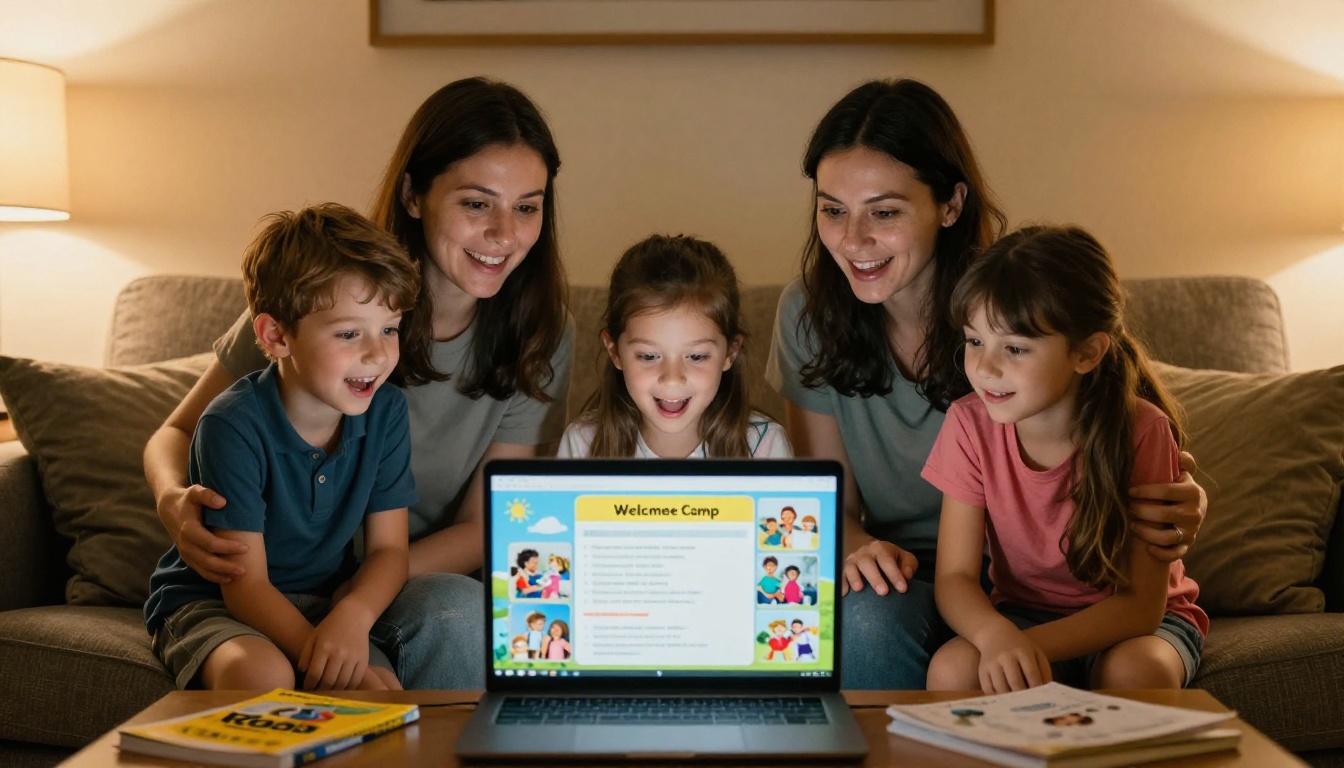
More than 65% of parents open emails and fill out online forms on their phones. A digital packet that isn't optimized for mobile is only marginally better than a paper one. Flipbooks AI flipbooks are mobile-responsive by default, meaning the reading experience adjusts automatically for any screen size.
Test your packet on an iPhone and an Android device before sending. Tap through every interactive element. If something feels awkward on a small screen, fix it before it goes out.
💡 Send yourself the packet link and open it in your phone's browser in incognito mode to simulate the parent experience exactly.
Flipbooks AI Plan Options
Choosing the right plan depends on how many camps or sessions you run and what features matter most.
| Feature | Free Plan | Standard Plan | Professional Plan |
|---|
| Flipbooks | 1 | Unlimited | Unlimited |
| Watermarks | Yes | No | No |
| Custom branding | No | Yes | Yes |
| Password protection | No | Yes | Yes |
| Analytics | No | No | Yes |
| Lead generation | No | No | Yes |
| Offline downloads | No | No | Yes |
| Embedded media | Limited | Full | Full |
For most camps running a single season, the Standard plan covers everything. Camps with multiple programs, franchise locations, or a need to track exactly who opened the packet and when will want to look at Professional plan features.
How to Share Your Digital Packet
Email Campaigns
Email is still the primary channel for reaching camp families. When sending your digital packet by email:
- Include the direct link in the first paragraph and again in a button near the bottom
- Use a preview image of the packet as the email's hero image
- Write a subject line that creates urgency: "Your 2025 Camp Packet Is Ready"
- Set up a follow-up sequence for families who opened but didn't complete registration
Social Media
Your digital packet link can go anywhere:
- Pin it to the top of your Facebook group or page
- Add the link to your Instagram bio
- Share it in local parent Facebook groups during open enrollment periods
- Post a short video of someone flipping through the packet pages as a teaser reel
Embedding on Your Camp Website
The embed option is the most friction-free path for families. A parent lands on your "Register" page and can immediately flip through the entire packet without leaving the site. Use the Embed Flipbook on Website tool to generate the exact code you need.

Common Questions From Camp Directors
"Our registration is already handled by a separate platform. Do we still need a digital packet?"
Yes. Registration platforms collect data. A digital packet creates the experience that convinces a parent to register in the first place. They serve different purposes.
"What if some families don't have reliable internet access?"
Professional plan users can offer offline downloads so families can access the packet without a connection. You can also keep a small print run of condensed packets for families who specifically request them.
"Can we update the packet mid-season without breaking the link?"
Yes. Edits made inside Flipbooks AI update the live packet instantly. The URL stays the same, so any links or embeds you've already shared continue to work.
"Is there a way to know who has actually read the packet?"
The analytics features in the Professional plan show opens, time spent per page, and link clicks. This is especially useful for tracking which sections parents skip and whether they actually reach the waiver page before registering.
"We have multiple camps, each with a different packet. Does this scale?"
Standard and Professional plans support unlimited flipbooks, so you can create a separate polished packet for each camp or session with no additional cost per flipbook. See all pricing options to figure out what fits your volume.

Making the Switch This Season
The gap between camps that have digitized their packets and those still on paper is widening every year. Families who experience a smooth digital registration remember it, refer friends, and return the next season. Families who fight with a printer and a scanner at 11pm remember that too.
The barrier to switching is lower than most camp directors assume. If you have a PDF version of your packet already, you're about an hour away from having a professional digital version live and shareable. If you're building from scratch, template-based tools on Flipbooks AI give you a structure to fill in rather than a blank page to stare at.
The School Newsletter Creator, Training Manual Flipbook, and Brochure Flipbook Maker templates all serve different camps depending on whether your packet leans toward storytelling, logistics, or visuals.
What this registration season looks like is largely a decision made right now. Camps that set up their digital packets in the spring have them tested and ready when enrollment opens. Camps that wait until June are still chasing missing health forms while their counselors are already out with the kids.
Ready to build yours? Create your free account on Flipbooks AI and have your first digital camp packet live before the end of the week. Compare pricing plans to find what works for your enrollment volume. Browse all flipbook tools to find templates built for every type of camp document you create.



