You ordered the last print run, boxed up the leftovers, and announced a shiny new digital catalog. Three months later, orders from your best repeat buyers have dipped and nobody can explain why. Switching from print to digital catalogs is supposed to cut costs and widen your reach. Yet plenty of businesses lose revenue during the move because of a handful of avoidable mistakes. This article names them, shows what they cost, and gives you fixes you can apply this week. If you want to follow along with a working tool, Flipbooks AI turns a PDF into a page-turning digital catalog in minutes.
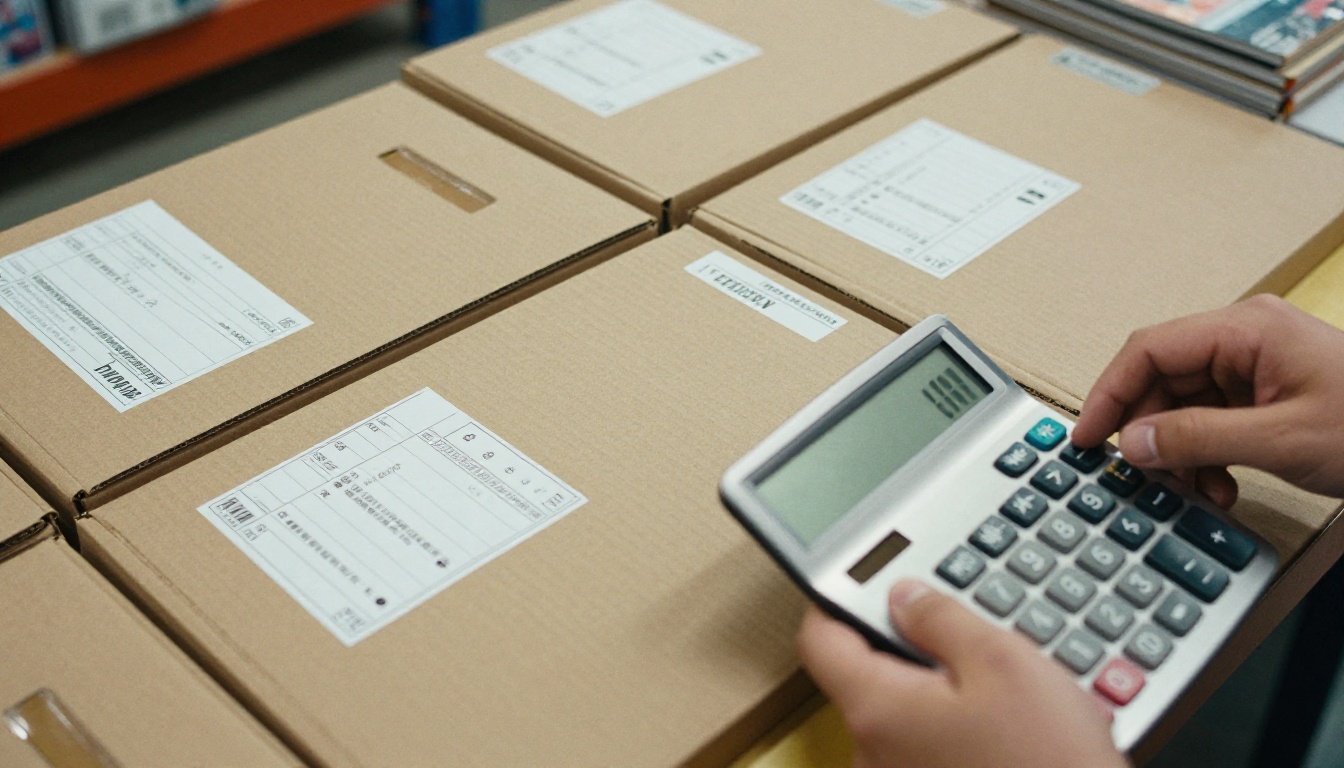
Why the Switch Goes Wrong
Print catalogs have a built-in advantage: nobody has to be taught how to use one. A buyer picks it up, flips through, circles a product, and calls you. A digital catalog removes the paper but also removes those habits. If the replacement feels slower, harder to read, or harder to share, buyers quietly go back to a competitor's brochure.
The numbers explain the temptation. Printing, warehousing, and posting a catalog to thousands of people is expensive, and every price change makes a stack of copies obsolete. Digital fixes all of that, but only when it is built for the way people actually shop.
| Factor | Print Catalog | Digital Catalog |
|---|
| Cost per additional reader | Printing plus postage | Close to zero |
| Updating a price | Reprint everything | Replace the file in minutes |
| Tracking interest | Guesswork | Views, clicks, time per page |
| Reach | Local mailing list | Anyone with a link |
| Shelf life | Outdated within months | Always current |
| Reading experience | Familiar, tactile | Depends on your setup |
That last row is where most of the damage happens.
💡 Pro tip: Before you cut print entirely, list the three ways your best customers use your catalog today. Your digital version must beat each of those, not just match them.
The Real Cost of Waiting
Some owners delay the switch for years because the first attempt felt risky. That delay has a price too. Every season you print, you pay again for something that can be outdated before it lands in a mailbox. The goal is not to rush. It is to switch with a plan.
Who Loses the Most
Retailers with large, seasonal inventories feel the pain first. A furniture dealer with 600 SKUs or a fashion brand launching four collections a year cannot afford a catalog that shows discontinued items. Those businesses gain the most from digital, and lose the most when the rollout is sloppy.
Mistake 1: Uploading a Raw Print PDF
The most common shortcut is taking the print-ready file and posting it as is. Print PDFs are built for 300 dpi paper, with bleed margins, crop marks, and tiny type that looks fine at arm's length. On a phone, that text shrinks to something unreadable.

How to fix it:
- Export a screen version of the PDF without crop marks or bleed.
- Increase body text to a size readable on a 6-inch screen.
- Compress images so pages load in under two seconds.
- Test the result on a phone before publishing.
Why Page Weight Matters
A 150 MB catalog that takes twenty seconds to open will lose visitors before the first product appears. Aim for a file small enough to load on a mediocre mobile connection. A converter such as the PDF to Flipbook Converter handles optimization during upload, so you do not need to hand-tune every image.
Single Pages vs Spreads
Print catalogs are designed in spreads, two facing pages that work as one composition. On a phone, a spread becomes two tiny pages. Decide early whether your layout should display as single pages on mobile and spreads on desktop, then check that no product is split across the fold.
Mistake 2: Ignoring Mobile Readers
More than half of catalog views now happen on phones, and a catalog that only works on a desktop monitor is a catalog half your audience cannot use. Pinching and zooming to read a price is a conversion killer.

Look for a mobile-responsive viewer that reflows controls, supports swipe gestures, and keeps buttons large enough for thumbs. Platforms like Flipbooks AI ship responsive viewers by default, which removes a whole category of technical headaches.
⚠️ Warning: Never judge your catalog only on your office monitor. Open it on an older phone with a slow connection. That is what many buyers will use.
A Quick Mobile Checklist
- Text readable without zooming
- Buttons at least thumb-sized
- Pages load in two seconds or less
- Product links tap cleanly
- Table of contents works on small screens
Mistake 3: Treating Digital as a Static File
A digital catalog that is only a PDF behind a download button wastes the medium. The advantage of digital is interaction: clickable products, embedded video, audio, and direct links to your checkout.

A furniture dealer, for example, can link every sofa photo to its product page and embed a 20-second video showing fabric options. A buyer who would have phoned the shop can now decide alone, at midnight, on a tablet. Tools like the Furniture Catalog Maker and the Product Catalog Generator are built around this idea.
Where Interaction Pays Off Most
| Catalog Type | Best Interactive Element | Expected Result |
|---|
| Fashion | Shop-the-look links | Higher add-to-cart rate |
| Furniture | Video of materials and sizing | Fewer pre-sale calls |
| Wholesale | Direct order form link | Faster reorders |
| Restaurant supply | Embedded price list | Fewer quote requests |
| Industrial parts | Spec sheet downloads | Shorter sales cycle |
Do Not Overdo It
Interaction should help the buyer, not entertain them. Three well-placed video clips beat thirty autoplaying ones. Every extra element adds load time, and load time costs sales.
Mistake 4: Skipping Analytics
With print, you could only guess which pages worked. Digital hands you the answer, but only if you switch the tracking on and look at it. Many owners publish, celebrate, and never open the report.

Track at least these numbers:
- Page views and average time per page
- Drop-off point, the page where most readers leave
- Link clicks on products and order buttons
- Device split between phone, tablet, and desktop
- Lead captures, if you gate parts of the catalog
Analytics and lead generation sit on the Professional tier, so check the pricing plans before you commit. A catalog that shows you a drop-off at page 14 tells you exactly where to rewrite, reorder, or cut.
✅ Best practice: Review analytics every two weeks for the first quarter. Move your strongest products to the pages readers actually reach.
A Simple Example
A hardware wholesaler noticed that 70 percent of readers left at the plumbing section because the first page there was a dense wall of part numbers. They added a short visual intro with the five best sellers. The next report showed readers staying through to the end of the section.
Mistake 5: Ruining Your Navigation
Print has page numbers and a thumb. Digital needs a clear table of contents, a search box, and linked section headers. Without them, readers in a 120-page catalog give up after a few swipes.

Fix it with structure:
- Put a linked contents page right after the cover.
- Add a short "back to contents" link on section dividers.
- Group products by how buyers shop, not how your warehouse is organized.
- Use consistent product page layouts so the eye learns the pattern.
The Two Minute Rule
If a first-time visitor cannot find a specific product in two minutes, your structure needs work. Hand the catalog to someone who has never seen it and time them.
Mistake 6: Forgetting Offline and Private Access
Sales reps visit warehouses with weak signals. Wholesale buyers may need a private price list that the public should never see. A digital catalog that only lives on one open URL cannot serve either case.

Use password protection for wholesale pricing and enable offline downloads for field teams. Trade shows are the classic example: a rep can show the full catalog on a tablet without depending on venue Wi-Fi, then email a private link to the buyer afterward.
| Need | Feature to Use | Who Benefits |
|---|
| Wholesale pricing | Password protection | Distributors, B2B buyers |
| Weak signal areas | Offline download | Field sales reps |
| Public marketing | Open link or embed | Website visitors |
| Lead collection | Gated access form | Marketing team |
Mistake 7: Hiding the Catalog on Your Website
Some brands build a digital catalog and bury it three clicks deep in the footer. If customers cannot find it, the savings from dropping print never turn into sales.

Embed the catalog directly on a landing page, link it from your main menu, and include it in order confirmation emails. The Embed Flipbook on Website tool gives you a snippet you can paste into your site, so the catalog opens in place without sending visitors elsewhere.
Share It Everywhere
- Email signatures and quote templates
- Social bios with a short link
- QR codes on packaging and shop windows
- Sales rep follow-up messages
Do Not Break Your Old Links
If printed catalogs carried a QR code or short URL, keep that address alive and point it at the new version. A dead link on a thousand mailed copies is an expensive way to lose a customer.
Mistake 8: Cutting Print Too Early
Going fully digital overnight alienates customers who still prefer paper. Older buyers, high-end clients, and some B2B accounts expect something to hold. A staged approach protects revenue while habits change.

A reasonable plan looks like this:
| Phase | Action | Duration |
|---|
| 1 | Launch digital beside print, track usage | 1 to 2 months |
| 2 | Print only for top accounts and events | 2 to 3 months |
| 3 | Offer print on request | Ongoing |
| 4 | Review costs and drop print where data supports it | Quarterly |
💡 Send a short note to loyal customers explaining the change and giving them a printed insert with the digital link. It costs little and prevents confusion.
Mistake 9: Never Updating the Catalog
The biggest advantage of digital is how easy updates are, yet some businesses upload once and forget. Out-of-stock items, old prices, and expired offers destroy trust faster than any design flaw.
Set a calendar reminder to review the file monthly. Replace discontinued items, correct prices, and refresh seasonal pages. Because the link stays the same, everyone with the old URL sees the update automatically.
How to Create a Digital Catalog with Flipbooks AI
Here is a practical walkthrough you can finish in under an hour.
- Get started. Go to Flipbooks AI and create an account.
- Upload your PDF. Drag in your screen-ready file. The platform converts each page into a flipbook with realistic page-turn effects. If you are building from scratch, the Digital Catalog Maker is a good starting point.
- Customize the look. Add your logo, brand colors, background, and choose page effects. Embed product videos or audio where they help a buyer decide.
- Add links. Connect product images to your store pages or order form.
- Set sharing options. Copy the direct link, grab the embed code for your site, or turn on password protection for wholesale accounts. Allow offline downloads for field teams.
- Turn on tracking. On the Professional plan, activate analytics and lead generation so you can see where readers stay and who is interested.
- Test on three devices. A phone, a tablet, and a laptop. Fix anything that looks off.
Every flipbook is free of watermarks, and paid plans include unlimited flipbooks, so you can publish a separate catalog for each season or region without worrying about limits. You can also browse the full tools directory for fashion, hotel, real estate, and other layouts.
A Pre-Launch Checklist
| Check | Done? |
|---|
| PDF optimized for screens | ☐ |
| Tested on phone and tablet | ☐ |
| Contents page linked | ☐ |
| Product links working | ☐ |
| Analytics enabled | ☐ |
| Old QR codes redirected | ☐ |
| Print fallback plan in place | ☐ |
Ready to Switch Without Losing Sales?
The move from paper to screen does not have to hurt revenue. Avoid raw print PDFs, build for phones, add interaction, watch your numbers, keep navigation clear, protect private pricing, make the catalog easy to find, phase out print gradually, and update on a schedule. Do those nine things and the savings arrive without the sales dip.
Ready to build yours? Get started for free on Flipbooks AI, browse the tools and templates for your industry, or compare pricing plans to see which tier includes the analytics you need. When you are ready to commit, create your account and pick a plan in one step.



