You have a 10 by 10 booth, three days, and a few thousand visitors walking past at a steady pace. What do you put in their hands, or in front of their eyes? The debate between a tablet kiosk and printed brochures at a trade show booth never really ends, because both work. The question is which one works better for your goal, your budget, and your crowd. Tools like Flipbooks AI have made the digital side much easier, so the old "paper is safer" argument deserves a fresh look.
This article puts both options head to head with real numbers, honest trade-offs, and a hybrid setup that many exhibitors quietly use.
The Short Answer First
If you only read one section, read this one.
- Choose a tablet kiosk when you need leads, tracking, frequent updates, or you exhibit at several shows a year.
- Choose printed brochures when your buyers are older, your product is highly tactile, or the show has weak Wi-Fi and little power.
- Choose both when you can afford a small print run. A tablet for browsing, a short leave-behind for the handshake.
💡 Pro tip: Most exhibitors over-print by 40 to 60 percent. Whatever you decide, order fewer brochures than your gut says.
What Visitors Actually Do at Your Booth
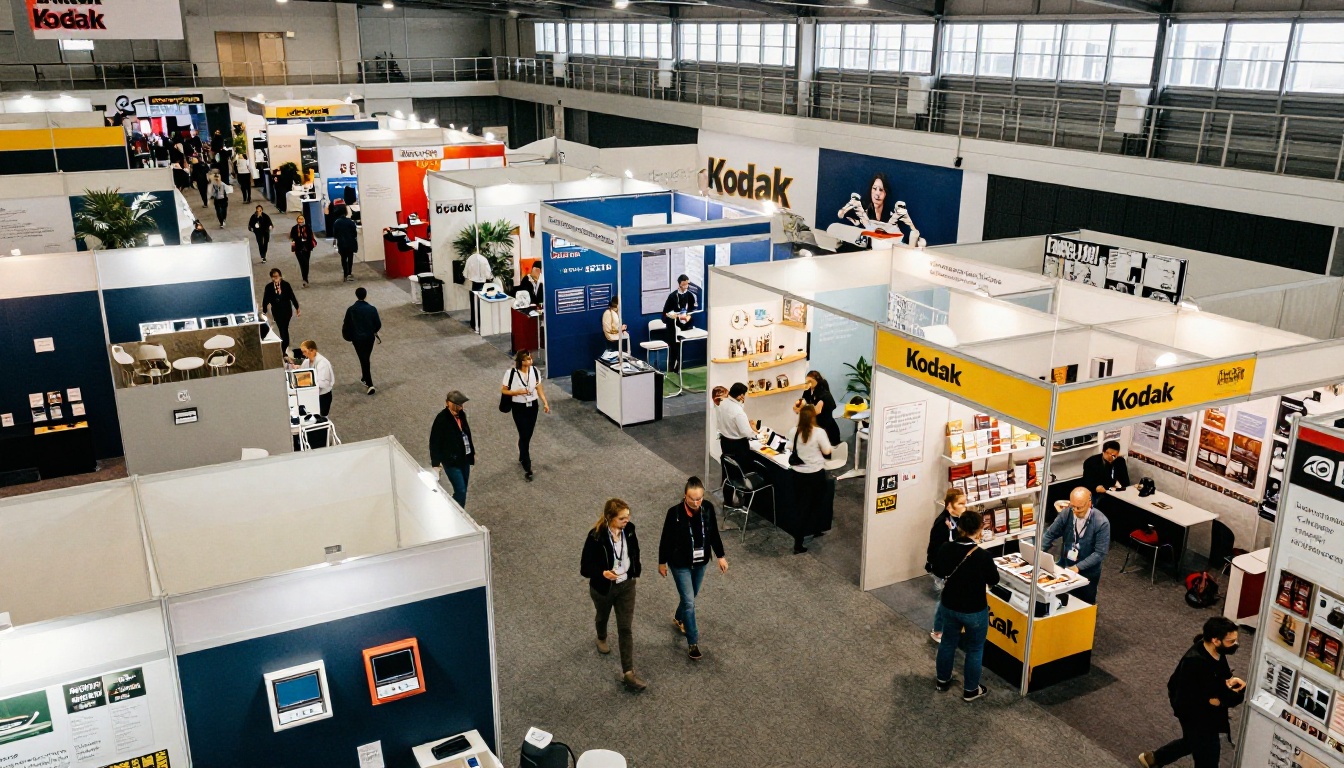
Picture a typical aisle. Most people give a booth about five seconds. In those seconds, they decide whether to stop. A screen with movement catches the eye faster than a stack of paper, but a paper brochure is easier to grab on the way past with zero commitment.
That difference shapes everything else.
The Kiosk Visitor
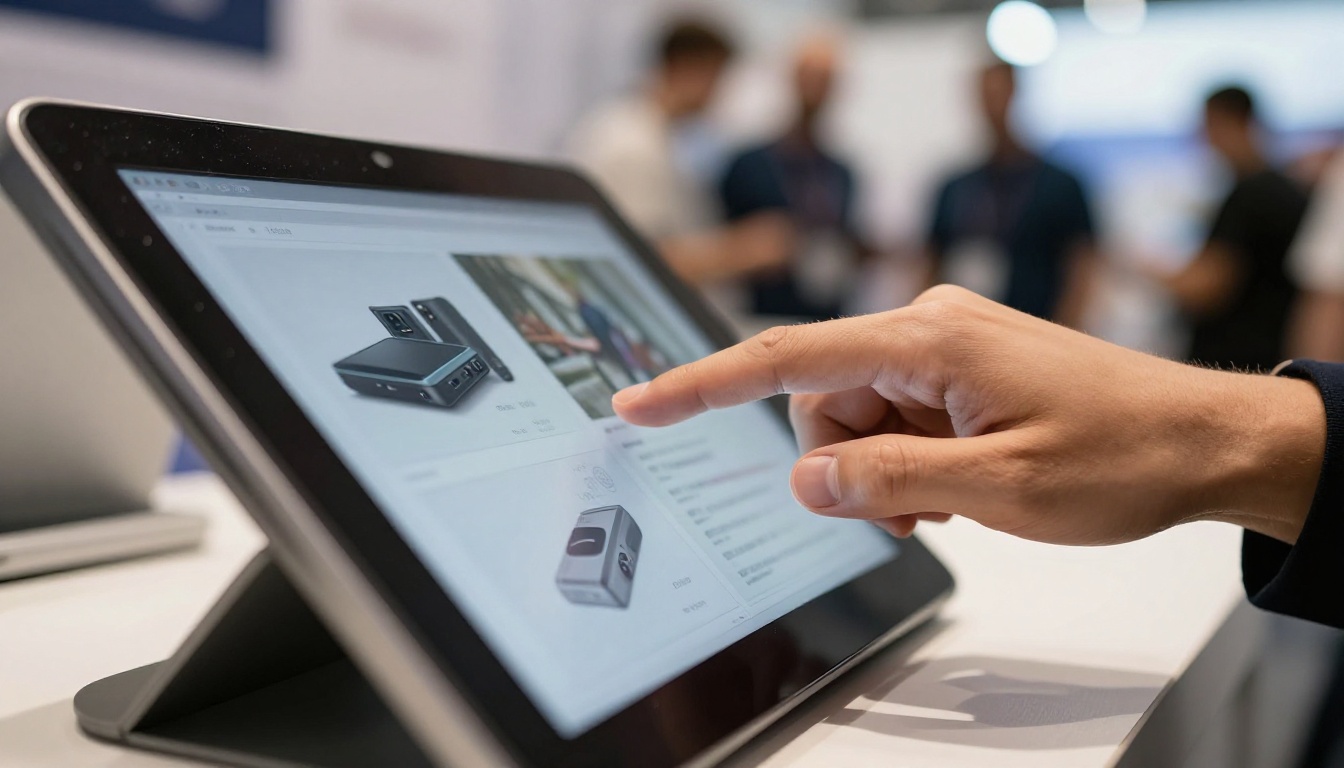
A kiosk visitor stops, touches, and stays. They browse at their own pace, often for a minute or two. Because they are standing there, your team has a natural opening for a conversation: "Which product caught your eye?"
The Brochure Visitor
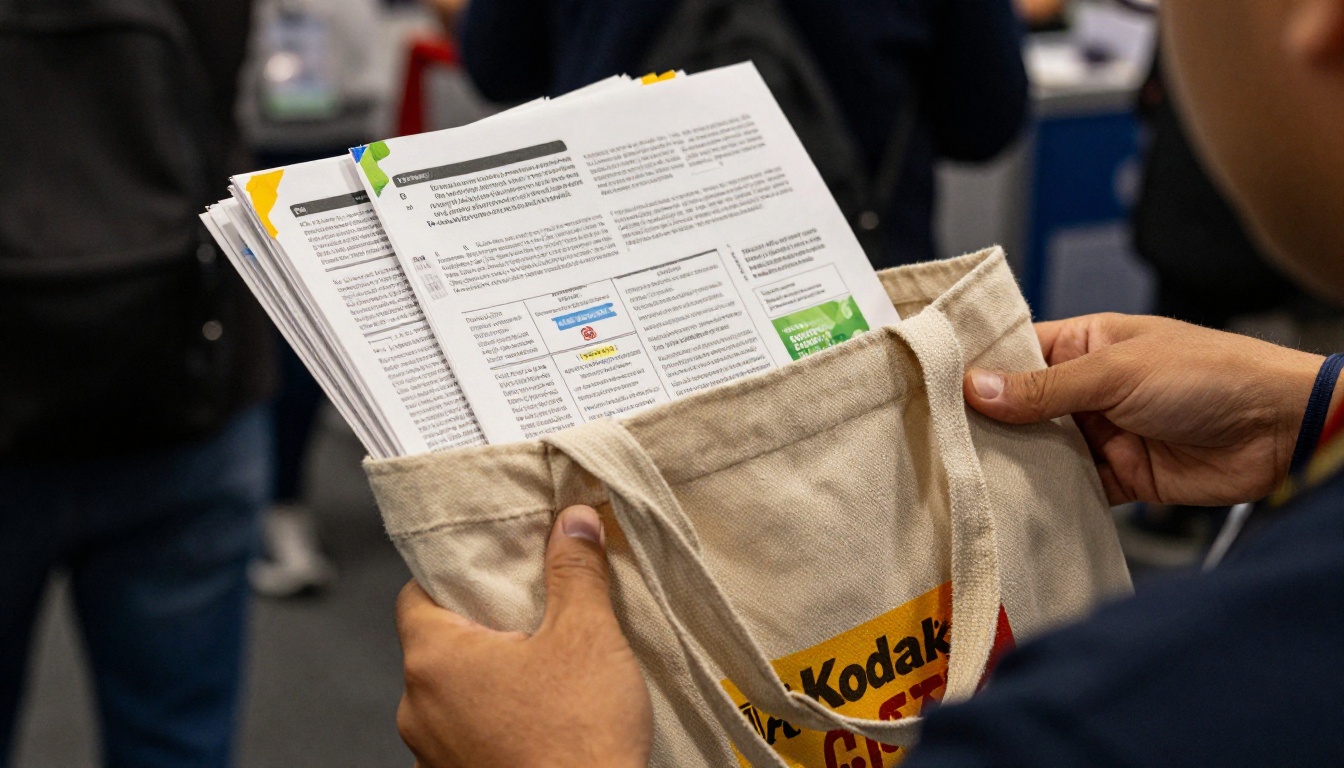
A brochure visitor takes and moves on. The paper goes into a tote bag with fifteen other leaflets. Whether they ever look at it again depends on how good the design is and how memorable the conversation was.
Cost Breakdown: The Real Numbers
Price is where most debates start, and where most people calculate wrongly. They compare the cost of one tablet against the cost of one print run, and forget about reprints, shipping, and storage.
Printed Brochures
Costs add up in layers:
- Design and layout, often reused but frequently refreshed per show.
- Printing, which drops per unit as volume grows but never reaches zero.
- Shipping and freight to the venue, sometimes with drayage fees.
- Leftovers, which are outdated the moment a price or product changes.
Tablet Kiosk
Costs are front loaded:
- Hardware, one tablet plus a stand and a locking enclosure.
- Content, usually a PDF turned into an interactive flipbook.
- Software plan, a monthly or yearly fee.
- Backup, a spare charger and a second device if the budget allows.

| Cost Factor | Printed Brochures | Tablet Kiosk |
|---|
| Upfront spend | Low to medium | Medium to high |
| Cost per additional show | Same again | Close to zero |
| Content update cost | Full reprint | Free, instant |
| Shipping weight | Heavy boxes | One small case |
| Leftover waste | Common | None |
| Break-even point | Never, it repeats | Roughly 2 to 3 shows |
The lesson: a kiosk is an asset, brochures are a consumable. If you exhibit once a year, the gap is small. If you exhibit six times, the kiosk usually wins on cost by a wide margin.
Lead Capture and Tracking
This is where the two options separate the most.
A paper brochure is a black box. You hand it over and never know if it was read, shared, or thrown away at the hotel. A digital flipbook on a kiosk tells you exactly which pages were viewed and for how long, especially if you enable lead forms before the content opens.
✅ Best practice: Put a short lead form (name, email, company) in front of the catalog, then let visitors browse. Ask for less, get more.
With the Professional plan on Flipbooks AI, you get analytics and lead generation built in, so every page view ties back to a real contact. That is hard to match with paper, unless you rely on handwritten business cards and a stack of sticky notes.
The QR Code Bridge
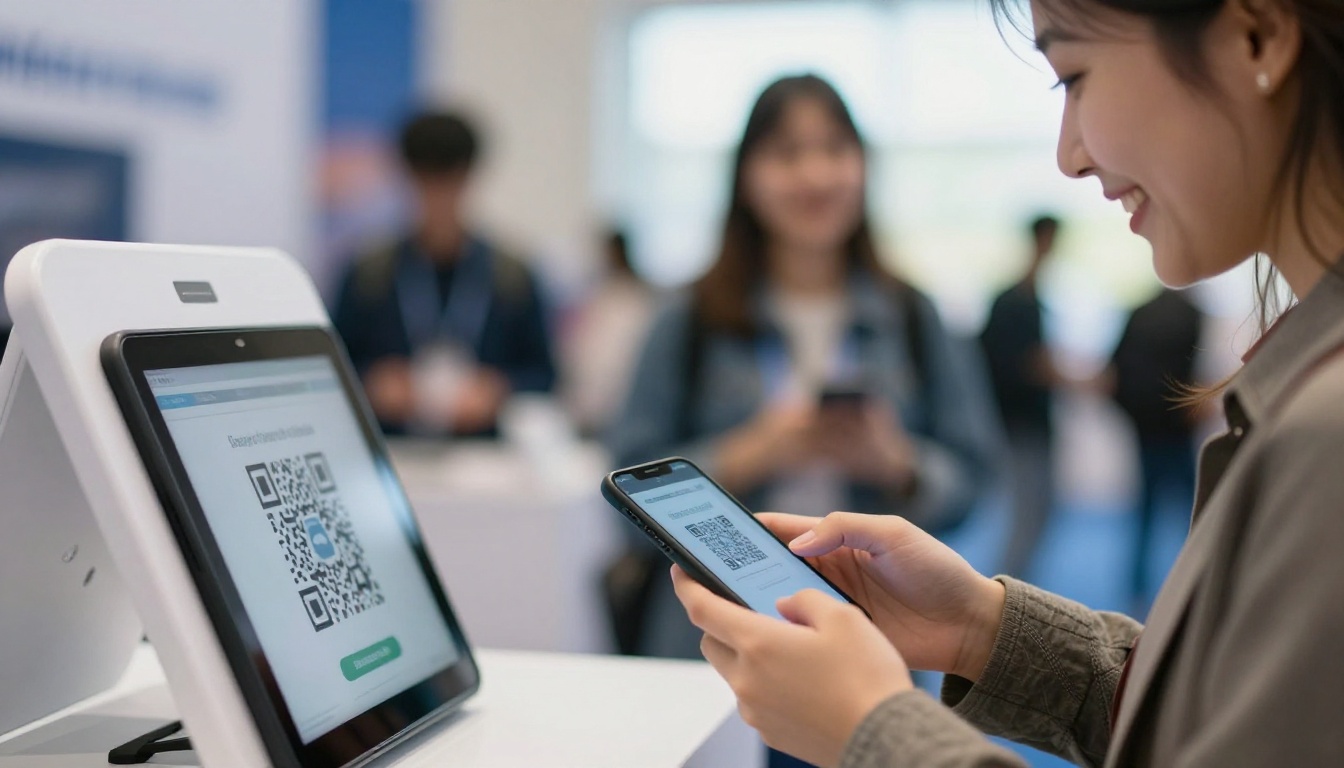
A QR code on a brochure turns paper into a trackable entry point. A QR code on a kiosk lets a visitor take the flipbook with them on their phone. In both cases, the QR code is the cheapest tracking tool you have, and it costs nothing to add.
Head to Head: Feature Comparison
Here is how both options compare across the things that matter on the show floor.
| Feature | Tablet Kiosk | Printed Brochures |
|---|
| Attracts attention | High (movement, light) | Medium (static) |
| Lead capture | Built in forms | Manual only |
| Page tracking | Yes | No |
| Update after printing | Instant | Impossible |
| Works without power or Wi-Fi | Needs offline mode | Always |
| Risk of theft or failure | Medium | Low |
| Video and audio | Yes | No |
| Feels premium in hand | Medium | High with good paper |
| Takeaway for visitors | Via link or QR | Physical item |
| Eco impact | Low | Higher |
Notice the two rows where paper clearly wins: reliability and the physical takeaway. Everything else leans digital.
Real Scenarios: Who Should Choose What
Theory only goes so far. Here are four realistic exhibitors.
A Furniture Maker at a Design Fair
Buyers want to see fabrics, finishes, and room scenes. A kiosk with a Furniture Catalog lets them zoom into wood grain and swipe through collections. A single printed swatch card as a leave-behind covers the tactile need.
A Software Startup at a Tech Expo
Their product changes monthly. Printed brochures would be outdated by the time they arrive. A kiosk showing a live sales presentation flipbook is the obvious pick.
A Real Estate Developer at a Property Show
Buyers expect something to carry home, but they also want floor plans and renderings. A hybrid approach works: a Real Estate Brochure as a flipbook on the kiosk, plus a short printed one pager with a QR code.
A Local Food Producer at a Regional Fair
Wi-Fi is unreliable in the hall, and the crowd skews older. Printed brochures and a sample table are the safer choice here, with one tablet as a bonus.
Where Printed Brochures Still Win
It would be dishonest to pretend paper is dead. It has real strengths:
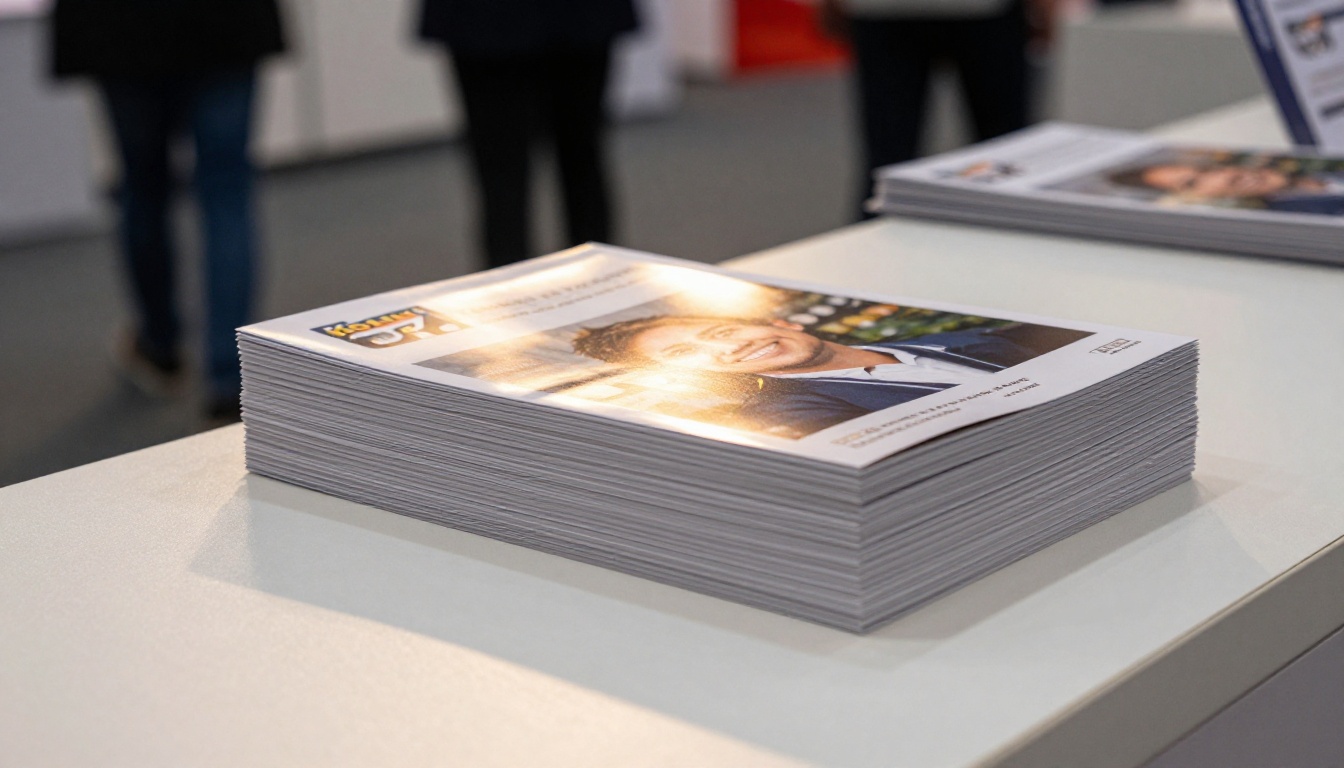
- It never crashes. No battery, no Wi-Fi, no frozen screen.
- It is a physical reminder. A good brochure on a desk in two weeks is a quiet salesperson.
- It signals seriousness. For luxury, legal, and industrial brands, heavy stock paper still says something.
- It needs no explanation. Any visitor of any age knows how to use it.
⚠️ Warning: A cheap, thin brochure does more harm than none. If your print budget is tight, print fewer copies on better paper rather than many on poor stock.
Where a Tablet Kiosk Falls Short
A kiosk is not magic either. Plan for these problems before the show:
- Connectivity. Convention center Wi-Fi is famously unreliable. Enable offline downloads so the flipbook loads without a signal.
- Battery. Keep the tablet plugged in. Request a power outlet when you book the booth.
- Security. Use a locking enclosure and guided access mode so visitors cannot leave your content.
- Idle screens. An unattended kiosk with a frozen page looks sad. Set the flipbook to return to the cover after a minute.
- Staff habits. If your team hides behind the tablet, it becomes a barrier, not a bridge.
The Hybrid Setup Most Pros Use
The strongest booths rarely pick a side. They combine a small, high quality printed piece with a digital flipbook.
| Element | Role at the Booth | Quantity |
|---|
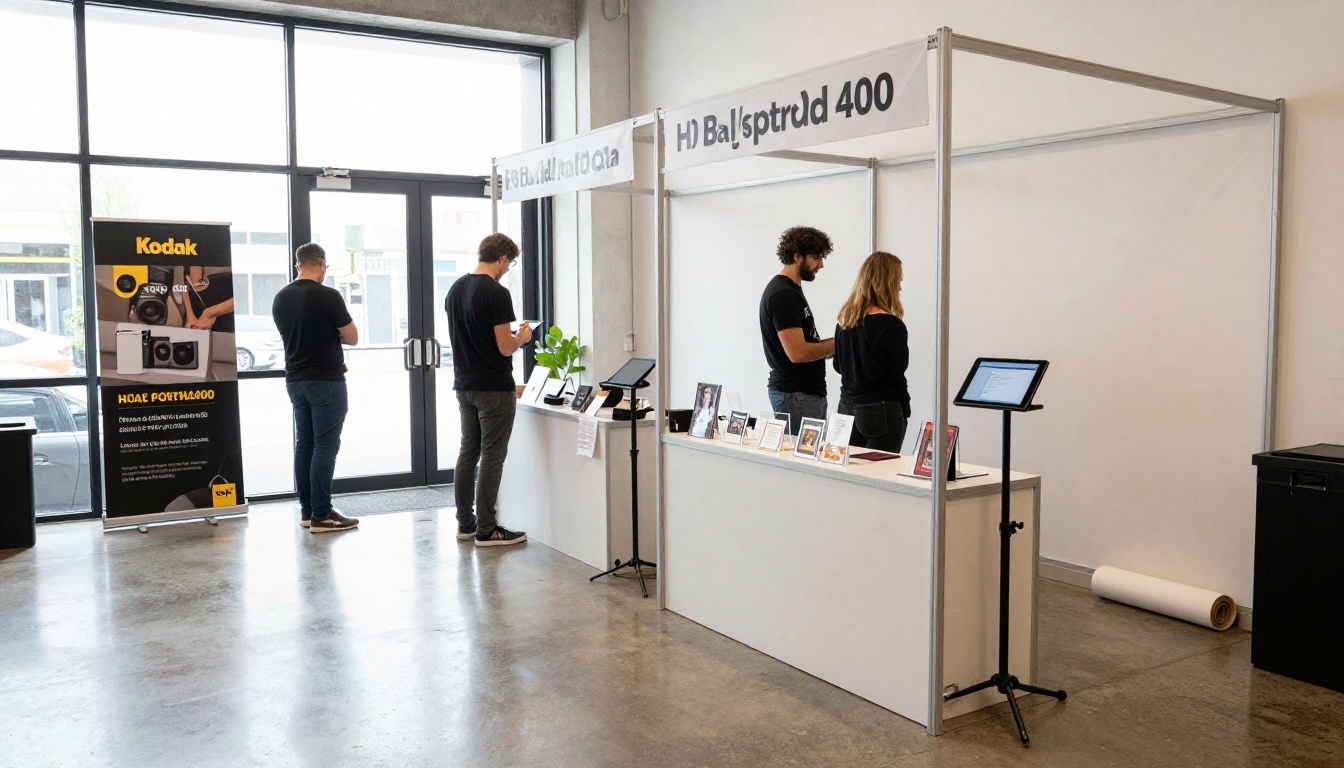
| Tablet kiosk | Browse full catalog, capture leads | 1 to 2 units |
| Short printed card | Takeaway with QR code | Small run |
| Roll-up banner | Attract from the aisle | 1 |
| Business cards | Personal follow up | As needed |
The printed card carries the brand and a QR code. The kiosk carries the depth: full catalog, videos, pricing sheets. Visitors who want more scan the code and carry the flipbook home on their phones.
How to Build a Kiosk Flipbook with Flipbooks AI
If you already have a brochure PDF, you are most of the way there. Here is the full process.
- Open your account. Create a free account on Flipbooks AI.
- Upload your PDF. Drop in your brochure or catalog. The PDF to Flipbook Converter turns it into a page-turning flipbook in moments, with no watermarks.
- Customize the look. Add your logo, brand colors, and page effects. Embed product videos and audio where they help, such as a 20 second demo.
- Add a lead form. Place it before the content so every browsing visitor becomes a contact. This feature is part of the Professional plan.
- Enable offline download. This protects you from bad venue Wi-Fi.
- Set sharing options. Copy the direct link, generate the QR code for your printed card, or embed the flipbook on your website. Use password protection if the content is for invited buyers only.
- Test on the actual tablet. Do it the day before, in kiosk mode, with the battery at 30 percent.
For brochure-specific layouts, the Brochure Flipbook Maker and the Online Brochure Designer are good starting points. If your booth supports a program of talks, an Event Program Maker flipbook keeps the schedule in the same place.
💡 Pro tip: Name the file with the show name and year, for example "ExpoName 2026 Catalog". Then you can track which event drove which leads.
Following Up After the Show
The show ends on Friday. Leads go cold by Wednesday. Whatever you chose, your follow up decides the real return.
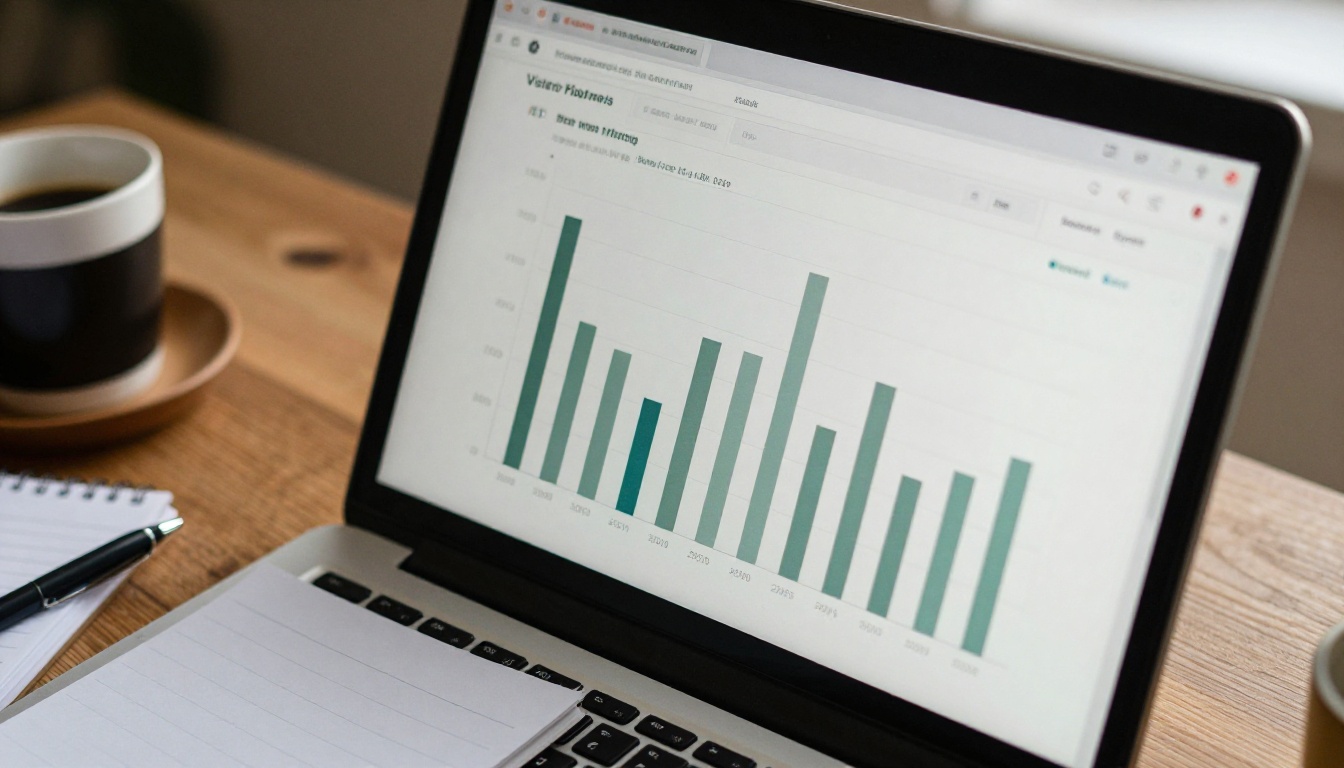
With a flipbook, you can see which pages each lead spent time on. That changes the email you write. Instead of "Nice to meet you," you send "I noticed you spent time on the outdoor collection, here is the pricing sheet." That is the kind of message that gets a reply.
With paper, you rely on notes scribbled on the back of a business card. It works, but it depends entirely on your team's memory and handwriting.
| Follow Up Step | With Kiosk Data | With Paper Only |
|---|
| Who to contact first | Most active page viewers | Whoever you remember |
| What to mention | Pages they viewed | Notes on a card |
| Time to send | Same day, from the list | After sorting cards |
| Measuring ROI | Views per lead | Guesswork |
A Simple Decision Checklist
Answer these five questions honestly:
- Do you exhibit more than twice a year?
- Does your content change often?
- Do you need to prove leads and ROI to your boss?
- Is your audience comfortable with touch screens?
- Will you have power and some kind of connection?
Four or five yes answers: go digital first, with a small print backup. Two or fewer: print is likely fine, and you can add a QR code to a flipbook for the extra data.
Your Next Booth Starts Here
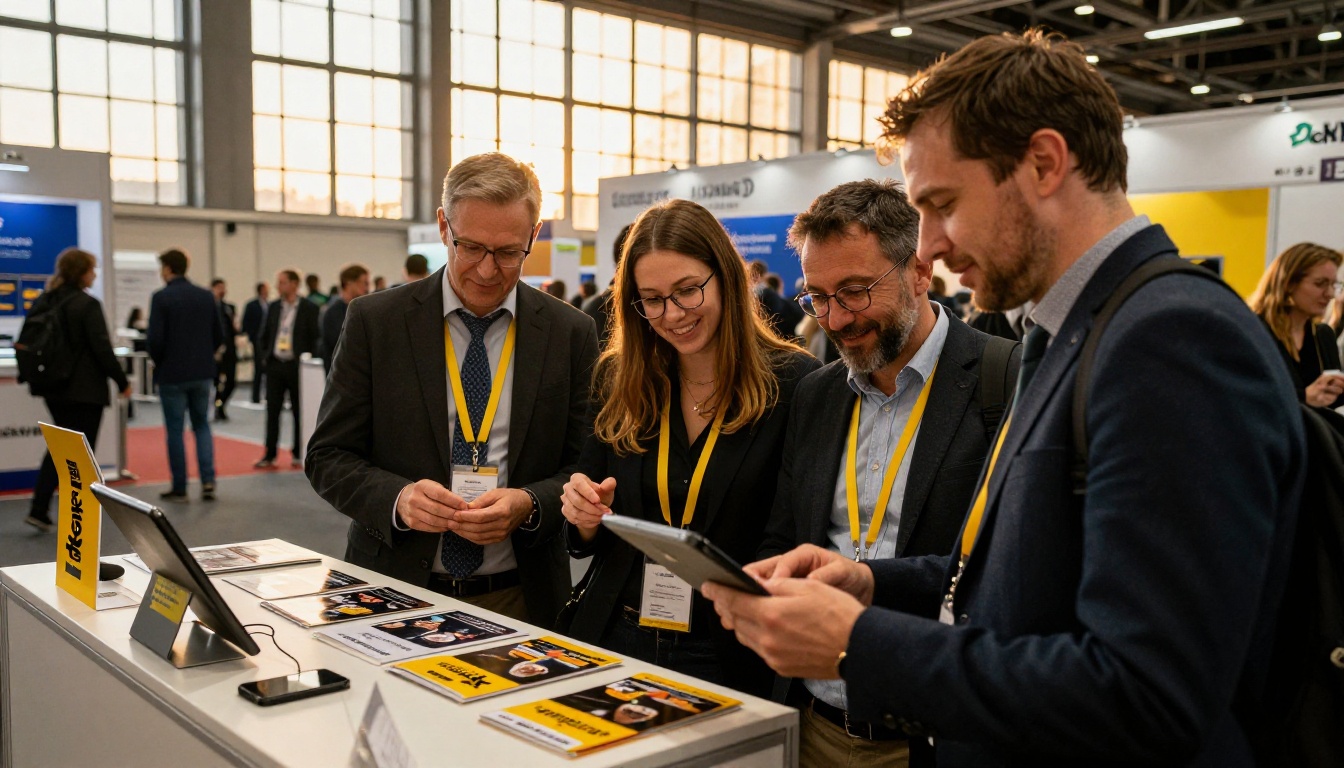
The tablet kiosk versus printed brochures question has a clear pattern behind it: paper is dependable and tactile, a kiosk is flexible and measurable, and the best booths use a little of both. If you want a lower cost per show, instant updates, and real lead data, the digital route pays off quickly.
Ready to try it? Create your first flipbook for free on Flipbooks AI, browse all available tools and templates, or compare pricing plans to see which one includes lead generation and analytics. Your next show is closer than you think, so build the flipbook this week and walk in with confidence.



