Tax season arrives the same way every year: a wave of client packets, printed organizers, W-2 checklists, and return prep documents that need to land in the right hands before filing deadlines hit. For most accounting firms, that means boxes of printed material, postage costs, and a steady stream of "I didn't get your packet" emails. The shift from paper client packets to digital flipbooks is one of the simplest operational upgrades a tax practice can make, and Flipbooks AI makes the conversion straightforward. This article covers why the format matters, what goes inside a great client packet, and exactly how to build one.
The Real Cost of Paper Tax Packets
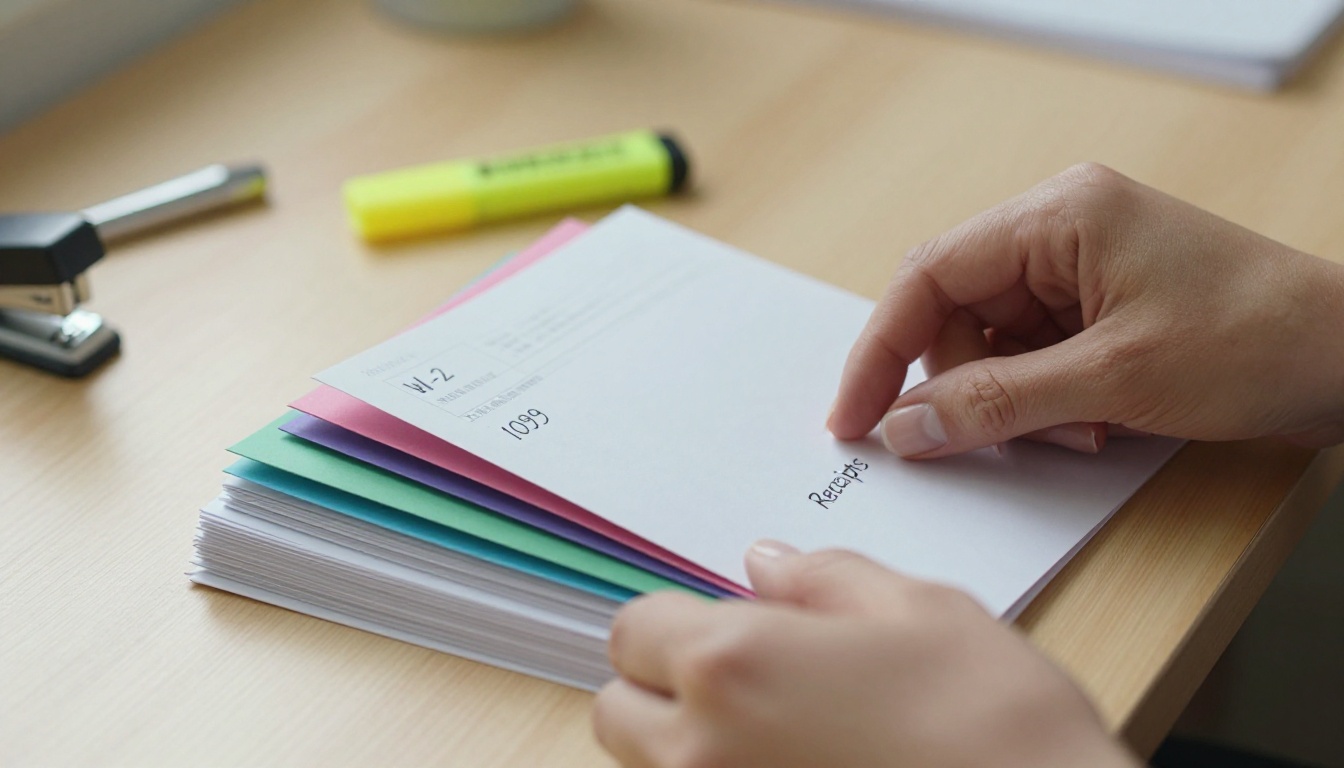
Printing and mailing a 10-page client organizer to 300 clients adds up faster than most firms calculate. Print costs, envelope stuffing, postage, and the staff time required to manage the mailing run into thousands of dollars per tax season. Then there is the follow-up: clients who never opened the envelope, clients who lost the forms, and clients who call asking for a replacement packet two weeks before the deadline.
What Firms Actually Spend
Beyond the obvious printing costs, paper packets create hidden labor. Someone has to:
- Print and collate each packet
- Insert cover letters and personalize documents
- Manage the mailing list and handle return mail
- Follow up with non-respondents by phone or email
- Re-send missing pages individually
None of this work produces billable hours. It is pure overhead, and it compounds when clients lose pages or need a second copy mailed.
Why Clients Misplace Paper Packets
A printed packet that arrives in January competes with holiday mail, subscription boxes, and a pile of other year-end documents. It gets set aside, buried under bills, and sometimes thrown out by mistake. Even motivated clients who intend to finish the organizer often cannot find it by the time they sit down to do it.
A digital version sent by email or a secure link does not get lost. It lives in the client's inbox indefinitely, can be forwarded to a spouse, and is viewable on any device without hunting through a stack of paper.
What a Tax Season Client Packet Should Include
A well-structured client packet does two things: it tells clients what information to gather, and it sets expectations for the filing process. Most packets cover the same core sections, though the specifics vary by client type.

Standard Sections in a Tax Client Packet
- Welcome letter with key dates and deadlines
- Personal information update form (address, dependents, filing status)
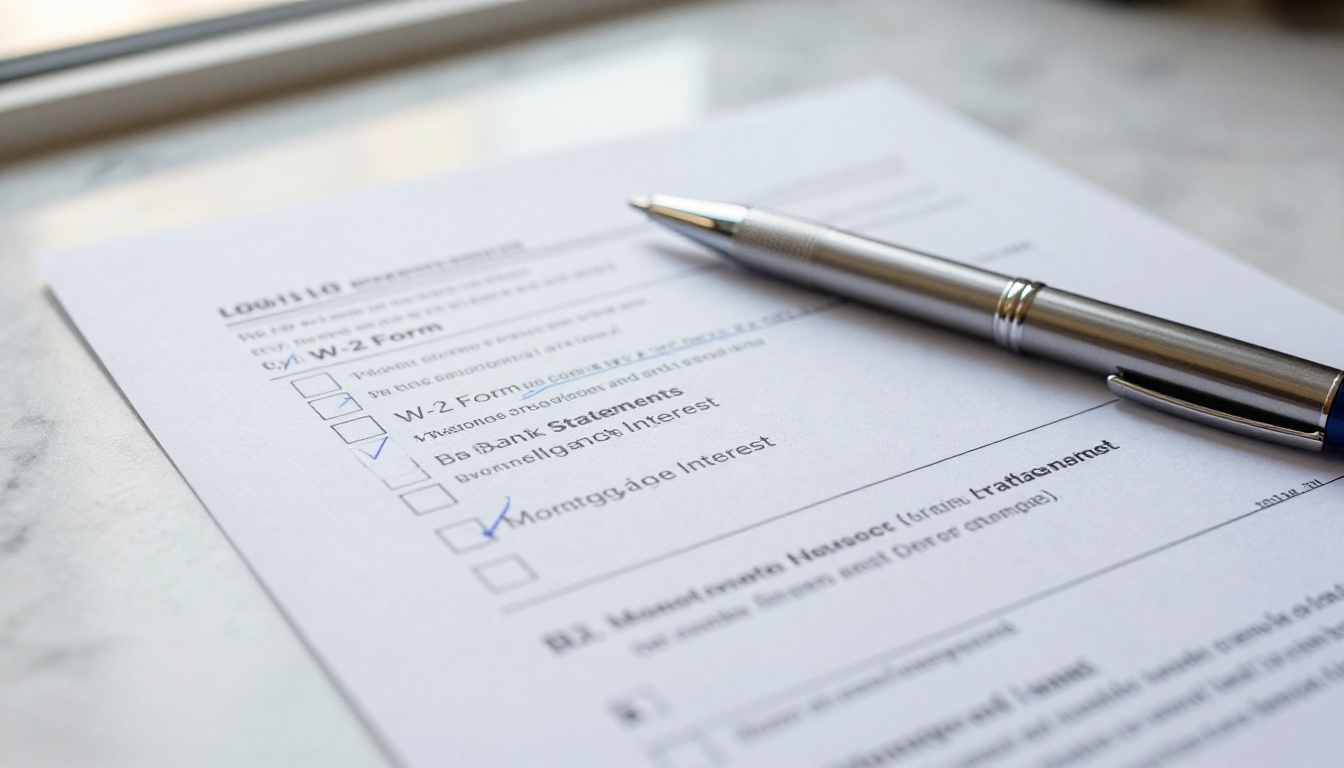
- Income document checklist (W-2s, 1099s, K-1s, foreign accounts)
- Deduction checklist (mortgage interest, charitable donations, business expenses)
- Investment and property changes (sales, purchases, rental income)
- Life event section (marriage, divorce, new dependents, death in family)
- Prior year comparison notes
- Service agreement and client contract
- Payment and invoice terms
Document Checklist by Client Type
Different clients need different sections. The table below shows which packet sections apply to the most common client profiles:
| Section | W-2 Employee | Self-Employed | Rental Property Owner | Retiree |
|---|
| W-2 / 1099 Income | Yes | Yes | Partial | Yes |
| Business Expense Log | No | Yes | Partial | No |
| Schedule E Rental Info | No | No | Yes | No |
| Investment Sales | Optional | Optional | Optional | Yes |
| RMD Documentation | No | No | No | Yes |
| Quarterly Tax Payments | No | Yes | Yes | Sometimes |
| Charitable Contributions | Optional | Optional | Optional | Yes |
Having these sections as clearly labeled, tabbed pages inside a flipbook makes it dramatically easier for clients to navigate directly to what applies to them, rather than reading through a linear PDF from start to finish.
Digital vs. Paper: Side-by-Side
The case for going digital is not just about cost. It is about the entire client experience from the moment the packet is sent to the moment the documents are returned.

| Factor | Paper Packet | Digital Flipbook |
|---|
| Delivery time | 3 to 7 business days (mail) | Instant (email or link) |
| Cost per packet | $3 to $8 including postage | Near zero after setup |
| Can client lose it? | Very easily | No, link always works |
| Mobile-friendly | No | Yes, fully responsive |
| Branded experience | Limited | Full custom branding |
| Updatable after send | No (must reprint) | Yes (edit the source PDF) |
| Password protection | No | Yes |
| Read confirmation | None | Yes (analytics on Professional plan) |
| Environmental impact | High (paper waste) | Minimal |
The difference is not subtle. Digital flipbooks address nearly every pain point that paper-based packets create for tax practices.
How Flipbooks Fix Tax Season Friction
The specific format matters as much as going digital. A flat PDF attachment is better than paper, but it still feels static and is easy to skim past important sections. An interactive flipbook with page-turning navigation, tabbed sections, and branded cover pages creates a different first impression entirely.
Instant Delivery, No Printing Queue
A flipbook link can be sent to 300 clients in the time it takes to write one email. No print queue, no collating, no postage runs. Clients receive their packet the same day it is finalized, which matters when filing deadlines are approaching and every week of delay costs preparation time.
Clients Actually Open and Read Them
The page-flip format is visually distinct in a way that a PDF is not. Clients who receive a polished, interactive document are more likely to sit down and work through it. Sections flow naturally, checklists feel structured, and the format signals that the firm takes its client communication seriously.
💡 Firms that switch to digital client packets report fewer "I didn't fill it out because it felt overwhelming" responses. The format itself lowers the activation barrier.
Branded Professionalism
A flipbook built through Flipbooks AI carries the firm's logo, color scheme, and contact information throughout the document. Every page reinforces the brand. Clients who see a beautifully formatted digital packet before tax season begins feel more confident about the work ahead.
How to Turn Your Tax Packet into a Flipbook
Converting a tax season client packet into an interactive flipbook takes less time than printing and mailing the paper version. Here is the exact process.

Step 1: Build Your PDF Packet
Start with whatever document you already use. If you have a Word or Google Docs template, export it as a PDF. If you use tax software (Drake, ProSeries, UltraTax), export the client organizer PDF directly. Keep the structure clean:
- Use clear headings for each section
- Number the pages
- Add your firm's logo to the header or footer
- Include a table of contents if the packet exceeds 8 pages
A well-structured PDF becomes a well-structured flipbook. A disorganized PDF will produce a disorganized flipbook.
Step 2: Upload to Flipbooks AI
Go to Flipbooks AI and create your account or log in. From the dashboard:
- Click New Flipbook
- Drag and drop your PDF (or click to browse)
- Wait for the conversion to finish (typically under 60 seconds for a 20-page packet)
- Preview the flipbook to confirm all pages converted cleanly
✅ Check every page in the preview before publishing. Confirm that your checklists, tables, and signature lines rendered correctly.
Step 3: Add Branding and Protect It
With the flipbook created, apply your firm's identity:
- Upload your logo for the cover and navigation bar
- Set your brand colors for the page background and controls
- Add your firm's name to the browser tab title
- Enable password protection so only your clients can access the document
For tax documents, password protection is not optional. It is standard practice. Set a unique password per client or use a shared seasonal password for your client base, depending on your security policy.
⚠️ Never share a client packet publicly without password protection. Tax organizers contain sensitive personal information including Social Security numbers and income details.
Step 4: Share with Clients
Once the flipbook is published and secured:
- Copy the direct link from the Flipbooks AI dashboard
- Paste it into your client email or portal message
- Include the access password in a separate communication (not in the same email as the link)
- Optionally embed the flipbook directly on your client portal page using the embed code
Clients click the link, enter the password, and land directly in their personalized tax packet. No downloads required. Works on any device.
Security Features Tax Firms Need
Client tax packets contain some of the most sensitive personal data that exists: income figures, Social Security numbers, dependent information, and investment details. Any digital distribution method needs to take security seriously.
Password Protection at the Document Level
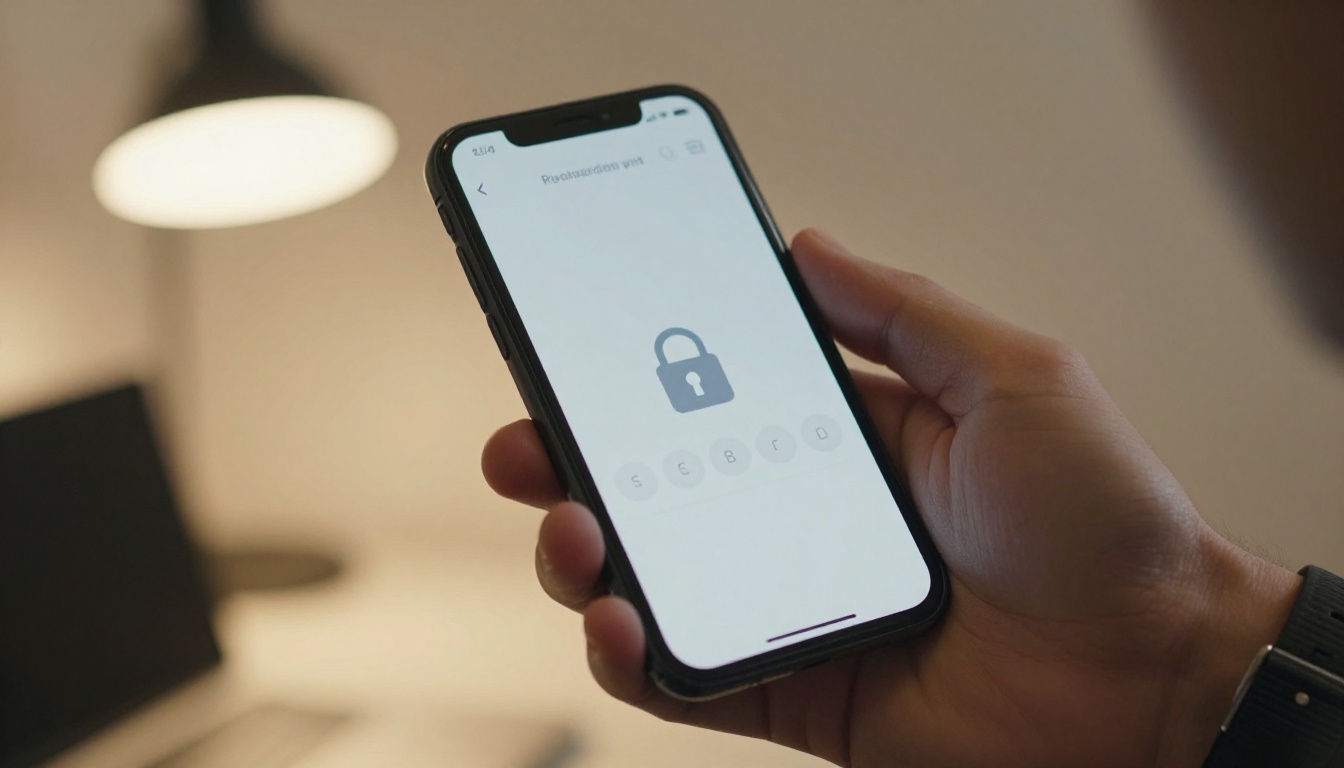
Every flipbook on Flipbooks AI can be password protected. This means the document itself requires authentication before it can be viewed, regardless of whether someone intercepts the link. Even if a client accidentally forwards the link, the password barrier prevents unauthorized access.
No Watermarks, Full Branding Control
Unlike some document-sharing platforms, Flipbooks AI never adds third-party watermarks to your documents. Your client packet looks exactly as you designed it, with your branding only. No advertising, no platform logos.
💡 Firms on the Professional plan can also set expiration dates on links, so a client cannot access the prior year's packet after the filing season closes.
Plan Comparison for Tax Professionals
Choosing the right plan depends on the size of your client base and which features matter most for your workflow. See current pricing details at flipbooksai.com/pricing.
| Feature | Free | Standard | Professional |
|---|
| Number of flipbooks | 3 | Unlimited | Unlimited |
| Password protection | No | Yes | Yes |
| Custom branding | Limited | Full | Full |
| Analytics and read tracking | No | No | Yes |
| Lead generation forms | No | No | Yes |
| Offline downloads | No | Yes | Yes |
| Embed on website | Yes | Yes | Yes |
| Watermark-free | No | Yes | Yes |
For a solo CPA with a small client roster, the Standard plan covers everything needed. For mid-size firms that want to know which clients have actually opened their packets and which have not, the Professional plan's analytics are a genuine operational advantage.
Real Use Cases from Tax Season
Solo CPAs and Enrolled Agents
A solo practitioner with 80 to 150 individual clients can eliminate their entire January mailing by creating one master packet PDF, uploading it to Flipbooks AI, and sending the link via their standard client email. Total setup time: under 30 minutes. Savings: several hundred dollars in printing and postage, plus hours of administrative labor.
Multi-Advisor Firms
Larger firms with multiple advisors and distinct client segments (individual, business, estate) can create separate flipbooks for each packet type. The business client packet includes Schedule C expense logs and payroll summaries. The estate packet includes trust documentation checklists. Each gets its own branded flipbook, shared only with the relevant client group.
Remote-First Practices
Tax practices that work primarily with remote clients have the most to gain. Without a local office for clients to drop off documents, every packet and document exchange happens digitally. A polished flipbook client packet is not just convenient for remote practices: it is the professional standard clients expect when they never meet their advisor in person.

High-Net-Worth Client Accounts
For advisory practices serving high-net-worth individuals with complex returns, the packet format needs to match the service level. A beautifully formatted, branded digital flipbook with a personalized welcome letter is a small detail that communicates care and professionalism. These clients notice the difference between a generic PDF and a properly designed digital document.
Tracking Who Actually Opens the Packet
One of the most frustrating parts of paper-based client communication is having no idea whether the client received and read the packet. Phone calls and follow-up emails become the only feedback mechanism.

With the Professional plan on Flipbooks AI, every flipbook comes with built-in analytics. You can see:
- How many times the flipbook was opened
- Which pages received the most time
- Whether the client reached the signature page or service agreement section
- Total reading time across all views
This data is operationally valuable during tax season. A quick dashboard check tells you which clients have opened their packet and which have not. Follow-up efforts become targeted instead of blanket calls to the entire client list.
✅ Use read analytics to prioritize follow-up calls. Clients who have not opened the packet two weeks after sending need a different type of reminder than clients who opened it three times but have not submitted their documents yet.
Why This Works Better Than PDF Email Attachments
The obvious digital alternative to paper is a PDF email attachment. But attachments have their own failure modes:
- They get caught by spam filters, especially large multi-page organizers
- They require a PDF reader and sometimes the right software version
- They are not mobile-optimized (small text, no zoom-friendly layout)
- They feel static and easy to ignore in an inbox
- There is no read confirmation available
A flipbook link bypasses all of these issues. It opens in any browser, on any device, without requiring installed software. It is visually distinct, mobile-responsive by default, and shareable without attachment size limits.
For tax professionals handling business clients, tools like the Annual Report Creator and Corporate Report Maker extend the same approach to full financial report delivery. The workflow is identical: design in PDF, upload, brand, protect, share.
Make Next Tax Season Your Cleanest Yet
Tax season does not get easier, but the administrative load around client packets absolutely can. Switching from printed, mailed organizers to password-protected digital flipbooks cuts costs, speeds up delivery, improves client response rates, and creates a more professional first impression for every filing year.
The PDF to Flipbook Converter is the fastest place to start. Upload your existing client packet PDF and see exactly what the converted flipbook looks like before committing to any plan.
Ready to get your packets out faster? Create your account on Flipbooks AI and have your first client packet flipbook live in under an hour. Compare what each plan includes at Flipbooks AI pricing and pick the tier that fits your practice size.
The paper packets had a good run. This works better.



