If you've ever tried creating a professional-looking digital publication and ended up staring at a blank canvas with no clue where to start, you're not alone. Most people aren't designers, and that's perfectly fine. Flipbooks AI was built exactly for this situation: turning anyone's PDF into a polished, interactive flipbook without needing a single design skill.
You've probably tried at least one tool that promised "simple" and delivered anything but. The problem isn't you. It's the tool.
The Learning Curve No One Warns You About
Traditional design software like Adobe InDesign or even Canva Pro can technically produce flipbooks, but they were built for people who think in terms of grids, kerning, and export formats. For someone who just wants to turn a company brochure or a restaurant menu into something they can share online, navigating layers and panels is an enormous barrier that has nothing to do with the actual goal.
Even dedicated flipbook tools often bury their core functionality behind confusing options. "Interactive widget parameters." "SWF fallback configurations." "CSS injection fields." These are things a yoga studio owner trying to share a class schedule should never encounter.
What "Easy" Actually Means in Practice
Ease isn't about having fewer features. It's about removing every decision that doesn't need to be yours. The easiest flipbook maker for non-designers does three things extremely well:
- Accepts your existing PDF without asking you to reformat or redesign it
- Applies professional styling automatically so you don't choose fonts, colors, or page layouts
- Generates a shareable link immediately without requiring hosting setup or embedding knowledge
💡 The best test for any tool: can you go from "I have a PDF" to "I have a live, shareable flipbook" in under five minutes? With Flipbooks AI, the answer is yes, consistently.
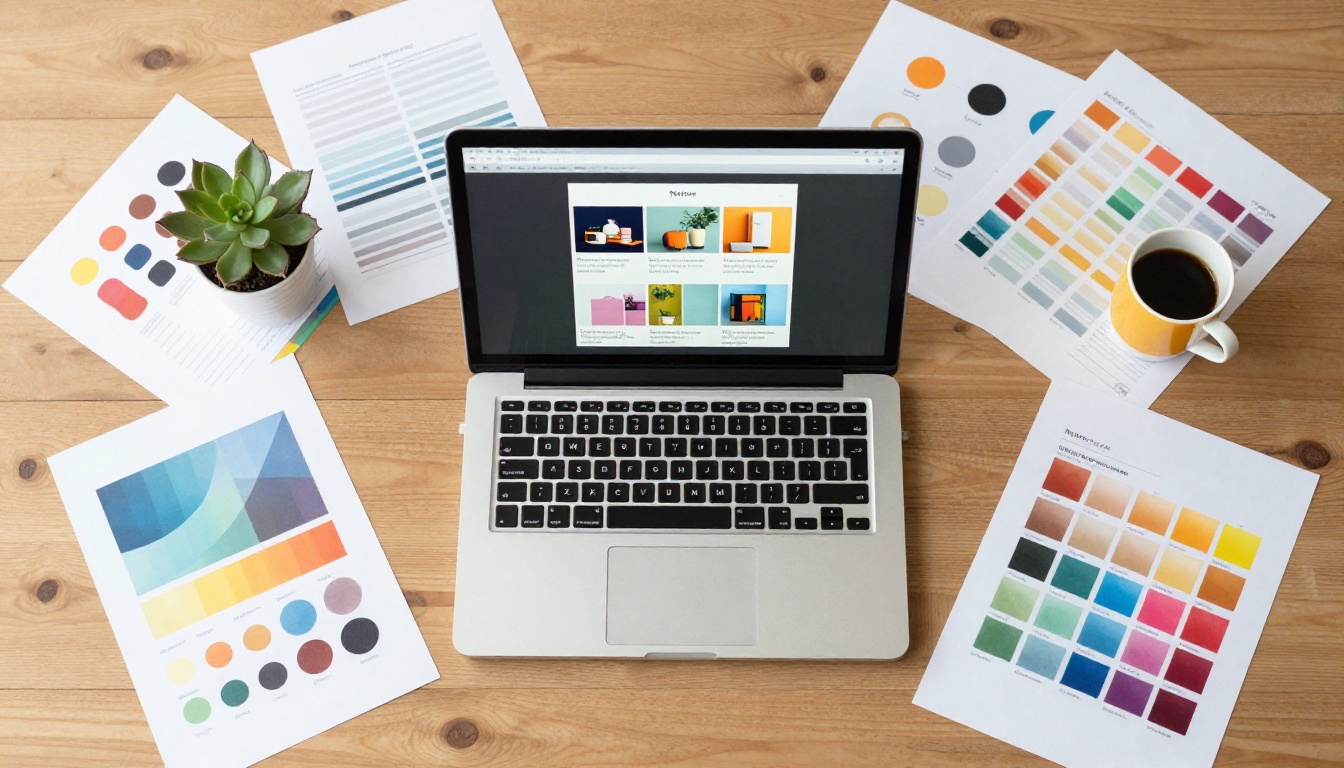
What the Easiest Flipbook Maker Actually Does
PDF Upload in Under 60 Seconds
The entire workflow starts with one action: uploading your PDF. You drag and drop your file, and within seconds you're watching it transform into a page-turning digital publication.

The PDF to Flipbook Converter handles everything automatically: page layout preservation, image quality optimization, text rendering, and mobile responsiveness. You don't configure any of it. It works from the moment you upload.
No Design Decisions Required
This is where most tools lose non-designers. They give you a blank canvas and say "go." Flipbooks AI takes the opposite approach. Your flipbook is styled the moment your PDF is processed. The page-flip animation, the background, the reader toolbar: all of it is handled for you. You can customize later if you want to, but you are never required to.
| Feature | Complex Design Software | Flipbooks AI |
|---|
| Starting point | Blank canvas | Your existing PDF |
| Design decisions required | Many (fonts, colors, layout, export) | Zero (optional customization only) |
| Time to first shareable result | Hours or days | Under 5 minutes |
| Technical skills needed | Moderate to high | None |
| Mobile optimization | Manual configuration | Automatic |
| Hosting for your flipbook | Separate service required | Included |
| Page-flip animation | Must be coded or purchased | Built in |
✅ The goal isn't a perfect design. It's a professional result that didn't take all day to produce.
How to Create Your First Flipbook in Minutes
This is where Flipbooks AI strips away every possible obstacle. Here's exactly what the process looks like for a complete beginner.
Step 1: Create your account
Go to flipbooksai.com/account and sign up. No credit card is required for the free tier. The signup form takes about 30 seconds.
Step 2: Upload your PDF
Click "New Flipbook" and drag your PDF into the upload area. The platform accepts any valid PDF: menus, catalogs, brochures, portfolios, training manuals, newsletters, or price lists.
Step 3: Wait about 30 seconds
The converter processes your document, renders each page at high quality, and builds the flipbook structure. You don't do anything during this step.
Step 4: Preview your flipbook
You'll see a live preview with the page-flip animation already active. Click through the pages to verify everything looks the way it should.
Step 5: Customize if you want to
Adding your logo, choosing a background color, or enabling custom branding takes about two minutes. Every option shows a real-time preview so you're never guessing what a change will look like.
Step 6: Publish and share
Copy the direct link, grab the embed code for your website using the Embed Flipbook on Website tool, or download the auto-generated QR code for print materials.

💡 Password protection is available from the sharing settings. If your flipbook contains client-specific pricing, private documents, or restricted content, you can add a password before sharing the link.
Features That Make the Difference for Non-Designers
Sharing Without the Headache
Getting your flipbook in front of people is often harder than creating it in the first place, with other tools. Flipbooks AI gives you three sharing methods from the same screen:
- Direct link: A clean URL you paste into emails, social posts, WhatsApp messages, or anywhere else
- Embed code: One snippet to drop your flipbook directly into any webpage
- QR code: Auto-generated, downloadable, and ready to print on physical materials

None of these require technical knowledge. There's no iframe debugging, no server configuration, no DNS setup. You pick the method and use it.
Custom Branding Without Hiring Anyone
Even without design skills, you can produce a flipbook that feels like it belongs to your brand. The branding options in Flipbooks AI are intentionally approachable:
- Upload your logo in any common image format
- Select your background color from a visual color picker
- Set your brand's primary color for the flipbook toolbar
- Add a custom domain if you're on a paid plan
The result: your logo, your colors, your brand. Nothing that reads as "made with a free tool."
Page-Flip Animation and Interactivity
The page-flip effect isn't just a visual gimmick. It changes how readers interact with your content. Interactive formats like flipbooks hold reader attention longer than static PDFs, because the act of turning pages creates a natural sense of progression through the material.
Beyond the flip itself, you can embed:
- Videos directly on pages, ideal for product demonstrations, tutorials, or travel content
- Audio tracks for narration, background music, or podcast-style commentary
- Clickable hyperlinks within the flipbook pages, opening in new tabs
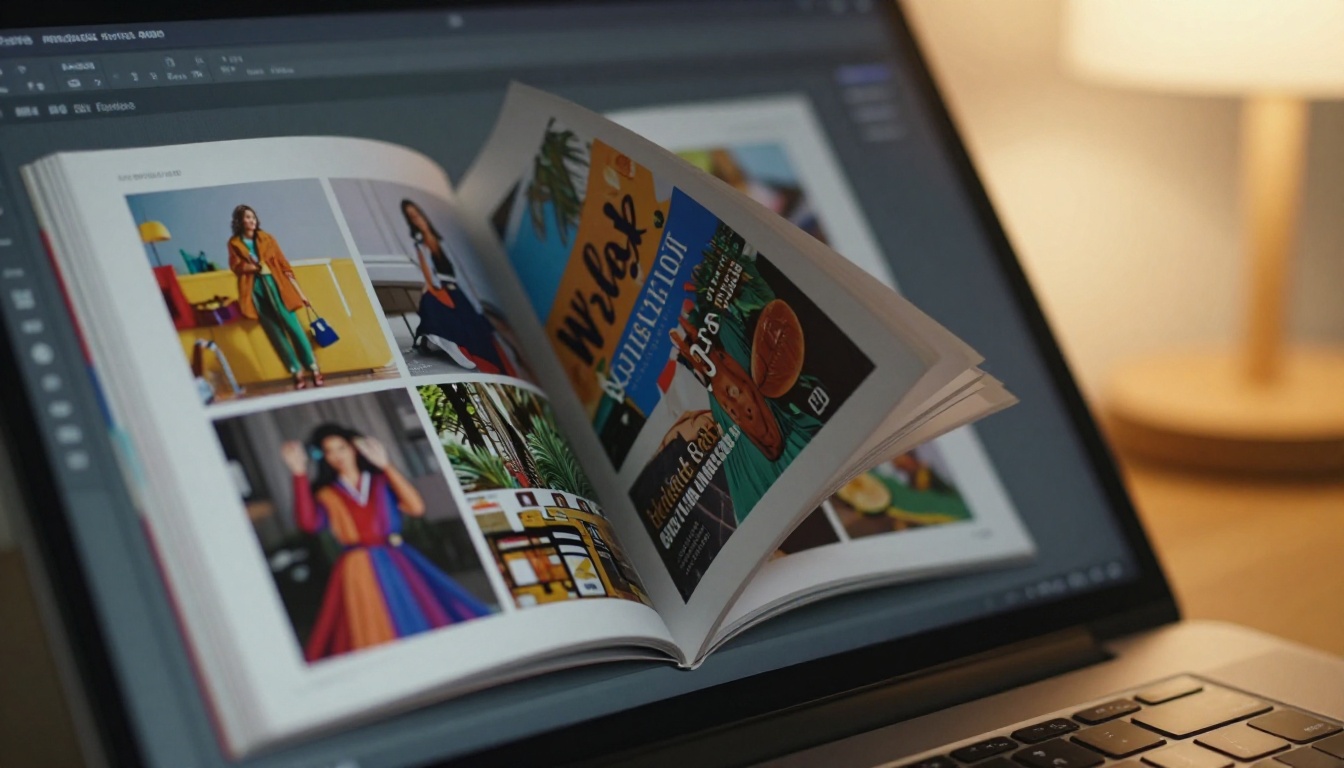
Real People Who Use This Every Day
Restaurant Owners and Their Menus
A restaurant owner doesn't want to think about design software. They want customers to see their menu without downloading a PDF or squinting at a blurry image. With the Restaurant Menu Creator, the workflow is simple: take the existing menu PDF, upload it, and paste the link in the Instagram bio or Google Business listing.

The QR code option means physical table cards can link directly to the digital version. When prices change, upload a revised PDF and the link stays the same. No reprinting. No delay. No design agency invoice.
Teachers and Educators
Educators regularly produce dense PDFs: syllabi, reading packs, course guides, training materials. Converting them to flipbooks with the Course Material Publisher makes them significantly more accessible. Students browse on any device without downloading files, and teachers update content simply by uploading a revised version.
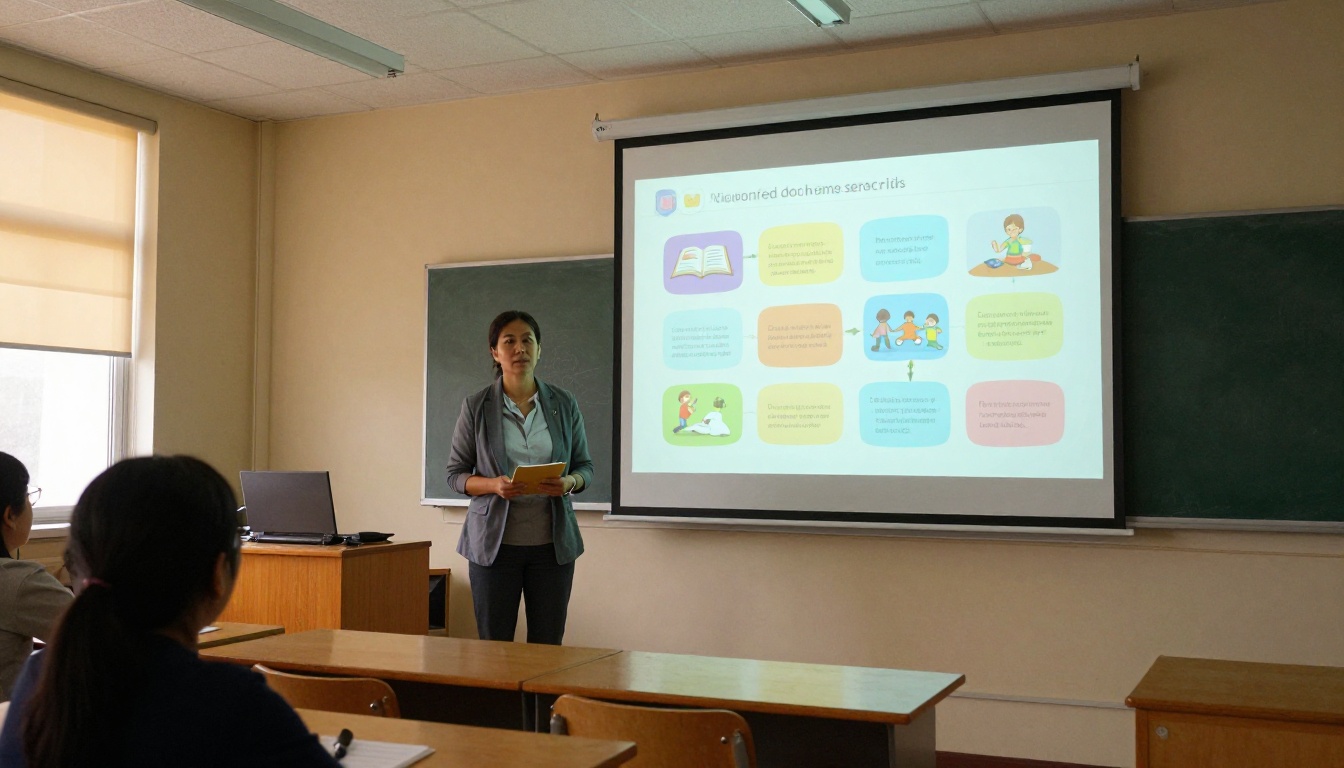
The Yearbook Flipbook Maker and School Newsletter Creator follow the same frictionless process, which matters when the people using these tools are teachers, not tech specialists.
Small Business Owners and Product Catalogs
Product catalogs are among the highest-value use cases for non-designers. A catalog that costs thousands to print can be converted into an interactive digital version in minutes using the Digital Catalog Maker. The direct link means the catalog is always current when shared with clients, and there's no postage, printing cost, or physical distribution to manage.
Real estate agents use the Real Estate Brochure Creator to convert property presentations into shareable flipbooks. Fashion brands use the Fashion Catalog Creator. Wedding photographers deliver client galleries using the Wedding Album Flipbook tool.
Creatives and Portfolio Builders
Photographers, illustrators, and designers use the Digital Portfolio Creator to present work in a format that reads like a real publication. A PDF attachment says "here's a file." A flipbook says "here's something worth experiencing." The difference in perceived professionalism is significant, and it requires zero additional design work.

What Non-Designers Actually Need (And What They Don't)
Here's an honest breakdown of what matters when choosing a flipbook maker without a design background:
| What You Actually Need | What You Don't Need |
|---|
| Fast, accurate PDF conversion | Custom CSS or code injection |
| Automatic mobile optimization | Layer or grid management |
| Simple one-click sharing options | SVG or vector export settings |
| Logo and color customization | Typography kerning controls |
| Reliable hosting included | FTP or server access |
| Password protection for private docs | SWF or Flash fallback configuration |
| Clean page-flip animation | Animation timeline editing |
| Real-time preview of all changes | Technical API documentation |
⚠️ If a tool forces you to make decisions from the right column before you can share your document, it was not built for non-designers, regardless of what their homepage says.
Pricing That Makes Sense From Day One
One of the most frustrating patterns in software is the feature wall: everything that actually matters is locked behind the most expensive plan. Flipbooks AI's pricing structure is designed to give non-designers genuine value without immediate pressure to upgrade.
| Plan | Flipbooks | Watermark | Custom Branding | Analytics | Password Protection | Offline Download |
|---|
| Free | Limited | Yes | No | No | No | No |
| Standard | Unlimited | No | Basic | No | Yes | No |
| Professional | Unlimited | No | Full | Yes | Yes | Yes |
The Standard plan removes watermarks and provides unlimited flipbooks, which covers the needs of most small businesses, freelancers, and educators. The Professional plan adds analytics and lead generation capabilities, which matters more for marketing teams tracking reader behavior and converting viewers into contacts.
💡 The free tier is a genuine starting point, not a bait-and-switch. You can create and share a real flipbook without spending anything. Upgrade only when you need specific features from the higher tiers.
3 Mistakes First-Timers Make
1. Uploading a low-quality PDF
Your flipbook inherits the quality of your source file. If the original PDF has pixelated images or blurry text, the flipbook will reflect that exactly. Always export your PDF at the highest resolution available in whatever tool you used to create it.
2. Sharing the preview link instead of the published link
The preview URL is for your personal review before publishing. Once you're satisfied with the result, publish it and use the public link. The preview link may require login credentials or may not be accessible to people outside your account.
3. Not checking the mobile view before sharing
Most people who receive your link will open it on a phone. Flipbooks AI handles mobile optimization automatically, but spend 30 seconds confirming that your PDF's text is legible at smaller screen sizes before broadcasting the link to your audience.
What You Can Do Right Now
You don't need a design background, creative software, or a budget to produce something genuinely worth sharing. The easiest flipbook maker for non-designers is the one that respects your time, works with the document you already have, and gets out of your way.
Create your first flipbook for free and go from PDF to published in under five minutes. If you're deciding between plans, the pricing overview lays out exactly what each tier includes with no ambiguity.
Browse all available tools to find the specific option built for your use case, whether that's a restaurant menu, a school newsletter, a product catalog, or a photography portfolio. Every tool follows the same straightforward workflow. No design skills required, and none assumed.



