Every business has a PDF graveyard. Proposals that never got opened. Catalogs that bounced back from email servers. Reports shared via download link that received exactly zero clicks. If you've been sending PDFs and wondering why response rates feel dead, the format itself is working against you in ways that rarely get discussed.
Flipbooks AI has spent years watching businesses make the same mistake: treating PDF sharing as free. It isn't. The costs are real, they compound, and most of them never show up in a budget spreadsheet.
Why PDFs Feel Like the Default
The Format Everyone Trusts
PDF became the universal business document format for good reasons. It preserves layout across devices and operating systems. It's printable, shareable, and nearly every device can open one. When you need to send a proposal, a brochure, a report, or a menu, reaching for PDF feels like the responsible choice.
That reputation was earned in the 1990s and 2000s. It hasn't aged as well as most people assume.
Familiarity Hides the Problem
The reason PDF's limitations stay hidden is simple: nobody complains out loud. Your client doesn't email you to say the PDF was too large to download on their phone during a meeting. Your prospect doesn't tell you the attachment triggered their spam filter. They just don't respond.
Silence gets misread as disinterest. In many cases, it's a delivery failure wearing the mask of a lost deal.
The Price Tag Nobody Sees

Email Limits That Kill Delivery
Most corporate email servers cap attachments between 10MB and 25MB. High-resolution catalogs, annual reports, and full-color brochures routinely exceed this. What happens then?
- The email bounces, silently in many cases
- It lands in the spam folder, flagged as suspicious
- The recipient's server strips the attachment before delivery
- You never find out any of this happened
You resend. They ask why you never sent it. You both waste time. And the document still hasn't been read.
You Have No Idea Who Opened It
This is the most expensive problem in the list, and it gets almost no attention. When you send a PDF, the moment it leaves your outbox, you lose all visibility into what happens next.
- Did they open it?
- Which page did they spend the most time on?
- Did they forward it to three colleagues or delete it immediately?
- Did the pricing page make them hesitate?
You have no answers. You follow up blind, guessing at objections, unable to personalize your next touchpoint because you have zero behavioral data.
You Lose Control the Moment You Hit Send
A PDF is permanent in the worst possible way. Once downloaded, it exists on someone's device forever. If you update your pricing, correct an error, or rebrand, you cannot touch that file. Every outdated PDF sitting in an inbox or on a hard drive is an active liability, sending the wrong information to whoever finds it.
⚠️ Warning: If your PDF contains prices, product specs, or time-sensitive offers, every version you've ever sent is still out there, and you have no way to update or retract it.
What PDFs Cost Your Recipients
Mobile Viewing Is a Mess
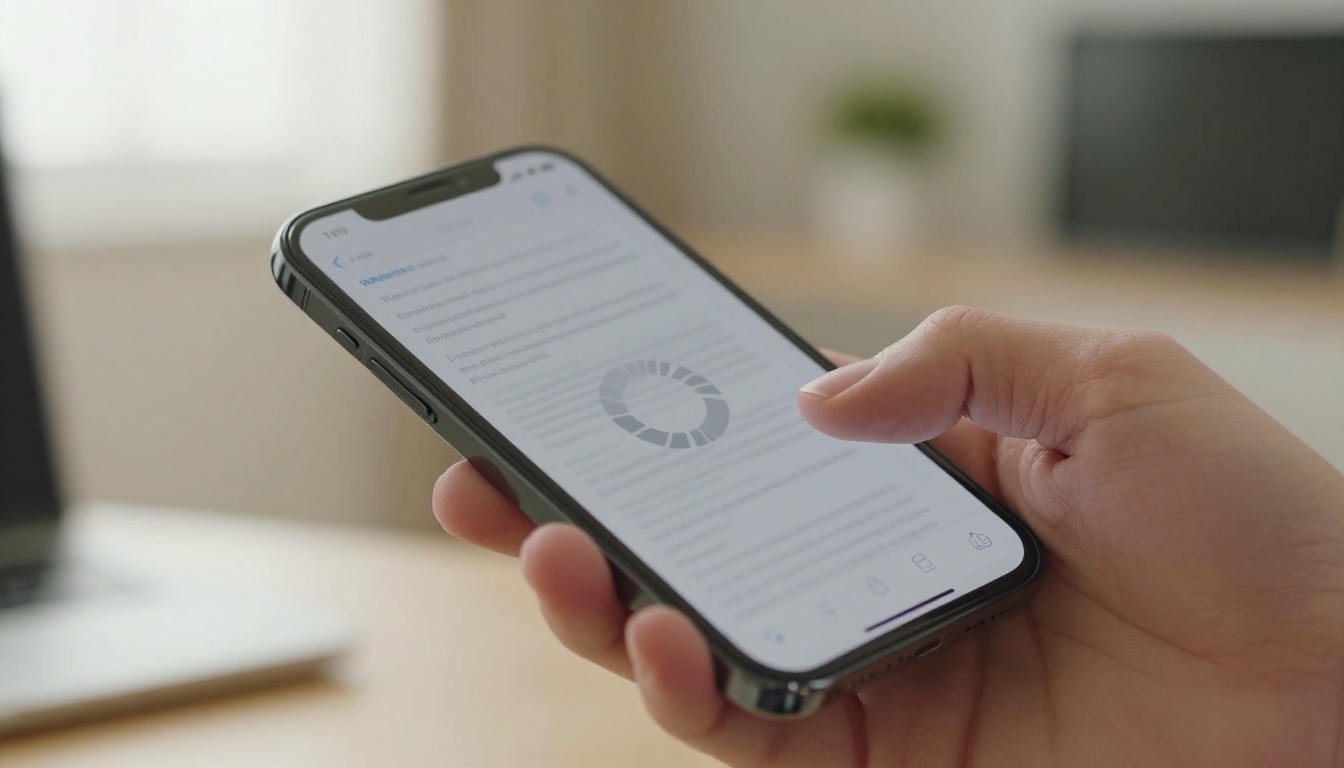
Over 60% of emails are opened on mobile devices. PDFs on mobile are a consistently poor experience. The reader must pinch and zoom to read text formatted for an A4 or letter-sized page. Tables overflow the screen. Images load slowly. Multi-column layouts collapse.
The friction is immediate and high. Most people give up within seconds and move on.
Download Fatigue Is Real
Asking someone to download a file creates friction before they've seen a single word of your content. They have to:
- Trust that the file is safe
- Wait for the download to complete
- Find the file in their downloads folder
- Open it in a separate application
That is four steps before any value is delivered. Every additional step is an opportunity to lose them. Interactive flipbooks eliminate all four barriers with a single shareable link that opens in any browser instantly.
The Business Impact You're Not Measuring

Sales Lost to Poor Experiences
Consider a sales team sending 200 proposals per month as PDF attachments. If even 15% fail to deliver correctly due to size limits or spam filters, that is 30 conversations that never happen. At an average deal value of $5,000, the format choice alone could cost $150,000 in pipeline per month.
These numbers don't appear in any cost-per-acquisition report because nobody attributes them to the file format. They show up as low response rates and get blamed on messaging.
Your Brand Takes the Hit
A PDF that fails to load, renders incorrectly on mobile, or arrives as a download link with a generic filename does not project professionalism. In competitive markets where first impressions determine shortlist inclusion, a frustrating document experience is a quiet brand damage event.
The business that sends a beautifully animated, mobile-responsive flipbook with their logo, custom colors, and a clean shareable link signals something very different about how they operate.
PDF vs. Interactive Flipbook

Here is a direct breakdown of what changes when you replace PDF sharing with interactive flipbooks:
| Feature | PDF Attachment | Interactive Flipbook |
|---|
| Delivery method | Email attachment | Shareable link |
| File size limits | 10-25MB cap | No limit |
| Mobile experience | Pinch and zoom, poor layout | Fully responsive, touch-friendly |
| Tracking and analytics | None | Views, time per page, clicks |
| Update after sharing | Impossible | Real-time, all versions update |
| Password protection | Requires third-party tools | Built-in |
| Branding | File only | Custom colors, logo, domain |
| Embedding on website | Not possible | One-line embed code |
| Spam filter risk | High (attachment) | None (link) |
| Open on any device | Requires PDF reader app | Any browser, no app needed |
💡 Pro tip: A flipbook link can be shared via email, WhatsApp, SMS, or embedded directly on your website. One document, infinite distribution channels, zero delivery failures.
The Real Cost by Document Type
Different document types carry different hidden costs when distributed as PDFs. Here is a breakdown by use case:
| Document Type | PDF Problem | Flipbook Solution |
|---|
| Product catalog | Too large to email, outdated prices persist | Live link, update prices instantly |
| Restaurant menu | Printed copies go stale, digital PDFs zoom poorly | QR code link, update items in minutes |
| Real estate brochure | Sold properties still circulating in old PDFs | Remove or update listings immediately |
| Annual report | Massive file, no executive summary interaction | Page-by-page analytics, see what readers focus on |
| Sales presentation | No data on which slides got attention | Heatmap of slide views, time per slide |
| Training manual | Version control nightmare across teams | Single link, always shows latest version |
Who Pays the Most for Sending PDFs
Real Estate Agents
Every property listing PDF sent via email is a version control problem waiting to happen. When a property sells or the price drops, those old PDFs are still floating in inboxes. Clients make inquiries about properties that are gone. The Real Estate Brochure Creator on Flipbooks AI lets agents update listings in real time while the same link stays valid for every recipient.

Restaurant Owners
A printed PDF menu or a downloadable menu PDF becomes wrong the moment a dish sells out or a price changes. Reprinting costs money. Emailing a new PDF irritates customers who saved the old one. The Restaurant Menu Creator flipbook solves this with a permanent QR code that always serves the current menu and takes seconds to update.

Marketing Teams
For marketing teams distributing campaign decks, product one-pagers, and press kits, PDF blindness is a serious measurement problem. Was the campaign deck compelling? Which section of the one-pager drove the most interest? PDF gives you nothing. A Sales Presentation flipbook with analytics tells you exactly which slides held attention and where prospects dropped off.

How to Fix It with Flipbooks AI
If you have a PDF right now that you were about to send via email, here is what to do instead using Flipbooks AI:
Step 1: Upload Your PDF
Go to Flipbooks AI and create your account. From the dashboard, click to create a new flipbook and upload your existing PDF. The platform converts it instantly, preserving all your layouts, fonts, and images. No redesign needed.
Step 2: Customize Your Flipbook
Add your brand colors, logo, and custom background. Choose from realistic page-flip animations or clean modern transitions. You can embed videos directly into pages, add audio narration, or include clickable links throughout. Something a PDF will never offer.
Step 3: Share with a Link
Instead of attaching the file, copy the shareable link from your flipbook dashboard. This link works on every device, every browser, with no download required. You can also embed it directly on your website with a single line of code, or add password protection for confidential documents.
Step 4: Track What Happens Next
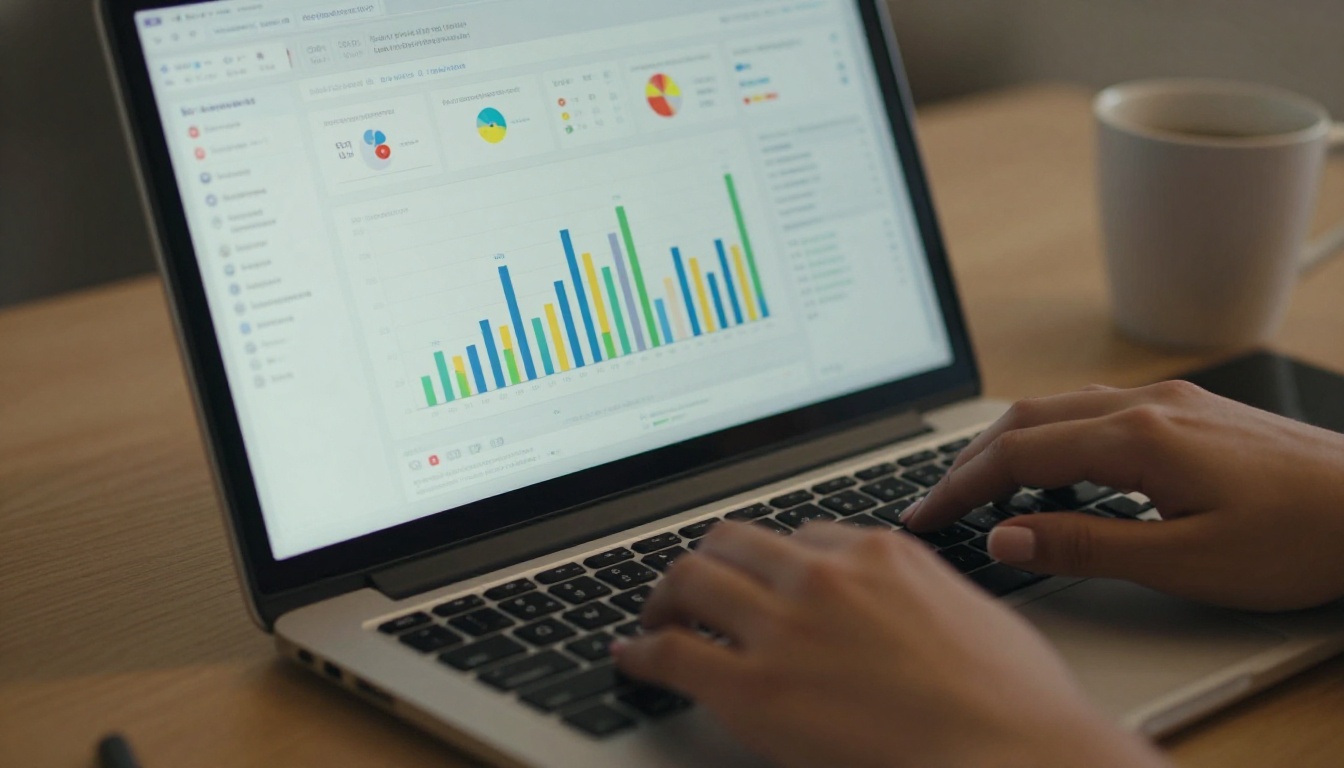
This is where the real value kicks in. On the Professional plan, you get full analytics showing who viewed your flipbook, how long they spent on each page, where they clicked, and when they returned. For sales teams, this is the equivalent of being in the room during the document review.

✅ Best practice: Password-protect sensitive documents like pricing sheets and proposals. Share the link, not the file. Update content without resending. Get notified when someone opens it.
Flipbooks AI Plans at a Glance
| Feature | Free | Standard | Professional |
|---|
| Flipbooks | 3 | Unlimited | Unlimited |
| Watermarks | None | None | None |
| Custom branding | Partial | Full | Full |
| Password protection | No | Yes | Yes |
| Analytics | No | Basic | Full, page-level |
| Lead generation | No | No | Yes |
| Offline downloads | No | Yes | Yes |
| Embed on website | Yes | Yes | Yes |
| Video and audio | No | Yes | Yes |
Every paid plan includes unlimited flipbooks with no watermarks. The Professional plan adds analytics and lead generation tools that turn document sharing into a measurable revenue activity.
The Numbers That Should Shift Your Thinking
The average email open rate for business emails with PDF attachments is notably lower than those sent with links. Studies in B2B sales consistently show that interactive content receives 2 to 3 times more engagement than static documents. Interactive flipbooks see average session times that far outpace PDF views because the experience holds attention rather than demanding effort from the reader.
More importantly: you can measure it. The shift from PDF to flipbook is not just a format upgrade. It is the difference between guessing and knowing.
💡 Pro tip: Use lead generation forms inside your Professional-tier flipbooks to capture viewer information before they access gated content. Your product catalog becomes a lead generation tool without adding any friction to the experience.
Stop the PDF Habit Today
The hidden costs of sending PDFs are not dramatic. They accumulate quietly in unanswered proposals, unread catalogs, outdated brochures still circulating in inboxes, and sales conversations that never happened because the attachment bounced. None of it shows up in a single report. All of it is avoidable.
The businesses that switched to shareable flipbooks did not just improve their document aesthetics. They gained visibility, control, and the ability to act on real data about how their content performs.
If you're ready to stop sending files and start sharing experiences, create your free account on Flipbooks AI and convert your first PDF today. Browse all available tools and templates to find the right format for your use case, from product catalogs to annual reports to interactive presentations.
Check out the pricing plans and find what works for your team's volume and needs.
The PDF graveyard stops here.



