Your PDF catalog is probably sitting in a Shopify Files folder right now, waiting for customers to download it and never open it. A flipbook fixes that. Pages turn, links click, and shoppers browse on their phones without pinching and zooming. In this ranking, we compare seven tools that turn a PDF into a flipbook you can use on a Shopify store, starting with Flipbooks AI.

A quick honesty note before we begin. Shopify's App Store changes constantly, and many flipbook tools are not native apps. They work by generating an embed code or a share link that you drop into a page, a section or a product description. We call them "catalog apps" here because that is how store owners search for them. Always check current listings and pricing before you commit.
Why Flipbooks Beat Plain PDFs
A PDF download asks the shopper to leave your store, wait, and read a file built for print. A flipbook keeps them on your site. It loads page by page, works on any screen size and lets you add clickable hotspots that point straight to product pages.
Here is what store owners typically gain:
- Longer browsing sessions because the catalog sits inside your own page.
- Direct product links placed on each item in the catalog.
- Easy updates: swap the PDF, keep the same link.
- Better mobile reading than a raw PDF viewer.
- Wholesale-ready presentation for B2B buyers who still ask for a "catalog".
💡 Pro tip: Keep your original PDF under 50 MB and export it at 150 DPI. Sharp enough for zoom, light enough for fast loading.
Before the ranking, set your criteria. Every store has different needs, but these six questions separate useful tools from frustrating ones.
Does It Embed Cleanly in Shopify?
You want an iframe or embed snippet that works inside a Custom Liquid block or a page's HTML editor. If the tool only offers a hosted link, you will send customers off-site.
Can You Remove the Watermark?
Many free plans stamp the vendor's logo on every flipbook. For a brand store, that looks unprofessional.
Are Links Clickable?
Links in the original PDF should survive conversion. Better still, the tool lets you add new ones after the fact.
What About Analytics?
If you invest in a catalog, you should know which pages get viewed and where readers drop off.
Is It Mobile-Friendly?
More than half of Shopify traffic arrives on phones. Test every candidate on a real device.
What Does It Really Cost?
Compare the plan you would actually need, not the headline price. Page limits, flipbook counts and branding removal often sit in higher tiers.

Our ranking weighs embed quality, branding control, mobile performance, sharing options and value for small and mid-size stores. It reflects publicly known feature sets, so confirm details on each vendor's site.
1. Flipbooks AI
Flipbooks AI takes the top spot for stores that want a fast PDF-to-flipbook workflow without watermarks. You upload a PDF, customize the look and copy an embed code into a Shopify page. The PDF to Flipbook Converter handles the conversion, and the Embed Flipbook on Website tool covers the Shopify side.
Standout features:
- No watermarks, ever
- Unlimited flipbooks on the Standard plan and above
- Password protection for private wholesale catalogs
- Offline downloads
- Embedded video and audio
- Analytics and lead generation on the Professional plan
- Custom branding and colors
It also offers focused tools such as the Product Catalog generator and the Digital Catalog Maker, which help if you are building the catalog from scratch rather than converting an existing file.
2. Heyzine Flipbook
Heyzine is a popular choice for quick conversions and offers an embed option that works inside Shopify pages. It supports adding links and media to pages. Check the current plan limits for branding removal and the number of flipbooks.
Best for: Small shops that need a single catalog and a simple embed.
3. FlippingBook
FlippingBook is a long-established name aimed at businesses with larger sales and marketing teams. It provides lead capture and analytics features suited to B2B catalogs.
Best for: Companies sending catalogs to wholesale buyers and tracking who opens them.
4. Issuu
Issuu is known for publishing magazines and brochures. It works well for lookbooks and editorial catalogs, and its public library can bring some organic discovery to your brand.
Best for: Fashion and lifestyle brands whose catalog reads like a magazine.
5. Publuu
Publuu converts PDFs into flipbooks and provides embeds and custom branding options. It is often compared with Heyzine for simplicity.
Best for: Stores that want a lightweight flipbook with straightforward sharing.
6. Yumpu
Yumpu is a digital publishing platform with a built-in audience and embed options. The public listing model suits publishers more than private catalogs, so review privacy settings carefully.
Best for: Brands happy to have catalogs publicly listed.
7. Shopify Files plus a Custom PDF Link
This is the baseline. Upload the PDF to Shopify Files, link it from a button and call it done. It costs nothing, but you give up page-turn effects, analytics and clean mobile reading. We include it so you can judge how much value a real flipbook adds.
Best for: Stores that need a stopgap this afternoon.

Side-by-Side Comparison
The table below summarizes what each option is generally known for. Features and plan details change, so treat it as a starting point and verify on the vendor's pricing page.
| Tool | Shopify embed | Watermark-free option | Analytics | Password protection | Best fit |
|---|
| Flipbooks AI | Yes, embed code | Yes, no watermarks | Professional plan | Yes | Brand stores, wholesale |
| Heyzine | Yes, embed code | Paid plans | Yes | Plan dependent | Small shops |
| FlippingBook | Yes, embed code | Paid plans | Yes, detailed | Yes | B2B teams |
| Issuu | Yes, embed | Paid plans | Yes | Plan dependent | Lookbooks |
| Publuu | Yes, embed code | Paid plans | Basic | Plan dependent | Simple needs |
| Yumpu | Yes, embed | Plan dependent | Basic | Plan dependent | Public publishing |
| Shopify Files link | Link only | Not applicable | None | None | Quick stopgap |
Which Features Matter Most by Store Type
| Store type | Top priority | Recommended approach |
|---|
| Fashion boutique | Visual quality, lookbook feel | Flipbooks AI or Issuu |
| Wholesale supplier | Password protection, lead capture | Flipbooks AI or FlippingBook |
| Home goods shop | Clickable product links | Flipbooks AI or Heyzine |
| Brand new store | Low cost, fast setup | Heyzine, Publuu or Flipbooks AI |
| Print-heavy catalog | Offline downloads | Flipbooks AI |

How to Create a Catalog Flipbook with Flipbooks AI
Here is the full workflow from PDF to live Shopify page. It takes about ten minutes once your PDF is ready.
- Sign up. Go to Flipbooks AI and create an account. You can try the platform before choosing a plan on the pricing page.
- Upload your PDF. Drag the file into the dashboard. Conversion starts automatically, and every page becomes a flipbook spread.
- Customize the look. Add your logo, pick background colors that match your Shopify theme and choose a page-turn effect. Toggle sound if you like.
- Add multimedia. Drop in product videos or background audio where they make sense. A 15 second clip on a bestseller page can lift interest.
- Set privacy. For wholesale catalogs, turn on password protection so only approved buyers can open it.
- Choose sharing options. Copy the embed code, a direct link, or both. You can also allow offline downloads.
- Embed in Shopify. In your Shopify admin, open Online Store, then Pages, and create a page named "Catalog". Switch the editor to HTML view and paste the embed code. Alternatively, add a Custom Liquid section in the theme editor.
- Publish and test. Open the page on a phone and a laptop. Flip through every page and click each link.

✅ Best practice: Add the catalog page to your main navigation and your footer. A catalog nobody can find is a catalog nobody reads.
⚠️ Warning: Do not paste embed code into a product description field that strips iframes. Test on a draft page first.
Tracking What Works
On the Professional plan, analytics and lead generation show which pages get opened and let you collect contact details before a reader sees the full catalog. For a wholesale supplier, that turns a static file into a lead source.
Real-World Examples
Numbers vary by store, so these scenarios are illustrative rather than guaranteed results.
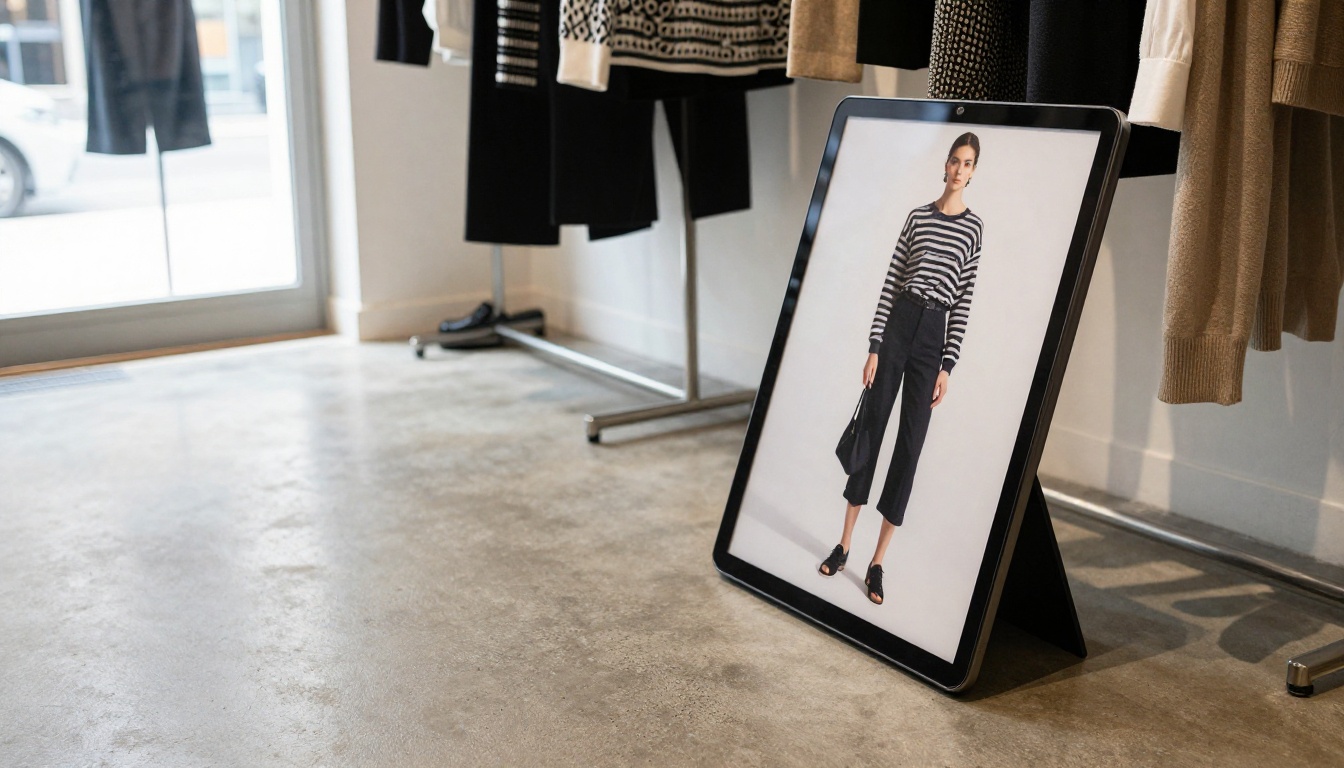
A boutique clothing shop converts its seasonal lookbook. Each outfit links to the matching product page. Shoppers browse the looks, tap the item they like and land directly on the product.
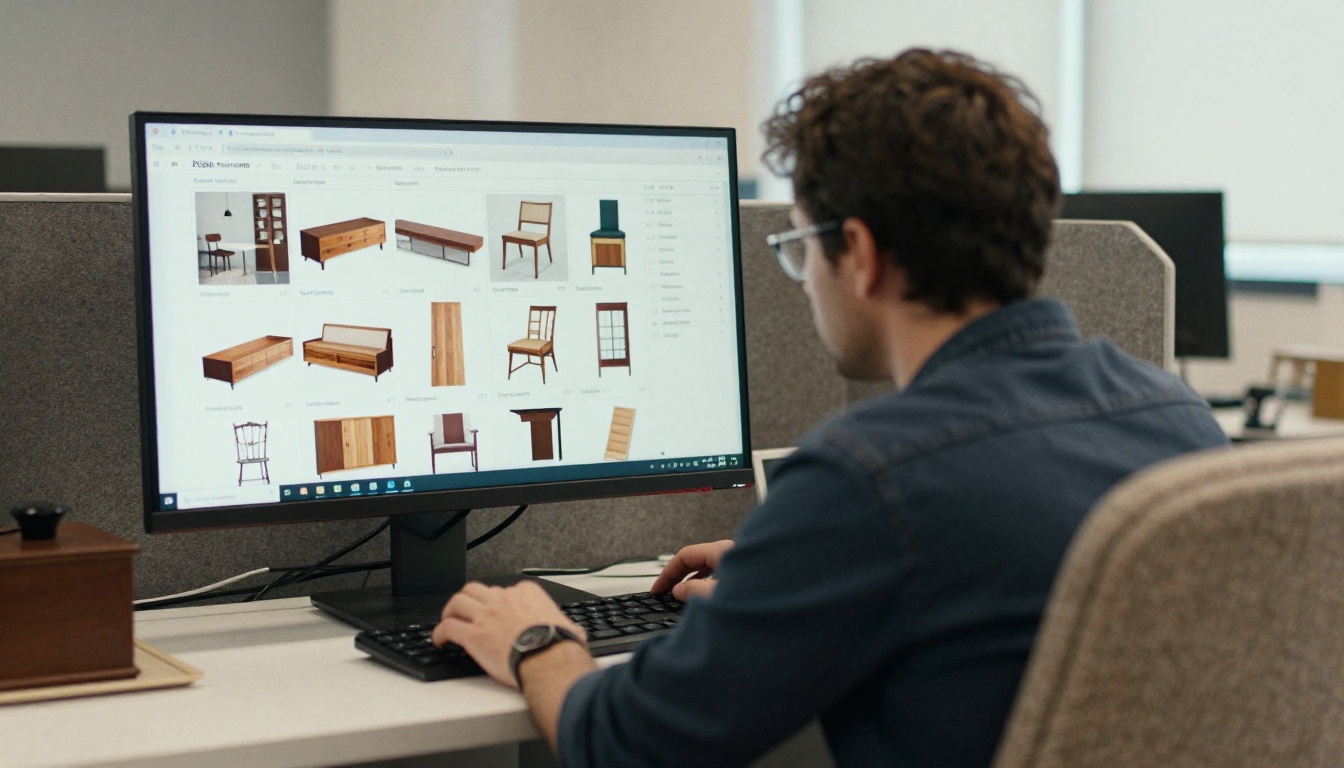
A furniture supplier uses a Furniture Catalog maker workflow, protects the flipbook with a password and shares it with approved retailers only.
A fashion label builds an Interactive Lookbook for each collection and embeds it on a launch page. A matching Fashion Catalog creator is available if the label wants a more product-focused layout.
A price-list reseller keeps a Digital Price List up to date. When prices change, they replace the PDF and the same link keeps working.
Common Mistakes to Avoid
Even a good tool can produce a poor catalog. Watch for these.
Uploading a Print-Sized File
A 300 MB PDF loads slowly on mobile. Compress images before upload.
Skipping the Links
A flipbook without product links is just a prettier PDF. Link every product to its page.
Forgetting Mobile Tests
Tiny text that looks fine on a desktop is unreadable on a phone. Use a larger font size in your layout.
Hiding the Catalog
Put the page where customers look: header menu, footer and product pages.
Ignoring Updates
Prices and stock change. Set a monthly reminder to refresh the PDF.
Picking the Right Option
Use this short checklist.
- Need no watermarks and unlimited flipbooks? Start with Flipbooks AI.
- Need deep B2B lead tracking? Compare FlippingBook against the Professional plan on Flipbooks AI.
- Publishing a magazine style lookbook? Try Issuu.
- Need something in five minutes at zero cost? Use the Shopify Files link while you test a proper flipbook.
Run a two-week trial. Embed the same PDF in two tools, then compare load speed, mobile layout and the effort needed to update.

Frequently Asked Questions
Do I Need a Shopify App to Use a Flipbook?
Not always. Most flipbook platforms provide an embed code that you place in a page or Custom Liquid section. No app install is required.
Will the Flipbook Slow My Store?
It loads inside an iframe, so it should not affect the rest of your page. Still, test your page speed before and after.
Can I Keep My Catalog Private?
Yes, if the tool supports password protection. Flipbooks AI includes it, which is useful for wholesale price lists.
Can Customers Download It?
Some platforms allow offline downloads. You can enable or disable the option depending on whether you want the file shared.
Ready to Publish Your Catalog?
A catalog should work as hard as your best salesperson. Turning your PDF into a flipbook takes minutes and gives shoppers a smoother way to browse.
Upload your PDF today, embed it on a Shopify page and watch how differently customers browse.