Picking a QR code menu app sounds easy until you open five tabs and every site promises the same thing. Every vendor says "fast setup", "no more printing" and "happy guests". This article cuts through that noise. We compare eight tools side by side, from MenuTiger and Menubly to ordering platforms and a PDF-based option built on Flipbooks AI, so you can match the tool to your actual restaurant instead of the best landing page.
A quick note on method: feature sets and plans change often, so treat the tables below as a map of each tool's focus, and confirm current details on each vendor's site before you commit.
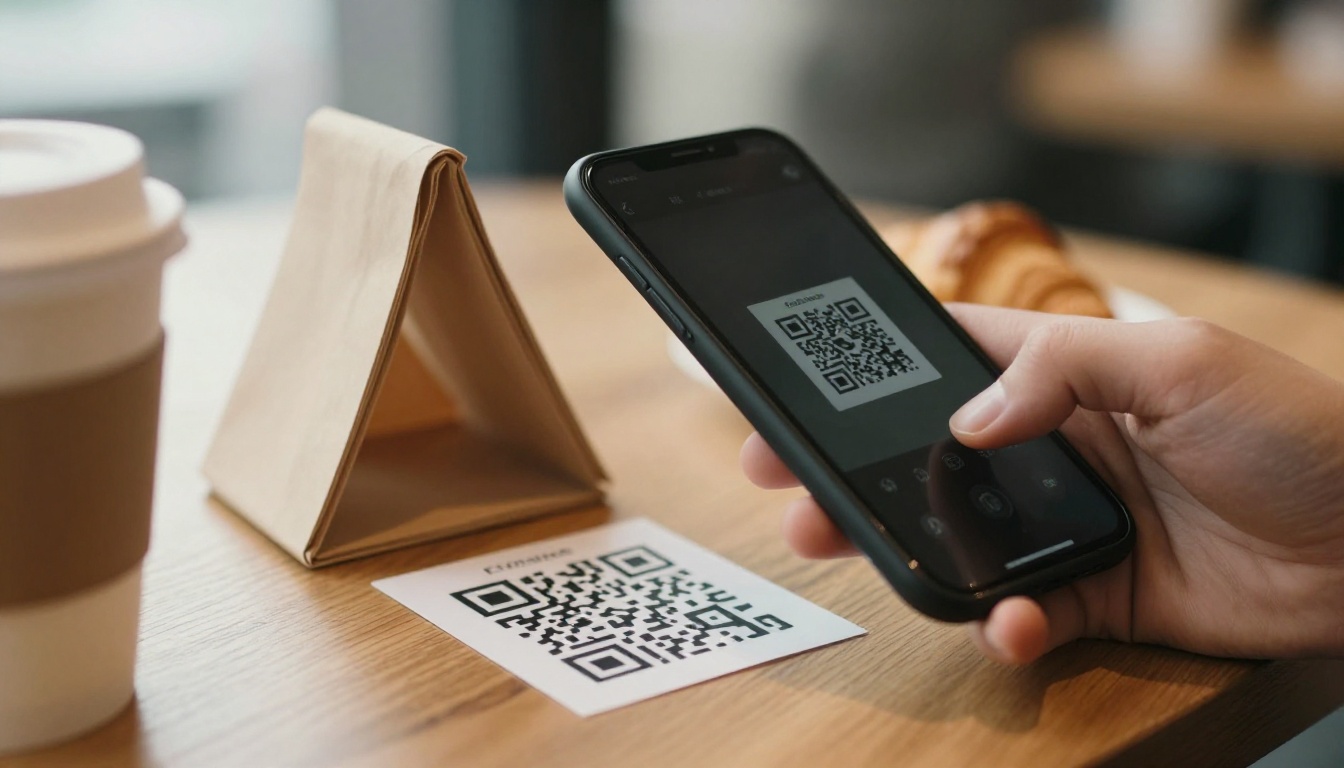
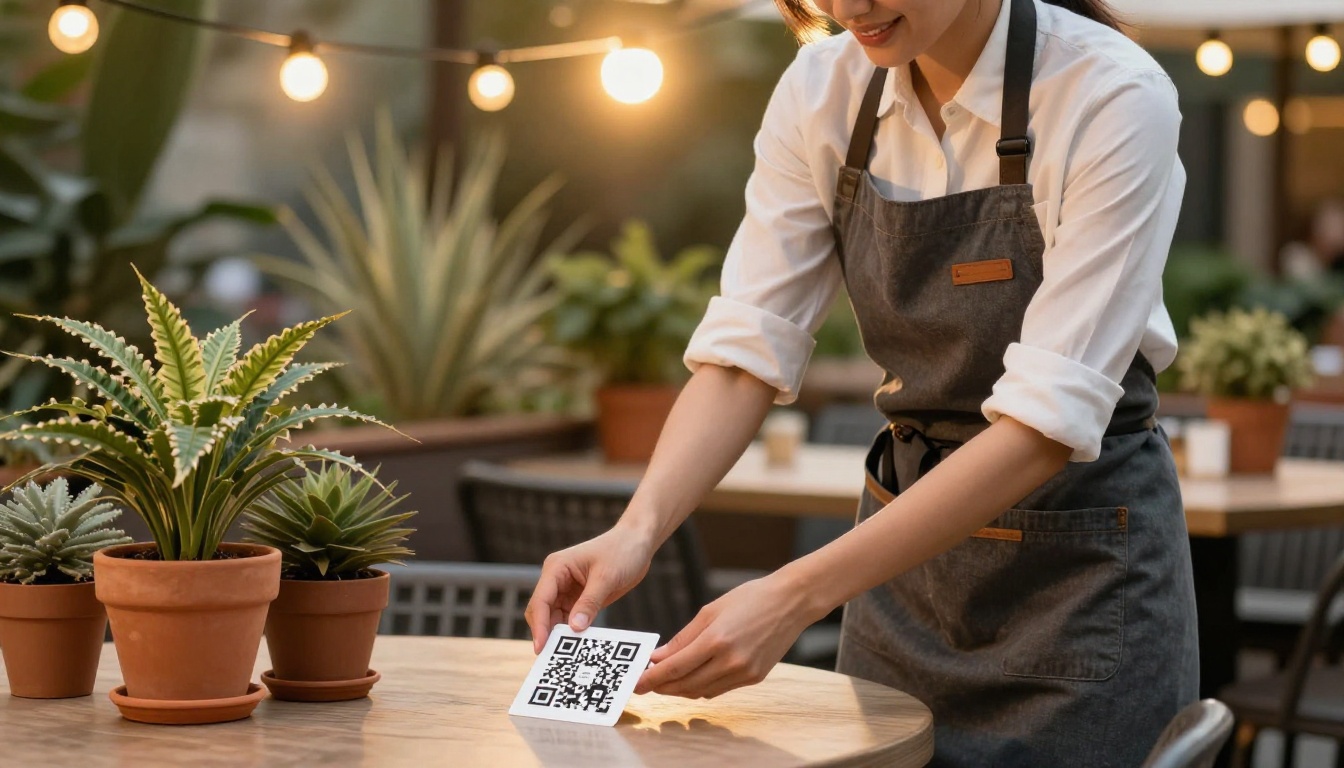
Printed menus cost money every time a price changes. A single typo means a reprint, and a seasonal special means another one. A QR menu moves that work to a screen you can edit in a minute.
What Guests Expect Now
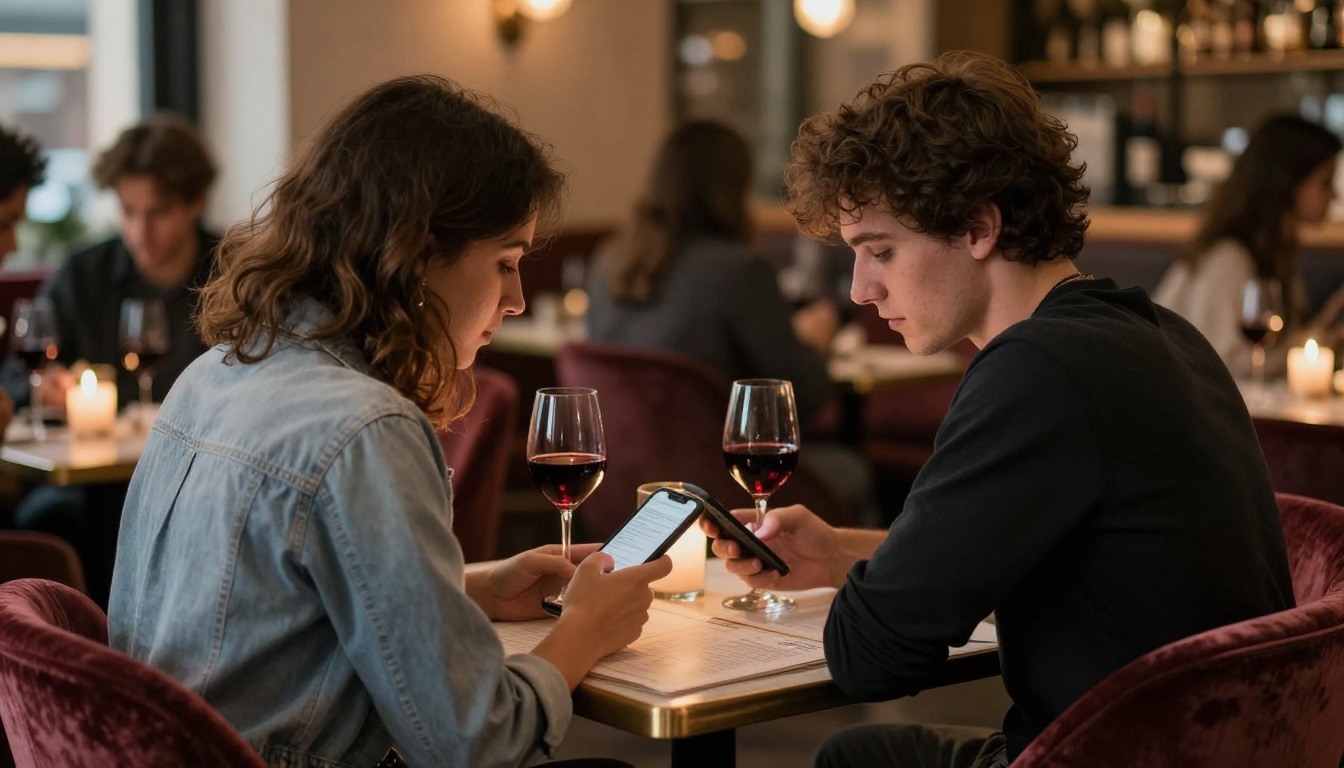
Most diners already scan codes for parking, boarding passes and payments. A code on the table feels normal. What they do not forgive is a slow page, a tiny PDF they must pinch and zoom, or a login wall before they can see a burger.
What Owners Actually Want
Owners usually care about four things:
- Speed of updates when an item sells out.
- Low monthly cost compared with printing.
- Optional ordering and payment at the table.
- Brand control so the menu looks like the restaurant.
💡 Write down your top two needs before you read the comparisons. A tool that is perfect for a food truck may be wrong for a hotel restaurant.
Not every tool on this list does the same job. Splitting them into two groups saves a lot of confusion.
Menu Display Tools
These show a clean, editable menu and nothing more. They are cheap, quick to launch and ideal for cafes, bars and small restaurants that take orders from a waiter. MenuTiger and Menubly sit mostly in this camp, with extra options layered on.
Ordering and Payment Platforms
These connect the menu to a point of sale, kitchen printer and card payments. Guests order and pay from their phone. They cost more and take longer to configure, but they can reduce staff workload during rushes. Square, Toast, Lightspeed, Sunday and Mr Yum lean this way.
The 8 Apps, One by One
1. MenuTiger
MenuTiger is built around fast QR menu creation. You pick a template, add categories and dishes, upload photos and publish a code. It also supports multiple languages and basic ordering options on higher plans, which suits independent restaurants that want a polished menu without a developer.
Best for: small restaurants and cafes that want a good-looking menu quickly.
2. Menubly
Menubly focuses on a simple, mobile-friendly menu with a clean editor. Owners like how little time it takes to change prices and hide sold-out items. It handles several locations, which helps small groups keep menus consistent.
Best for: owners who update the menu often and want a calm, simple editor.
3. Square Online and Square QR Ordering
If you already run Square for card payments, adding QR ordering keeps everything in one dashboard: menu, inventory, sales and payouts. The trade-off is that it works best when your point of sale is also Square.
Best for: venues already using Square hardware.
4. Toast QR Order and Pay
Toast is a restaurant-specific system, so its QR ordering ties directly into kitchen tickets, tips and table management. It is powerful for full-service restaurants but is more of a platform decision than a quick menu fix.
Best for: full-service restaurants using or considering the Toast ecosystem.
5. Lightspeed Restaurant
Lightspeed offers table ordering inside a broader restaurant system with inventory and reporting. It suits growing operators who want data across locations.
Best for: multi-location restaurants that need reporting.
6. Sunday
Sunday pushes a pay-at-the-table flow where guests scan, view the bill, split it and pay. Its strength is faster table turns rather than menu design.
Best for: busy dining rooms where waiting for the bill hurts revenue.
7. Mr Yum
Mr Yum targets venues such as pubs, clubs and stadium-style hospitality where ordering at volume matters. It pairs menus with ordering and payment flows built for high traffic.
Best for: large, high-volume venues.
8. Flipbooks AI (PDF Flipbook Menus)
Here the approach is different. Instead of building a menu in an editor, you upload the designed PDF you already have and turn it into a page-turning flipbook that opens from a QR code. With the Restaurant Menu Creator or the Menu Flipbook Designer, the menu keeps the exact look your designer made. There are no watermarks, and you can add password protection and custom branding.
Best for: restaurants with a beautiful designed menu, wine lists, tasting menus and seasonal booklets.
Side by Side Comparison
Feature Overview
| App | Main Strength | Online Ordering | Table Payments | Design Control |
|---|
| MenuTiger | Quick, polished menus | Available on some plans | Limited | Templates |
| Menubly | Simple editing | Basic | Limited | Templates |
| Square | All-in-one with POS | Yes | Yes | Moderate |
| Toast | Full restaurant system | Yes | Yes | Moderate |
| Lightspeed | Reporting and inventory | Yes | Yes | Moderate |
| Sunday | Pay at the table | Pay focused | Yes | Limited |
| Mr Yum | High-volume ordering | Yes | Yes | Moderate |
| Flipbooks AI | Exact PDF design | No | No | Full (your PDF) |
Who Each Tool Suits
| Venue Type | Good Fit | Why |
|---|
| Cafe or bakery | MenuTiger, Menubly | Cheap, quick edits |
| Fine dining | Flipbooks AI | Keeps premium design |
| Casual full-service | Toast, Square | Orders go to kitchen |
| Pub or club | Mr Yum | Handles volume |
| Busy dinner service | Sunday | Faster bill payment |
| Hotel restaurant | Flipbooks AI, Lightspeed | Brand look plus reporting |
What to Check Before You Pay
Cost Beyond the Headline Price
Look past the monthly number. Ask about per-order fees, payment processing rates, extra charges per location and fees for removing the vendor's logo. A cheap plan with a watermark on every menu is not really cheap.
Speed on a Weak Connection
Test the menu on a phone with one bar of signal. Restaurants in basements and busy city blocks often have poor reception. Heavy pages lose guests fast.
Languages and Allergens
Tourist areas need several languages. Everyone needs a clear way to mark allergens. Check that both are supported without hacks.
Who Owns the Data
Find out whether you can export your menu and customer details if you leave. Lock-in is the quiet cost of many platforms.
⚠️ Never print a QR code that points to a temporary link. If the vendor changes the link format, every table card becomes useless overnight.
Real Restaurant Scenarios
The Neighborhood Cafe
A cafe with 12 tables and one owner needs fast edits and a low bill. A display-only tool like MenuTiger or Menubly fits. The owner hides the sold-out pastry in seconds and keeps paying at the counter.
The Fine Dining Room
A restaurant with a printed tasting menu designed by a studio loses something when it is squeezed into a generic template. Upload the PDF, publish a flipbook and put the QR code on a small card. The typography and photography stay exactly as designed. You can also embed the flipbook on your website so the online and table versions match.
The Busy Pub
Long queues at the bar are lost sales. An ordering platform such as Mr Yum or Square lets guests order from the table and sends tickets straight to the kitchen.
The Food Truck
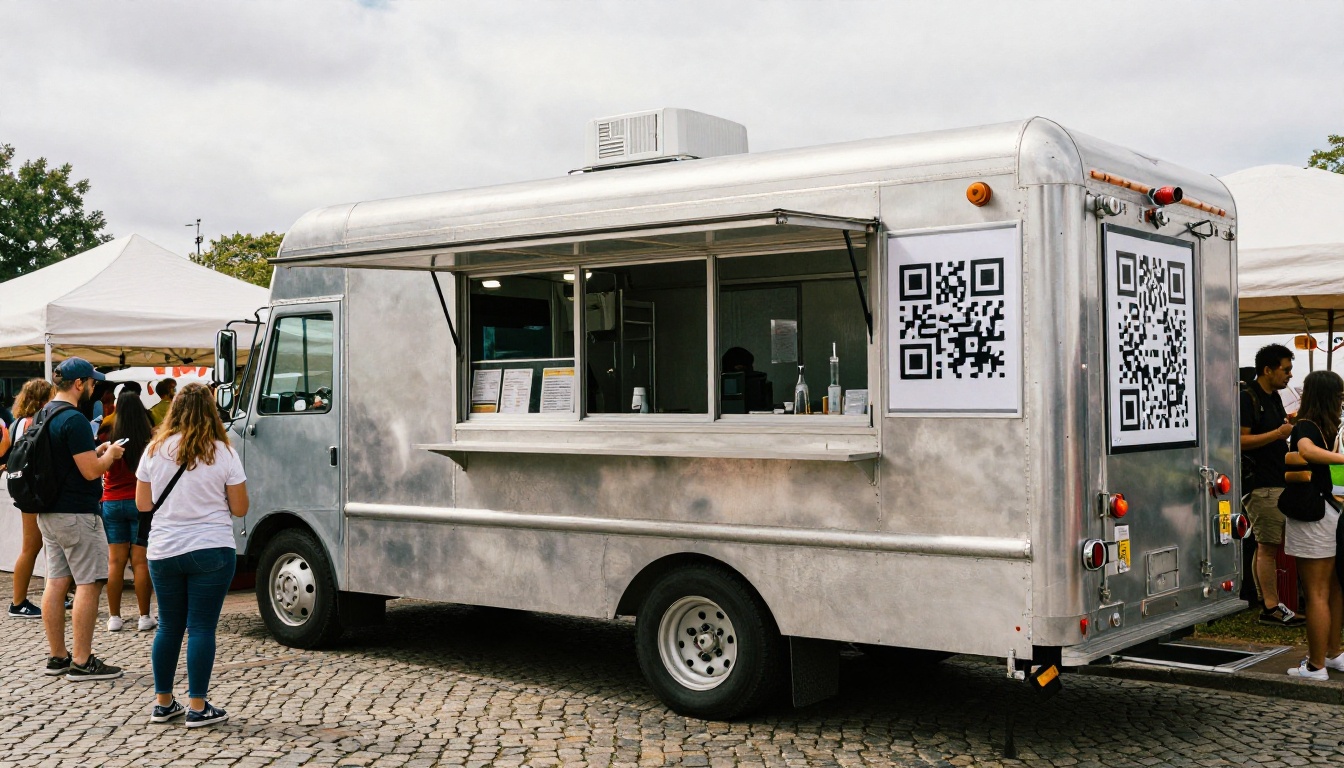
A food truck needs one big code on the serving window and a menu that loads in a blink. A simple menu tool, or a single-page flipbook, does the job without a POS contract.
If your menu is already designed, this is the fastest route. These steps use Flipbooks AI.
- Create your account. Sign up here and open the dashboard.
- Upload your PDF. Use the PDF to Flipbook Converter. Pages convert into a page-turning layout.
- Customize the look. Add your logo, set brand colors and choose the page effect. You can also embed videos or audio, such as a short clip of your chef.
- Set sharing options. Copy the direct link for your QR code, grab the embed code for your website, or add password protection for private event menus.
- Print the QR code. Place it on table tents, coasters or window decals.
- Track results. On the Professional plan, analytics and lead generation show which pages guests open most. See the pricing plans for details.
Offline downloads and a mobile-responsive layout mean guests with weak reception can still read the menu.
✅ Best practice: keep the file under a sensible size and use clear photos. A lighter file opens faster on a phone.
Choosing Without Regret
A Simple Decision Path
- If guests must pay or order from the table, shortlist Square, Toast, Lightspeed, Sunday or Mr Yum.
- If you only need a clean menu that changes often, shortlist MenuTiger or Menubly.
- If you already have a designed menu you love, use a flipbook and keep your design intact.
- If you run several venues, check reporting and multi-location support first.
Budget Snapshot
| Need | Typical Cost Level | Setup Effort |
|---|
| Display-only menu | Low | Minutes |
| PDF flipbook menu | Low to moderate | Minutes |
| Ordering and payments | Moderate to high | Days |
| Full restaurant system | High | Weeks |
Mix and Match
Nothing says you must use one tool. Many restaurants run an ordering platform for lunch service and a flipbook for the wine list and dessert menu. Browse the Digital Price List Generator if you need a simple list format for specials.

Your Next Step
Pick the two tools that match your top needs, run each for a week on a few tables and watch what guests actually do. The right choice is the one your staff stop thinking about.
If your menu already looks great as a PDF, get started for free on Flipbooks AI and turn it into a QR-ready flipbook today. Browse all flipbook tools to find the right template, or compare pricing plans to pick what works for you.