It is 7:40 on move-in morning, and an exhibitor is standing in aisle 400 with a crate, no power, and a booth that is three inches over the height limit. The answer was on page 87 of a PDF that nobody opened. If you run shows, you know this scene. The fix is not more rules. The fix is a manual people actually read, and that starts with format. Publishing your manual as an interactive flipbook with a tool like Flipbooks AI is one of the fastest ways to get there, but the content structure matters even more than the container.
This article breaks down what trade show exhibitor manuals exhibitors read before move-in have in common, what to cut, what to promote, and how to publish the result so it works on a phone in a loading dock queue.
Why Exhibitors Skip Your Manual
Exhibitors are not lazy. They are busy, and they receive manuals from several shows a year, each one organized differently. When a manual fails, the cause is usually one of these:
- Length without hierarchy. A 120-page document with every rule at the same visual weight tells the reader nothing about what is urgent.
- Buried deadlines. Order discounts and compliance dates sit in paragraphs instead of a single schedule.
- Desktop-only formatting. Staff on the floor read on phones, and a scaled-down PDF page is unreadable.
- No version control. Exhibitors forward the old PDF to their install crew, and rules change after it went out.
- Forms detached from rules. The rule is on one page, the order form on another, the contact on a third.
💡 Pro tip: Ask your three most frequent support callers which page they wish they had read. Their answers tell you what to move to the front.
What Exhibitors Actually Look For
When people open a manual in the last week before a show, they have four questions: When can I get in? Where do I unload? What will it cost if I miss a deadline? Who do I call? If page one answers those, you have earned the right to be read further.
The Cost of Being Ignored
Every unread rule becomes a phone call, a rush fee dispute, or an on-site fix. Show offices often track the same few problems year after year: late freight, power not ordered, over-height structures, and missing insurance certificates. Those are manual problems, not exhibitor problems.
The Structure That Gets Read
The best manuals are built like a checklist with reference material behind it, not like a legal contract. Here is a structure that works for most shows, from a regional trade fair to a multi-hall convention.
| Section | Purpose | Ideal Length |
|---|
| Move-in dashboard | Dates, hours, dock info, contacts | 1 page |
| Deadline calendar | Every discount and compliance date | 1 to 2 pages |
| Booth rules | Height, sightlines, flooring, hanging signs | 3 to 5 pages |
| Services and orders | Power, internet, rigging, cleaning | 4 to 8 pages |
| Freight and shipping | Advance warehouse, direct to show, labels | 3 to 4 pages |
| Safety and insurance | Fire code, certificates, restricted items | 2 to 3 pages |
| Forms | Fillable or linked order forms | As needed |
Notice how the first two sections carry the urgent content. Everything after them is reference. Put the dashboard before the table of contents, not after.
The One Page Move-In Dashboard
This page should answer the morning-of questions in a glance:
- Move-in dates and hour windows by exhibitor category
- Which dock or gate to use, with a numbered map
- Badge and credential pickup location
- On-site service desk hours and phone number
- Where to find the live version of the manual
Deadlines in One Place
Use a table, not prose. A short example:
| Deadline | What Happens If Missed |
|---|
| Advance power order | Standard rate plus on-site surcharge |
| Insurance certificate | Booth access can be held until filed |
| Freight to advance warehouse | Shipment goes direct to show at a higher rate |
| Hanging sign submission | Rigging slot may be unavailable |
| Exhibitor-appointed contractor form | Contractor not cleared at the dock |
⚠️ Warning: Do not scatter the same deadline in three places. When a date changes, one version will be wrong.
Write Rules People Can Act On
Rules fail when they describe a principle instead of an action. Compare the two styles:
| Vague Version | Actionable Version |
|---|
| Booths must respect height limits. | Inline booths: 8 ft back wall, 4 ft within 10 ft of the aisle edge. |
| Hazardous materials are restricted. | Propane, open flame, and fog fluid are not allowed. Call the safety office for exceptions. |
| Freight should arrive on time. | Freight arrives Monday 8 am to 4 pm only. Label with booth number and your company name. |
| Flooring is required. | All booths need carpet or tile. Bare concrete is not allowed. |
Show the Rule With a Picture
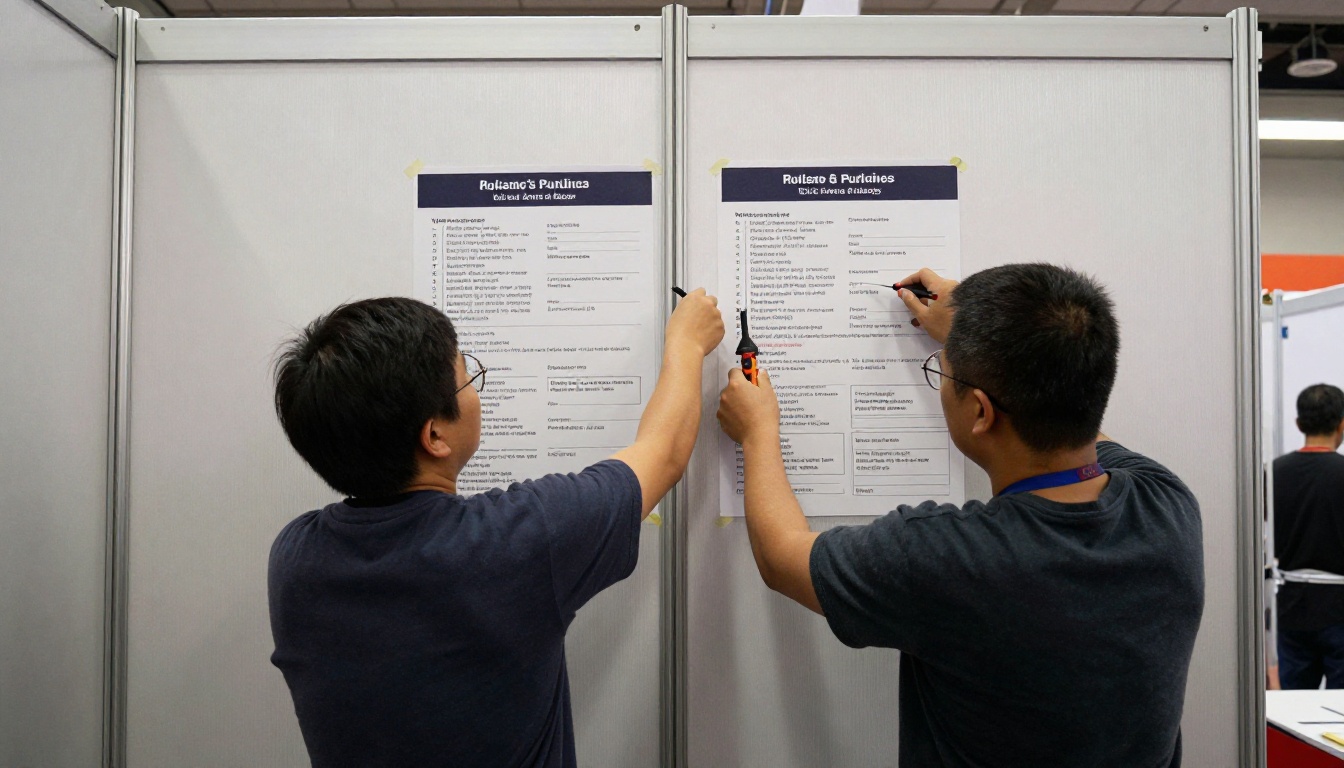
Sightline rules, island height limits, and aisle clearance are easier to see than to read. A simple diagram next to each rule cuts misunderstandings more than another paragraph of text. Include one good photograph of a compliant booth and one of a common violation.
Use Plain Names for Rules
Call it "Hanging signs" rather than "Overhead structure provisions." Exhibitors search by what they want to do, so match their words.
Move-In Logistics That Prevent Chaos
Move-in is where manuals earn their value. Treat this section as a field document.

Dock Appointments and Marshaling
If your venue uses timed dock slots, show the slot system as a step list:
- Book the slot online by the stated deadline.
- Print or save the confirmation with the vehicle plate.
- Arrive at the marshaling yard, not the dock.
- Wait for the call to proceed.
- Unload within the posted time window.
A small table of vehicle types helps as well:
| Vehicle Type | Entry Point | Unload Window |
|---|
| Box truck | Dock 3 to 6 | 45 minutes |
| Cargo van | Hall B ramp | 30 minutes |
| Passenger vehicle with hand cart | Lobby entrance | 20 minutes |
| Semi trailer | Marshaling yard first | By appointment |
A Booth Number Map With Floor Markings
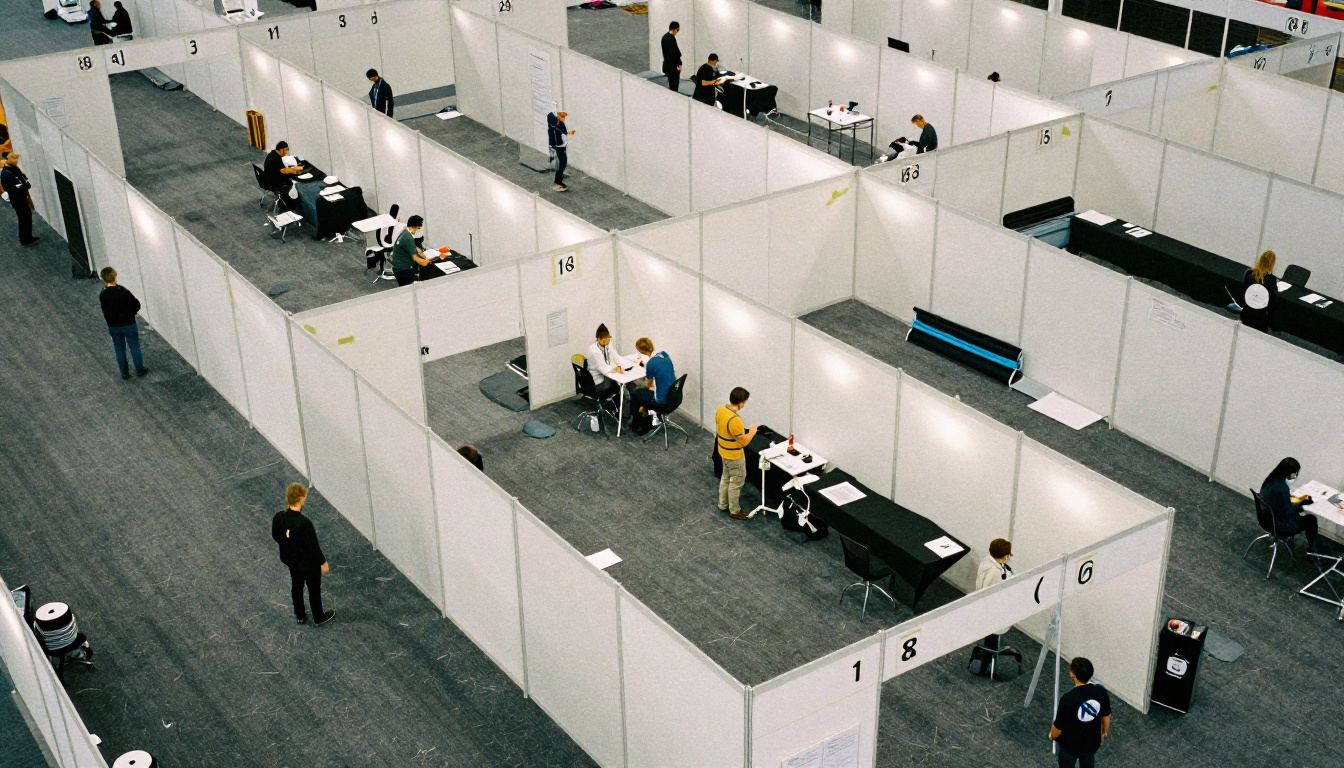
Include a plan that matches what exhibitors will see on the hall floor. If tape colors identify booth corners or aisle edges, say so in the manual. People notice color before they read a number.
Power, Water, and Internet
Services cause more disputes than any other topic. Explain what is included, what must be ordered, and by when.

| Service | Included in Booth Fee? | Order By |
|---|
| Standard 120V outlet | Often no | Advance deadline |
| Dedicated circuit | No | Advance deadline |
| Wired internet | No | Advance deadline |
| Wi-Fi in common areas | Yes | Not needed |
| Compressed air or water | No | Early, limited supply |
✅ Best practice: Put the order link beside the price, not in a separate forms chapter. The reader should be able to act the moment they see the cost.
Safety, Insurance, and Inspections
This chapter is rarely popular, but it protects both exhibitors and organizers. Keep it short and specific.
What Inspectors Check
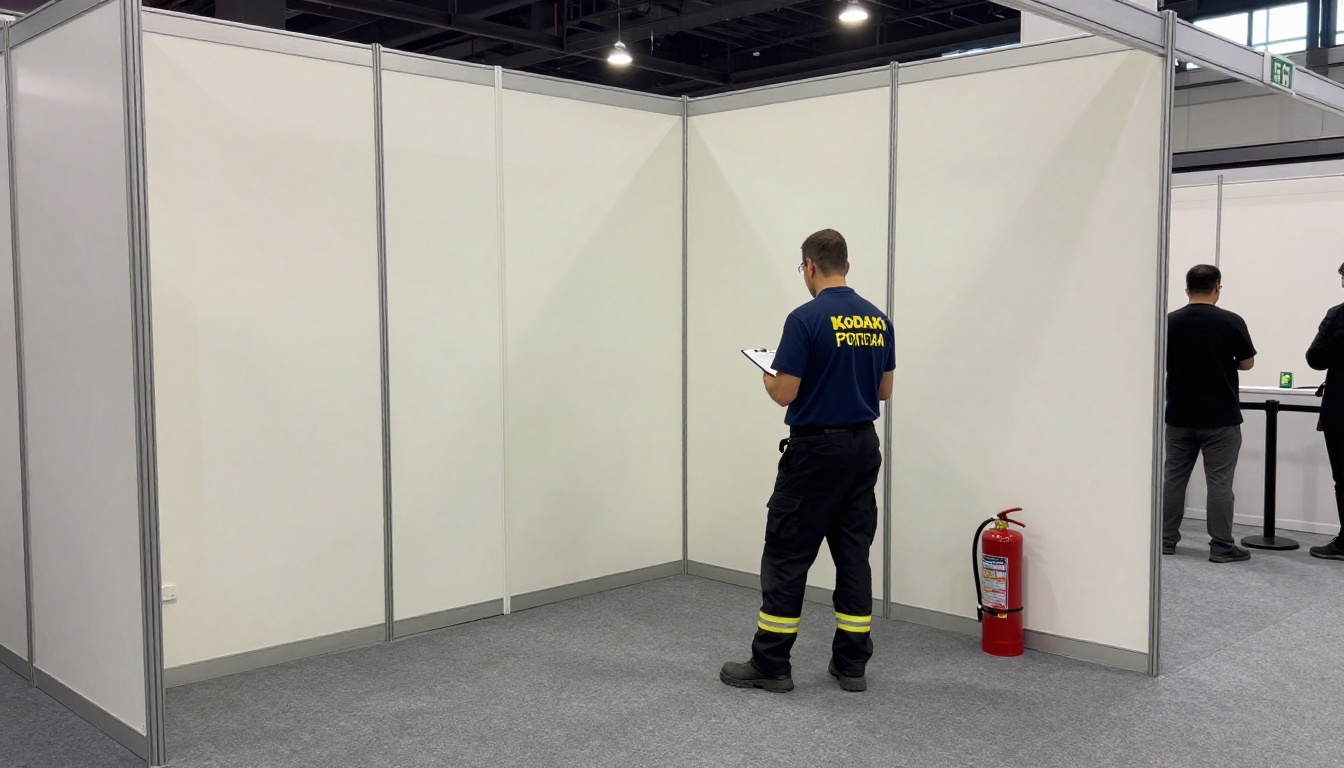
- Exit paths and aisle clearance remain open
- Extinguishers and exit signs are visible
- Fabric and carpet carry the right flame rating
- Electrical cords are rated and not daisy chained
- Insurance certificate is on file
A Pre-Inspection Checklist
Give exhibitors a one page checklist they can run before the inspector walks the aisle. A short self-check cuts re-inspections, and nobody wants to rebuild a wall at 11 pm.
| Item | Pass Condition |
|---|
| Exit sign visible | Not blocked by banners or product |
| Cords | No taping across walkways without covers |
| Back wall height | At or under the stated limit |
| Storage | Cases hidden behind the booth, not in aisles |
Make the Manual Work on a Phone
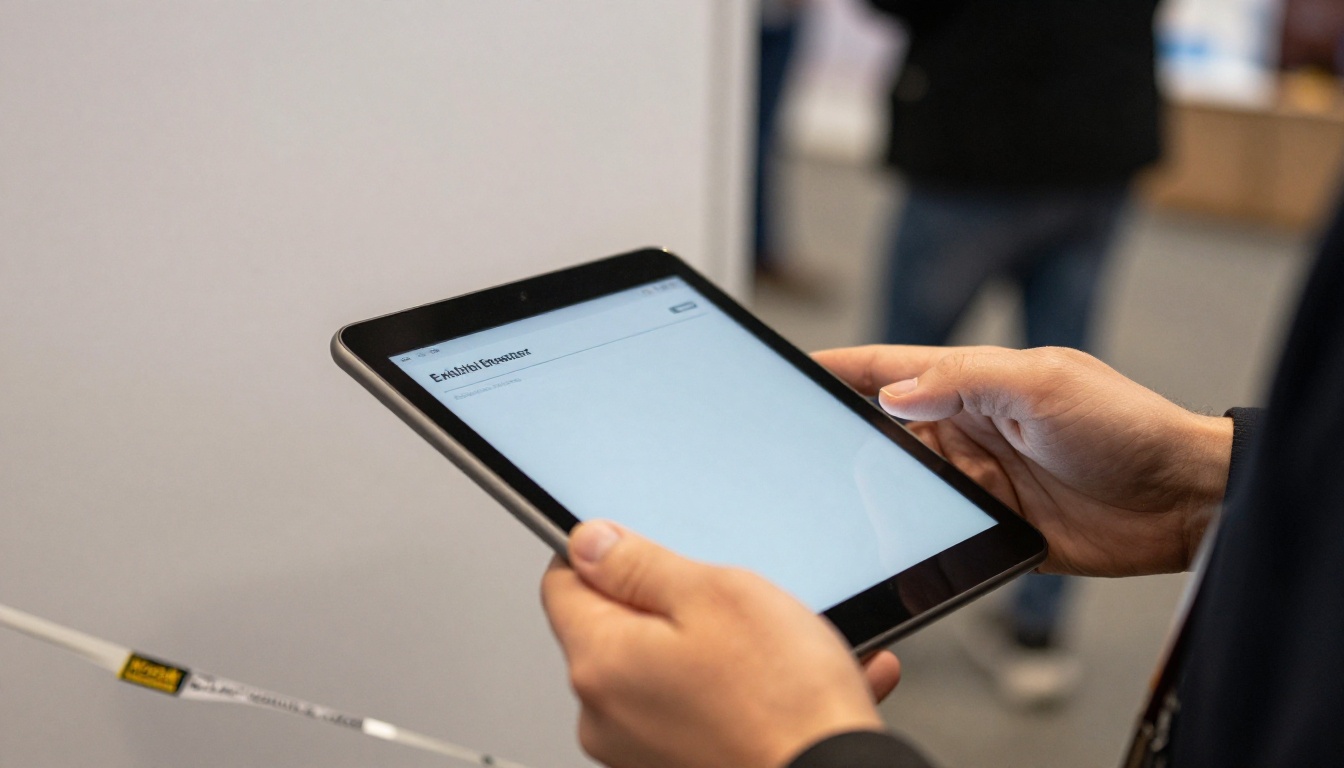
On move-in day, the manual is read standing up, usually on a phone, often in poor signal. That changes how you should publish it.
Why a Static PDF Falls Short
A PDF is a print layout. On a phone, readers pinch and scroll sideways, and links to forms are easy to miss. Updates require re-sending a new file, and old versions keep circulating.
What a Flipbook Adds
A mobile-responsive flipbook keeps the page look but adds practical features:
- A single link that always shows the current version
- Clickable table of contents and deadline links
- Embedded video for loading dock walkthroughs
- Offline downloads for halls with poor reception
- Password protection for exhibitor-only content
- Analytics to see which pages get opened (Professional plan, see pricing)
| Feature | Static PDF | Flipbook |
|---|
| Works on phones | Poorly | Yes |
| One live link | No | Yes |
| Embedded video | No | Yes |
| Page level analytics | No | Yes |
| Password protection | Limited | Yes |
| No watermark | Depends | Yes, always |
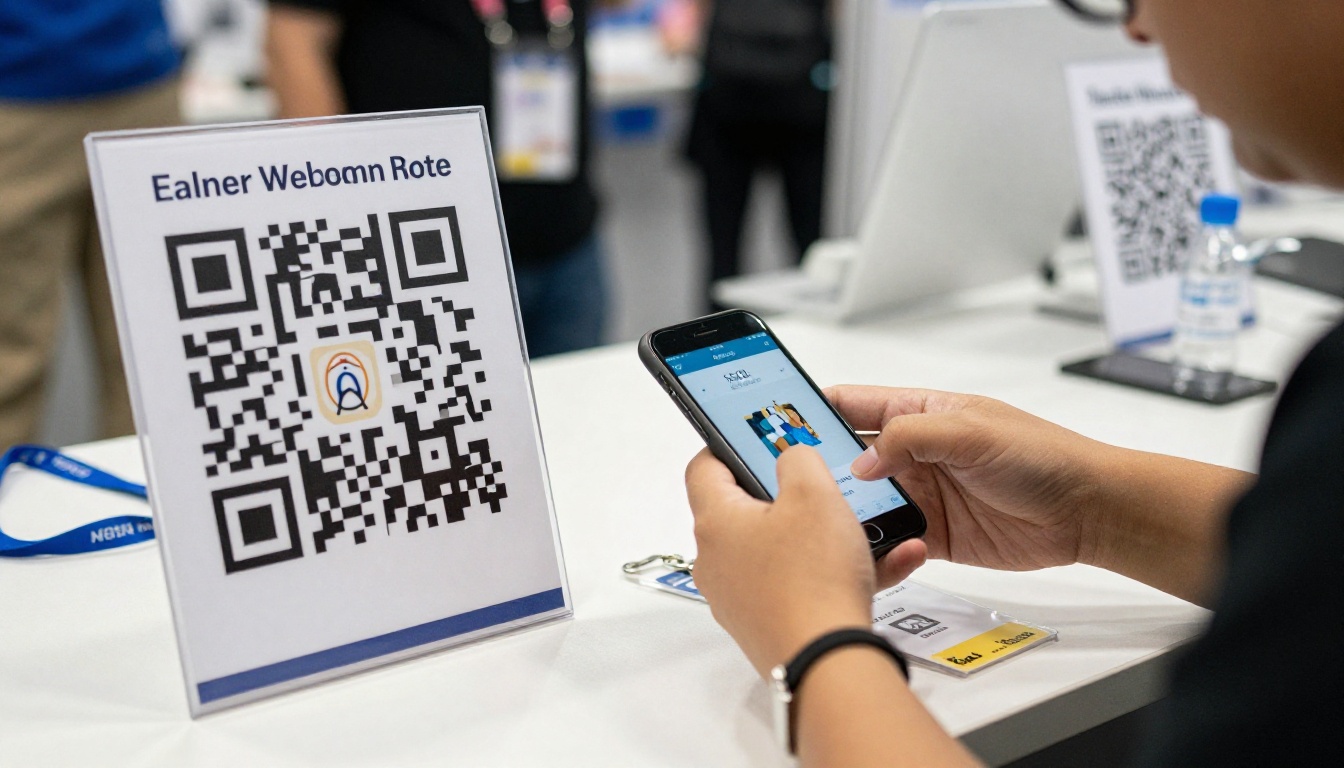
A QR code on the registration sign, the dock marshaling board, and the service desk takes people to the same live manual in seconds.
How to Publish Your Manual as a Flipbook
If you already have the manual as a PDF, the conversion takes minutes. These steps use the PDF to Flipbook Converter and the wider Flipbooks AI tools.
- Create an account. Sign up on Flipbooks AI and open your dashboard.
- Upload the PDF. Drag in the exhibitor manual. Pages convert automatically and keep their layout.
- Customize. Add your show logo, brand colors, and page turn effect. Keep it subtle so the content stays first.
- Add multimedia. Embed a short dock walkthrough video or an audio note from the operations lead.
- Set sharing options. Copy the direct link, generate an embed code for your exhibitor portal with the Embed Flipbook on Website tool, or protect it with a password.
- Turn on offline download. Exhibitors with poor signal can save it ahead of time.
- Track opens. On the Professional plan, analytics and lead generation show which sections are read and who opened the manual.
💡 Pro tip: Use the same flipbook for the Event Program. The Event Program Maker fits the show schedule that attendees see, while exhibitors keep their own manual link.
Related Documents Worth Publishing
Many shows create more than one reference document. Each one benefits from the same format:
Keep the Manual Alive After Launch
A manual is not finished when it is sent. Exhibitors ask questions, rules shift, and hall conditions change.

A Simple Update Rhythm
- Eight weeks out: Publish version one and email the link.
- Four weeks out: Send a short reminder pointing to the deadline calendar.
- One week out: Send a move-in dashboard summary with the live link.
- Move-in morning: Text the link and the service desk number.
- After the show: Review the questions received and revise next year's version.
Three Common Mistakes
- Sending a new PDF for each change. Update the live flipbook instead.
- Hiding contact numbers. Put them on the first page and in the footer.
- Ignoring feedback. Treat every support call as a missing line in the manual.
✅ Best practice: Keep a "What changed" box at the top of the manual after each update. Exhibitors who skim will still catch the new rule.
Ready for Move-In Day
When the manual works, the hall changes. Crates arrive in the right dock at the right time, power is live, and the aisles are clear before doors open.
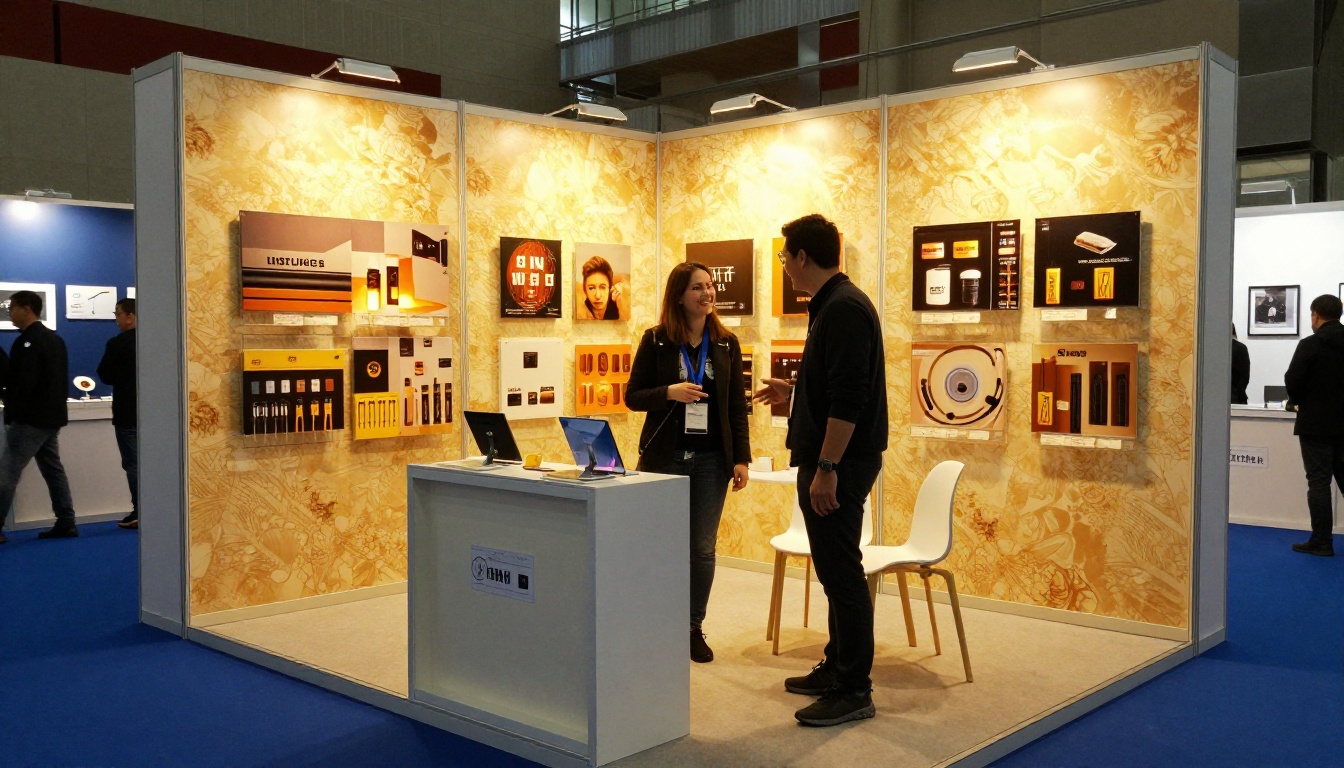
To recap the essentials:
- Lead with a one page move-in dashboard
- Keep deadlines in one table
- Write rules as actions with numbers
- Add photos, maps, and short videos
- Publish as a mobile flipbook with a single live link
- Update on a fixed schedule
Ready to publish yours? Get started for free on Flipbooks AI, browse all flipbook tools to find the right template, or compare pricing plans to see which tier adds analytics and lead capture for your show. When you want to go further, the upgrade path takes you straight to the plan page.



