You spent months planning the booth, paid for the space, shipped the displays, and stood on your feet for three days. Then you came home with a stack of cards and a spreadsheet nobody opens. That is where most exhibitors lose the money they just spent. The event itself is only half the investment, and the weeks after it decide whether you earn anything back. Teams that fix their process, including how they share brochures and catalogs through tools like Flipbooks AI, usually see the difference within one event cycle.
This article walks through the trade show follow-up mistakes that quietly drain booth leads, what each one costs you, and how to fix it without adding a pile of extra work.
Why Booth Leads Go Cold
A trade show contact is warm for a very short time. The visitor met you, liked something, and then met forty other exhibitors. Within a week, your conversation blends into the rest. Within a month, they may not remember your company name.
Industry surveys have often reported that a large share of exhibitors never follow up on a big portion of their leads at all. Whatever the exact number at your event, the pattern is familiar: the booth gets the budget, and the follow-up gets leftovers.
The Real Cost of Silence
Think about the math. If a booth costs $15,000 all in and you collect 300 contacts, each contact cost you $50 before anyone has bought anything. Every lead you ignore is money you already spent and chose not to use.
Memory Fades Fast
People remember a feeling and a problem you solved, not your product specs. The longer you wait, the less of that feeling remains. Speed matters, but relevance matters just as much.
Mistake 1: Waiting Too Long
The most common error is also the simplest. The team returns, catches up on email, handles the backlog, and the lead list sits for two weeks. By then, competitors have already reached out.
⚠️ A follow-up sent 3 weeks after the show is closer to a cold email than a warm one. Plan the first touch before you leave the venue.
A Sensible Timeline
| Timing | Action | Goal |
|---|
| Day of the show | Tag each lead with a hot, warm, or cold label | Capture context while it is fresh |
| Within 24 hours | Short personal thank you note | Be remembered |
| Within 3 days | Send a useful resource | Give value before asking |
| Within 7 days | Propose a call or demo | Move to a conversation |
| Days 10 to 14 | Second touch with a new angle | Catch late replies |
| Day 30 | Light check in | Keep the door open |
Send the First Touch From the Floor
You do not need to wait for the flight home. A two line message sent from your phone the same evening can set you apart from nearly every other exhibitor.

Mistake 2: Sending the Same Message to Everyone
Blasting one generic email to every contact is tempting. It is also the fastest way to get ignored. A buyer who asked about pricing and a student who grabbed a tote bag should not receive the same note.
Segment Before You Write
Spend an hour sorting contacts into three groups:
- Hot: Asked for a quote, a demo, or a call. Needs a personal reply from a salesperson.
- Warm: Showed interest and shared a pain point. Needs useful content and a soft invitation.
- Cold: Scanned a badge, took a giveaway, or chatted briefly. Needs a light nurture sequence.
Match the Message to the Conversation
| Lead type | What they said | Best follow-up |
|---|
| Hot | "Send me a proposal" | Personal email, same day, with a calendar link |
| Warm | "We are comparing options" | Case study plus a short comparison sheet |
| Warm | "Not this quarter" | Calendar reminder, helpful content monthly |
| Cold | Badge scan only | Short thank you with one useful resource |
💡 Reference a specific detail from your conversation in the first sentence. "You mentioned your team prints 200 catalogs every spring" beats "Thanks for visiting our booth" every time.
Mistake 3: Not Capturing Context at the Booth
A name and an email are not a lead. Without notes, your follow-up cannot be specific, and a vague message gets a vague response, or none.
What to Write Down
After every meaningful conversation, record:
- The visitor's main problem in their own words
- What they currently use
- Their timeline for deciding
- Who else is involved in the decision
- The promised next step
Make It Fast
If notes take three minutes, nobody writes them. Use a simple shared form with dropdowns and one free text box. Even five words of context, such as "needs menus, July launch," change the quality of your follow-up.
Mistake 4: Sending Heavy Files and Dead Attachments
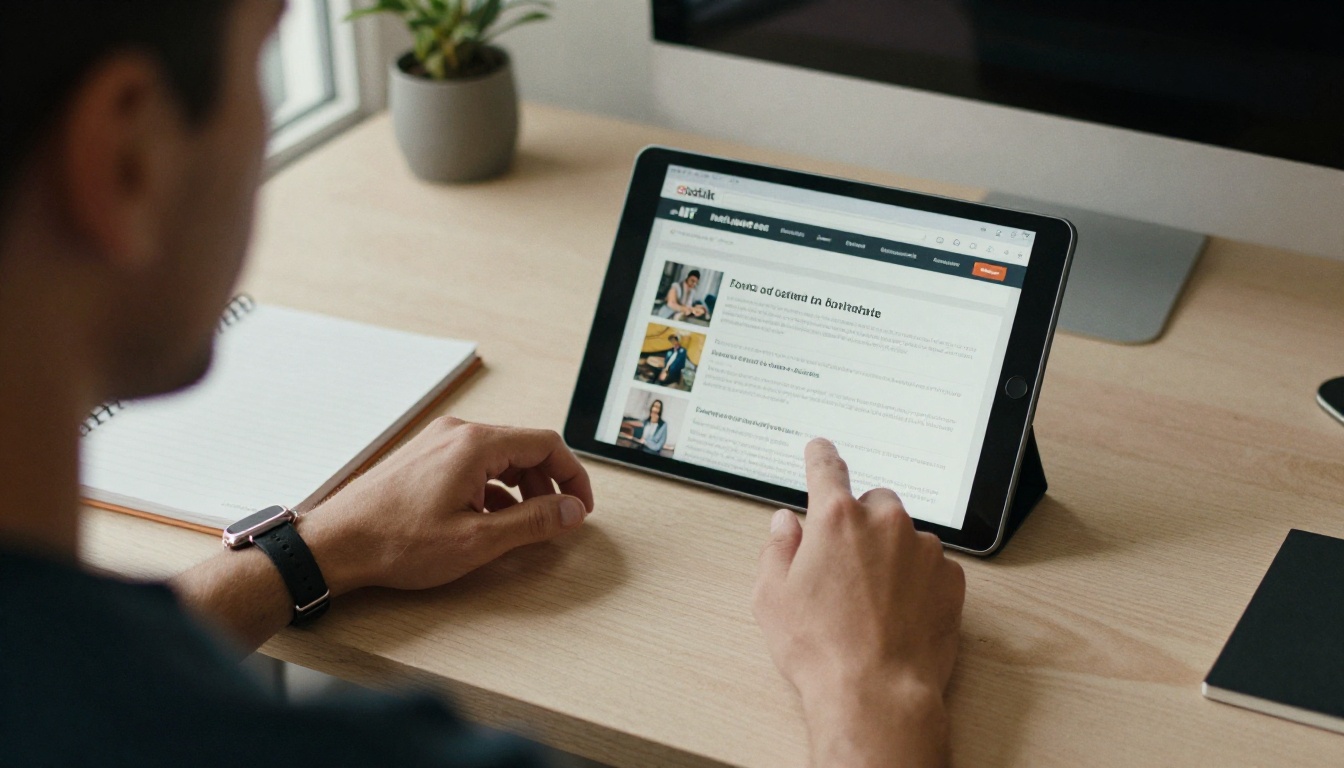
Think about what usually lands in a prospect's inbox after a show: a 25 MB PDF, a clunky attachment that does not open on a phone, or a link to a download that asks for a login. Most people will not wade through it.
Share Something That Opens Instantly
A visitor who reads your email on a phone between sessions needs content that loads in a second and looks good on a small screen. A page-turning digital brochure does exactly that. You can convert your existing PDF with the PDF to Flipbook Converter and send a single link that works on any device.
Attachments Compared With Links
| Format | Mobile friendly | Trackable | Easy to update | Looks professional |
|---|
| Large PDF attachment | Poor | No | No | Average |
| Download link with login | Poor | Partly | Yes | Poor |
| Plain website page | Good | Yes | Yes | Average |
| Digital flipbook link | Excellent | Yes | Yes | Excellent |
How to Create a Follow-Up Flipbook
If you want to try the approach, here is a quick tutorial.
- Go to Flipbooks AI and create an account.
- Upload your event brochure, product catalog, or one page overview as a PDF. The platform converts it into a page-turning flipbook in moments.
- Customize it with your logo, brand colors, page effects, and embedded video or audio. Everything stays free of watermarks.
- Set sharing options: copy a direct link, grab an embed code for your site, or add password protection for private pricing.
- For deeper insight, the Professional plan adds analytics and lead generation, so you can see who opened the document and which pages held attention. See the pricing plans for details.
- Paste the link into your follow-up email and send.
Depending on what you sell, the Product Catalog tool or the Event Program Maker may be a better starting point.
Mistake 5: Leading With a Hard Sell
Someone who spent four minutes at your booth is not ready to sign a contract. An email that opens with "When can we schedule a demo?" and nothing else treats a mild curiosity as a buying signal.
Give Before You Ask
Offer something the lead can use today:
- A short checklist related to the problem they described
- A comparison sheet of the options they are weighing
- A sample, template, or short video
- An invitation to a webinar that follows up on a booth topic
A Simple Email Structure
- One line that proves you remember them
- One useful resource, linked
- One small, low-pressure next step
✅ Keep the first follow-up under 120 words. Short messages get read on phones, and most of your readers are on phones.
Mistake 6: Giving Sales and Marketing Different Lists
Marketing keeps one spreadsheet. Sales keeps business cards. The event app holds a third set. Nobody agrees on who owns which lead, so some get three emails and others get none.
One List, One Owner
Before the event, decide:
- Where every lead will be stored
- Who is responsible for each hot lead within 24 hours
- When unclaimed leads move to a nurture sequence
- How duplicates are merged
Roles That Work
| Role | Responsibility | Deadline |
|---|
| Booth staff | Capture notes and tag lead temperature | End of each show day |
| Marketing | Clean data, build segments, send resources | 48 hours after the show |
| Sales | Contact hot leads personally | 24 hours after the show |
| Manager | Review response rates weekly | Every Friday for a month |

Mistake 7: Giving Up After One Email
Most replies arrive after the second or third touch, not the first. A single message sent on day two, followed by silence, wastes whatever interest it created.
Build a Gentle Sequence
Plan four to five touches over six weeks, each with a different purpose:
- Thank you: personal, short, specific.
- Resource: a helpful guide-style document or case study shared as a flipbook link.
- Proof: a customer story or result from a similar company.
- Invitation: a short call, demo, or consultation.
- Check in: a friendly note that leaves the door open.
Change the Channel
If email gets no response, try a short LinkedIn note or a quick phone call. The same person may answer one channel and ignore another. Vary the format as well. A sales presentation flipbook can feel fresher than a third plain email.
Mistake 8: Never Measuring What Happened
If you do not track results, you will repeat the same errors at the next show. Many teams cannot say how many leads became meetings, how many meetings became deals, or what a single booth conversation was worth.
Numbers Worth Watching
| Metric | What it tells you | Healthy sign |
|---|
| First touch response rate | Quality of your opening message | Rising from one show to the next |
| Meetings booked per 100 leads | Strength of your offer | Steady growth |
| Time to first contact | Speed of your process | Under 48 hours |
| Document open rate | Interest in your content | Most hot leads open it |
| Pipeline value per show | Return on the booth | Exceeds total cost |
Use Open Data to Prioritize
When your brochure is a trackable link, you can see who opened it and how far they read. A lead who read the pricing page twice deserves a phone call more than one who never clicked. This is where the Professional plan's analytics and lead generation features earn their keep.
💡 Review results one week, one month, and one quarter after the show. Early numbers show process quality, and late numbers show real revenue.
A 14 Day Plan You Can Copy
Use this schedule at your next event.
Before the Show
- Set up your lead form with fields for need, timeline, and next step
- Prepare a flipbook version of your brochure and a short resource for each lead type
- Write draft emails for hot, warm, and cold segments
- Assign owners and deadlines
During the Show
- Tag every conversation as hot, warm, or cold
- Capture one specific detail per contact
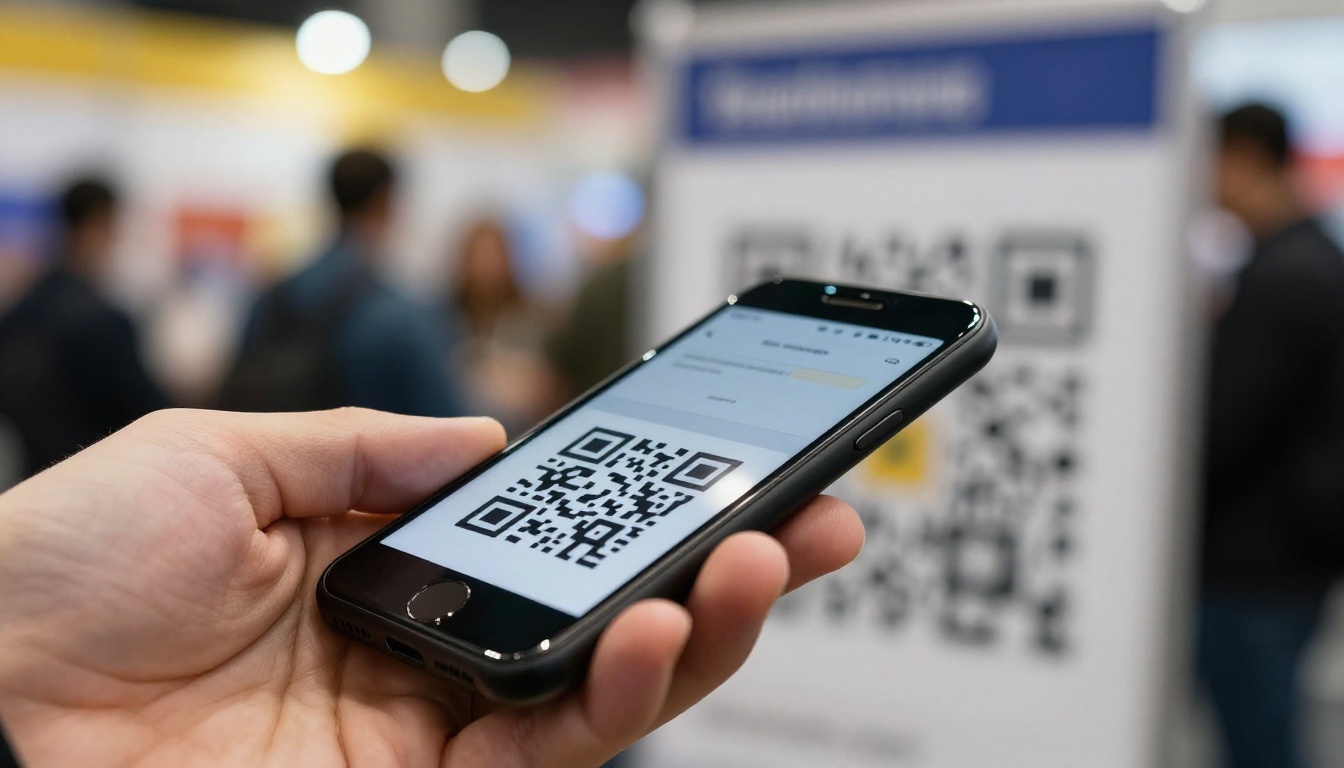
- Offer a QR code that opens your digital brochure so visitors can take it with them
After the Show
| Day | Task |
|---|
| 0 | Send quick thank you notes to hot leads |
| 1 | Sales calls every hot lead |
| 2 | Marketing sends resources to warm leads |
| 3 | Cold leads enter a light nurture sequence |
| 7 | Second touch with a case study |
| 10 | Offer a call or demo to warm leads |
| 14 | Review replies and adjust the sequence |

Real World Examples
A Furniture Maker
A furniture company collected 220 contacts at a design fair. Instead of attaching a large PDF, the team sent a flipbook version of the catalog using the Furniture Catalog Maker. Because they could see which collections each buyer opened, the sales team opened conversations with "I noticed you looked at the outdoor line" rather than a generic pitch.
A Software Startup
A small software team had no budget for a large sales staff. They sorted leads by what visitors said at the booth, sent three versions of the follow-up, and shared a short product overview as a mobile friendly flipbook. They booked more demos in two weeks than at the prior show in two months, simply because the first message was relevant.
A Real Estate Agency
An agency exhibiting at a housing expo gave every visitor a QR code to a digital property brochure, built with the Real Estate Brochure Creator. Visitors kept it in their phones, and the agents could follow up on the exact listings each person had viewed.
Quick Self Check
Before you send a single follow-up email, answer these questions honestly:
- Can every hot lead expect contact within one day?
- Does each segment get a different message?
- Do your notes contain a detail you can quote?
- Is every resource readable on a phone in one tap?
- Does the email lead with value instead of a pitch?
- Have you planned at least four touches?
- Will you measure results at 7, 30, and 90 days?
If you answered no to more than two, that is where your leads are leaking.
Start Fixing Your Follow-Up Today
The good news is that none of these mistakes require a bigger budget. They need a plan, clear owners, and content that is easy to open and easy to track. Your next booth will cost the same whether you follow up well or not, so the follow-up is the cheapest place to raise your return.
Ready to send brochures that open instantly and show you who is reading? Get started for free on Flipbooks AI, browse all flipbook tools and templates, or compare pricing plans to find the one that fits your event schedule. If you already have a PDF ready, you can also embed a flipbook on your website so booth visitors can find it again later.



