Picture the end of a three-day show. Attendees drag home a tote bag stuffed with flyers, stress balls and cheap pens, and by Monday most of it is in the recycling bin. If you want trade show handout ideas visitors keep after the booth, the goal is not to give away more. It is to give away something that earns a place on a desk, in a bag or on a phone. This article ranks twelve handouts by how long they last, what they cost and how well they bring buyers back, and shows how a digital piece built with Flipbooks AI can anchor the whole plan.
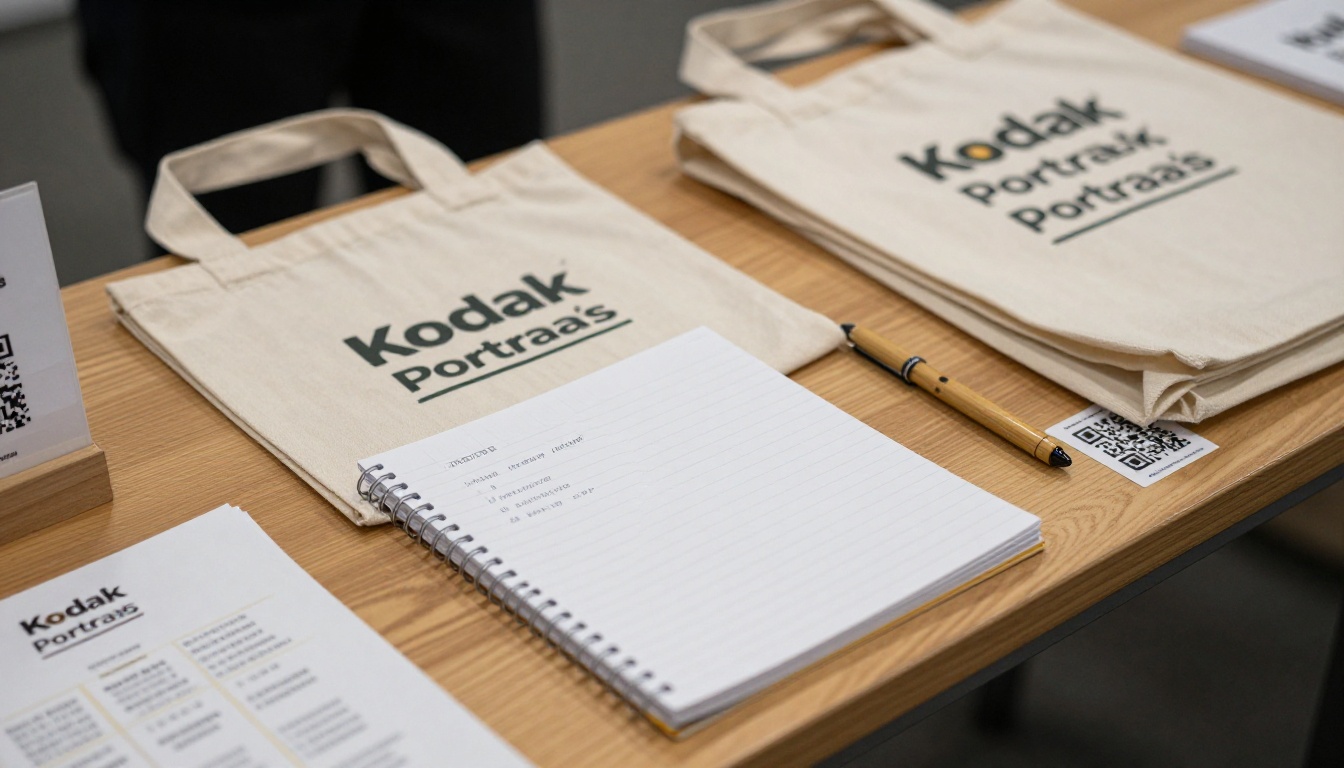
Why Most Handouts Get Tossed
Visitors collect dozens of items per show. Weight, clutter and irrelevance decide what survives the trip home. A handout gets thrown away when it is heavy, generic or impossible to use right now.
Three patterns show up again and again:
- Paper bulk: A 24-page printed brochure feels generous at the booth and awkward in a carry-on.
- Logo-first items: If the item only exists to display your name, nobody has a reason to keep it.
- No next step: A handout with no clear action, such as a scan, a call or a booking, is just decoration.
💡 Pro tip: Ask one question before ordering anything: "Will this be useful on a Tuesday in three weeks?" If the answer is no, skip it.
What Makes a Handout Stick
Items last when they fit into a routine. A notebook gets used in meetings. A bottle goes to the gym. A QR card gets scanned on the walk back to the hotel. Think in three layers: utility, memory and action.
| Layer | What it does | Example |
|---|
| Utility | Solves a small daily problem | Notebook, phone stand, cable organizer |
| Memory | Reminds the visitor of the conversation | Printed note with one custom detail |
| Action | Moves the lead toward a purchase | QR code to a digital catalog or booking page |
The best handouts combine at least two layers. A notebook with a scannable card tucked in the cover does both.
12 Trade Show Handout Ideas Visitors Keep
1. Reusable Tote Bags
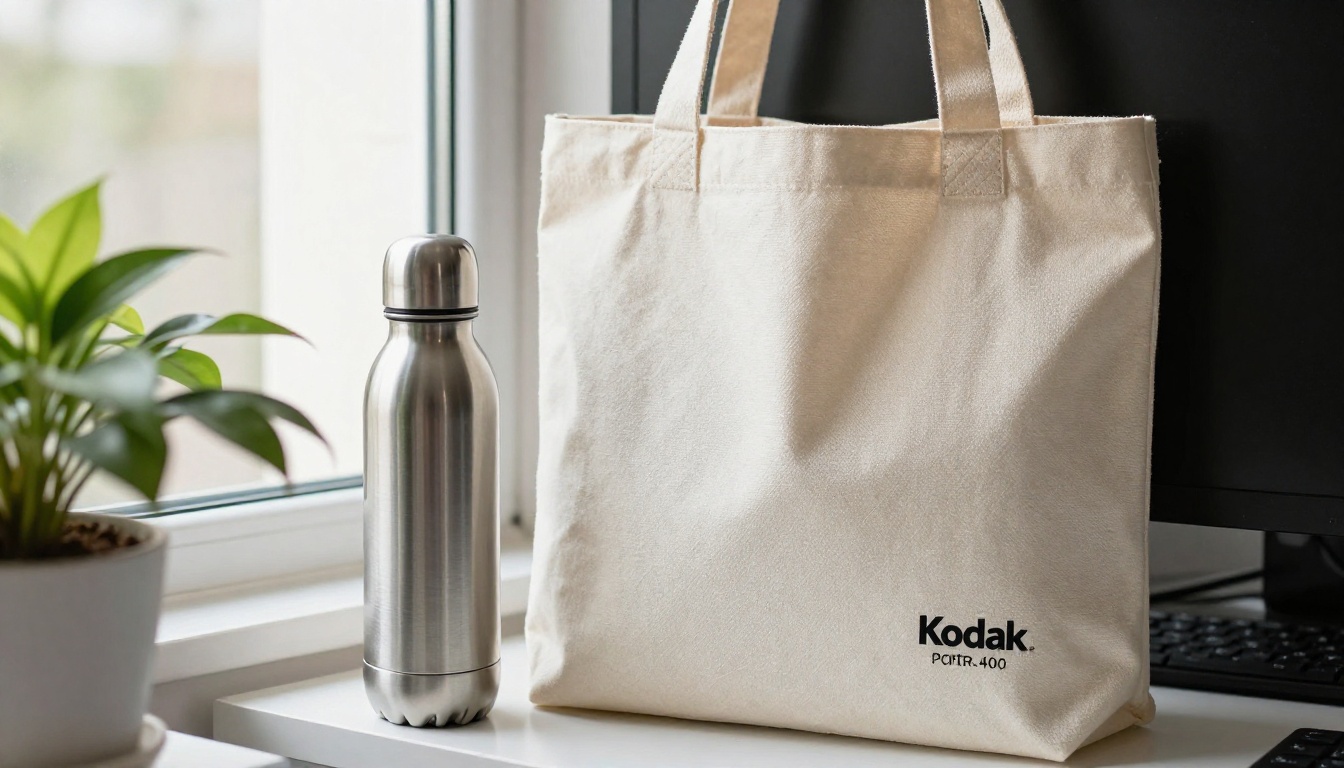
Bags are the classic for a reason. They are carried through the whole show, so your brand gets seen on the floor, not just at your booth. Pick heavy canvas over thin non-woven fabric and keep the logo small.
2. Quality Notebooks
A soft-cover notebook with good paper gets used in meetings for months. Add a short line on the first page with your contact details and a QR code. Recycled paper adds a sustainability angle buyers notice.
3. Stainless Steel Bottles
Bottles are used daily, carried everywhere and rarely thrown out. They cost more per unit, so save them for qualified leads rather than the whole crowd.
4. Phone Stands and Cable Organizers
Small, light and actually handy. Remote workers and frequent travelers keep these in their bags for years.
5. Seed Paper Cards
Printed on paper embedded with seeds, these can be planted after reading. They are memorable and fit a green message, though they work best for short notes, not long content.
6. A Short Printed Leave-Behind
Keep the printed piece to a single folded sheet. One sharp offer, one photo and one code. Everything else belongs online.
7. Custom Sticker Sets
Stickers cost pennies and land on laptops and bottles. Offer a set of three designs so visitors choose a favorite.
8. Branded Chargers
Power banks are useful at any show. Because they cost more, use them as a reward for booking a demo or sitting through a short presentation.
9. Local Treats
Regional snacks or coffee samples connect your booth to the host city. They are eaten, not kept, but the memory lasts and they pull traffic to your stand.
10. Mini Plants or Desk Greenery
Small succulents and desk plants stay in view for months. Pack them carefully, and offer a pickup option so nobody has to fly with soil.
11. Digital Flipbook Handout
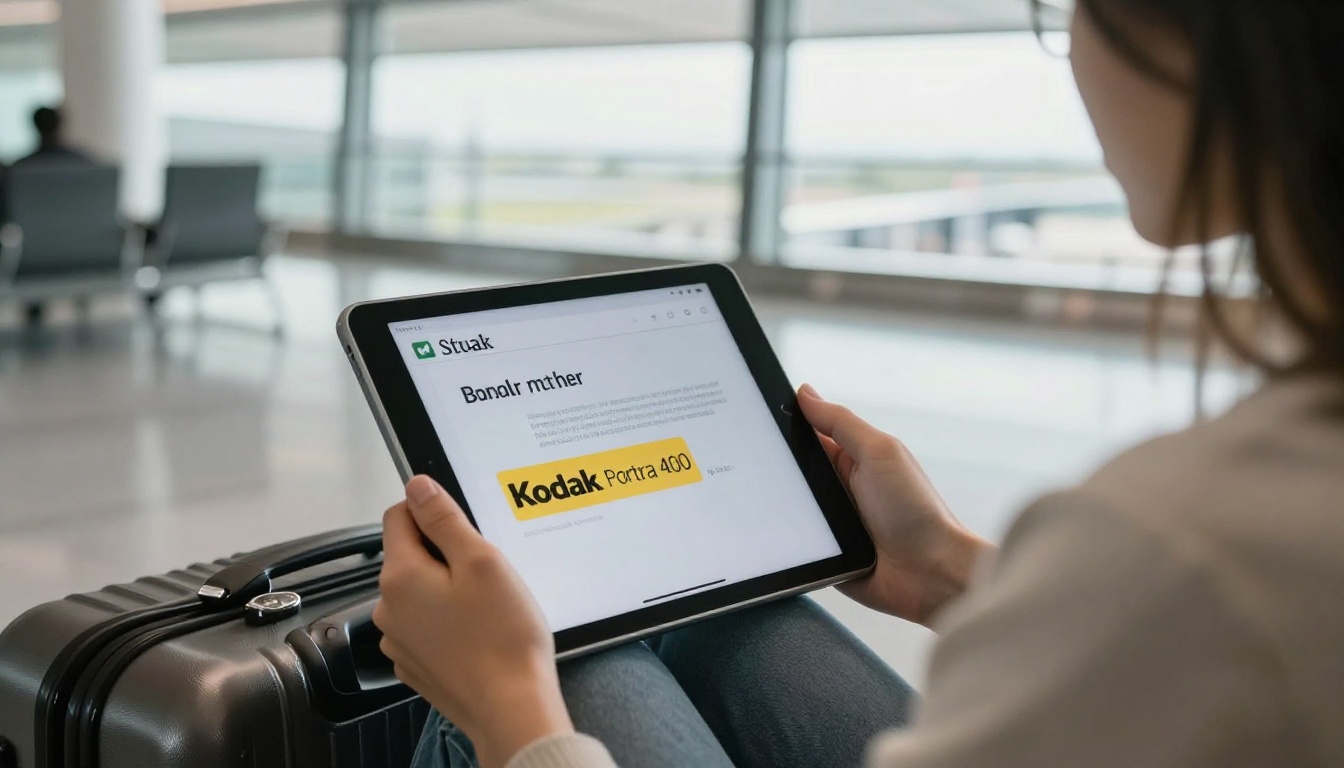
This is the cheapest item on the list and the one that updates itself. Convert your catalog or brochure into a flipbook, then hand out a card with a scannable code. Visitors read it on their phone, forward it to colleagues and come back to it long after the show.
12. Personal Handwritten Note
Write one sentence about the conversation you had. It takes thirty seconds, costs nothing and is rarely thrown away.
Cost vs. Staying Power
Budgets are real, so compare options side by side. Prices are typical ranges for orders of 500 units and will vary by supplier.
| Handout | Approx. cost per unit | How long visitors keep it | Lead follow-up value |
|---|
| Canvas tote bag | $2.50 to $5 | Months | Medium |
| Notebook | $1.50 to $4 | Weeks to months | Medium |
| Steel bottle | $6 to $12 | Years | Medium |
| Phone stand | $1 to $3 | Months to years | Low |
| Sticker set | $0.15 to $0.50 | Months | Low |
| Power bank | $8 to $15 | Years | Medium |
| Seed paper card | $0.40 to $1 | Weeks | Low |
| Digital flipbook with QR card | Under $0.20 | Indefinite | High |
Notice that the item with the lowest price also has the highest follow-up value. That is because it is trackable, shareable and never goes out of date.
✅ Best practice: Split your budget. Spend about 70 percent on a cheap handout for everyone and 30 percent on a premium gift for qualified leads.
Match the Handout to the Visitor
Not every visitor deserves the same gift. A tiered approach keeps costs down and makes top prospects feel valued.
Tier One: Walk-By Traffic
Give a sticker, a card or a small printed note. The goal is a scan, nothing more. Keep the exchange under ten seconds.
Tier Two: Short Conversations
Offer a notebook or tote after a two-minute chat. Write the person's name on the note and add the product they asked about.
Tier Three: Qualified Buyers
Hand over the premium item, such as a bottle or charger, and book the next meeting before they leave. Scan their badge so the follow-up email references your conversation.
| Visitor type | Handout | Goal |
|---|
| Walk-by | Sticker or QR card | Get a scan |
| Short chat | Notebook or tote | Capture contact details |
| Qualified buyer | Premium gift and personal note | Book a demo |
Why Digital Beats Paper After the Show
Printed catalogs are expensive to ship, heavy to carry and wrong the moment a price changes. A digital flipbook solves all three problems. Visitors scan a code, flip through pages on their phone and share the link with a boss or a teammate.
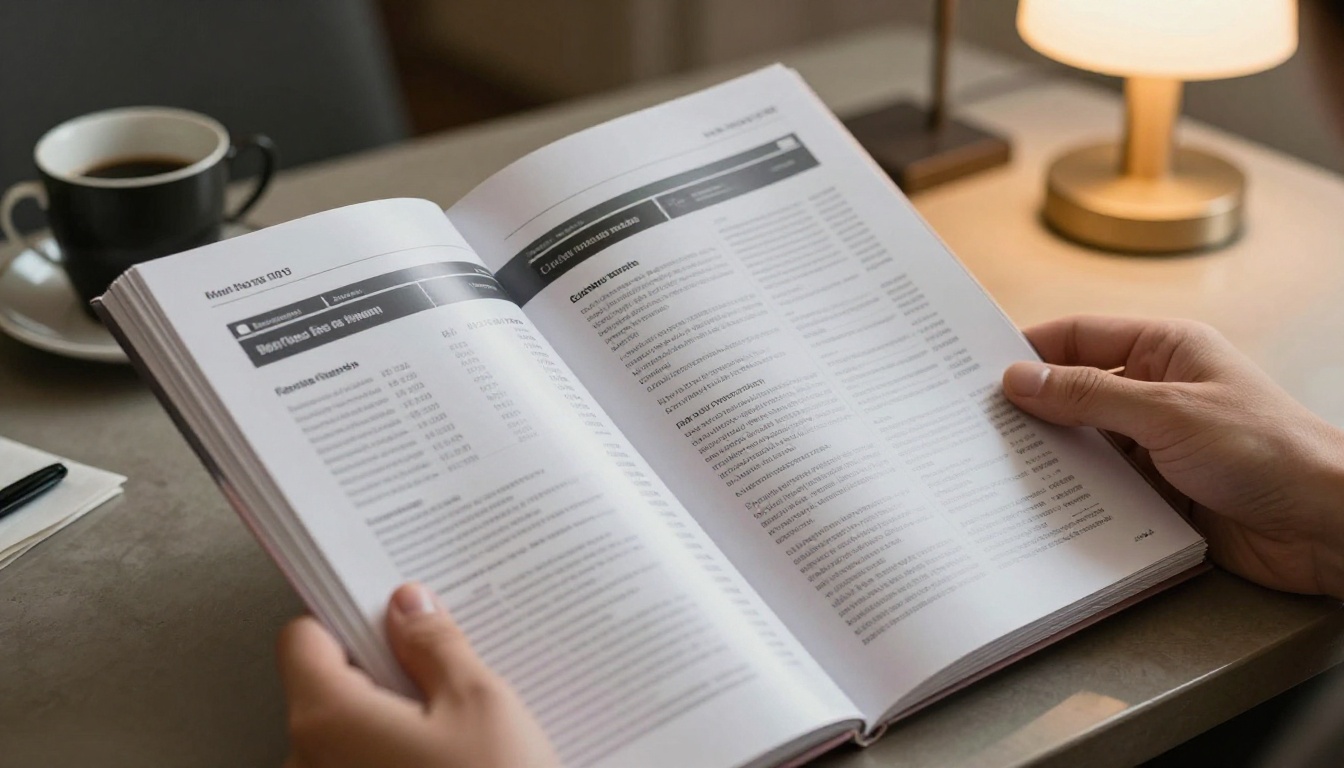
Here is a quick comparison of the two formats.
| Feature | Printed brochure | Digital flipbook |
|---|
| Cost per visitor | $1 to $4 | Near zero |
| Weight in luggage | Adds up fast | None |
| Update after printing | Impossible | Instant |
| See who reads it | No | Yes, with analytics |
| Share with colleagues | Hand it over | Send a link |
| Video and audio | No | Yes |
A furniture maker can show full room scenes and price lists. A hotel group can embed a tour video. A software company can link a booking page from page one. In each case the visitor gets something richer than a sheet of paper.
How to Build a Flipbook Handout
If you already have a PDF brochure or catalog, you are about ten minutes from a shareable flipbook. Here is the process using Flipbooks AI.
- Create an account. Sign up on Flipbooks AI and open your dashboard.
- Upload your PDF. Drag in your brochure, catalog or price list. The PDF to Flipbook Converter turns each page into a turnable spread.
- Customize the look. Add your logo, pick brand colors and choose page effects. Use the Brochure Flipbook Maker for sales brochures or the Digital Catalog Maker for product ranges.
- Add media. Embed a product video or a short audio message from your founder. Visitors stay longer on pages that move.
- Set sharing options. Copy the direct link, grab an embed code for your website or add password protection for private pricing. The Embed Flipbook on Website tool shows how.
- Generate a QR code. Print it on a card, a sticker or the inside cover of your notebook.
- Track results. On the Professional plan, analytics and lead generation show who opened the flipbook and which pages they read. See the pricing plans for details.
Flipbooks AI has no watermarks, supports mobile-responsive reading, allows offline downloads and lets you keep unlimited flipbooks on the Standard plan and above. For event-specific pieces, the Event Program Maker and Sales Presentation tools are good starting points.
💡 Pro tip: Make a separate flipbook version for each show. Different links let you see which event produced the most readers.
Pair Physical and Digital Handouts
The strongest campaigns do not pick one or the other. They connect them. A simple pairing looks like this.
| Physical item | Digital pairing | Result |
|---|
| Tote bag | QR code printed on the inside pocket | Scans long after the show |
| Notebook | Card with link to a product flipbook | Reference in every meeting |
| Sticker | Short URL to a landing page | Low-cost lead capture |
| Bottle | Sleeve with a QR code | Repeated exposure |
| Personal note | Link to a tailored catalog | High reply rate |
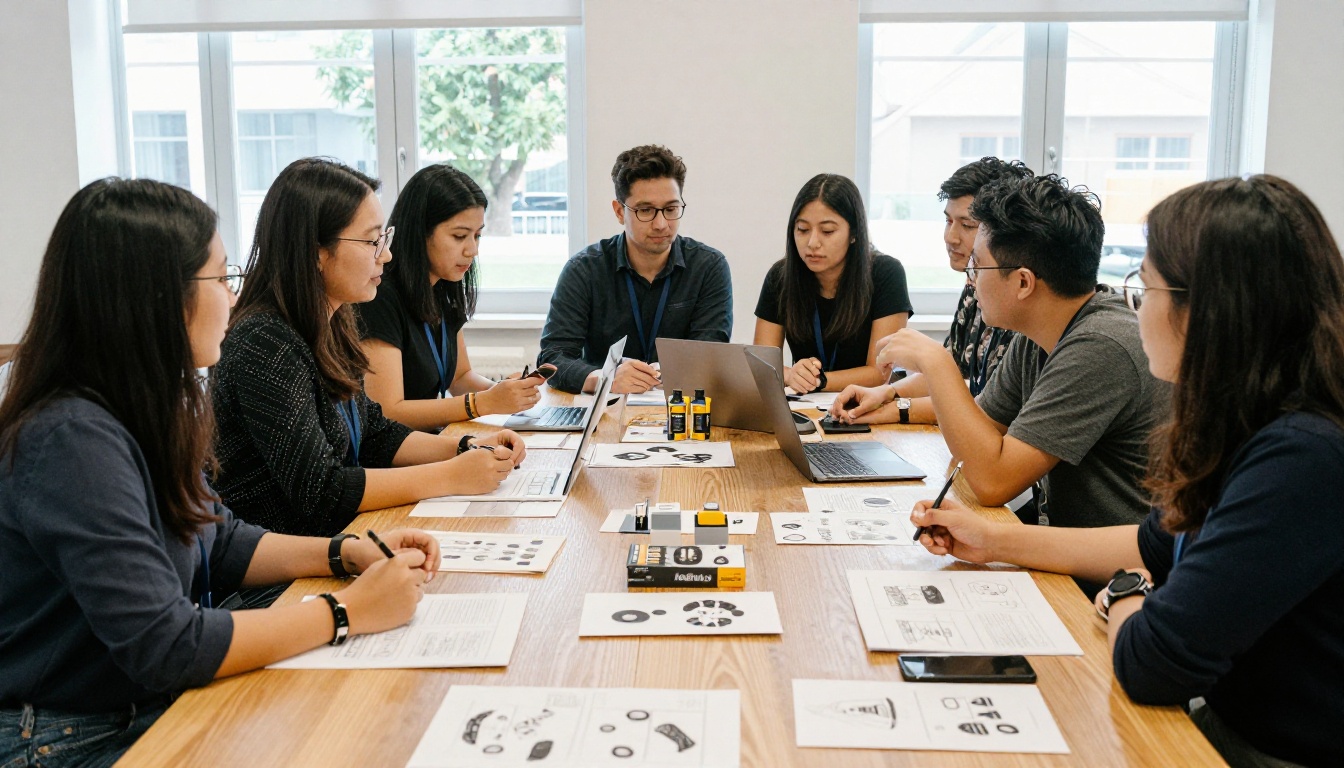
Teams that plan this ahead save money. They print fewer pages, order fewer premium items and still capture more leads, because every item points to something trackable.
Follow Up Within 48 Hours
A handout only works if the conversation continues. Most leads go cold within a week, so speed matters.

Use this simple sequence:
- Day 0, evening: Sort badge scans into hot, warm and cold lists while the faces are fresh.
- Day 1: Send hot leads a personal email with the flipbook link and one question from your chat.
- Day 2: Send warm leads a shorter message with the same link and an offer to book a call.
- Day 7: Check flipbook analytics. If someone opened the file three times, call them.
- Day 14: Send cold leads a useful update, such as a new price list in the same flipbook.
Because the flipbook link never changes, you can update pages without sending a new file. Everyone who scanned at the show sees the latest version.
⚠️ Warning: Do not send the same generic email to everyone. Mention the product or topic you discussed. Personal details are what make people reply.
Common Mistakes to Avoid
Even good ideas fail when execution is sloppy. These are the problems that show up most often.
- Ordering too late. Rush fees add up and quality drops. Order custom items at least eight weeks ahead.
- Skipping the test. Scan every QR code on a phone before printing 1,000 cards. A broken link is a wasted show.
- Overloading the bag. Three good items beat ten forgettable ones.
- Ignoring local rules. Some venues restrict food samples or require approval for certain giveaways. Check exhibitor rules early.
- Forgetting the leftovers. Plan how to use remaining stock, such as sending it to the next show or giving it to new hires.
Build Your Handout Plan
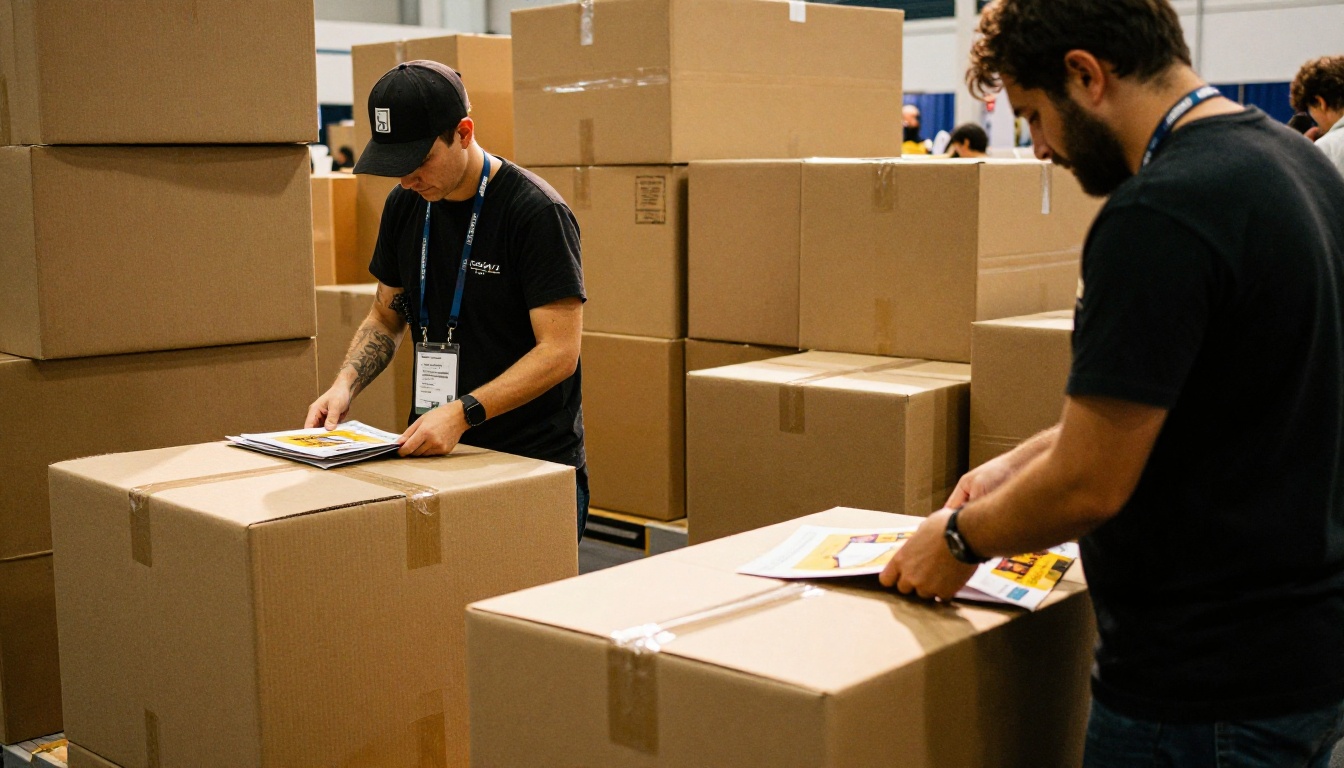
Here is a simple checklist you can copy into your show planning document.
You do not need a huge budget to get this right. You need handouts people want, a link that works and a follow-up routine you actually use.
Ready to turn your next brochure into something visitors keep? Get started for free on Flipbooks AI, browse all flipbook tools to find the right template, or compare pricing plans to pick what fits your event schedule.



