Every new hire gets the same thing on day one: a link to a slide deck with 87 slides, half of them written for a conference stage rather than for someone sitting alone at a laptop. If your onboarding feels like that, the format may be part of the problem. This article compares training materials as a slide deck vs a flipbook for new hires, so you can pick the format that actually gets read. If you want to try the flipbook side while you read, you can build one in minutes on Flipbooks AI.
Short version: slide decks are great for live presentations, and flipbooks are better for self-paced reading. Most teams need a bit of both, and the trick is knowing where to draw the line.
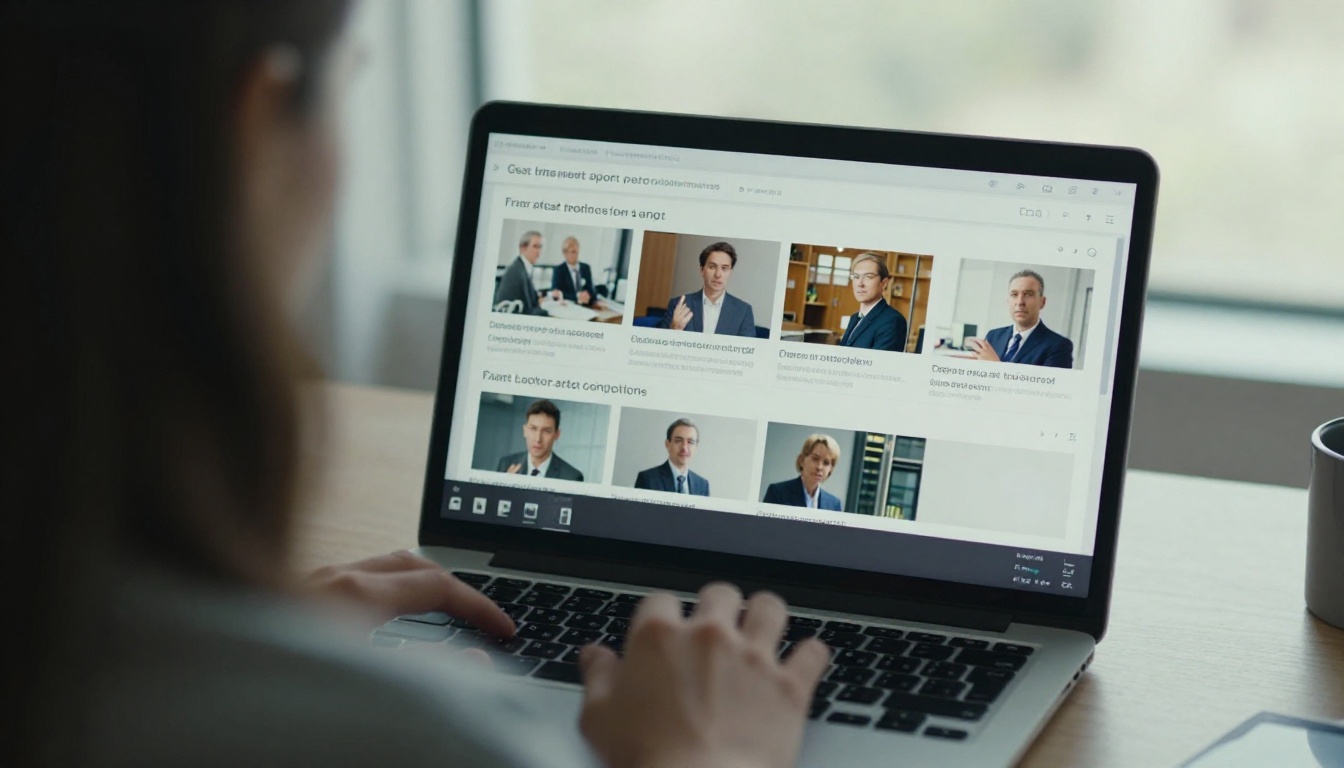
New hires absorb a surprising amount in their first week, and most of it is forgotten by the second. The format you choose decides how much sticks. A deck built for projection has big type, sparse text and speaker notes that never reach the reader. When that same file is sent as a self-study document, the context disappears.
A flipbook works the other way around. It keeps the page-by-page structure people already know from printed handbooks, but adds search, links, embedded video and tracking. The reader controls the pace, and the author controls the experience.
What New Hires Actually Want
Ask any recent hire and the answers repeat:
- Clear order: what to read first, what can wait.
- Answers on demand: a way to find the vacation policy without scrolling through 60 slides.
- Phone-friendly pages: many read onboarding material on the commute or between tasks.
- No guessing: a sense of whether they are done or missing something.
Where Slide Decks Go Wrong
Decks were never meant to be documents. Common failures include tiny text when shrunk to a phone, animations that break in viewers, and files that arrive in six slightly different versions by email. Someone always opens the old one.
Slide Deck vs Flipbook, Side by Side
Here is a direct comparison across the things onboarding owners care about most.
| Factor | Slide Deck | Flipbook |
|---|
| Best use | Live walkthroughs and workshops | Self-paced reading and reference |
| Mobile reading | Often cramped, requires pinch and zoom | Responsive, pages reflow to the screen |
| Search | Basic, depends on the viewer | Built-in text search |
| Updates | New file, new email, old copies linger | One link, always the current version |
| Media | Embedded files can break | Video and audio play inline |
| Access control | File permissions, easy to forward | Password protection and private links |
| Tracking | Little to none | Views and reading behavior (Professional plan) |
| Branding | Template dependent | Custom colors, logo, page effects |
The pattern is clear. Decks win when a person is speaking next to the screen. Flipbooks win when nobody is.

💡 Pro tip: Keep the deck for the welcome session and the culture talk. Publish everything people need to reread later, such as policies, tool setup and process documents, as a flipbook.
People remember what they can revisit. A new hire who can flip back to the expense process three weeks later retains far more than one who must email HR for the file again.
Pacing and Attention
Slides force one idea per screen, which feels easy but fragments context. A long training deck often needs the reader to hold ten slides in their head to follow a single process. A flipbook page can hold a short explanation, a diagram and a callout together, which mirrors how people actually read manuals.
Interactivity
Flipbooks can embed short videos, audio notes and clickable links. A safety procedure can include a 40 second clip right on the page. In a deck, the same clip is a separate file, a separate link or an attachment that fails on a locked laptop.
Reference Value
Ask yourself: will anyone open this again after week two? If the answer is yes, it behaves like a reference document, and reference documents belong in a searchable, page-based format.
Mobile and Remote Reading
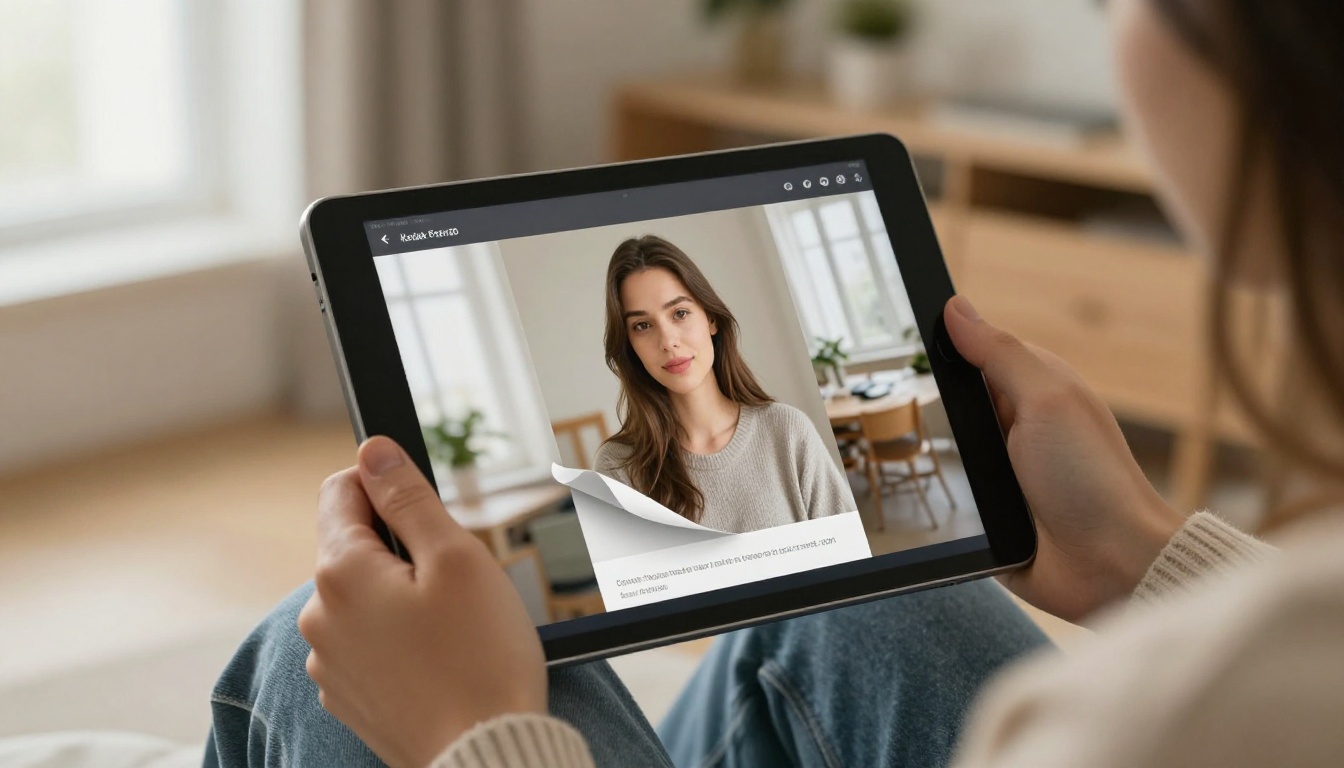
More onboarding happens away from a desk than most managers expect. Warehouse staff, field technicians, retail teams and remote workers all read on phones. A widescreen 16:9 slide on a six inch display is nearly unreadable.
The Phone Test
Open your current onboarding deck on a phone. Count how many times you pinch to zoom in the first minute. If it is more than twice, the format is working against your new hires.
Remote Teams
Remote hires have no one to lean over and ask. Their materials must answer questions without a person present. A searchable flipbook with a clear table of contents handles this far better than a deck that assumes a presenter will fill the gaps.

Updates, Versions and Control
Policies change. Tool screenshots go stale. Benefits renew each year. The cost of a format shows up when you have to update it.
| Scenario | Slide Deck Outcome | Flipbook Outcome |
|---|
| Policy changes in March | New file emailed, older copies keep circulating | Replace the source PDF, same link stays live |
| New tool rollout | Edit slides, re-export, re-share | Upload revised PDF, readers see it instantly |
| Contractor needs limited access | Share file, cannot revoke it | Password protect or disable the link |
| Audit asks who saw what | Guesswork | Viewing data on higher plans |
The Single Link Advantage
With a flipbook, the URL never changes. You can paste it into the welcome email, the intranet, a Slack channel and the offer letter packet. When the content changes, every placement updates at once.
Protecting Sensitive Material
Onboarding often includes internal pricing, org charts or security procedures. Password protection and private sharing keep these away from anyone outside the company, something a forwarded slide file cannot promise.
⚠️ Warning: A slide deck forwarded to a personal email is out of your hands forever. Treat anything confidential accordingly.

Tracking Progress Without Nagging
Managers want to know whether new hires actually opened the material. Decks sent as attachments give you nothing. Flipbooks on the Professional plan provide analytics on views and reading behavior, plus optional lead capture forms that can double as acknowledgment steps.
What You Can Measure
- How many new hires opened the handbook
- Which pages got the most time
- Where readers dropped off
- Whether the mobile version was used
Using the Data
If everyone stops at page 14, that page is too dense or too boring. Fix it, replace the PDF and watch the drop-off change. That loop is nearly impossible with a slide file living in someone's inbox.

Cost and Effort Compared
Neither format is expensive in raw dollars. The real cost is time. Slides take effort to design for a live audience, then more effort to patch for self-study. Flipbooks reuse what you already have, usually a PDF, and turn it into a readable page-turning experience.
| Cost Area | Slide Deck | Flipbook |
|---|
| Creation time | High if designed well | Low when starting from a PDF |
| Maintenance | Repeated exports and emails | Replace the source file once |
| Distribution | Attachments, shared drives | One link or embed |
| Support questions | Frequent, "where is the file?" | Fewer, searchable content |
| Software | Presentation suite licenses | One platform, no watermarks |
Plans on Flipbooks AI include unlimited flipbooks from the Standard tier up, which suits HR teams that publish a separate handbook per department or location.
Real Examples From Real Teams
A restaurant group onboarding servers uses a flipbook of menu knowledge and service steps. Staff read it on their phones before shifts. The deck stays for the Monday orientation.
A software company keeps its tool setup instructions in a flipbook with embedded screen recordings. New engineers follow along without scheduling a call.
A retail chain publishes a seasonal product training flipbook for each store. Because the link stays the same, managers pin it once and it updates itself.
A clinic shares compliance material with a password. Only staff with the code can view it, and the content can be replaced when regulations shift.

✅ Best practice: Pair the two formats. Use the deck for the live welcome, then end the session by sharing the flipbook link so everyone leaves with the same reference.
How to Create a Training Flipbook with Flipbooks AI
If you already have a deck or handbook, converting it takes only a few minutes. For this use case the Training Manual Flipbook tool is a natural fit.

Step 1: Create Your Account
Go to Flipbooks AI and create an account. You can start free and review the plans later.
Step 2: Export and Upload
Export your slide deck as a PDF. In PowerPoint or Google Slides this is a single menu option. Then drop the file into the PDF to Flipbook Converter. Pages are converted automatically while keeping text sharp.
💡 Tip: Before exporting, delete slides that only exist for live talk, such as joke slides and transitions. Short training materials get read.
Step 3: Customize the Look
Add your logo, pick brand colors and choose a page effect. Keep it clean. Onboarding material should look like it belongs to your company, not like a template.
Step 4: Add Multimedia
Embed a welcome video from the CEO, an audio note from the team lead or a short tutorial clip. This is where flipbooks pull ahead of static files.
Step 5: Share It Properly
Choose how people will reach it:
- Direct link for the welcome email.
- Embed code for your intranet or help center, see Embed Flipbook on Website.
- Password protection for confidential content.
- Offline download for staff with weak connectivity.
Step 6: Track and Improve
On the Professional plan, turn on analytics and lead capture. Check which pages lose readers, tidy them and re-upload the PDF. The link keeps working.
| Feature | Where It Helps New Hires |
|---|
| No watermarks | Looks like your own brand |
| Mobile responsive | Readable on any phone |
| Video and audio | Show, not just tell |
| Password protection | Safe internal sharing |
| Analytics | See what gets read |
| Offline downloads | Works on the road |
When a Slide Deck Is Still the Right Choice
Be honest about what decks do well. They are excellent for:
- Live sessions where a person adds context
- Short pitches with strong visuals
- Workshops where you want audience discussion between slides
- Quick internal updates with a few points
If a presenter is in the room and the material will not be reused, a deck is fine. Trouble starts when the deck is expected to work as a handbook, which it was never built to do.
A Simple Decision Rule
Ask two questions. Will someone read this alone? Will someone read it again? If either answer is yes, publish it as a flipbook. If both are no, keep it as a deck.

Common Mistakes to Avoid
Switching formats does not fix poor content. Watch for these:
- Exporting every slide. Cut the filler before conversion.
- Skipping the table of contents. Readers need a map.
- One giant file. Split by role or topic: HR basics, tools, safety.
- No owner. Assign someone to refresh the material each quarter.
- Ignoring the phone. Open the flipbook on a mobile device before you send it.
Build a Better Checklist
A good onboarding set has a welcome flipbook, one per department, and a short deck for the live session. Put all the links on a single intranet page so no one hunts for anything.
Slide decks and flipbooks are not rivals so much as different tools. Use decks to talk, and flipbooks to hand over knowledge people can return to. For new hire training materials that need to be searched, updated and tracked, the flipbook is the stronger default.
Ready to try it? Get started for free on Flipbooks AI and turn your current onboarding deck into a flipbook today. Browse all flipbook tools to find a template that fits your team, or compare pricing plans to see which tier suits your hiring pace. You can also create an account and head straight to pricing when you are ready to roll out to the whole company.



