A driver pulls into the yard on Monday morning, and the binder on the passenger seat still says the old hours-of-service policy. Dispatch changed it two weeks ago. Nobody noticed, because the new pages never left the office. That is the daily cost of paper, and it is why more carriers now build truck driver handbooks fleets can update without reprinting. With a digital flipbook from Flipbooks AI, one edit reaches every phone and tablet in your fleet in minutes.
This article shows what to put in a handbook, how to build it, how to keep it current, and what it saves compared with print.
Why Paper Handbooks Fail Fleets

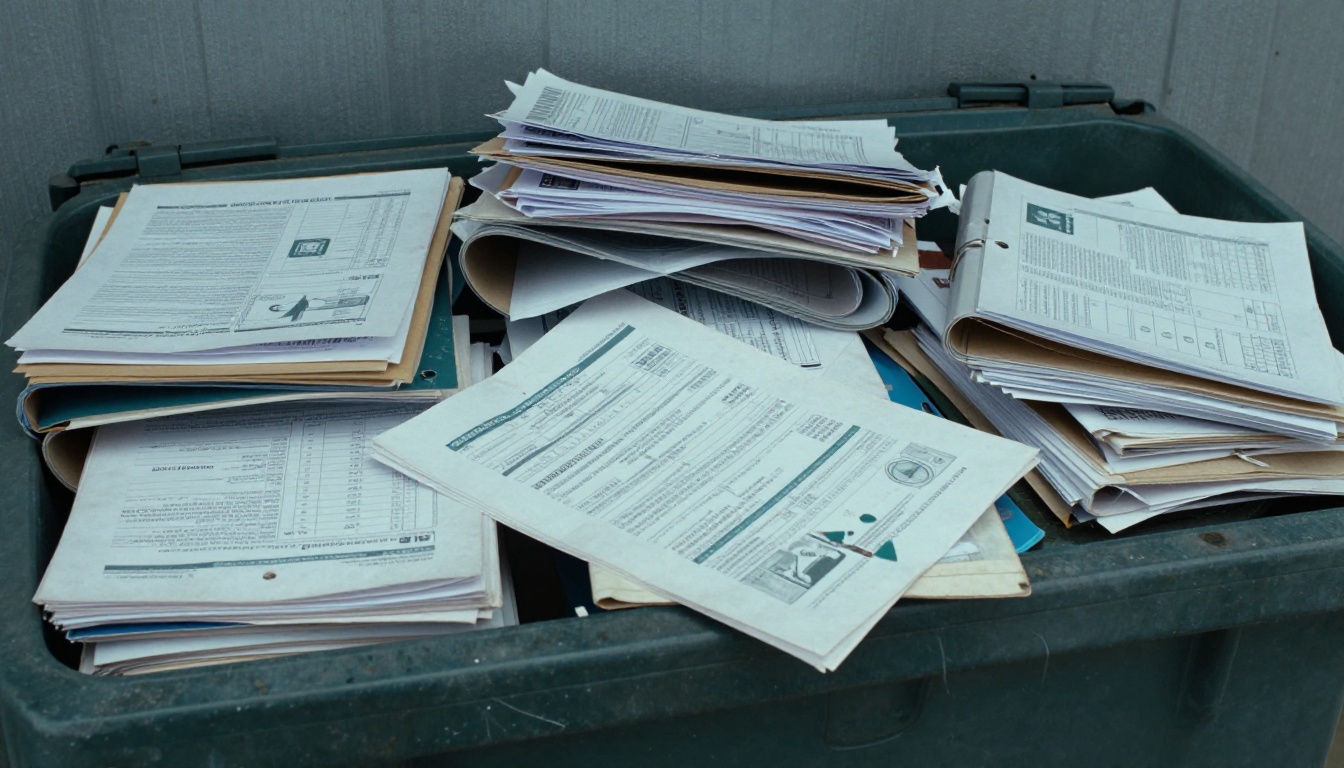
Printed handbooks start going out of date the day they leave the printer. Fleets change rules constantly: fuel card procedures, inspection checklists, accident reporting steps, customer delivery instructions, state regulation updates. A 120 page binder cannot keep up.
Here is what usually goes wrong:
- Version drift. Half the drivers hold the 2024 edition, a quarter hold 2025, and new hires get whatever is on the shelf.
- Slow corrections. A typo in an emergency phone number can sit in circulation for a year.
- Lost copies. Binders get coffee stains, left in cabs, thrown out at truck stops.
- Hidden cost. Printing, binding, shipping to terminals and paying someone to swap pages adds up fast.
- No proof of reading. You cannot show an auditor which driver saw which revision.
⚠️ A driver following an outdated procedure after an incident is a liability problem, not just an inconvenience. Document control matters.
The Real Cost of Reprinting
Reprinting looks cheap per copy and expensive per year. Take a mid-size fleet with 150 drivers and a 100 page handbook, updated three times a year.
| Cost Item | Print Handbook (per year) | Digital Flipbook (per year) |
|---|
| Printing and binding | $3,000 to $6,000 | $0 |
| Shipping to terminals | $400 to $900 | $0 |
| Staff time swapping pages | 40 to 60 hours | 1 to 2 hours |
| Replacement for lost copies | $500 to $1,000 | $0 |
| Time to reach every driver | 2 to 6 weeks | Minutes |
| Proof of latest version | None | Link always shows current |
Even with generous assumptions for print, the speed gap matters most. A rule change that takes weeks to circulate is a rule change drivers will break by accident.
What Belongs in a Digital Handbook

A handbook drivers actually open is short on filler and strong on lookup. Organize it by the questions drivers ask on the road.
Core Sections
- Company policies: attendance, conduct, drug and alcohol rules, uniform standards.
- Safety procedures: pre-trip and post-trip inspection, securing loads, winter driving, hazmat awareness.
- Regulations: hours of service, ELD use, weigh station rules, state-specific notes.
- Incident response: accident steps, breakdown contacts, who to call and in what order.
- Pay and benefits: settlement schedule, per diem, bonuses, time off requests.
- Customer instructions: dock rules, appointment windows, gate procedures.
- Equipment guides: trailer types, reefer settings, tire pressure charts.
Content Drivers Use Most
| Section | Reading Frequency | Best Format |
|---|
| Incident response | Rare but urgent | Short checklist, big phone numbers |
| Inspection checklist | Daily | Numbered steps with photos |
| Customer dock rules | Weekly | Searchable table |
| Pay and benefits | Monthly | Plain text with a summary table |
| Regulation updates | When changed | Dated bulletin pages |
💡 Put the incident response page first. In a crisis nobody scrolls through 90 pages.
Mobile First Is Not Optional
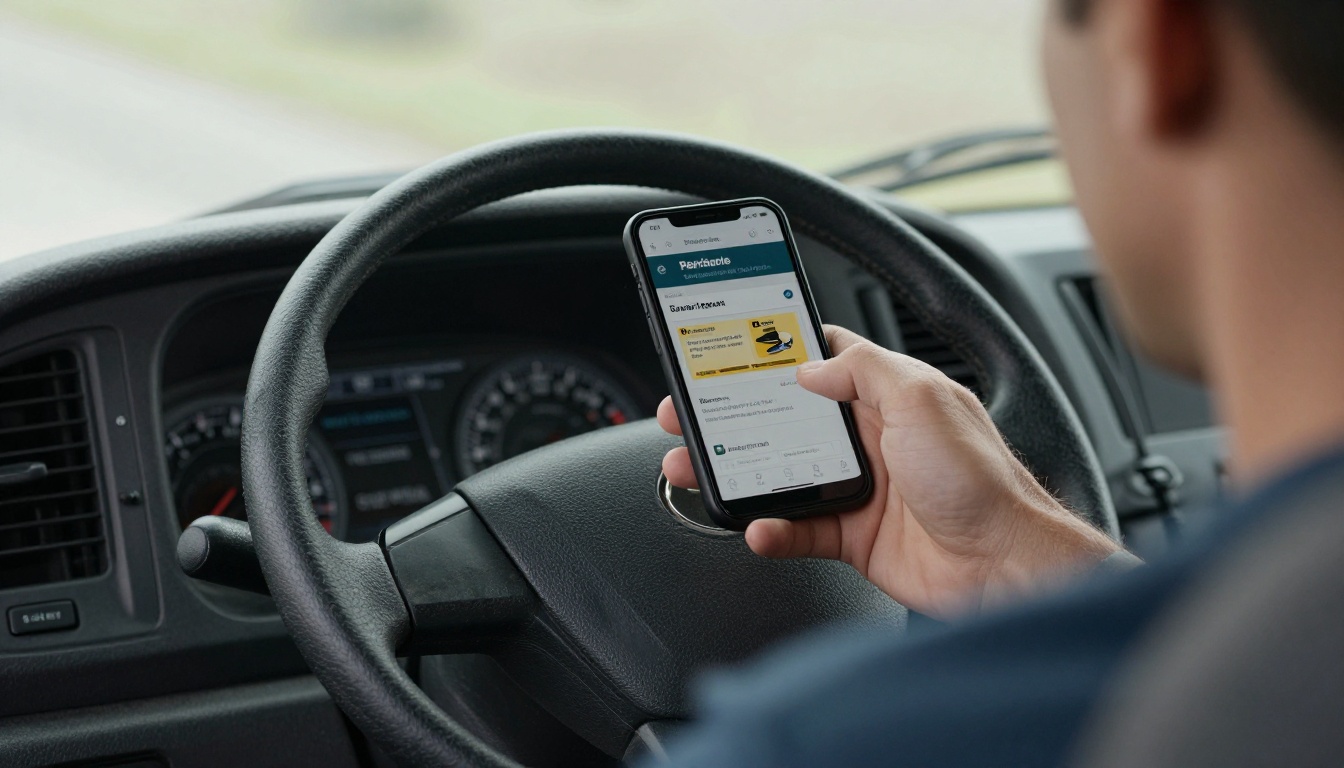
Drivers do not sit at desks. They read on a phone in the cab, on a tablet during a loading wait, or standing at a dock. A PDF that needs pinching and zooming gets abandoned.
A responsive flipbook solves this. Pages reflow cleanly on small screens, turn with a swipe, and load quickly on weak rest stop Wi-Fi. Drivers can also download a copy for offline use, which matters in dead zones across mountain passes and rural stretches.
Your handbook should work for:
- Phones: one hand operation, large tap targets.
- Tablets: two page spreads for checklists and diagrams.
- Dispatch desktops: full view for quick reference during calls.
- Offline mode: downloaded copies when signal drops.
How to Create a Driver Handbook with Flipbooks AI
You do not need a designer. If your handbook exists as a Word file or PDF, you are ten minutes from a live digital version. The Training Manual Flipbook tool is built for exactly this kind of document, and the PDF to Flipbook Converter handles the conversion.
Step 1: Create Your Account
Go to Flipbooks AI and sign up. Pick a plan that fits your fleet size. Standard and above include unlimited flipbooks, and you can compare tiers on the pricing page.
Step 2: Upload the PDF
Export your current handbook as a PDF and upload it. The platform converts each page into a flipbook page with realistic page turns. No watermarks are added, ever.
Step 3: Customize the Look
- Add your company logo and brand colors.
- Choose a clean background that does not distract from the text.
- Set page effects to a quick, subtle turn.
- Embed a short video for topics like trailer coupling or tarp securing, and audio for dispatcher voice notes.
Step 4: Set Access Rules
Handbooks hold internal policy, so control who sees them. Turn on password protection and share the password only with your drivers and staff.
Step 5: Share the Link
Choose how drivers reach it:
| Sharing Method | Best For | Notes |
|---|
| Direct link | Text message, email | Fastest to roll out |
| QR code on cab sticker | In-vehicle access | Print once, never reprint |
| Embed on driver portal | Existing intranet | Use the embed tool |
| Onboarding email | New hires | Include the password separately |
Step 6: Track Reading
On the Professional plan you get analytics showing which pages drivers open and how long they stay. Lead generation forms can also capture acknowledgments. See the pricing plans for details.
✅ Print a small QR code sticker for each cab. The sticker never changes, even when the handbook does.
Updating Without Reprinting
This is the point of the whole exercise. When a policy changes, you edit the source document, export a new PDF, and replace the file in your flipbook. The link and QR code stay the same. Every driver who opens it sees the new version.
A Simple Update Workflow
- Edit the source. Change the paragraph, table or phone number in your document.
- Mark the change. Add a dated line on the first page, like "Revised March 12".
- Re-upload. Replace the PDF inside the same flipbook.
- Notify drivers. Send a short text: "Fuel card policy updated, page 34."
- Check analytics. See who has opened the revised pages.
Update Frequency by Section
| Section | Typical Change Rate | Suggested Review |
|---|
| Regulations | Several times per year | Quarterly |
| Customer instructions | Monthly | Monthly |
| Pay and benefits | Once or twice a year | Every six months |
| Safety procedures | After incidents | After each incident |
| Company policies | Rarely | Annually |
💡 Keep a one page "What Changed" at the front. Drivers will read three bullet points. They will not reread 100 pages.
Real Fleet Examples

A regional refrigerated carrier with 80 trucks changed its temperature log procedure after a customer audit. In the past, that meant reprinting and mailing pages to three terminals. Now the safety manager edits one page, replaces the file, and sends a text. Drivers confirm in the morning meeting.
A flatbed company adds new customer dock rules almost weekly. Their handbook has a "Customer Sites" section as a table, updated whenever a shipper changes gate hours. Drivers search the page on their phone before arriving.
A growing owner operator network onboards new contractors every month. Instead of mailing binders, recruiters send a link and password. New drivers read the handbook on their phone the night before orientation, so classroom time goes to questions instead of reading aloud.
Print Versus Digital at a Glance
| Feature | Printed Binder | Digital Flipbook |
|---|
| Update speed | Weeks | Minutes |
| Version control | Poor | One live version |
| Offline access | Always | Downloadable copy |
| Multimedia | None | Video and audio |
| Read tracking | None | Analytics |
| Cost per update | High | Near zero |
| Lost copy risk | High | None, just re-share link |
Mistakes to Avoid

Going digital does not fix a bad handbook. Watch for these.
- Uploading a scanned stack of photocopies. Use clean source files so text stays sharp on small screens.
- Walls of text. Break long policies into short sections with headings, bullets and tables.
- No revision date. Drivers cannot tell if what they see is current.
- Skipping the announcement. Updates only help if drivers know they happened.
- Forgetting offline copies. Tell drivers how to download the handbook before a long haul.
- Too many owners. Assign one person responsible for each section so edits do not collide.
⚠️ If the handbook includes legal or regulatory text, have compliance review changes before you replace the live file.
Rolling It Out Across Your Fleet

A smooth launch takes about two weeks. Start small and build habits.
- Week one: convert the handbook, test with five drivers and a dispatcher, collect feedback.
- Week two: share the link at the safety meeting, stick QR codes in cabs, retire the old binders.
- Ongoing: post updates the same day they are approved, and review analytics monthly.
Drivers adopt tools that save them time. Show them the search and offline download first, and the rest follows. Other fleet documents can follow the same path, such as route sheets, onboarding packets, and the Corporate Report Maker for safety performance summaries. You can browse more flipbook tools to see what else fits.

Ready to Retire the Binder?
Paper handbooks are slow, costly and impossible to keep consistent across a fleet. A digital flipbook gives every driver the latest version on the device already in their pocket, and gives you control over every change.
Your next policy change should take minutes to publish, not a print run.



