You've got a great PDF. Maybe it's a product catalog, a company report, or a course syllabus. And every time you share it, the same thing happens: people download it, forget about it, or give up trying to read it on mobile. That's the problem with static documents in 2027, and Flipbooks AI solves it in three steps, with no design experience required.
This isn't about making something look pretty. It's about turning a flat file into an experience that people actually interact with, share on their own, and return to.
Why Static PDFs Fall Flat
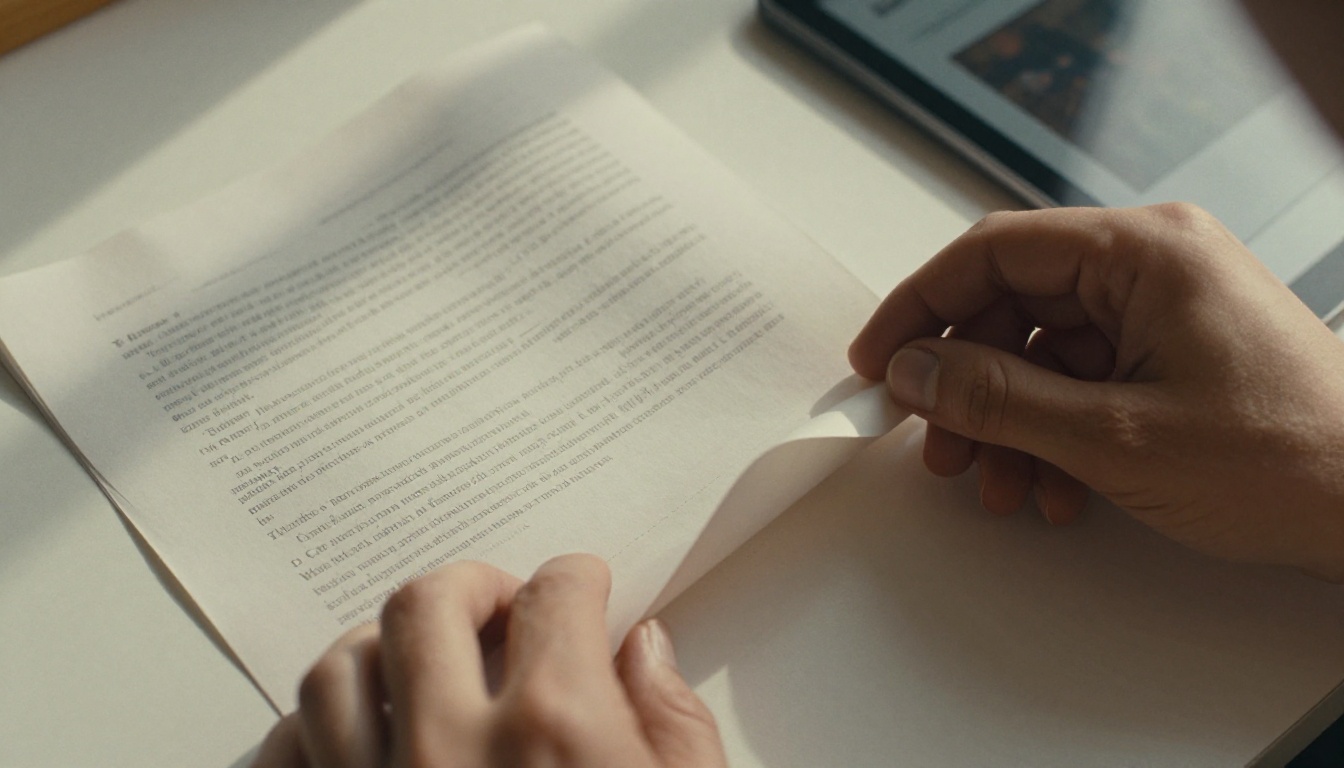
A PDF is a container. It holds your content, preserves your layout, and prints beautifully. What it doesn't do is hold anyone's attention past the download prompt.
The Real Cost of Sharing PDFs
When you send a PDF link or attachment, here's what typically happens:
- The recipient downloads it and files it somewhere they'll never find it
- On mobile, PDFs are painful to zoom and scroll through
- You have zero visibility into whether anyone read past page one
- Sharing requires either email attachments or clunky file hosting services
- Embedding it natively on a webpage requires plugins most people don't have
A flipbook changes all of that. It loads in the browser, works on any device, and behaves like a real publication. Pages turn. Readers scroll or swipe. Links stay clickable throughout the whole document.
What a Flipbook Actually Does
Think of it as your PDF, rebuilt as an interactive HTML5 experience. Instead of a scrollable viewer, you get:
- Realistic page-turn animations with customizable transition styles
- A clickable table of contents for longer documents
- Embedded videos and audio directly within the pages
- A shareable URL anyone can open without downloading anything
- Full analytics showing exactly who read what and for how long
💡 A flipbook is not a redesign of your content. It uses your existing PDF exactly as-is. You're just wrapping it in a better delivery format.
The difference shows up immediately when you compare how a client receives your content. A PDF requires a download and a separate viewer app. A flipbook opens in 2 seconds in any browser, on any device, with no friction.
Step 1: Upload Your PDF

Go to Flipbooks AI and create your account. From the dashboard, click "New Flipbook" and drag your PDF directly into the uploader. The conversion starts automatically with no additional steps.
What File Types Produce the Best Results
The PDF to Flipbook Converter handles virtually any PDF. Here's what to expect across different document types:
| PDF Type | Output Quality | Notes |
|---|
| Text-based PDFs | Excellent | Crisp text rendering, fast load times |
| Image-heavy PDFs | Excellent | High-resolution images fully preserved |
| Scanned documents | Good | Clarity depends on original scan resolution |
| Password-protected PDFs | Requires preparation | Remove PDF password before uploading |
| Multi-page documents (100+ pages) | Excellent | Handles large files without issue |
Size, Resolution, and Format Tips
- Free plan supports files up to 50MB; Standard and Professional plans support up to 500MB
- PDFs exported at 150 DPI or higher produce the sharpest results on screen
- RGB color mode looks better on screens than CMYK, which is optimized for print output
- Fonts are embedded automatically during conversion, so your typography stays exactly as designed
For a 30-page document, conversion typically finishes in under 60 seconds. Files above 100 pages usually take 2 to 3 minutes.
✅ You don't need to reformat or redesign anything. Your existing PDF becomes the flipbook, page-for-page, exactly as you laid it out.
Step 2: Customize Your Flipbook

Once conversion is done, you land in the editor. This is where a plain PDF conversion becomes something that actually represents your brand.
Branding and Visual Settings

The editor gives you direct control over how your flipbook looks to anyone who opens it:
- Logo: Upload your brand logo to display in the top navigation bar
- Background: Set a solid color or a full background image behind the flipbook pages
- Accent colors: Match your brand palette for buttons and interactive elements
- Page flip style: Choose between hard cover, soft page flip, or slide transitions
- Auto-flip: Set pages to turn on a timer automatically, which works well for kiosks and digital displays
None of these settings change your PDF content. They change the frame around it, making it feel like a polished, branded publication rather than a converted file.
Adding Multimedia to Your Pages
This is where the flipbook format genuinely outperforms a static PDF. Within the editor, you can layer in:
- Video links: Embed YouTube or Vimeo clips that play directly on a page
- Audio: Add background music or voiceover narration
- Hotspots: Invisible clickable zones on any page that link to external URLs
- Lead forms: Capture visitor contact information directly inside the flipbook (Professional plan)
A restaurant using the Restaurant Menu Creator can embed a video of their signature dish on the opening page. A real estate agency using the Real Estate Brochure Creator can link directly to property listings or virtual tours from any page of the brochure.
Privacy and Access Control
By default, your flipbook is public and accessible to anyone with the link. If you need more control over who sees it:
- Password protection: Require a password before anyone can view the flipbook
- Domain restriction: Lock viewing to a specific domain only
- Expiry dates: Set a date after which the flipbook becomes unavailable
⚠️ Password protection and domain restriction are available on Standard plan and above. Free plan flipbooks are always publicly accessible.
Step 3: Share It Everywhere
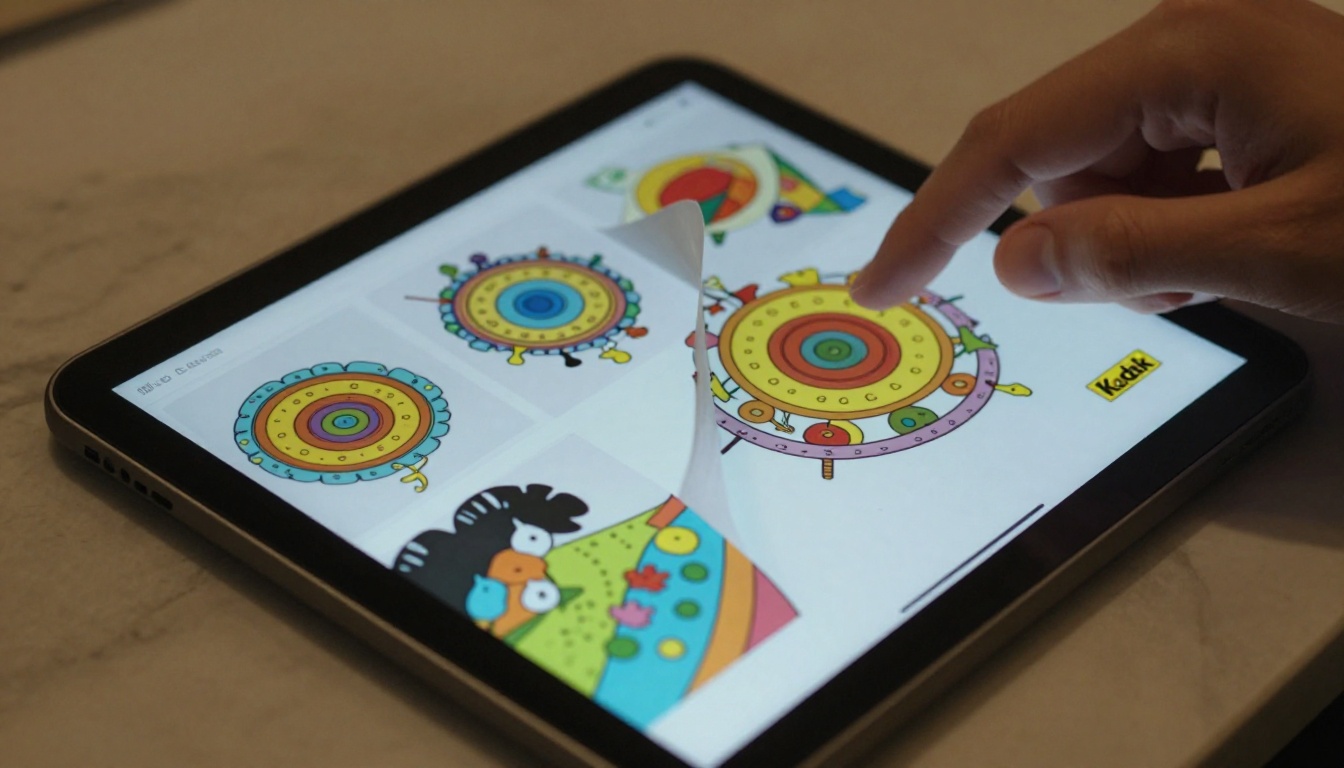
Your flipbook is live the moment you click Publish. From the share panel, you get every distribution option you'll realistically need.
Sharing Options Side-by-Side
| Sharing Method | Best Use Case | Requires Download? |
|---|
| Direct URL | Email, social media, messaging apps | No |
| Embed code (iFrame) | Website or blog page integration | No |
| QR code | Print materials, events, venue signage | No |
| PDF download option | Offline backup for readers | Yes |
| Custom domain | Branded flipbook URL for professionals | No |
Embedding on Your Website
The embed option via Embed Flipbook on Website takes one click. Copy the iFrame code and paste it into any page builder, WordPress site, or raw HTML file. The flipbook renders natively in the browser and adjusts to screen width automatically.
For a product catalog embedded on an e-commerce homepage, visitors browse the full catalog without ever leaving the page. For a hotel brochure built with the Hotel Brochure Designer, the flipbook sits directly on the property's booking page where it influences decisions in real time.
Reading the Data
If you're on the Professional plan, the analytics dashboard shows:
- Total views and unique visitors tracked over time
- Average reading time broken down by individual page
- Exactly which pages readers exit from
- Geographic breakdown of your audience
- Lead data captured from embedded forms
💡 Page-level drop-off data is something a PDF can never provide. If page 12 has a 90% exit rate, you now know exactly where your content loses people, and you can fix it.
Check the pricing plans to see what's included at each tier.
Who Uses PDF-to-Flipbook Conversion
The short answer: anyone who shares documents with an audience that matters. Here's how different industries put the format to work:
Real-World Use Cases by Industry
| Industry | Common PDF Type | Primary Benefit |
|---|
| Retail and e-commerce | Product catalogs | Browse in browser without downloading |
| Real estate | Property brochures | Embedded virtual tours, instant link sharing |
| Hospitality | Restaurant menus | QR code at tables, same-day content updates |
| Education | Course materials | Accessible on any device without a PDF viewer |
| Corporate | Annual reports | Analytics on how stakeholders actually read |
| Events | Programs and agendas | Real-time QR code distribution at the venue |
| Fashion | Seasonal lookbooks | Immersive visual format, easy social sharing |
| Healthcare | Patient brochures | Password-protected, controlled distribution |
Purpose-Built Tools for Specific Documents
Flipbooks AI goes beyond simple PDF upload with tools designed for specific document categories. These combine ready-made templates with the flipbook output:
- Catalogs: Product Catalog, Fashion Catalog, Furniture Catalog, Digital Catalog Maker
- Business documents: Annual Report Creator, Sales Presentation, Corporate Report Maker, Press Kit Designer
- Publications: Interactive E-Book Publisher, Magazine Flipbook Creator, Newsletter Flipbook Publisher
- Education: Training Manual Flipbook, Course Material Publisher, Yearbook Flipbook Maker
- Creative: Digital Portfolio Creator, Photography Portfolio, Wedding Album Flipbook, Interactive Lookbook Designer
Browse the full tools directory to find the right starting point for your document type.
How to Create Your Flipbook on Flipbooks AI

Here's the full process from blank PDF to published, shareable flipbook:
- Create your account at Flipbooks AI. No credit card required on the free plan.
- Click "New Flipbook" from your dashboard and select the upload option.
- Drag your PDF into the uploader. Conversion starts immediately.
- Open the editor once conversion finishes. Set your logo, background color, and accent colors.
- Add multimedia if needed: embed video links, audio tracks, or clickable hotspot URLs on any page.
- Set your privacy options: toggle password protection or add domain restrictions if the content is private.
- Click Publish. Your flipbook goes live instantly with a permanent shareable URL.
- Copy your share options: direct link, iFrame embed code, or downloadable QR code, all available from the share panel.
The entire process from first upload to live URL typically takes 3 to 5 minutes for a standard 20 to 30 page document.
Plan Comparison
Here's what each pricing tier includes so you can pick the right starting point:
| Feature | Free | Standard | Professional |
|---|
| Number of flipbooks | 3 | Unlimited | Unlimited |
| Watermark on flipbook | Yes | No | No |
| Custom branding and logo | No | Yes | Yes |
| Password protection | No | Yes | Yes |
| Analytics dashboard | No | Basic | Full |
| Lead capture forms | No | No | Yes |
| Offline HTML5 download | No | Yes | Yes |
| Maximum file size | 50MB | 500MB | 500MB |
| Embed on website | Yes | Yes | Yes |
| Custom domain | No | No | Yes |
💡 Standard plan is the practical starting point for most businesses: no watermarks, unlimited flipbooks, custom branding, password protection, and embed code support all included.
Not every digital document format performs equally for modern sharing. Here's how an HTML5 flipbook compares to the most common alternatives:
| Format | Mobile Reading | Embeddable | Analytics | Page-Turn Feel | No Download Needed |
|---|
| HTML5 Flipbook | ✅ | ✅ | ✅ | ✅ | ✅ |
| Static PDF | ❌ | Partial | ❌ | ❌ | ❌ |
| Google Slides | ✅ | ✅ | Limited | ❌ | ✅ |
| PowerPoint | ❌ | ❌ | ❌ | ❌ | ❌ |
| ISSUU | ✅ | ✅ | Limited | ✅ | ✅ |
The HTML5 flipbook format wins across every metric that matters for practical document distribution and reader experience.
Before You Upload: Practical Notes

A few practical notes that save time and frustration:
Source File Quality Matters
The conversion preserves your PDF exactly as it is. Blurry images in the source file will appear blurry in the flipbook. Use a high-resolution PDF, ideally exported at 150 DPI or above for screen use. Print-ready PDFs at 300 DPI also convert cleanly.
Fonts Are Handled Automatically
You don't need to embed fonts separately or worry about font compatibility during the upload. The converter captures the visual output of every page and preserves your typography regardless of which fonts your original design used.
Updating Without Breaking Links
You can replace the PDF behind an existing flipbook at any time without changing its URL. This matters a lot for documents that update regularly, like price lists, seasonal menus, or monthly reports. Every shared link and embed code you've already distributed keeps working, and readers automatically see the updated content.
Offline Access for Readers
The Professional plan lets readers download an offline HTML5 version of your flipbook. This matters for trade show handouts, conference materials, or any situation where reliable internet access isn't guaranteed.
✅ Your flipbook URL is permanent even after content updates. Links you share today remain valid after any PDF replacement.
Ready to Convert Your First PDF
Whether you're a solo creator sharing a photography portfolio built with the Portfolio Flipbook Builder, or a marketing team distributing product catalogs to hundreds of clients, the three-step process is exactly the same: upload, customize, share.
Your first flipbook can be live in under five minutes. Create your free account at Flipbooks AI and start with the PDF you already have.
When you're ready to do more, browse all available tools and templates for specific document types, or check the pricing options to find the right plan for your volume and needs.



