When a family starts researching home care options for an aging parent, the last thing they need is a PDF that crashes their phone or a brochure that reads like a hospital intake form. What they need is something warm, clear, and easy to share with siblings across three time zones. That is exactly where a well-built care services flipbook changes everything, and Flipbooks AI makes building one faster than you might think.
Why Most Home Care Materials Fall Flat

Home care agencies spend thousands of dollars on services, training, and staff, then hand families a tri-fold brochure printed on copy paper or a 40-page PDF with no navigation. The materials are technically present, but they do not communicate.
The Problem Is Not Information, It Is Format
Families making care decisions are emotional, busy, and often divided across multiple households. When the format of your materials fights against the reader, trust goes with it. A poorly formatted PDF says nothing intentional, but it still says something: this provider did not think about us.
What Families Actually Do With Your Materials
Research consistently shows that people scan before they read, share before they decide, and return multiple times before committing. A static PDF cannot be shared easily in a group chat. A printed brochure cannot be emailed to an out-of-state sibling. A flipbook handles all three naturally.
💡 A family that can share your flipbook in a single tap is a family that is already moving forward in their decision.
What a Family-Friendly Care Flipbook Actually Looks Like
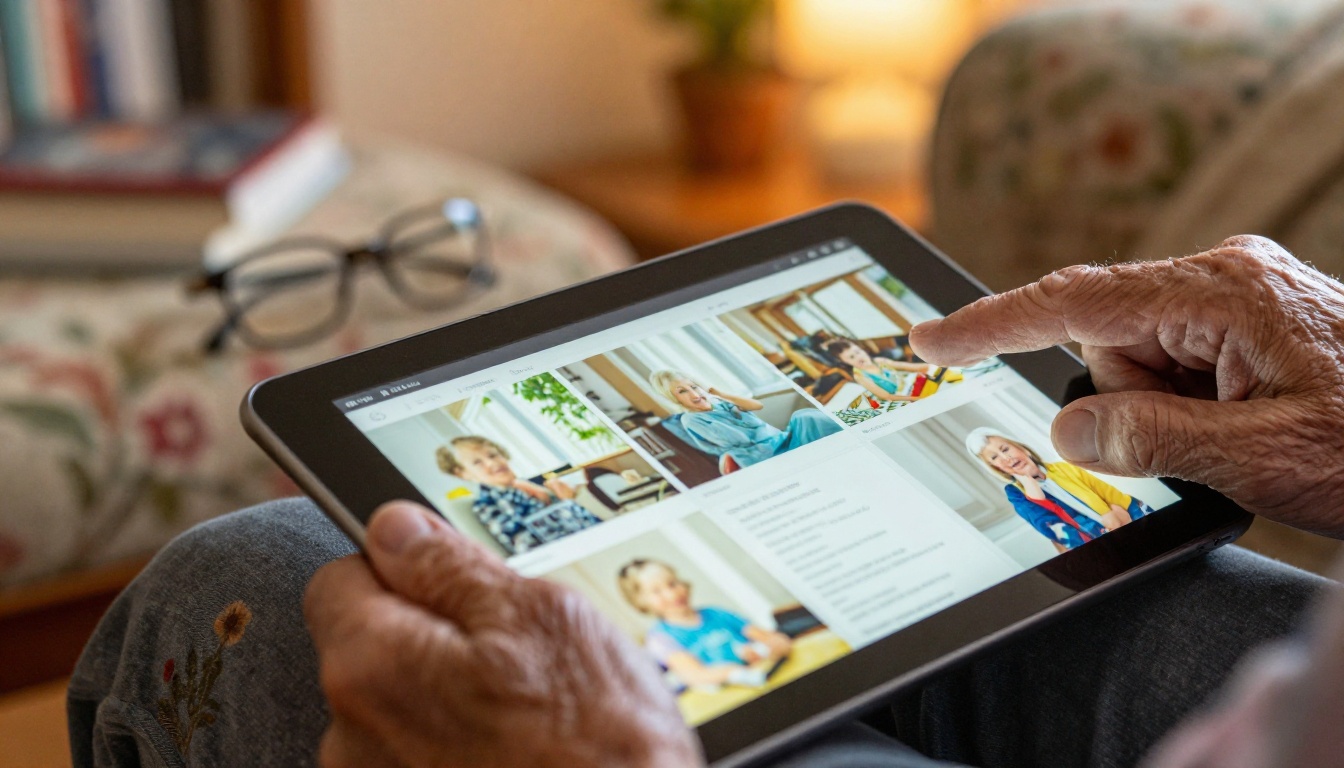
A family-friendly care flipbook is not a fancy PDF. It is an interactive, page-turning digital publication that works on any device, loads instantly, and feels intentional. It has the warmth of a printed booklet with the reach of a web link.
Pages That Mirror the Care Journey
Good care flipbooks follow the same mental journey families take. They start with trust signals, move into specific services, then show the people behind the services, and close with next steps. The sequence matters more than the design.
Sections That Answer Real Questions
Before a family calls your agency, they are usually asking the same six questions:
- What services do you actually offer?
- Who are the caregivers and what are their qualifications?
- How much does this cost?
- What does a typical day look like?
- How do we get started?
- What happens if something goes wrong?
A well-structured flipbook answers all six without the family needing to call and ask. That reduces friction, builds trust, and shortens your sales cycle.
What to Include in Your Home Care Flipbook

The content of your flipbook should be structured to move families from awareness to confidence. Here is a proven content outline that works across most home care categories, from companion care to skilled nursing.
Core Sections Every Care Flipbook Needs
| Section | Purpose | Placement |
|---|
| Cover Page | First impression, emotional tone-setting | Page 1 |
| Services Overview | What you offer, clearly listed | Pages 2-4 |
| Caregiver Profiles | Build trust with faces and credentials | Pages 5-7 |
| Care Process | How onboarding and daily care works | Pages 8-9 |
| Pricing and Packages | Transparent cost information | Pages 10-11 |
| Family FAQ | Address common hesitations | Pages 12-13 |
| Contact and Next Steps | Clear call-to-action with multiple options | Last page |
⚠️ Skipping the pricing section is the single biggest mistake care agencies make. Families without cost information will leave your flipbook and find a competitor who provides it.
Caregiver Bios That Build Real Trust
Do not list credentials alone. Show faces. Write in the first person. Include how long each caregiver has been doing this work and what they love about it. A sentence like "I have been a home health aide for 11 years. I grew up caring for my grandmother, and I bring that same patience to every family I work with" builds more trust than three certifications listed in a table.
Pricing Clarity Is a Competitive Advantage
Most home care agencies avoid publishing pricing out of fear. In practice, families who cannot find pricing simply leave. A flipbook with a clear pricing page, even a general range, immediately separates you from competitors who hide their numbers.
The difference between a care flipbook that converts families and one that gets ignored is not the amount of content. It is the emotional register of the design.
Color Palettes That Signal Safety
Warm neutrals, soft blues, sage greens, and cream whites communicate calm competence. Avoid hard reds, stark blacks, or anything that reads as clinical or corporate. Your flipbook should feel like walking into a well-kept home, not a hospital waiting room.
Photography Choices That Matter
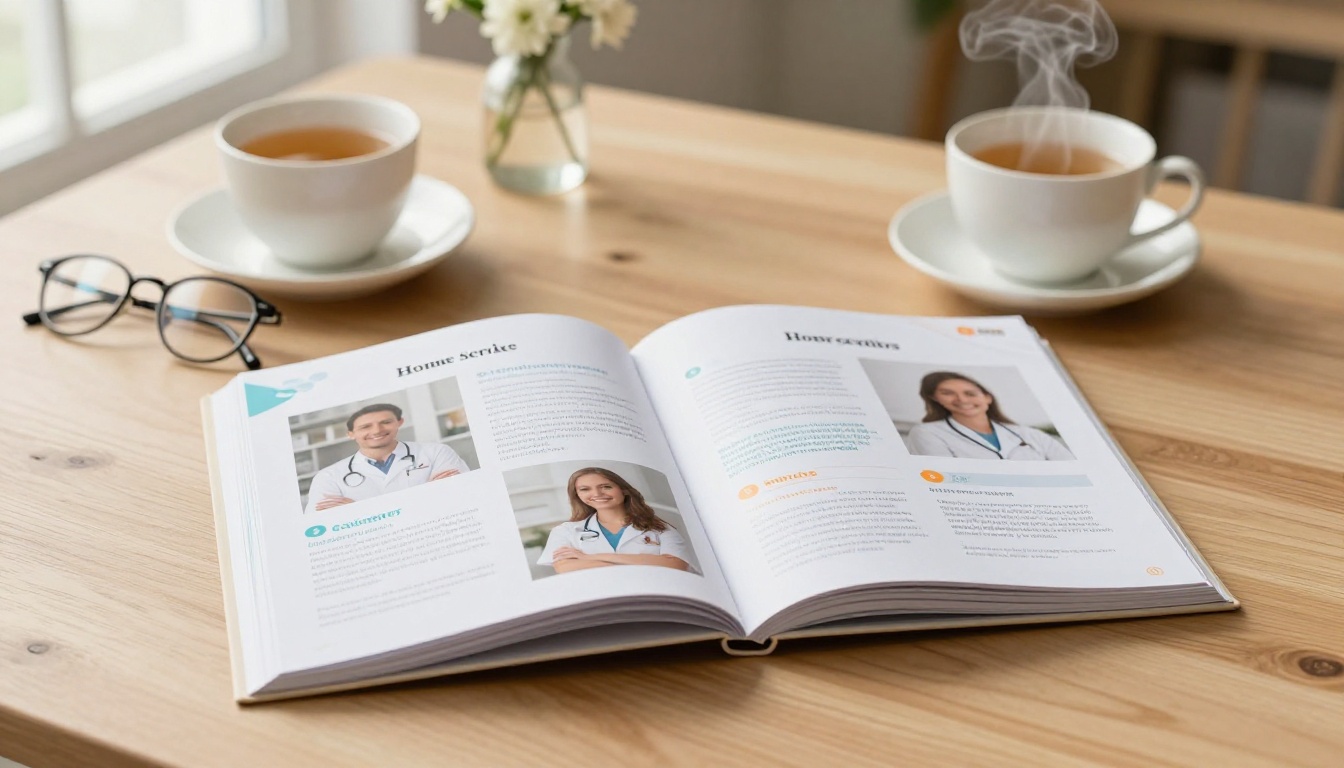
Stock photos of caregivers with forced smiles in sterile environments do the opposite of what you intend. Use real photos of your actual caregivers if possible. If you use stock imagery, choose photos where:
- The setting is clearly a home, not a facility
- The caregiver and client are making natural eye contact or engaged in an activity
- The lighting is warm and the palette matches your brand
- No one is wearing a full medical uniform unless the service specifically requires it
Typography That Older Eyes Can Read
This is non-negotiable. Home care flipbooks are often read by adults over 60, by people under stress, and on small phone screens. Use a minimum of 16px body text, generous line spacing, and avoid decorative fonts for body copy. Clean serif or sans-serif fonts at readable sizes are always the right call.
How to Build Your Home Care Flipbook with Flipbooks AI

Flipbooks AI is built for exactly this use case. You bring the content in PDF form, and the platform handles the conversion, hosting, sharing, and analytics. Here is how to do it step by step.
Step 1: Create Your Account
Go to flipbooksai.com/account and create a free account. You can start on the free plan to test the platform before committing to a paid tier.
Step 2: Prepare Your PDF
Before uploading, make sure your PDF is formatted for digital reading, not print. That means:
- Landscape or square orientation for wider screens
- High-resolution images embedded directly in the file
- Named sections or bookmarks for easy navigation
- No crop marks or print bleeds
If you are starting from a Word document or Canva design, export it as a PDF first. Canva's standard PDF export works well.
Step 3: Upload and Convert
Once inside the platform, click "Create New Flipbook" and upload your PDF. The PDF to Flipbook Converter handles the rest automatically, generating smooth page-turn animations and a mobile-responsive layout with no extra steps from you.
Step 4: Customize Branding and Colors
After conversion, open the editor to:
- Upload your agency logo
- Set brand colors for the toolbar and page accents
- Add a background texture or color to the flip viewer
- Enable page shadow for a realistic page-turn feel
These small touches make the flipbook feel like a polished, intentional publication rather than a converted file.
Step 5: Add Multimedia and Interactivity
This is where flipbooks outperform static PDFs. Inside the editor, you can:
- Embed a short welcome video from your agency director
- Add clickable links from your pricing page directly to your contact form
- Insert audio messages from caregivers introducing themselves
- Place hotspot zones on images that reveal additional text when tapped
✅ Adding a 60-second intro video from your director or lead caregiver increases flipbook completion rates significantly. Families who hear a real voice convert at much higher rates.
Step 6: Share With Families
Once published, your flipbook gets a permanent link you can:
- Send via text message or email
- Embed directly on your website using the Embed Flipbook on Website tool
- Share on Facebook, WhatsApp, or any messaging platform
- Password-protect for specific families receiving sensitive pricing or individualized care plans
- Download as an offline file for in-person consultations
Flipbooks AI Plans for Care Agencies

Choosing the right plan depends on how many flipbooks you need and whether you require analytics or lead capture. Here is how the plans compare:
| Feature | Free | Standard | Professional |
|---|
| Number of Flipbooks | 1 | Unlimited | Unlimited |
| Watermark | Yes | No | No |
| Custom Branding | No | Yes | Yes |
| Password Protection | No | Yes | Yes |
| Embed on Website | No | Yes | Yes |
| Analytics | No | No | Yes |
| Lead Generation Forms | No | No | Yes |
| Offline Downloads | No | No | Yes |
💡 For most small to mid-size home care agencies, the Standard plan is the sweet spot. It removes the watermark, allows unlimited flipbooks, and covers embedding and password protection for private care plans.
For agencies that want to capture leads directly from their flipbook, for example families who fill in a "Request a Care Assessment" form inside the document, the Professional plan at flipbooksai.com/pricing is the right investment.
Types of Home Care Flipbooks Worth Building
Not every flipbook needs to be your main services brochure. Once you understand the format, you will find yourself reaching for it across many touchpoints in the family relationship.
| Flipbook Type | Purpose | Audience |
|---|
| Services Overview Brochure | General agency introduction | New family inquiries |
| Individual Care Plan | Personalized plan for one client | Active clients and families |
| Caregiver Introduction Packet | Profiles of your assigned care team | Incoming clients |
| Family Communication Update | Monthly care summaries | Ongoing client families |
| Onboarding Welcome Booklet | What to expect in the first 30 days | New clients |
| Pricing and Package Guide | Transparent pricing breakdown | Prospective families |
Each of these can be built with the Brochure Flipbook Maker or the Online Brochure Designer depending on your starting format.
Sharing Strategies That Reach Every Family Member

One of the practical advantages of a flipbook over a printed brochure is that it reaches every decision-maker in the family, regardless of where they live.
The Group Chat Share
Most home care decisions involve at least two adult children, often in different cities. A single flipbook link dropped into a family group chat is infinitely more useful than a scanned PDF. The flipbook loads instantly, looks professional, and everyone sees the same version at the same time.
The Website Embed
Embedding your services flipbook on your homepage means every visitor gets the full experience without downloading anything. Use the Embed Flipbook on Website tool to generate an embed code and drop it into your site in minutes.
The Password-Protected Care Plan
For active clients, sharing individualized care plans as password-protected flipbooks maintains privacy while giving families easy access. Instead of emailing a PDF that can be forwarded accidentally, the family logs in with a shared password and views the plan directly in the browser.
✅ Password-protected flipbooks for individual clients are available on the Standard plan and above. See pricing plans for details.
Real Scenarios Where Care Flipbooks Deliver Results

Companion care agencies use flipbooks as their primary introduction material, replacing printed brochures that go out of date quarterly. A digital flipbook can be updated and re-shared without reprinting anything.
Skilled nursing agencies build flipbooks to explain complex care protocols to families who have no medical background. When a patient is discharged from hospital to home care, a clear, warm flipbook covering what the first week looks like dramatically reduces family anxiety and after-hours calls to your office.
Memory care specialists create caregiver introduction flipbooks so families can prepare their loved ones before the first visit. Showing an elderly person with dementia a photo of their upcoming caregiver, along with a warm bio, before the first meeting reduces agitation and improves early-visit outcomes.
Pediatric home care providers build family onboarding booklets in flipbook format, covering daily routines, emergency contacts, therapist notes, and school communication templates in one shareable document parents can access from their phones between appointments.
Your First Flipbook Is Closer Than You Think
Building a professional, family-friendly flipbook for your home care services does not require a design team, a large budget, or technical skills. It requires a PDF and fifteen minutes on Flipbooks AI.
Start with your existing brochure or services sheet. Upload it. Watch it convert. Then spend an hour improving the structure: add caregiver bios, clarify your pricing, include a contact link, and share it with the next family who reaches out.
The families you serve deserve materials that communicate the same care and warmth your team delivers in person. A thoughtfully built flipbook does exactly that.
Ready to get started? Create your account and build your first care flipbook today. When you are ready to remove the watermark and share without limits, compare plans to find the right fit for your agency. Browse all available tools and templates to see what else you can build.



