Every meeting ends the same way. Someone types up the notes, sends a wall of text in Slack or email, and half the team never reads past the first paragraph. Action items get missed, decisions get forgotten, and the follow-up meeting exists solely because the first one wasn't communicated well enough.
That's not a meeting problem. It's a format problem.
When you turn your meeting notes into an interactive flipbook using AI, you change how information lands. Instead of a plain document buried in an inbox, your recap becomes something people actually open, scroll through, and remember. Flipbooks AI makes this possible in minutes, no design skills required.
Why Text Recaps Stop Working

The Attention Problem With Flat Documents
The human brain processes visuals 60,000 times faster than text. Yet most meeting recaps are pure text. Long paragraphs. Bullet lists. Maybe a bold item or two. This format puts the cognitive burden entirely on the reader to parse what's important, what's actionable, and what they can skip.
In practice, most people skim. Or they don't open the recap at all, especially when they're already back-to-back and watching a long email scroll preview that gives them no visual hook to pause on.
The problem compounds with distributed or hybrid teams. Remote workers don't have the hallway conversation to fill in gaps. They rely on the written record, which makes the quality of that record disproportionately important. A flat text document simply doesn't carry enough weight.
What People Actually Need After a Meeting
Research from productivity consultancy firms consistently shows that the most effective post-meeting artifacts are:
- Visual (charts, timelines, or formatted layouts, not raw text)
- Scannable (clear sections that let people jump to what's relevant to them)
- Actionable (next steps visible without reading everything)
- Shareable (a link that works on any device, including mobile)
A flipbook checks all four. An email thread checks zero.
The Flipbook Advantage for Meeting Recaps
Visual Format vs. Plain Text
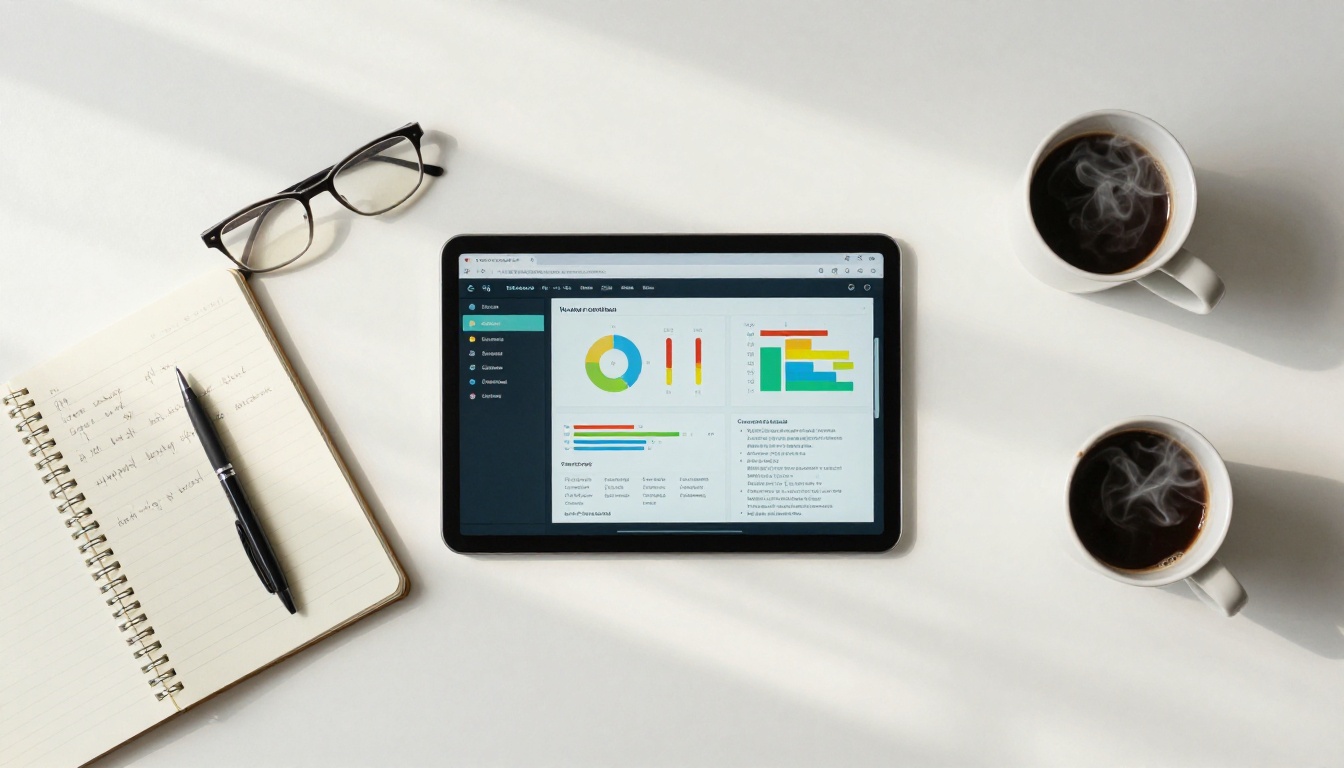
A flipbook isn't just a pretty wrapper for the same content. The format itself changes how people engage with information. Pages have visual weight. A section heading above a data summary on a clean page gets absorbed differently than the same words buried in paragraph three of an email.
Here's how the formats compare:
| Feature | Plain Text Email | PDF Attachment | Interactive Flipbook |
|---|
| Mobile-friendly | Partial | Poor | Excellent |
| Scannable at a glance | Low | Low | High |
| Embeddable in other platforms | No | No | Yes |
| Analytics (who read it) | No | No | Yes (Pro plan) |
| Branded appearance | No | Partial | Full control |
| Page-turn experience | No | No | Yes |
| Password protection | No | Partial | Yes |
| Links and interactivity | Limited | Limited | Full |
The flipbook doesn't just store your meeting notes. It presents them.
Interactive Elements That Drive Action
One of the most underused capabilities of flipbook-format recaps is interactivity. When you build your meeting summary as a flipbook, you can embed:
- Clickable action items that link directly to the task management tool or document being referenced
- Video clips of presentation highlights or demos from the meeting
- Charts and visuals that communicate data without needing verbal context
- Contact sections so readers know exactly who owns what
This turns a passive document into a functional post-meeting workspace. Team members don't just read the recap. They use it.
💡 Embed a short Loom or screen recording clip in your flipbook recap for complex decisions. Readers can watch the 90-second context instead of reading four paragraphs trying to reconstruct it.
How AI Converts Notes Into Polished Flipbooks

The AI Processing Pipeline
The process of turning raw meeting notes into a formatted flipbook used to require a designer and a significant chunk of time. AI changes that equation entirely.
Modern AI tools can:
- Parse structure from unstructured notes - identify headings, decisions, and action items automatically
- Suggest layout and formatting - apply visual hierarchy that makes content scannable
- Generate supplementary visuals - create charts, icons, or section images based on content
- Optimize for different audiences - summarize for executives vs. full detail for project leads
The output is a formatted document that converts directly into a flipbook, no manual design work required.
From Raw Notes to Structured Content
The most effective workflow pairs an AI note-processing step with a flipbook publishing platform. The AI handles structure and formatting. The flipbook platform handles presentation and distribution.
What you feed in: raw meeting notes, voice transcripts, bullet points, or a rough summary.
What comes out: a polished, multi-page interactive flipbook ready to share as a link or embed.
⚠️ AI-processed meeting notes should always be reviewed before publishing, especially for client-facing or executive recaps. AI is excellent at formatting structure, but context and nuance still require a human pass.
Step-by-Step: Creating Your Meeting Flipbook

This tutorial uses Flipbooks AI to convert your meeting notes into a shareable interactive flipbook. The process takes less than 10 minutes once your content is ready.
Step 1: Prepare Your Meeting Content
Before uploading anything, organize your notes into a clean document. This is where AI processing adds the most value.
Take your raw notes and run them through an AI tool (ChatGPT, Claude, or Gemini) with a prompt like:
"Format these meeting notes as a structured document with: 1) Meeting summary in 2-3 sentences, 2) Decisions made, 3) Action items with owners and due dates, 4) Open questions. Use clear headings and bullet points."
The result is a structured document that formats beautifully in a flipbook layout. Export it as a PDF from Google Docs, Word, or any standard editor.
Step 2: Upload to Flipbooks AI
Head to Flipbooks AI and create or log into your account. The Standard plan and above include unlimited flipbooks with no watermarks, ever.
- From your dashboard, click Create New Flipbook
- Upload your PDF (drag and drop or browse)
- The platform automatically converts each page into a flipbook page
- Preview the result in the built-in viewer
The conversion takes seconds for a standard meeting recap document of 3-8 pages.
Step 3: Customize the Layout
This is where your meeting recap becomes branded and professional. In the editor:
- Set your brand colors to match your company palette
- Add your logo to the opening page or header
- Choose page animations: classic page flip, slide, or fade
- Add a title page with the meeting name, date, and attendees
- Embed any video clips from the meeting directly into relevant pages
✅ Create a meeting recap template in your Flipbooks AI account that matches your company branding. Reuse it for every weekly sync, client update, and project kickoff. Consistency builds the habit of actually opening these recaps.
Step 4: Share With Your Team
Once your flipbook is ready, you have several sharing options:
Direct link: Copy the shareable URL and paste it into Slack, Teams, email, or your project management tool. Works on any device without downloading anything.
Embed code: Use the Embed Flipbook on Website tool to place your flipbook directly in a Notion page, company intranet, or project dashboard.
Password protection: For sensitive meetings (board discussions, financial reviews, HR matters), enable password protection so only authorized team members can access the content.
Offline download: Professional plan users can enable offline PDF downloads so attendees can save the recap for reference even without internet access.
Step 5: Track Who Read It
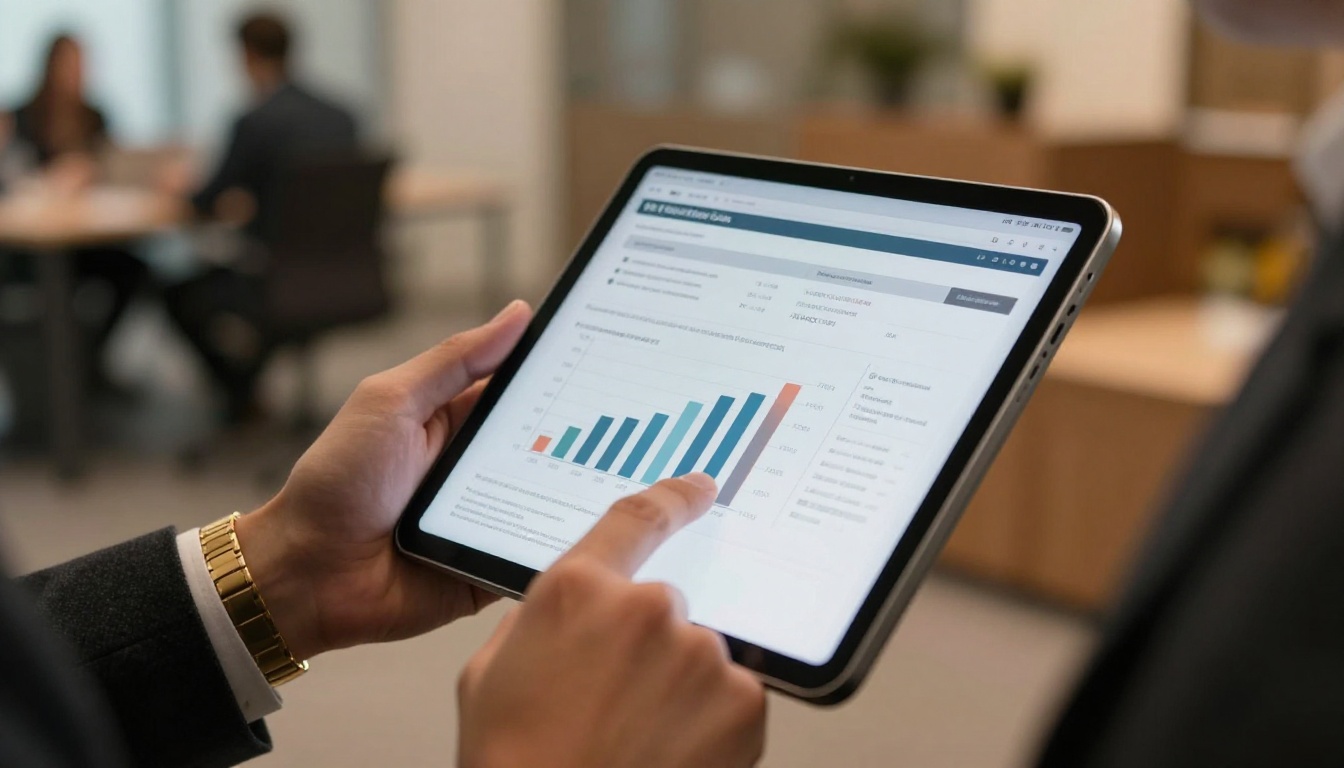
One of the most overlooked features for team leaders is analytics. With the Professional plan, you get page-level analytics showing:
- Total views
- Time spent on each page
- Pages that received the most attention
- Lead capture (for client-facing recaps)
This tells you not just who opened the recap, but whether they actually read the action items section. For distributed teams, this accountability layer is significant.
Best Use Cases for Meeting Flipbooks

Not every meeting needs a flipbook recap. But the ones that do benefit enormously. Here are the highest-impact use cases:
Weekly Team Standups
Standup recaps are often the most neglected. They're frequent, brief, and easily skipped. A flipbook format forces brevity with visual weight: one page per team member's update, one page for blockers, one page for the week's priorities. It takes under five minutes to produce and dramatically improves async alignment for distributed teams.
Client Project Updates
This is where flipbook recaps deliver most. Client-facing updates need to look professional, communicate progress clearly, and be easy to share without requiring the client to download or open an attachment.
A well-designed project update flipbook uses the Report Flipbook Creator to format progress reports with charts, milestone timelines, and next-step summaries. Clients appreciate the visual clarity. Account managers appreciate not having to explain the same update three times.
Board and Executive Meetings
Board meetings produce decisions that need clear documentation. An executive flipbook recap presents the decisions, voting results, and follow-up responsibilities in a format executives actually read on mobile between their next obligation. The Annual Report Creator and Corporate Report Maker templates translate well to this use case.
Sales Team Debriefs
After a sales call or demo, a quick flipbook recap helps the internal team stay aligned on the prospect's pain points, objections, and next steps. The Sales Presentation Flipbook tool provides templates built for this workflow.
Training and Onboarding Sessions
When a training session produces documentation, a flipbook makes it reusable. New hires can access the Training Manual Flipbook version of any onboarding session at any time, without hunting through shared drives.

The debate about the best format for meeting recaps usually comes down to three options. Here's how they compare:
| Format | Time to Create | Visual Quality | Shareability | Reader Experience | Analytics |
|---|
| Email/Slack text | Very Fast | Poor | High | Low | No |
| Google Doc / Word | Fast | Low-Medium | Medium | Medium | No |
| PDF | Medium | Medium | Low (download required) | Medium | No |
| Slide deck (PPT) | Slow | High | Medium | High | No |
| Interactive Flipbook | Fast (with AI prep) | High | Very High | Excellent | Yes (Pro) |
The flipbook's advantage is that it combines the shareability of a link with the visual quality of a designed document, without requiring a designer or slide deck software.
💡 For recurring meetings, the setup cost of a template is one-time. After that, each recap takes under 10 minutes from raw notes to published flipbook.
Practical Prompts for AI-Processed Meeting Notes

Getting good output from AI note processing depends on the prompt you use. Here are formats that work well for different meeting types:
For project kickoffs:
"Format these notes as a kickoff summary: project goal, team roles, timeline milestones, risks identified, and next steps for each team member."
For client calls:
"Reformat these notes as a client-facing update: project status (one sentence), work completed this week, upcoming deliverables, and items requiring client input."
For retrospectives:
"Structure these notes as a retrospective report with: what went well, what to improve, specific action items with owners, and one team commitment for next sprint."
For all-hands meetings:
"Turn these notes into a company update format: top announcements, department highlights (bullet per team), Q&A summary, and upcoming events or deadlines."
Each of these outputs is ready to paste into a document, export as PDF, and upload directly to Flipbooks AI for conversion.
Features That Make Sharing Simple

Embed Codes and Direct Links
Every flipbook created on Flipbooks AI gets a direct shareable URL and an embed code. The direct link works across Slack, Teams, email, WhatsApp, and any browser on mobile or desktop. The embed code lets you place the flipbook inside Notion, Confluence, SharePoint, or any website that accepts HTML.
This means your meeting recap lives inside the exact tool your team already uses, rather than sitting in a separate document silo.
Password Protection for Sensitive Content
Not all meeting recaps are public. Board meetings, personnel discussions, financial reviews, and M&A topics require restricted access. Flipbooks AI's password protection lets you share a flipbook link while requiring a password to view. No need to manage complex permission systems or file-level access controls.
Who Read It and When
The Professional plan's analytics dashboard shows view counts and time-on-page data for every flipbook you publish. For managers running distributed teams, this closes the accountability gap: you know not just whether the recap was shared, but whether it was read.
This is particularly valuable for compliance-sensitive environments where confirming that team members reviewed a policy update or procedural change actually matters.
| Plan | Flipbooks | Watermarks | Password Protection | Analytics | Offline Download |
|---|
| Free | 3 | Yes | No | No | No |
| Standard | Unlimited | None | Yes | No | No |
| Professional | Unlimited | None | Yes | Yes | Yes |
See the full breakdown on the pricing page to choose what works for your team size.
Your Meeting Recaps Start Working Here
Every week your team sends meeting notes that nobody reads is a week of compounding misalignment. Action items drift. Decisions get relitigated. Context gets lost.
The fix isn't more meetings. It's better recaps.
AI gives you the speed to format meeting notes in seconds. Flipbooks AI gives you the platform to present them in a format your team will actually open. Together, they turn a forgettable text thread into something that functions as a real communication asset.
Ready to see how it works? Create your first meeting flipbook for free and publish your next recap in under 10 minutes.
Browse all available flipbook tools to find templates that match your meeting type, from client updates to executive reports. Or compare pricing plans to access analytics and expanded sharing features for your team.



