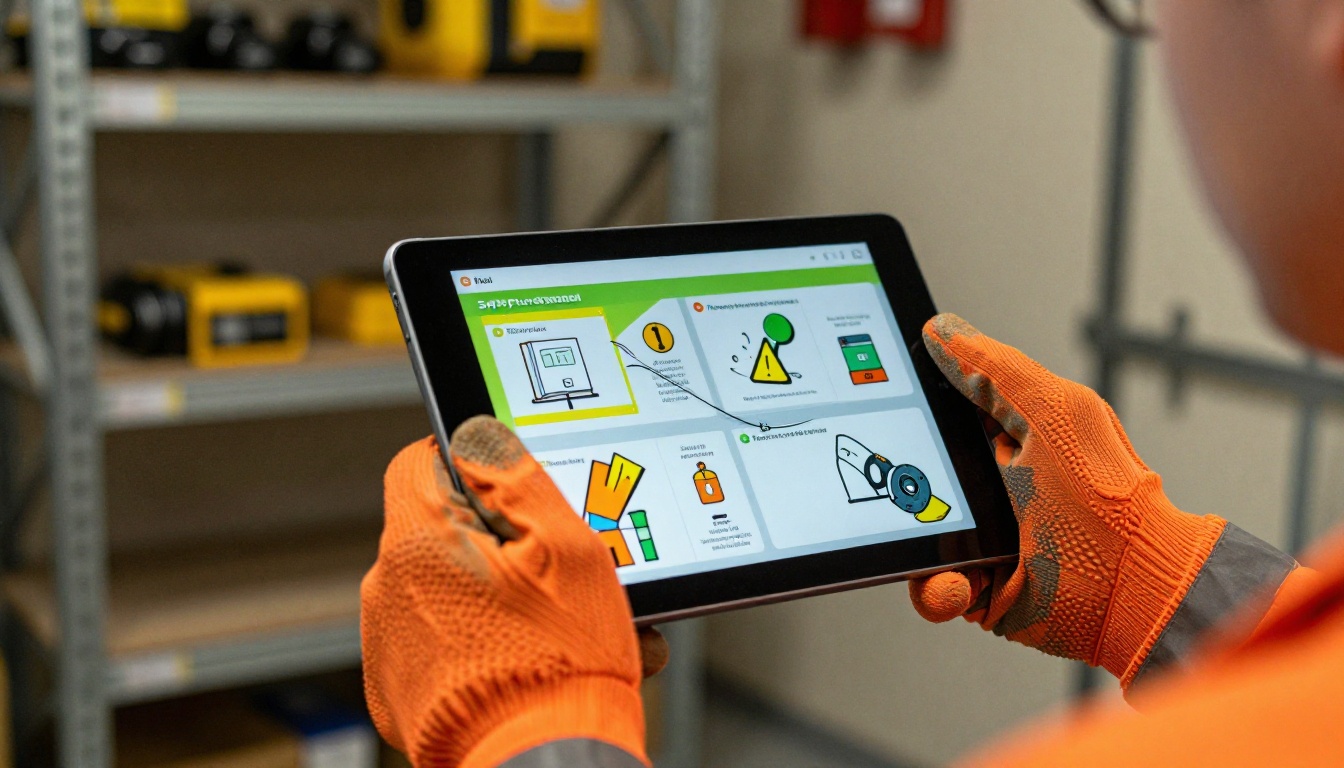
Most safety manuals never get read. That's not speculation; it's what happens when you hand a new employee a 60-page printed binder on their first day and tell them their certification depends on it. The document lands on a shelf, gets coffee-stained by week two, and quietly becomes useless. Flipbooks AI offers a direct fix: convert those static PDFs into living, scrollable, interactive safety flipbooks that workers can access on any device, anywhere.
Why Printed Safety Manuals Fail
The problem with printed safety documentation is structural, not a content issue. You can write the most thorough hazard communication procedures imaginable, but if the format fights the reader, retention collapses.
The Numbers Behind the Problem
Studies consistently show that workers retain roughly 10% of what they read from static text. Add dense formatting, small fonts, and no visual hierarchy, and that number drops further. For EHS teams managing workplace safety compliance, this is not a documentation challenge; it is a business risk.
Consider what printed safety manuals cost a typical mid-sized company annually:
| Cost Category | Printed Manual | Digital Flipbook |
|---|
| Printing per update | $800 to $2,400 | $0 |
| Distribution logistics | 2 to 4 hours per update | Instant link share |
| Version control | Manual tracking required | Automatic version history |
| Employee access | Office only | Any device, anywhere |
| Analytics | None | Full read tracking |
| Update frequency | Quarterly or annual | Real-time |
What Workers Actually Do With Binders
They skim. They skip. They sign the acknowledgment form because that's what's required, not because they read page 34 on chemical spill procedures. This is not a worker motivation problem; it's a format problem. Static documents are incompatible with how adults actually consume information in 2027.
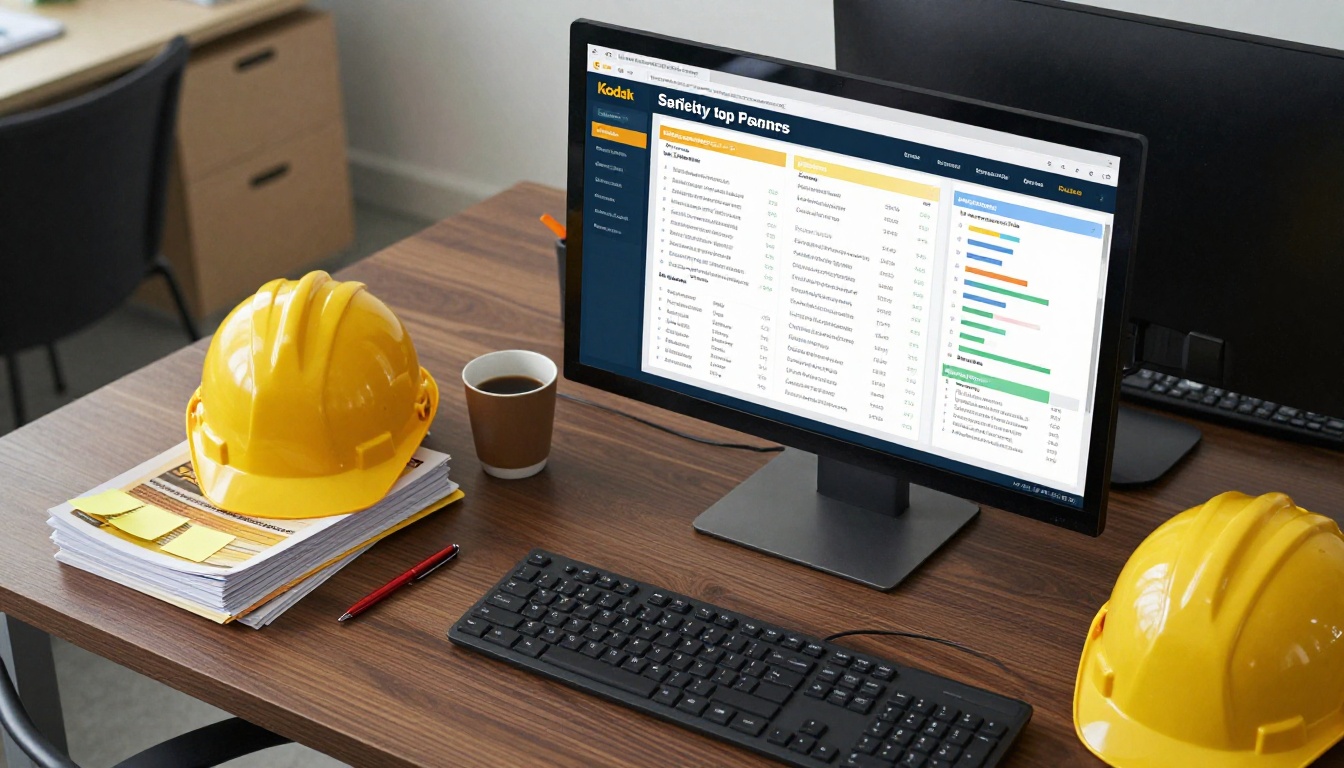
💡 Pro tip: The moment you add page-turn animations, embedded video demonstrations, and mobile accessibility to a safety document, read-through rates go up significantly. Workers treat it like content, not paperwork.
What Interactive Safety Flipbooks Actually Are
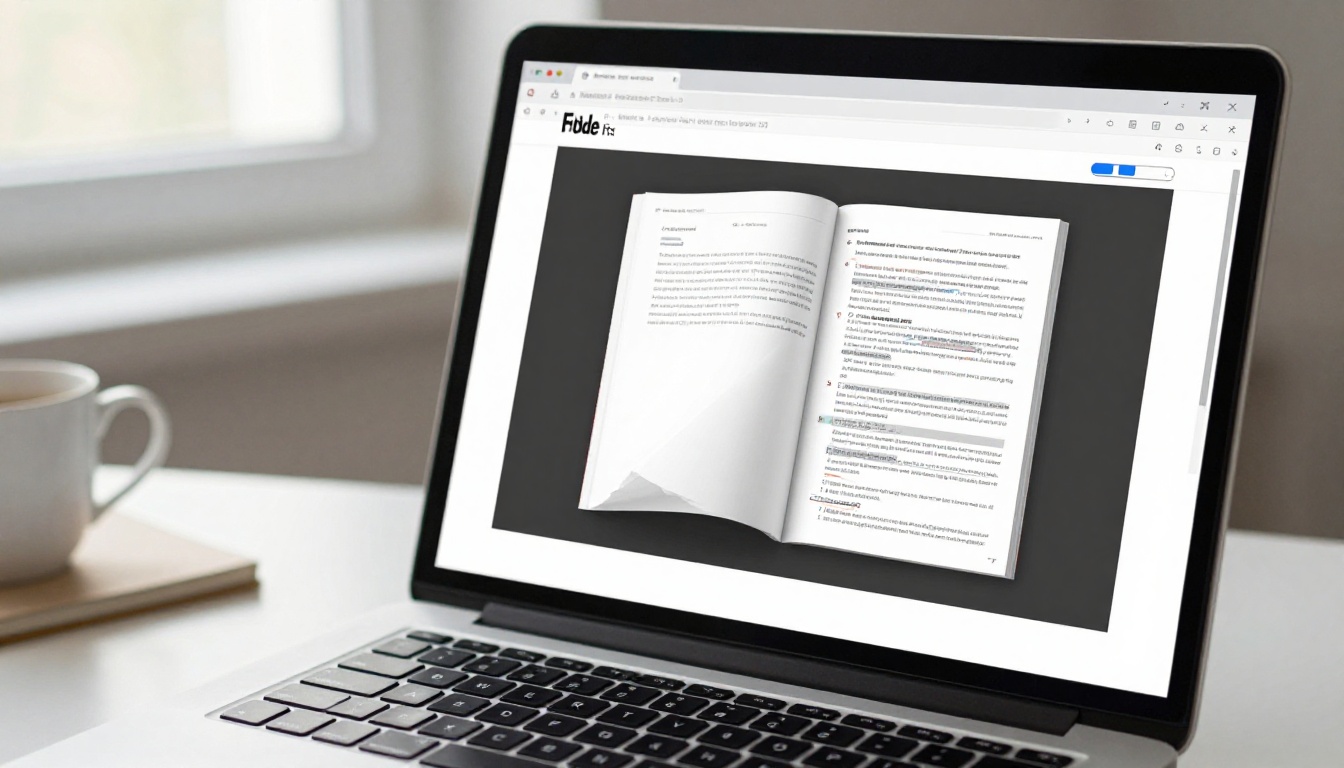
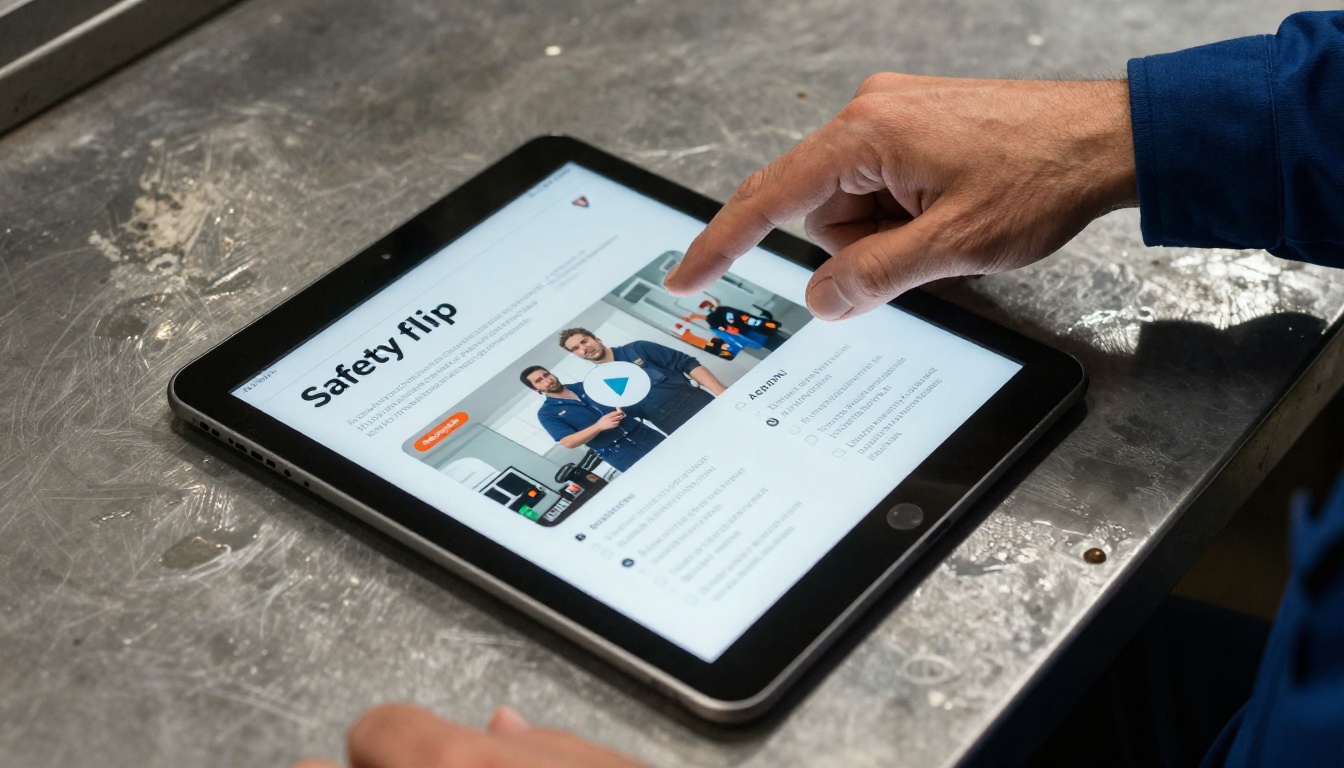
A safety flipbook is a digital publication built from your existing PDF that mimics the tactile experience of turning pages, but adds layers of interactivity that printed documents cannot offer. Embedded instructional videos, clickable links to OSHA regulations, internal bookmarks by chapter, and real-time analytics showing which sections employees actually spend time reading.
Core Features That Matter for Safety Content
The right digital format for safety documentation is not just a PDF viewer. It's a structured reading environment built for compliance and retention:
- Realistic page-turn animation: Workers interact with it like a book, reducing friction
- Embedded multimedia: Video demonstrations of lockout/tagout procedures, fire evacuation drills, or chemical handling protocols
- Mobile-responsive layout: Accessible from a phone on the warehouse floor, not just at a desk
- Password protection: Restrict access to specific teams or clearance levels
- Searchable content: Workers can jump to "forklift operations" without scrolling through 40 pages
- Compliance tracking: Know exactly who opened the document and for how long

Interactive vs. Static: A Direct Comparison
| Feature | Printed Manual | PDF Email | Interactive Flipbook |
|---|
| Mobile access | No | Limited | Yes, fully optimized |
| Embedded video | No | No | Yes |
| Page analytics | No | No | Yes |
| Searchable text | No | Yes | Yes |
| Real-time updates | No | Manual re-send | Instant |
| Password protection | No | Basic | Yes |
| Offline access | Yes | Yes | Yes (download) |
| Branding control | Limited | None | Full |
| Lead capture | No | No | Yes (Pro plan) |
| Version control | Manual | Manual | Automatic |
The gap is not marginal. For industries where safety compliance directly affects insurance premiums, regulatory audits, and incident rates, that gap translates directly to operational risk.
Industries Where This Makes the Biggest Difference
Every industry with a physical safety manual stands to benefit, but three sectors see the most dramatic impact when they make the switch.
Construction and Heavy Industry
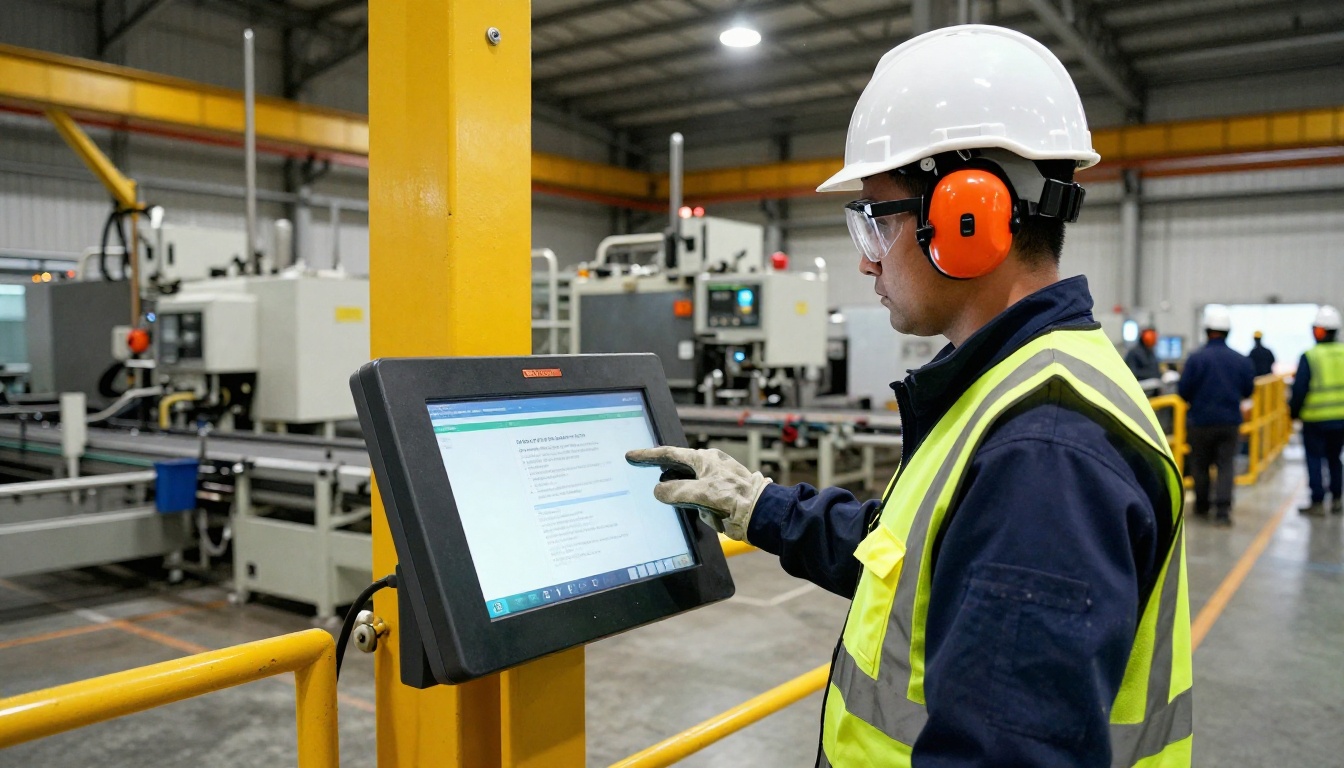
Construction sites carry some of the highest incident rates of any sector. Safety documentation needs to be accessible to workers who don't sit at desks. A Training Manual Flipbook that loads on a smartphone during a morning toolbox talk is fundamentally more useful than a binder stored in the site trailer.
Site supervisors can share a QR code linking directly to the relevant chapter on fall protection or scaffold safety. Workers scan it, read it, watch the embedded procedure video, and move on. No paperwork, no printer, no version confusion.
Manufacturing and Chemical Processing
Hazard communication standards under OSHA require workers to have access to Safety Data Sheets and documented procedures. Digital flipbooks satisfy this requirement while making the content genuinely accessible. A worker can search for a specific chemical compound, land on its handling procedure page, and watch an embedded video demonstrating proper PPE use in seconds.
Corporate and Office Environments
Emergency evacuation procedures, ergonomics training, and workplace harassment policies all count as safety documentation. For corporate EHS teams, the ability to distribute a beautifully formatted interactive handbook to 500 employees via a single link, and then see who has and hasn't read it, is genuinely valuable data for compliance reporting.
⚠️ Warning: If your safety documentation update process currently involves emailing a new PDF and hoping people replace the old one, you have a version control problem waiting to become a liability.
How to Create a Safety Manual Flipbook with Flipbooks AI
Flipbooks AI is purpose-built for this workflow. You don't need design skills, a developer, or a complex content management system. The process takes minutes.
Step 1: Set Up Your Account
Go to flipbooksai.com/account and create your account. The Standard plan supports unlimited flipbooks with no watermarks, which is the baseline for professional safety documentation. If you need analytics and lead capture for compliance reporting, the Professional plan adds those capabilities.
Step 2: Upload Your Safety Manual PDF
From your dashboard, click to create a new flipbook and upload your PDF. The platform accepts standard PDF files and processes them automatically. Your existing document structure, table of contents, and page layout are preserved.

💡 Pro tip: Before uploading, make sure your PDF is properly bookmarked with chapter headings. These become navigation anchors in the flipbook, letting workers jump directly to relevant sections without scrolling.
Step 3: Customize Branding and Appearance
Once converted, you can customize the flipbook to match your company's visual identity. Apply your brand colors, add your company logo, and choose the page-turn animation style. For safety documentation, clean and professional works best. The Training Manual Flipbook tool includes templates optimized specifically for instructional content, with clear typography and logical visual hierarchy.
Step 4: Add Multimedia Elements
This is where the interactive capability pays off most. Embed links to external safety resources, OSHA regulation pages, or internal HR systems. If you have video recordings of safety procedures, you can embed them directly into relevant pages. A section on lockout/tagout procedures becomes dramatically more effective when it includes a 90-second video demonstration alongside the written steps.

Step 5: Configure Access and Distribution
Flipbooks AI gives you several distribution options suited for different workplace structures:
- Direct link: Share a URL by email, Slack, or QR code posted at workstations
- Embed code: Embed the flipbook directly into your company intranet or LMS
- Password protection: Restrict access to specific employee groups or clearance levels
- Offline download: Workers can download a version for use in environments without reliable connectivity
Step 6: Monitor Compliance with Analytics
On the Professional plan, you get access to read analytics. You can see how many people opened the document, how long they spent on each section, and which pages saw the most drop-off. For EHS managers, this is genuinely actionable data. If 80% of workers are skipping the chemical spill response section, that's a problem worth addressing before an incident occurs.
| Flipbooks AI Plan | Flipbooks | Watermark | Analytics | Password Protection | Offline Download |
|---|
| Free | 3 | Yes | No | No | No |
| Standard | Unlimited | No | No | Yes | No |
| Professional | Unlimited | No | Yes | Yes | Yes |
Making Safety Content Actually Readable
Converting a PDF to a flipbook format is the first step. Making the content effective requires thinking about how workers actually read digital documents on the job.
Structure and Navigation
Long walls of text in safety manuals are a readability problem regardless of format. When converting, consider whether your existing PDF is structured for digital reading. Short sections with clear headings work much better than multi-page continuous text. If the original document needs restructuring, do it in your PDF editor before uploading.
Use bold text for critical warnings. Use numbered lists for step-by-step procedures. Use callout boxes for regulatory citations. These formatting choices translate directly from print to digital and make safety content scannable under real working conditions.
✅ Best practice: Create a separate flipbook for each major safety category rather than one massive document. A 120-page manual is harder to use than four 30-page focused handbooks addressing PPE, emergency procedures, chemical handling, and equipment operation separately.
Measuring the Impact on Workplace Safety Compliance
Moving from printed manuals to interactive flipbooks is a measurable change, not just a format upgrade. The metrics that matter for EHS teams are specific to compliance, not general content performance.
What to Track
- Open rate: Did the person actually access the document, not just receive the link?
- Read-through rate: Did they reach the final page or drop off at chapter two?
- Section time: Which pages received the most attention? Which ones saw rapid scrolling?
- Re-access rate: Workers who return to a document are using it as an active reference, which is exactly the behavior you want
For companies operating under OSHA's recordkeeping requirements or undergoing ISO 45001 audits, being able to produce documentation showing who read which safety procedure and when is valuable compliance evidence. A flipbook platform with analytics turns your safety documentation into a verifiable record.

Real-World Use Cases
New Employee Onboarding
A construction company can create a new hire safety orientation flipbook that addresses site-specific hazards, PPE requirements, emergency procedures, and reporting protocols. New employees access it on their first day via a QR code, work through it at their own pace, and the EHS manager sees confirmation in the analytics dashboard. No printed binders, no lost paperwork.
Annual Safety Refreshers
Instead of scheduling group sessions where a safety officer reads slides to a room of people who'd rather be elsewhere, distribute an updated interactive safety flipbook. Workers read it on their schedule. Managers see who has and hasn't finished. The process takes a fraction of the time.
Equipment-Specific Procedures
Create individual flipbooks for each major piece of equipment, addressing operation, maintenance, lockout/tagout, and emergency shutdown. Mount a QR code on the equipment itself. Workers pull up the relevant flipbook in seconds without leaving the workstation.
Contractor and Visitor Safety Briefings
For sites that regularly receive contractors or visitors, a password-protected safety briefing flipbook removes the need for in-person orientation every time. Send the link, require they read it before site access, and log the data for your records.
Where to Start
If you have a safety manual that currently exists as a PDF file, you have everything you need to create an interactive flipbook today. The PDF to Flipbook Converter at Flipbooks AI handles the technical conversion automatically, and the platform's customization tools handle the rest.
For organizations needing a structured starting point, the Training Manual Flipbook tool provides templates built specifically for instructional safety content. The Corporate Report Maker works well for the compliance reporting documents that accompany safety manuals in regulated industries.
The difference between a safety manual that workers read and one that collects dust is not the quality of the content. It's the format. Static PDFs and printed binders ask workers to adapt to the document. Interactive flipbooks meet workers where they are: on their phones, on shared tablets at workstations, or embedded in the company intranet.
Ready to convert your first safety document? Create your account on Flipbooks AI and upload your first PDF at no cost. Compare pricing plans to find the tier that matches your compliance reporting needs, and browse the full range of flipbook tools for other documentation types your team manages.



