Turn your AI-generated art into a flipbook, and everything changes. Instead of dropping a folder of images into a shared link or posting a static carousel that gets ignored in seconds, you give viewers a living publication they can actually interact with. The page-turn. The sequence. The feel of a real creative work. This is what separates artists who get remembered from those who get scrolled past. Flipbooks AI makes this process fast, and the results speak for themselves.
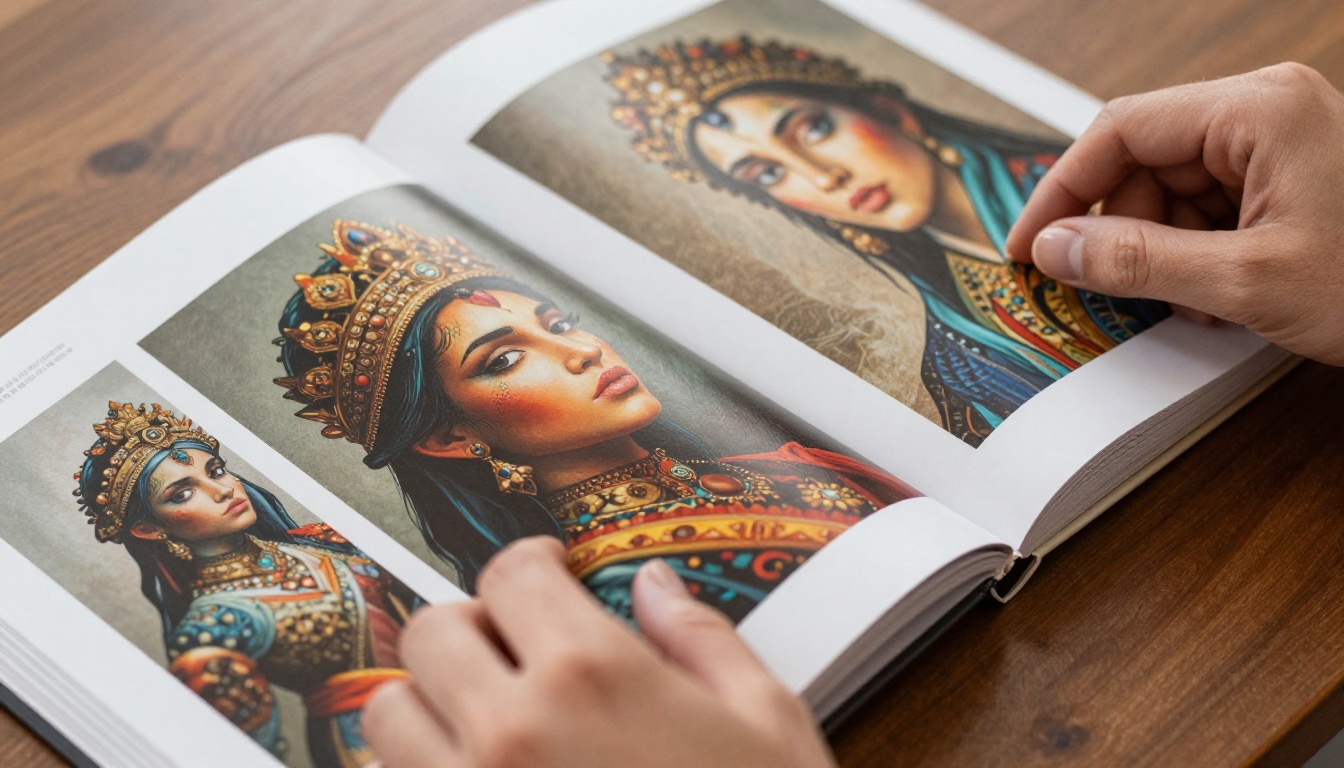
Why Static AI Art Falls Short
You put real effort into your AI art. Hours spent refining prompts, iterating on styles, building cohesive series with consistent character designs or landscapes that communicate something across 30 images. Then you share it in a Discord thread or a social media grid where every piece competes with the next for 1.5 seconds of attention.
The problem is not the art. The problem is the container.
Single Images Lose Context
A standalone AI portrait is beautiful. A 40-image series of that same character across different environments, lighting conditions, and emotional moments? That is a body of work. But viewing 40 separate image files or scrolling a grid does not communicate "body of work." It communicates "folder of stuff." Viewers need a structure that signals intention and rewards sustained attention.
Sequence Creates Meaning
Flipbooks impose sequence. Viewers move through your work in the order you chose. They cannot skip to the middle without passing through the beginning. That curatorial control is exactly what a portfolio needs to communicate artistic vision, rather than a random collection of things that happened to come from the same tool.
Best AI Art Styles for Flipbook Portfolios
Not all AI art translates equally well into a flipbook format. Some styles and series types are practically made for it.
Portrait and Character Series
A cohesive set of character portraits (same subject, different moods, lighting, or settings) reads beautifully as a flipbook. Viewers develop emotional connection to the character across pages. Midjourney excels here with its style reference and character reference parameters that maintain visual consistency across a full series without the character drifting between images.
Landscape and Environment Collections
World-building is one of AI art's strongest applications. A flipbook of a fictional landscape moving through seasons, times of day, or atmospheric conditions gives viewers the feeling of traveling through a place that does not exist. Stable Diffusion with ControlNet for composition control makes this particularly powerful for artists building elaborate fictional worlds.
Abstract and Thematic Sets
For abstract or conceptual art, a flipbook frames the work as an intentional series rather than isolated experiments. This is especially effective when there is a visual through-line: a recurring color palette, a motif that evolves, or a visible progression from one state to another. The format signals to viewers that what they are seeing was deliberate.
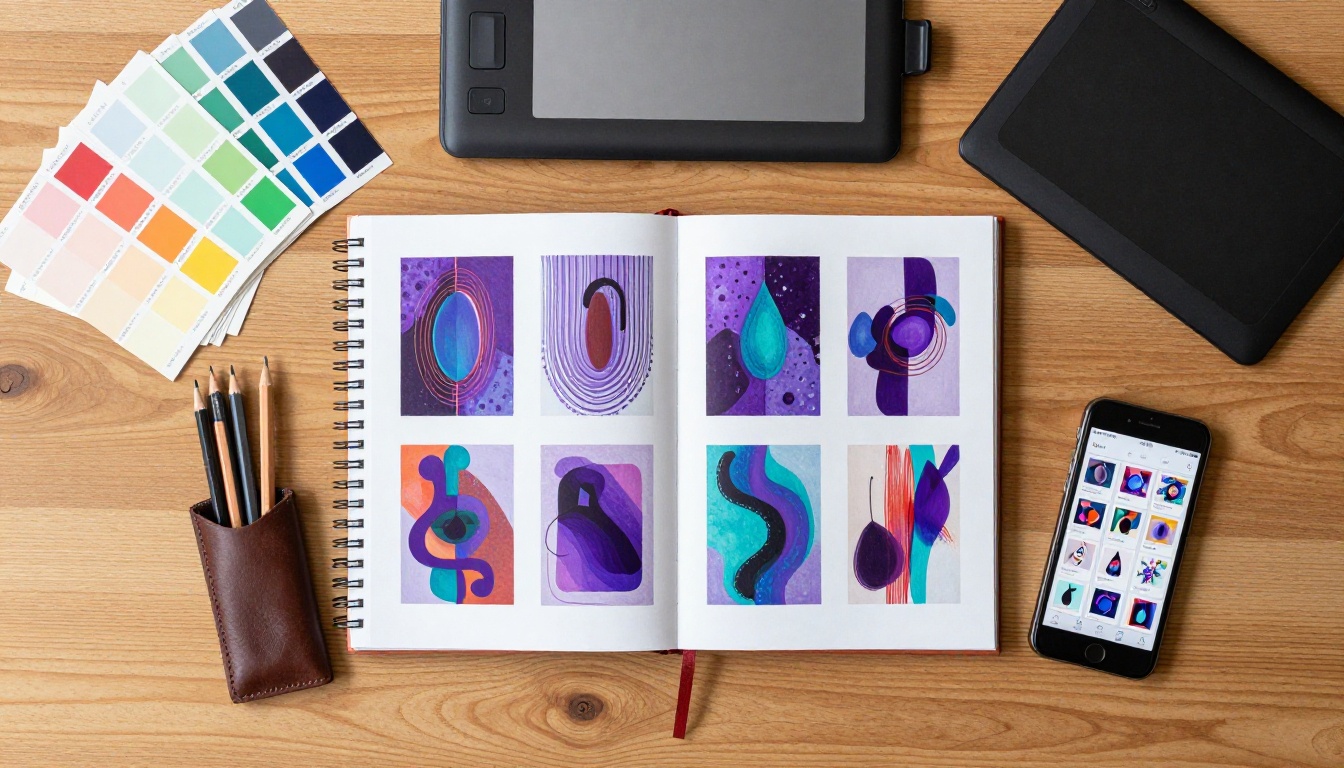
How to Turn AI Art into a Flipbook
This is simpler than most artists expect. Flipbooks AI handles the technical side completely, no design software expertise required.
Step 1 - Curate Your Best Work
Before touching any software, edit ruthlessly. A flipbook of 25 strong images is far more impressive than one padded to 60 with weaker pieces. Ask yourself whether each image adds something new, or whether it repeats what the previous one already showed.
A solid curation checklist:
- Does the set have a clear visual theme or narrative direction?
- Are the images roughly consistent in aspect ratio?
- Is there a logical start, middle, and end to the sequence?
- Does each image hold up individually as well as in context?
Step 2 - Build Your PDF
The easiest path is laying your images out in a PDF. Tools like Canva, Adobe InDesign, or even PowerPoint handle this in minutes. Place one image per page (or two per spread for a magazine-style format), export as PDF, and you are ready to upload.
💡 Match your page dimensions to your image aspect ratio for the cleanest result. If your AI art is 16:9, export your PDF at 1920x1080 pixel pages for sharp rendering.
Step 3 - Upload to Flipbooks AI
Head to Flipbooks AI and create your account. The upload process takes under two minutes:
- Click Create New Flipbook
- Drag and drop your PDF file
- Wait for automatic conversion (typically 30 to 90 seconds)
- Your flipbook is live with an instant shareable URL
The PDF to Flipbook Converter handles all the rendering automatically. Every page is processed, every image is optimized for the web, and the interactive page-turn animation is applied without any additional configuration.

Step 4 - Customize Your Flipbook
This is where Flipbooks AI separates itself from basic PDF converters. After upload, you have full control over the viewing experience:
Branding and visual options:
- Custom front thumbnail (strongly recommended over the auto-generated default)
- Logo placement and brand colors
- Custom background behind the flipbook viewer
- Personalized loading screen
Viewer experience controls:
- Page flip sound effects (on or off)
- Auto-play animation on open
- Thumbnail navigation panel
- Full-screen mode settings
- Mobile-responsive layout (automatic across all devices)
✅ Always upload a custom front thumbnail rather than using the auto-generated first page image. A strong thumbnail dramatically increases click-through when sharing the flipbook link.
Step 5 - Share, Embed, and Protect
Once live, your distribution options include:
- Direct link: A clean URL to post anywhere
- Embed code: Drop your flipbook directly into your portfolio website or Behance profile with the Embed Flipbook on Website tool
- Password protection: Lock for client reviews or private previews
- Social sharing: Built-in sharing buttons for direct distribution to major platforms

The quality of the flipbook depends heavily on the consistency of the art series you create first. Here is how the major generators compare for series-ready work:
| AI Tool | Best For | Style Consistency | Batch Generation | Free Tier |
|---|
| Midjourney | Character portraits, painterly styles | Excellent (with --cref) | Yes | No |
| Stable Diffusion | Technical control, custom styles | Excellent (with ControlNet) | Yes | Yes |
| DALL-E 3 | Narrative scenes, conceptual work | Good | Limited | Limited |
| Adobe Firefly | Commercial use, stock-safe art | Good | Yes | Yes (limited) |
| Leonardo AI | Game art, consistent characters | Very good | Yes | Yes |
Midjourney for Cohesive Collections
Midjourney produces images with a natural artistic quality that looks intentional when sequenced together. The character reference feature (--cref) maintains subject consistency across many images, which is critical for portrait-based flipbooks where a drifting character design breaks viewer immersion across pages. The main drawback is the subscription cost with no free tier available.
Stable Diffusion for Custom Workflows
For maximum control over style, subject, and composition consistency, Stable Diffusion with ControlNet is the power user choice. Using a pose skeleton, depth map, or line art as a control layer keeps compositions locked across a full series. The setup requires more technical investment, but the precision for series work is unmatched by any other tool.
DALL-E 3 for Narrative Sequences
DALL-E 3 is strongest at interpreting complex scene descriptions and generating rich narrative moments. For flipbooks that tell a story across pages (a character's journey through a fictional world, a seasonal progression, a conceptual arc from beginning to resolution) DALL-E 3's accurate prompt adherence makes it a strong choice despite its batch generation limitations.
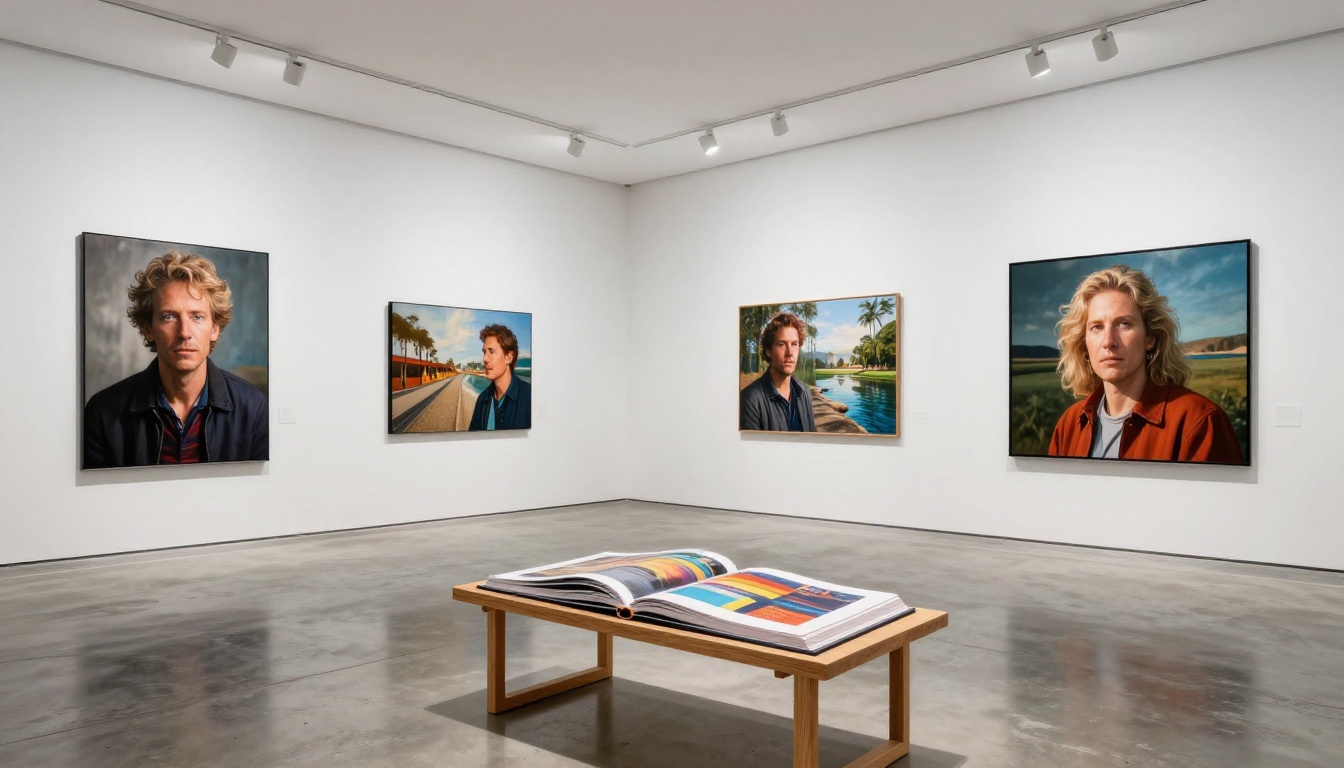
Real Uses for an AI Art Flipbook
Freelance Portfolios That Win Work
A downloadable PDF portfolio is forgettable. An interactive flipbook link? Clients remember it. When a freelance illustrator or concept artist sends a client a flipbook link, the client clicks and watches pages turn without downloading anything, without logging in anywhere. They form a clear impression of the work in a way a static PDF simply cannot replicate.
The Digital Portfolio Creator and Portfolio Flipbook Builder are built specifically for this use case, with layouts optimized for creative work. For photographers incorporating AI-generated imagery, the Photography Portfolio tool handles high-resolution files with fast loading and clean presentation.
Client Presentations and Proposals
When presenting a concept series to a client (mood boards, character design options, environmental references, visual style explorations), a flipbook elevates the professionalism of the entire presentation instantly. Password-protect it, send the link, and the client opens a polished publication rather than an email with 30 attached images to scroll through.
💡 For AI artists using generated visuals to pitch creative proposals, the Interactive Lookbook Designer delivers the editorial presentation quality that justifies higher project rates and signals serious creative intent.
Social Media and Shareable Content
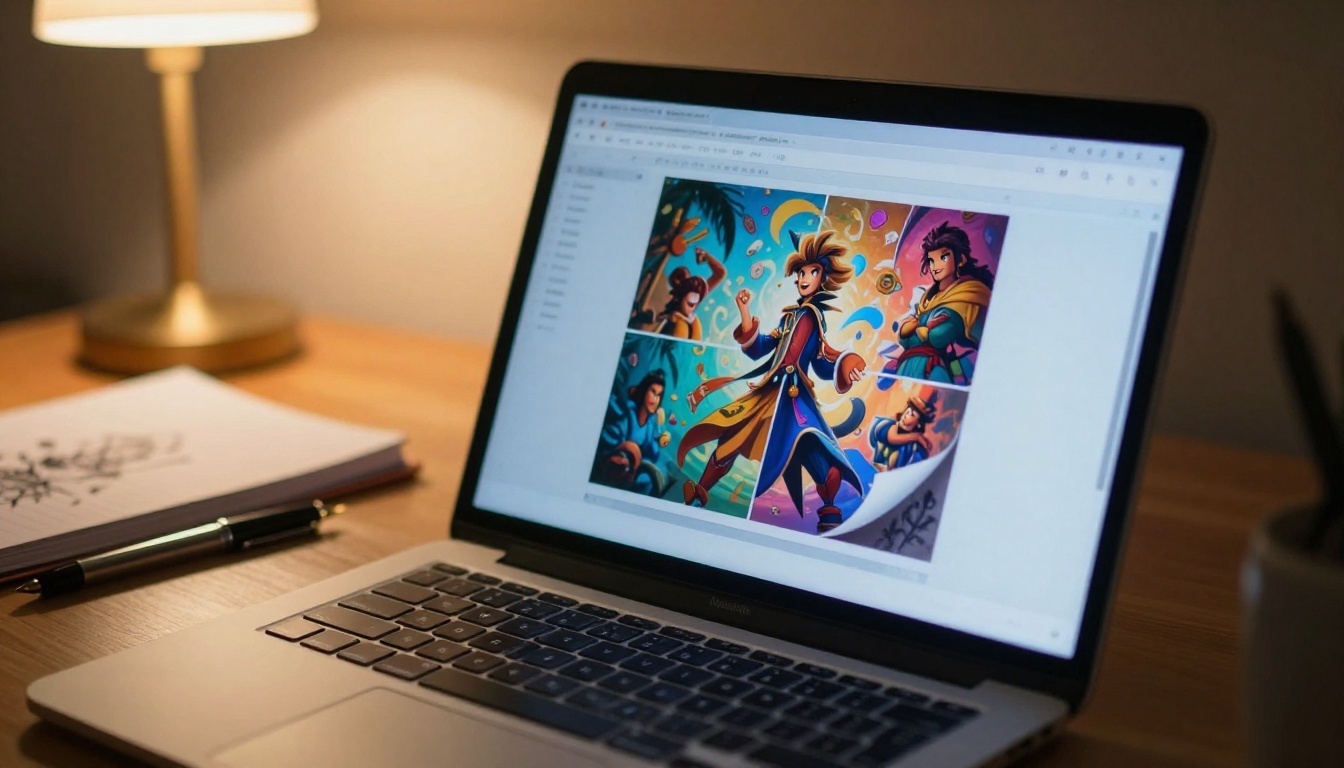
A flipbook generates a single link. That link works on any device, loads in any browser, and requires no apps. Post it to LinkedIn, X (Twitter), Behance, an Instagram bio link, or an email newsletter. The page-turning interaction is something viewers want to share with others, making flipbooks genuinely more viral than a static image post.
Flipbooks AI Features That Actually Matter
Before choosing a plan, here is a clear breakdown of what each tier includes for AI artists:
| Feature | Free | Standard | Professional |
|---|
| Flipbooks created | 3 | Unlimited | Unlimited |
| Watermark | Yes | No | No |
| Custom branding | No | Yes | Yes |
| Password protection | No | Yes | Yes |
| Analytics dashboard | No | No | Yes |
| Lead generation forms | No | No | Yes |
| Offline downloads | No | No | Yes |
| Embed videos and audio | No | Yes | Yes |
| Mobile-responsive | Yes | Yes | Yes |
⚠️ The free plan adds a Flipbooks AI watermark to all published flipbooks. For anything client-facing or professionally presented, the Standard plan removes the watermark and is the minimum worth using for serious work.
Branding That Respects Your Identity
Many flipbook tools treat branding as an afterthought. Flipbooks AI gives you configurable backgrounds, color themes, logo placement, and custom thumbnail options that are integrated into the core product rather than bolted on. For artists with a recognizable visual identity, this control makes the difference between a flipbook that feels authentically yours and one that feels like a third-party product with your images dropped in.
Analytics for the Professional Plan
The analytics dashboard shows total views, average time on page, page-by-page drop-off rates, and geographic viewer data. Knowing that viewers consistently spend time on pages 12 through 15 while dropping off at page 20 is actionable feedback. You learn which work resonates, which sequences lose attention, and how to edit future flipbooks more effectively. All plan options are visible on the pricing page.
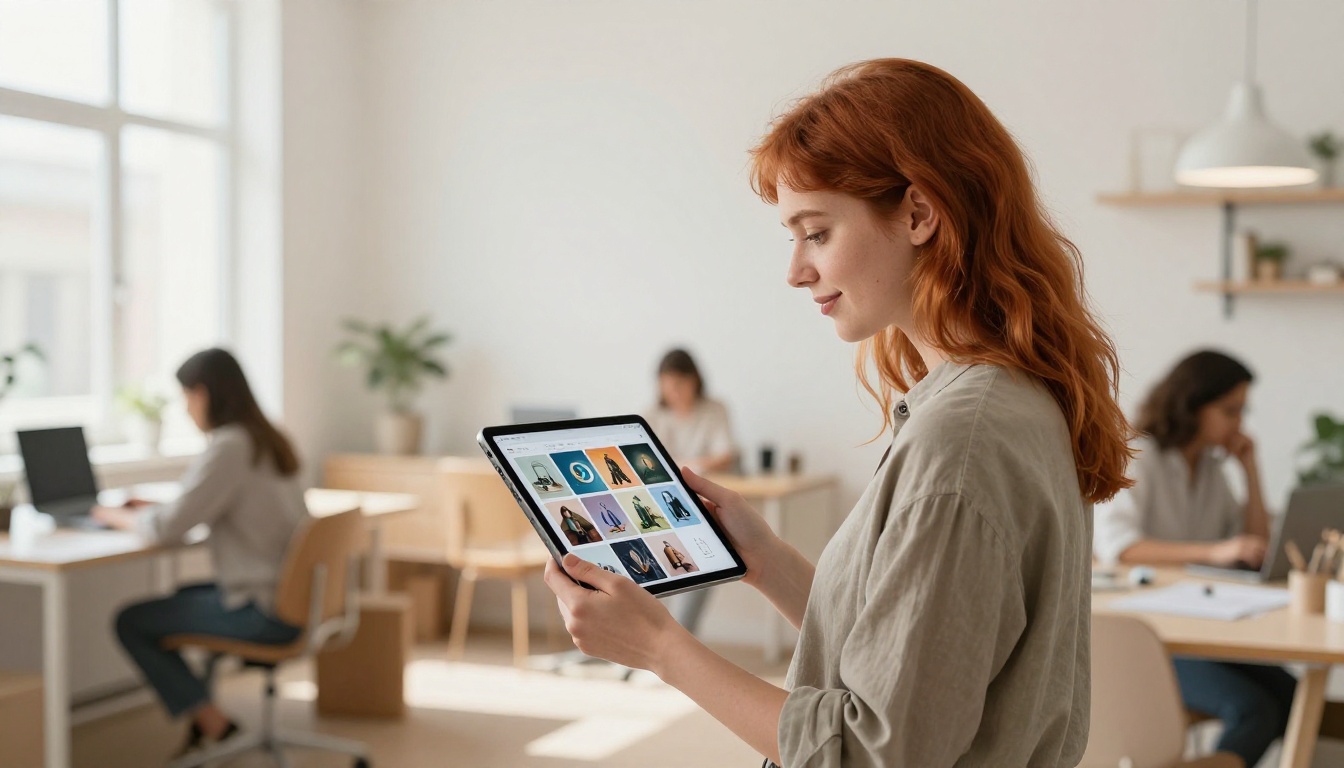
How does a flipbook actually compare to the alternatives most AI artists already rely on?
| Format | Interactivity | Shareability | Professional Feel | Cost |
|---|
| Flipbook (Flipbooks AI) | High | Very high | Very high | Low monthly |
| PDF portfolio | Low | Medium | Medium | Free |
| Image carousel (social) | Low | High | Low | Free |
| Personal website gallery | Medium | Medium | High | Medium to high |
| Behance project | Medium | High | Medium | Free |
| Google Slides deck | Low | Medium | Low | Free |
The flipbook format occupies a position no other option fills cleanly: high interactivity, effortless sharing via a single URL, and professional presentation quality that rivals a personal portfolio website at a fraction of the cost and ongoing maintenance. For AI artists who do not want to build and maintain a website but need something more polished than a social grid, this is the sweet spot.
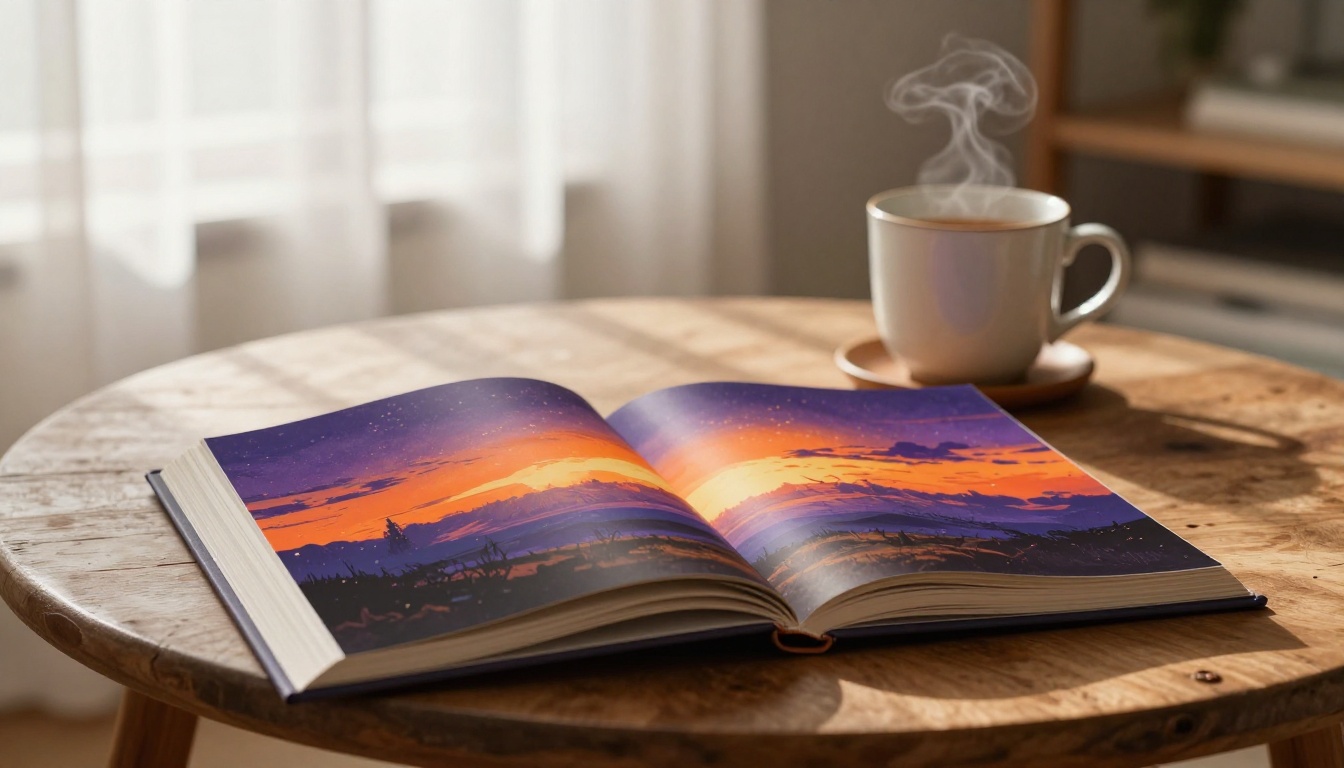
AI-generated art deserves a presentation that matches its ambition. Dropping images into a folder, sending PDF attachments, or relying on social media carousels all undersell work that took real creative effort and vision to produce. A flipbook gives your art sequence, structure, and an interactive quality that makes viewers slow down instead of scroll past.
The process is faster than most artists expect: curate your series, export a PDF, upload to Flipbooks AI, customize your branding, and share one link that works on every device with no downloads required.
For client-facing portfolios, the Digital Portfolio Creator and Portfolio Flipbook Builder are the fastest paths to a professional result. For concept artists and illustrators presenting character work or world-building series, the Interactive Lookbook Designer and Lookbook Flipbook Builder deliver the editorial quality that sets your presentation apart.
Create your first flipbook for free and see the difference firsthand. Browse all flipbook tools to find the right fit for your specific use case, or check the pricing plans to go watermark-free and access the full feature set.



