Every year, finance teams and communications departments pour months of work into annual reports. The data is accurate, the design is polished, and the message is important. Then the PDF gets emailed, downloaded exactly once, and forgotten. Flipbooks AI exists to fix that problem.
Turning your annual report into a flipbook doesn't just make it prettier. It makes it readable. Interactive. Shareable. And for the first time, measurable. This article breaks down exactly why it matters, who does it right, and how to do it yourself in under 20 minutes.
Why PDFs Are Killing Your Annual Report

The average PDF annual report is opened for less than 2 minutes. Stakeholders scroll to the financial summary, maybe glance at the chairman's letter, and close it. The design work, the photography, the narrative arc, all wasted.
The core problem is the format. PDFs are static. They offer no feedback, no interactivity, and no way to know if anyone read past page 3. For a document that represents a full year of company performance, that's a serious gap.
The attention span problem
Annual reports average 60-80 pages. On a screen, that's an overwhelming scroll or a PDF reader with tiny navigation buttons. Nobody reads it linearly, and the format gives readers no incentive to dig into deeper sections.
Boards want data, stakeholders want stories
Your board of directors needs the numbers. Your investors want the narrative. Your employees want to see the company's direction. A single static PDF can't serve all three audiences well. A well-structured flipbook with a table of contents, visual chapter breaks, and multimedia elements can.
No analytics means flying blind
When you send a PDF, you have no idea if the recipient opened it, which sections they read, or where they dropped off. That's a blind spot no communications team should accept.
What a Flipbook Annual Report Actually Looks Like
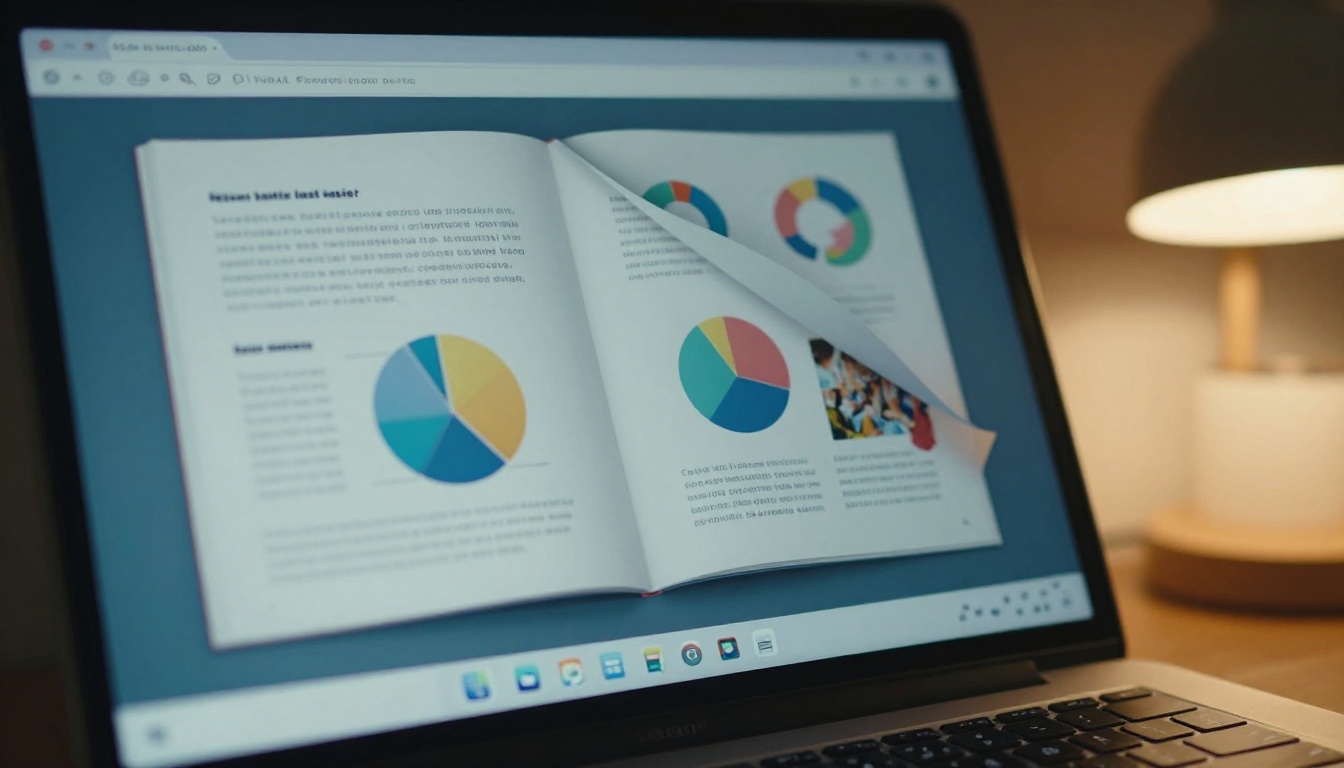
A flipbook annual report is your existing PDF reimagined as an online publication with realistic page-turn animations. Readers click or swipe through pages the way they would a physical magazine, but with additional digital capabilities layered on top.
Here's what separates a flipbook from a standard PDF viewer:
| Feature | PDF | Flipbook |
|---|
| Page-turn animations | No | Yes |
| Mobile responsive | Limited | Fully optimized |
| Embed videos/audio | No | Yes |
| Read tracking | No | Yes (Professional) |
| Password protection | Complicated | One-click |
| Custom branding | No | Full control |
| Shareable link | Download required | Instant URL |
| Embed in website | No | Yes |
| Offline access | Yes | Yes (with download) |
The difference isn't cosmetic. A flipbook annual report is a communication tool. A PDF is a file.
Real-world scenarios
- Publicly traded companies sharing investor relations content that stakeholders actually read through
- Non-profits sending annual impact reports to donors with embedded video testimonials
- Private equity firms distributing portfolio performance summaries to limited partners
- Associations publishing member-facing annual reports that reflect the organization's brand quality
The Business Case for Going Digital

Before we get into the how, let's address the question every CFO asks: what's the return on doing this?
Cost savings over print
| Report Type | Traditional Print (500 copies) | Digital Flipbook |
|---|
| Design & layout | $3,000 - $8,000 | Same PDF reused |
| Printing | $5,000 - $15,000 | $0 |
| Shipping & distribution | $1,000 - $3,000 | $0 |
| Update/reprint if errors | $2,000 - $5,000 | Instant edit |
| Analytics | None available | Included |
| Total | $11,000 - $31,000 | Under $50/month |
The math alone closes the argument. But there's a softer benefit too: the environmental optics of going paperless matter to ESG-conscious investors and stakeholders.
Reader data you can actually use
With analytics on the Professional plan, you can see:
- Which pages had the highest dwell time
- Where readers dropped off (useful for next year's report structure)
- How many unique visitors opened the report
- Lead generation from gated access
💡 One firm discovered that 73% of readers dropped off before the risk factors section. They restructured the following year's report to move the CEO letter after the financial highlights. Read rates improved significantly.
Shareable in every channel
A flipbook URL can be:
- Embedded directly on your investor relations page
- Shared in a single email line with no attachment
- Posted on LinkedIn with a preview thumbnail
- Converted to a QR code for printed materials
How to Turn Your Annual Report into a Flipbook

This is where most articles add unnecessary complexity. The process is genuinely simple.
Step 1: Create your account
Go to Flipbooks AI and create a free account. No credit card required to start. You'll be in the dashboard in under 60 seconds.
Step 2: Upload your PDF
Click New Flipbook, then drag and drop your annual report PDF directly into the uploader. The Annual Report Creator tool is purpose-built for this use case. Conversion typically takes 30-90 seconds depending on page count.
⚠️ Before uploading, make sure your PDF is print-ready quality (300 DPI minimum). Low-resolution PDFs produce blurry flipbook pages that undermine your brand.
Step 3: Apply your branding
Once converted, open the customization panel. Here you can:
- Upload your company logo (appears in the header/footer)
- Set brand colors for the reader chrome and navigation buttons
- Choose a background texture or color for the reading environment
- Toggle page-turn sound on/off
✅ Match your flipbook's interface colors exactly to your annual report's primary brand palette. Stakeholders notice the consistency.
Step 4: Add multimedia
This is where flipbooks separate from PDFs entirely. On relevant pages, you can embed:
- Videos: CEO address, factory tours, product demos
- Audio: Chairman's letter read aloud, investor call recordings
- Links: Click-through to specific pages on your IR website, footnote sources, or contact forms
Step 5: Configure sharing and access
Before publishing, set your access preferences:
| Access Mode | Best For |
|---|
| Public URL | General stakeholder distribution, social sharing |
| Password protected | Board materials, LP-only reports |
| Embed on website | Investor relations page integration |
| Lead gate | Capturing contact info before report access |
The Corporate Report Maker tool includes all four options directly from the settings panel.
Step 6: Publish and distribute
Click Publish. You'll receive:
- A direct shareable URL
- An embed code snippet for your website
- A QR code for printed materials
Share the link via email, post it to LinkedIn, or embed it on your IR page. Done.
Customization That Reflects Your Brand
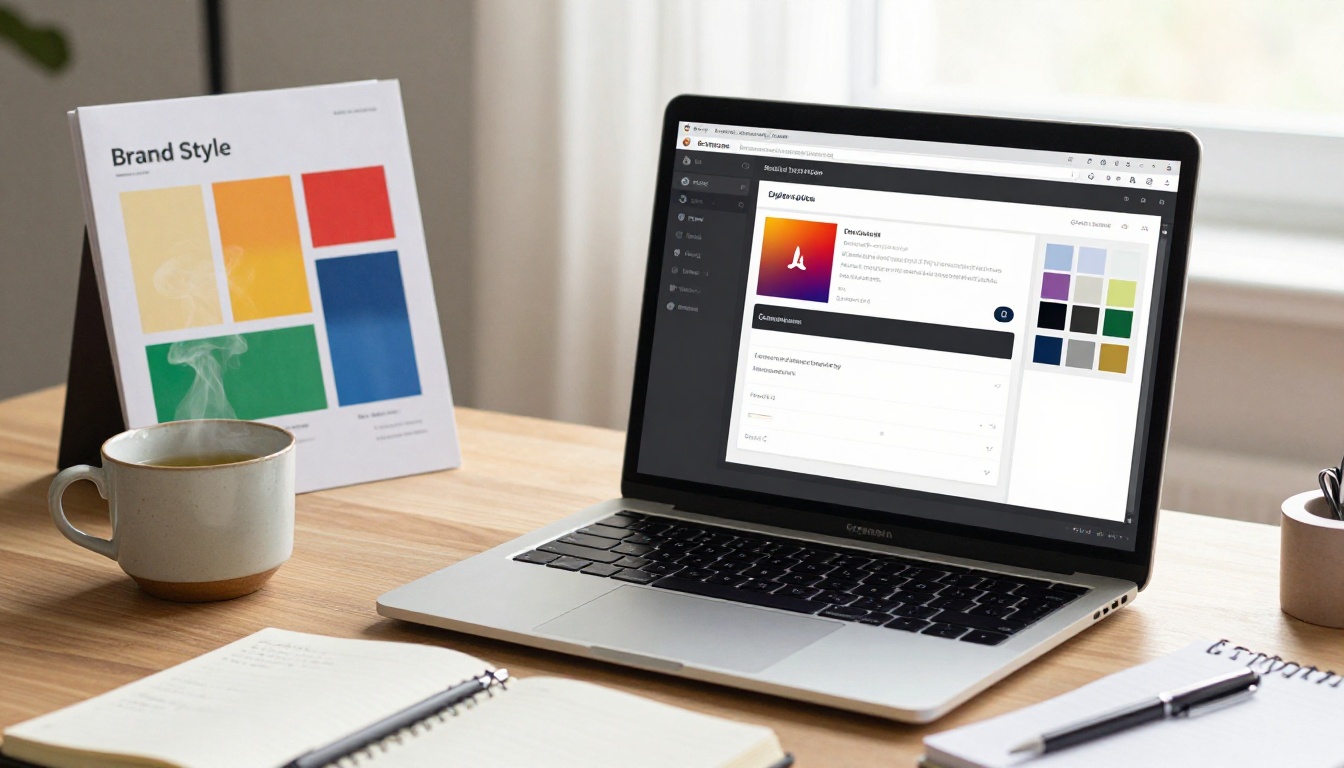
Annual reports are brand documents as much as financial ones. The quality of your report's presentation signals something about how your organization operates.
What you can control
- Logo placement: Top left, top center, or custom position
- Reader background: Solid color, gradient, or custom image
- Navigation controls: Color, style, position
- Table of contents: Auto-generated from PDF bookmarks
- Loading screen: Custom branded splash page
- Font rendering: Maintains your PDF fonts exactly
💡 Companies with strong investor relations brands use a dark background, creating a premium editorial feel similar to luxury print publications.
White-label options
On the Professional plan, you can remove all Flipbooks AI branding completely. The flipbook appears as your own proprietary platform, which matters when distributing to sophisticated institutional investors.
Making Your Report Mobile-First

Over 60% of corporate email is opened on mobile devices. If your annual report isn't readable on a phone without pinching and zooming, you're losing the majority of your audience before they've read the first paragraph.
Flipbooks AI automatically optimizes every flipbook for mobile. Pages reflow for smaller screens, touch swipe replaces click, and the navigation is thumb-friendly. No separate mobile version to manage.
Responsive behavior by device
| Device | Experience |
|---|
| Desktop | Full two-page spread, mouse-click page turn |
| Tablet | Single-page or two-page, touch swipe |
| Mobile | Single-page, swipe navigation, thumb-friendly controls |
All three experiences draw from the same published URL. No separate mobile build required.
Analytics: Knowing Who Actually Read It

This is the feature that changes how IR and communications teams think about report distribution.
With analytics enabled on the Professional plan, you get a dashboard showing:
- Total opens: How many times the flipbook was accessed
- Unique readers: Individual viewer count
- Time per page: Which pages received the most reading time
- Drop-off points: Where readers typically stop
- Geographic data: Where your readers are located
- Session duration: Average reading time per visit
Using data to improve next year's report
The numbers tell you things that reader surveys never will. If page 12 (your risk factors section) has a 90% drop-off rate, that's structural feedback. If the CEO letter on page 4 holds attention for an average of 4 minutes, that's content working exactly as intended.
✅ Share the analytics report with your IR team, board, and design agency before starting next year's report production. Data-driven report design produces measurably better results.
Comparing Report Distribution Options

Not all digital annual report solutions are equal. Here's how the main options compare:
| Method | Cost | Analytics | Interactivity | Mobile | Brand Control |
|---|
| PDF email attachment | Free | None | None | Poor | Full |
| Hosted PDF on website | Free | Basic (page views) | None | Poor | Full |
| Flipbook (Standard) | Low | Basic | Page-turn, links | Excellent | High |
| Flipbook (Professional) | Moderate | Full | Video, audio, lead gen | Excellent | Complete |
| Custom microsite | High ($10k+) | Custom | Full | Varies | Full |
For 95% of organizations, the Professional flipbook plan delivers microsite-level results at a fraction of the cost and none of the development time.
The Report Flipbook Creator and Non-Profit Annual Report tools are designed for specific organizational contexts. Here's a quick reference:
Each tool includes templates and pre-configured settings that match the specific use case, saving your team significant setup time.
The Premium Signal of a Well-Presented Report

There's a reason physical annual reports still feel premium. The tactile experience of turning a thick, well-printed page signals quality. A flipbook recreates exactly that experience in digital format, with the added layer of interactivity that print can never offer.
The page-turn animation isn't just cosmetic. It mimics a behavior readers associate with high-quality publications, creating an instinctive sense of investment. When stakeholders open your flipbook, the first page turn signals: this organization takes presentation seriously.
That impression matters. Particularly for investor relations, where the quality of communication materials is read as a proxy for the quality of management.
What institutional investors actually notice
Sophisticated investors and analysts receive hundreds of annual reports. The ones that stand out aren't necessarily the ones with the best numbers. They're the ones that communicate clearly, load quickly, and work on whatever device the reader happens to be using at 7am.
A flipbook that loads instantly, works on mobile, includes a clickable table of contents, and features a CEO video address is a different category of communication than a 12MB PDF attachment.
Pricing: What Does It Actually Cost
Flipbooks AI pricing is structured around volume and feature access:
| Plan | Flipbooks | Analytics | White Label | Lead Gen | Price |
|---|
| Free | 1 | No | No | No | $0 |
| Standard | Unlimited | Basic | No | No | Low monthly |
| Professional | Unlimited | Full | Yes | Yes | Moderate monthly |
For annual reports specifically, the Professional plan is worth the investment. The analytics alone justify the cost for any IR or communications team that wants to show readership metrics to leadership.
💡 Many organizations publish their annual report in Q1 and upgrade to Professional just for the two months of peak distribution, then return to Standard. The platform supports plan changes without data loss.
Your Annual Report, Actually Read
Annual reports represent significant organizational effort. They deserve a distribution format that matches that effort. A PDF sitting in an email attachment is a document. A flipbook is a communication.
The organizations that move to interactive digital annual reports consistently see higher stakeholder readership, better feedback from institutional investors, and stronger internal pride in the publication.
Ready to make that shift? Create your account on Flipbooks AI and upload your first annual report PDF in minutes. The Annual Report Creator tool handles everything from conversion to customization to analytics setup.
Compare pricing plans and pick the one that fits your distribution needs. Browse all available tools and templates for every corporate publication format your organization needs.
Your stakeholders are ready to read something worth reading. Give them that.



