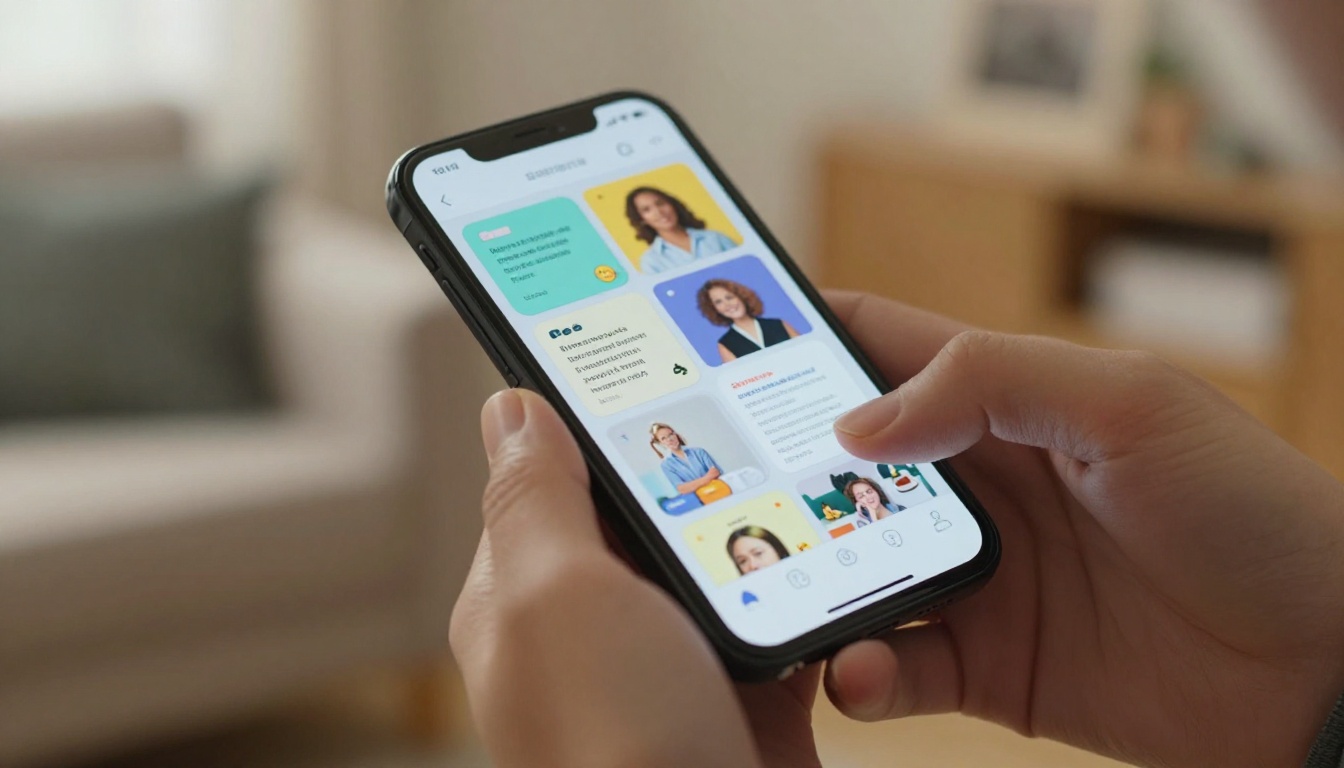
Most babysitters never get a second look from parents — not because they lack experience, but because their profile looks exactly like everyone else's. A few lines of text, maybe a profile picture, a list of ages they've worked with, and a rate. That's it. Parents scroll past it without a thought.
A babysitting flipbook changes that. Instead of a static bio floating on a screen, you give parents a living, interactive document they can actually flip through — one with dedicated pages for your experience, photos, references, rates, and even a short personal intro. Flipbooks AI makes this possible in minutes, no design skills required.
This is the gap that most babysitters in the childcare market are missing. While everyone else submits the same bland text profile, you show up with something that feels considered, professional, and genuinely trustworthy.
Why Your Babysitting Profile Isn't Getting Responses
The Flat Profile Problem
Most babysitting platforms and freelance listings push you into a rigid template. You get a few text boxes, an avatar, maybe a star rating from your last family. The format makes every babysitter look identical, which means parents have to make gut decisions with almost no real information.
The problem isn't your experience. It's the format. Text alone can't convey warmth, patience, or personality — the three qualities parents care about most when leaving their children with someone.
Think about what a parent is actually doing when they browse sitters. They're trying to reduce uncertainty. They want to feel something — a sense of connection, proof of competence, reassurance that this person is safe. A wall of text doesn't do any of that.

What Parents Are Really Looking For
When a parent opens your profile, they're answering three questions in under ten seconds:
- Does this person seem trustworthy?
- Do they have relevant experience with kids my child's age?
- Is there enough here to make a decision?
Most babysitter profiles fail on question three. There's just not enough substance. A flipbook solves this by giving you the space to build a real picture of who you are, across multiple pages, with real context.
💡 Parents who spend more time on a profile are far more likely to reach out. Your goal is to give them reasons to keep reading.
What a Babysitting Flipbook Looks Like
A babysitting flipbook is a PDF you've designed to act as your professional childcare portfolio, then converted into an interactive, page-turning digital document using a platform like Flipbooks AI. When parents open it, they see something that feels polished and deliberate. That first impression matters enormously.
Pages That Signal Professionalism
A well-structured babysitting flipbook typically includes these sections:
| Page | Content | Purpose |
|---|
| Cover | Your name, photo, tagline | First impression, immediate recognition |
| About Me | Bio, personality, childcare philosophy | Builds personality connection |
| Experience | Years, age groups, certifications | Establishes credibility fast |
| Services | What you offer (overnight, homework help, etc.) | Helps parents match their needs |
| Rates | Clear pricing structure | Removes the awkward money conversation |
| References | Testimonials from past families | Social proof that converts |
| Contact | How to reach you, availability calendar | Removes friction from hiring |
This structure tells parents everything they need to know in one smooth reading experience. Nothing is buried. Nothing requires follow-up messages just to get basic information.

Your Credentials, Front and Center
One of the biggest conversion problems in babysitting profiles is buried credentials. You might have CPR certification, early childhood education coursework, years of nanny experience — but if it's listed in the fifth paragraph of a text block, it barely registers.
In a flipbook format, you can dedicate an entire page to your certifications, complete with visual icons, dates, and issuing organizations. It looks deliberate. It looks thorough. That changes how parents assess your professionalism entirely.
✅ List certifications as a visual grid rather than a text list. Logos or badge-style icons for CPR, First Aid, and Early Childhood credentials carry more weight visually.
How to Build Your Flipbook on Flipbooks AI
Flipbooks AI is the simplest way to take a PDF babysitting profile and turn it into an interactive digital flipbook. You don't need a design background. You don't need to buy expensive software. You just need your content ready and a free account.
Step 1 - Design Your PDF Profile
Before uploading, build your babysitting profile as a PDF. Use any tool you're comfortable with: Canva, Google Slides, or even Word. Structure it around the page outline above. Keep fonts clean and readable. Use real photos of yourself in childcare settings, not stock photos, as parents can tell the difference immediately.
A strong profile PDF will typically be 6-10 pages. One topic per page. Generous white space. High contrast text. Focus on readability over decoration.

Step 2 - Upload and Convert
Once your PDF is ready, create an account on Flipbooks AI and upload your file. The platform converts it into a fully interactive flipbook in seconds. Pages animate with a realistic page-turn effect. The document becomes mobile-responsive automatically.
The PDF to Flipbook Converter handles files of any size and preserves your original formatting exactly. No re-formatting needed after upload.
Step 3 - Customize Colors and Branding
After conversion, you can customize the flipbook to match your personal brand. If you've already chosen a color palette for your babysitting business, even something as simple as soft teal and white, apply it here. You can also add your name as a header element and adjust the viewer background.
Key customization options on Flipbooks AI:
- Custom branding on the viewer interface
- Password protection for profiles you only share with specific families
- Custom domain linking for professional positioning
- Analytics to see who opened your flipbook and how long they spent on each page (available on the Professional plan)
💡 Use analytics to track which page parents spend the most time on. If they're lingering on your rates page, your pricing may need clarification.
Step 4 - Share It and Get Hired
Once published, Flipbooks AI gives you a shareable link you can drop anywhere: babysitting platform bios, text messages to interested families, email signatures, or social profiles. You can also embed your flipbook directly on a personal website if you have one.
The link opens in any browser without requiring downloads or plugins. Parents on mobile see the same polished experience as desktop users.

What to Put on Each Page
Your Bio and Childcare Philosophy
Your bio page should answer three things in roughly 150 words: who you are, why you work with children, and what parents can expect from you. Don't just list facts. Share a perspective.
Weak bio example:
"I have 3 years of babysitting experience. I am reliable and responsible. I enjoy working with children of all ages."
Strong bio example:
"I've been working with kids since I was sixteen, starting with my younger cousins and building from there. What I love most about childcare is the way small routines — a consistent snack time, the same bedtime song — give children a sense of safety. I bring that structure to every family I work with."
The second version communicates values, experience, and personality. It gives parents something to respond to.
Experience, Age Groups, and Special Skills
Your experience page should be specific and scannable. Use a table organized by age group and service type:
| Age Group | Experience | Notable Skills |
|---|
| Infants (0-12m) | 1 year | Bottle feeding, sleep routines, infant CPR |
| Toddlers (1-3y) | 3 years | Potty training support, language development activities |
| Preschool (3-5y) | 4 years | Educational play, behavioral consistency, arts and crafts |
| School-age (6-12y) | 2 years | Homework help, after-school activities, meal prep |
This format makes it immediately obvious whether you're the right fit for a family's child. Parents with infants aren't guessing whether you've held a baby before.

Rates, Services, and Availability
Pricing conversations are awkward when they happen in real-time. A rates page in your flipbook eliminates that entirely. Lay out your structure clearly:
| Service | Rate | Notes |
|---|
| Standard babysitting (up to 3 kids) | $18/hr | Evening and weekend availability |
| Overnight stays | $120/night | Per booking, not per child |
| Homework help sessions | $22/hr | Ages 6-12, up to 2 hours |
| Last-minute bookings | $25/hr | Less than 24hr notice |
| Holiday rate | $28/hr | All federal holidays |
When parents can see this at a glance, there's no negotiation friction. They either fit within your rates or they don't, and both of you save time.
⚠️ Always add a short note about your cancellation policy on this page. It sets professional expectations before the first booking.
Flipbook vs. Standard Profile
The difference between a babysitting flipbook and a standard platform profile isn't subtle. Here's a direct comparison:
| Factor | Standard Platform Profile | Babysitting Flipbook |
|---|
| Format | Text-only template | Multi-page visual document |
| Length | 100-300 words | 6-10 designed pages |
| Photos | One avatar image | Multiple contextual photos |
| Rates | Single hourly number | Full pricing table with conditions |
| References | Star ratings only | Written testimonials with names |
| Certifications | Text mention | Visual badges on dedicated page |
| Shareability | Platform link only | Shareable anywhere, embeddable |
| Analytics | None | Page-level view data (Pro plan) |
| Impression | Generic | Professional, personalized |
| Conversion | Low-effort, low-trust | High-effort, high-trust |
The flipbook format doesn't just show more information. It signals a level of care and professionalism that parents read immediately as trustworthiness.
Photos and Testimonials That Build Trust
The Right Photos Make the Difference
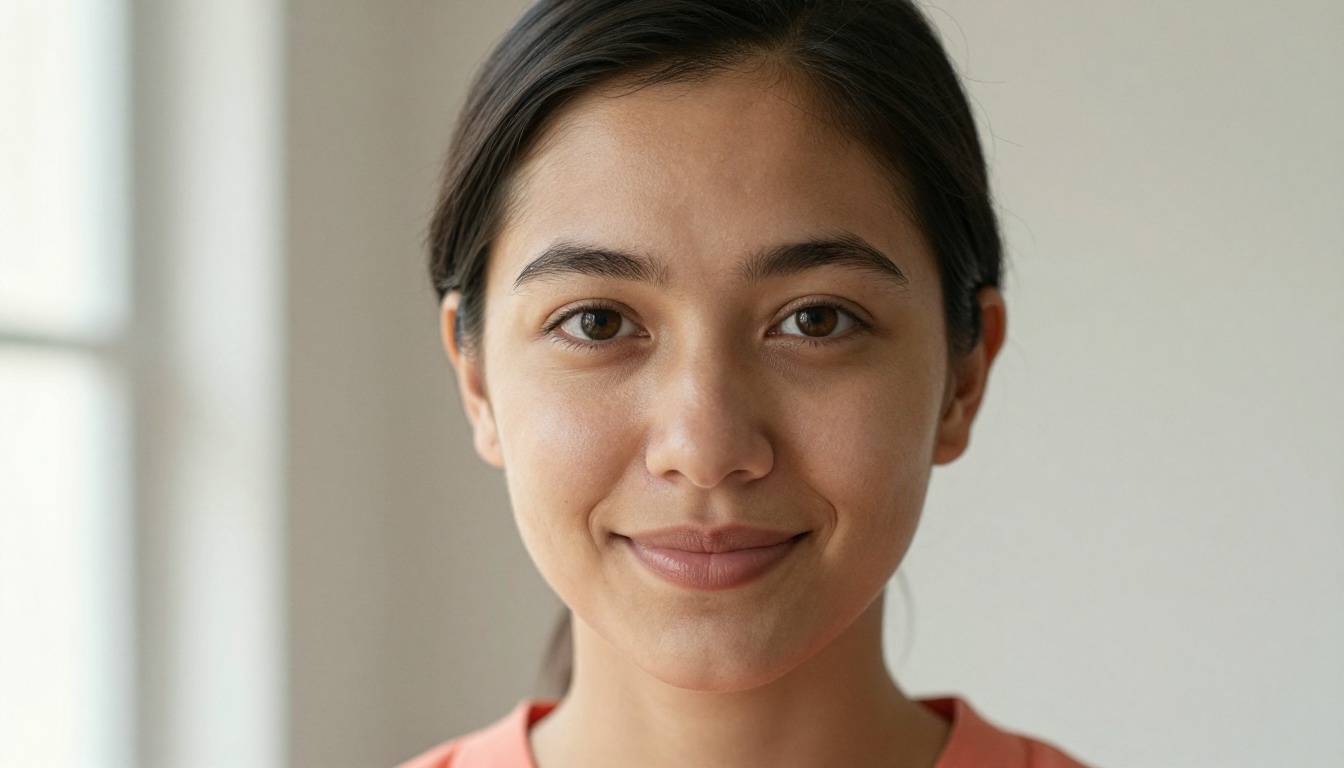
Photos are the most trust-building element in your entire flipbook. Parents look at them first and form a judgment before reading a single word. That means your photo selection matters as much as your written content.
Photos that work well in a babysitting flipbook:
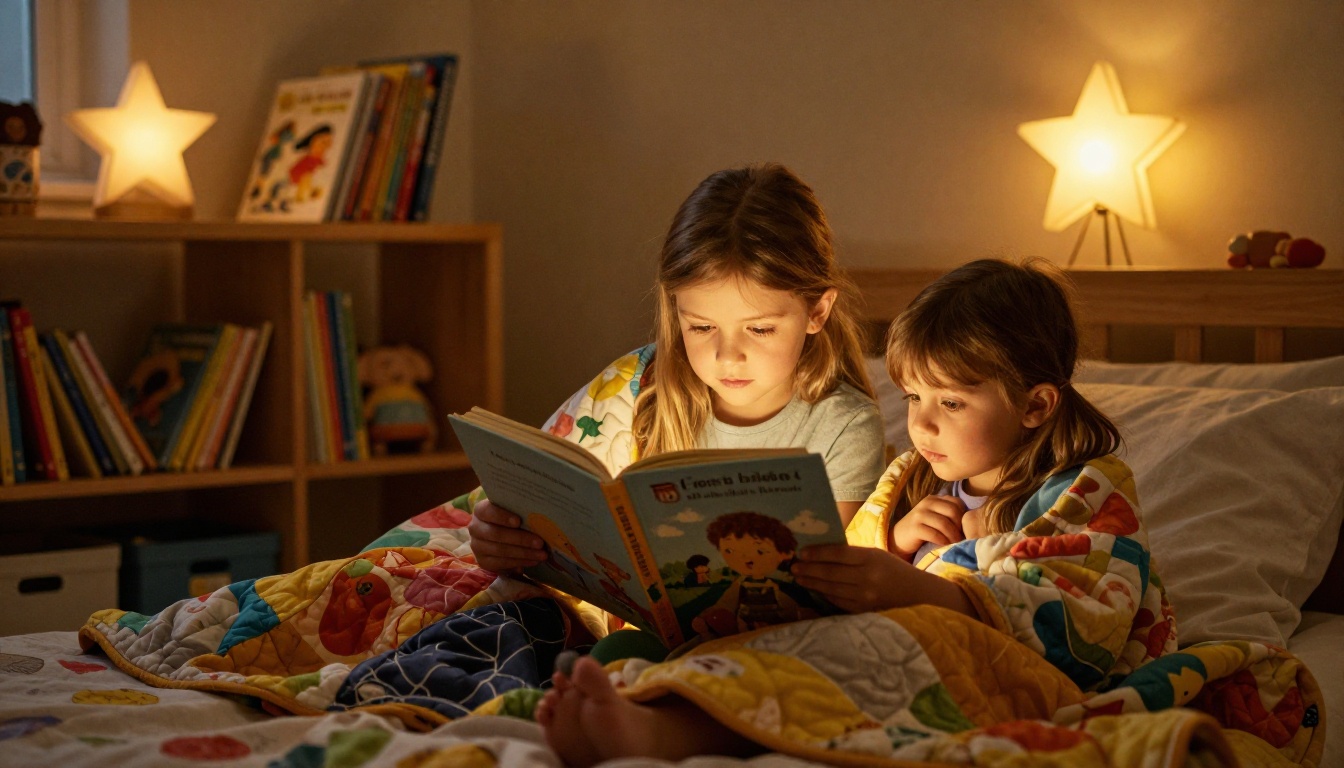
- You reading with children (shows engagement and patience)
- Outdoor activity shots (shows energy and active care)
- Arts and crafts sessions (shows creativity and structured play)
- Calm moments like bedtime routines or story time (shows nurturing side)
Photos to avoid:
- Club or social photos with heavy editing
- Blurry or low-light images
- Headshots alone, those belong only on the cover page
- Anything that doesn't directly relate to childcare
Always get written permission from families before including photos of their children in your profile.
Testimonials That Actually Convert
Not all testimonials are equal. A line like "She was great with our kids!" is nice but vague. Testimonials that actually move parents toward booking are specific and personal.
Weak testimonial:
"We loved having her babysit. Very reliable."
Strong testimonial:
"She babysat our twins (4 years old) twice a week for six months. They asked for her by name every Friday. She handled tantrums calmly, stuck to our bedtime routine, and always left the kitchen cleaner than she found it. Absolutely recommend her."
When collecting references, ask families to mention the child's age, the duration of the arrangement, and one specific behavior or moment they appreciated. That specificity is what converts.
💡 Include the family's first name and neighborhood (with permission) for added authenticity. "Sarah, parent of two, downtown Chicago" reads more credibly than an anonymous review.

Your First Hire Starts Here
The babysitting market is crowded, but it's not competitive in the way most sitters think. The competition isn't about who has more experience. It's about who communicates their value most clearly and builds trust fastest. A flipbook does exactly that.
It takes the same information every babysitter has — experience, rates, references, a photo — and presents it in a format that says: I take this seriously. That message alone gets you responses that bland text profiles never will.
Start by outlining your seven pages, build your PDF, and upload it to Flipbooks AI to bring it to life. The whole process takes a few hours the first time. After that, you update one PDF file and re-upload — your live flipbook reflects the changes instantly.
If you're ready to move beyond a text profile, browse all the tools available on Flipbooks AI, including the Digital Portfolio Creator and the Portfolio Flipbook Builder, both of which work well for professional freelancer profiles in childcare and beyond.
Compare pricing plans to find the right tier. The Standard plan gives you unlimited flipbooks with no watermarks, and the Professional plan adds analytics, lead generation, and offline downloads for babysitters building a serious client base.
Get started for free and make your babysitting profile the one parents actually remember.