Your coffee shop menu is more than a list of drinks. It is a sales tool, a brand statement, and often the first real interaction a customer has with your space. So why are so many cafes still handing out laminated cards that curl at the edges, or pointing people toward a static PDF nobody wants to download? There is a better way, and it takes less than 10 minutes to set up with Flipbooks AI.
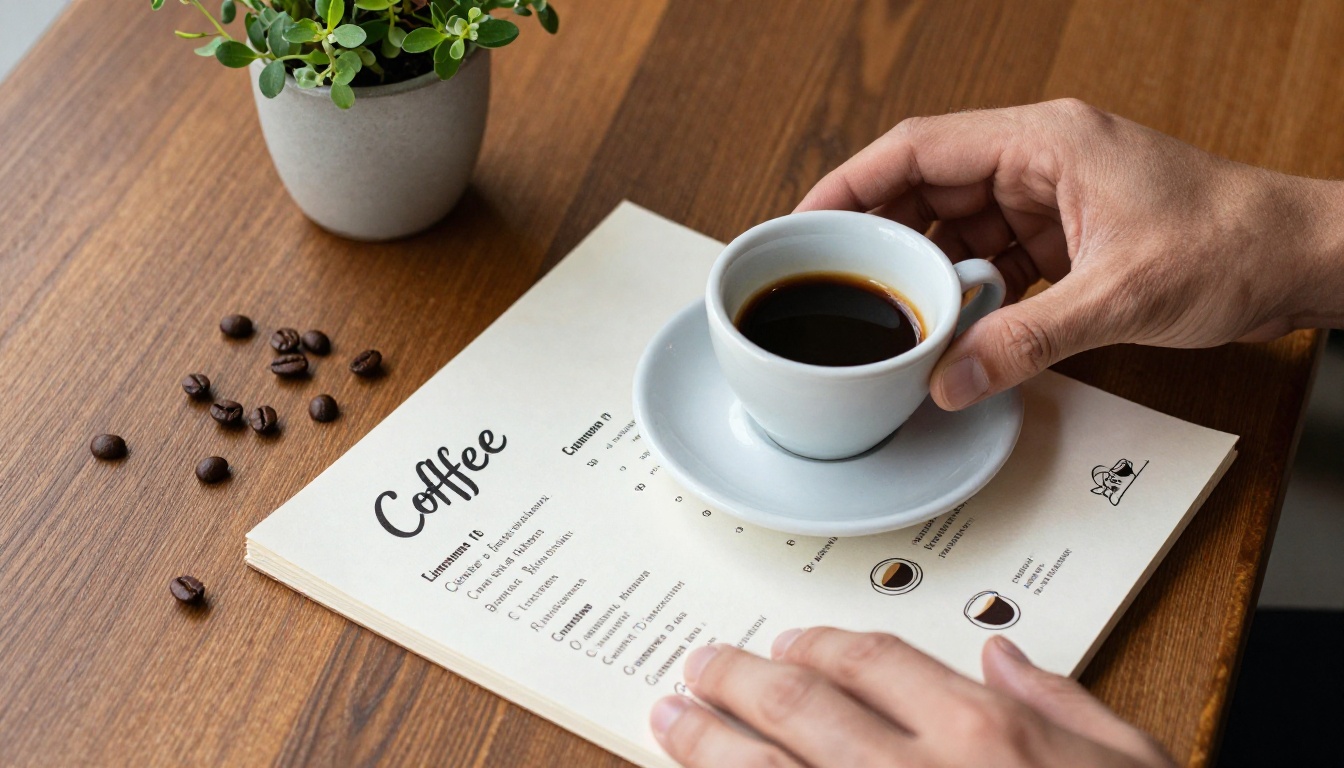
Most coffee shop menus fall flat because they are designed to be printed, not experienced. A folded tri-panel card barely gets a glance. A PDF link in an Instagram bio gets ignored. Neither tells your story, shows off your seasonal specials visually, or adapts when you change your prices.
Here is what actually happens when customers cannot engage with your menu:
- They order the same thing instead of trying new drinks
- They miss seasonal specials because there is no visual call-out
- They never share your menu because there is nothing shareable about a flat document
- You reprint constantly every time something changes, at real cost
The fix is not a fancier PDF. It is a digital flipbook that looks and feels like a real magazine, one customers actually want to scroll through on their phone.
What a Coffee Shop Flipbook Actually Looks Like
A flipbook menu is a digital publication with realistic page-turning animations. Think of a beautifully photographed coffee magazine that customers can flip through on their phone, tablet, or laptop. With Flipbooks AI, you upload your existing menu PDF and it becomes an interactive experience in minutes.
Here is how a digital flipbook compares to a static PDF at a glance:
| Feature | Static PDF | Digital Flipbook |
|---|
| Page-turning animation | No | Yes |
| Mobile-responsive | Partial | Fully responsive |
| Embeddable on website | No | Yes |
| Shareable link | Download required | Direct URL |
| QR code ready | No | Yes |
| Update without reprinting | New file required | Instant |
| Analytics tracking | No | Yes (Professional) |
| Password protection | No | Yes |
The Real Benefits for Small Coffee Businesses
Independent cafes compete with chains that have massive marketing budgets. A polished digital menu flipbook levels that playing field without a massive investment. Here is where it actually moves the needle.
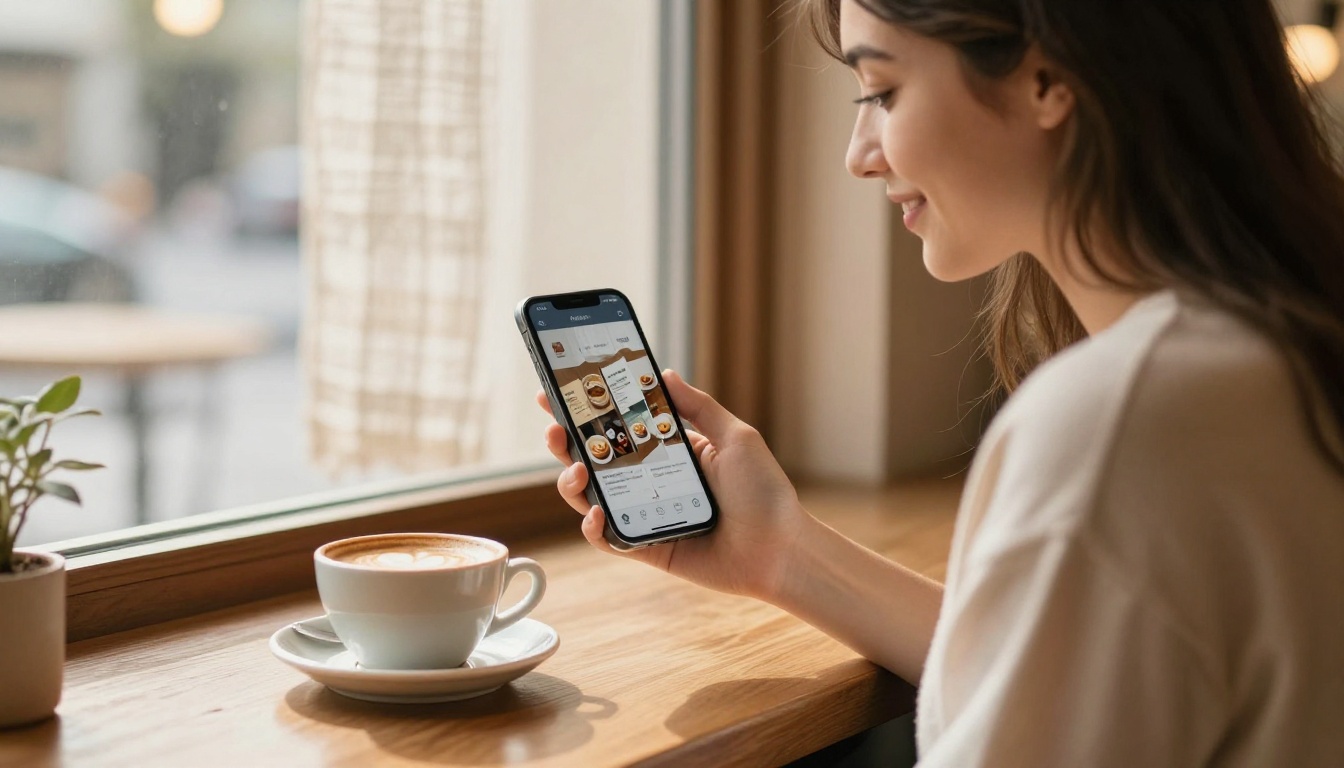
Customer experience at the table. Instead of handing someone a sticky laminated card, you share a QR code that opens a beautiful flipbook. Customers flip through it at their own pace, zoom into drink photography, and feel like they are interacting with something premium.
Online ordering and takeout. Your flipbook URL works perfectly in Google Business Profile, on your website, and in your Instagram bio. Customers planning their order before arriving have a richer experience than reading a plain text list, and they are more likely to try something new.
Seasonal menu rollouts. You create a new PDF, upload it, and your existing link stays live with the updated content. No reprinting. No new QR codes. No cost per update.
Catering and events. A Menu Flipbook Designer gives you a professional presentation for corporate catering proposals, pop-up events, and food festivals. You email a link instead of attaching a heavy file, and it opens cleanly on any device.
How to Create Your Coffee Shop Flipbook with Flipbooks AI
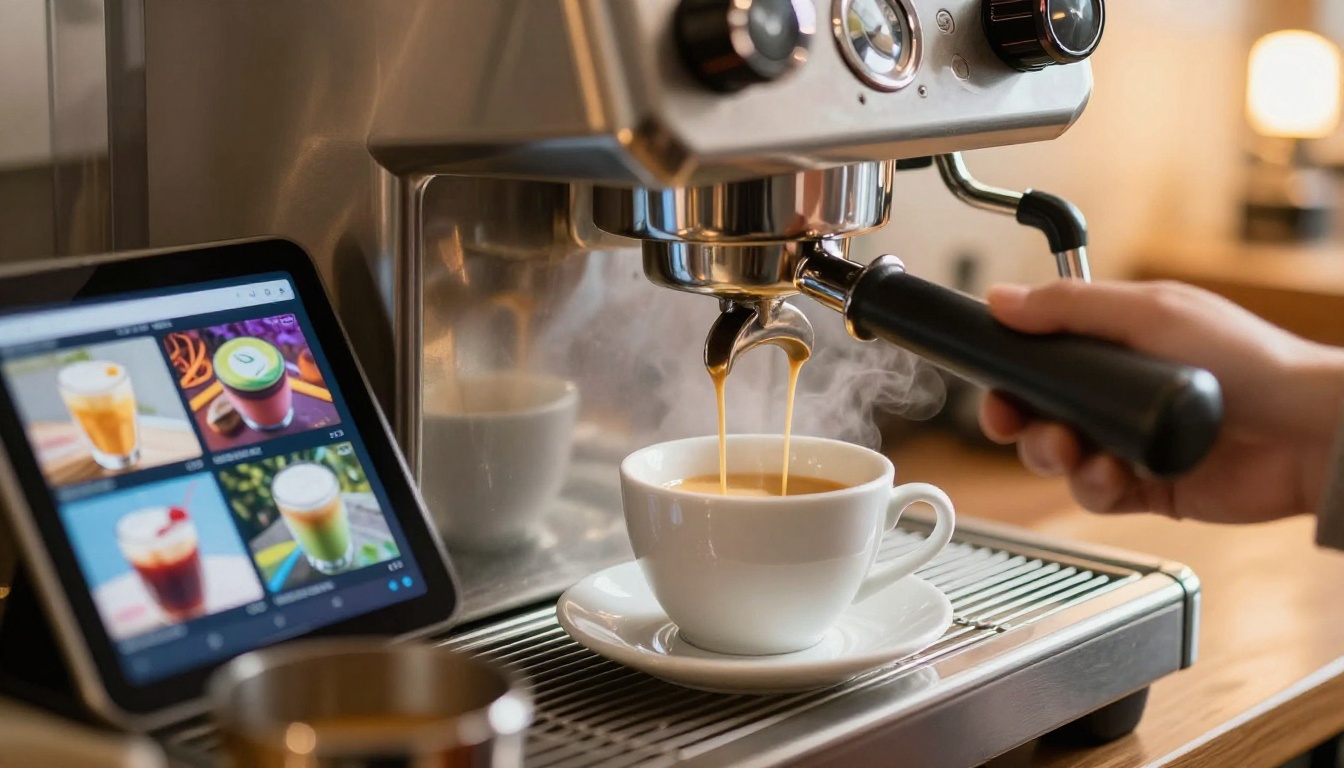
The process is simpler than most people expect. Here is exactly how to go from a PDF to a live, shareable flipbook menu.
Step 1: Design a Strong Menu PDF
Before uploading anything, your menu PDF should be visually solid. Use high-contrast photography, clear typography, and consistent branding. Tools like Canva, Adobe InDesign, or Google Slides all export clean PDFs that work perfectly.
💡 Use a 16:9 landscape format for the best flipbook presentation. Portrait works too, but landscape gives each drink more visual breathing room across the page spread.
Step 2: Create Your Free Account
Go to Flipbooks AI and create your account. No credit card required to get started.
Step 3: Upload and Convert
Click "Create Flipbook" and upload your menu PDF. The conversion takes under 60 seconds. Your menu immediately becomes a page-flipping digital publication with smooth, satisfying animations.
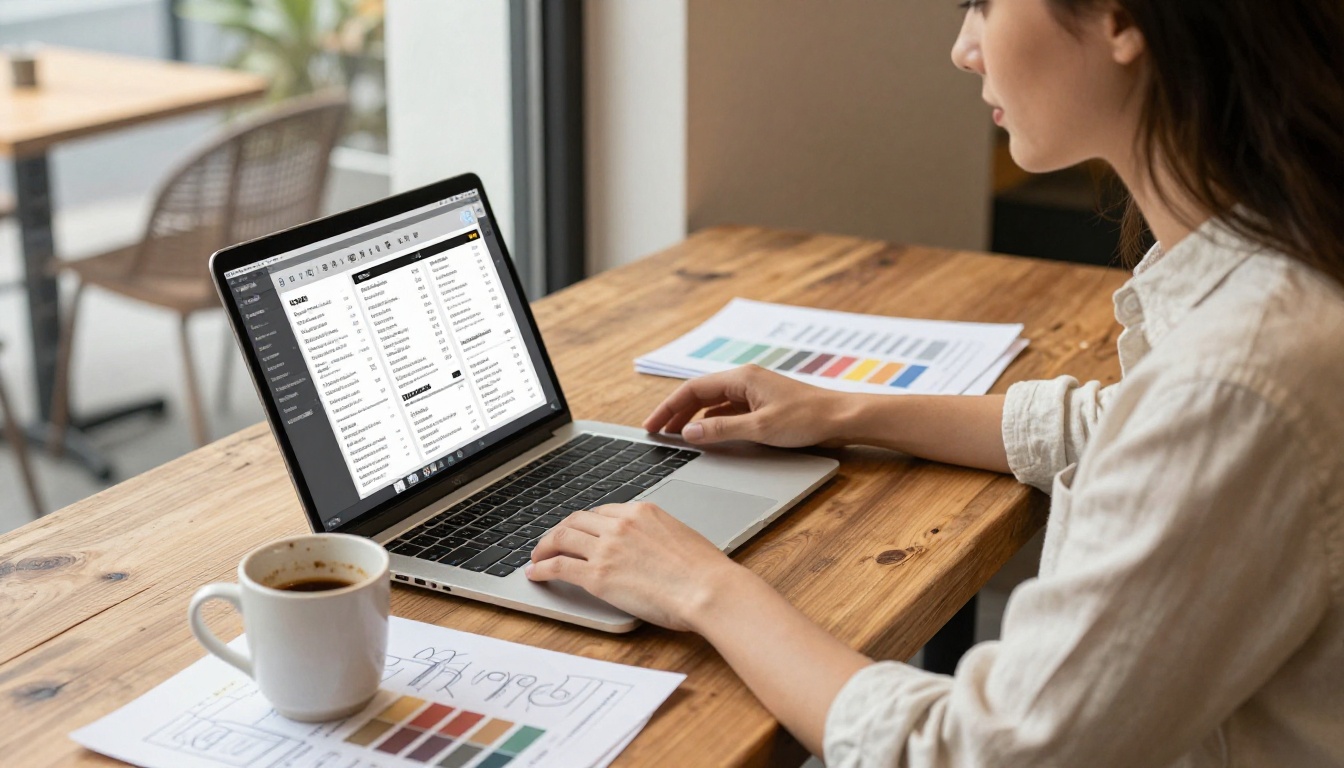
Step 4: Apply Your Branding
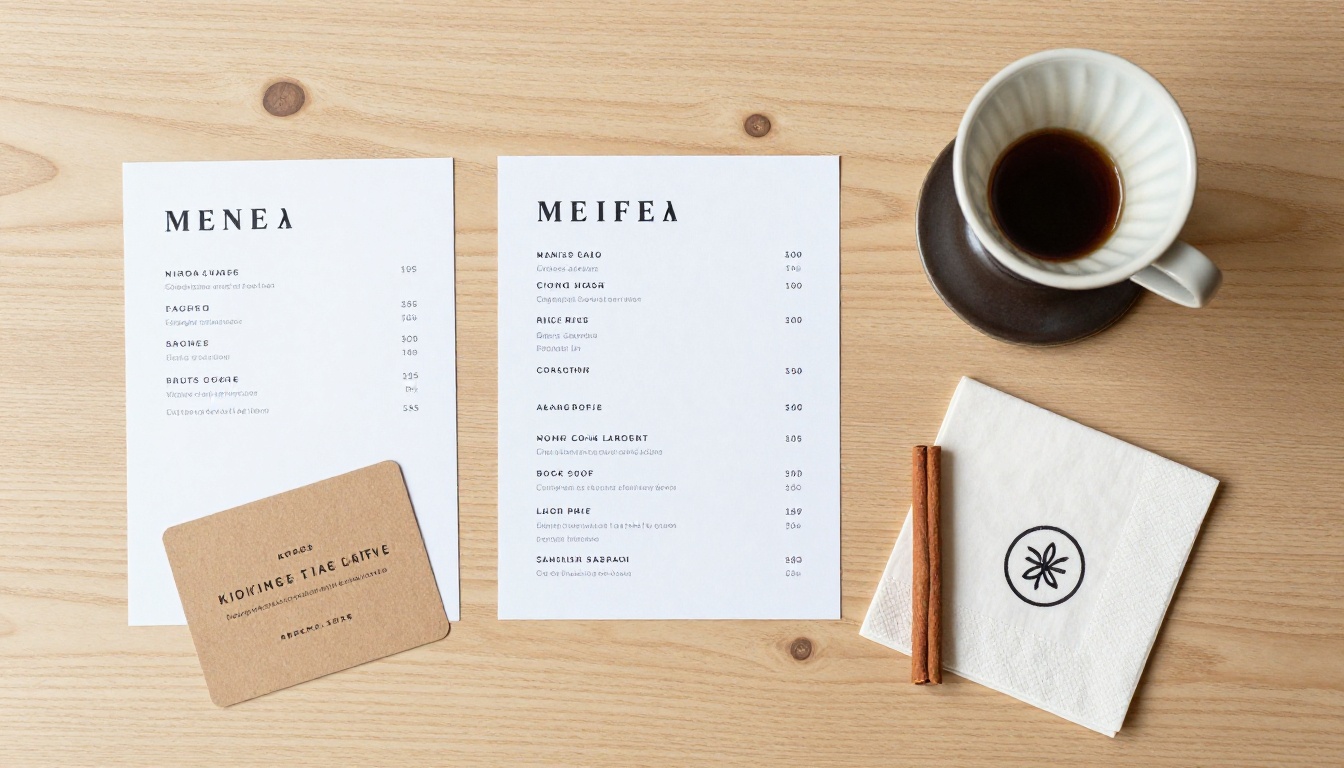
This is where your flipbook stops looking generic and starts looking like your specific cafe:
- Set brand colors to match your logo and interior aesthetic
- Upload your logo to appear on the flipbook player and cover
- Add a background texture (dark wood, marble, chalkboard) that fits your vibe
- Choose a page transition style that suits your brand personality
Step 5: Add Interactive Elements
This is what separates a flipbook from a static PDF. Inside your menu pages, you can embed:
- Links on drink names that open your online ordering page
- Short video clips of signature drinks being made
- Direct links to allergen information pages
- Audio greetings or short welcome messages
Step 6: Set Up Sharing
Flipbooks AI gives you multiple distribution options the moment your flipbook is ready:
- Direct URL to share on social media and Google Business Profile
- Embed code to drop directly on your website or WordPress blog
- QR code to print on table stands, receipts, or window stickers
- Password protection for private previews before an official menu launch
✅ Print your QR code at 300 DPI minimum so it scans reliably in all cafe lighting conditions, including dim ambient evening light.
Step 7: Track Who Is Reading It
With the Professional plan, you get analytics showing how many people viewed your menu, which pages held their attention longest, and where viewers dropped off. This data is genuinely useful when deciding which items to feature more prominently next season.
Flipbooks AI Plans: An Honest Breakdown
Most small coffee shops will not need the full Professional plan to start. Here is what each tier actually gives you:
| Plan | Key Features | Watermark | Best For |
|---|
| Free | Basic conversion, limited flipbooks | Yes | Testing the concept |
| Standard | No watermark, unlimited flipbooks, custom branding | No | Active single-location cafes |
| Professional | Analytics, lead generation, offline downloads, priority support | No | Multi-location or catering businesses |
⚠️ The free plan includes a watermark on your flipbook. For any customer-facing use, the Standard plan gives you a clean, professional result with no branding you did not put there yourself.
Check current pricing plans for exact figures, as they update periodically with new features and regional pricing.
Not all menus translate equally well. Some formats genuinely come alive when given the page-flip treatment.
Seasonal drink menus. A dedicated autumn or winter menu with photography of each seasonal drink is perfect for flipbook format. Customers flip through it the way they would browse a food magazine, and you can link directly to the URL in seasonal social posts for an immediate, professional impression.
Full cafe menus with food. If your coffee shop serves food alongside drinks, a flipbook handles long menus far better than a tri-fold card. Sections for espresso drinks, cold brew, specials, pastries, and breakfast items each get their own page spread with clear visual separation.
Catering and event packages. Coffee catering for offices, weddings, and events involves a lot of back-and-forth on options and pricing. A Restaurant Menu Creator makes it easy to present packages professionally via email, without attaching large files that get blocked by spam filters.
Wholesale and product catalogs. If you sell whole beans, brewing equipment, or branded merchandise, a Product Catalog flipbook lets wholesale buyers and retail customers browse your full range in a rich visual format that feels genuinely worth their time.
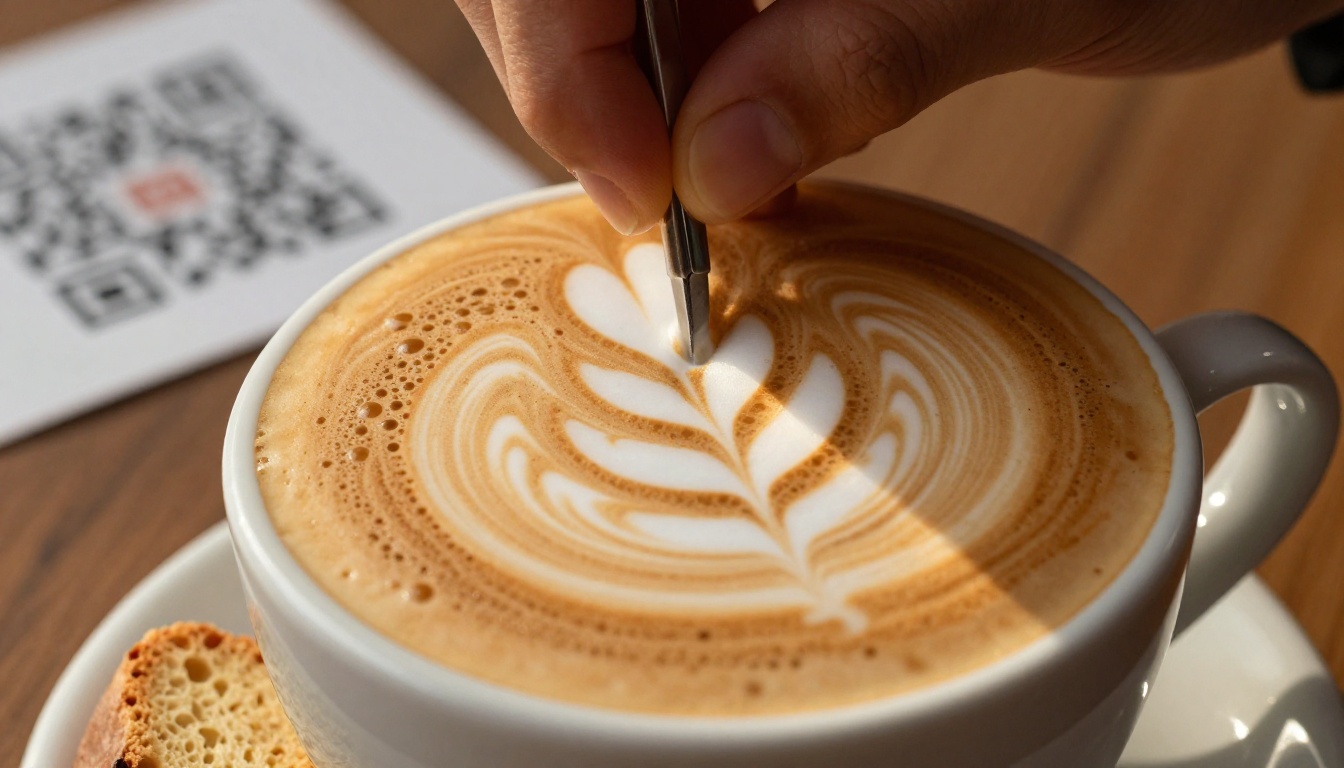
A flipbook is a canvas. What you put on it determines whether customers order more or simply close the tab. Here are the patterns that work in practice.
Photography That Sells
Every page featuring a drink should have a photo that makes it look genuinely appetizing. You do not need a professional photographer for every shot. A phone camera, natural window light, and a clean surface get you 80% of the way there. The photo just needs to make someone think: I want that.
A Clear Visual Hierarchy
Drink name. Price. One-line description. That is the full hierarchy. Customers scanning quickly need to find what they want in under three seconds per page spread. Anything more complex slows them down.
Cross-Selling Through Page Placement
Place complementary items on the same page spread. A cortado next to a cardamom bun. A cold brew next to an oat milk upgrade option. Physical proximity in a flipbook does the same work as verbal upselling from a barista, passively and at scale.
Seasonal Urgency in Copy
Use phrases like "available through October" or "limited weekly batch" in your menu copy. A flipbook with a seasonal design makes these items feel special in a way a chalkboard simply does not communicate to someone browsing on their phone from the street.
💡 Rotate your flipbook URL seasonally rather than maintaining one permanent link. This gives you a genuine reason to post on social each season and encourages repeat viewers to come back and see what is new.
Once your flipbook is live, putting it in the right places multiplies its reach significantly.
| Channel | How to Share | Main Benefit |
|---|
| Google Business Profile | Paste URL in "Menu" section | Visible in Google Search results |
| Instagram bio | Direct URL or Linktree link | Mobile viewers get full experience |
| Your website | Embed code | Keeps visitors on your site longer |
| Table stands | Printed QR code | In-venue browsing without staff involvement |
| Takeout bags | QR sticker | Encourages repeat and online orders |
| Email signature | Direct URL | Professional touch for catering outreach |
| Facebook Page | Post as link preview | Auto-generates a visual card preview |
The Embed Flipbook on Website tool gives you clean embed code that works on any platform, including Shopify, Squarespace, Wix, and WordPress.
Other Flipbooks That Help Run Your Cafe
Once you have built your first menu flipbook, other practical applications start making obvious sense.
- Loyalty program booklet: A short flipbook explaining your rewards structure, how points accumulate, and exclusive member benefits makes the whole program feel more premium
- Staff training manual: A Training Manual Flipbook keeps drink recipes, opening procedures, and service standards in one shareable document your team accesses directly on their phone
- Event preview: Hosting a pop-up, cupping event, or coffee tasting? An Interactive Lookbook Designer gives you a beautiful event preview to distribute in advance across social and email
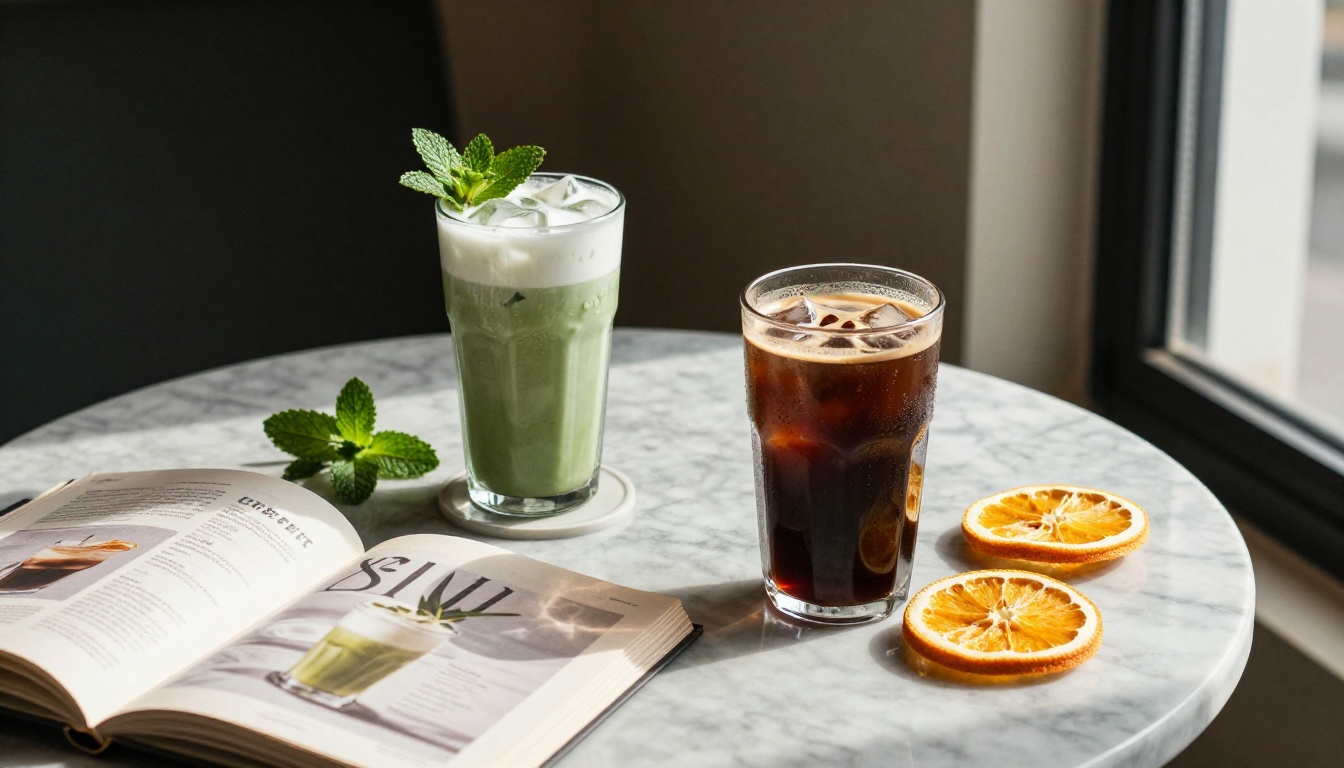
- Recipe collection: If you sell coffee for home brewing or run barista workshops, a Recipe Book Flipbook works as a digital product, a workshop handout, or an opt-in giveaway
Browse all available flipbook tools to see what fits your cafe's current needs and growth stage.
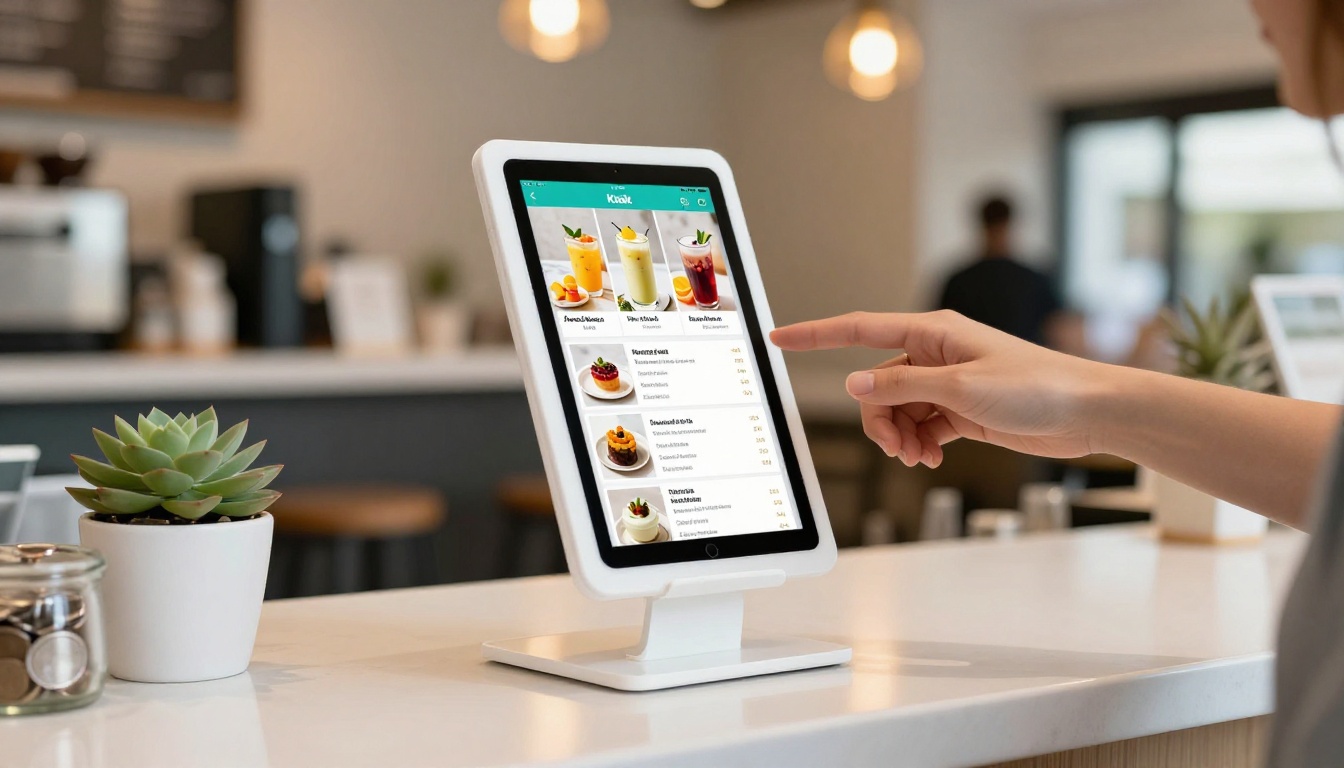
Start with What You Already Have
If you already have a menu PDF, you are 90% of the way there. Upload it to Flipbooks AI, run through the branding settings in a few minutes, grab your QR code and shareable URL, and you have a customer-facing digital menu that looks more polished than anything a chain would hand you at the counter.
The biggest mistake small coffee shop owners make with digital menus is waiting until the design is perfect. A decent PDF converted to a flipbook today performs better than an ideal menu that never gets published. You can update the content at any time without touching the URL or reprinting a single QR code.
Ready to see how your menu looks as a flipbook? Create your free account and have it live in under 10 minutes. When you are ready to remove the watermark and apply full custom branding, compare pricing options to choose the plan that fits your cafe's size and ambitions.



