Your daily journal is more than a habit. It is a living record of who you were, who you are becoming, and the moments that shaped you. But most journals sit in a drawer, read by no one, slowly yellowing at the edges. Converting your journal into a digital flipbook changes that entirely. With Flipbooks AI, you can give your handwritten pages a second life, complete with realistic page-turning animations, embedded photos, and the ability to share them with family, keep them private, or preserve them for generations.
Why Your Journal Deserves More Than a Drawer
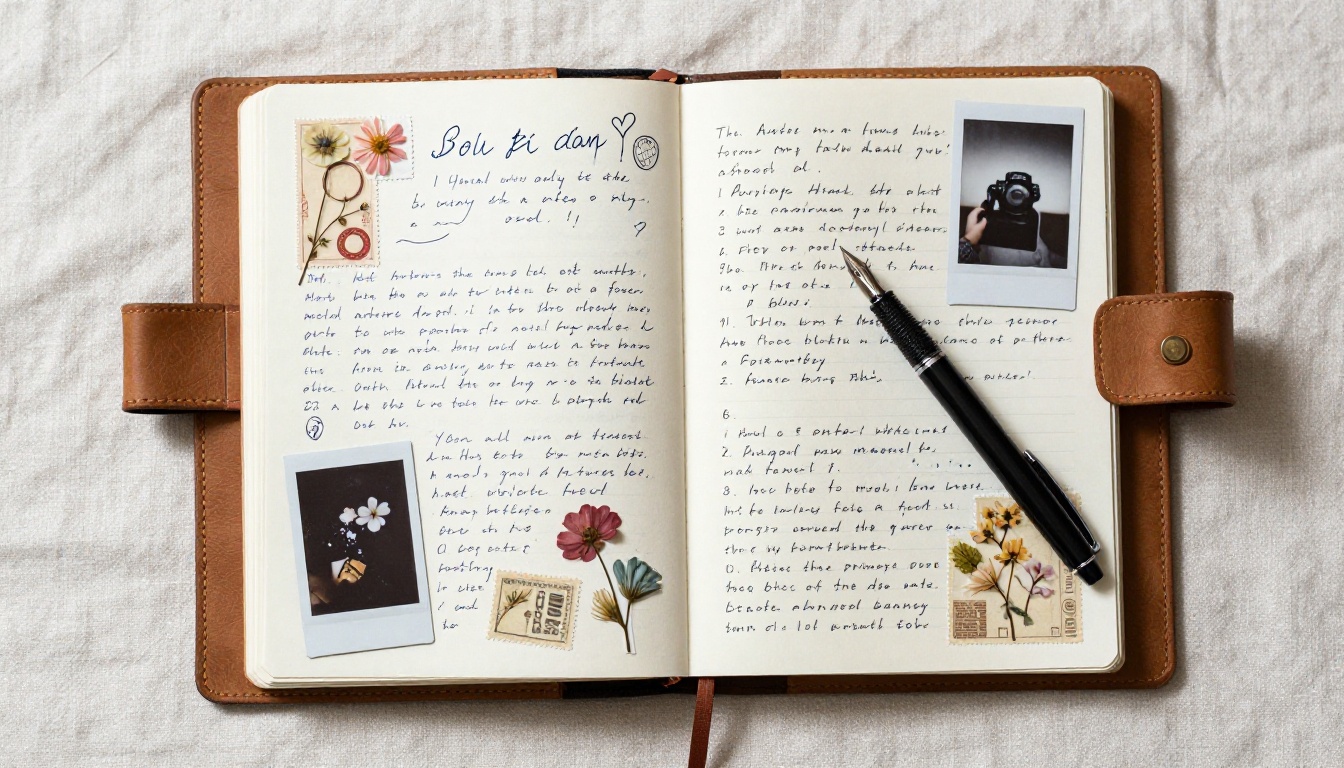
Most people who journal regularly end up with stacks of notebooks they never revisit. A gratitude journal from three years ago. A travel diary filled with ticket stubs and pressed flowers. A raw, honest account of a difficult year that somehow helped you get through it. These objects carry weight, but they stay locked away.
The Problem with Static Journals
Physical journals are fragile. They fade, get damaged, or simply get lost during a move. Even digital journals in apps feel flat, linear, and forgettable. There is nothing that evokes the feeling of reading something the way a flippable, page-turning format does.
What a Flipbook Adds to Personal Writing
A flipbook format does something a PDF or a Google Doc cannot. It feels like holding a real book. Pages turn with a natural motion. Photographs appear exactly as you placed them. The reading experience is immersive, even on a phone or tablet.
Beyond the aesthetic, a digital flipbook is:
- Shareable via a direct link, no app required
- Embeddable on a personal website or blog
- Password-protected for sensitive content
- Accessible from any device, always
- Preserved indefinitely without physical deterioration
Types of Journals That Work as Flipbooks
Not every journal converts the same way. The format works best when there is a visual element, but even purely text-based journals benefit from the reading experience a flipbook provides.
Handwritten Diaries Scanned to PDF
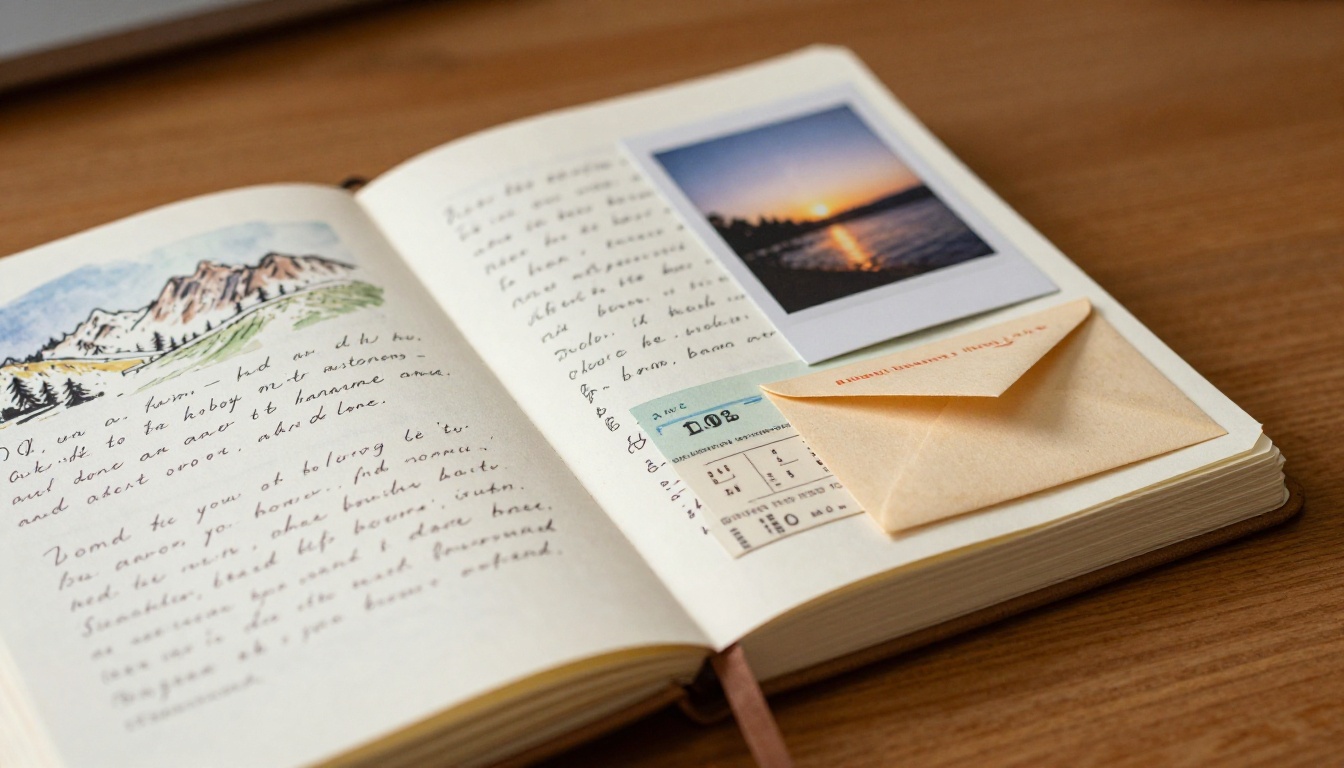
The most traditional format. You scan your physical pages, convert them to a PDF, and upload. Readers see your actual handwriting, doodles, crossed-out words, and all. This raw, unedited quality is often the most moving part of the finished piece.
💡 Scan at a minimum of 300 DPI for clean, legible pages. Higher resolution means better zoom quality in the finished flipbook.
Travel Journals with Photos
Travel journals are natural flipbooks. They already contain multiple media types: handwritten notes, glued-in photographs, maps, receipts, and pressed mementos. When converted to a flipbook, readers can page through your trip the way you lived it: sequentially, with texture, in your own words.

Gratitude and Wellness Journals
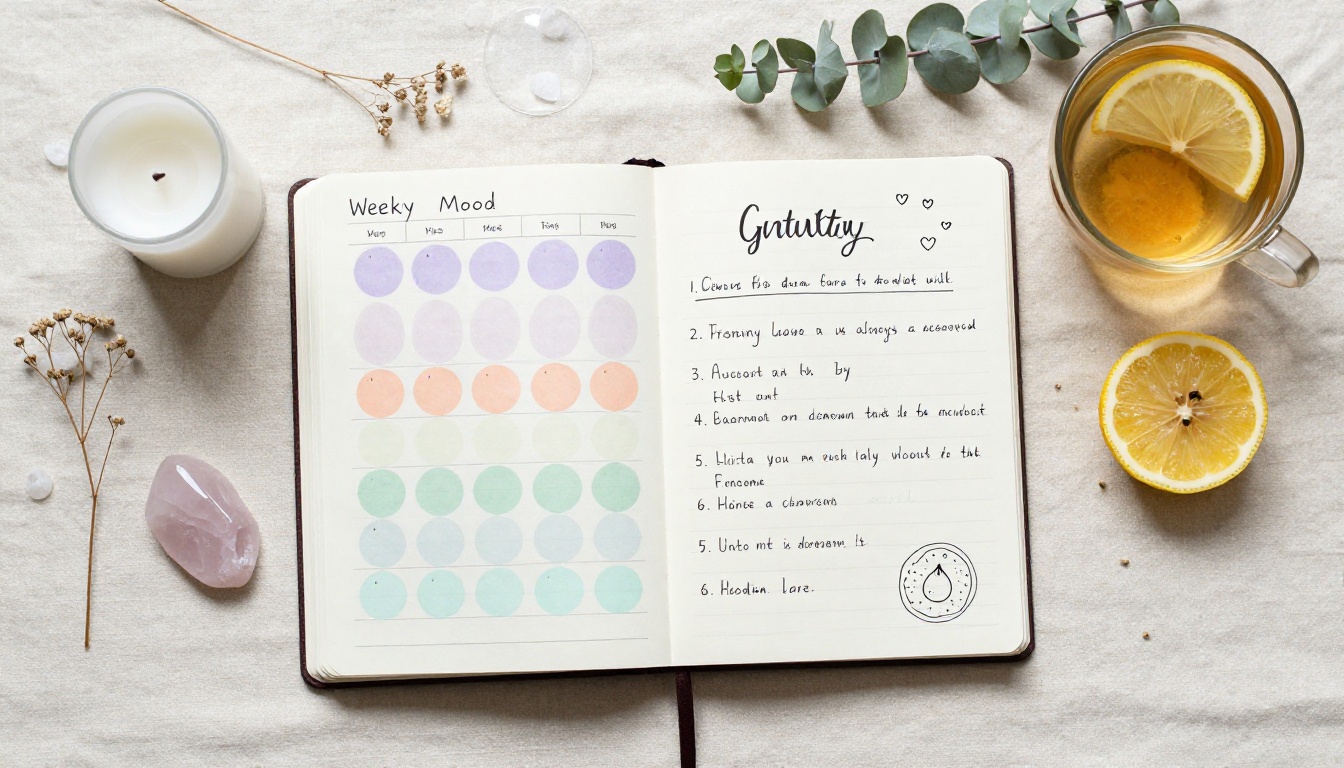
These journals have a specific audience: you, and maybe a few people close to you. Password protection means you can convert them to flipbooks without worrying about privacy. Sharing a wellness journal with a therapist, a partner, or a future version of yourself takes on a completely different dimension when the format respects the intimacy of the content.
Pregnancy and Parenting Journals
A pregnancy journal documenting week-by-week thoughts, ultrasound photographs, and notes to an unborn child becomes something extraordinary when formatted as a flipbook. Parents have given digital copies of these as keepsakes to children when they turned eighteen, preserving every word in a format that still works on whatever device the child owns years later.
Annual Recap Journals
Year-in-review journals work particularly well because they have a natural arc: a beginning, a middle, and an end. Organizing your year's entries into a single flipbook creates something you can actually sit down and read, not just scroll through on a screen.
How to Turn Your Journal into a Flipbook
This is where Flipbooks AI makes the process genuinely simple. You do not need design skills, and you do not need to reformat anything. The workflow has four clear steps.
Step 1: Prepare Your Journal as a PDF
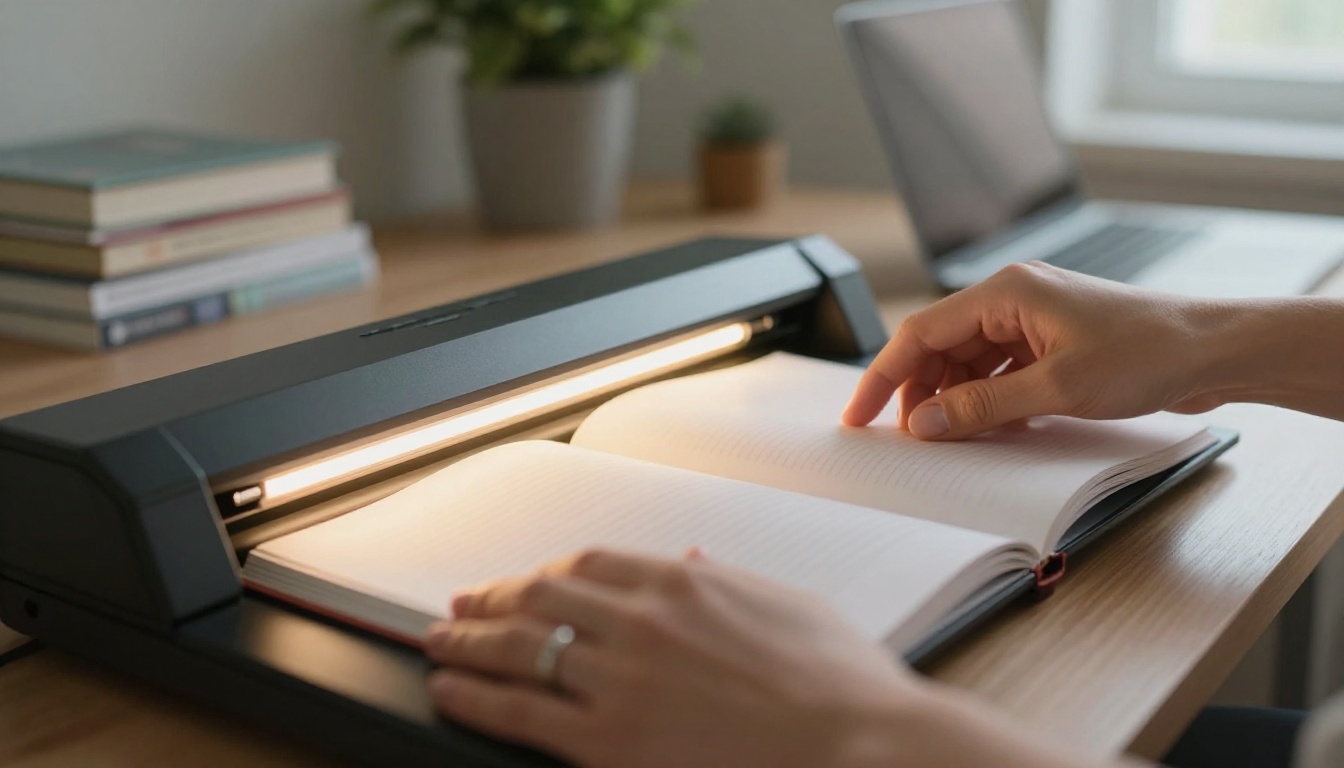
If your journal is physical, scan each page using a flatbed scanner or a scanning app on your phone (Adobe Scan, Microsoft Lens, or Apple's built-in Notes scanner all work well). Combine all scanned pages into a single PDF file.
If your journal is digital, typed in a notes app, Google Docs, or any word processor, export it directly as a PDF.
Scan quality checklist:
- Minimum 300 DPI resolution
- Consistent page orientation throughout
- Good lighting when using a phone camera
- No fingers or shadows visible in the frame
- Pages in correct sequential order before combining
Step 2: Upload to Flipbooks AI
Create your account on Flipbooks AI, then use the PDF to Flipbook Converter to upload your prepared file. The platform processes your PDF and generates a page-turning flipbook automatically. For very large journals with 100 or more pages, processing takes just a few minutes.

Step 3: Personalize the Look
Once your flipbook is generated, you have full control over its appearance:
- Front page design: Add a title, subtitle, and a meaningful photograph
- Page backgrounds: Choose from solid colors, textures, or keep the original scanned page design
- Typography: Adjust fonts for any added text elements
- Color palette: Apply a theme that matches the mood of the journal
- Page transitions: Select from classic page-flip, slide, or fade effects
✅ For personal journals, keeping the original scanned page design usually feels most authentic. Minimal styling lets the writing speak for itself.
Step 4: Set Privacy and Sharing Options
This is where the flexibility becomes particularly valuable for personal content.
| Privacy Setting | Who Can View | Best For |
|---|
| Public (link only) | Anyone with the URL | Travel journals, creative writing |
| Password protected | Anyone with the password | Wellness journals, family stories |
| Private | Only you when logged in | Drafts, sensitive content |
| Embedded on website | Visitors to your site | Personal blogs, portfolio sites |
Once published, you can share via direct link, embed using a code snippet, or use the Embed Flipbook on Website tool for your personal site or blog.
Journal Flipbook Ideas That Actually Work
The format opens up possibilities that go well beyond simply archiving what you wrote. Here are real-world uses that people have found genuinely meaningful.
Family Memoir Projects
Ask older family members to write or dictate their memories. Digitize the pages, add family photographs, and convert the whole collection into a flipbook. The result is a shareable family archive that anyone with a link can read, regardless of their location or device.
💡 Use the Interactive E-Book Publisher tool for longer memoir projects that combine multiple contributors or span several decades.
Mental Health and Therapy Journals
Some therapists encourage clients to maintain detailed journals between sessions. A password-protected flipbook creates a private record that can be selectively shared with a therapist if needed, while remaining completely inaccessible to anyone else. The format makes it easier to reflect on patterns across weeks and months.
⚠️ Always use password protection for journals containing sensitive personal information. Password protection is available on all paid plans at Flipbooks AI.
Letter-Based Journals
Many people keep journals in the form of letters: to a future child, to a younger self, or to someone they have lost. This format translates beautifully into a flipbook, where each letter becomes a natural chapter with its own emotional weight and pacing.
Features That Make Your Flipbook Stand Out
Flipbooks AI includes several features that specifically benefit personal journals and memoirs.

Password Protection for Private Entries
Not everything you write is meant for a wide audience. Password protection lets you share a flipbook with specific people, or just keep it for yourself, without making it publicly accessible. The password can be changed at any time, giving you ongoing control over who reads your work.
Embedding Multimedia Memories
Beyond the static page, you can embed audio recordings and video clips directly into your flipbook. Imagine a travel journal with a short video of the beach you described in writing, or a family memoir with a recorded voice message from a grandparent. The Interactive E-Book Publisher supports these multimedia elements natively.
Mobile-Friendly Reading
Every flipbook created on the platform is fully responsive. Readers can flip through pages on a phone as naturally as on a desktop. Given that most people will view a shared link on their phone first, this matters enormously for the reading experience.
Offline Downloads
Professional plan users can enable offline downloads, letting readers save the flipbook to their device. For a family memoir or a sentimental personal archive, the ability to keep a local copy adds a layer of permanence that digital-only access cannot match.
Flipbooks AI Plans for Journal Creators
The right plan depends on how much you create and whether you need professional-level features like analytics and lead generation.
| Feature | Free | Standard | Professional |
|---|
| Flipbooks created | 3 total | Unlimited | Unlimited |
| Watermarks | Yes | No | No |
| Password protection | No | Yes | Yes |
| Custom branding | No | Yes | Yes |
| Multimedia (video, audio) | No | Yes | Yes |
| Analytics and tracking | No | No | Yes |
| Lead generation | No | No | Yes |
| Offline downloads | No | No | Yes |
For most personal journal projects, the Standard plan covers everything you need: unlimited flipbooks, no watermarks, password protection, and custom branding. The Professional plan adds analytics and lead generation tools, which are more relevant for creators building an audience around their writing.
💡 See the full pricing breakdown before committing. You can test the workflow on the free plan with up to three flipbooks before upgrading.
Who Actually Needs Professional
If you are publishing a series of personal journals (an annual series, for instance) and want to see how many people are reading and how long they spend on each page, the Professional plan's analytics become genuinely useful. Authors using Flipbooks AI for memoir publishing with reader opt-in features would also benefit from the lead generation tools.
Common Mistakes When Converting Journals

Poor Scan Quality Ruins the Experience
The most common problem is low-resolution scanning. Pages that looked perfectly fine as physical objects become blurry and hard to read at 72 DPI. Always scan at 300 DPI minimum. If you are working with a journal that has very small handwriting, consider 600 DPI for better legibility when readers zoom in.
Phone camera scans taken in dim lighting produce shadows and distortion that make the result look careless. Use a well-lit surface, hold the phone parallel to the page, and use a dedicated scanning app rather than the regular camera for noticeably better results.
Neglecting the Front Page Design
The front page is the first thing a reader sees. A generic default page makes a personal document feel impersonal before they even begin reading. Spend five minutes adding a meaningful title and a photograph that sets the emotional tone for the content inside.
Overloading One PDF
If you have five years of journals, do not try to combine everything into one 500-page file. Break it into volumes: one per year, one per journey, or one per major life chapter. Shorter, focused flipbooks are easier to read and far easier to share with specific people for specific reasons.
Ignoring Page Order
Scan pages in sequence, then check the final PDF before uploading. A journal where pages appear out of order is genuinely disorienting to read, and it undermines the trust and immersion you are trying to create.
| Format | Shareable | Interactive | Preserved | Mobile | Page-turning feel |
|---|
| Physical journal | No | No | Fragile | No | Yes |
| PDF file | With link | No | Yes | Partial | No |
| Google Doc | With link | No | Yes | Yes | No |
| Notes app | No | No | App-dependent | Yes | No |
| Digital flipbook | Yes | Yes | Yes | Yes | Yes |
The comparison above shows why the flipbook format sits in a category of its own for anyone who wants to share personal writing in a format that feels intentional and worth reading.
Share Your Story, Your Way
Your journal does not need to stay in a drawer. Whether it is a single travel diary from one meaningful trip or thirty years of daily writing, a flipbook gives it the presentation it deserves.
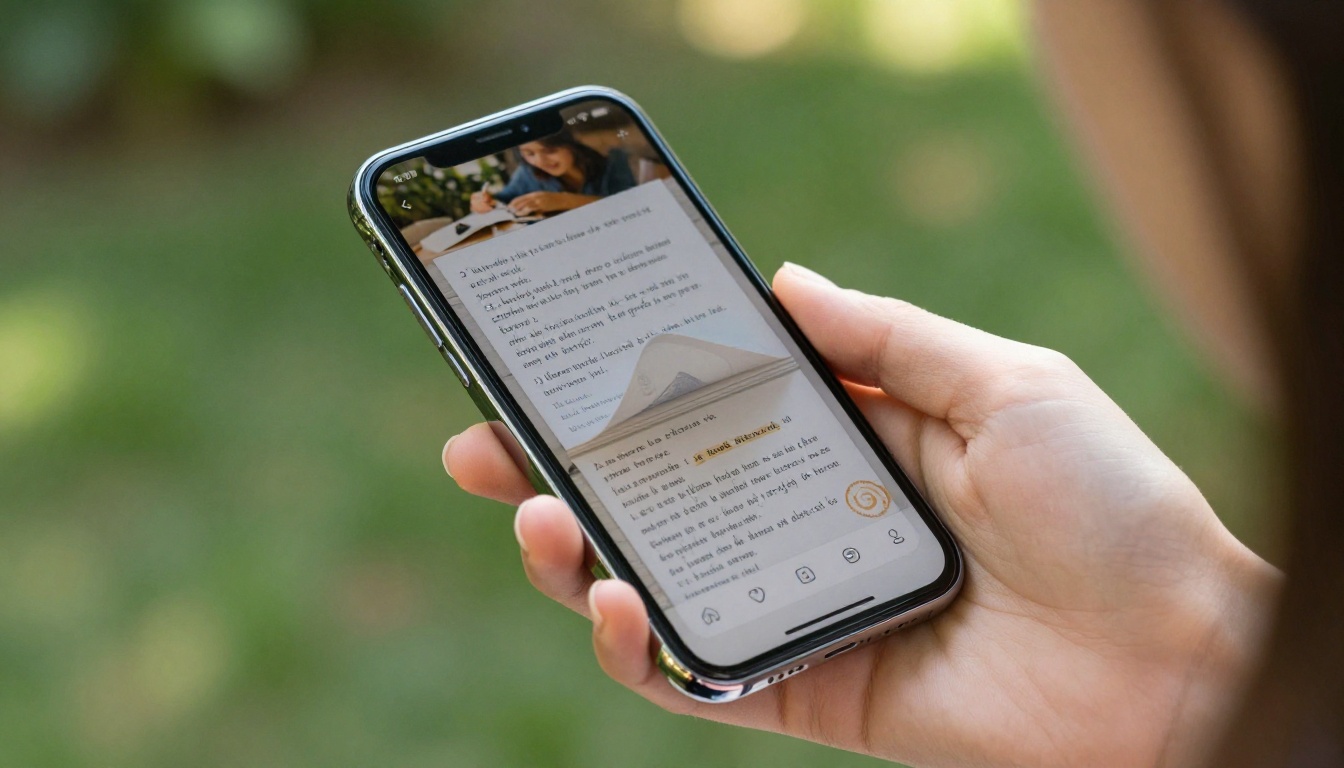
The process takes less time than most people expect. Scan your pages, combine them into a PDF, upload to Flipbooks AI, and your journal becomes a shareable, beautiful, interactive publication in minutes. The first time you see your own handwriting flip across a screen the way a real book would, it changes how you think about what you have been writing all this time.
If you are working on a more structured memoir or multi-volume project, browse the full tools directory to find specific tools for your format. The Wedding Album Flipbook works beautifully for milestone memory projects. The Digital Portfolio Creator suits creative journals with strong visual elements. The Interactive E-Book Publisher handles full memoir projects with multiple sections and contributors.
Ready to give your journal the presentation it deserves? Start for free on Flipbooks AI and have your first flipbook live today. When you are ready to go further, review the available plans and pick what fits your goals.



