Your engagement is not just an announcement, it is the opening chapter of the biggest story you will ever tell. Most couples post a few photos, write a caption, and let the moment scroll away into a feed. But that moment, that exact feeling when everything changed, deserves something more permanent, more shareable, and far more beautiful than a social media post. That is exactly why turning your story into a flipbook has become one of the most meaningful things a couple can do in the weeks after saying yes.
With Flipbooks AI, you can convert your photos, handwritten notes, and love story into a cinematic, page-turning digital flipbook in under an hour. No design skills required. No software to install. Just your story, told exactly the way it happened.

Why Your Proposal Deserves Its Own Flipbook
More Than Just Photos
A photo album holds images. A flipbook holds a story. The difference is felt the moment you flip the first page: there is a beginning, a middle, and an emotional peak. A well-structured proposal flipbook moves the reader through the buildup, the ring moment itself, the first reactions, and the celebration that followed. It has rhythm. It has tension. It lands.
A social media gallery is scrollable. A flipbook is experienced. When your grandmother in another city opens her phone and flips through your story at her own pace, she is not just seeing photos. She is living the moment with you.
A Story That Deserves Pages
Think about everything that actually happened the day you got engaged, or the weeks surrounding it:
- The nervous energy before the proposal
- The location that was chosen carefully and intentionally
- The reaction on your face in those first seconds
- The first people you called
- The champagne, the flowers, the tears
None of that fits in a caption. All of it fits in a flipbook.
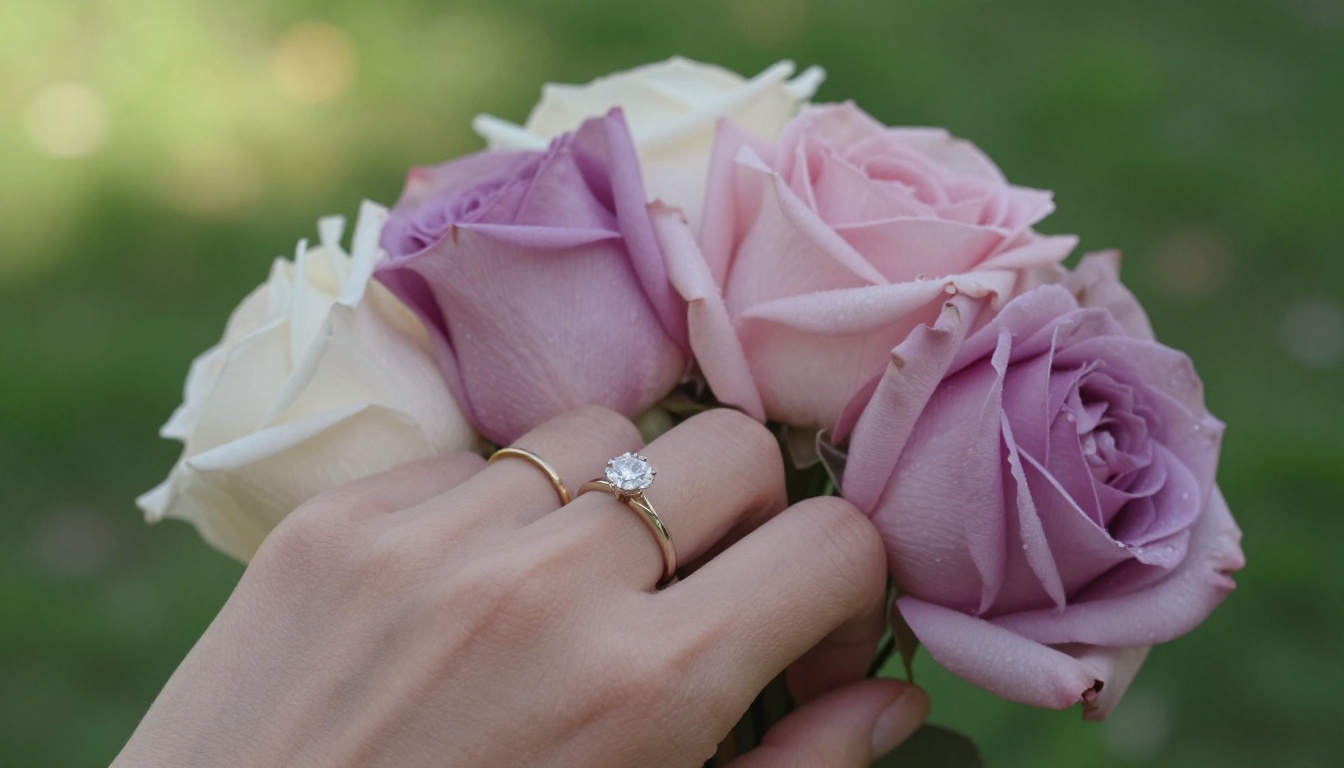
What Makes a Great Proposal Flipbook
The Right Photos to Include
Not every photo from your camera roll belongs in the flipbook. The best flipbooks are curated, not comprehensive. Aim for 20 to 40 photos organized across a clear narrative arc.
| Section | What to Include | Ideal Count |
|---|
| Before the Proposal | Couple photos, locations, candid moments | 4-6 photos |
| The Proposal Itself | Ring presentation, first reactions, happy tears | 6-8 photos |
| The Celebration | Toast, first calls to family, hugs | 4-6 photos |
| The Aftermath | Photo shoot, ring close-ups, casual moments | 6-8 photos |
| Personal Touches | Handwritten notes, meaningful locations, quotes | 3-5 items |
💡 Ask your photographer or a friend who was present to share any candid shots they captured. These raw, unposed moments often become the most powerful pages.
Words That Add Feeling
Images alone carry weight, but a single line of text on the right page can stop someone mid-flip. You do not need to write paragraphs. Short captions, dates, and one or two personal notes are enough.
Think about including:
- The exact words said during the proposal
- The location and why it was chosen
- A short note about how long you have been together
- One sentence about what you were feeling in that moment
Order and Flow Matter
The best flipbooks follow a simple three-act structure: before, during, and after. Start with a few photos that establish you as a couple, build toward the proposal moment, and end with the joy and celebration that followed. This arc gives the flipbook emotional momentum. Readers feel the buildup. The proposal page lands harder because of everything that came before it.

How to Build Your Flipbook on Flipbooks AI
This is where your story becomes something people can actually flip through. Flipbooks AI takes your PDF and converts it into a fully interactive digital publication with smooth page-turn animation, mobile responsiveness, and zero watermarks.
1. Build Your Story in a PDF First
Before you upload anything, you need a PDF. This is easier than it sounds. Use any free tool like Canva, Google Slides, or Adobe Express to:
- Create a document at a 16:9 or 4:3 ratio
- Add your selected photos in narrative order
- Add short captions or quotes between key images
- Include your names and the date on the opening page
- Export as PDF at 150 to 300 DPI for best quality
✅ Canva has free templates specifically for photo books and presentations that work perfectly for this. Drag your photos in, adjust the layout, and export.
2. Upload and Convert
Head to Flipbooks AI and create your account. Then:
- Click New Flipbook from your dashboard
- Upload your PDF file
- Wait for the conversion, which typically takes 30 to 90 seconds
- Preview your flipbook in the live viewer before publishing
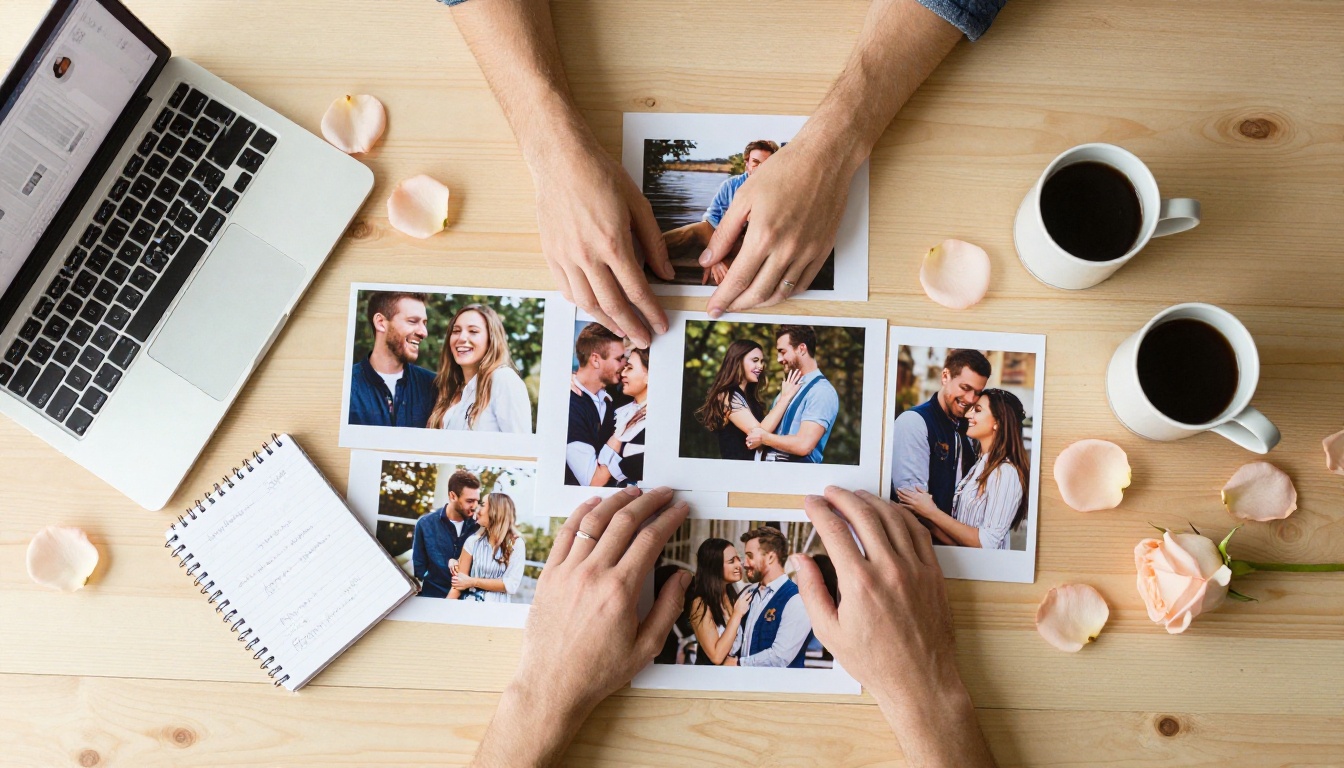
3. Personalize with Color and Style
Once converted, you can customize every detail:
- Custom branding: Upload your own monogram, choose accent colors
- Background: Match the flipbook background to your wedding palette
- Page effects: Enable realistic page-turn animations
- Opening image: Choose or upload a custom thumbnail for sharing
- Table of contents: Add chapter markers for longer flipbooks
💡 For a proposal flipbook, a soft warm palette like blush, ivory, or sage green works beautifully. It sets the emotional tone before anyone reads a single word.
4. Sharing Options That Work for Your Situation
One of the strongest aspects of a digital flipbook is how many ways you can share it:
- Direct link: Copy a single URL and paste it anywhere
- Email: Send directly to family and close friends
- Embed code: Drop it into a wedding website or personal blog
- Password protection: Keep it private until your announcement is ready
- QR code: Print on physical invitations or celebration materials
⚠️ If you want to share before your official announcement, use the password protection feature to control exactly who can access it until you are ready to go public.
5. Features Worth Knowing About
The Professional plan unlocks capabilities that take your flipbook even further:
- Analytics: See exactly who opened it, how many pages they read, and when
- Lead generation forms: Useful for collecting RSVPs or contact details from guests
- Offline downloads: Let family save a permanent copy
- Custom domain: Host the flipbook on your own domain if you have a wedding website

Flipbook vs. Traditional Photo Albums
The debate between digital and physical is always personal, but for sharing a proposal story, digital wins on nearly every practical measure.
| Feature | Digital Flipbook | Printed Photo Album | Social Media Gallery |
|---|
| Shareable instantly | ✅ Link or embed | ❌ Must mail or show in person | ✅ Post link |
| Interactive page-turn | ✅ Yes | ✅ Physical feel | ❌ Scroll only |
| Password protection | ✅ Yes | ❌ No | ⚠️ Account privacy only |
| All devices supported | ✅ Mobile, tablet, desktop | ❌ Physical only | ✅ App required |
| Editable after creation | ✅ Anytime | ❌ Printed is permanent | ⚠️ Limited |
| Cost | Free to affordable | $40 to $200+ | Free |
| Analytics | ✅ Pro plan | ❌ No | ⚠️ Basic only |
| No watermarks | ✅ Always | ✅ Yes | ✅ Yes |
💡 Many couples do both: create a digital flipbook for sharing online, then order one printed album as a physical keepsake. The digital version handles the sharing. The physical version sits on the coffee table.
Plans That Fit Every Couple
Flipbooks AI pricing offers tiered options so you can match your needs without overspending.
| Plan | Best For | Notable Features | Watermarks |
|---|
| Free | Quick testing | 1 flipbook, basic viewer | None |
| Standard | Most couples | Unlimited flipbooks, custom branding | None |
| Professional | Businesses, large families | Analytics, lead gen, offline downloads | None |
No plan includes watermarks. That means your flipbook looks polished and professional regardless of which tier you choose.

Creative Ways to Use Your Proposal Flipbook
Send It as a Save-the-Date
Skip the generic save-the-date card. Send your flipbook link as your announcement. Include your date, a few of your best photos, and a short note about the wedding at the end. It is personal, it is free to send, and it is far more memorable than a printed card.
Pair it with the Wedding Album Flipbook tool when the wedding itself arrives, and you will have a complete digital archive from proposal through ceremony.
Share at Your Celebration Party
Print a QR code and display it at your party. Guests can scan it, flip through your story, and share it from their own phones. It doubles as a conversation starter and a keepsake they can return to later.
✅ Create a short, memorable URL for your flipbook using a custom domain. Guests are far more likely to share a clean link than a long string of characters.
Gift It to Family Members Who Could Not Be There
Not everyone can attend a celebration. A flipbook bridges that gap instantly. Grandparents who live across the country, cousins who missed the party, old friends who have not yet heard the news: one link delivers the full story, no explanation required.
Real Moments Worth Capturing
The Proposal Scene
The proposal itself is the emotional center of your flipbook. If you have photos from that exact moment, these belong on pages that feel like a reveal: one page building up to it, one page showing the ring presentation, one page capturing the reaction.
If you did not have a photographer present, use a photo of the venue or setting and write a short paragraph describing what happened. Readers fill in the visual gaps when the emotion is genuine.
The First Toast
That first glass of champagne, whether at the restaurant where he proposed or at home with two plastic cups, is a photograph worth including. It captures the transition from the moment itself to the reality of being engaged. Something about that image, warm and celebratory and slightly overwhelmed, never fails to land with the people who love you.
Candid Reactions from Loved Ones
If you filmed yourself calling your parents or your best friend with the news, take screenshots. If a friend captured the look on your face when you first showed off the ring, ask for that photo. Candid reactions from people who love you are some of the most powerful pages in a proposal flipbook because they show the story rippling outward.

The Details That Make a Flipbook Memorable
Small decisions shape the whole experience. Here are the ones that consistently make proposal flipbooks feel more personal and more beautiful:
- Use one font family throughout: Consistency creates elegance. Mix no more than two typefaces.
- Leave breathing room: Do not crowd every page. A photo with white space on either side feels cinematic.
- Include at least one full-bleed photo: A photo that fills the entire page creates a visual pause that makes the reader stop and absorb it.
- Number your pages or use dates: Subtle timestamps like "September 14" at the bottom of a page ground the story in real time.
- End on the right note: The last page should feel like a beginning, not an ending. The wedding date, a shared quote, or a simple "See you at the altar" works perfectly.

From This Page to Your Wedding Website
A proposal flipbook is not a one-off project. It is the first chapter of a larger digital story. Many couples start with their first flipbook on Flipbooks AI, then build on that foundation by creating:
The same platform handles every chapter of the story. You keep your branding consistent, your files organized, and your audience always just one link away.
Your story is one of a kind. It should live somewhere worthy of it.
Ready to build it? Create your account on Flipbooks AI and have your first flipbook ready to share before the day is over. Already know what you need? Compare plans and pricing and start today.



