Every family has that one person who puts together the annual newsletter. They spend hours writing updates, collecting photos, formatting everything neatly in Word or Canva, and then send it as a PDF attachment. Which half the family never opens. If that person is you, there is a better way. Flipbooks AI lets you convert that same PDF into an interactive digital flipbook with realistic page-turning animation, embedded photos, and a shareable link that works on any device, no app download required.
This is not a small upgrade. It is the difference between a document people skim and a publication people actually sit down to read.
Why PDF Newsletters Get Ignored
The attachment nobody opens
Email attachments have a trust problem. Between spam filters, mobile limitations, and the general friction of downloading a file, a PDF newsletter faces serious obstacles before anyone even sees the first word. On mobile, which is how most people check email today, PDFs open in a clunky viewer with pinch-to-zoom navigation. There is no sense of turning a page, no visual flow, no delight.
The result? Open rates for family PDF newsletters are surprisingly low. Relatives scroll past, meaning to open it later, and later never comes.
What relatives really want
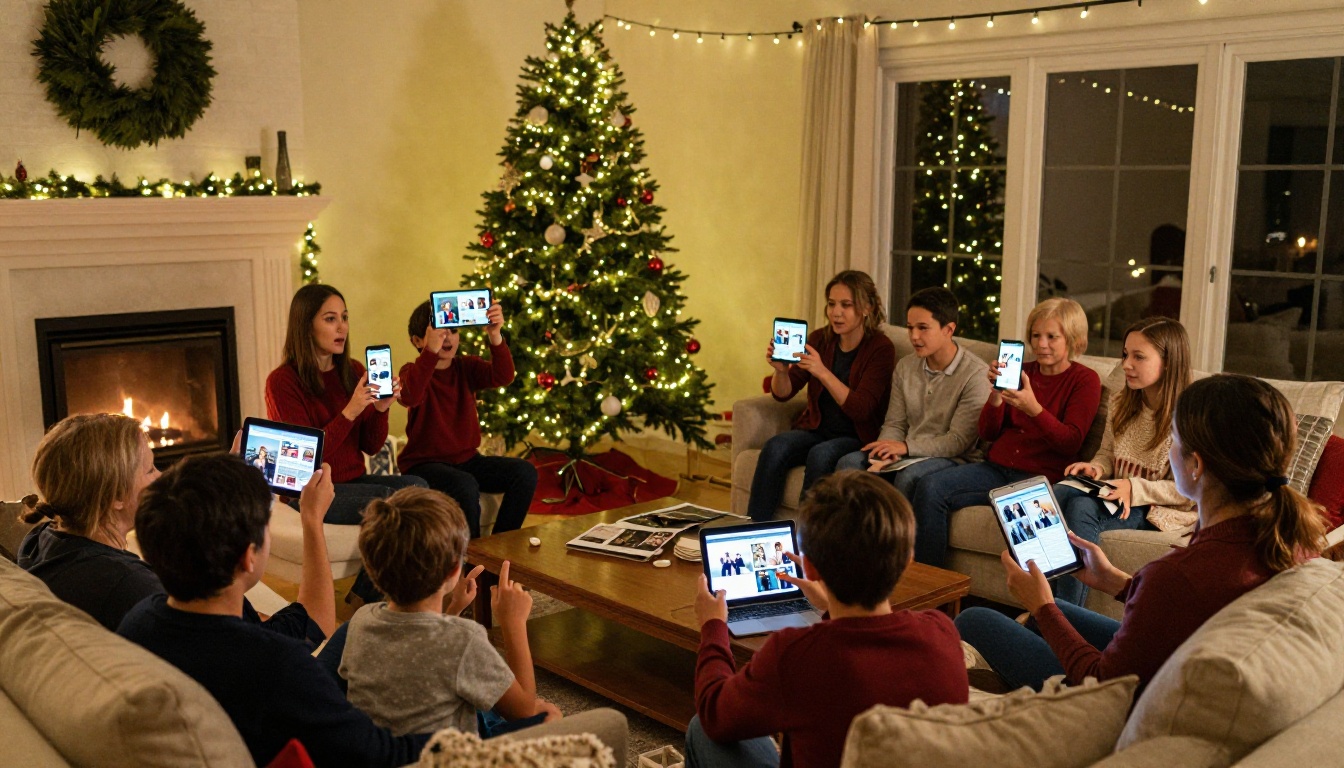
Family members of all ages want something that feels effortless. They want to tap a link, see photos immediately, and feel like they are flipping through something real. They do not want to download a file. They do not want to wait for a slow PDF renderer. They want to feel connected, quickly, without any friction. A flipbook delivers exactly that.
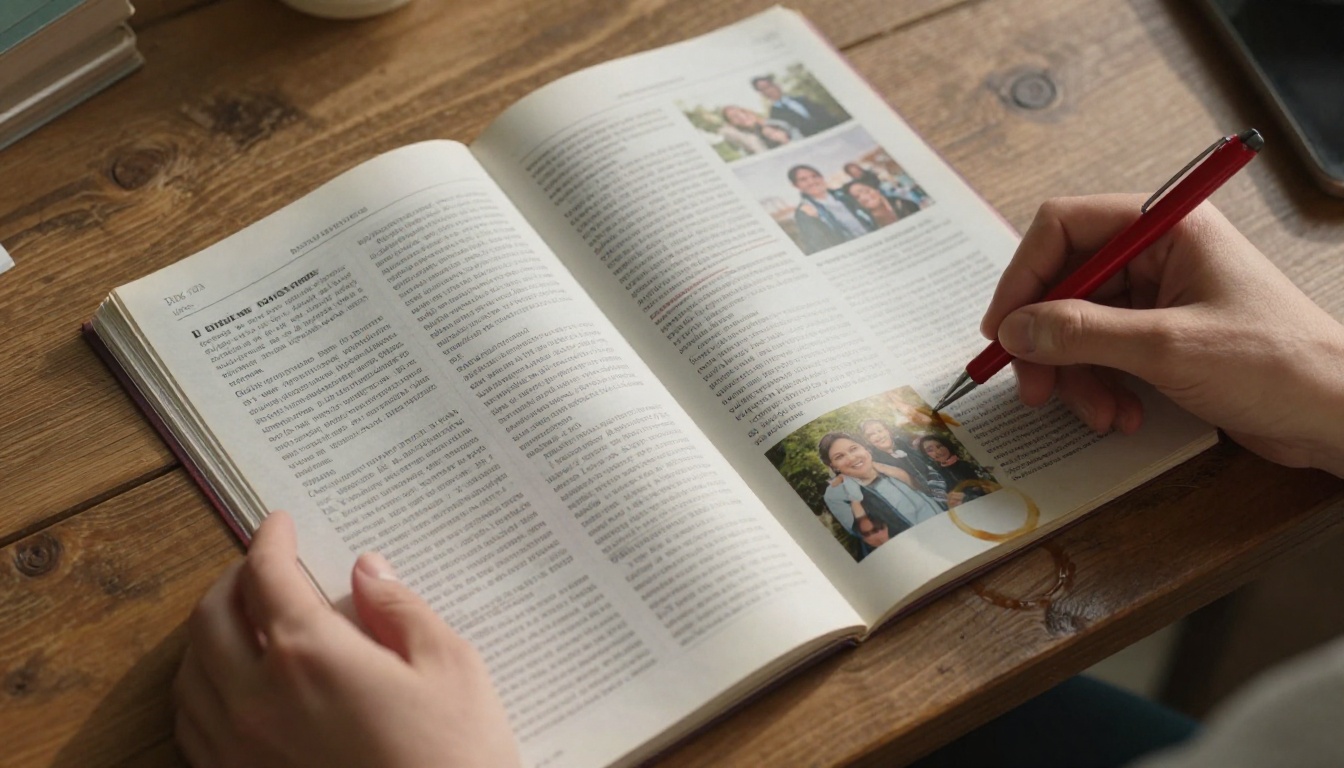
What a Flipbook Actually Does
The page-turn effect changes everything
The visual effect of pages turning, with the slight curl and shadow of a real book, does something powerful to the reader's brain. It signals: this is worth reading. It creates anticipation. Each page-turn feels like a small reward. That psychology is exactly why magazines and catalogs have used the format for decades.
A digital flipbook brings that same feeling to a screen. The Newsletter Flipbook Publisher tool takes any PDF and wraps it in that page-turning interface automatically. No design skills needed after the initial layout.
Photos, links, and videos in one place
A standard PDF shows photos as static images. A flipbook can embed clickable links, highlight family events, and even support video embeds on plans that include multimedia. Your family newsletter stops being a document and becomes something closer to a personal magazine, one that happens to be about your family specifically.
💡 Pro tip: If your newsletter has a "photos of the year" section, this is where flipbooks shine hardest. Full-spread photo pages look stunning in the page-turn format.
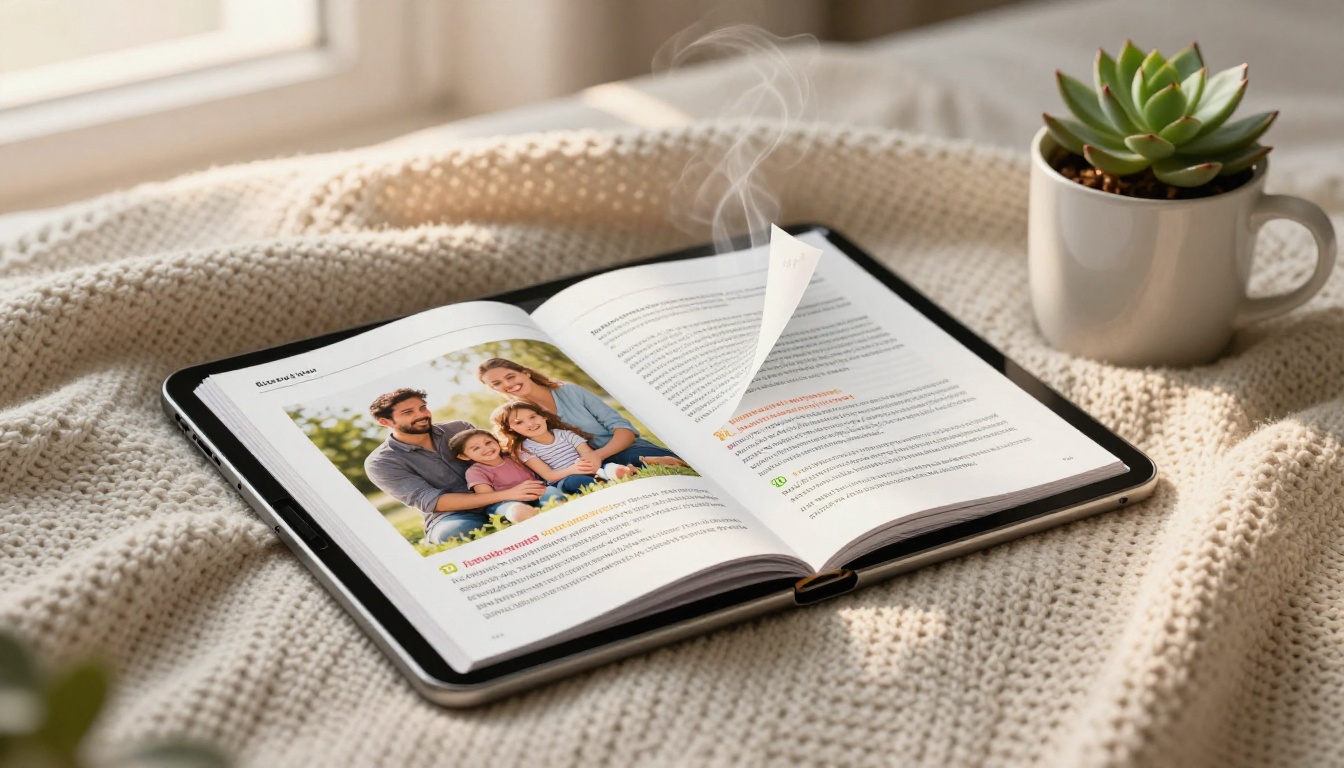
What to Include in Your Family Flipbook
Sections that get read
Not everything gets equal attention in a family newsletter. Based on what consistently drives readership in personal publications, these sections tend to be the most-read:
| Section | Why It Works |
|---|
| Photo round-up | Immediate visual connection with faces |
| Milestones (births, graduations, moves) | High emotional stakes for every reader |
| Funny moments or family quotes | Lightens the tone, makes people laugh out loud |
| Family member spotlights | Personal, specific, and memorable |
| Upcoming events or reunions | Actionable and forward-looking content |
| Recipe or family tradition to share | Adds tangible, shareable value |
✅ Best practice: Open with a full-page family photo. People want to see faces before they read words.
Photo layouts that work
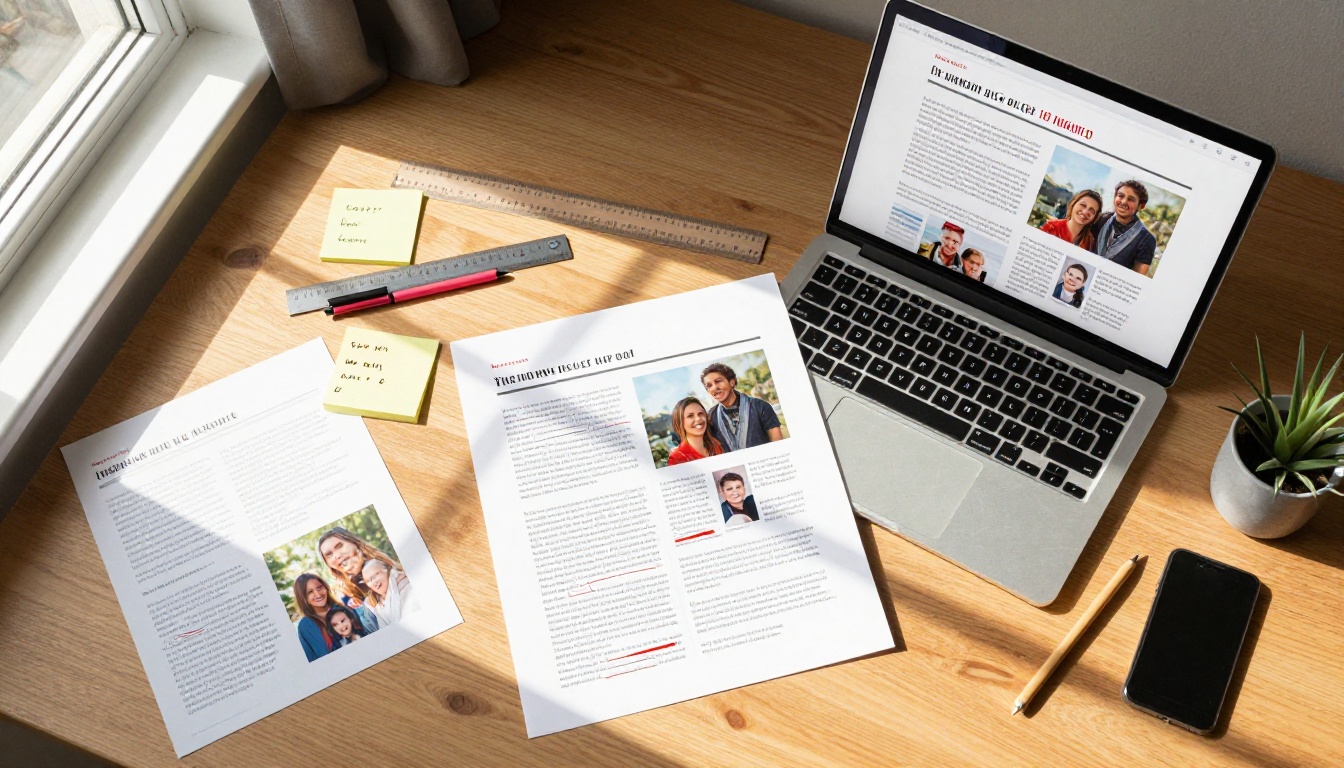
Photos in a flipbook should be arranged with intention. A two-page spread works better than a grid of small thumbnails. Give important moments room to breathe. One well-chosen photo of the grandkids at the beach, printed large, does more emotional work than six small images crammed together.
If you are designing in Canva or Adobe before uploading, use landscape orientation and leave generous white space. The flipbook format rewards clean, spacious layouts.
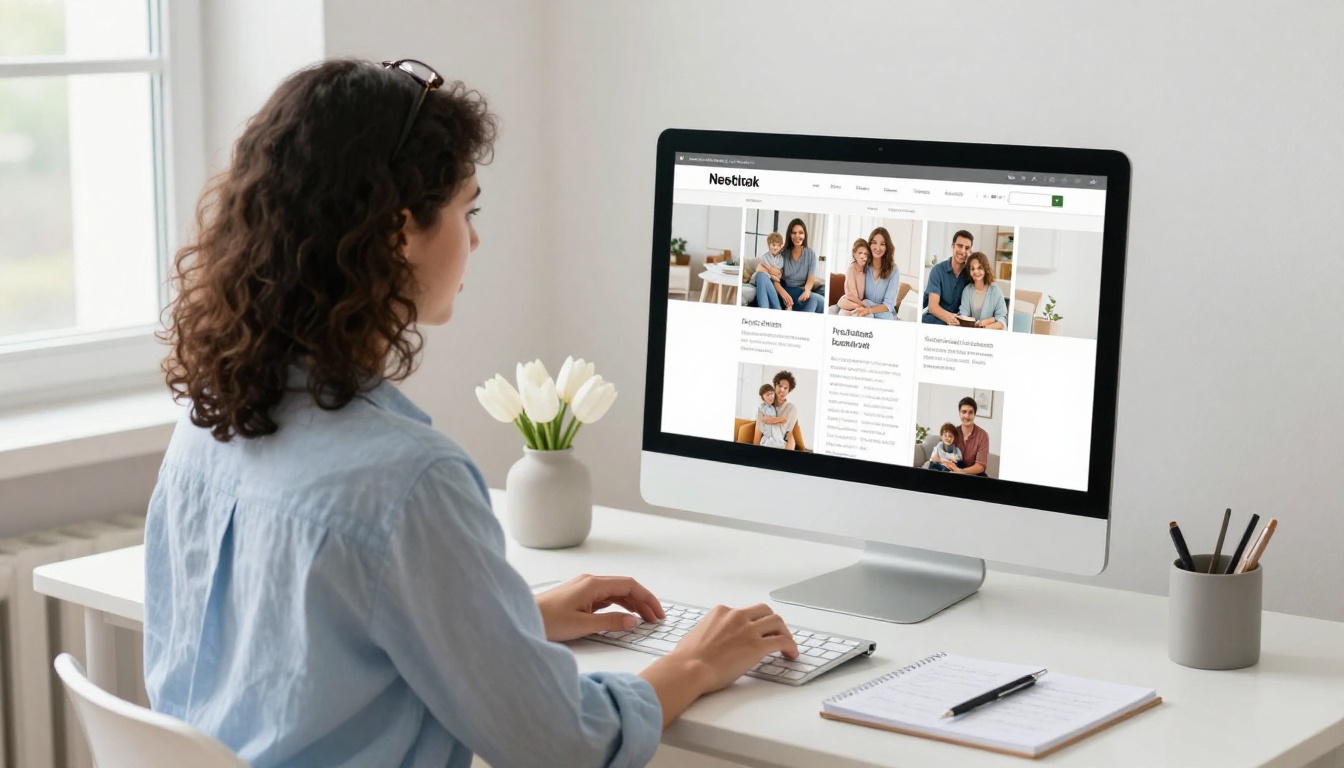
How to Create Your Family Newsletter Flipbook
This is where it gets practical. The process is shorter than you would expect.
1. Design your newsletter as a PDF
Use whatever tool you are comfortable with: Canva, Microsoft Publisher, Adobe InDesign, Google Slides, or even Word. Export or download as a PDF. Aim for landscape orientation at 1920x1080px for best results in the flipbook viewer.
2. Create your free account
Head to flipbooksai.com/account and sign up. No credit card needed for the free tier. Once you are in, you will see the main dashboard where all your flipbooks live.
3. Upload and convert your PDF
Click "Create New Flipbook" and upload your file. The PDF to Flipbook Converter processes it automatically, converting each page into a beautifully rendered flipbook page with the animated page-turn interface applied instantly.
4. Customize the look and feel
From the editor, you can:
- Set your flipbook's background color or texture
- Add a custom title page with your family name
- Adjust page flip speed and direction
- Enable or disable the toolbar for readers
- Add a custom thumbnail for sharing previews
5. Set privacy and sharing options
For a family newsletter, you will almost certainly want some privacy. Under sharing settings, you can:
- Enable password protection so only family members with the password can view it
- Generate a direct link to paste into your family group chat, email, or family app
- Use the Embed Flipbook on Website tool if your family has a shared website
6. Share it everywhere
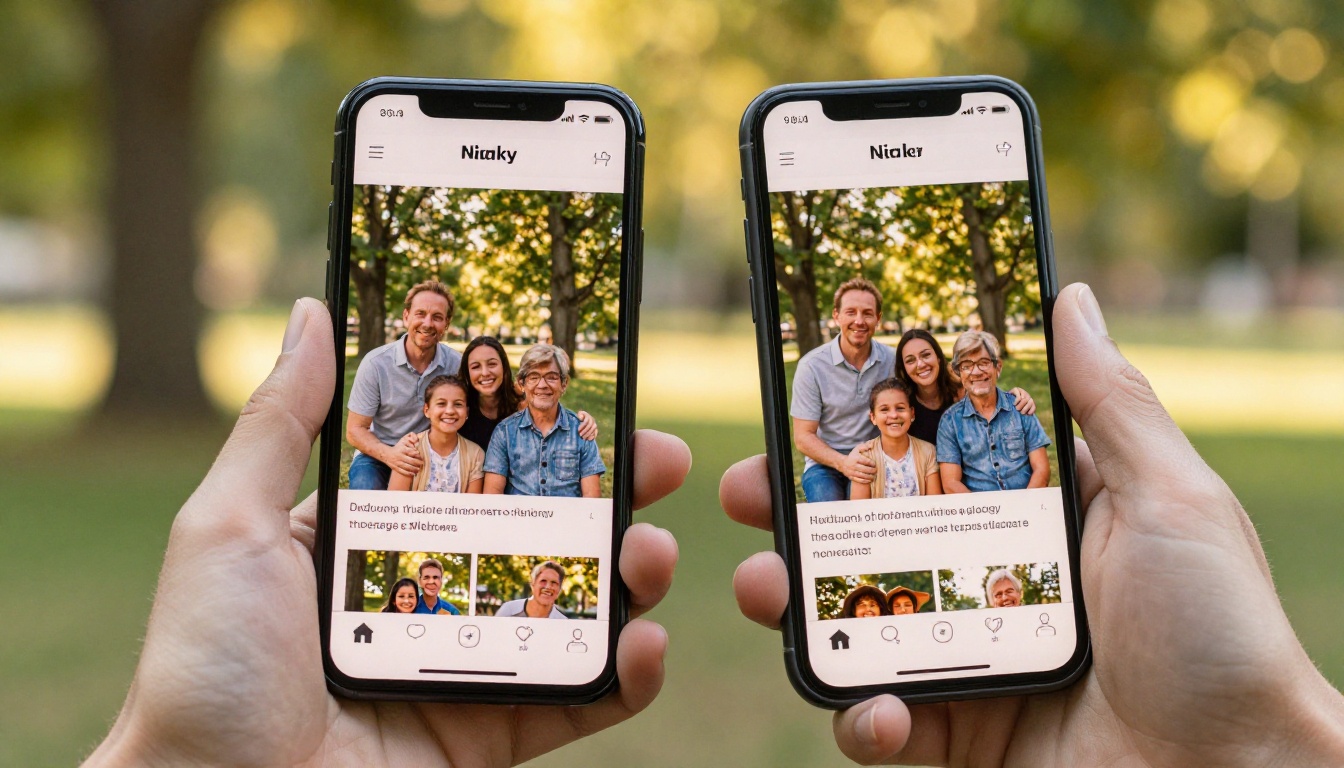
Copy the link and paste it anywhere: WhatsApp, iMessage, email, Facebook groups. The link opens directly in the browser with no download required. On mobile, desktop, and tablet, it looks great and works instantly.
⚠️ Note: The free plan makes flipbooks public by default. Upgrade to Standard or Professional for password protection and private family content.
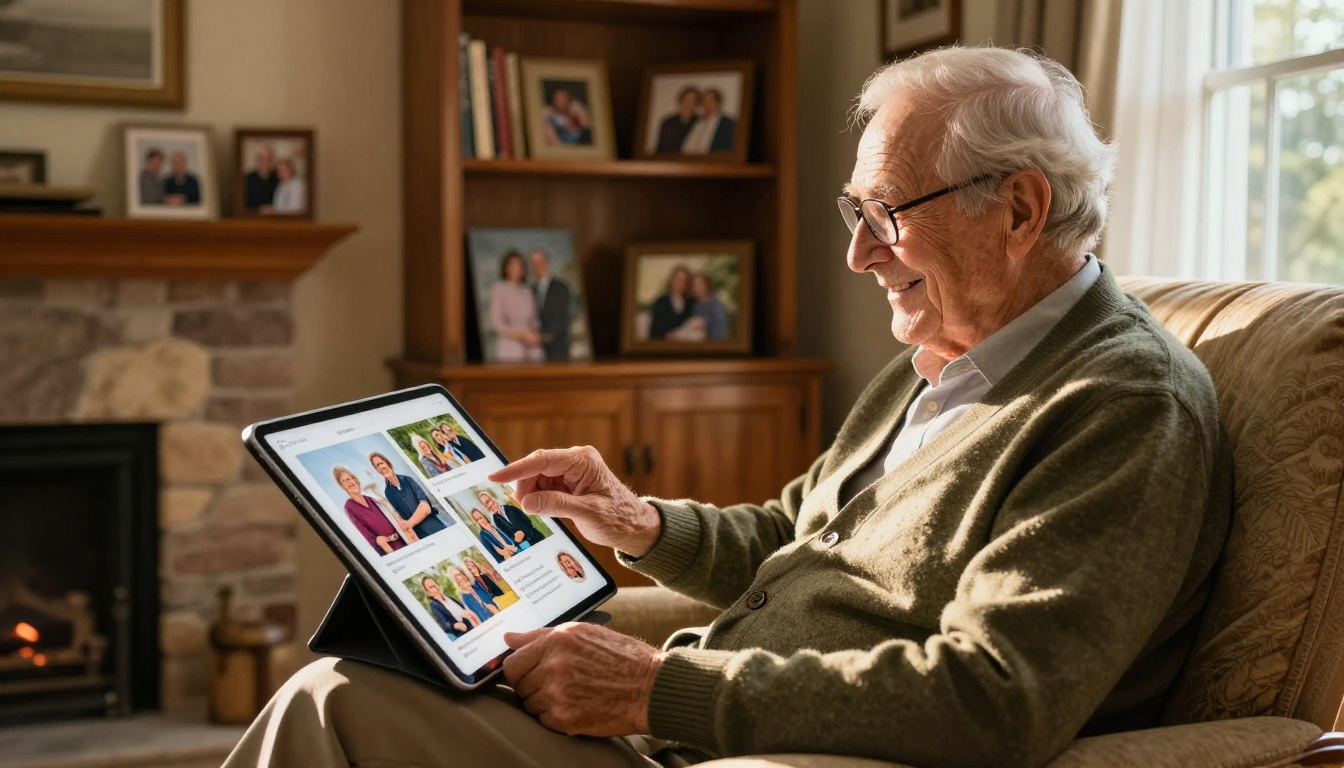
Sharing With Every Generation
The link that works everywhere
One of the most underrated features of a digital flipbook is how universally accessible it is. There is no app to install. The link opens in any browser on any device. This matters enormously when your family spans generations from teenagers to grandparents on desktop computers.
You send one link. Everyone sees the same beautifully formatted newsletter. Nobody has to figure out how to open a PDF, nobody gets a "file too large" error, and nobody misses it because it went to their spam folder as an attachment.
Password protection for privacy
Family newsletters often include sensitive content: home addresses, photos of young children, details about health or relationships. A public link is not appropriate for this kind of content.
Flipbooks AI Standard plan and above gives you password protection for every flipbook. Set a simple password, share it with family members once in the group chat, and the newsletter stays private. No strangers stumble onto it through search results.
Free vs. Paid Plans
Most families will find the Standard plan covers everything they need. Here is how the tiers compare for personal use:
| Feature | Free | Standard | Professional |
|---|
| Number of flipbooks | 1 | Unlimited | Unlimited |
| Password protection | No | Yes | Yes |
| Custom branding | No | Yes | Yes |
| Watermark-free | No | Yes | Yes |
| Analytics | No | No | Yes |
| Lead generation tools | No | No | Yes |
| Offline downloads | No | No | Yes |
| Video embeds | No | Yes | Yes |
| Custom domain | No | No | Yes |
💡 For most families: Standard plan covers everything. Create unlimited newsletters per year, protect them with a password, and share without watermarks. See full pricing details to compare.
The Professional plan makes more sense if you run something larger, like a family foundation newsletter, an alumni publication, or a family association that wants to track readership and download stats.
Real Families, Real Uses
Holiday roundups
The annual holiday newsletter is the most common use case. Families send holiday roundups to 50 to 200 people spanning multiple households and time zones. A flipbook handles that scale easily: one link, shared in email or a family group chat, works for everyone regardless of their device.
You can also archive previous years. Once a flipbook is live, the link is permanent. In five years, your family can flip back through 2024's holiday newsletter as easily as today.
Baby and milestone announcements
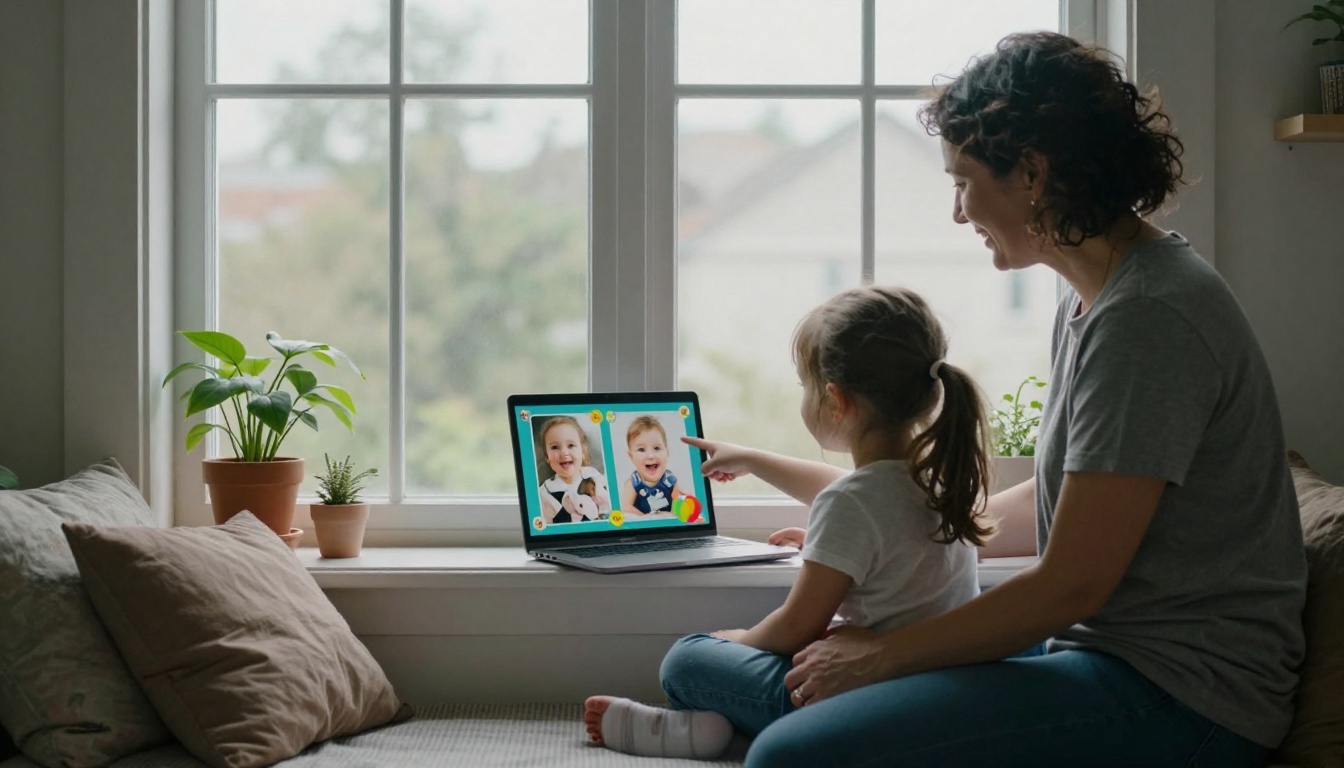
A birth announcement, a graduation, an engagement: these are the moments that deserve more than a text message or a single Instagram post. A short two to four page flipbook for a major milestone gives the moment the weight it deserves. You can include photos from the day, a short story, and a personal note to family members. It takes 30 minutes to make and people keep the link for years.
The School Newsletter Creator and Yearbook Flipbook Maker tools work beautifully for school-age milestone content too.
Family reunion recaps
After a reunion, someone always says "we should send out photos." With a flipbook, that recap can be live within a week. Collect photos from everyone's phones, drop them into Canva, export as PDF, upload, and share. The people who could not make it feel included. The people who were there get to relive it.
7 Tips for a Newsletter People Open Twice
- Start with a photo spread, not text. The first two pages should be visual. Words come after faces.
- Use a consistent template year to year. Familiarity builds anticipation. People look forward to a format they recognize.
- Keep text short per page. Paragraphs of three to five lines work best. This is a family magazine, not a report.
- Include one "throwback" page. A photo from ten or twenty years ago placed next to a current one creates an emotional moment people talk about long after.
- Use a password, always. Family content should stay with family. Do not assume a link will not spread beyond your intended recipients.
- Send a reminder after the first share. A second message one week later with "in case you missed it" doubles open rates in most family groups.
- Tag the year in your flipbook title. "Smith Family 2025" is searchable and archivable. "Our Newsletter" will mean nothing in five years.
✅ Best practice: Set a recurring calendar reminder each November so next year's newsletter gets done before the holiday rush.
Your Family Story Deserves Better Than a PDF
Family newsletters represent something rare: people voluntarily writing about the people they love and sending it to other people they love. That effort deserves a format that matches its heart. A flat PDF attachment buried in an email inbox does not.
A flipbook with page-turning animation, protected by a password, accessible on any device, looks like it took professional effort even when it only took 30 minutes after the PDF was ready. That is the real value: the output quality dramatically exceeds the input effort.
Get started for free on Flipbooks AI today, upload your next family newsletter, and see it become something people actually want to read. Compare pricing plans to find the right fit, or browse all available tools to see what else is possible for personal publishing.
Your family is worth the upgrade.



