Every gender reveal party has that one split second when everything changes. The confetti pops, the smoke rises, the box opens, and the room floods with a noise that no one planned for. It is pure, unrehearsed emotion, and it disappears fast. Most people walk away with a few blurry phone videos and a handful of scattered photos that never quite capture what it felt like to be in that room. Flipbooks AI changes that by letting you turn every photo, reaction shot, and party detail into a living, shareable digital flipbook your whole family will actually open again and again.
Why a Flipbook Beats a Photo Album
The moment deserves more than a screenshot
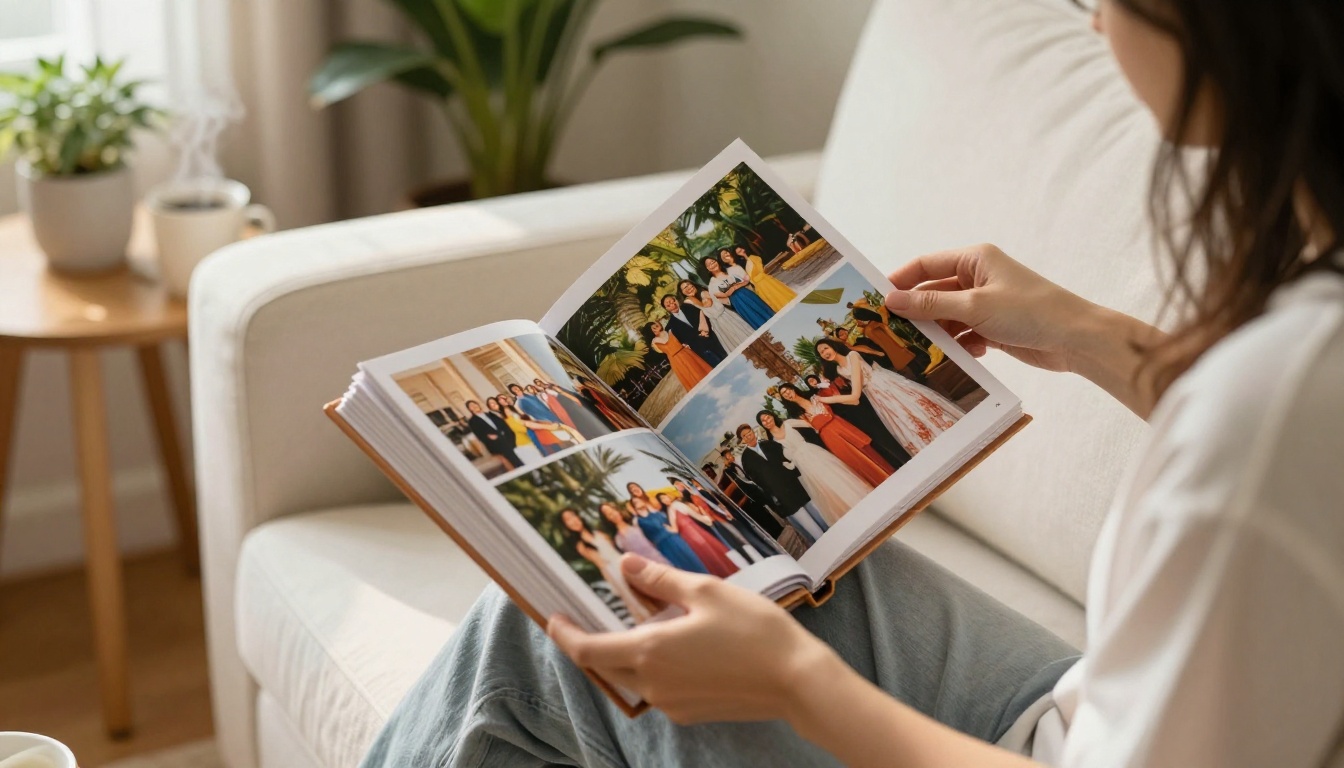
A gender reveal party is not a casual Tuesday. You planned the decorations, ordered the cake, coordinated the outfits, and kept the secret for weeks. The payoff is a single moment of raw reaction, and that moment is cinematic. Static photo albums flatten it. A flipbook brings sequencing back. When your photos flip from the setup to the anticipation to the big reveal, the story breathes again the way it did in the room.
The difference between a folder of JPEGs and a flipbook is the difference between a scattered pile of playing cards and a hand you can actually read.
Digital wins over printed this time
Printed photo books are beautiful, but they live on one shelf in one house. Your parents in a different city never see them. The friends who flew in for the party forget to ask for copies. A digital flipbook lives at a shareable link. Anyone with the URL can open it from any device, any country, any time, without needing to install anything.
💡 A private link with password protection, available on the Standard plan and above, means you control exactly who sees your family moment. No social media required.
What to Capture at Your Party
The reaction shots that matter most
Not every photographer at a gender reveal knows what to shoot. Brief your designated camera person in advance. The moments worth capturing:
- The faces, not the confetti. The powder or balloon is secondary. The expressions on the expecting parents, grandparents, and kids are the real story.
- The three-second window after the reveal. This is when the genuine, unguarded reaction happens before anyone composes themselves for a posed photo.
- Children in the group. Their unfiltered reactions are often the most memorable frames in the whole flipbook.
- The parents' hands. Whether they are squeezing each other's or trembling, hands tell a story that faces sometimes hide.
- Wide group shots. One frame with everyone in it anchors the flipbook and gives viewers who open it later the full context of who was there.
Details guests always miss

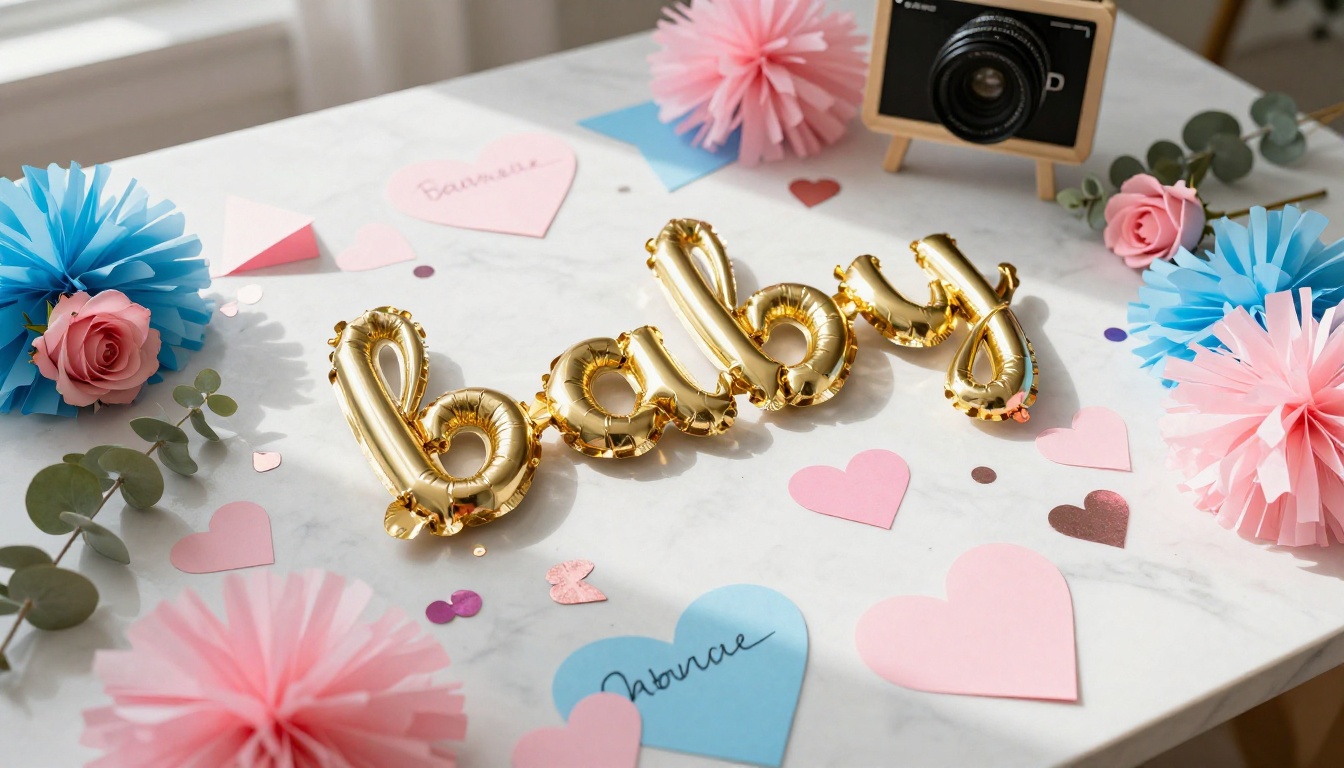
Beyond the big moment, the small details are what make a flipbook rich. Photograph the table setup before anyone touches it. Get a close-up of the cake before it is cut. Capture the handwritten sign, the balloon arch, the card from the grandparents who could not make it in person. These frames become the opening pages of the flipbook, the ones that set the scene before the story unfolds.
✅ Best practice: Assign two photographers at the party. One on the expecting couple, one on the crowd. You want both sides of the reaction captured at the same time.
Not every format works equally well for a gender reveal story. Here is a direct comparison of the most common options:
| Format | Shareability | Cost | Interactive Elements | Access |
|---|
| Printed photo book | Low (physical only) | $40-$120 | None | One location |
| Standard photo album | Low (physical only) | $20-$80 | None | One location |
| Social media gallery | High | Free | Likes/comments | Public only |
| Digital flipbook | Very high | Low | Video, audio, links | Private or public |
| PDF slideshow | Medium | Free | None | Requires download |
A digital flipbook sits at the intersection of shareability and intimacy. It is not blasted across a public feed, but it is not locked away on a single shelf either. You choose the audience, and the format does the rest.

How to Create Your Gender Reveal Flipbook with Flipbooks AI
Flipbooks AI converts your designed PDF into a fully interactive digital flipbook with page-turning animations, shareable links, and optional password protection. Here is exactly how to do it:
1. Gather and arrange your photos
Collect all photos from the party into a single folder. Sort them chronologically: pre-party setup, arrival of guests, the anticipation before the reveal, the reveal itself, and the celebration after. This sequence is what makes the flipbook feel like a story rather than a random gallery.
2. Design your PDF layout
Use any design tool, such as Canva, Adobe Express, or PowerPoint, to create a PDF with one photo per page or stylized layouts with short text captions. Include the date and a short title on the opening page, and close with the baby's name (or "Baby [Last Name]" if it is still under wraps). Export as a standard PDF when done.

3. Upload to Flipbooks AI
Go to Flipbooks AI and create your account. Once inside, click New Flipbook and upload your PDF. The platform converts each page automatically with a realistic page-flip animation. Choose your opening page style from the available templates.
4. Personalize the branding and feel
This is where you make it yours:
- Set a custom background color or texture to match your party theme (blush pink, cream, dusty blue)
- Add the baby's name or initials as the flipbook title
- Embed a short video clip from the reveal moment directly into a page if you are on a plan that supports multimedia
5. Set your sharing preferences
- Generate a private shareable link to send via text or email to family and friends
- Add password protection to keep it off public search engines
- Use the embed code if you have a personal blog or family site where you want it to live permanently
⚠️ If you plan to share the link broadly, set a password first. This keeps your family moment private while still being accessible to everyone you invite.
6. Share and enjoy
Copy the link and drop it into your family group chat. Done. No printing, no shipping, no waiting. Your flipbook is live within minutes.
Flipbooks AI Plans at a Glance
Choosing the right plan depends on what you want to do with your flipbook after the party. Here is what matters most for personal use:
| Feature | Free | Standard | Professional |
|---|
| Number of flipbooks | 1 | Unlimited | Unlimited |
| Watermark | Yes | No watermark | No watermark |
| Password protection | No | Yes | Yes |
| Custom branding | No | Yes | Yes |
| Embed on website | No | Yes | Yes |
| Video and audio embeds | No | No | Yes |
| Analytics and lead gen | No | No | Yes |
| Offline downloads | No | No | Yes |
For a one-time gender reveal flipbook shared with family, the Standard plan covers everything you need: no watermarks, password protection, custom branding, and shareable links. The Professional plan makes sense if you want to embed video clips from the reveal directly into the flipbook pages, or if you want a permanent offline copy to keep.
💡 Compare all features and full pricing at flipbooksai.com/pricing before deciding. The Standard plan is often all you need for personal celebrations like this one.

Creative Page Ideas for Your Flipbook
A gender reveal flipbook does not have to be a straight photo dump. These page ideas turn yours into something worth keeping:
Tell the story from the beginning
Open with the pregnancy announcement photo or the first ultrasound image. Then the party invitations. Then setup day. Then guests arriving. By the time the reveal page appears, the reader has been on the whole journey. The emotional payoff of that reveal page hits harder when it arrives at the end of a story rather than at the beginning of a gallery.
Give every reaction its own page
The best gender reveal flipbooks devote individual pages to individual reactions. Grandma's tear-streaked face. The siblings jumping. The dad going quiet. Each reaction page is its own chapter: full bleed photo, a short caption if needed. No fuss, no overcrowding.
Add a letter to your baby
The final pages of the flipbook are prime real estate. Use them for a short handwritten note to your child, photographed on nice paper, describing what the day felt like. In fifteen years, that page will be the one they read twice.
Include the names you were deciding between
A creative page idea: list the names you had shortlisted before the reveal, with a circle or checkmark around the winner. It adds a layer of history and personality that pure photos cannot convey.
Embed the reveal video
If you opt for the Professional plan, you can embed the actual reveal video clip directly into a flipbook page. The reader flips to that page and the video plays inline. No switching apps, no separate links cluttering the experience.
Sharing Your Flipbook After the Party
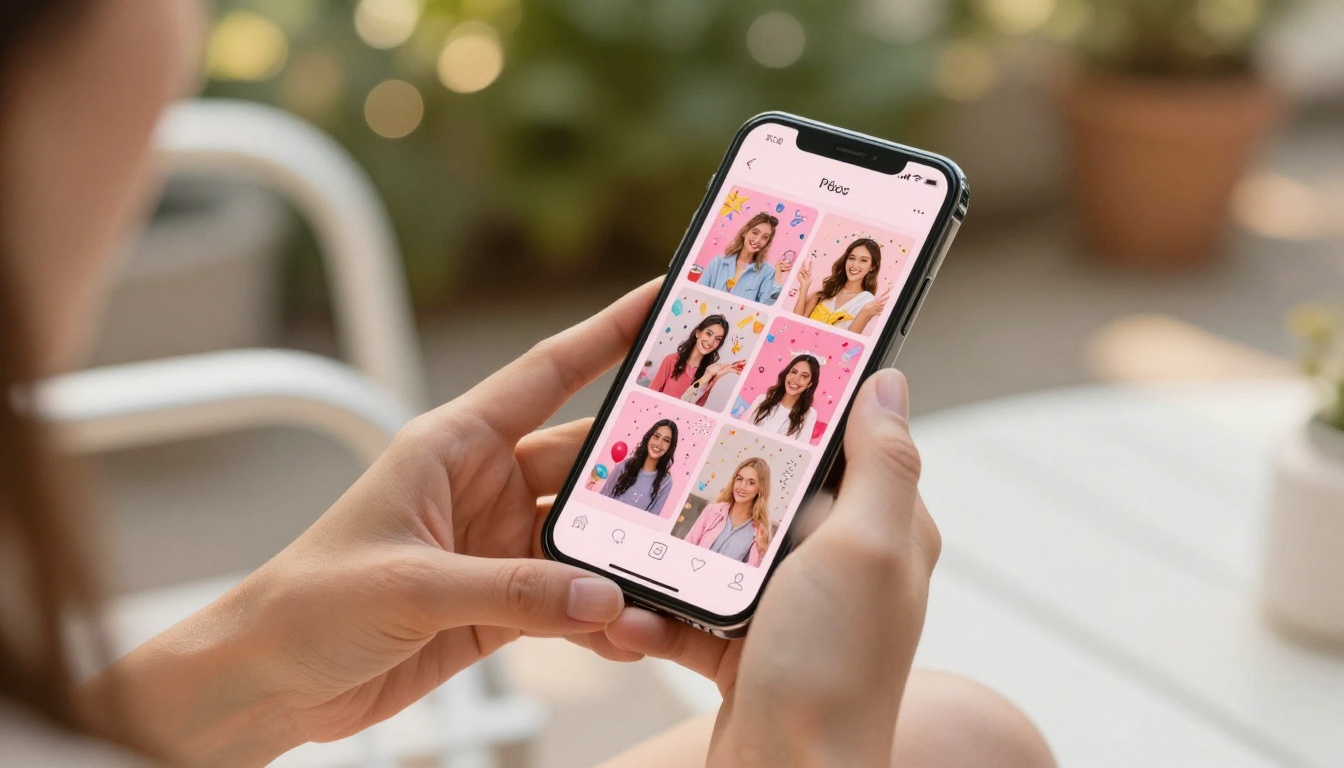
The power of a digital flipbook is in how far it travels. Here are the sharing strategies that work best:
| Sharing Method | Best For | Privacy Level |
|---|
| Direct link via text message | Close family | High (with password) |
| Email with link | Extended family and friends | High |
| Embed on personal or family blog | Long-term archive | Medium |
| Password-protected link | Selective sharing | Very high |
| Social media (link in bio) | Broad announcements | Low |
✅ For grandparents who are less comfortable with technology, send the link with a simple note: "Click this link, type the password, and flip through the pages with your mouse or finger." The interface is intuitive enough that no extra instruction is needed.
Make It a Gift, Not Just a Memory

The gender reveal flipbook is not just for you. It is one of the most personal gifts you can give to the people who were there. Create a slightly different version for the grandparents: same photos, but open with a page dedicated to them specifically, explaining how long they have waited for this moment. Send it the morning after the party while the memory is still warm. That kind of specificity, that one-person-in-mind quality, is what separates a gift from a gesture.
The Event Program Maker tool on Flipbooks AI is worth bookmarking too. Some families create a printed program for the party itself and then a digital flipbook as a follow-up keepsake, the two formats complementing each other beautifully.
If you want a more formal, album-style layout for your flipbook pages, the Wedding Album Flipbook tool offers elegant structural templates that translate well to any major life celebration.
The Flipbook Your Child Will Find Someday
The gender reveal flipbook you create today becomes a document your child will stumble upon years from now. Unlike a hard drive or a social media post, a digital flipbook at a fixed shareable link does not disappear. It does not require a specific app or a platform to stay alive. It is a URL on a piece of paper tucked into a baby book, and a decade from now your child can type it in and see exactly what happened the day the world found out who they were going to be.
That is worth ten minutes of uploading photos.
Ready to build yours? Create your flipbook on Flipbooks AI and have it ready to share before the confetti has been swept up. Check the full pricing breakdown to choose the plan that fits, and browse all available tools and templates to find the layout that tells your party story exactly the way it deserves to be told.



