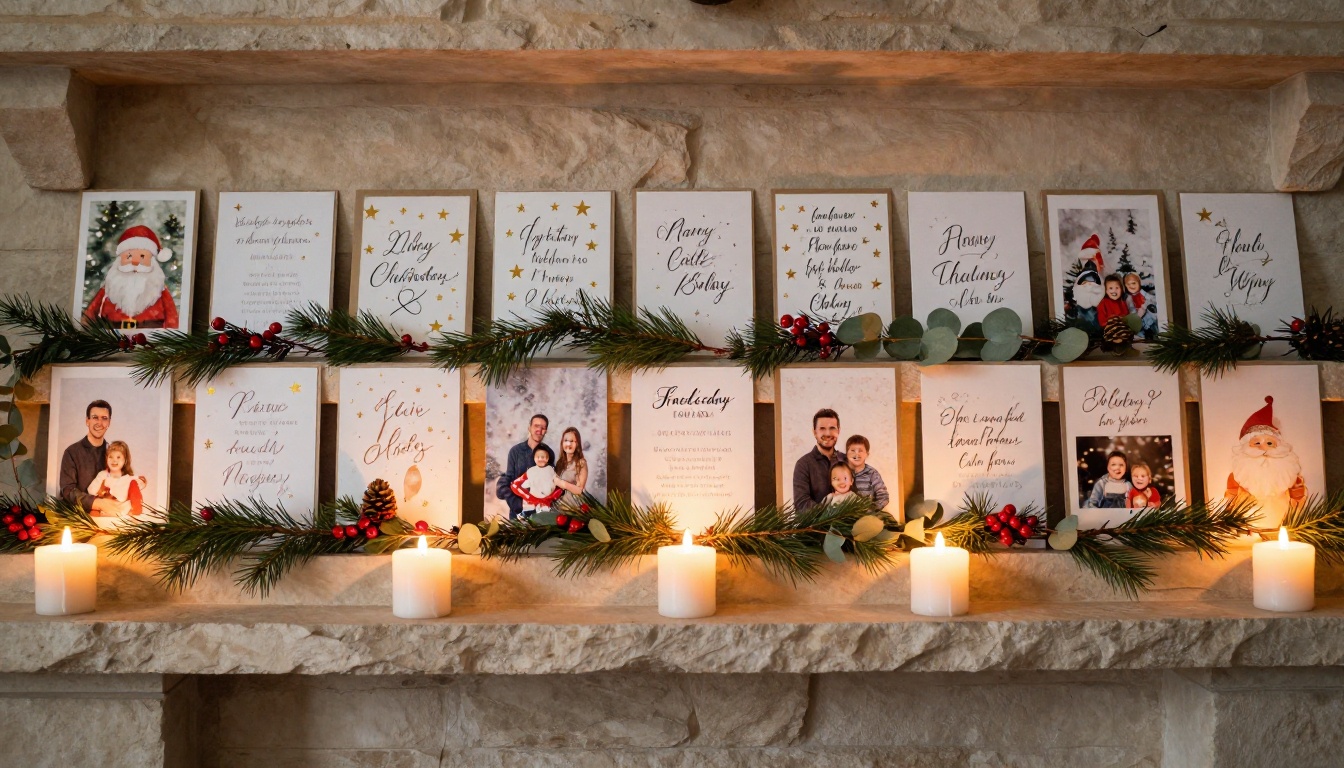
Holiday cards collect dust. You open them, smile, prop them on the mantelpiece for a few weeks, and then tuck them into a box in the attic where they quietly fade for years. There is a better way. Flipbooks AI lets you take every card you have ever received, scan them, compile them into a PDF, and convert the whole collection into a beautiful interactive flipbook that your family can flip through on any screen, anytime. The process takes less than an afternoon and the result lasts forever.

Why Holiday Cards Deserve Better Than a Drawer
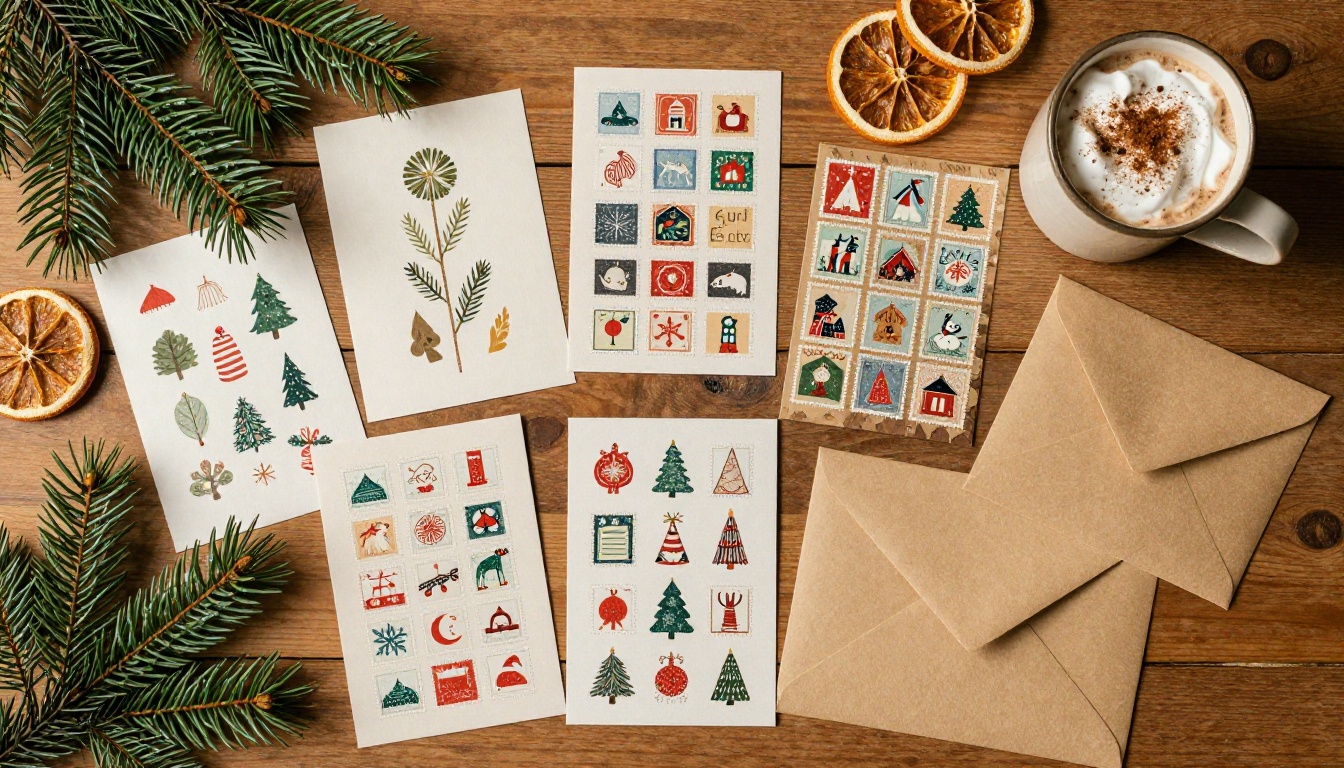
Every December, households receive dozens of cards. Some are store-bought with a printed signature. Others are hand-crafted masterpieces with painted watercolors, pressed flowers, family portraits, and handwritten notes that no amount of recycled paper could replicate. You keep them because they mean something. Then life moves on and the box disappears into a closet.
The Problem with Physical Cards
Physical holiday cards are fragile. Ink fades. Paper yellows. Moisture warps. Fire, flooding, and moving house can erase decades of memories in a moment. Even the best-kept collection becomes brittle over time, and sharing it means physically mailing the originals or photographing each card individually and texting blurry images to a group chat.
Beyond preservation, there is the sharing problem. Your grandmother in another country, your college friends scattered across three time zones, your sibling who moved abroad, none of them get to see the cards you received. The joy stays locked inside your home.
What a Digital Flipbook Actually Does
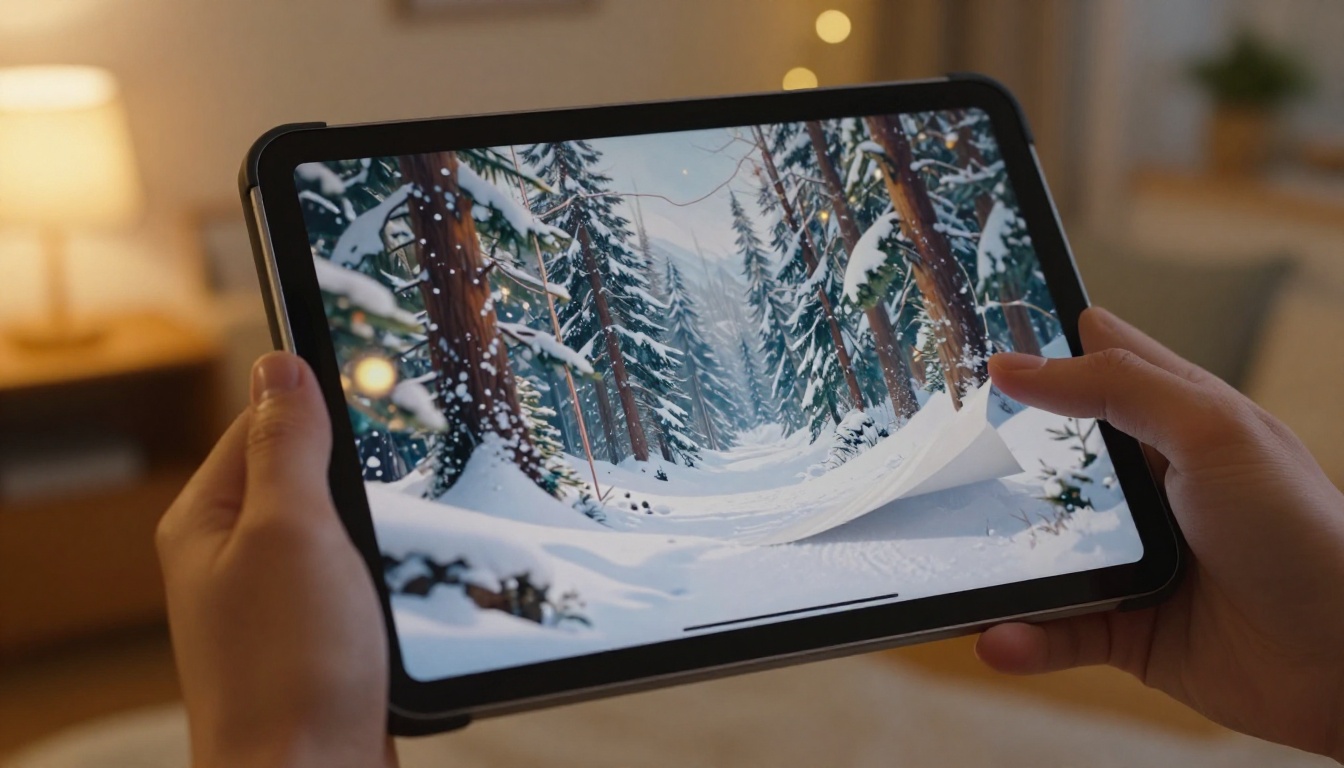
A digital flipbook is not just a PDF. It is an interactive experience with realistic page-turn animations, smooth scrolling, and a layout that feels exactly like holding a real book in your hands. When you convert your holiday card collection into a flipbook, every person on your sharing list can sit down with a cup of cocoa and flip through your cards exactly as you would.
The flipbook is hosted online, works on any device, loads instantly, and requires no app download. You send a link. Your loved ones click it. They flip through your cards from anywhere in the world.
What Makes a Holiday Flipbook Special
Not all digital photo sharing is created equal. A Google Photos album is a grid of images. A Facebook post disappears in a feed. A holiday flipbook is a living document that mirrors the tactile pleasure of real cards while eliminating every physical limitation.
The "Page-Turn" Experience
The page-turn effect is not decorative. It is psychological. When someone flips a page, they pace themselves through your collection the same way they would with a real book. They pause on the ones they love. They go back. They call attention to a detail in a corner. That interaction is fundamentally different from scrolling past a thumbnail.
💡 Pro tip: Arrange your cards chronologically before scanning so viewers experience your collection as a story spanning years, not just a single season.
Share It Without Printing a Single Copy
Once your flipbook is live on Flipbooks AI, sharing is instant. You get a direct link you can paste into a family group chat, an email, or a social post. You can also embed the flipbook directly into a personal website or family blog with a single line of HTML using the Embed Flipbook on Website tool. No prints. No postage. No waiting.
| Sharing Method | Physical Cards | Digital Flipbook |
|---|
| Reaches family abroad | No | Yes |
| Cost per recipient | Postage each | Zero |
| Preserves permanently | Fragile | Yes |
| Shareable in seconds | No | Yes |
| Interactive experience | Static | Full page-turn |
| Editable after sending | No | Yes |
How to Turn Your Holiday Cards into a Flipbook
The process is straightforward. You do not need design experience, technical skills, or expensive equipment. All you need is a smartphone or a flatbed scanner and an account on Flipbooks AI.
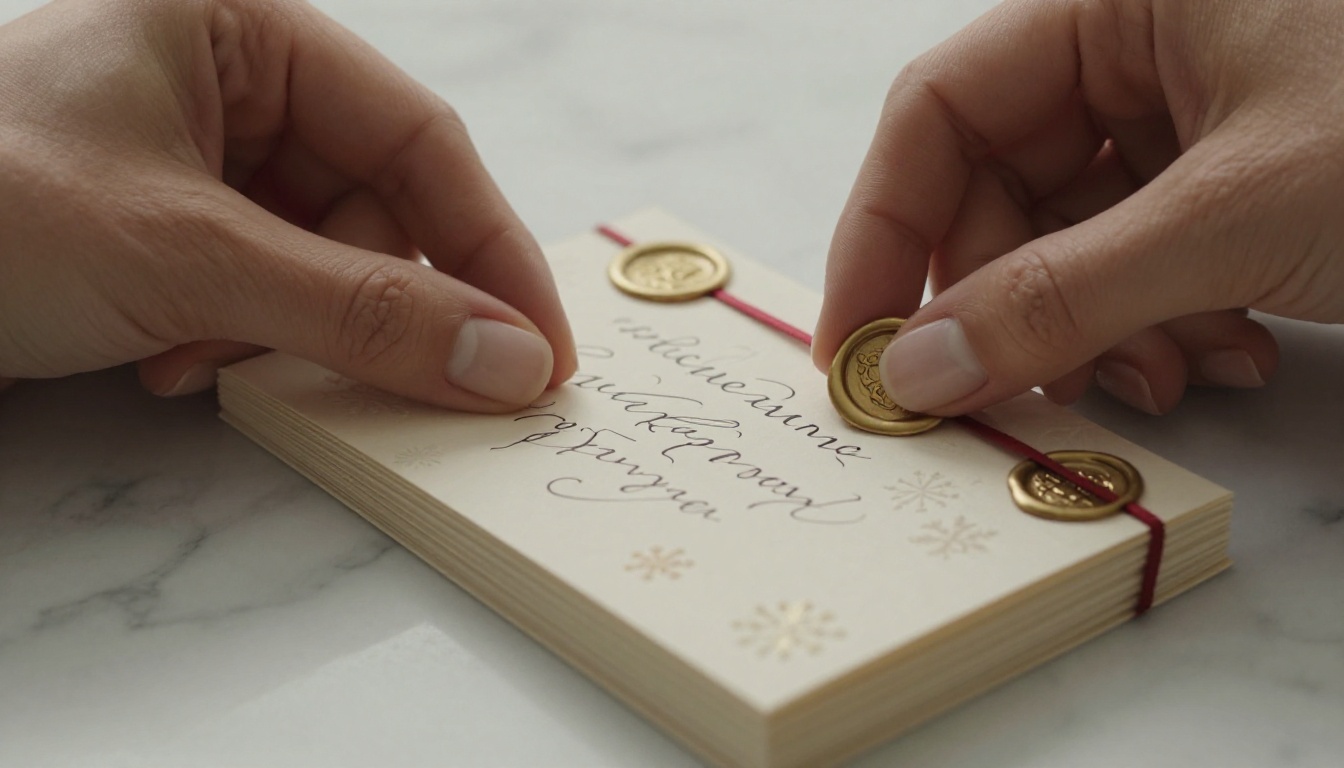
Step 1: Gather and Scan Your Cards
Pull out every holiday card you want to include. This can be a single season's worth or decades of collected greetings. For each card:
- Lay it flat on a clean, evenly lit surface
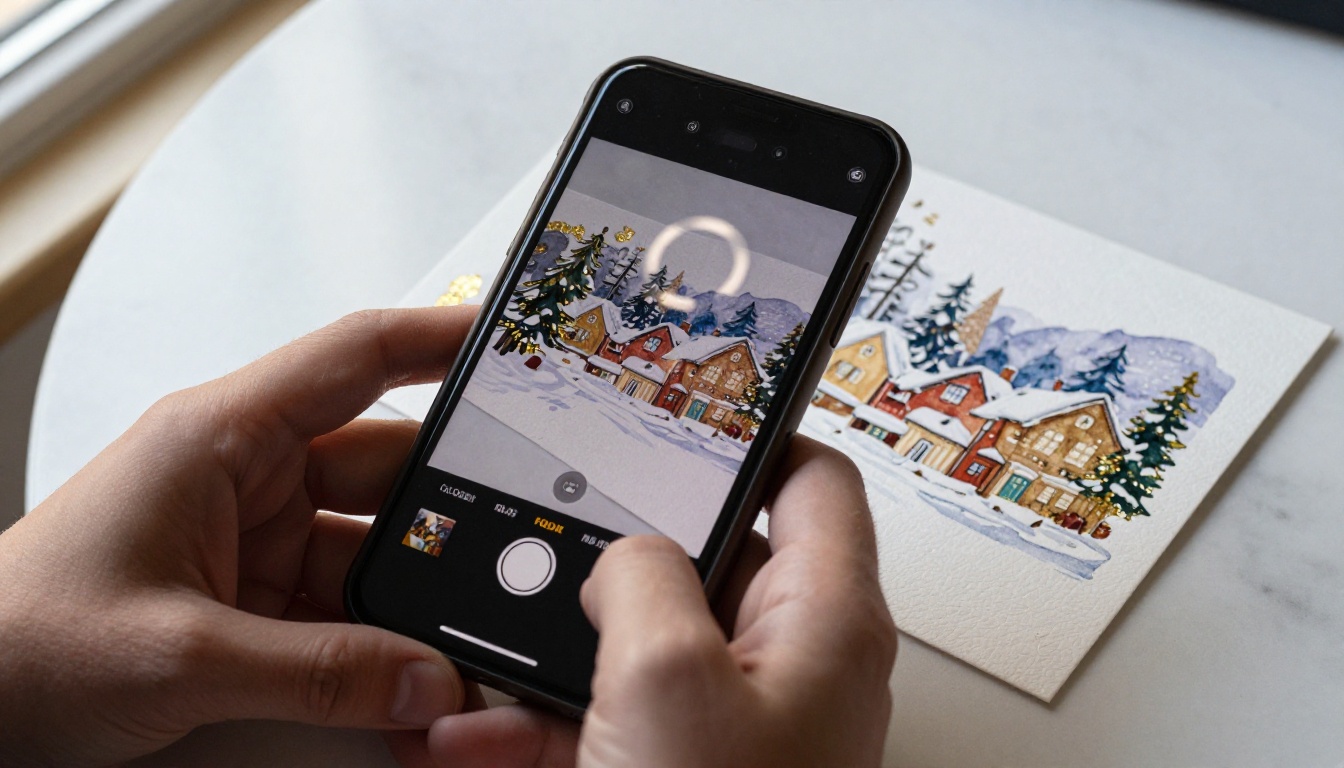
- Use a flatbed scanner at 300 DPI minimum for crisp results, or photograph each card with your smartphone using good natural light
- Scan both sides if the inside contains a handwritten message. Those notes are often the most meaningful part
⚠️ Important: Avoid scanning under direct overhead fluorescent light. It creates harsh shadows along card edges and washes out color. Morning window light or a ring light works far better.
Step 2: Create a PDF Collection
Once you have all your scans saved as image files (JPG or PNG), compile them into a single PDF. You can do this with:
- Adobe Acrobat: Drag all images in, export as PDF
- Preview on Mac: Open all images, select all, print to PDF
- Microsoft Print to PDF on Windows: Select all images, right-click, print
- Google Drive: Upload images, open with Google Docs, download as PDF
Arrange your pages in the order you want viewers to experience them before exporting.
Step 3: Upload to Flipbooks AI
Go to Flipbooks AI and sign in or create your account. Once inside:
- Click Create New Flipbook
- Drag and drop your PDF into the upload area
- Wait for the platform to process and convert your pages (takes under a minute for most files)
- Your holiday card collection instantly becomes an interactive flipbook with realistic page-turn animations
Step 4: Customize Your Flipbook
This is where the experience goes from good to exceptional. Flipbooks AI gives you full control over how your flipbook looks and behaves:
- Set a front page image: Use your most visually striking card as the opening page
- Add a title and description: Give your flipbook a name like "The Wilson Family Cards 1998-2024"
- Choose your background color: A deep navy or forest green sets a festive mood
- Enable password protection: Keep it private for family only
- Add audio: Embed a holiday playlist that plays while viewers flip through
✅ Best practice: Use password protection for collections that include personal handwritten notes or family photos. Share the password in your family group chat alongside the link.
Step 5: Share with Everyone
When you are happy with your flipbook, click Publish. You will receive:
- A shareable link you can send to anyone
- An embed code for websites and blogs
- Options for social sharing directly to Facebook, WhatsApp, and email
The flipbook works on any device. No downloads required for viewers. They click the link and they are in.
Flipbooks AI Plans at a Glance
Whether you are creating one holiday flipbook for personal use or sending branded seasonal greetings to hundreds of clients, there is a plan that fits. Check the pricing page for the latest details.
| Feature | Free | Standard | Professional |
|---|
| Flipbooks | 1 | Unlimited | Unlimited |
| Watermark-free | No | Yes | Yes |
| Password protection | No | Yes | Yes |
| Custom branding | No | Yes | Yes |
| Analytics | No | No | Yes |
| Lead generation | No | No | Yes |
| Offline downloads | No | No | Yes |
| Embed on website | Limited | Yes | Yes |
💡 For personal use, the Standard plan covers everything you need: unlimited flipbooks, no watermarks, and password protection to keep your family memories private. The Professional plan is ideal if you are sending branded holiday flipbooks as part of a business outreach.
Real Ways People Use Holiday Flipbooks
The holiday card flipbook is more versatile than it first appears. Here are real scenarios where it adds genuine value.
Families Keeping Memories Alive
Imagine converting 30 years of Christmas cards from grandparents into a single flipbook and sharing it at a family reunion. Relatives who were not even alive for many of those cards get to flip through the handwriting, the photos, the little drawings from when the kids were young. It becomes an instant heirloom, not a box in an attic.
Businesses Sending Branded Cards
A local boutique, a real estate agency, a law firm, any business that sends holiday cards to clients can create a digital version with Flipbooks AI that reaches every client simultaneously, looks polished and professional, and never gets lost in the mail. The PDF to Flipbook Converter handles the heavy lifting.
Teachers and School Communities
Schools that produce holiday newsletters or end-of-year memory books can use the School Newsletter Creator or Yearbook Flipbook Maker to give parents an interactive version they can share with extended family. The children's artwork and handwritten notes look stunning in flipbook format.
| Use Case | Best Tool | What It Delivers |
|---|
| Family card archive | PDF to Flipbook Converter | Decades of greetings preserved |
| Business holiday outreach | PDF to Flipbook Converter | Branded, professional, zero postage |
| School holiday newsletter | School Newsletter Creator | Shareable with parents and community |
| Wedding holiday album | Wedding Album Flipbook | Beautiful keepsake for guests |
| Charity holiday appeal | Non-Profit Annual Report | Engaging donor communication |
| Event holiday program | Event Program Maker | Interactive guest experience |
Tips for a Better Holiday Flipbook
The difference between an average flipbook and a stunning one often comes down to a few small decisions made before you upload.
Scan at High Resolution
300 DPI is the minimum. For cards with fine details, gold foil embossing, or intricate illustrations, scan at 600 DPI. The file size will be larger, but the visual clarity when someone zooms in on a page will be dramatically better. Most modern flatbed scanners handle this without issue.
Add Personal Context Pages
Before converting to PDF, consider adding a text page between some cards. A simple page that says "This card came from Aunt Rosa in 1987, the year she moved to Toronto" transforms a visual archive into a story. You can create these pages easily in Microsoft Word, Google Docs, or Canva, then add them into your PDF sequence before uploading.
Use Password Protection
If your card collection contains personal messages, handwritten notes, or family photos, set a password before sharing the link. Flipbooks AI makes this a one-click setup during the publishing step. Share the password separately from the link for peace of mind.
✅ Best practice: Create a separate flipbook for cards you want to share publicly (beautiful seasonal designs, professional business cards) and a password-protected version for personal family content.
Organize by Theme or Year
Instead of one massive flipbook with every card you have ever received, consider creating themed collections:
- By decade: 1990s, 2000s, 2010s, 2020s
- By family branch: One flipbook per family group
- By type: Christmas cards, Hanukkah cards, New Year cards, Diwali cards
- By sender: A dedicated flipbook of cards from a particular person who has passed
Each collection stays focused and tells a more specific story.
Physical vs. Digital Holiday Cards
There is genuine warmth in holding a physical card. The weight of the paper, the slight texture of an embossed surface, the personal handwriting in ink you can almost feel. A digital flipbook does not replace that tactile experience. What it does is remove every limitation that comes with the physical version.
| Consideration | Physical Card | Digital Flipbook |
|---|
| Tactile experience | Rich and personal | None |
| Durability | Fades, yellows, tears | Permanent |
| Sharing reach | One recipient at a time | Unlimited, instant |
| Cost to share | Postage per copy | Zero |
| Searchable | No | Yes (by title, date) |
| Interactive | Static | Page-turn, zoom |
| Accessible for the vision-impaired | Limited | Screen-reader compatible |
| Environmental impact | Paper, ink, postage | Minimal |
The ideal approach for most people is both. Keep the physical originals. Create a digital flipbook. The originals stay in their special box; the flipbook lives online and reaches everyone who matters to you.
Start Your Holiday Flipbook Today
Your holiday cards have stories locked inside them. Names, dates, handwriting styles that remind you of someone's voice, little drawings from when the kids were still learning to hold a pencil. Turning them into a flipbook does not take those stories away from the physical cards. It sets them free.
Create your first holiday flipbook on Flipbooks AI and have it ready to share before the season ends. The process takes less time than writing out envelopes, and the result reaches every person you care about regardless of where they live.
Ready to see what your plan options look like? Browse pricing and pick the one that fits your needs. Whether you are preserving one season's memories or building a decades-long family archive, Flipbooks AI has the tools to make it happen.
Browse the full range of flipbook tools to see what else you can create once your holiday collection is live.



