Print magazines stack up on coffee tables. Digital PDFs sit unopened in download folders. But an interactive magazine flipbook? It gets forwarded, embedded, bookmarked, and actually read from start to finish. The shift from static pages to flippable digital editions is not a trend, it is simply how modern publishing works now. The barrier to doing it has never been lower.
If you have a magazine in PDF format, or even a rough InDesign file, you are closer than you think to having a fully interactive publication that readers will want to share. Flipbooks AI makes the conversion process something anyone can do without a developer or a design team.
Why Readers Abandon Static PDFs
The average attention span for online content is measured in seconds, not minutes. PDFs demand that readers download a file, wait for it to open, and then scroll through content that was designed to be printed, not viewed on a screen. Most people bail before they hit page three.
The Format Problem Is Bigger Than You Think
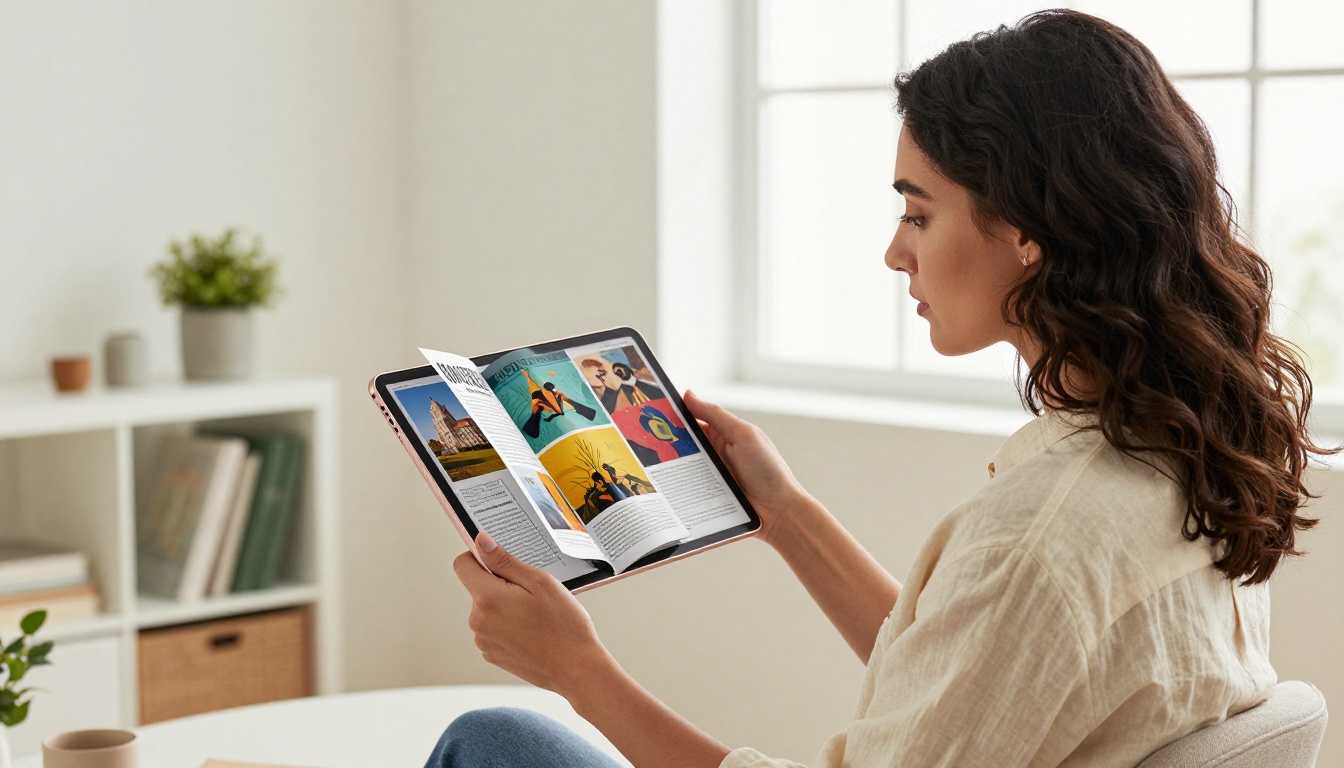
When you share a PDF version of your magazine, you are handing someone a document, not an experience. There is no animation, no flow, and no sense of turning a page. The act of reading a physical magazine has a tactile rhythm to it, and digital publishing tools that replicate that rhythm consistently outperform static alternatives in every measurable way.
Publishers using interactive flipbooks report that readers spend 3 to 5 times longer with their content compared to PDF equivalents. That difference is not about content quality. It is about the format making reading feel natural.
What Interactive Pages Do Differently
Interactive flipbooks recreate the physical page-turn in a browser, no download required. Readers can swipe or click to flip pages, watch embedded videos, click through to product links, and zoom into images with fine detail. The experience feels deliberate and editorial, not improvised or like an afterthought.

How Print, PDF, and Flipbook Compare
Publishers who have switched to interactive flipbooks consistently report higher read-through rates than either print distribution or PDF sharing. Here is how the three formats stack up across the metrics that actually matter:
| Feature | Print Magazine | PDF Download | Interactive Flipbook |
|---|
| No download required | No | No | Yes |
| Page-flip animation | Yes (physical) | No | Yes |
| Embedded video and audio | No | No | Yes |
| Clickable links | No | Limited | Yes |
| Mobile-responsive | No | Poor | Yes |
| Reader analytics | No | No | Yes |
| Distribution cost per reader | High | Low | Low |
| Shareable direct link | No | Partially | Yes |
| Custom branding | Yes | Limited | Yes |
| Password protection | No | No | Yes |
| Embed on website | No | No | Yes |
The gap is not subtle. Interactive flipbooks outperform on nearly every metric that matters for modern publishing. That is why independent publishers, fashion brands, B2B trade journals, and corporate communications teams are all moving to this format.
How to Create Your Magazine Flipbook
The process is straightforward enough to complete in under 10 minutes if your PDF is ready. Here is the step-by-step workflow:
Step 1: Set Up Your Account
Go to Flipbooks AI and create your account. The free tier lets you test the output before committing to a plan. If you want no watermarks and unlimited flipbooks, the Standard plan covers everything most publishers need for a regular publication schedule.
Step 2: Upload Your Magazine PDF

Once logged in, use the upload tool to bring your file into the platform. The PDF to Flipbook Converter supports multi-page documents and preserves your original layout, fonts, and imagery exactly as designed. Drop your file into the interface and conversion begins automatically.
💡 For best results, export your PDF at 300 DPI before uploading. This preserves print-quality visuals in the digital version and ensures images stay crisp at any zoom level.
Step 3: Apply Your Branding
After conversion, customize the flipbook to match your magazine's visual identity. You can apply your brand colors, upload a logo, set a custom background, and choose from multiple page transition styles. The branding editor is fully visual and non-technical, requiring no CSS or code of any kind.
Publishers who invest time in the branding step report that readers are significantly more likely to share a polished branded flipbook compared to an unbranded one. The editorial frame tells readers this publication is serious.
Step 4: Add Multimedia Elements
This is where the static magazine becomes something genuinely interactive. Embed YouTube or Vimeo videos directly into specific pages, add clickable links to products or sponsor pages, and insert audio tracks where relevant. The Magazine Flipbook Creator and E-Magazine Publishing Tool both support rich media embedding out of the box.
✅ Best practice: embed a short video on your opening pages. Readers who encounter video content early in an issue show significantly higher read-through rates.
Step 5: Configure Privacy and Sharing
Decide who can see your flipbook. Public flipbooks work for general distribution and social sharing. For premium content, subscriber-only issues, or internal editorial reviews, password protection keeps access controlled without complex login infrastructure.
Step 6: Publish and Distribute
Hit publish. Your flipbook is now live at a shareable URL. Send it by email, post it on social media, or use the Embed Flipbook on Website tool to place it directly into your site with a single line of embed code. Your magazine now lives in every browser on every device, instantly.
Customization That Changes How Your Magazine Feels
The visual and functional customization available in a modern flipbook builder goes far beyond what most publishers expect the first time they use one.
Branding That Sticks With Readers
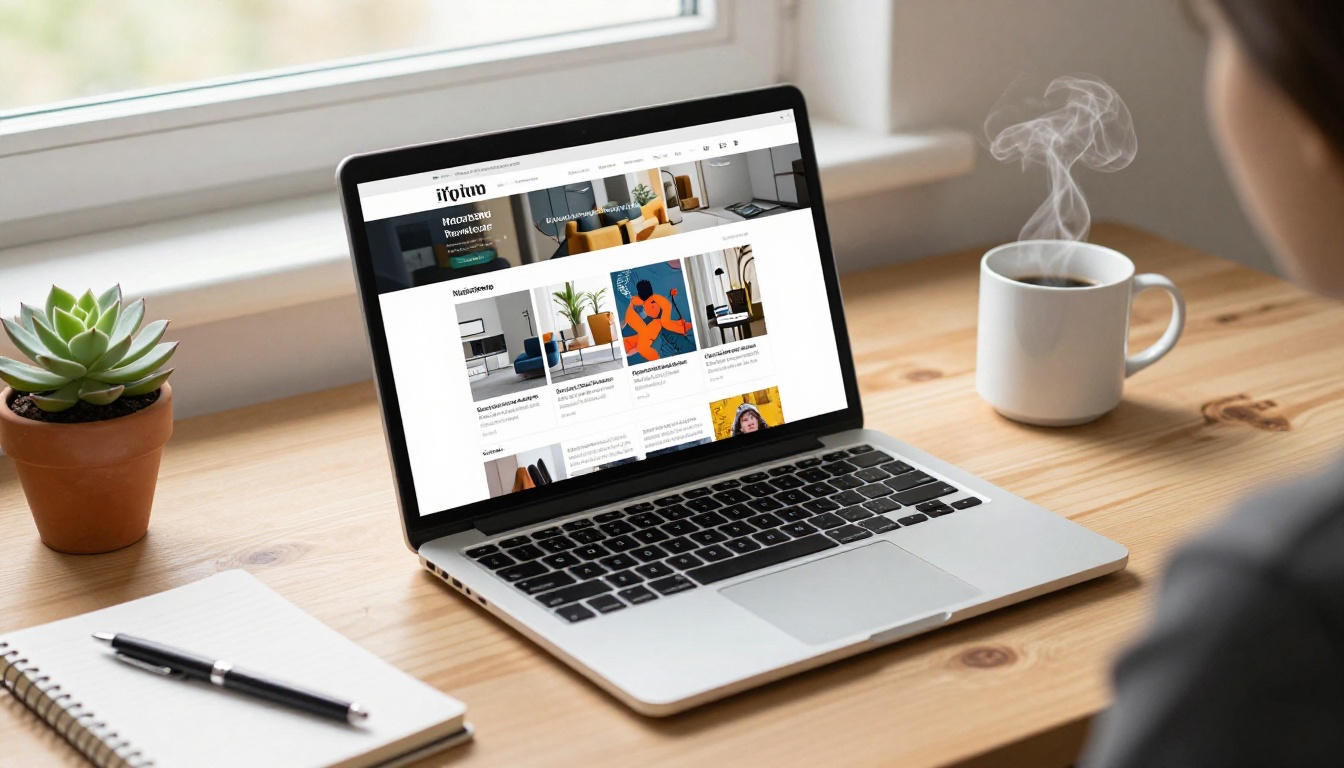
Every element of the reader interface can reflect your magazine's visual identity. Font choices, color schemes, navigation button styles, and background textures all contribute to a cohesive branded experience. Readers should feel like they are inside your publication, not inside generic software they have never seen before.
This matters especially for fashion, lifestyle, and luxury publications where presentation is inseparable from the content itself. The Interactive Lookbook Designer is purpose-built for exactly these editorial aesthetics.
Password Protection for Premium Issues
If your magazine operates on a subscription model, password protection is not optional, it is essential infrastructure. Flipbooks AI lets you lock individual flipbooks behind a password, so you can distribute your subscriber edition without worrying about unauthorized access or copy-paste sharing.
⚠️ Avoid using the same password across all your issues. Assign unique passwords per subscriber tier to maintain clean separation between free reader access and paid subscriber content.
Sharing Options That Actually Work
Once your magazine flipbook is live, distribution options are wide. The most effective publishers use several channels simultaneously.
Embedding on Your Website
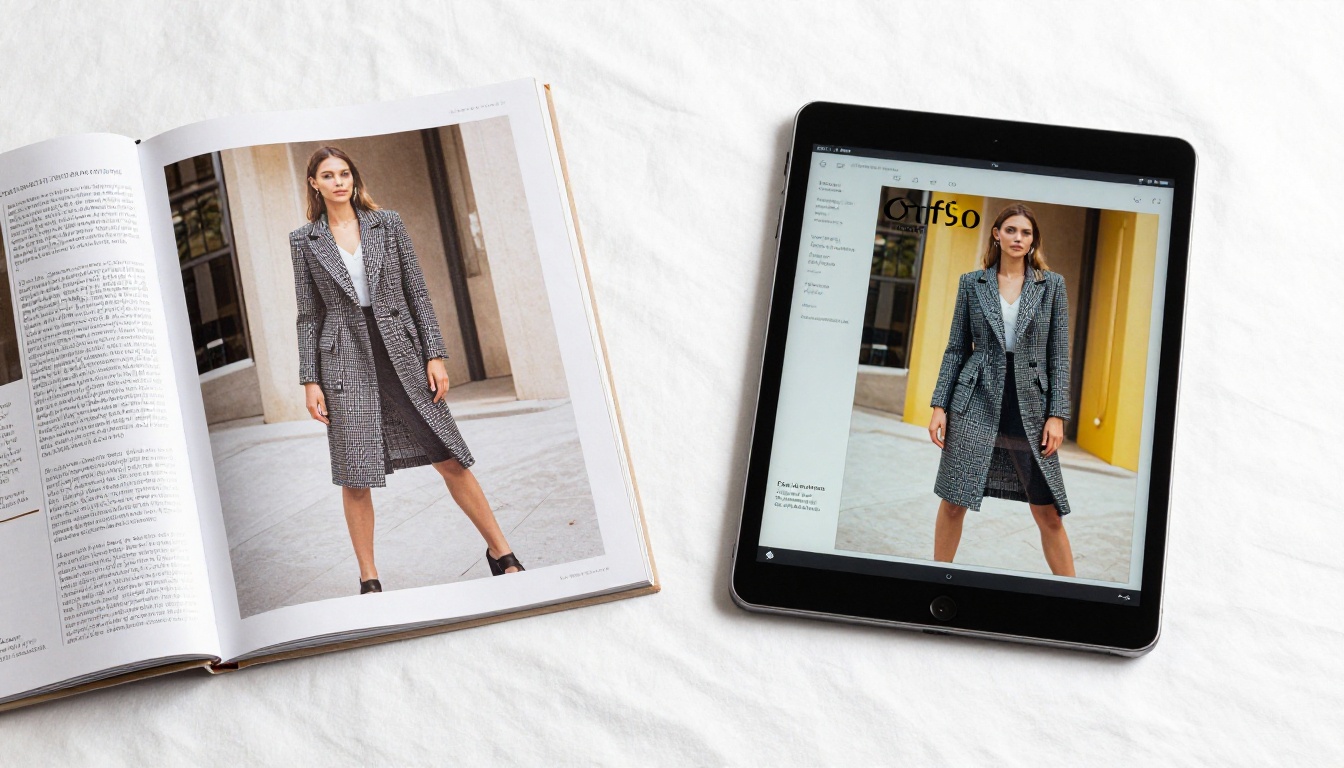
The embed code option lets you place your flipbook directly on any webpage. Fashion magazines embed their latest issue on the homepage. Real estate agencies drop their property brochures into listing pages. The reader never leaves your site, and the experience feels seamless and intentional rather than redirected.
Direct Links for Email and Social
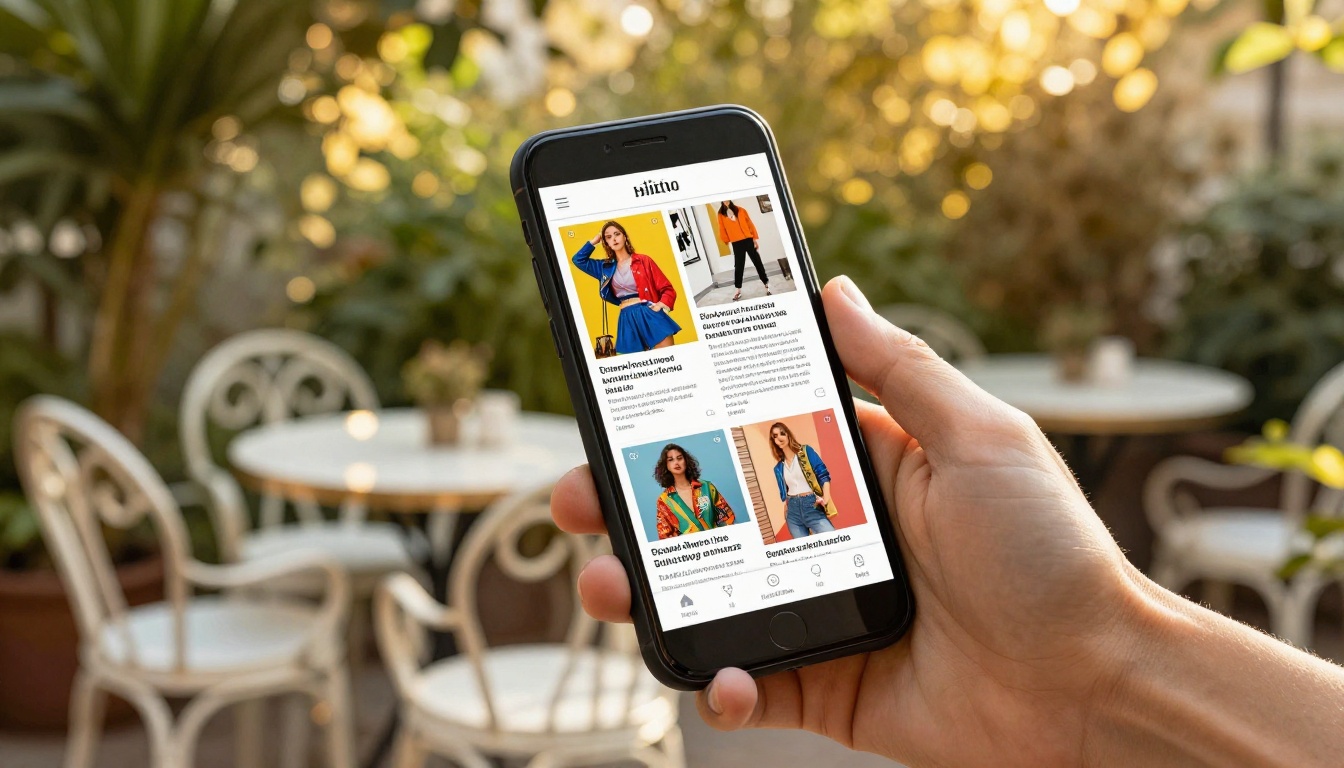
A single shareable URL is all you need to distribute via email newsletters, Instagram bio links, LinkedIn posts, or WhatsApp broadcasts. The flipbook opens instantly in any browser, on any device, without requiring a download or app installation.
Offline Downloads for Paid Subscribers
On the Professional plan, publishers can enable offline download access for subscribers. Readers can save your magazine for reading during a flight or in areas with limited connectivity. This feature alone can be a meaningful selling point for subscription publications targeting frequent travelers or daily commuters.
Tracking What Your Readers Actually Do
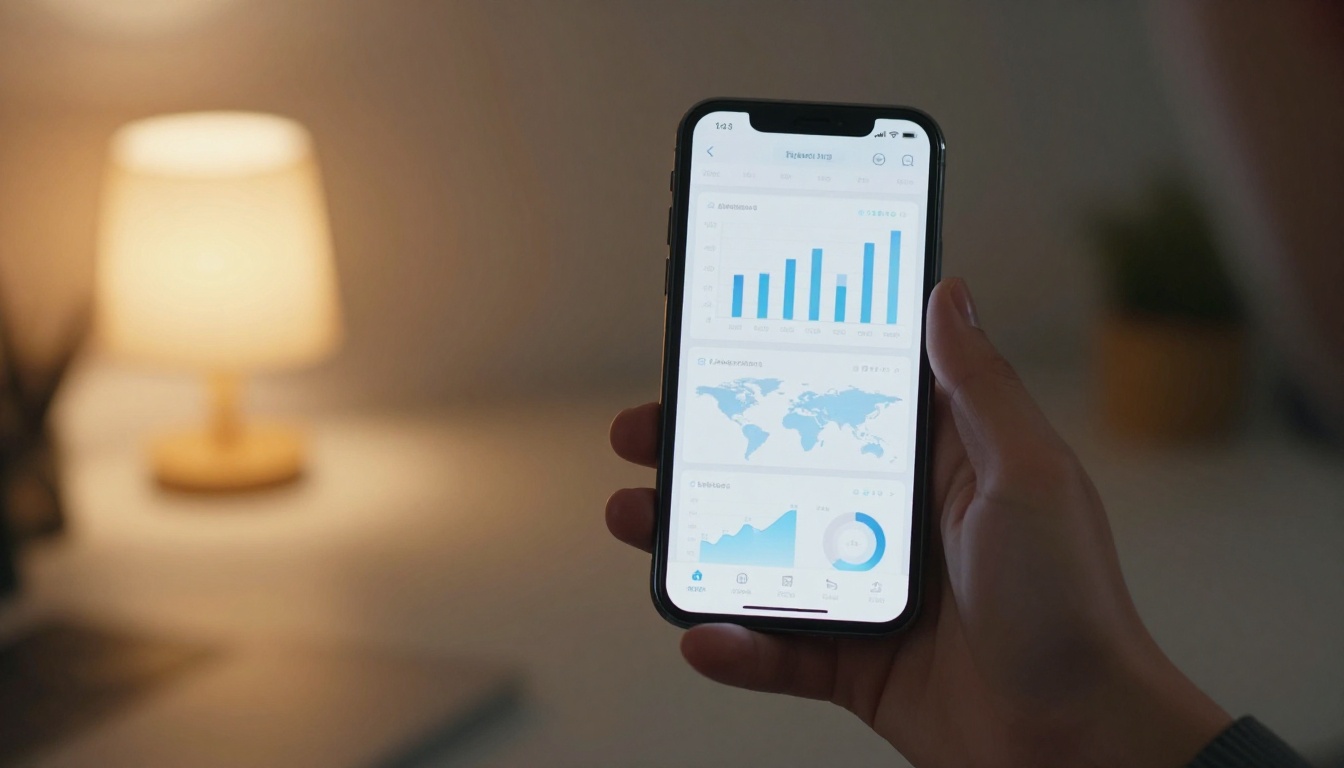
This is where the flipbook format separates itself from print in a way that cannot be replicated. When a reader opens your PDF, you have no information about what they did with it. When a reader opens your flipbook, you can see exactly how far they read.
What Publisher Analytics Shows You
On the Professional plan, publishers get access to real-time analytics revealing page-level reading behavior. You can see which pages held attention, which pages readers skipped, and where most readers stopped reading. That data is invaluable for editorial decisions, advertiser reporting, and sponsor placement strategy going forward.
Lead Generation Built In
Professional plan users can activate lead capture forms, turning the flipbook itself into a direct marketing asset. A reader who reaches page 12 of your magazine and fills in their email to access a featured article is a qualified, self-selected lead, with no third-party tool required.
| Feature | Free Plan | Standard Plan | Professional Plan |
|---|
| Number of flipbooks | 1 | Unlimited | Unlimited |
| Watermarks | Yes | No | No |
| Password protection | No | Yes | Yes |
| Custom branding | No | Yes | Yes |
| Analytics | No | Basic views | Detailed analytics |
| Lead generation forms | No | No | Yes |
| Offline downloads | No | No | Yes |
| Embed on website | Yes | Yes | Yes |
| Video and audio embedding | No | Yes | Yes |
💡 If you publish more than one issue per month, the Standard plan pays for itself quickly by removing watermarks and enabling full custom branding on every issue you produce.
Who Gets the Most Out of Magazine Flipbooks
The publishers benefiting from interactive flipbooks are not all large media companies. The format performs at every scale.

Fashion and Lifestyle Brands
Fashion magazines benefit immediately from the format. High-resolution editorial photography looks better on screen than in print, and embedding video lookbooks or behind-the-scenes clips turns a static spread into a full content experience that readers want to spend time with.
B2B and Trade Publications
Industry magazines, trade journals, and corporate publications have a specific need: reach the right people without wasting copies. A flipbook with analytics tells you which articles your subscribers read most, which sponsor pages held attention, and which issues drove the most return visits. That data improves both editorial and commercial decisions in concrete, measurable ways.
Independent Creators and Niche Publishers
Independent zine publishers, photographers publishing portfolios, and niche hobby magazines all find the flipbook format removes their biggest obstacle, which is distribution cost. A physical print run costs money. A flipbook costs nothing additional per reader and reaches a global audience instantly. The Digital Portfolio Creator extends this to portfolio publishing for individual creatives who want the same editorial feel without print overhead.
Privacy Controls Worth Knowing
Not every magazine is meant for public consumption. Internal staff newsletters, investor publications, restricted-access trade information, and subscriber-only premium content all require controlled access without complicated technical setup.

Password-protected flipbooks let you distribute to exactly the audience you intend. Set a single password for all subscribers, or use different passwords per access tier to maintain clean separation between free and paid reader groups. Combined with analytics, you can see precisely how your protected content is being consumed and by how many unique readers.
Not all flipbook builders are the same. Here is what separates a professional-grade platform from a basic converter:
| Criteria | Basic Converters | Professional Platforms |
|---|
| Page-flip animation quality | Basic, choppy | Smooth, physics-based |
| Multimedia embedding | Not supported | Video, audio, and links |
| Branding control | None | Full custom branding |
| Reader analytics | None | Page-level tracking |
| Password protection | No | Yes |
| Mobile optimization | Poor | Fully responsive |
| Embed code output | Sometimes | Always included |
| Offline reader access | No | Yes on paid plans |
| Lead capture forms | No | Yes |
Flipbooks AI sits firmly in the professional tier while keeping pricing accessible for small and independent publishers. The tools directory at flipbooksai.com/tools includes purpose-built options for every magazine category, from fashion editorials to corporate newsletters to trade publications and everything in between.
The Real Cost of Staying Static
Every month you distribute a PDF instead of an interactive flipbook is a month of reader data you cannot collect, a month of multimedia content you cannot include, and a month of brand impressions that feel cheaper than they should. The conversion effort is a one-time investment. The ongoing benefit compounds with every issue you publish.
Publishing digitally should feel like publishing, not like filing documents. Your magazine has editorial intent, visual craft, and stories worth reading. The format your audience receives it in should reflect all of that.
Ready to publish your first interactive issue? Get started for free on Flipbooks AI and have your magazine live as a flipbook today. Browse all available publishing tools to find the exact workflow for your magazine type, or compare plans to choose what works best for your publishing volume.



