Most newsletters are forgotten within seconds of being opened. Readers scroll, skim, and close without absorbing much. Switching to an interactive flipbook format changes that dynamic completely, and it is easier to do than most marketers expect. Flipbooks AI makes it possible to convert any newsletter PDF into a polished, page-turning digital publication in minutes, without any design skills required.
Why Plain Email Newsletters Fail
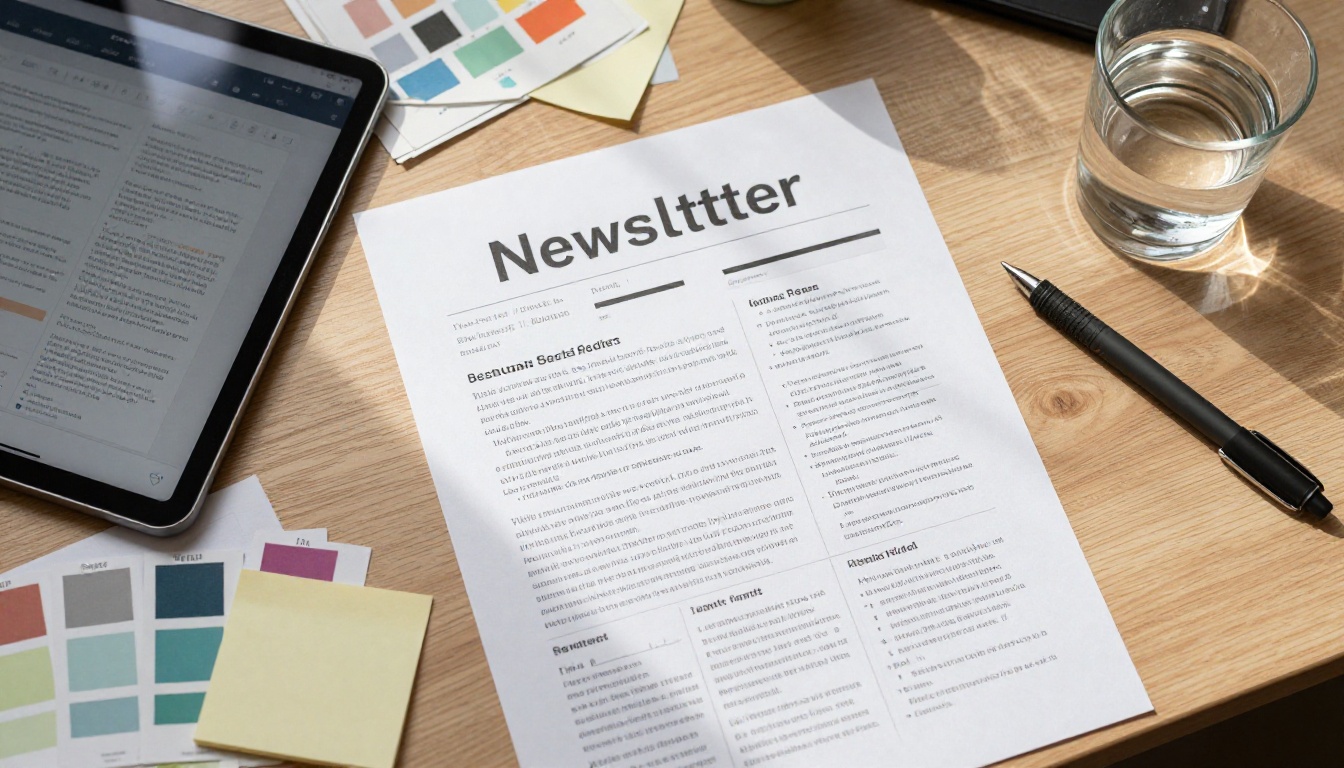
The average office worker receives over 120 emails per day. In that noise, even a beautifully written newsletter gets treated like just another notification. The problem is not your content. The problem is the format.
Plain email newsletters have real structural limitations:
- No tactile feel: Flat text and static images do not invite interaction
- Poor visual hierarchy: Everything looks the same on a scrolling canvas
- Limited shareability: Forwarding an email rarely preserves formatting
- Zero analytics depth: Most email platforms show open rate and nothing else
- Mobile rendering nightmares: A beautifully designed template on desktop often breaks on phones
Flipbooks solve all of these problems by presenting your newsletter as a genuine publication, one that readers page through and actually read from cover to last page.
What a Flipbook Newsletter Actually Is
A flipbook newsletter is your standard newsletter content, formatted as a PDF and converted into an interactive digital publication with page-turning animations. It looks and feels like a real magazine or booklet, but lives entirely online.
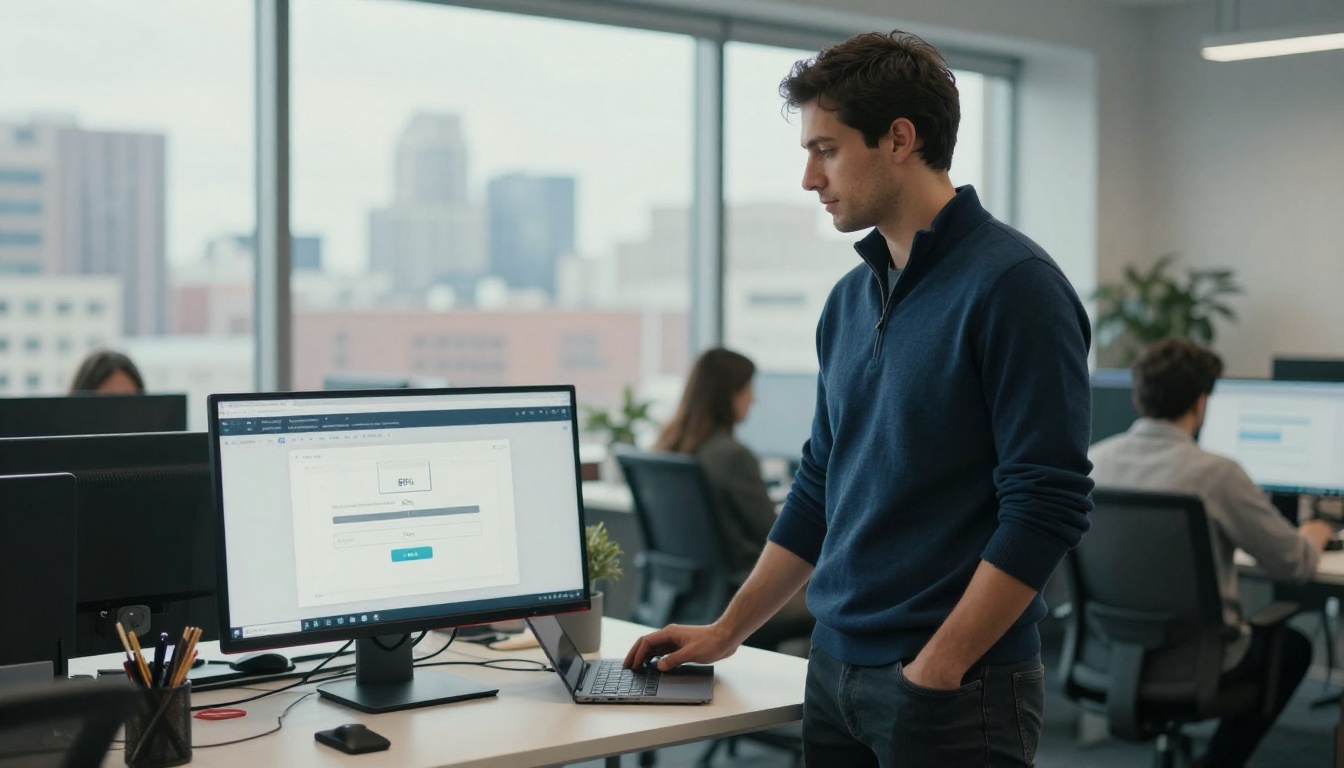
The core difference from a standard email is the reading experience. Instead of scrolling endlessly through a column of text, readers flip through pages. That single change increases dwell time significantly.
💡 Publishers who switch newsletter formats to interactive flipbooks report readers spending 2-4x longer on content compared to standard email formats.
The Formats That Work Best
Not every newsletter translates equally well to flipbook format. Here is a breakdown of which types benefit most:
| Newsletter Type | Flipbook Benefit | Best Use |
|---|
| Company brand newsletter | High visual impact, shareable | Monthly brand updates |
| Product catalog newsletter | Page-by-page browsing | New product drops |
| School community newsletter | Familiar print feel | Parent and student communications |
| Event recap newsletter | Photo-rich storytelling | Post-event reach |
| Industry digest | Curated editorial feel | Thought leadership |
| Promotional offers | Immersive shopping experience | Sales campaigns |
The Real Difference Between Email and Flipbook
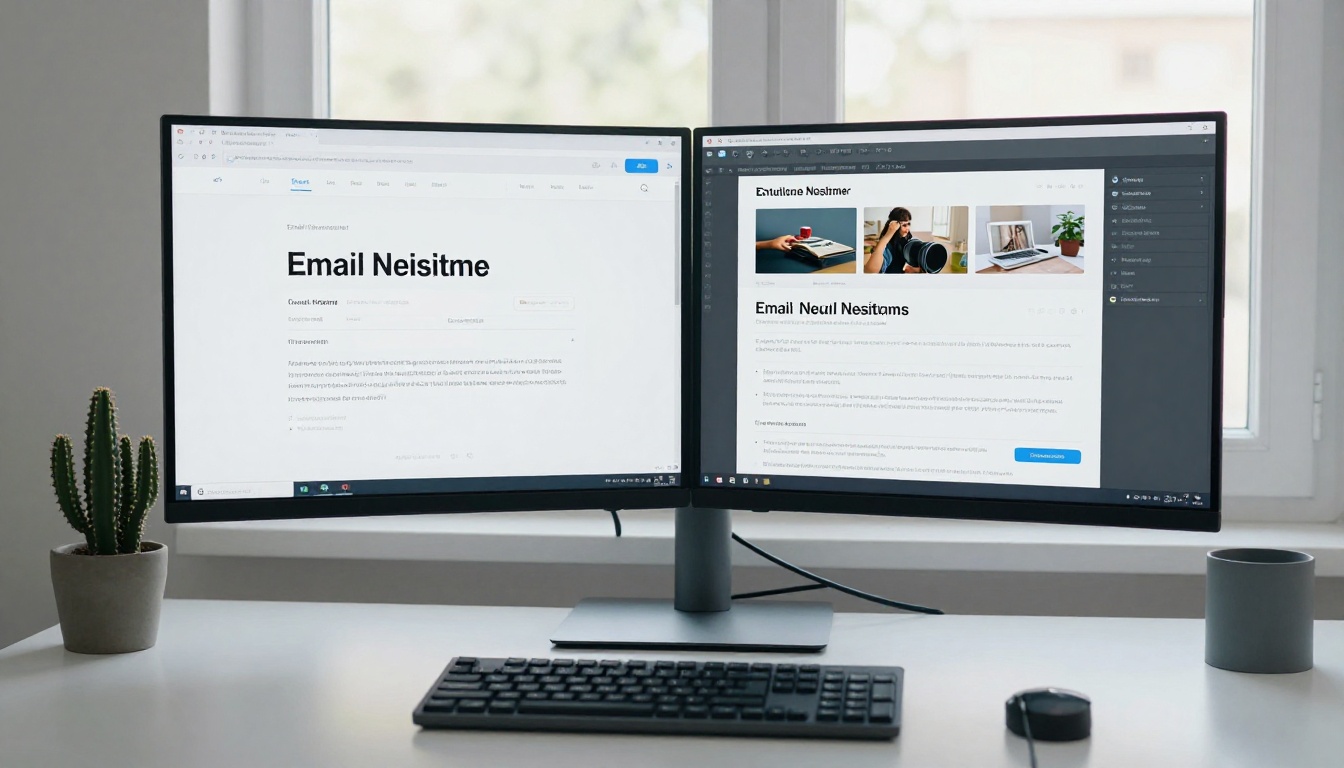
Before committing to the switch, it helps to see exactly where flipbooks outperform standard email newsletters side by side.
| Feature | Plain Email Newsletter | Flipbook Newsletter |
|---|
| Reading experience | Linear scroll | Page-by-page flip |
| Mobile rendering | Often breaks | Always responsive |
| Shareability | Forward only | Direct link, embed, QR code |
| Brand consistency | Template-dependent | Fully custom branded |
| Analytics | Open rate and clicks | Page views, time per page |
| Multimedia support | Limited | Videos, audio, links |
| Archiving | Inbox clutter | Permanent URL |
| Printing | Rarely clean output | Print-ready PDF |
| Password protection | Not available | Yes (Professional plan) |
The gap is significant. A flipbook newsletter is not just a visual upgrade. It is a functional upgrade that gives you more data, more control, and a better reader experience from end to end.
How to Turn Your Newsletter into a Flipbook with Flipbooks AI
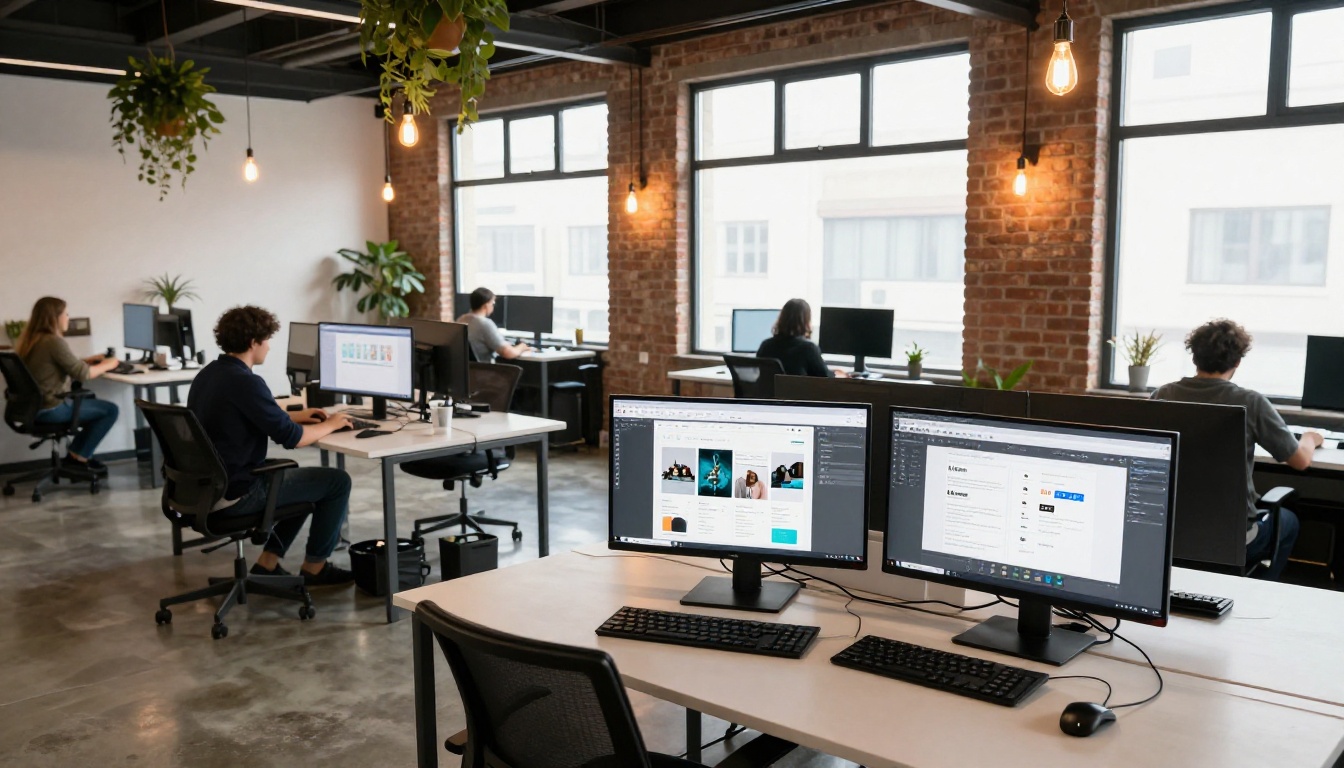
This is the practical part. The Newsletter Flipbook Publisher on Flipbooks AI is built specifically for this workflow. Here is the full process from newsletter PDF to published flipbook.
Step 1: Create Your Account
Go to Flipbooks AI and sign up. The free plan gets you started immediately with no credit card required.
Step 2: Export Your Newsletter as a PDF
Whether you design in Canva, Adobe InDesign, Mailchimp, or Microsoft Word, export your newsletter as a PDF before uploading. Keep resolution at 150-300 DPI for crisp page rendering.
✅ Best practice: Design your newsletter at standard A4 or Letter size. Flipbooks AI converts these dimensions perfectly for all devices.
Step 3: Upload the PDF
On your dashboard, click New Flipbook and drag your PDF into the upload area. The platform processes it automatically, usually in under 60 seconds for a 12-page newsletter.
Step 4: Customize Branding
Once uploaded, you can:
- Set your brand colors for the viewer interface
- Upload your logo to appear in the header
- Choose page-turn sound effects (subtle paper sound or silent)
- Add a custom thumbnail for the cover page
- Set background color or texture behind pages
💡 Match the viewer colors to your brand palette. Readers notice when everything feels consistent, and it builds trust instantly.
Step 5: Add Interactive Elements
This is where flipbooks pull ahead of email newsletters. Within the editor, you can:
- Embed clickable links on any page element
- Add video embeds (product demos, welcome messages)
- Insert audio clips (podcast snippets, background music)
- Create lead capture forms (Professional plan, via pricing)
Step 6: Configure Sharing Settings
Flipbooks AI gives you several distribution options:
- Direct shareable link: Send this in your email instead of the newsletter content itself
- Embed code: Drop your flipbook directly into your website or blog
- Password protection: Restrict access to subscribers only
- QR code: Print on physical materials for offline-to-digital bridging
Step 7: Publish and Share
Hit publish. Your flipbook gets a permanent URL that works on any device. Share it via email, social media, your website, or anywhere you currently distribute your newsletter.
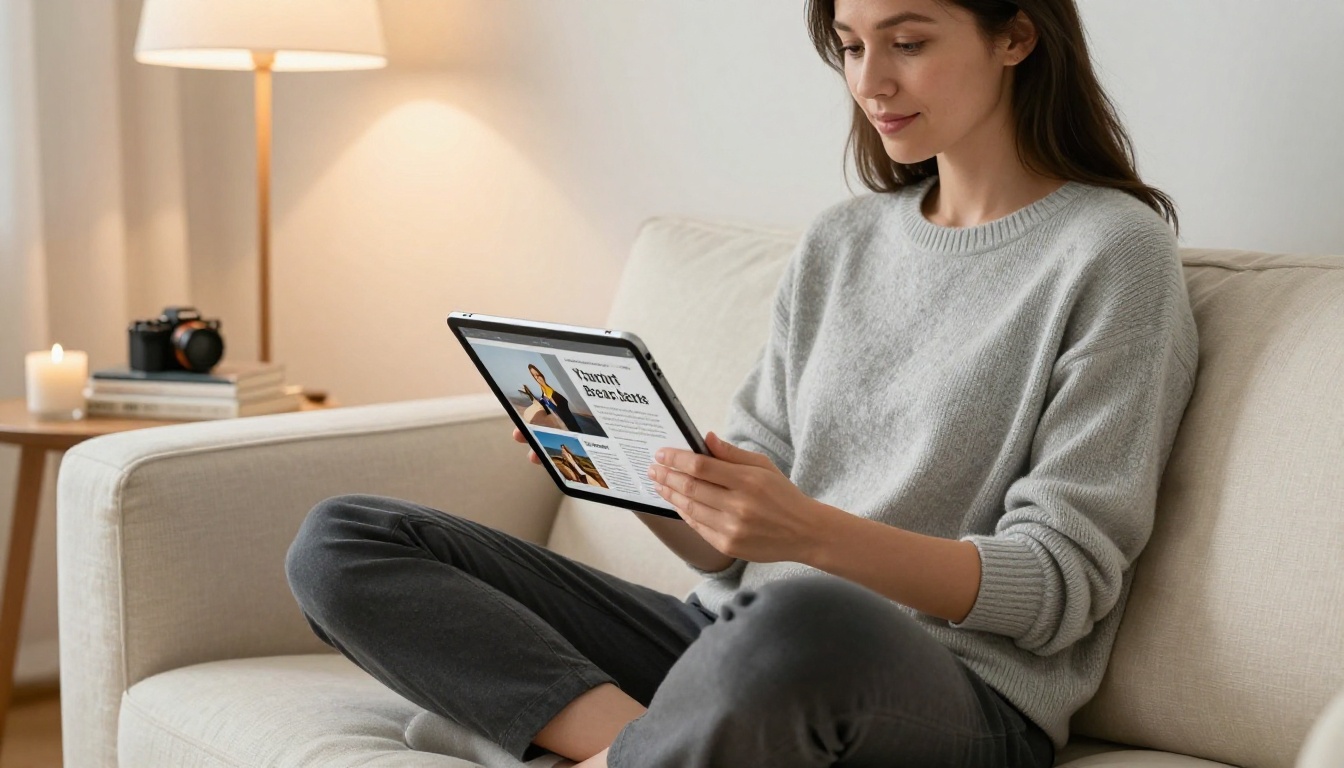
Sending the Flipbook via Email
Switching to a flipbook newsletter does not mean abandoning email. It means using email differently. Instead of sending the newsletter content inside the email, you send a compelling preview with a link to the flipbook.
Here is a simple format that works:
Email subject: [Your Brand] — Issue #12 is here
Email body: 2-3 sentences teasing the top story, a hero image screenshot of the flipbook cover, and a bold CTA button linking to the flipbook URL.
⚠️ Do not paste the flipbook embed directly into your email client. Most email clients strip JavaScript and iframes. Always link out to the hosted flipbook URL instead.
This approach actually improves open-to-click rates because the email is short and punchy, and the flipbook is where the reading happens.
Who Should Make the Switch
Flipbook newsletters work across industries and audience sizes. The format is especially powerful for:
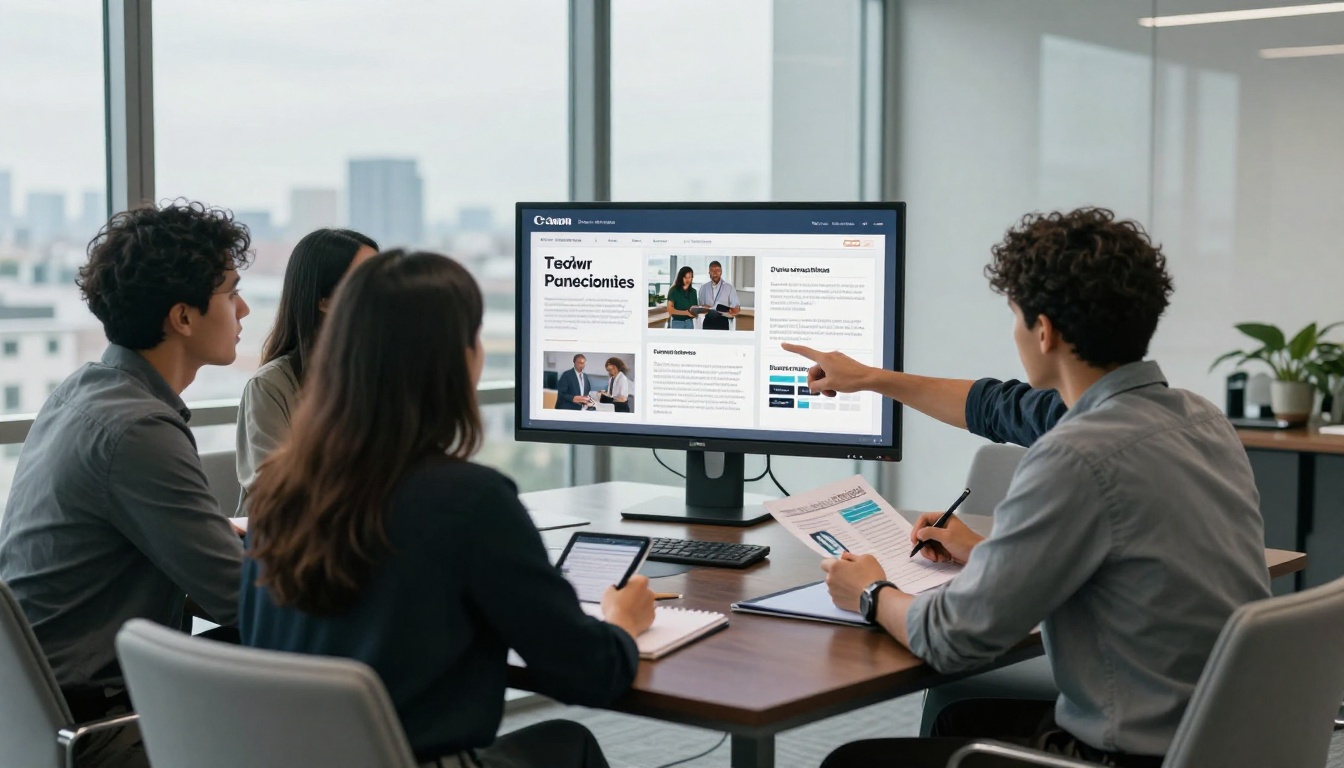
Retail and e-commerce brands: Product-heavy newsletters read like shopping catalogs when formatted as flipbooks. Each page highlights a different product line with high-resolution photography and clickable buy links.
Schools and educational institutions: The School Newsletter Creator simplifies this specifically for education. Parent newsletters, student bulletins, and year-end reports all benefit from the familiar print format.
Real estate agencies: Monthly market reports and property highlights converted into flipbooks look authoritative and professional, making them more likely to be saved and forwarded.
Event organizers: Post-event recaps with photo galleries flip beautifully. Attendees share them more willingly than they would forward a long email.
Non-profit organizations: Donor newsletters and impact reports carry more weight as flipbooks. The format signals investment and care, which supports fundraising perception.
Measuring Success: Flipbook Analytics vs. Email Analytics
One of the most underrated advantages of converting your newsletter to a flipbook is the depth of data you get back.
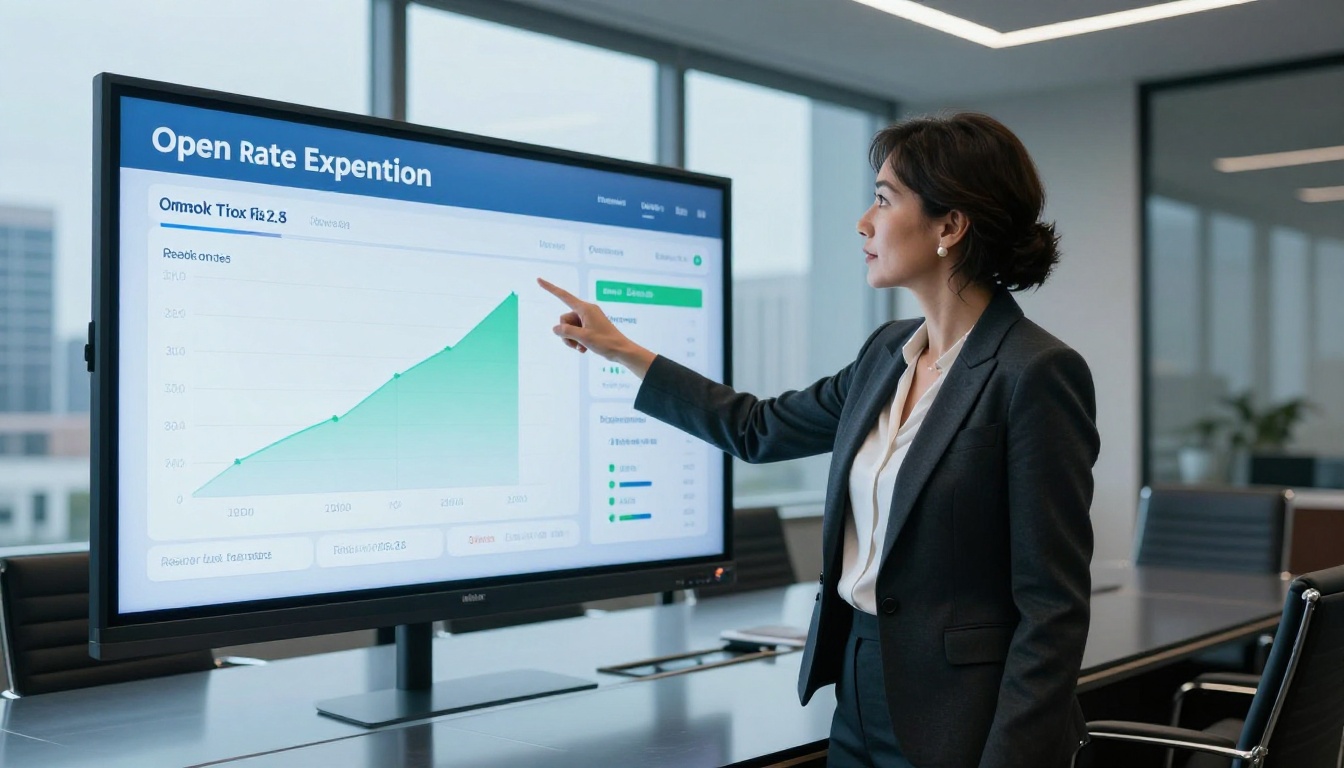
With the Professional plan on Flipbooks AI, you can track:
| Metric | Email Newsletter | Flipbook Newsletter |
|---|
| Total opens and views | Yes | Yes |
| Time spent reading | No | Yes, per page |
| Page-level drop-off | No | Yes |
| Geographic location | Sometimes | Yes |
| Device type | Yes | Yes |
| Click heatmaps | No | Yes |
| Lead form captures | No | Yes |
| Returning visitors | Rarely | Yes |
Knowing which page readers stop on is information you simply cannot get from a standard email newsletter. That data directly informs your next issue. If page 4 is where everyone drops off, you know to restructure that section.
Flipbooks AI Plans: What You Get
Understanding the plans helps you choose the right starting point. All plans include no watermarks, which is a major differentiator compared to many competitors.
| Feature | Free | Standard | Professional |
|---|
| Flipbooks | Limited | Unlimited | Unlimited |
| Watermark | None | None | None |
| Custom branding | Basic | Full | Full |
| Password protection | No | Yes | Yes |
| Analytics | No | Basic | Full |
| Lead generation | No | No | Yes |
| Offline downloads | No | Yes | Yes |
| Video and audio embed | No | Yes | Yes |
| Custom domain | No | No | Yes |
Browse the full pricing page to compare what each plan includes in detail. For most newsletter publishers, the Standard plan is the right starting point.
Common Mistakes to Avoid
Making the transition from email newsletter to flipbook is straightforward, but a few common mistakes can hurt your results:
- Uploading a low-resolution PDF: Images will look blurry on large screens. Always export at minimum 150 DPI, preferably 300 DPI.
- Using portrait-only layouts without testing: Some newsletter templates are designed for narrow email columns. Preview your flipbook on desktop and mobile before sending.
- Forgetting to add links: A static flipbook is just a pretty PDF. Add clickable links to every product, article, or CTA in your newsletter.
- Not customizing the viewer: Sending a flipbook with default colors and no logo feels generic. Five minutes of branding setup makes a visible difference.
- Skipping the email teaser: Dropping a bare link in an email gives readers no reason to click. Write a short teaser and use a screenshot of the cover as the hero image.
Reading Experience on Every Device
One of the persistent frustrations with email newsletters is inconsistent mobile rendering. A beautifully designed template in Mailchimp can look broken in Gmail on Android.
Flipbooks solve this permanently. The Flipbooks AI viewer is mobile-responsive by default. On smartphones, the flipbook displays in a swipe-friendly format optimized for touchscreens. On desktops, the full page-turn experience is front and center. On tablets, readers get the best of both.
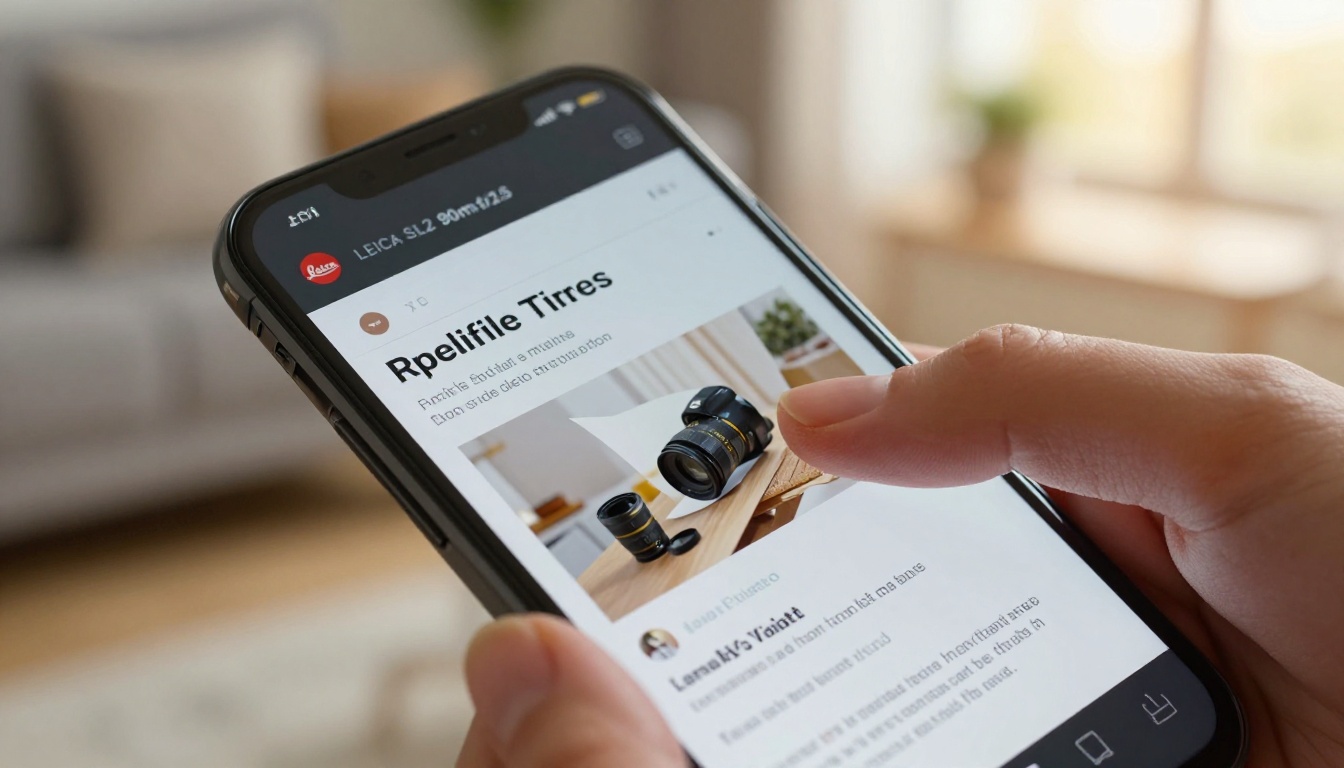
The result: your newsletter looks exactly the way you designed it, every time, on every device.
✅ Best practice: Always preview your flipbook on three device types before publishing. Mobile, tablet, and desktop each render slightly differently and a quick check catches issues before your audience does.
From One-Time Send to Permanent Asset
Standard email newsletters have a shelf life measured in hours. Once the send is done and the inbox is cleared, the content disappears.
A flipbook newsletter lives at a permanent URL. You can share it weeks later. You can link to it from your website. You can embed it in a blog post. You can reference it in a future issue. That content keeps working long after the initial send.
This is particularly valuable for brands that produce high-quality editorial content. A beautifully produced company newsletter that took four days to design should not vanish after a 22% open rate on send day. As a flipbook, it becomes part of your content library, searchable, linkable, and evergreen.
Use the PDF to Flipbook Converter to start archiving your back catalog of newsletters. Every past issue can become a flipbook and live on your website as a publication archive, building brand authority over time.
Make the Switch Today
Your subscribers are not ignoring your newsletter because the content is bad. They are ignoring it because the format asks too much of them in an environment that rewards speed over depth. A flipbook slows that down in the best possible way. It creates a reading moment rather than a scrolling moment.
Create your first newsletter flipbook on Flipbooks AI and see the difference for yourself. The upload takes under two minutes. The customization takes another five. And your next newsletter will be something readers actually look forward to opening.
Browse all tools and templates to find the right format for your brand, or compare pricing plans to choose the option that fits your publishing volume.



