Static PDFs do their job, but they do it quietly. Nobody forwards them, nobody shares them, and nobody stays on the page long enough to read past the second section. If you have a brochure, catalog, magazine, or training manual sitting as a PDF file on your drive, there is a better way to share it. You can turn your PDF into a flipbook without software, without downloading anything, and without spending a cent. Flipbooks AI makes it happen directly in your browser in under two minutes.
The Problem with PDF Files in 2027
PDFs were built for printing. That was their entire purpose: a format that would look the same on any printer, anywhere. The internet changed everything, but PDFs never caught up. They do not adapt to mobile screens well, they require a separate viewer to open, and they offer zero interactivity. Readers scroll down a long, flat document when they could be flipping through something that actually feels like a publication.

The numbers reflect this reality. Digital publications with page-turn animations see significantly higher time-on-page compared to static PDFs. Readers engage more when the format feels familiar, the way a real magazine or catalog does. A flipbook brings that physical reading experience into the browser without requiring any plugins or apps.
What Makes a Flipbook Different
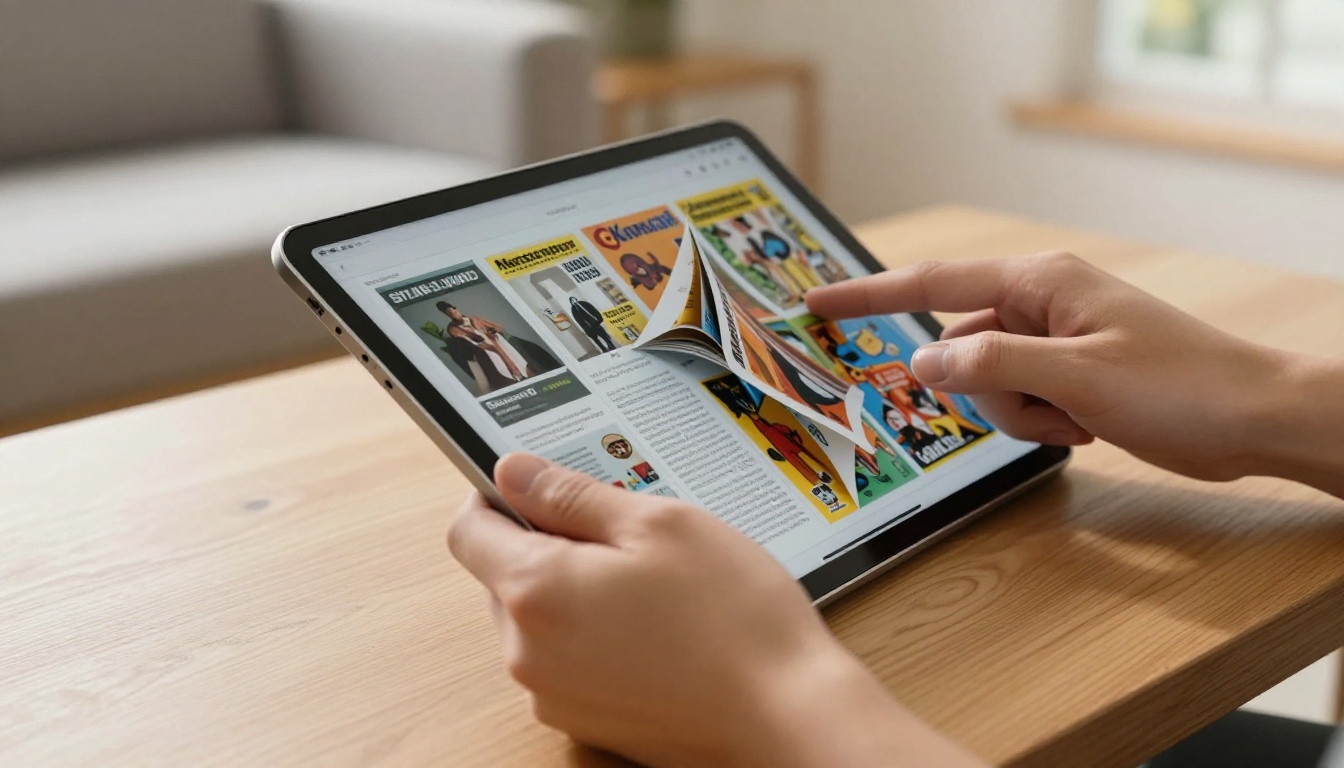
A flipbook is an HTML5-powered interactive publication. When someone opens your flipbook link, they see your PDF content presented with:
- Realistic page-turning animations that respond to click or swipe
- Zoom controls for reading fine print on mobile
- Embedded navigation so readers jump to any page instantly
- A shareable link that works on any device without a download
- Embed codes for dropping the flipbook directly into a website or email
The biggest difference from a PDF: the reader experience feels intentional and polished, not like they accidentally opened a document.
No Software Means No Barriers
The old way of making a flipbook required buying and installing desktop software. Products like FlipHTML5 or Flip PDF Pro needed Windows installations, license keys, and enough disk space to matter. That friction meant most people skipped it and kept sending PDFs.
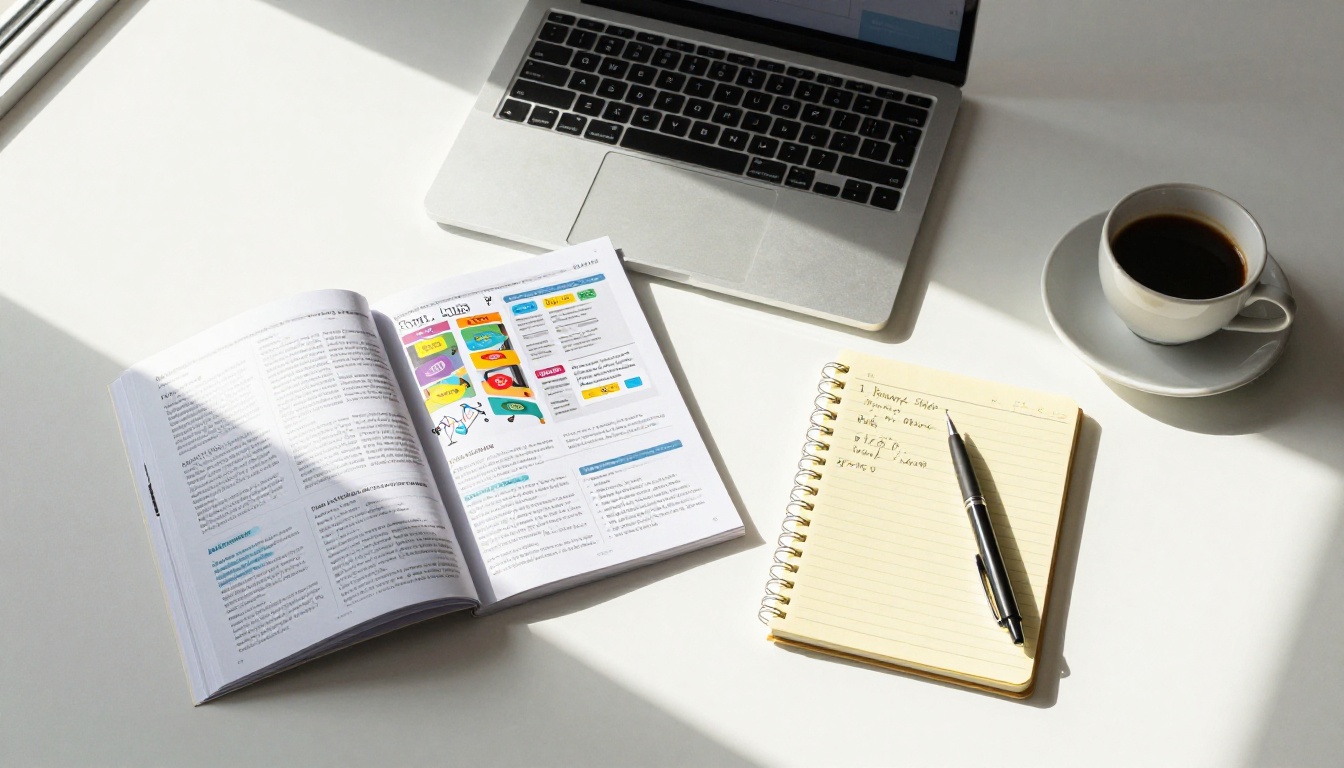
Online tools removed every barrier. You open a browser tab, upload a file, and the conversion happens on a server. No RAM usage on your machine, no installation prompts, no compatibility issues with your operating system. You get the result immediately.
Browser-Based vs. Desktop Software
| Feature | Desktop Software | Online Flipbook Tool |
|---|
| Installation required | Yes | No |
| Works on Mac and Windows | Varies by product | Yes (any browser) |
| Updates automatically | No (manual) | Yes |
| Share via direct link | Limited | Built-in |
| Mobile-responsive output | Often not | Always |
| Storage included | Local only | Cloud |
| Free tier available | Rarely | Yes |
The case for going browser-based is straightforward. You do not manage software, you do not update versions, and your output is accessible from any device the moment it is published.
How to Turn Your PDF into a Flipbook Without Software
This is the core of what most people searching this topic actually need: a clear, repeatable process that works on any PDF and any device. Here is the exact workflow using Flipbooks AI.

Step 1: Create Your Free Account
Go to flipbooksai.com/account and sign up. The process takes under 30 seconds. No credit card is required for the free plan.
Step 2: Upload Your PDF
Once inside the dashboard, click New Flipbook and drag your PDF file into the upload area, or click to browse your files. Flipbooks AI accepts PDFs of any size. The platform processes the file server-side, so even a 200-page catalog uploads without slowing your computer down.
💡 Pro tip: Optimize your PDF before uploading. Compress images within the PDF to reduce file size and speed up conversion. Tools like Adobe Acrobat's "Reduce File Size" or free online compressors work well.
Step 3: Watch the Conversion
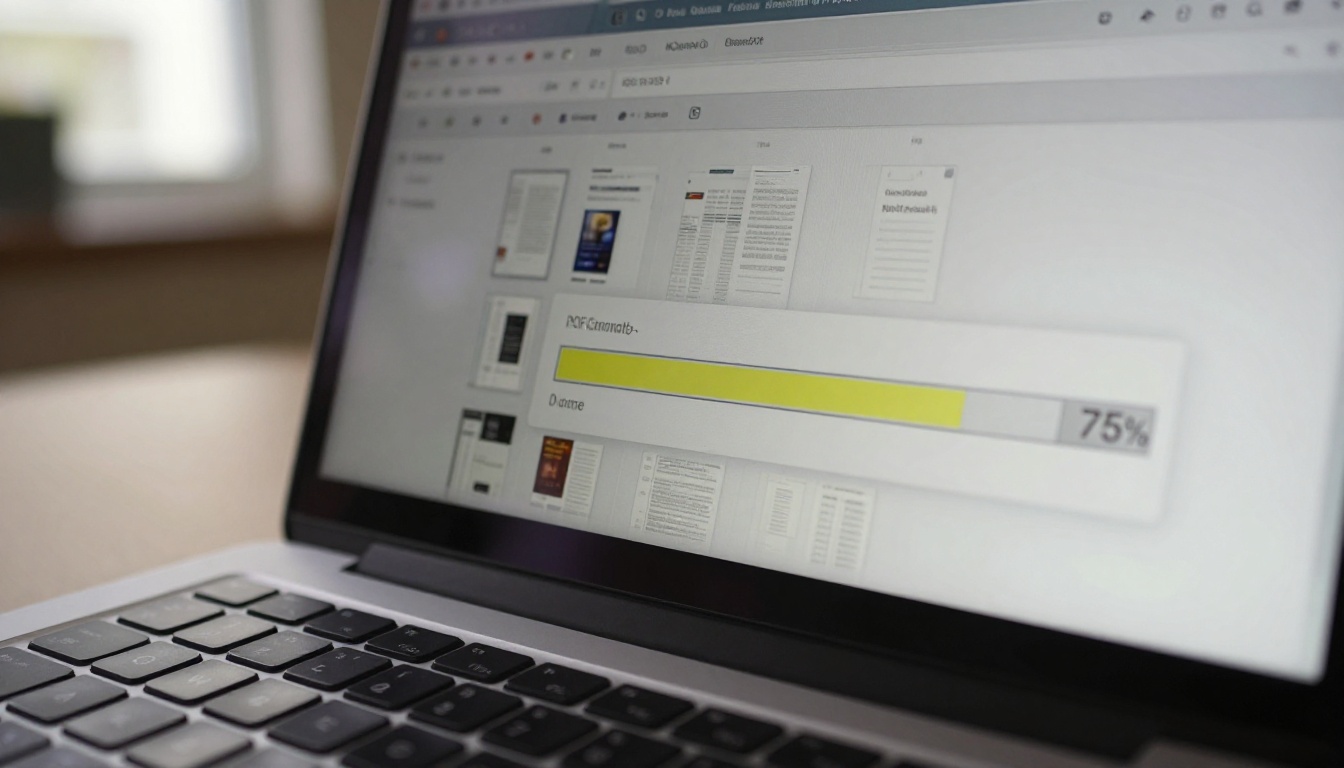
The conversion takes anywhere from a few seconds to about a minute depending on the PDF's page count and resolution. A progress indicator shows each page as it is processed. When complete, a preview of your flipbook opens automatically.
Step 4: Customize Branding and Style
Before publishing, you can personalize the entire presentation:
- Add your logo to the flipbook header
- Set custom brand colors for the toolbar and background
- Choose page flip speed and transition style
- Enable or disable the table of contents sidebar
- Embed videos and audio into specific pages (Standard plan and above)
Step 5: Publish and Share
Click Publish. Your flipbook gets a unique URL you can share immediately. Options include:
- Direct link: paste it anywhere, works on all devices
- Embed code: drop your flipbook into any website with one line of HTML
- Password protection: restrict access to private documents
- QR code: auto-generated for print materials that point to the online version
✅ Best practice: Use password protection for internal documents like employee handbooks or pricing sheets. It keeps the format professional without needing a file transfer.
Who Actually Uses This
The range of people and businesses converting PDFs to flipbooks is wider than most expect. Here are real-world use cases across industries.

Retailers and Product Catalogs
A furniture retailer with a 60-page seasonal catalog can convert it once and share the link in email campaigns, on social media, and embedded on product pages. Customers browse it the way they would a physical catalog, on a phone or desktop, without downloading anything. The Product Catalog and Furniture Catalog Maker tools on Flipbooks AI are purpose-built for this use case.
Restaurants and Menus
A restaurant PDF menu becomes a mobile-friendly flipbook that loads instantly when a customer scans the QR code on their table. No app needed, no PDF viewer confusion. The Restaurant Menu Creator handles this with specific menu-focused templates and layout options.
Educators and Trainers
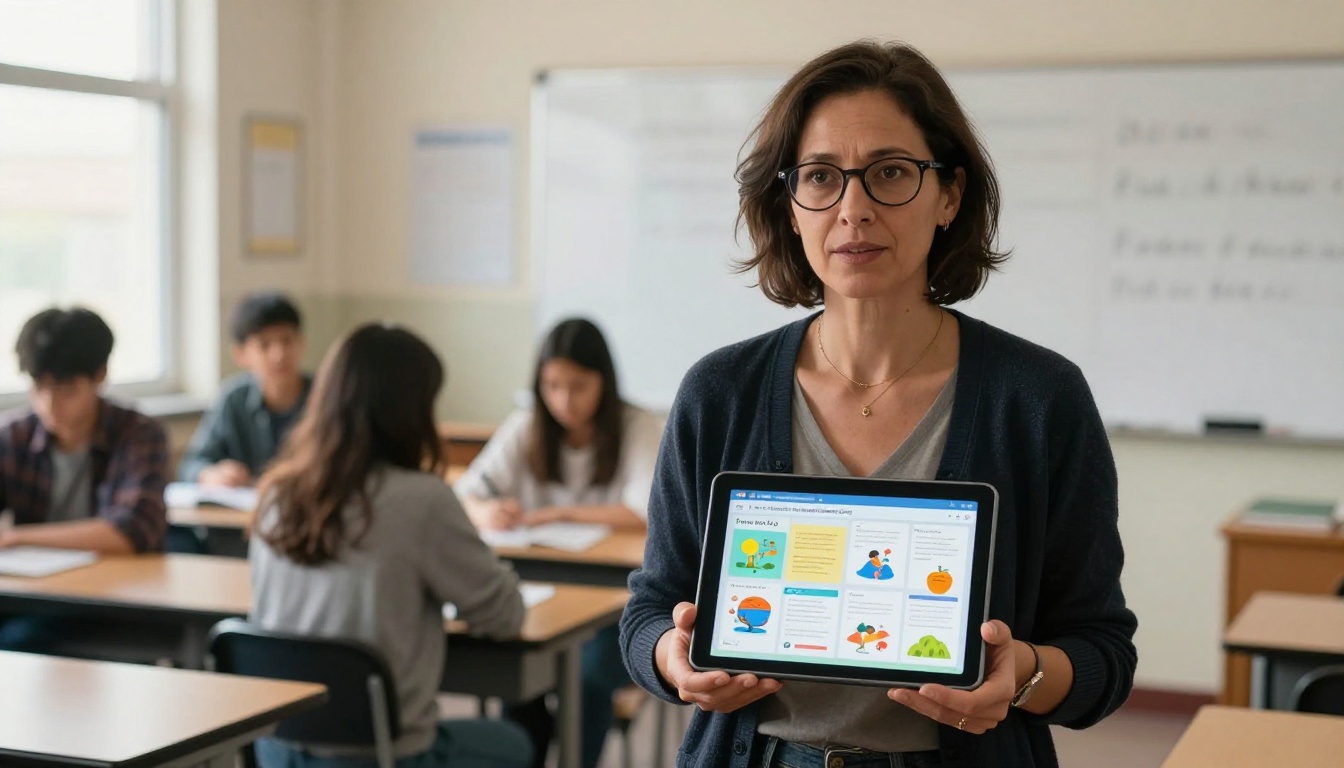
A teacher with a PDF course packet can share a link instead of a download. Students on phones can zoom into diagrams and flip pages naturally. The Course Material Publisher and Training Manual Flipbook tools cover both academic and corporate training scenarios.
Real Estate Professionals
Property brochures as flipbooks look dramatically better than PDFs. An agent can email a link that opens to a polished, page-flipping presentation of floor plans and property photos. The Real Estate Brochure tool is built for exactly this workflow.
Designers and Creatives
A photographer's portfolio as a flipbook gives clients a curated, gallery-like experience instead of a static PDF slideshow. The Digital Portfolio Creator and Photography Portfolio tools are available for this purpose, along with the Interactive Lookbook Designer for fashion and lifestyle brands.
Free vs. Paid Plans: What You Actually Get
Not every flipbook tool offers the same free tier. Some put watermarks on everything, some limit you to two or three flipbooks, and others expire your publications after 30 days. Here is how Flipbooks AI's plans compare.

Flipbooks AI Plan Comparison
| Feature | Free | Standard | Professional |
|---|
| Flipbooks | Limited | Unlimited | Unlimited |
| Watermarks | None | None | None |
| Custom branding | Basic | Full | Full |
| Password protection | No | Yes | Yes |
| Embed on website | Yes | Yes | Yes |
| Analytics | No | Basic | Advanced |
| Lead generation forms | No | No | Yes |
| Offline downloads | No | No | Yes |
| Video and audio embedding | No | Yes | Yes |
| Mobile-responsive output | Yes | Yes | Yes |
⚠️ Watch out: Many free flipbook tools add persistent watermarks that cannot be removed without upgrading. Flipbooks AI does not watermark any publications, even on the free plan.
The Standard plan suits most businesses that need unlimited flipbooks and full branding control. The Professional plan, available at flipbooksai.com/pricing, adds analytics and lead capture forms, which matter significantly for marketing-heavy use cases.
Types of PDFs That Work Best
Not every PDF converts with the same result. Some types of documents benefit more from the flipbook format than others.
High-Benefit Conversions
- Catalogs and lookbooks: Page-by-page browsing suits product discovery perfectly
- Magazines and newsletters: Multi-column layouts feel at home in a flipbook
- Brochures: Short, designed documents gain visual impact from the flip animation
- Annual reports: Professional presentation format that stakeholders actually read
- Event programs: Share before the event, browse during, reference after
Lower-Benefit Conversions
- Single-page documents: Contracts, invoices, or forms do not benefit from page-turning
- Text-heavy legal documents: Dense text with no visual hierarchy loses nothing as a PDF
- Technical specifications: Tables with fine data are better in a searchable PDF viewer
💡 For most business documents that have design work in them, from menus to portfolios to catalogs, the flipbook format wins. For administrative documents, stick with PDF.
Sharing Options That Go Beyond Email
One of the most underused features of online flipbook tools is the variety of sharing methods available. Most people discover the link-sharing and stop there, but there are three other options worth knowing.
Embed on Any Website
The embed code generated by Flipbooks AI drops an iframe into any webpage. The flipbook loads inline, so visitors never leave your site. This works on WordPress, Squarespace, Webflow, Shopify, and any custom HTML page. Use the Embed Flipbook on Website tool for step-by-step instructions specific to your platform.
QR Code Sharing
Every published flipbook on Flipbooks AI gets an auto-generated QR code. Print it on physical materials: table cards, window displays, business cards, or packaging. A customer scans it and lands on the flipbook in their phone's browser immediately, with no app required.
Social Media Sharing
The flipbook link previews with a thumbnail when shared on LinkedIn, Facebook, or messaging apps. This is significantly more visually compelling than a PDF attachment icon, and it loads directly in the feed without requiring a download.
Advanced Features Worth Knowing
Once you have the basics down, several features in Flipbooks AI add professional-level capability to your publications.
Analytics That Show Reader Behavior
The Professional plan includes per-page analytics. You can see which pages readers spend the most time on, where they drop off, and how many unique viewers your flipbook has received. For sales teams and marketers, this data is actionable in ways that PDF download counts never are.
Lead Generation Inside the Flipbook
Professional plan users can embed a lead capture form directly inside the flipbook. A reader browsing your catalog can submit their email without leaving the publication. This turns a passive document into an active lead generation asset that feeds directly into your contact list.
Offline Downloads
Some use cases require offline access. Conference presentations, in-store kiosks, and trade show demos all benefit from having the flipbook available without internet. The offline download feature, available on the Professional plan, packages the flipbook as a self-contained file that plays anywhere.
Common Questions Before You Start
Does my PDF need to be a certain size or format?
No. Flipbooks AI handles PDFs from single-page documents to several hundred pages. Standard PDF format works. Password-protected PDFs need to be unlocked before uploading.
Will the text in my PDF be searchable in the flipbook?
Yes. The platform preserves the text layer from your PDF, so readers can use browser search or in-flipbook search to find specific content.
Can I update the flipbook after publishing?
Yes. You can replace the PDF source file and republish. The original link stays the same, so anyone who saved or bookmarked it gets the updated version automatically.
Does it work on mobile without an app?
Yes. Every flipbook published on Flipbooks AI is fully responsive and works in the mobile browser with swipe-to-turn navigation. No app download required on iOS or Android.
How long does conversion take?
Most PDFs under 50 pages convert in under 30 seconds. Larger files with high-resolution images may take up to 2 minutes. The process runs entirely on Flipbooks AI's servers, so your device is free to do other things during conversion.
Make It Yours
Converting a PDF to a flipbook without software is genuinely simple, but the quality difference it creates in how your content is perceived is significant. A product catalog that turns pages feels curated. A menu that swipes on a phone feels modern. A portfolio that flips like a magazine feels intentional.
Every tool you need is available at flipbooksai.com/tools, from fashion catalogs to annual reports to interactive lookbooks. The PDF to Flipbook Converter handles any document you upload.
Ready to stop attaching PDFs and start sharing something people actually open? Create your free account on Flipbooks AI and have a shareable flipbook link in under two minutes. Or compare pricing plans to see which tier fits what you are building.



