Your printed pilates brochure has done a lot of heavy lifting. It sits on the front desk, gets tucked into welcome bags, and sometimes makes it onto a community board near the studio entrance. But the hard truth is that most of them end up in a recycling bin within days. Converting that same brochure into an interactive digital flipbook through Flipbooks AI changes the entire equation for your studio's marketing, putting your content directly in front of potential clients wherever they spend their time online.
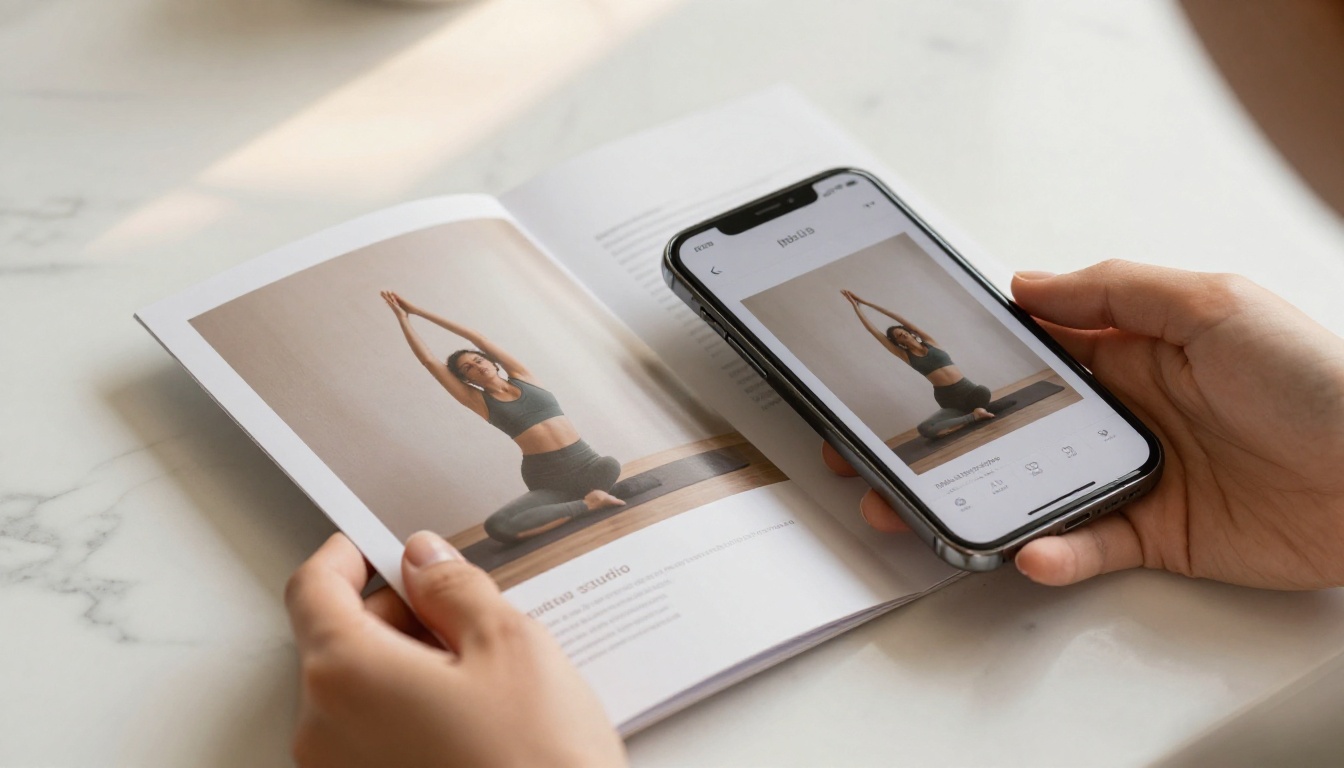
Why Printed Brochures Fall Short
The Hidden Costs of Print
Printing looks affordable per-unit, but the costs stack up fast. A mid-range print run for a tri-fold brochure with quality paper, full-color printing, and professional design updates can easily cost $300 to $800 per batch. Add in the frequency of reprints whenever your pricing, schedule, or instructor roster changes, and the annual spend climbs quickly.
Here is a realistic look at what small pilates studios spend on printed materials annually:
| Cost Item | Estimated Annual Spend |
|---|
| Design updates (1-2 per year) | $200 - $600 |
| Print runs (2-3 batches) | $400 - $900 |
| Distribution (rack cards, mailers) | $150 - $350 |
| Waste from outdated inventory | $100 - $200 |
| Total | $850 - $2,050 |
That is a significant budget for something with a lifespan measured in weeks.
What Clients Actually Do With Them
Studies on print marketing consistently show that physical brochures have low retention rates. A potential client picks one up at a fitness expo, intends to read it later, and it ends up in a bag that gets forgotten. Even when studios invest in quality design, the distribution problem remains: printed brochures only reach people who are already physically present in or near your location.
A digital flipbook solves the distribution problem entirely. You can share it via text, post it on Instagram, embed it on your website, or drop a QR code on your front desk that takes clients directly to it.
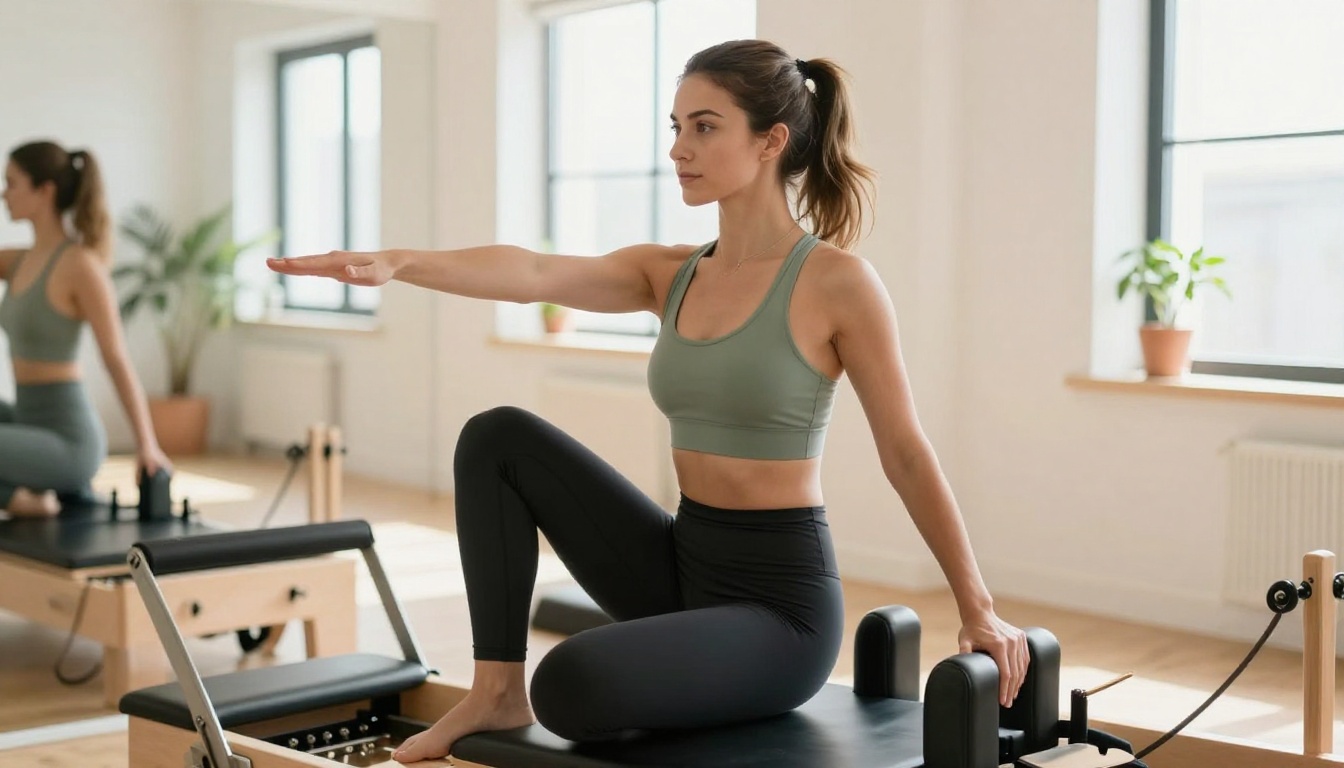
What a Digital Flipbook Actually Is
The Page-Turn Effect Explained
A digital flipbook is a web-based publication that replicates the physical sensation of flipping through a printed document. Pages animate with a realistic turning effect, complete with subtle shadow and depth. For potential pilates clients browsing on their phones, this creates an experience that feels intentional and premium rather than a flat PDF download.
The technology works through the browser, so clients do not need to download any apps or plugins. They click a link, and your brochure opens immediately with the full interactive experience.
💡 The page-turn animation is not just visual novelty. It signals quality and professionalism, which matters a lot in the wellness industry where first impressions carry significant weight.
How It Looks on Mobile Devices
This is where digital flipbooks genuinely outperform PDFs. A PDF on a phone requires pinching, zooming, and scrolling in awkward directions. A flipbook automatically adapts to the screen size, presenting your content cleanly whether the viewer is on a desktop, tablet, or smartphone.
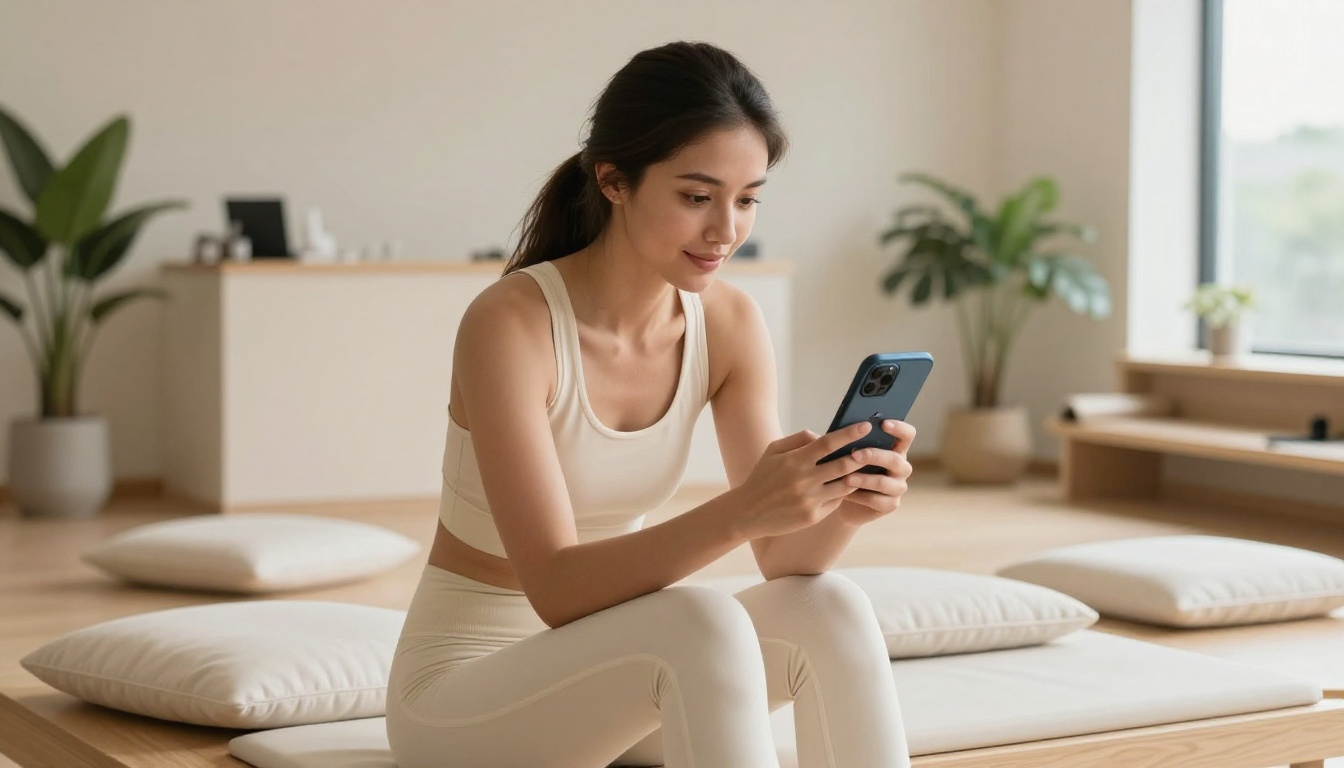
For a pilates studio where most potential clients are browsing from their phones between work and errands, a mobile-responsive digital brochure is not optional. It is the standard your marketing needs to meet.
Real Benefits for Pilates Studios
Reach New Clients Online
The moment your brochure exists as a flipbook link, it becomes shareable content. A satisfied client can forward it to a friend curious about reformer pilates. You can post it directly to Facebook, link it from your Google Business profile, or attach it to your studio's email signature.
This kind of reach is simply not possible with a printed brochure sitting in a rack by the door.
Save Money on Reprints
When you update your class schedule, pricing, or add a new instructor, you update the digital file and re-upload. The flipbook link stays the same, but the content reflects your current information. No reprinting, no redistributing, no throwing away outdated copies.
For studios that adjust their schedule seasonally or run promotions regularly, this alone justifies the switch.
Share Anywhere, Instantly
| Distribution Channel | Printed Brochure | Digital Flipbook |
|---|
| Text message to a prospect | No | Yes |
| Instagram link in bio | No | Yes |
| Email newsletter | No | Yes |
| Website embed | Limited | Yes |
| QR code at front desk | Print separately | Built-in |
| WhatsApp group | No | Yes |
| Google Business profile | No | Yes |
✅ A flipbook link works everywhere a URL works. That covers the entire modern communication stack your studio already uses.
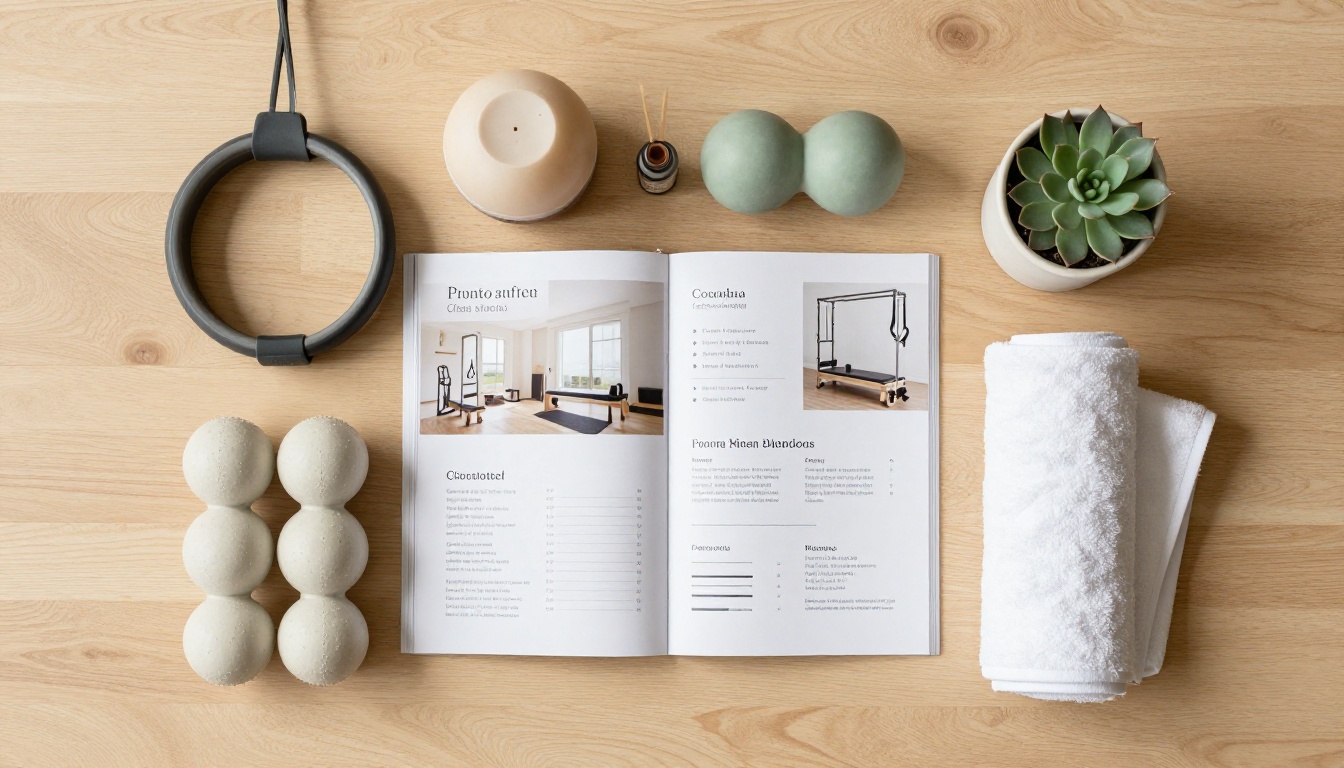
How to Create Your Pilates Brochure Flipbook
This process takes about 10 minutes from start to finish. Flipbooks AI handles the conversion automatically once you upload your PDF.
Step 1 - Prepare Your Brochure PDF
Before uploading, make sure your brochure PDF is ready:
- High resolution: 300 DPI minimum for sharp text and images
- Properly sized: Standard A4 or letter size works perfectly
- Finalized: Make all content edits before upload, though you can always re-upload an updated version later
- Optimized: Large files over 100MB may benefit from compression first
If your brochure was designed in Canva, Adobe InDesign, or any professional design tool, simply export it as a PDF and you are ready to go.
Step 2 - Upload to Flipbooks AI
Head to Flipbooks AI and create your account. Once logged in:
- Click New Flipbook from your dashboard
- Select Upload PDF and choose your brochure file
- Wait for the automatic conversion (typically 30 to 90 seconds depending on file size)
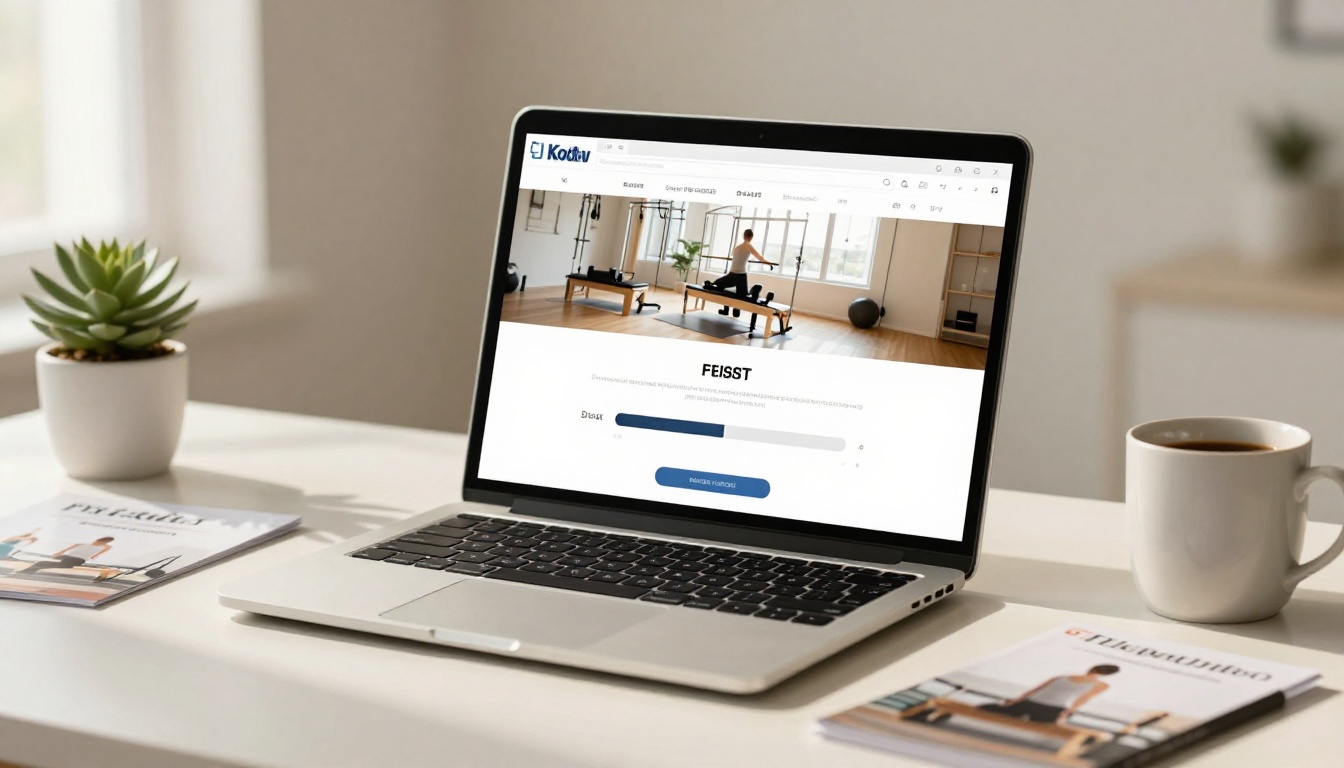
- Preview the result in the interactive viewer before publishing
The PDF to Flipbook Converter handles the technical conversion automatically. You do not need any coding knowledge or technical background.
Step 3 - Customize Your Branding
After conversion, you can personalize how your flipbook presents itself:
- Custom colors: Match your studio's brand palette for the flipbook player background and controls
- Logo placement: Add your studio logo to the viewer interface
- Background music: Optional ambient audio for an immersive viewing experience
- Page effects: Choose from various turning animation styles
- Password protection: Restrict access for private pricing documents or VIP client materials
💡 Adding your studio's brand colors to the flipbook player creates a seamless, professional impression that reinforces your studio identity every time someone views the brochure.
Step 4 - Share and Embed
Once published, you have several sharing options at your fingertips:
- Direct link: A clean URL you can share anywhere, paste into emails, or post on social media
- Embed code: Drop your flipbook directly onto your studio website using the Embed Flipbook on Website tool
- QR code: Generated automatically for use on signage, cards, or printed materials
- Social share buttons: Direct integration with major platforms built into the player
✅ Place the QR code on a small sign at your front desk with the text "View our class schedule." This turns a passive display into an active lead capture moment for every walk-in.
What to Include in Your Pilates Flipbook
A digital flipbook gives you more space and flexibility than a tri-fold brochure. Here is what performs best for pilates studios:
Class Schedule and Pricing
This is the information potential clients want first. Present your schedule clearly with:
- Class types (mat pilates, reformer, barre, prenatal, and any specialty formats)
- Times and days for each format
- Pricing tiers for single classes, class packs, and monthly memberships
- Any current introductory offers for new clients
Because updating a digital flipbook costs nothing beyond a few minutes of your time, you can keep pricing current without any reprinting concerns.
Instructor Profiles
People buy from people they trust. Including instructor profiles with the following details significantly increases booking rates:
- Professional photos of each instructor in the studio
- Certifications and training background (STOTT, Balanced Body, BASI, and others)
- Specializations such as prenatal, injury rehab, or athletic performance
- Brief personal statement about their pilates philosophy and approach
This section removes the anonymity that makes new clients hesitant to book their first session with someone they have never met.
Client Testimonials
Short, specific testimonials work better than generic praise. Include:
- The client's first name and how long they have attended
- A specific result ("I came back from knee surgery stronger than before")
- Variety across demographics covering different age groups, fitness goals, and experience levels
Flipbooks AI Plans Compared
Choosing the right plan depends on how many flipbooks you need and which features matter most for your studio marketing strategy.
| Feature | Free | Standard | Professional |
|---|
| Flipbooks per account | 1 | Unlimited | Unlimited |
| Watermark | Yes | No | No |
| Custom branding | No | Yes | Yes |
| Password protection | No | Yes | Yes |
| Embed on website | No | Yes | Yes |
| Analytics | No | No | Yes |
| Lead generation forms | No | No | Yes |
| Offline downloads | No | No | Yes |
| Custom domain | No | No | Yes |
Which Plan Works for a Small Studio
For a small or independent pilates studio, the Standard plan covers everything you need to create professional, branded flipbooks for brochures, class schedules, and welcome packets without watermarks or restrictions.
The Professional plan becomes worth it when you want to:
- See exactly how many people are viewing your brochure and for how long
- Capture lead information directly from the flipbook (name, email, interest level)
- Allow clients to download an offline version of your schedule
- Run multiple seasonal campaigns with different brochure versions and track which performs better
See the full breakdown at Flipbooks AI pricing.
3 Ways Studios Are Using Flipbooks Right Now
QR Codes at the Front Desk
Place a printed card at your reception counter with a QR code that opens your flipbook directly. New clients waiting for their trial class can browse your full class menu, pricing, and instructor bios without you having to hand them anything or interrupt your workflow.
Studios using this approach report that new clients arrive at their first class already knowing which package they want to purchase, which speeds up the post-class conversion conversation significantly.
Instagram and Facebook Posts
A direct link to your flipbook in your bio or shared as a story link drives far more action than a static post. Followers can tap through to a fully branded, interactive brochure rather than landing on a PDF download prompt that most people abandon.
The Brochure Flipbook Maker is specifically built for this type of use case, making it straightforward to create something polished without a design background or technical skills.
Email Newsletters
Including a "View Our Current Schedule" button in your monthly email newsletter, linking directly to your flipbook, dramatically increases click-through rates compared to attaching a PDF. Most email clients block PDF attachments or flag them as potential threats. A link to a clean, branded flipbook page loads instantly and looks intentional.
⚠️ Avoid attaching PDFs to marketing emails. Spam filters flag large attachments, and many clients simply will not open them. A clean flipbook link works in every inbox, on every device, every time.

Start Sharing Your Studio Today
Your pilates brochure already contains everything a potential client needs to say yes to a trial class. The only thing holding it back is format. A static PDF buried in a downloads folder, or a stack of printed tri-folds gathering dust on a desk, is not doing your studio justice.
A digital flipbook takes what you already have and puts it everywhere your clients actually are: their phones, their email inboxes, their social media feeds. The page-turn experience signals quality. The mobile-responsive design removes friction. The shareable link removes geography from the equation entirely.
Create your first flipbook for free and have your pilates studio brochure live as a digital experience within the next 15 minutes. Browse all available tools and templates for additional studio marketing formats, including class schedules, welcome packets, and seasonal promotions. When you are ready to add analytics and lead capture to your brochure, compare pricing plans to find what fits your studio's growth stage.



