Your resume is the first impression a hiring manager has of you, and right now it probably looks identical to 200 others sitting in the same inbox. That is a problem no font choice or bullet point optimization can fix. The real answer is format. When you turn your resume into a flipbook, you hand recruiters an interactive, page-turning experience that carries your name in memory long after the application is submitted. Flipbooks AI makes this possible in under ten minutes, with no design skills required.
Why a Static Resume Fails You
The hiring process is ruthless with attention. Research consistently shows that recruiters spend an average of six to seven seconds scanning a resume before deciding whether it moves forward or gets deleted. A flat PDF with dense blocks of text does not help you in those six seconds. It actually works against you.
Your PDF is Just a File
When a resume arrives as an email attachment, the recruiter has to actively choose to open it, read it, and then save it somewhere useful. That is three decisions that favor doing nothing. Most resumes disappear into a downloads folder within minutes. There is nothing to pull the reader back.
A flipbook resume changes the interaction entirely. Instead of a file to open, you send a link that launches instantly in any browser. The animated page-flip motion creates immediate visual feedback. Readers intuitively keep clicking because each page turn feels like a small reward.

When Everyone Looks the Same
The rise of LinkedIn Easy Apply and applicant tracking systems has turned hiring into a volume problem. Companies receive hundreds of applications per role. The candidates who get callbacks are not always the most qualified. They are the most memorable.
Visual and experiential differentiation is the only reliable way to stand out when hiring managers are moving fast. A flipbook resume does not just look different. It feels different to interact with.
💡 Your resume is not just a document. It is a product you are selling to one very specific buyer. Package it accordingly.
What a Flipbook Resume Actually Is
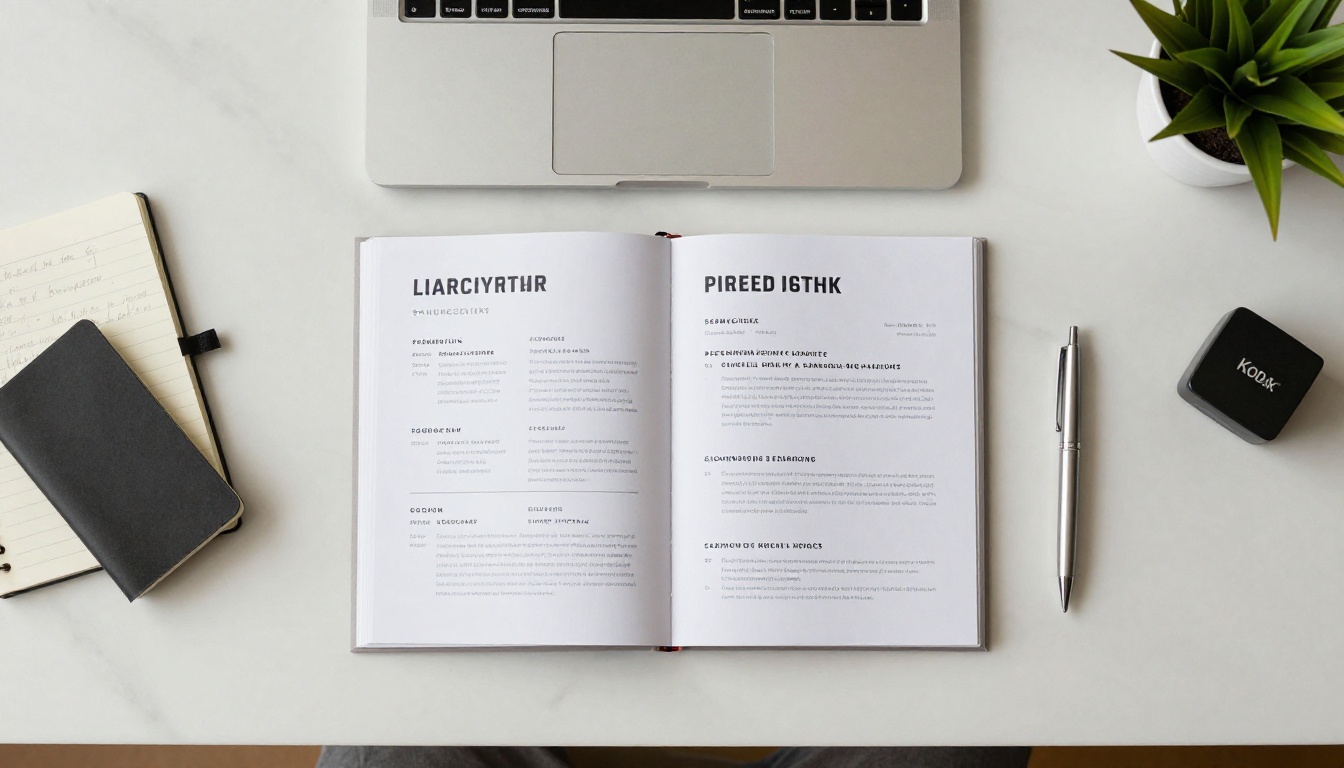
A flipbook resume is your existing PDF resume converted into an interactive digital publication with animated page-turning navigation. It lives at a shareable URL, works on any device without a download, and can include features that a PDF simply cannot: embedded videos, clickable links, password protection, and viewer analytics.
It is a Live Document, Not a Static File
One of the most underrated advantages of a flipbook resume is that it updates in real time. If you get a new job, promotion, or certification, you update the source PDF, re-upload it, and the same shareable link now shows the new version. Everyone who has received your link sees the updated content automatically.
The Formats That Work Best
Not every resume is equally well-suited to the flipbook format. The strongest flipbook resumes share a few characteristics:
- At least two to four pages, with each page having a clear visual purpose
- A dedicated opening page that works as a visual hook before content begins
- Generous whitespace per page so the layout breathes when pages flip
- High-contrast color choices that read cleanly on both light and dark viewer backgrounds
⚠️ If your resume is a single dense page of black text, consider expanding it before converting. Add an opening page, a skills section, or a short portfolio section. The flipbook format rewards visual structure.
PDF vs. Flipbook Resume: The Real Difference
Before committing to the conversion, it helps to see exactly what you are gaining.
| Feature | PDF Resume | Flipbook Resume |
|---|
| Shareable as a URL | No, requires download | Yes, instant link |
| Mobile-friendly viewing | Often poor | Fully responsive |
| Interactive navigation | None | Animated page-flip |
| Video or audio embeds | Not supported | Yes, Standard plan and above |
| Viewer analytics | None | Yes, Professional plan |
| Password protection | No | Yes |
| Custom branding | No | Yes |
| Updatable without new link | No | Yes |
| ATS compatibility | Yes | Use PDF for ATS uploads |
✅ The practical workflow: submit your PDF to applicant tracking systems, and share your flipbook link directly with the humans making the hiring decision. The two formats serve different audiences.

How to Create Your Flipbook Resume with Flipbooks AI
This is the practical part. The process takes less than ten minutes from a finished PDF to a live, shareable link.
Step 1: Get Your PDF Resume Ready
Before uploading, do a final quality check on your PDF:
- Every page should have readable font sizes (minimum 11pt for body text)
- All images and photos should be high resolution (at least 150 DPI)
- Your name, title, and contact details should appear prominently on the first page
- Export with embedded fonts so the layout renders identically on every device
If you are working from Google Docs or Word, export as PDF with "best quality" settings selected.
Step 2: Upload to Flipbooks AI
Go to Flipbooks AI and create a free account. Once inside your dashboard:
- Click "New Flipbook"
- Select "Upload PDF" and choose your resume file
- Wait for the conversion, typically under 60 seconds
- Preview the rendered flipbook to confirm all pages look correct
The PDF to Flipbook Converter preserves your fonts, colors, and spacing with full fidelity. What you designed is exactly what recruiters see.

Step 3: Customize and Brand It
This step separates a good flipbook resume from one that genuinely impresses. Inside the editor:
- Set the title to your name and target job title
- Choose a viewer background that complements your resume design (dark backgrounds make white layouts stand out)
- Upload a thumbnail image that shows as the preview before the flipbook opens
- Configure the page flip animation speed and style to feel natural, not distracting
- Enable password protection if sending to a specific company confidentially
On Standard and Professional plans, you can embed a short video introduction directly into the flipbook. A 30 to 60 second clip on the first page, where you introduce yourself by name and role, turns your resume into a multi-sensory experience that most applicants cannot offer.
Step 4: Share It Everywhere
Once published, Flipbooks AI generates a permanent URL for your resume flipbook. Use it in:
- Email applications: Include it in the message body alongside or instead of the PDF attachment
- LinkedIn Featured section: Pin the link so every profile visitor can access your flipbook
- Personal website: Embed it inline using the provided embed code
- Digital business cards: Generate a QR code from the URL for in-person networking
Step 5: Track Who Reads It
On the Professional plan, the analytics dashboard shows how many people opened your flipbook, how long they spent on each page, and roughly where they were located. If every reader drops off after page two, you know exactly which section to rework.
💡 Analytics also create natural follow-up moments. If you see a recruiter opened your flipbook at 9am, a same-day LinkedIn message lands much more naturally than a cold follow-up sent days later.
What to Include in Your Flipbook Resume
Because the flipbook format gives you multiple pages and a visual canvas, you can include content that a traditional one-page resume simply cannot accommodate.
The Pages That Perform Best
| Page | Content Type | Why It Works |
|---|
| Opening | Name, title, photo, contact | Immediate personal impression |
| Summary | 3 to 5 sentence value proposition | Sets the narrative before job history |
| Experience | Role titles, companies, key results | Core credibility and specifics |
| Skills | Visual tags or progress indicators | Fast scanning for keyword match |
| Portfolio | Screenshots, project links, case studies | Proof instead of claims |
| Testimonials | Short client or manager quotes | Social proof in your own document |
| Contact | Email, LinkedIn, website, QR code | Frictionless follow-up |
Personal Branding Throughout
A flipbook resume is a branding document as much as it is a career document. Every visual decision should feel intentional:
- Consistent color palette: Match your LinkedIn banner, personal site, and email signature for a cohesive personal brand
- Two typefaces maximum: One for headings, one for body text, both chosen for screen readability
- Professional photography: A high-quality headshot on the first page reads as confident and prepared
- QR code on the final page: Links to your LinkedIn or portfolio so offline readers can follow up instantly
✅ The portfolio section is where flipbook resumes genuinely outperform PDFs. You can show work visually, link to live projects, and embed results in a way no text bullet point can replicate.
Flipbooks AI Plans: Picking the Right One
View pricing plans before you decide. Here is how the tiers map to different job seeker needs:
| Feature | Free | Standard | Professional |
|---|
| Number of flipbooks | 1 | Unlimited | Unlimited |
| Watermark | Yes | No | No |
| Password protection | No | Yes | Yes |
| Custom branding | No | Yes | Yes |
| Video and audio embeds | No | Yes | Yes |
| Offline downloads | No | Yes | Yes |
| Analytics and lead generation | No | No | Yes |
For most job seekers, the Standard plan is the right starting point. No watermarks, unlimited flipbooks so you can maintain separate versions for different target roles, and password protection for confidential applications.
For freelancers and senior professionals managing active pipelines, the Professional plan pays for itself quickly. The analytics alone justify the cost when you are sending your profile to multiple companies at once.
Who Should Do This Right Now
A flipbook resume is not a tool reserved for creative fields. It applies across industries and career stages.
Fresh Graduates with Thin Work Histories
When your experience section is short, your presentation has to work harder. A polished, professional flipbook signals initiative and attention to detail before a recruiter reads a single word. Use the portfolio section to feature academic projects, freelance work, or personal projects that demonstrate skills in action.
Career Changers Making a Pivot
When you are moving into a new industry, your resume needs to tell a story. The flipbook format lets you open with a compelling narrative summary, lead with your most transferable skills, and visually demonstrate your value before the reader reaches your job history. Context lands before chronology.
Freelancers and Independent Professionals
The Digital Portfolio Creator is designed for exactly this scenario. Combine your resume, work samples, client testimonials, and contact information into one professional link that functions as both a pitch deck and a career document.
Senior Professionals and Executives
For executive hires, a flipbook resume that includes embedded case studies, board memberships, and measurable career achievements reads at a completely different level than a PDF. It signals that you treat your professional profile as seriously as you treat a business presentation.
Where to Share Your Flipbook Resume
Email and LinkedIn
Add the link to your email signature above your name. On LinkedIn, paste it into the Featured section and the "Website" field in your profile header. For direct email applications, include it in the message body with a one-line note: "You can also view my interactive resume here."
Networking Events and In-Person Meetings
Print a minimal business card with your flipbook's QR code on the reverse. When you hand it to someone at a networking event, they can scan it immediately and see your resume flip open in seconds. That is a far stronger leave-behind than a card alone.
Video Interviews
Before or after the call, offer to share your screen and walk the interviewer through your flipbook page by page. You control the pacing, highlight what is most relevant to the specific role, and turn a one-sided monologue into a visual conversation.

Make It Happen Today
Every day spent sending plain PDF attachments is a day competing on the same terms as every other applicant. A flipbook resume removes you from that comparison entirely. It is not a resume that looks better. It is a resume that works differently: one that invites interaction, rewards attention, and stays in memory.
The process is straightforward. Prepare your PDF, upload it to Flipbooks AI, customize the branding, and get your shareable link. Ten minutes. One link. A fundamentally different first impression.
Ready to stop being a file attachment? Create your flipbook resume for free and see the difference before you send your next application. Browse all available tools for every document type you work with. Compare pricing plans to pick the right tier for your job search.



