Your resume has about six seconds. That is the average time a recruiter spends scanning a document before deciding whether you are worth a second look. Six seconds. And yet most people spend hours crafting bullet points in a Word template that looks identical to the 300 other applications sitting in the same inbox. Flipbooks AI changes that equation entirely, giving you the tools to turn a static document into something that demands attention.
Why Plain Resumes Get Ignored
The job market has never been more competitive. In many industries, a single opening attracts hundreds of qualified applicants. Recruiters are not reading, they are skimming. A standard chronological resume in Times New Roman gives them nothing to pause on, nothing to feel. It communicates experience, but it says nothing about who you actually are.
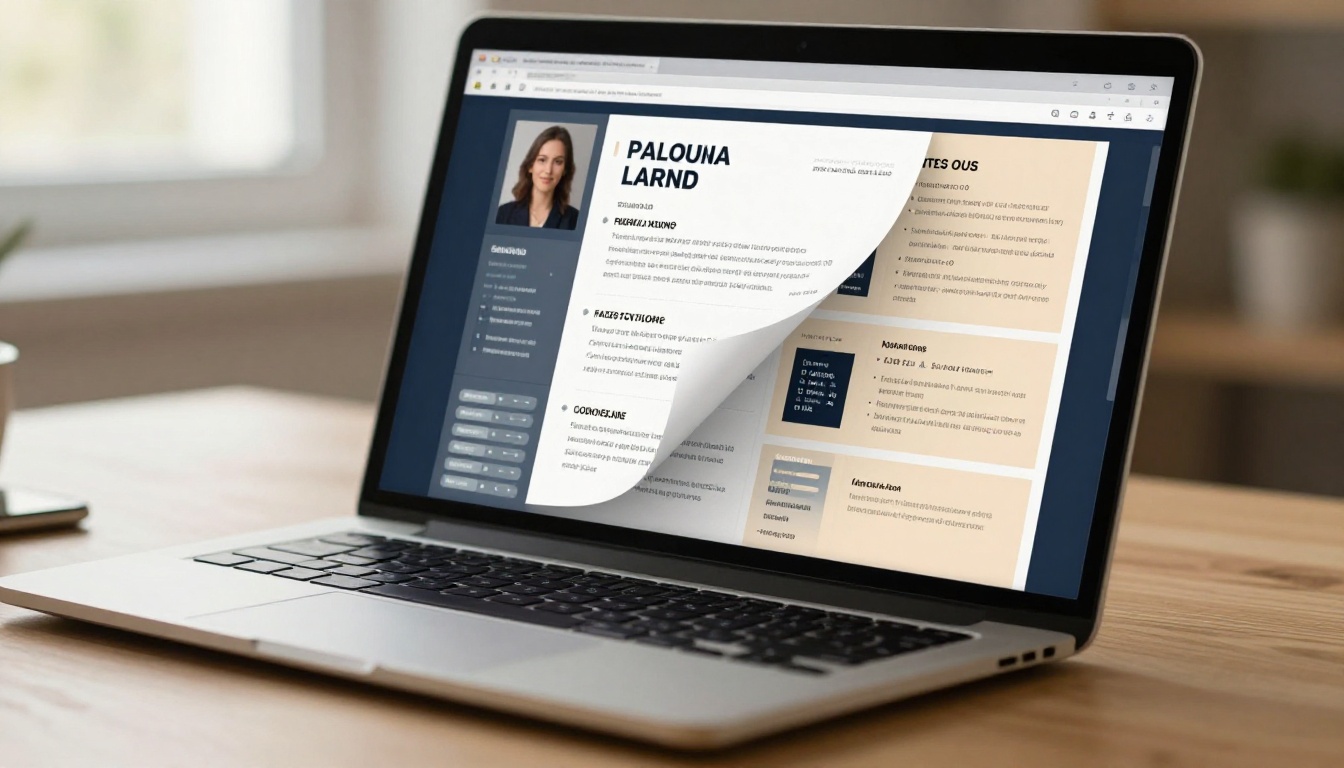
Visual storytelling solves this at a structural level. When your resume has rhythm, hierarchy, imagery, and interactive elements, it stops being a list of accomplishments and starts being a narrative. Hiring managers remember stories. They forget bullet points.
The shift toward visual and interactive resumes is a response to how humans actually process information. Research consistently shows that people retain 65% of information when paired with visuals, compared to just 10% from text alone.
What "Visual Storytelling" Actually Means for Your Resume
Visual storytelling in a resume context is not about adding clip art or turning your CV into a graphic novel. It is about deliberate design choices that guide the reader's eye, establish your personal brand, and make your career arc feel coherent and intentional.
Structure as Narrative
The order in which information appears, and the visual weight assigned to each section, tells a story before anyone reads a single word. A strong visual resume positions your most compelling achievement front and center, uses whitespace to create breathing room, and leads the reader through your history the way a well-written article leads through an argument.
Color as Identity
Your color palette says something about you. A deep navy with gold accents communicates professionalism and confidence. Muted sage green with cream suggests creativity and calm. These are not arbitrary choices. They are the first impression your document makes before content even registers.
Typography as Voice
Font choices carry personality. A well-set serif communicates substance and history. A clean sans-serif signals modernity and precision. The goal is consistency: one or two typefaces, used intentionally, create visual coherence. More than two and you start looking indecisive.
💡 Use a primary font for headings and a legible companion for body text. Georgia paired with Inter, or Playfair Display with Source Sans Pro, are both strong combinations for professional documents.
Static vs. Interactive: The Real Difference
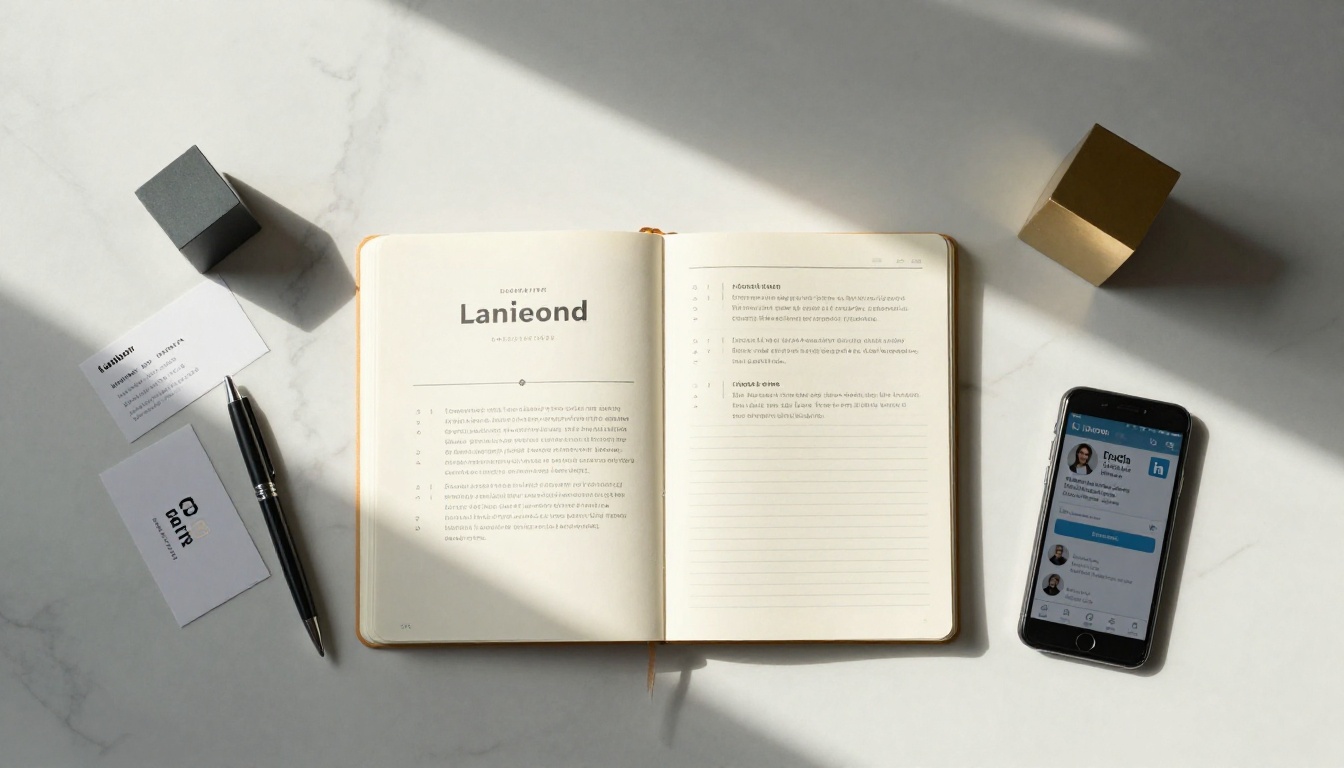
The gap between a well-designed PDF resume and a fully interactive flipbook resume is enormous. Here is how the two formats compare across every dimension that matters in a job search:
| Feature | Static PDF Resume | Interactive Flipbook Resume |
|---|
| First impression | Predictable, forgettable | Distinctive, memorable |
| Page-flip experience | None | Realistic paper-turn animation |
| Embeddable links | Dead unless opened digitally | Clickable: LinkedIn, portfolio, email |
| Media support | None | Embedded video, audio, galleries |
| Mobile experience | Requires pinch-zoom | Fully responsive, native feel |
| Shareability | Attached file, email only | Direct URL, embed code, QR code |
| Analytics | None | Views, time-on-page, click tracking |
| Personal branding | Limited to fonts and colors | Full brand palette, logo, custom domain |
| Password protection | Not available | Available on paid plans |
The interactive format wins on nearly every dimension. And with tools like Flipbooks AI, creating one is no longer a design skill exclusive to those who know InDesign.
✅ For roles in creative fields, marketing, UX, or any client-facing position, an interactive flipbook resume signals that you understand how to communicate visually. That is relevant experience, not just decoration.

The Elements of a Strong Visual Resume
Before converting your resume into an interactive format, the underlying content needs to be built for visual presentation. That means rethinking how you organize information.
A Professional Headshot
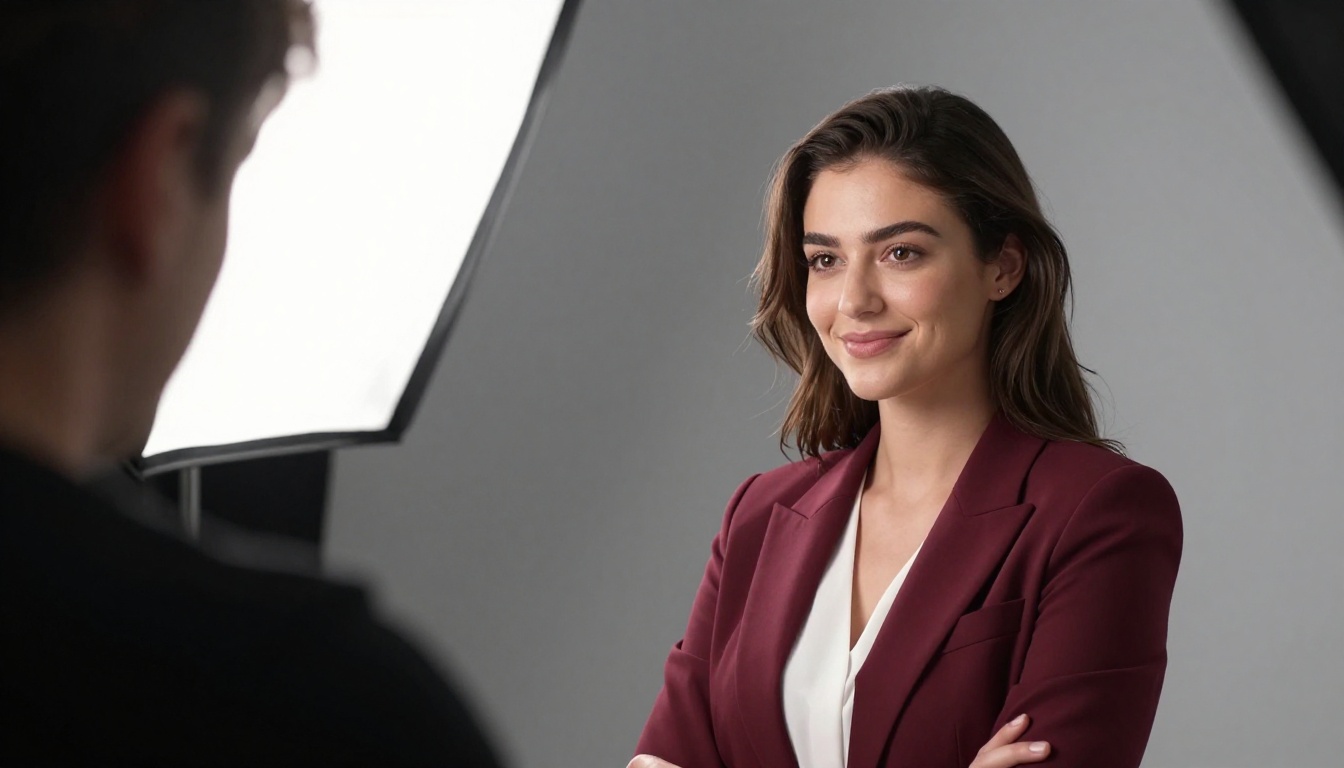
Not a LinkedIn thumbnail screenshotted and dragged in. A proper professional photo, well-lit and cropped to the face and shoulders, positioned prominently at the top of the first page. This adds an immediate human element that a name and email address cannot replicate.
A Visual Career Timeline
Instead of listing roles with dates, design a horizontal or vertical timeline that shows your career arc at a glance. Recruiters can see progression, tenure, and transitions without reading a single line.
Skills as a Visual Grid or Chart
Representing skills visually, whether as percentage bars, tag clouds, or a simple categorized grid, makes them scannable in a way that a bulleted list never can.
A Personal Mission Statement
This is your story in two to three sentences. Not an objective statement, but a direct, confident articulation of what you bring and why it matters. This sits at the top, under your name, and sets the tone for everything that follows.
Portfolio Integration
For many roles, samples of your work are more persuasive than descriptions of your work. A visual resume can include thumbnail previews of case studies, published articles, product screenshots, or client results, directly linked to full versions.
How to Create a Visual Flipbook Resume with Flipbooks AI
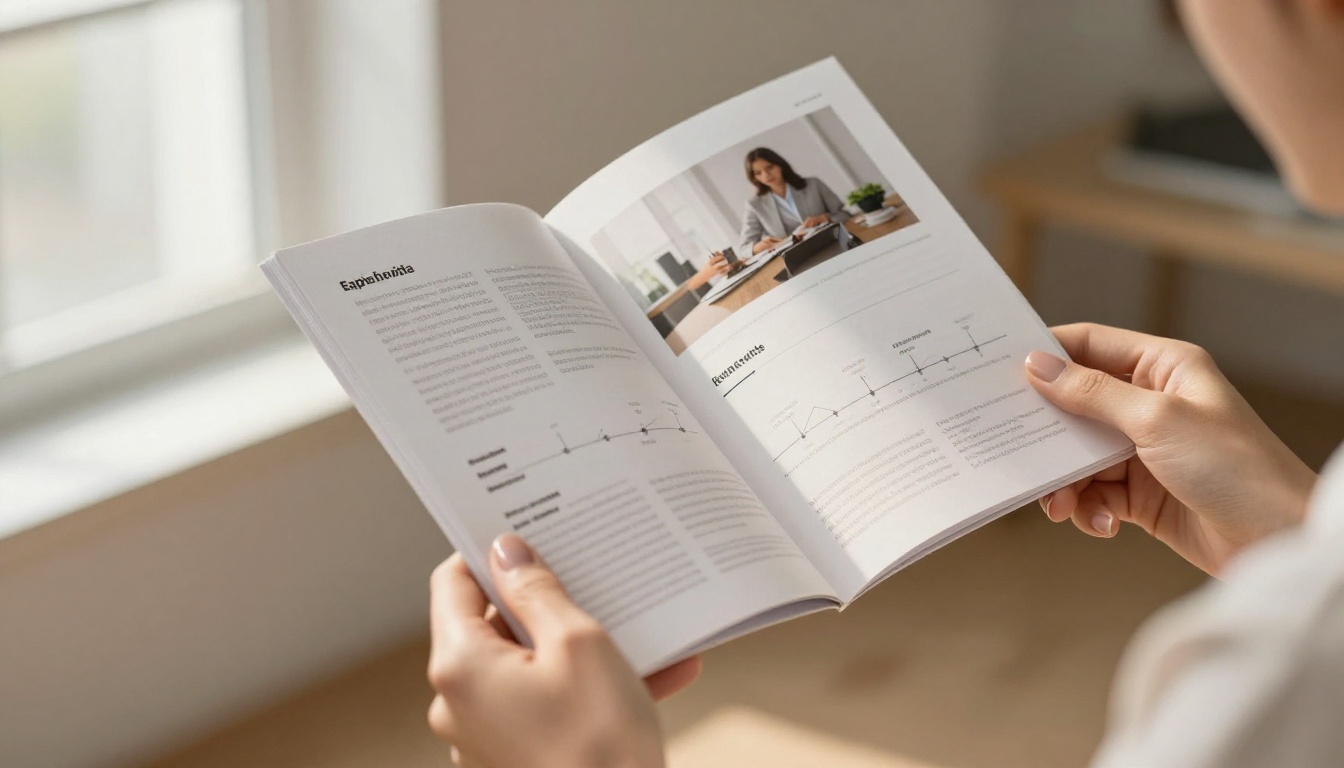
This is where the format meets a tool that makes it genuinely accessible. Flipbooks AI converts any PDF into a fully interactive flipbook with a realistic page-turn effect, without requiring design software or coding knowledge.
Step 1: Design Your Resume PDF
Before uploading, your PDF needs to be visually intentional. Use a tool like Canva, Adobe InDesign, or Figma to design your resume with your chosen palette, typography, headshot, and layout. Export at high resolution (300 DPI minimum) for crisp rendering.
⚠️ Avoid using template PDFs exported directly from Word or Google Docs. The formatting often degrades on conversion. A purpose-designed PDF always produces a better flipbook.
Step 2: Create Your Account
Head to Flipbooks AI and create a free account. The platform supports free creation with no watermarks, meaning your professional document stays clean and unbranded by the tool.
Step 3: Upload and Convert
Drag your PDF into the upload interface. Flipbooks AI converts it automatically into an interactive flipbook within seconds. The PDF to Flipbook Converter handles all the rendering, including the realistic page-flip physics.
Step 4: Customize Your Branding
This step separates a functional flipbook from a genuinely impressive one. Inside the editor, you can:
- Set a custom background color or gradient behind the open book
- Add your logo to the viewer interface
- Configure the page-flip sound (subtle, but effective)
- Apply custom fonts to the viewer chrome
- Set a custom thumbnail for link previews and social sharing
Step 5: Add Interactive Elements
The real power of the format comes from what you can embed. Within your flipbook, you can add:
- Clickable links to your LinkedIn profile, GitHub, portfolio, or published work
- Embedded video introductions, recorded directly or imported from YouTube or Vimeo
- Contact buttons that trigger an email or phone call with one tap on mobile
Step 6: Share It
Once published, your flipbook resume lives at a unique URL you can include in every application. Drop it in your email signature, share it as a QR code on a printed card, or embed it directly on your personal website. The Digital Portfolio Creator works alongside the flipbook format for a complete personal brand presence.
💡 On the Professional plan, you get access to analytics that show you exactly when your resume was opened, how long the viewer stayed, and which pages got the most attention. That intelligence is worth more than a read receipt on an email.

Flipbooks AI Plan Comparison
Understanding which plan fits your situation helps you make the most of the format without overspending.
| Feature | Free | Standard | Professional |
|---|
| Flipbooks | Limited | Unlimited | Unlimited |
| Watermarks | None | None | None |
| Custom branding | Basic | Full | Full |
| Password protection | No | Yes | Yes |
| Analytics | No | No | Yes |
| Lead generation | No | No | Yes |
| Offline downloads | No | Yes | Yes |
| Embed on website | Yes | Yes | Yes |
| Video and audio embed | Yes | Yes | Yes |
For most job seekers, the Standard plan provides everything needed for a polished, professional-grade flipbook resume. Those in sales, consulting, or any role where follow-up intelligence matters will find the Professional plan's analytics feature alone worth the upgrade. See full details at Flipbooks AI pricing.
Where to Share Your Visual Resume
Creating the flipbook is step one. Placing it where it gets seen is step two. Here is where a visual resume format delivers maximum return:
Email applications: Instead of attaching a PDF, include a direct link to your flipbook in the body of your application email. Add a one-line teaser: "You can view my full profile as an interactive flipbook here." Click-through rates on linked content significantly outperform attachments.
LinkedIn profile: Add your flipbook URL to your LinkedIn "Featured" section or the website field in your profile header. Visitors who click through get an immediate, rich impression of your professional brand.
Personal website: If you have a portfolio site, embed the flipbook directly on your "About" or "Resume" page. The Embed Flipbook on Website tool generates the embed code in one click.
Printed business cards: A QR code on the back of your card, linking directly to your flipbook, turns a paper handout into a gateway to your full professional story. This works particularly well at industry events, conferences, and networking dinners.
Recruiter outreach: When messaging recruiters directly on LinkedIn or via email, include your flipbook link rather than attaching a document. It is easier to share, does not require downloading, and loads on any device without formatting issues.
Common Mistakes to Avoid
The visual format gives you more opportunity to impress, but also more room to misstep. These are the errors that undermine otherwise strong candidates.
Overdesigning the Layout
More visual elements do not mean more impact. A resume cluttered with icons, gradients, colored backgrounds per section, and multiple font families reads as chaotic. Restraint is a design skill. White space is a feature, not a gap.
Prioritizing Style Over Substance
An interactive resume that looks stunning but contains thin accomplishments still loses to a plain resume with strong, quantified achievements. The visual format amplifies what is there. It does not manufacture it.
Ignoring Mobile Rendering
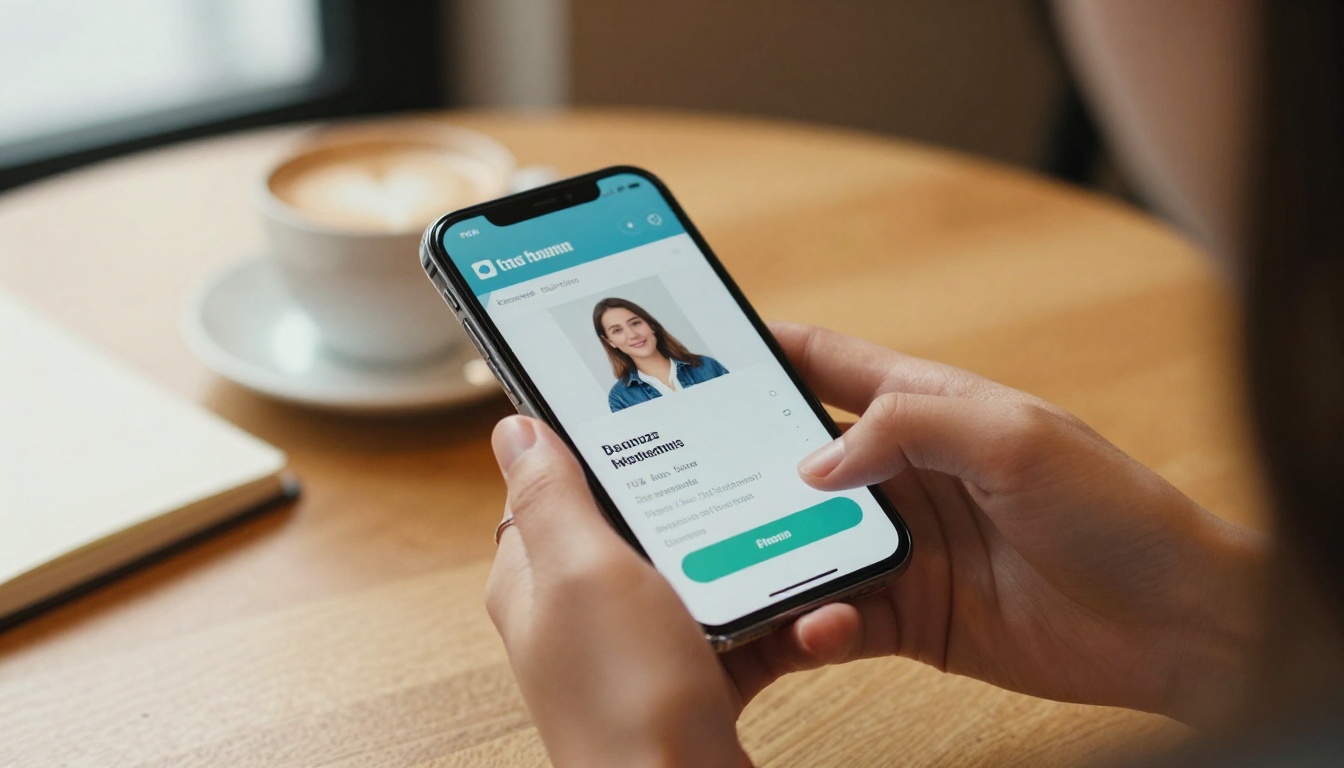
A large percentage of initial resume reviews now happen on a phone. Test your flipbook on a mobile device before sending it. A well-built flipbook platform renders responsively, but you should still verify that your layout reads clearly at small sizes.
⚠️ If your resume uses very small body text below 9pt in the PDF, it may become difficult to read on mobile without zooming. Aim for 10pt minimum for body copy.
Not Tailoring for ATS
For applications submitted through Applicant Tracking Systems, you still need a plain-text version of your resume. The flipbook format is for direct outreach, portfolio pages, and any channel where a human reviews your application first. Keep a clean ATS-compatible version for system submissions.

Not all industries respond equally to the same visual approach. Here is a quick reference for matching format to field:
| Industry | Recommended Visual Style | Elements to Include |
|---|
| Creative / Design | Bold, expressive, portfolio-heavy | Case studies, color work, published pieces |
| Technology / Engineering | Clean, structured, data-forward | GitHub links, project thumbnails, metrics |
| Marketing / Communications | Branded, campaign-oriented | Campaign results, content samples, social stats |
| Finance / Consulting | Conservative, precise, results-driven | Charts, quantified achievements, client sectors |
| Healthcare / Science | Clean, credentialed, publication-focused | Certifications, research, institutional logos |
| Education | Approachable, organized, evidence-based | Student outcomes, curriculum samples, awards |
The format adapts to the industry. What does not adapt is the principle: a visual story, told with intention, outperforms a plain document every time.
Building Your Personal Brand Beyond the Resume
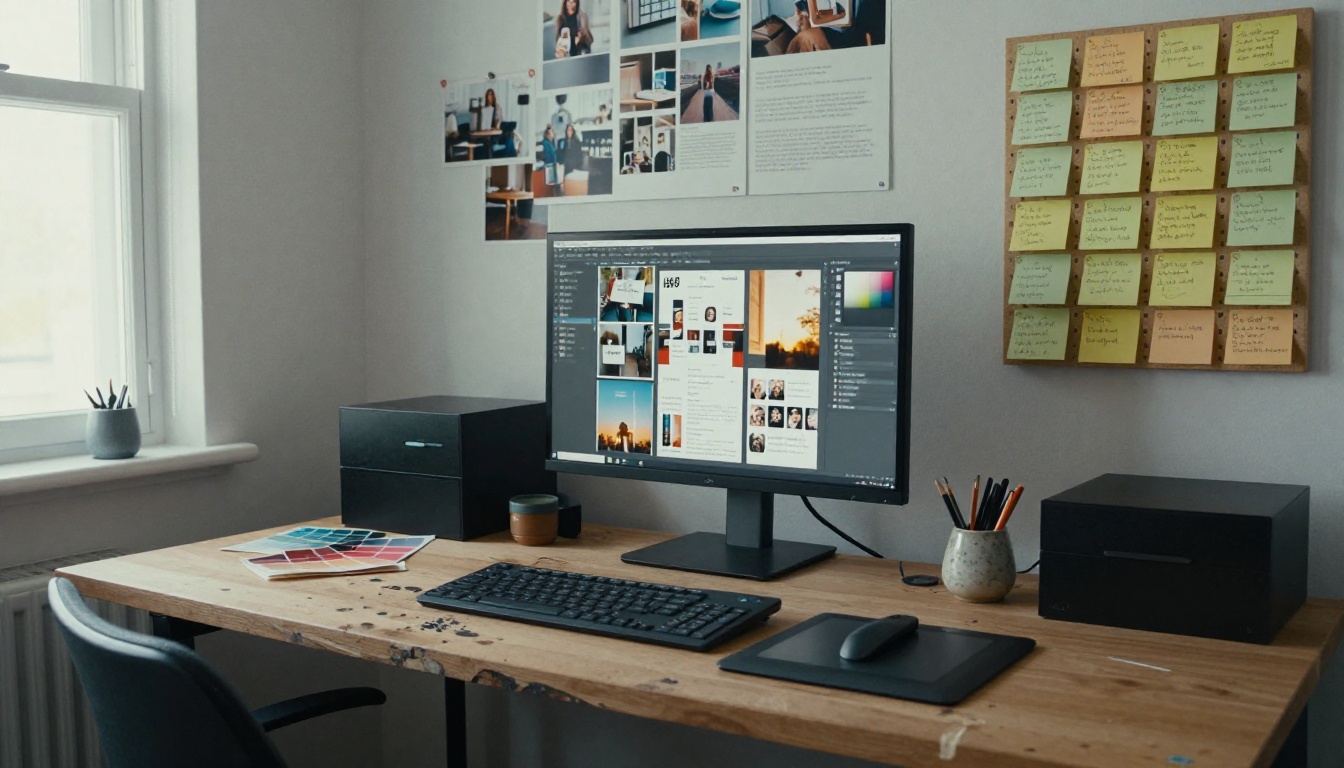
A visual resume is one piece of a larger personal brand. The strongest candidates in any market are those whose online presence, visual identity, and professional narrative are all telling the same story.
The Digital Portfolio Creator and the Portfolio Flipbook Builder extend the same visual language across your work samples. Your resume introduces you. Your portfolio proves the claims.
For professionals who produce written content, the Interactive E-Book Publisher lets you present thought leadership, research reports, or case study collections in the same interactive format, reinforcing your expertise at every touchpoint.
✅ Consistency across your resume, portfolio, and any other professional documents signals attention to detail. A hiring manager who sees the same careful visual language across everything you share reads it as evidence of how you will approach your actual work.
Your Next Step
You do not need to rebuild your entire career presence overnight. Start with one change: take your current resume, spend two hours improving the visual design, and convert it into an interactive flipbook. Send it to your next three applications and compare the response rate to what you have been getting.
The tools exist. The format works. The only thing left is the decision to present yourself the way you actually deserve to be seen.
Ready to create yours? Get started for free on Flipbooks AI and turn your resume into a story worth reading.
Browse all available tools and templates to find the perfect fit for your personal brand. When you are ready to scale up with analytics and professional features, compare pricing plans to choose what works for you.



