Subscription box brands live and die on presentation. The moment a subscriber opens their box, flips through the product card, or browses your lineup for next month, that experience either locks them in for another cycle or loses them to a competitor with a better story. Most brands invest heavily in product curation and packaging, then fall flat when it comes to the catalog. Flipbooks AI gives you a way to turn that static PDF into something people actually want to read.
Why Printed Catalogs Are Holding You Back
The math doesn't work anymore
Printed catalogs are expensive. A small run of 2,000 glossy catalogs, including design, print, and shipping, can run anywhere from $1,500 to $4,000. And the shelf life? Subscribers glance at it once, maybe share a photo of the unboxing, then it goes in the recycling bin. The cost per impression is brutal.
Digital alternatives solve this at scale. A single digital flipbook costs a fraction of the print run, reaches an unlimited audience through sharing, and stays live indefinitely. Every subscriber who clicks your link sees the same crisp product photography you worked hard to create.
Static PDFs aren't much better
Emailing a PDF fixes the printing cost, but creates new problems. PDFs don't page-turn. They don't embed video. They're not mobile-optimized, and they look the same on a phone screen as they do on a desktop, which is to say they look bad on the phone. Most subscribers abandon PDF downloads before they reach page 3.
A flipbook changes the format entirely. Page turns animate. Images pop. Products get the context they deserve. And subscribers scroll through on their phone the same way they'd browse Instagram: naturally, without friction.
What a Flipbook Actually Does for a Subscription Box
It turns browsers into buyers
The subscription box market is crowded. Hundreds of niches, dozens of competitors in each one. The brands that win aren't necessarily the ones with the best products; they're the ones who communicate value better. A flipbook gives you a format that communicates premium before the subscriber reads a single word.
When someone opens your digital catalog and sees products laid out beautifully across interactive pages, with the option to click through to your store, watch a product demo video embedded directly in the page, or share a specific spread with a friend, you've created a buying experience, not just a catalog.
Real-world scenarios where flipbooks perform
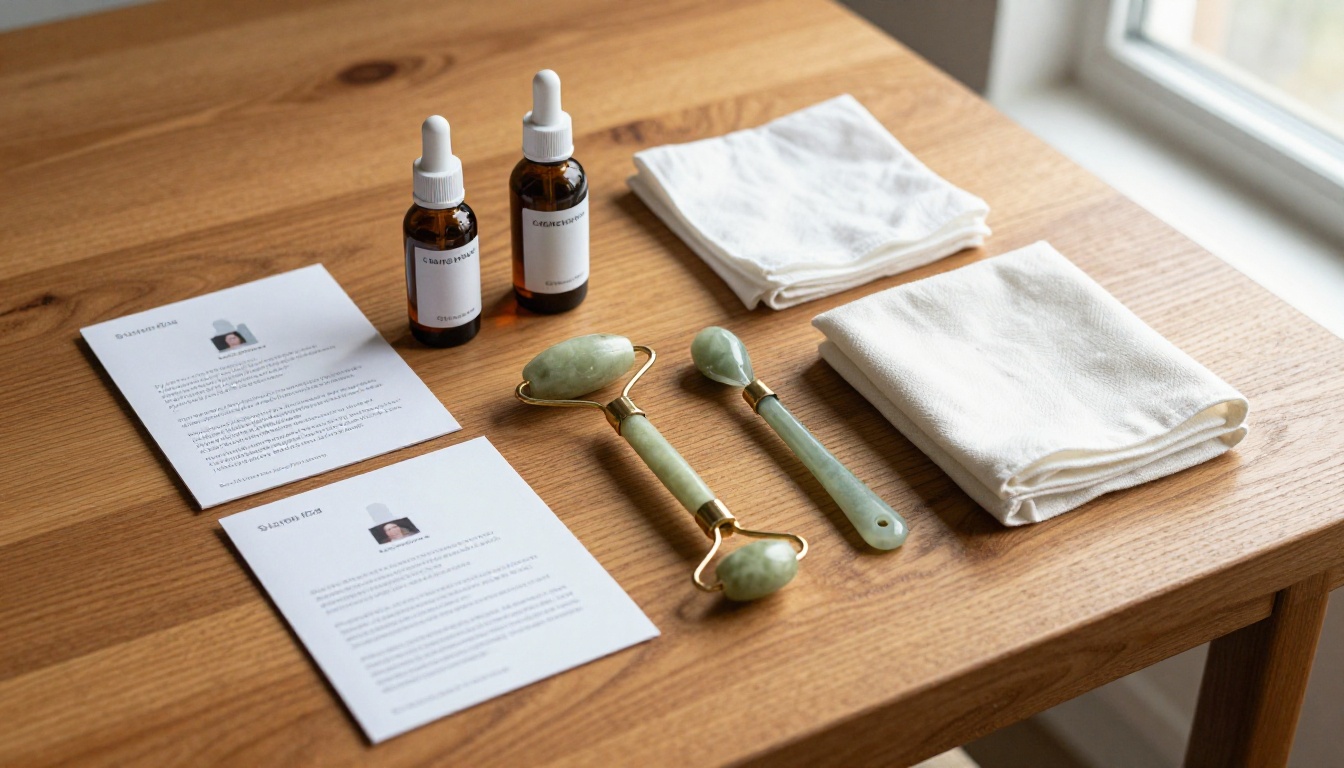
- Beauty box brands use flipbooks to show ingredient breakdowns alongside product photography, turning casual subscribers into ingredients-conscious loyalists.
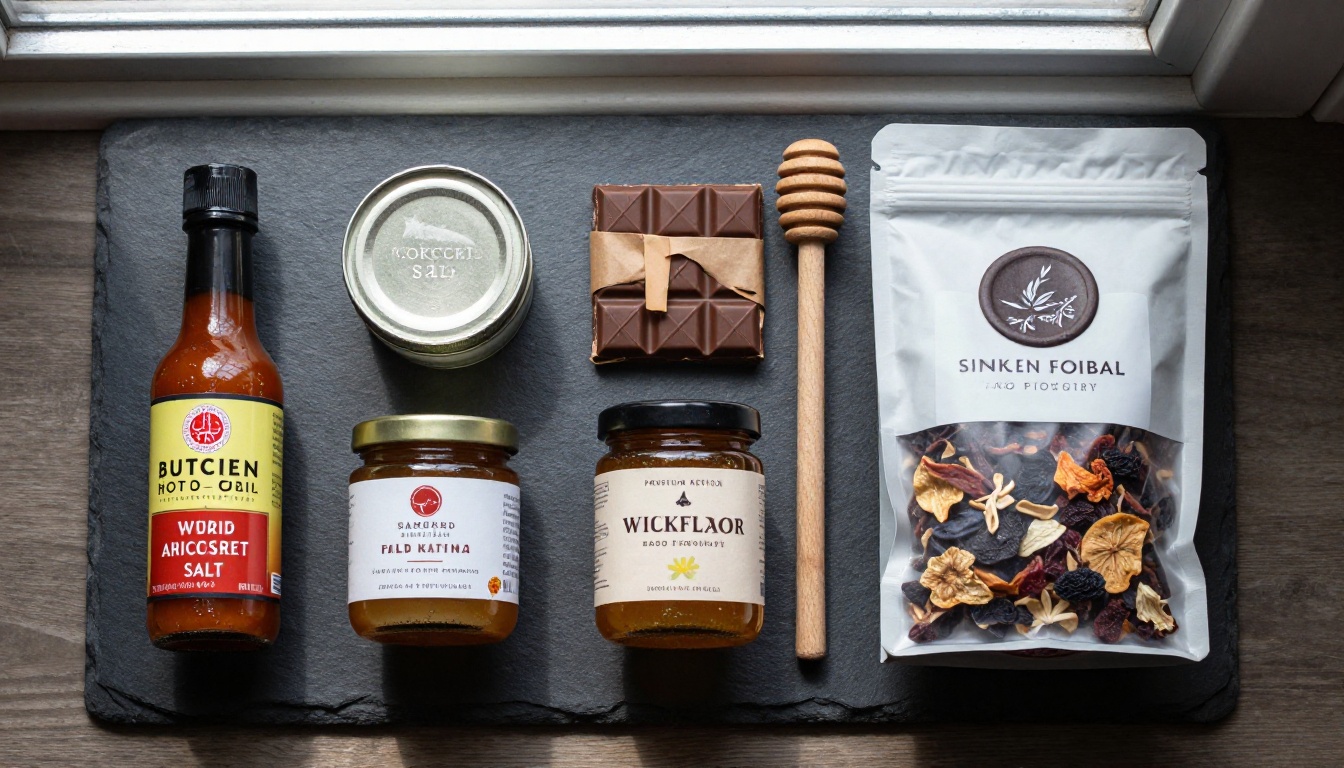
- Food and snack boxes embed short recipe videos directly in catalog pages, so a tin of smoked salt becomes dinner inspiration rather than just another product.
- Book and media boxes include author notes, reading previews, and thematic mood boards that make the box feel curated rather than assembled.
- Wellness boxes add QR codes linking to usage tutorials and guided practices, extending the product's lifetime value.

💡 Pro tip: A flipbook doesn't replace your unboxing insert card; it extends it. Use the insert card to drive subscribers to your flipbook URL or QR code for the full catalog experience.
Printed vs. Digital: The Real Comparison
Before committing to the format shift, it helps to see exactly what you're trading off.
| Feature | Printed Catalog | PDF Email | Digital Flipbook |
|---|
| Production Cost | $500–$4,000+ | $0 | $0–$30/mo |
| Mobile Experience | N/A | Poor | Excellent |
| Page Turn Animation | No | No | Yes |
| Embed Video/Audio | No | No | Yes |
| Shareable Link | No | Limited | Yes |
| Analytics & Tracking | No | Basic | Full (Professional plan) |
| Updateable After Print | No | No | Yes |
| Password Protection | No | No | Yes |
| Eco-Friendly | No | Partial | Yes |
The numbers are stark. A digital flipbook via Flipbooks AI delivers every feature a subscription box brand needs at a cost that's essentially zero compared to print.
How to Create Your Subscription Box Flipbook
Flipbooks AI makes the conversion process straightforward, even if you've never used a digital publishing tool before. Here's the full process.
Step 1: Prepare your catalog PDF
Before uploading, get your PDF into shape. A well-prepared PDF produces a better flipbook with sharper images and cleaner typography.
- Resolution: Export at 150–300 DPI for crisp page display
- Format: PDF/X-1a or standard PDF, both work
- Page size: A4 or US Letter both convert cleanly
- Bleed: Not required for digital, but won't cause issues if present
If you're designing from scratch, the Catalog Flipbook Creator gives you pre-built templates optimized for subscription box showcases. You can also check the Digital Catalog Maker for additional layout options.
Step 2: Upload and convert
- Go to flipbooksai.com/account and log in or create your free account
- Click New Flipbook and select your catalog PDF
- The converter processes your pages and generates the interactive flipbook, typically under 60 seconds for a 20-page catalog
- Preview each page to confirm images and text rendered correctly
Step 3: Brand it to match your box
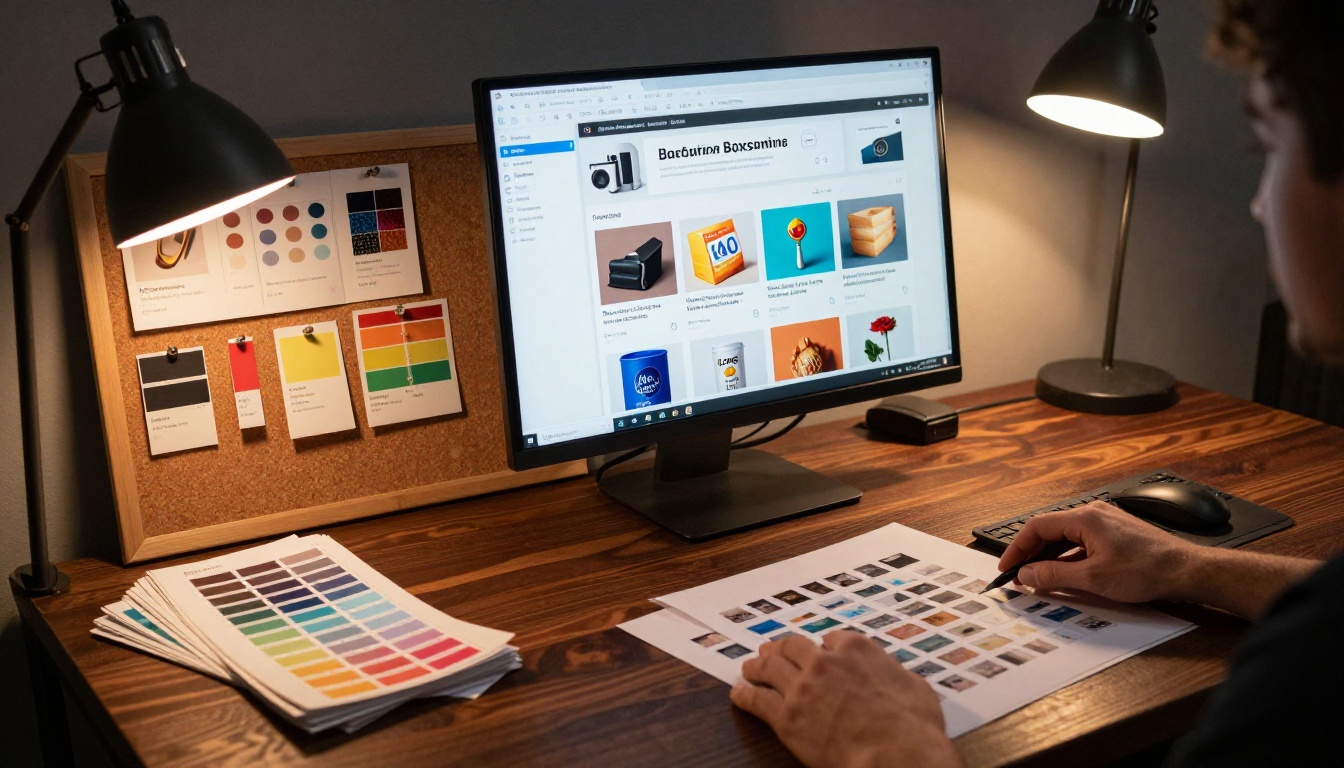
This is where most brands leave value on the table. A generic flipbook looks like a generic brand. Customize every visible element to match your subscription box identity:
- Brand colors: Set your primary and accent colors for the flipbook interface chrome
- Logo: Upload your logo to appear on the reading interface
- Custom domain: Advanced plans support custom domains, so your flipbook lives at
catalog.yourboxbrand.com
- Loading screen: Add a branded splash screen subscribers see while the flipbook loads
- Background: Set a background color or image behind the pages for full immersion
✅ Best practice: Match your flipbook's color palette exactly to your box packaging. When subscribers see visual consistency from the physical box to the digital catalog, brand trust compounds.
Step 4: Add interactive elements
The features that separate a flipbook from a static PDF live here:
- Clickable links: Map product names or images to your store product pages
- Embedded video: Drop in unboxing videos, usage tutorials, or founder messages directly into catalog spreads
- Audio: Add ambient background audio, useful for wellness or lifestyle box brands
- Table of contents: Auto-generate or manually build chapter navigation for long catalogs
Step 5: Share it everywhere
Once published, Flipbooks AI gives you multiple distribution channels:
- Direct link: A clean URL you can drop in emails, Instagram bio, or SMS campaigns
- QR code: Generated automatically, print it on your box insert card
- Embed code: Paste into your website or subscriber portal to show the flipbook inline
- Password protection: Restrict access for VIP subscriber previews of next month's box
Flipbooks AI Plans: Which One Is Right for Your Brand
Choosing the right plan depends on where your subscription box business is right now, and where you're taking it.
| Plan Feature | Free | Standard | Professional |
|---|
| Flipbooks | 1 | Unlimited | Unlimited |
| Watermark | Yes | No | No |
| Custom Branding | No | Yes | Yes |
| Password Protection | No | Yes | Yes |
| Analytics | No | Basic | Full |
| Lead Generation | No | No | Yes |
| Offline Downloads | No | No | Yes |
| Embedded Video | No | Yes | Yes |
| Custom Domain | No | No | Yes |
⚠️ Warning: Free plan flipbooks display the Flipbooks AI watermark. For customer-facing catalogs, start with the Standard plan minimum to remove watermarks and add your own branding.
For subscription box brands running active marketing campaigns, the Professional plan pays for itself. The analytics dashboard shows exactly which pages subscribers spent time on, where they dropped off, and which products generated the most clicks: information you can't get from a printed catalog or a PDF download. Check the pricing page for current plan details.
Making Your Flipbook Work Harder for Your Brand
Use analytics to improve every edition
Every month, your flipbook becomes a learning tool. The Professional plan's analytics reveal:
- Page-by-page time spent: If subscribers linger on page 4 and bounce at page 7, page 7 needs work
- Click-through rates: Which products drove the most outbound clicks to your store
- Geographic data: Where your subscribers are opening from, useful for localized campaigns
- Device breakdown: How many subscribers viewed on mobile vs. desktop

Feed this data back into next month's catalog design. Products that drove high click-through rates get better placement. Sections where subscribers bounced get redesigned. Over time, your catalog converts at a measurably higher rate.
Build subscriber anticipation with preview flipbooks
One underused tactic: publish a teaser flipbook a week before the box ships. Show 3-4 products and keep the rest locked behind a password. Email your subscriber list with subject lines like "First look at next month's box" and send them to the preview. The click-through rates on these campaigns outperform standard email newsletters significantly because subscribers are already invested in the outcome.
💡 Pro tip: Use the lead generation feature in the Professional plan to gate specific pages behind an email capture. Prospects who aren't yet subscribers can see the teaser, but need to enter their email to see the full catalog, growing your list while showcasing your products.
Repurpose your catalog across channels
A single flipbook creates multiple marketing assets:
- Instagram/TikTok: Screen record the page-turn animation for social content
- Email campaigns: Embed the flipbook viewer in your newsletter
- Website: Add the catalog embed to your product landing page or subscriber portal
- Pinterest: Save individual product spreads as image pins linking back to your flipbook
- Influencer partnerships: Share the private link with influencers before launch for early coverage
Catalog Design That Converts
Layout principles for subscription box catalogs
Good flipbook catalogs aren't just PDFs in a new container. The best-performing ones are designed with the format in mind from the start.
Spread thinking: Design in two-page spreads, not single pages. When subscribers see a full spread open, both pages should tell a coherent story: one product hero image on the right, context and copy on the left, or a full-bleed lifestyle shot spanning both.
Product hierarchy: Lead every section with your highest-perceived-value item. Subscribers form their impression of the box's worth in the first 10 seconds of browsing.
White space: Resist the urge to pack every inch with products. Generous white space signals premium positioning. Tight grids signal discount.
Typography scale: Use a clear H1/H2/body hierarchy so subscribers can skim the catalog in under 2 minutes.
Photography standards that work in the format
The flipbook format rewards certain photography styles more than others:
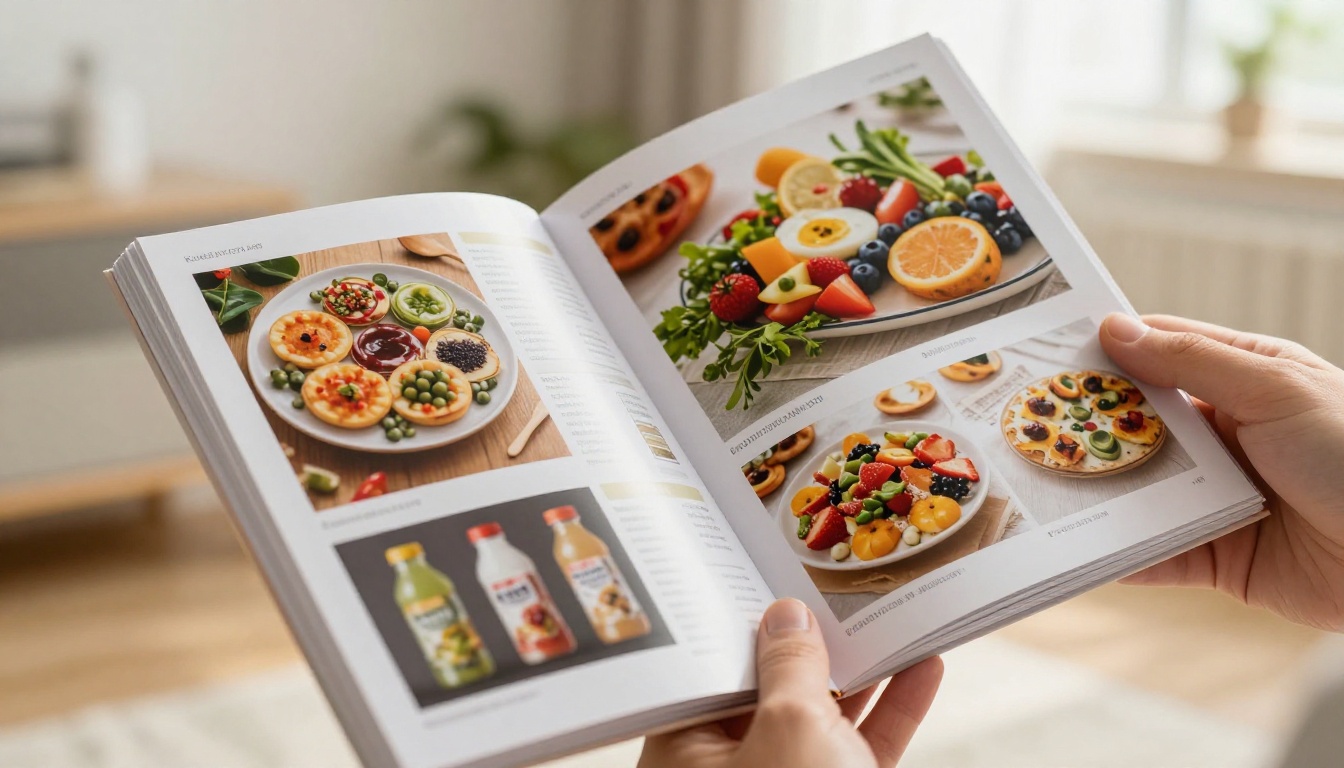
- Lifestyle shots over pack shots: Products in context, like a candle lit in a cozy room, outperform plain product-on-white shots for subscription box catalogs
- Consistent lighting temperature: Keep all product photography in the same warm or cool tone family. Inconsistent color temperature looks unprofessional across spreads.
- Detail close-ups: Use macro shots for texture-heavy products such as textiles, food, and skincare, because subscribers can't physically pick up the product
Different subscription box niches benefit from different Flipbooks AI tools. Here's a quick reference:
Fulfillment to Flipbook: The Full Workflow
Here's how a subscription box brand's catalog workflow looks after making the shift to digital flipbooks.
Week 3 of the month (4 weeks before ship date):
- Finalize product selection for next box
- Brief photographer on product and lifestyle shots needed
- Begin catalog layout design in your preferred tool
Week 4:
- Photography delivered and edited
- Catalog design completed, exported as PDF
- Upload PDF to Flipbooks AI, convert and brand
Week 1 of ship month:
- Publish teaser flipbook with 4 products shown and the rest locked
- Send teaser email campaign to full subscriber list
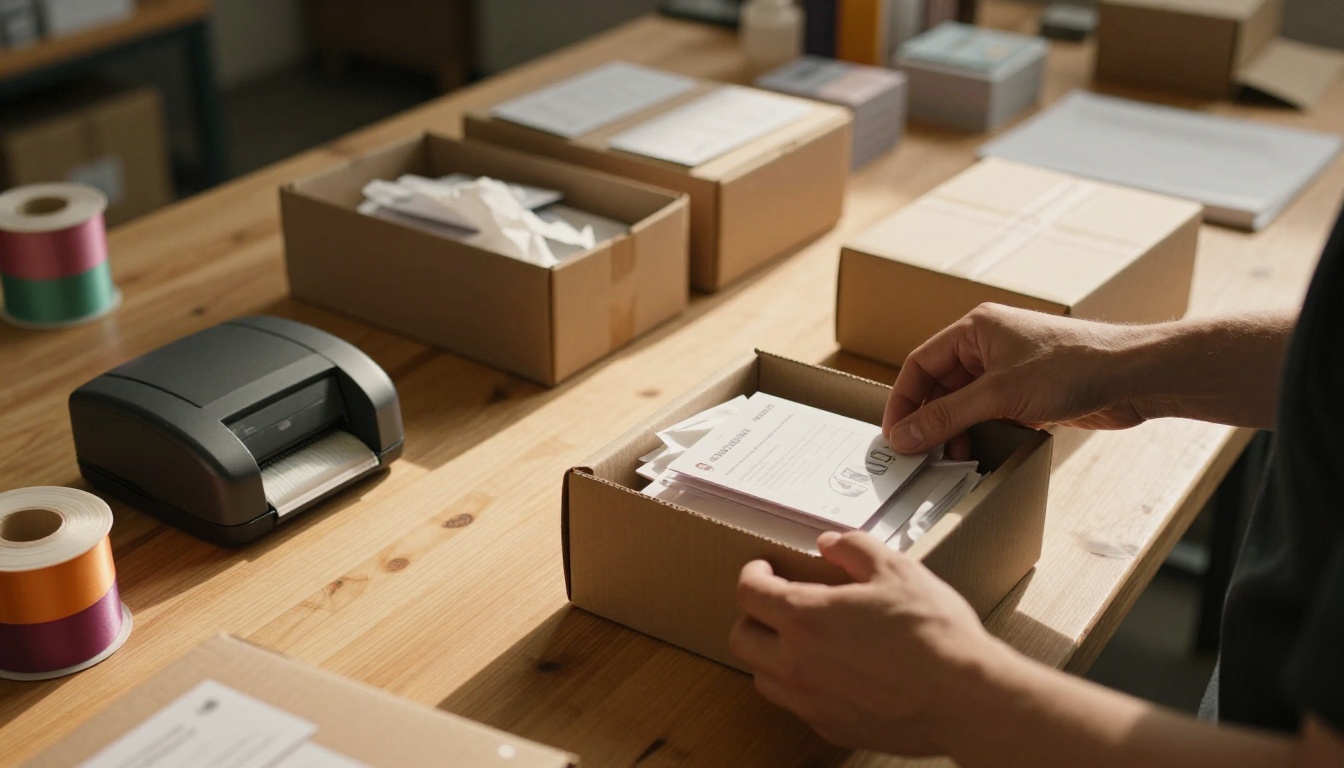
- Share QR code with fulfillment team for insert card printing
Week 2:
- Boxes ship
- Full catalog flipbook goes live with all products visible
- Launch social campaign using page-turn screen recordings
Ongoing:
- Monitor analytics for subscriber engagement patterns
- Export page-level data to inform next month's catalog decisions
- Update catalog if any product substitutions occur, with no reprinting required
✅ Best practice: Build your flipbook URL structure consistently. A clear monthly naming convention gives subscribers a predictable link to bookmark and return to each cycle.
The Bottom Line for Subscription Box Brands
The subscription box industry moves fast. Subscriber expectations around digital experience are rising every cycle. Brands that still rely solely on a printed insert card and a static PDF catalog are delivering a 2018 experience in a 2026 market.
A digital flipbook through Flipbooks AI isn't a small upgrade. It's a structural change in how subscribers experience your brand between unboxings. It's your catalog, your story, and your products, presented in a format that subscribers actually engage with.

The brands doing this well, including beauty boxes, food curation services, and lifestyle subscription companies, are reporting measurably higher subscriber retention because the experience doesn't stop at the physical box. It extends into a digital touchpoint that subscribers can share, revisit, and shop from directly.
Ready to make the shift? Create your account on Flipbooks AI and convert your first catalog in under five minutes. Browse the full range of subscription catalog tools to find the layout that fits your niche, or compare plans to see which tier matches where your brand is headed.



